H&R Block 2025 Download: Deluxe vs. Premium & Install Guide
Download H&R Block 2025 Desktop for Windows. This guide compares Basic, Deluxe, and Premium editions to help you file your taxes locally, privately, and often cheaper than TurboTax.
Windows PC Software
Browse a list of some of the most popular Windows apps of course we also include and regularly feature fresh Windows software that you might have not heard about just yet.
Most of these apps also work on Windows 7, Windows 10 and of course Windows 11. We usually mention that when we make the post.
We update this category constantly but we are always looking for new apps do not be shy, please contact us and tell us if we think we should feature your app or another app that you think people should definitely give a chance.
Download H&R Block 2025 Desktop for Windows. This guide compares Basic, Deluxe, and Premium editions to help you file your taxes locally, privately, and often cheaper than TurboTax.
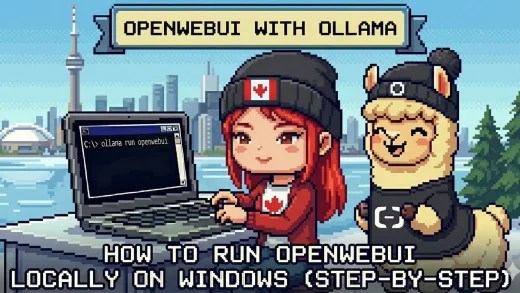
Open WebUI replaces the command line with a full graphical interface. We show you how to install it on Windows to manage your local AI models, upload files, and chat in a familiar environment.
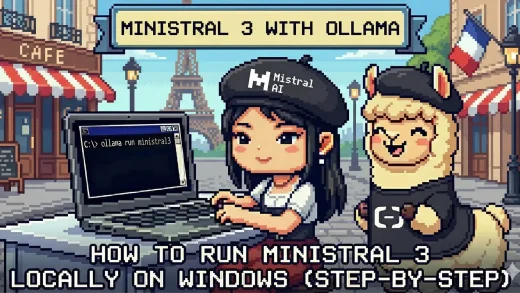
Ministral 3 is Mistral AI’s latest model optimized for efficiency on consumer hardware. We show you how to install and run the 3B and 8B versions locally on Windows using Ollama.
Most AI models just read text, but Qwen 3 VL can see. We show you how to install this powerful Vision-Language model locally on Windows to analyze photos, screenshots, and documents step-by-step.
OpenAI has finally released an open-source model. We show you how to install the powerful GPT-OSS 20B on Windows using Ollama, unlocking “Agentic” capabilities and full privacy on your own PC without a monthly subscription.
Meta’s new Llama 4 is smart, but it requires a powerful computer. We explain how to install the full version on high-end PCs and the smaller Llama 3.2 on standard laptops. This guide helps you check which one works on your system.
Unlock the power of “Reasoning” AI on your own PC. We show you how to install and run DeepSeek-R1 locally on Windows using Ollama, great for complex math, coding, and logic tasks without an internet connection.
Want to run Microsoft’s latest AI without an internet connection? We show you how to install and run Phi-4 locally on Windows using Ollama. This step-by-step guide covers the Standard and Mini versions, perfect for private coding and reasoning tasks on your own hardware.
Switch to local AI in under 5 minutes. Learn how to install Google’s Gemma 3 on Windows using Ollama for complete data privacy, offline access, and zero monthly fees.
Learn how to use the built-in Microsoft Photos app on Windows. This guide covers accessing the app, key features like photo editing and video creation, and troubleshooting if the app is missing.