Being strong in Microsoft Excel is not just about knowing formulas. It is about building reliable spreadsheets, spotting errors early, and turning messy data into decisions.
The problem is that many Excel books are either outdated, too theory-heavy, or padded with filler.
Below is a curated list of Excel books worth buying in 2026. Each one is practical in a different way: fundamentals, modeling, dashboards, or data analysis.
If you have a suggestion, contact us or leave a comment.
Best Microsoft Excel Books
Quick tip: pick a book based on your goal. If you want a broad reference you can keep nearby, choose the all-in-one or Office-wide books. If you need job-ready outcomes, pick the modeling and analysis books. If you are starting from zero, use the beginner-focused guides.
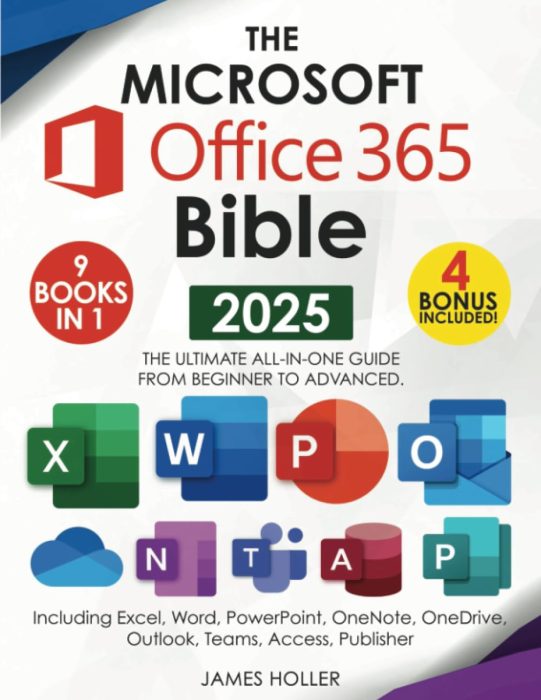
1) The Microsoft Office 365 Bible: The Most Updated and Complete Guide to Excel
Reference style
Author: James Holler
Quick overview: An end-to-end reference that ties the Office ecosystem together with a strong Excel focus. Useful if you work across Excel, PowerPoint, and Teams and want one guide for workflows and tips.
What you will learn
- Essential Excel tools for analysis, reporting, and sharing
- How Office apps integrate for real productivity gains
- Shortcuts and best practices for daily work
- Ways to streamline workflows across Excel, Outlook, and PowerPoint
Good fit if you
- Use Excel plus PowerPoint or Outlook every week
- Need a reliable reference, not just a course
- Want practical tips more than theory
- Prefer one book that covers many workflows
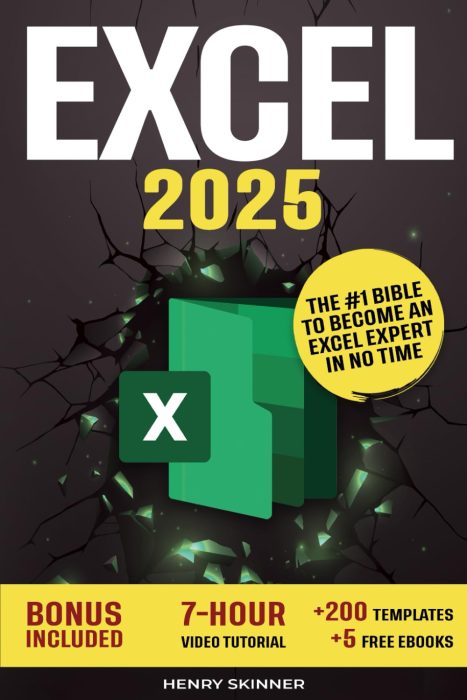
2) Excel: The Absolute Beginner’s Guide to Maximizing Your Excel Experience
Simple fundamentals
Author: Henry Skinner
Quick overview: A gentle, practical start to Excel that focuses on clear explanations and simple examples so you can build confidence fast.
What you will learn
- Core formulas and functions with real examples
- Working with tables, charts, and basic formatting
- Time-saving tips that speed up daily tasks
- How to avoid common beginner mistakes
Good fit if you
- Are new to spreadsheets or feel rusty
- Want explanations that do not assume prior knowledge
- Need quick wins for everyday tasks
- Prefer practice over long theory
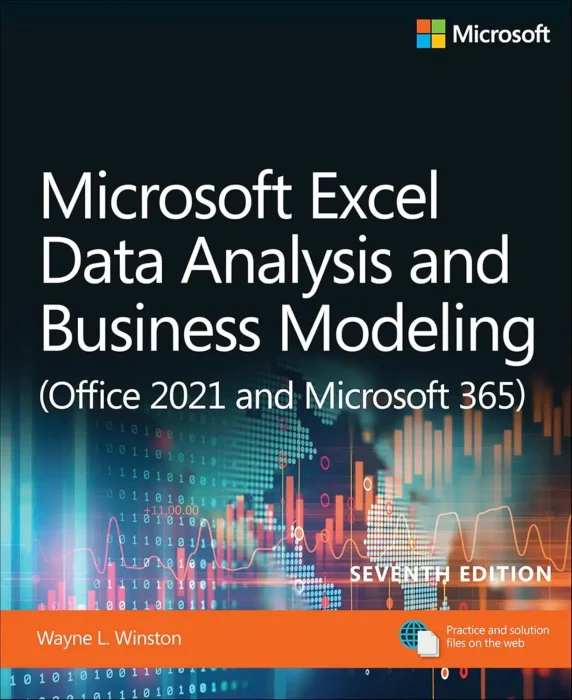
3) Microsoft Excel Data Analysis and Business Modeling (7th Edition)
Business modeling
Author: Wayne Winston
Quick overview: A proven guide to real analysis and modeling with Excel that bridges classroom theory and day-to-day business needs.
What you will learn
- Practical modeling patterns for finance, ops, and marketing
- What-if analysis, scenario planning, and optimization
- PivotTables, charts, and data cleaning that scale
- How to frame problems and choose the right tools
Good fit if you
- Build models for work, not just class
- Need repeatable methods and templates
- Want stronger structure and fewer spreadsheet errors
- Care about decisions that tie back to data
4) Excel All-in-One For Dummies
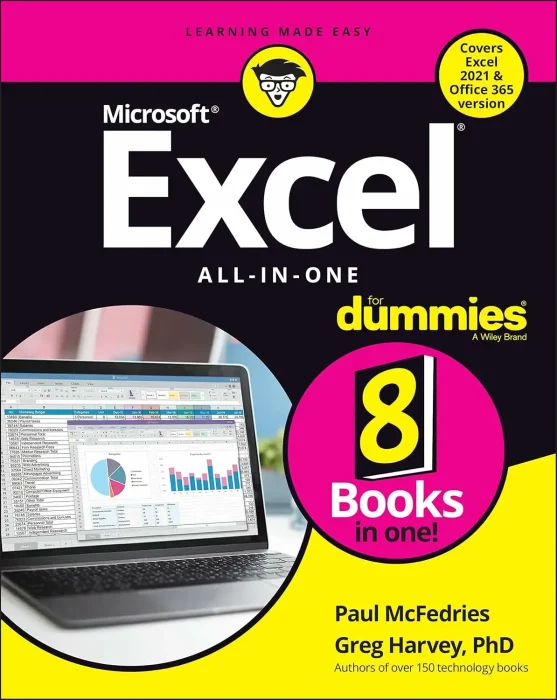
Many topics
Authors: Paul McFedries, Greg Harvey
Quick overview: A broad, friendly reference that packs many Excel topics into one volume so you can look up what you need and keep moving.
What you will learn
- Worksheet design that is clean and reliable
- Data management, formulas, and charting basics
- Analysis and reporting for everyday business
- Tips to save time and reduce manual work
Good fit if you
- Want one book that covers most Excel situations
- Prefer short explanations you can scan
- Need a reference for work tasks
- Like learning by looking up specific problems
5) Excel Basics In 30 Minutes
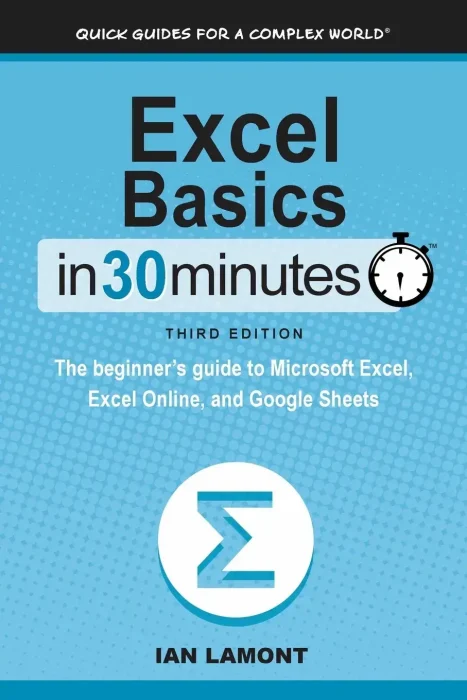
Quick read
Author: Ian Lamont
Quick overview: A short, focused starter that helps absolute beginners get up and running with the most important Excel skills.
What you will learn
- Sheets, cells, and clean data entry
- Simple formulas and fast formatting
- Charts and quick analysis for insights
- How to avoid common pitfalls from day one
Good fit if you
- Need to learn Excel quickly for a job or class
- Prefer the essentials without extra chapters
- Want a guide you can finish in a weekend
- Like short lessons you can revisit later
6) Data Analysis in Microsoft Excel: Deliver Awesome Analytics in 3 Easy Steps
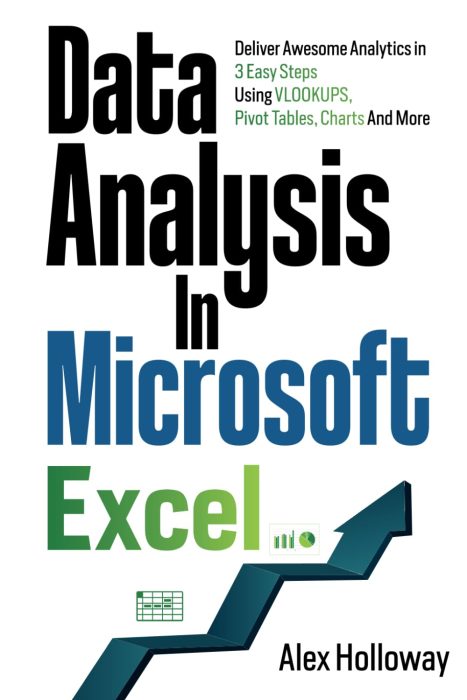
Workflow based
Author: Alex Holloway
Quick overview: A practical guide to turning raw data into clear insight with a three-step approach that maps well to real projects.
What you will learn
- Cleaning and shaping data for analysis
- Lookups, PivotTables, and chart storytelling
- Repeatable workflows that save hours
- How to present findings with confidence
Good fit if you
- Often get data that is messy or inconsistent
- Need repeatable steps you can teach to others
- Want dashboards and charts that make sense
- Prefer doing over reading long explanations
7) Microsoft Excel Mastery: From Beginners to Experts
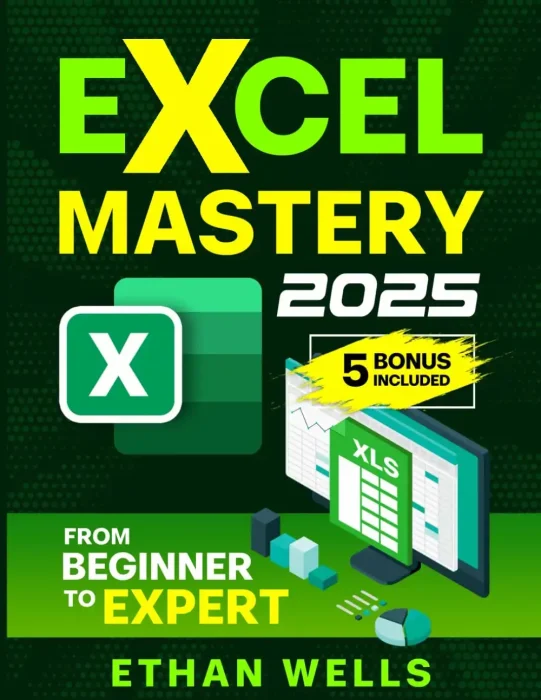
Work examples
Author: Ethan Wells
Quick overview: A full path from basics to advanced topics with a strong focus on real work use cases and repeatable templates.
What you will learn
- Formulas and functions that matter at work
- Data validation, cleaning, and error control
- Dashboards and reporting people actually use
- Time-saving patterns to scale your workflow
Good fit if you
- Want one book to follow from start to finish
- Care about spreadsheet hygiene and reliability
- Build reports for other people, not just yourself
- Need better structure as your files get bigger
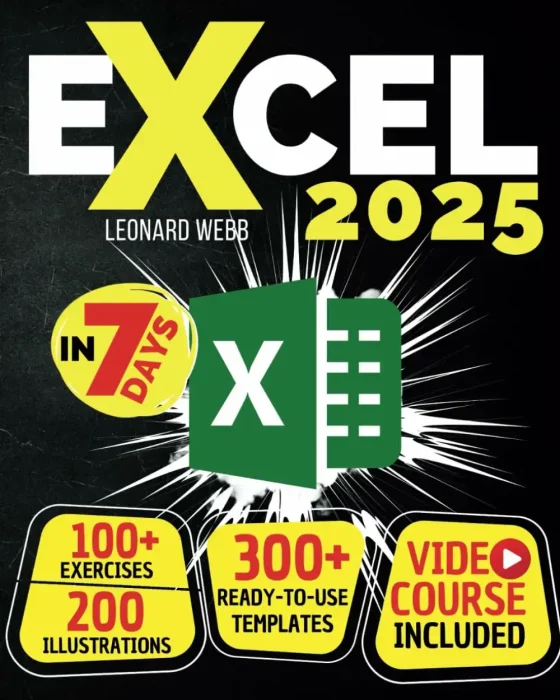
8) Excel: The Easiest Way to Master Microsoft Excel in 7 Days
Hands-on tasks
Author: Leonard Webb
Quick overview: A fast-track plan with exercises that build skill through practice rather than theory.
What you will learn
- Step-by-step tasks for core Excel skills
- Formulas, charts, and layout that look clean
- Hands-on exercises to lock in knowledge
- Confidence to tackle everyday spreadsheets
Good fit if you
- Learn best by doing, not reading
- Want a simple daily routine to follow
- Need to get competent quickly
- Like checklists and short lessons
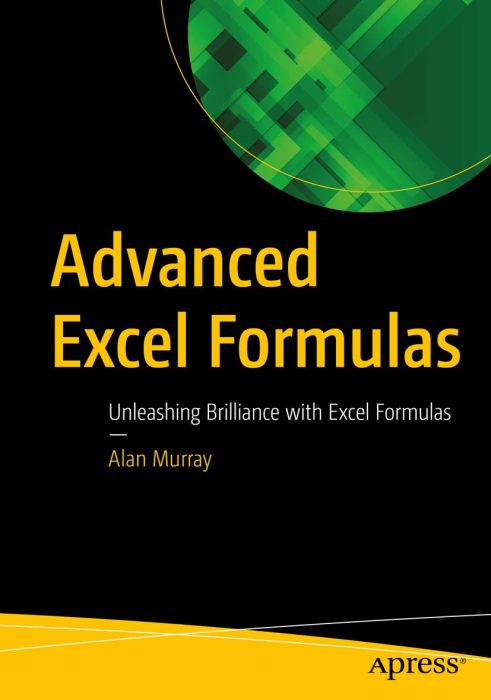
9) Advanced Excel Formulas: Unleashing Brilliance with Excel Formulas
Robust patterns
Author: Alan Murray
Quick overview: A focused deep dive into formulas for power users who want to write faster, more robust solutions and reduce workbook fragility.
What you will learn
- Advanced lookup, array, and dynamic functions
- Error handling and reliable model building
- Reusable patterns for complex logic
- Performance tips that keep workbooks fast
Good fit if you
- Maintain workbooks other people rely on
- Want fewer broken references and surprise errors
- Care about speed and workbook stability
- Want patterns you can reuse everywhere
Want free Excel learning resources?
If you want free Microsoft Excel learning resources, check out our list of free Excel books.
Discover more from Windows Mode
Subscribe to get the latest posts sent to your email.















Add your first comment to this post