Readers like you help support this site. When you make a purchase using links on our site, we may earn an affiliate commission. All opinions remain our own.
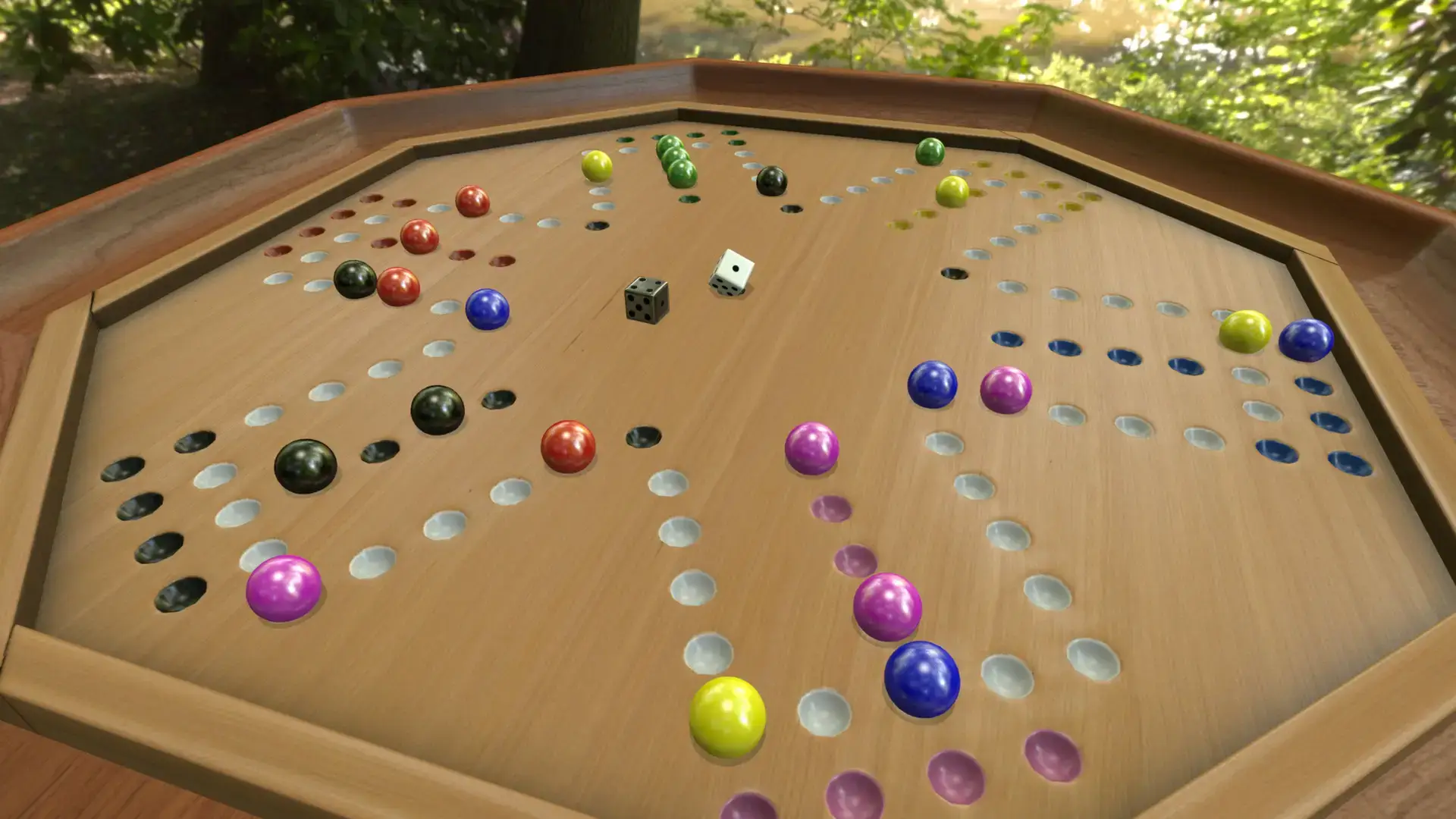
Tabletop Simulator is a sandbox game that lets you play almost any board game in the world. It uses a physics engine, so you can pick up pieces, roll dice, and throw cards just like in real life.
You can download the game on PC through Steam.
This game is not very heavy, but if you load a board with thousands of pieces, it can slow down. If you have an old laptop, you can stream it instantly on Boosteroid without downloading any files.
There are no rules enforced by the computer. You and your friends must follow the rules yourselves, just like sitting at a real table.
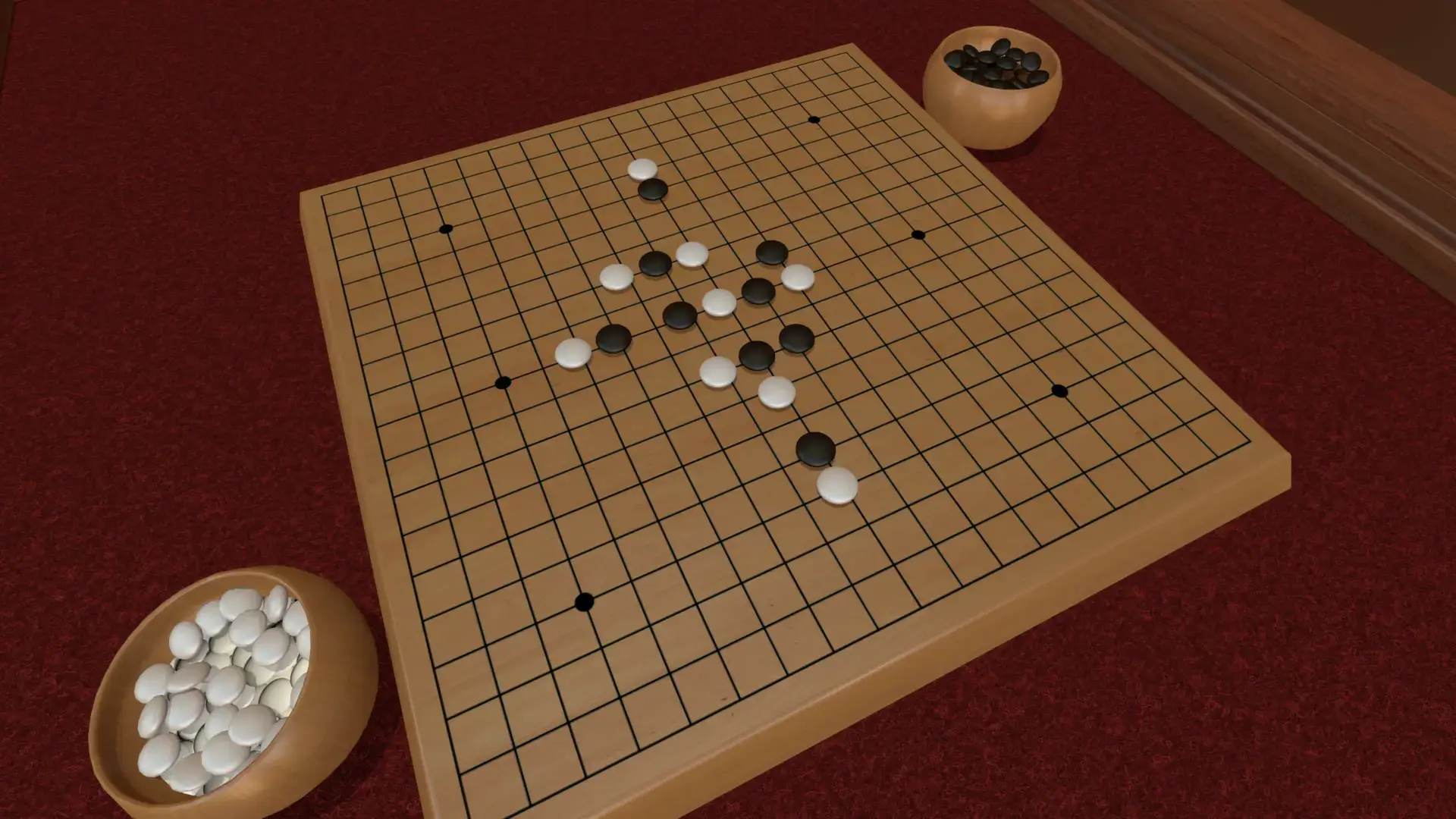
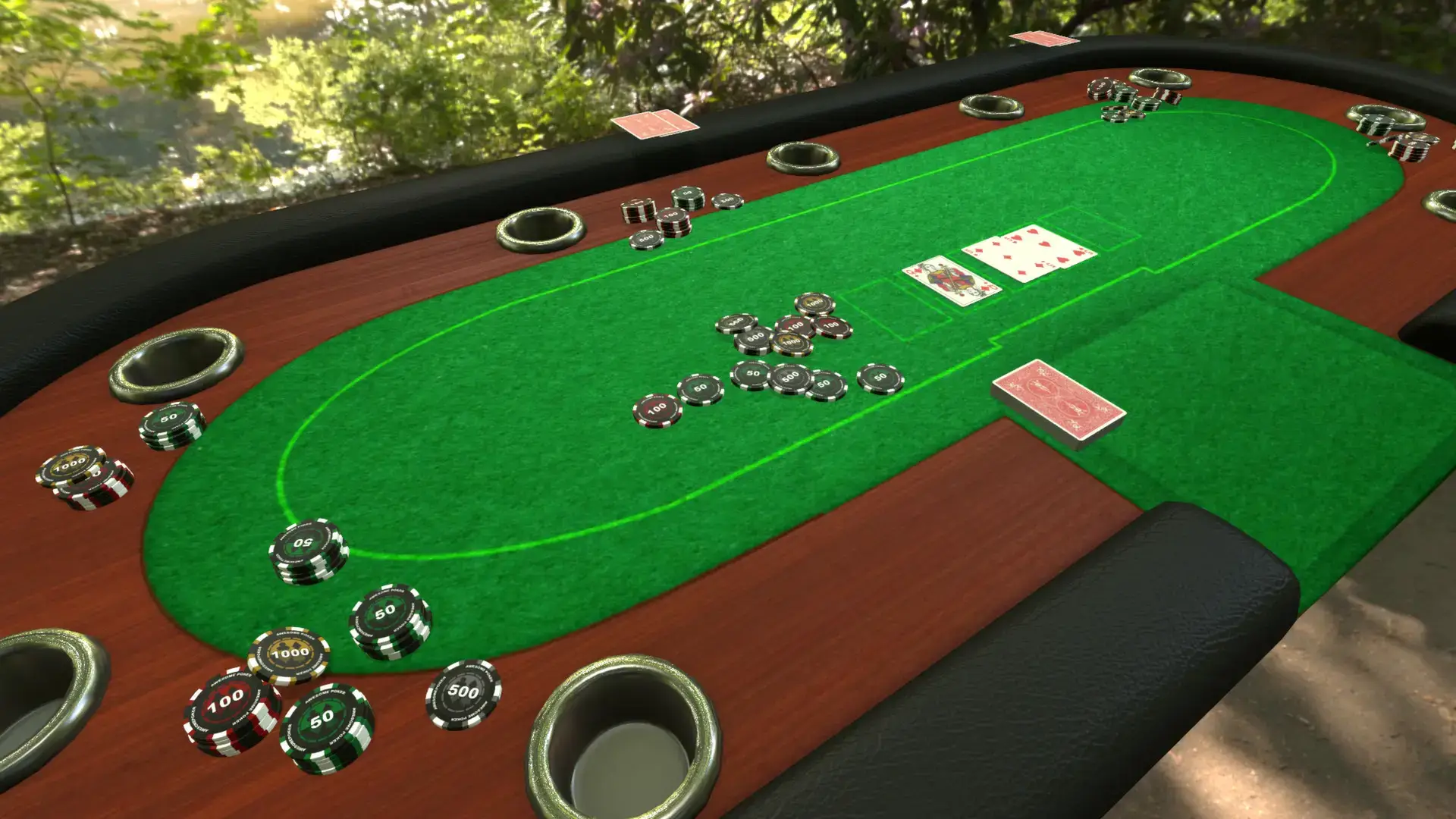
You can play classic games like Chess or Poker, but the real fun comes from downloading thousands of player-made games from the Steam Workshop.
Quick Facts
- 📅 Release Date: Jun 5, 2015
- 🛠️ Developer: Berserk Games
- 📂 Size: ~6 GB (plus mods)
- ☁️ Cloud Play: Available on Boosteroid
- 💰 Price: ~$19.99 (USD)
How to Download & Install Tabletop Simulator on PC
Tabletop Simulator is available on Steam.
- Go to the Tabletop Simulator Steam page.
- Click Add to Cart and buy the game.
- Open your Steam Library and click Install.
- Select your drive and wait for the download. The base game is small (about 6 GB), but it will grow as you download more board games.
What is Tabletop Simulator?
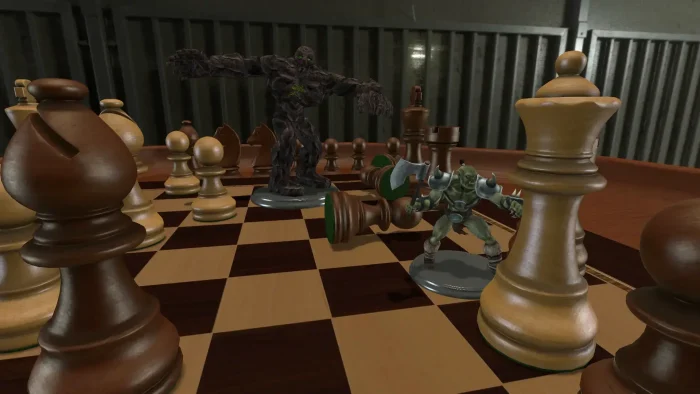
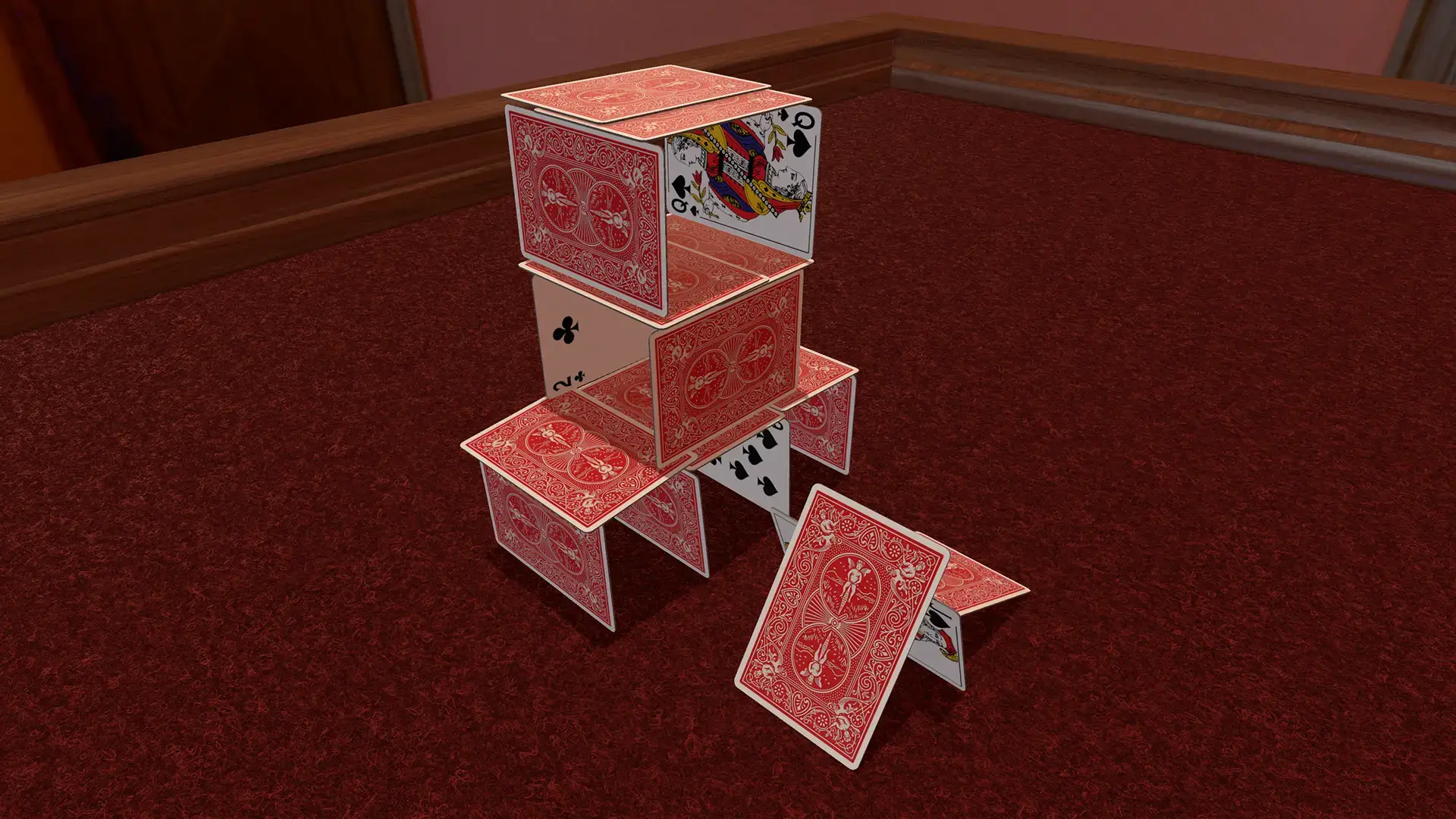
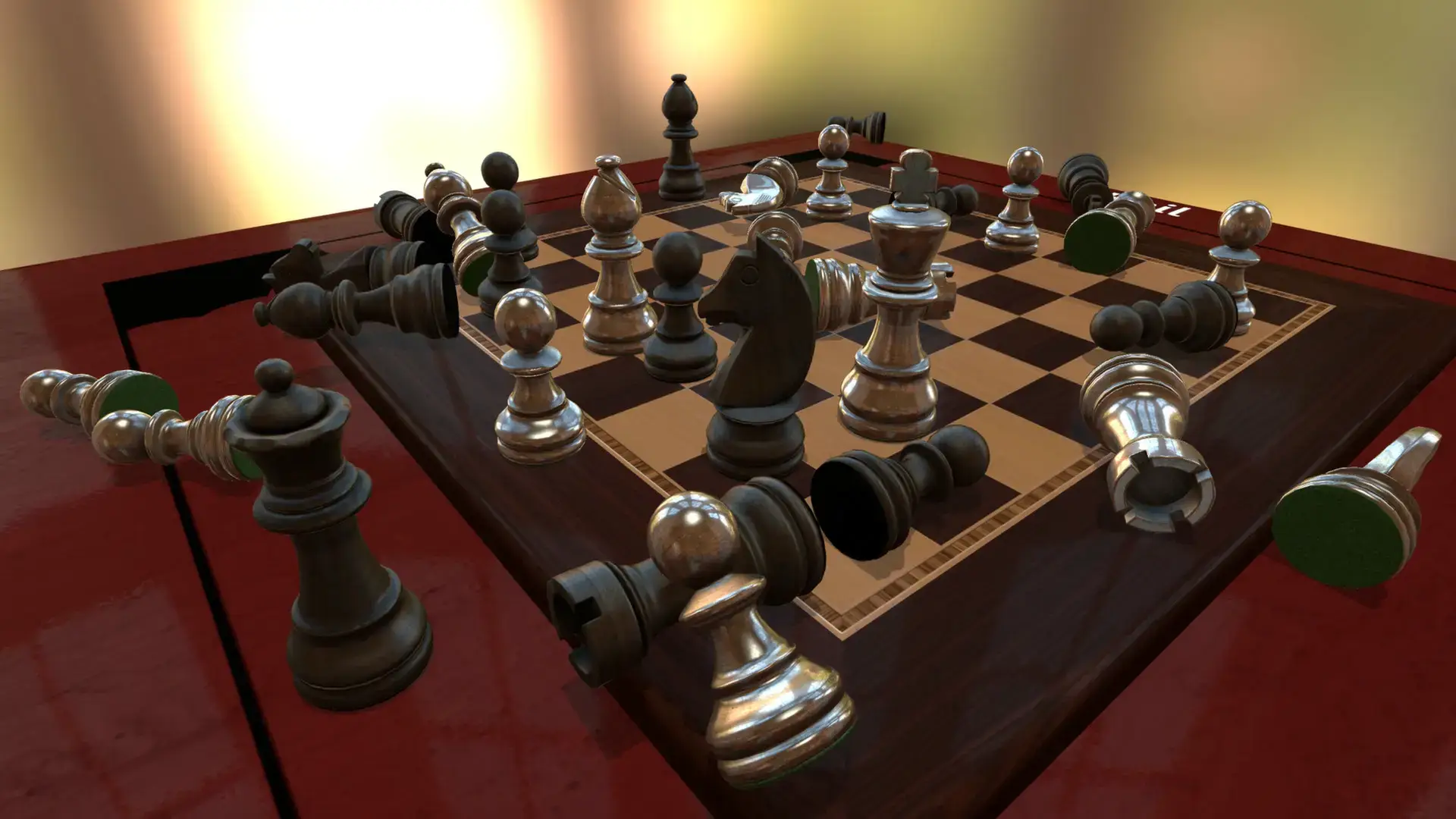
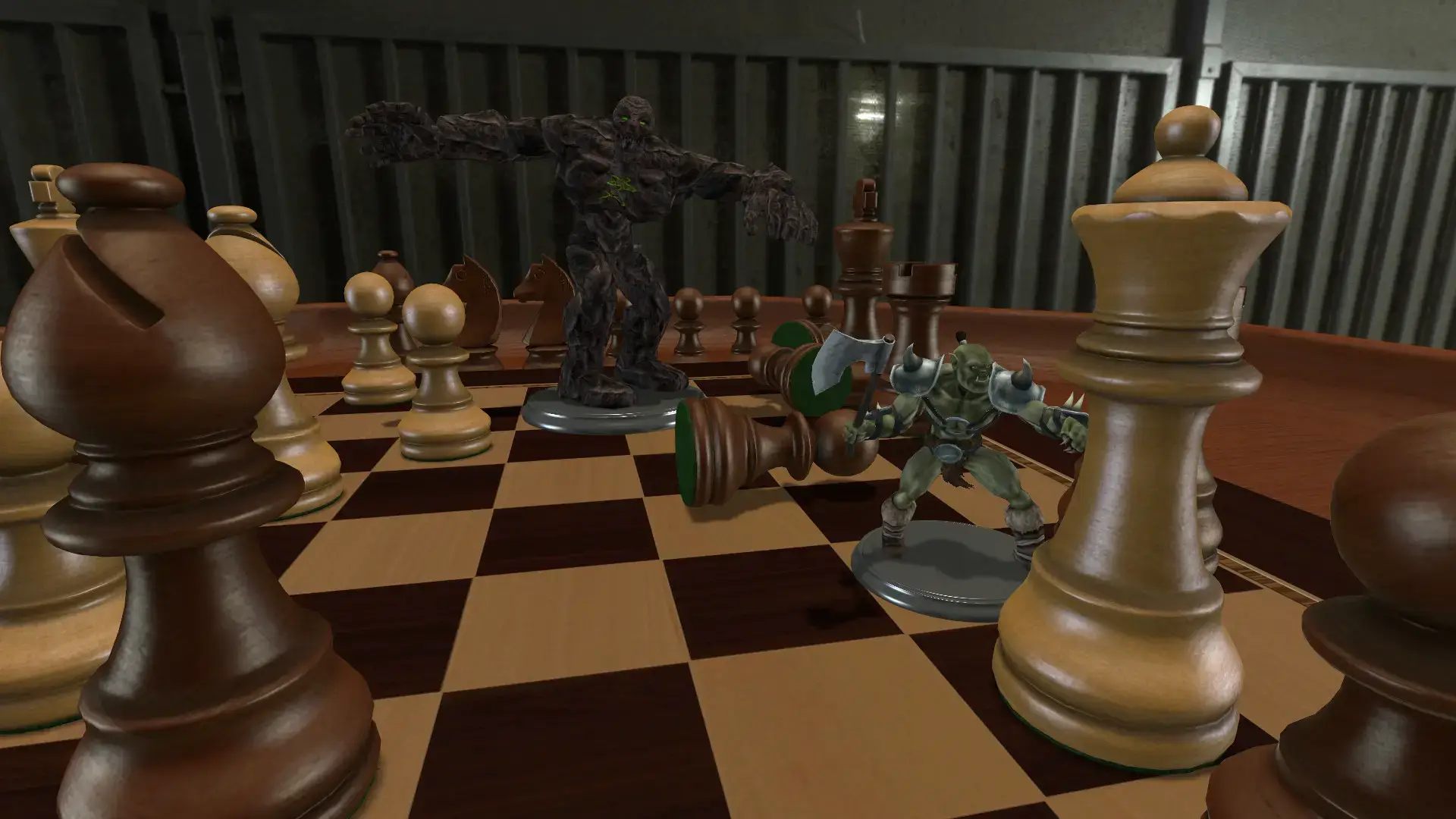
This is not a traditional video game. It is a physics engine designed to act like a real table. If you want to move a chess piece, you have to click and drag it. If you move your mouse too fast, you might knock over other pieces.
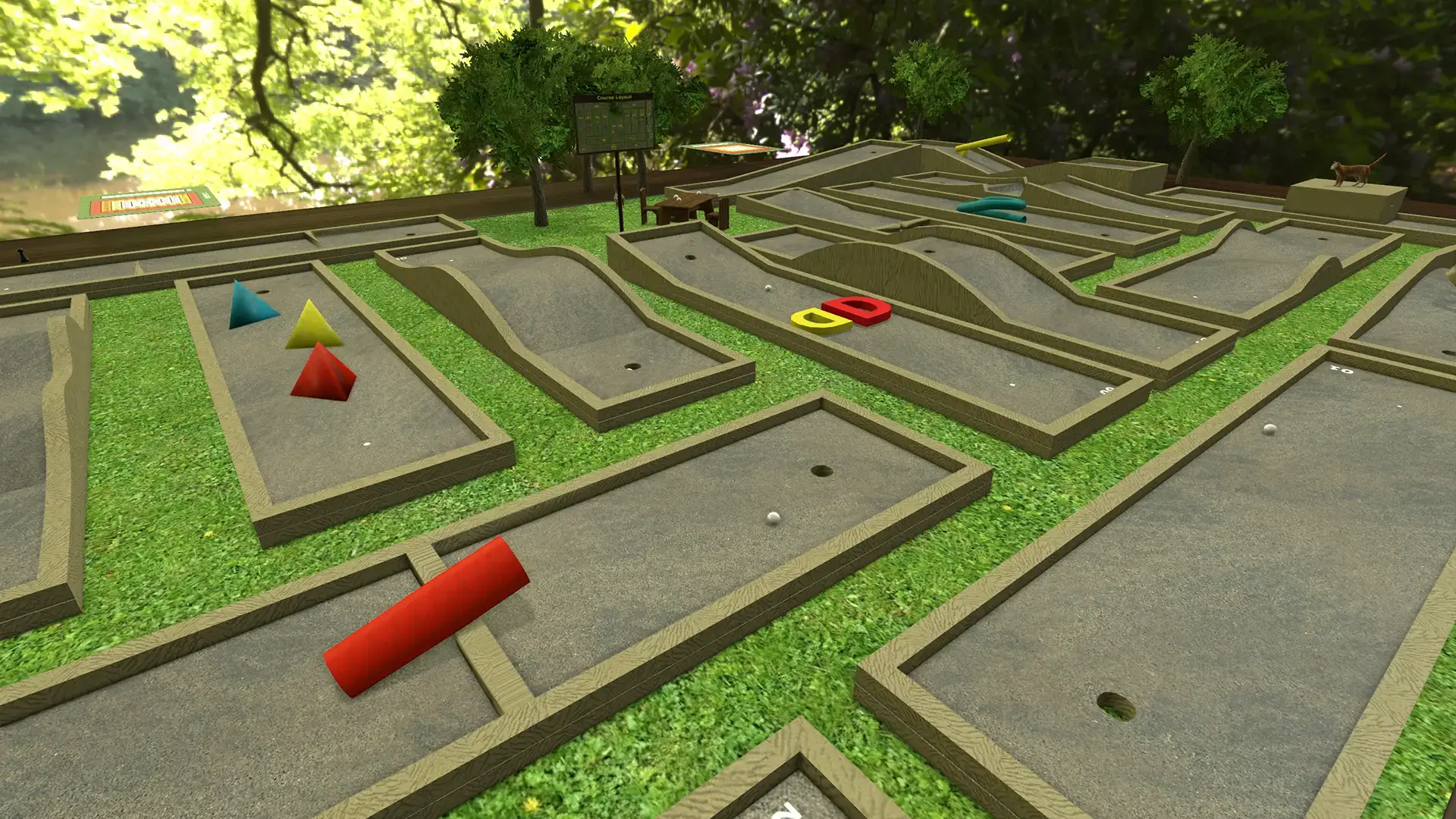
The main selling point is the Steam Workshop. The community has created mods for almost every board game you can imagine.
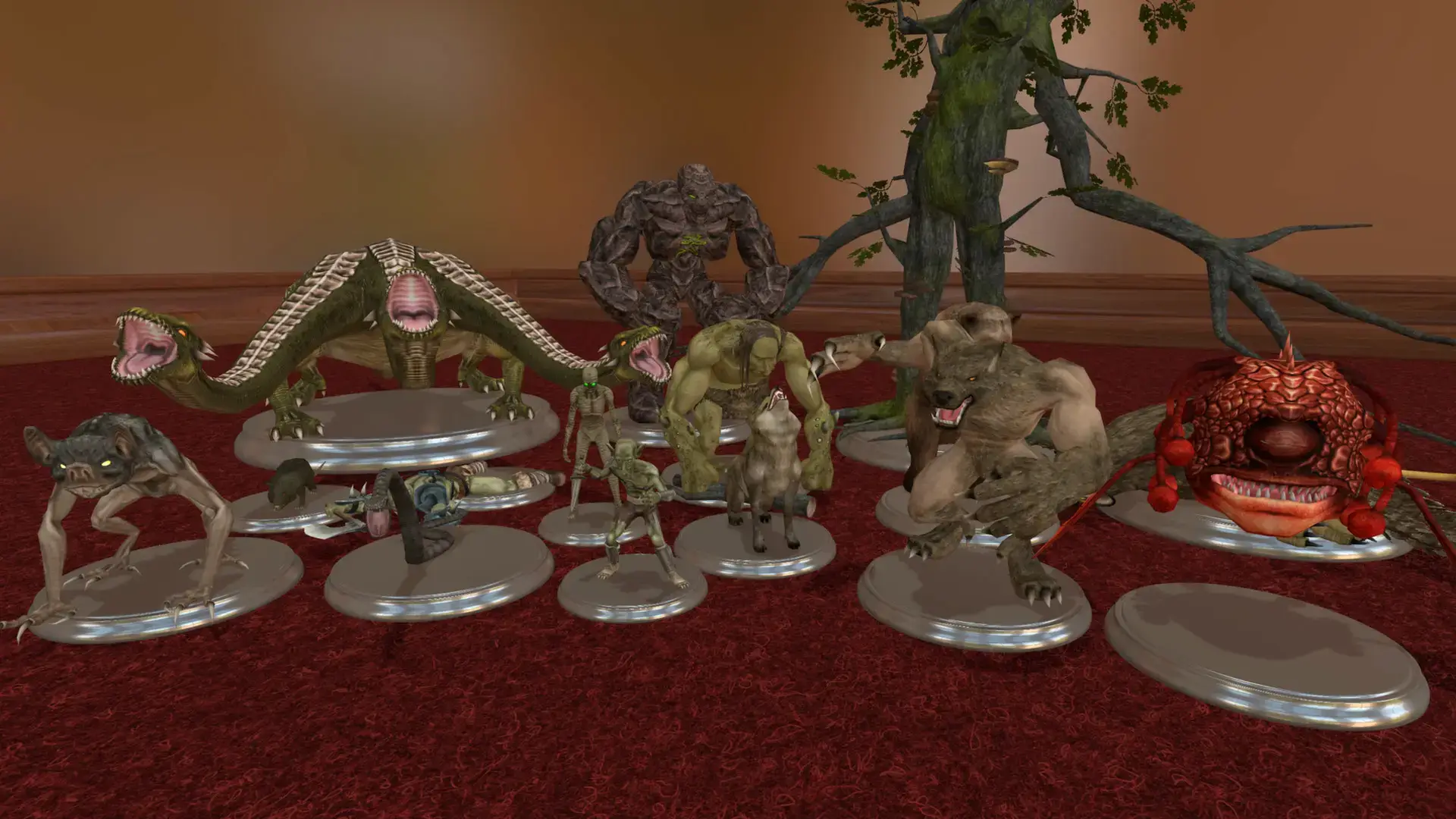
You can find complex RPG setups with 3D dungeons for Dungeons & Dragons, or simple card games to play with family.
Key Gameplay Features
- 🎲
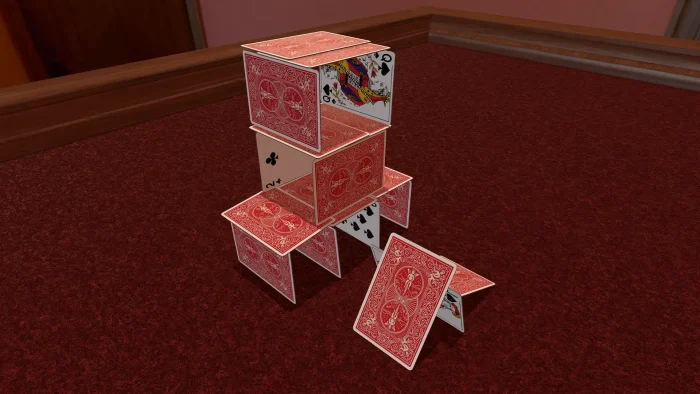
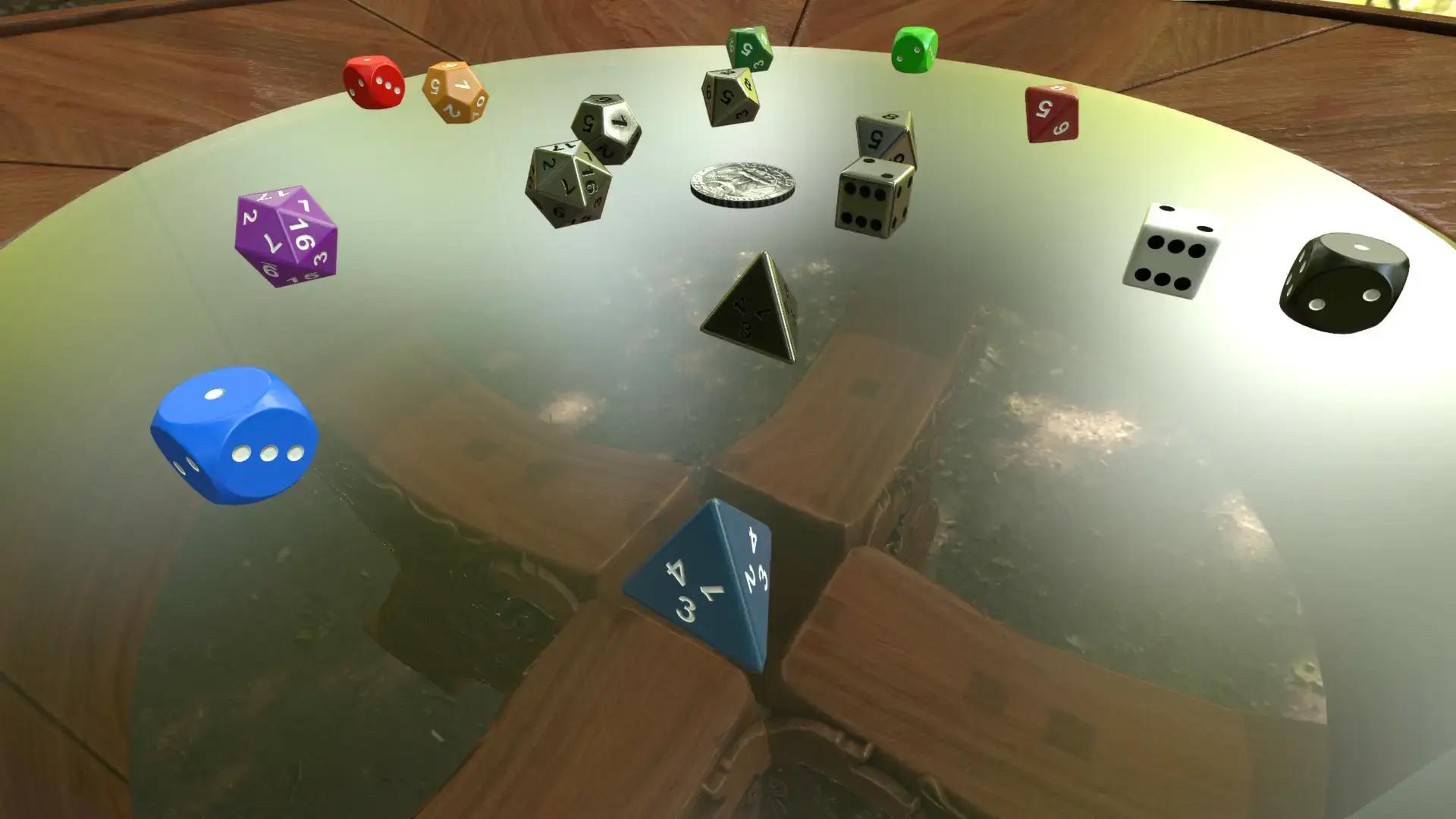
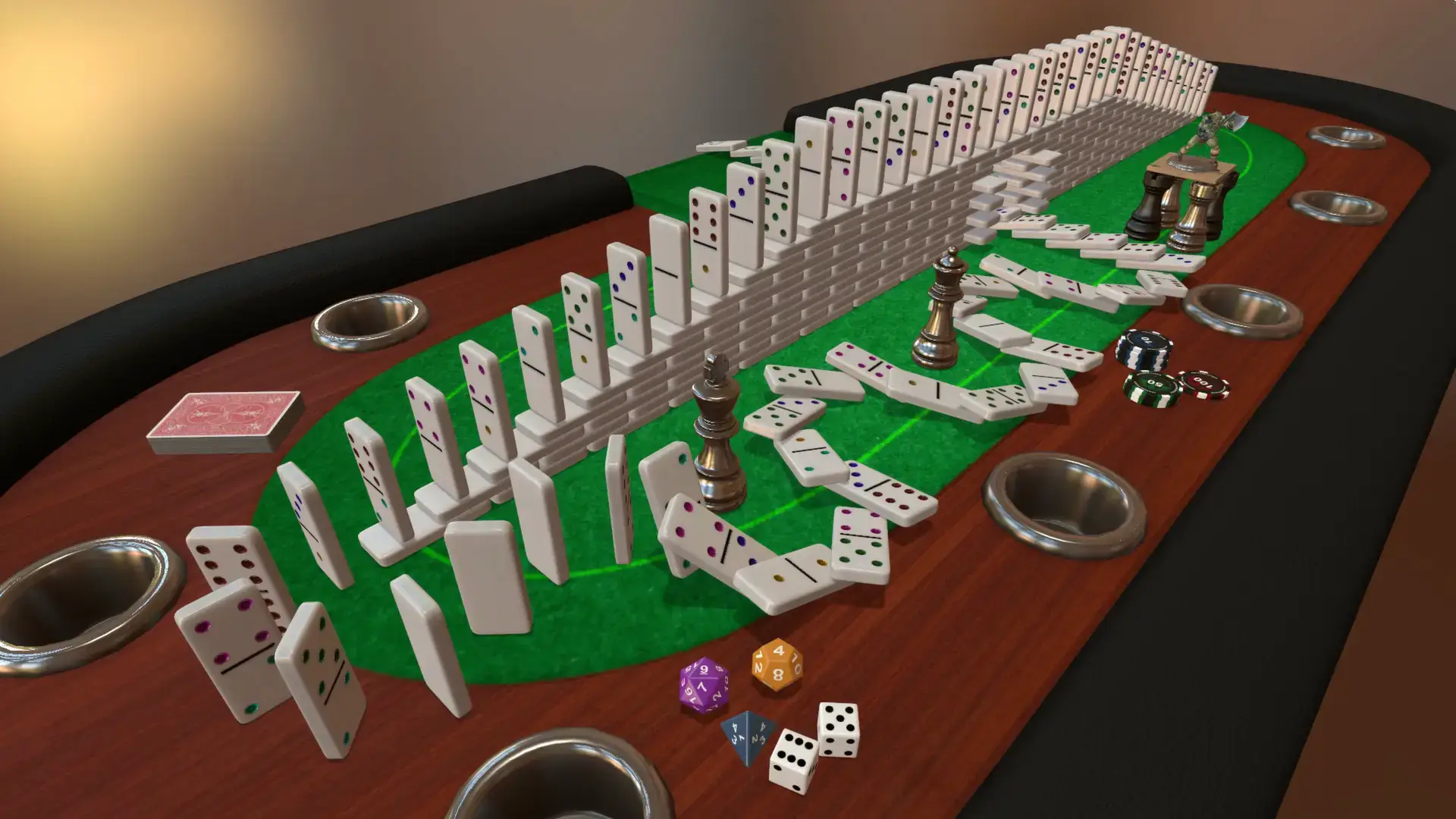
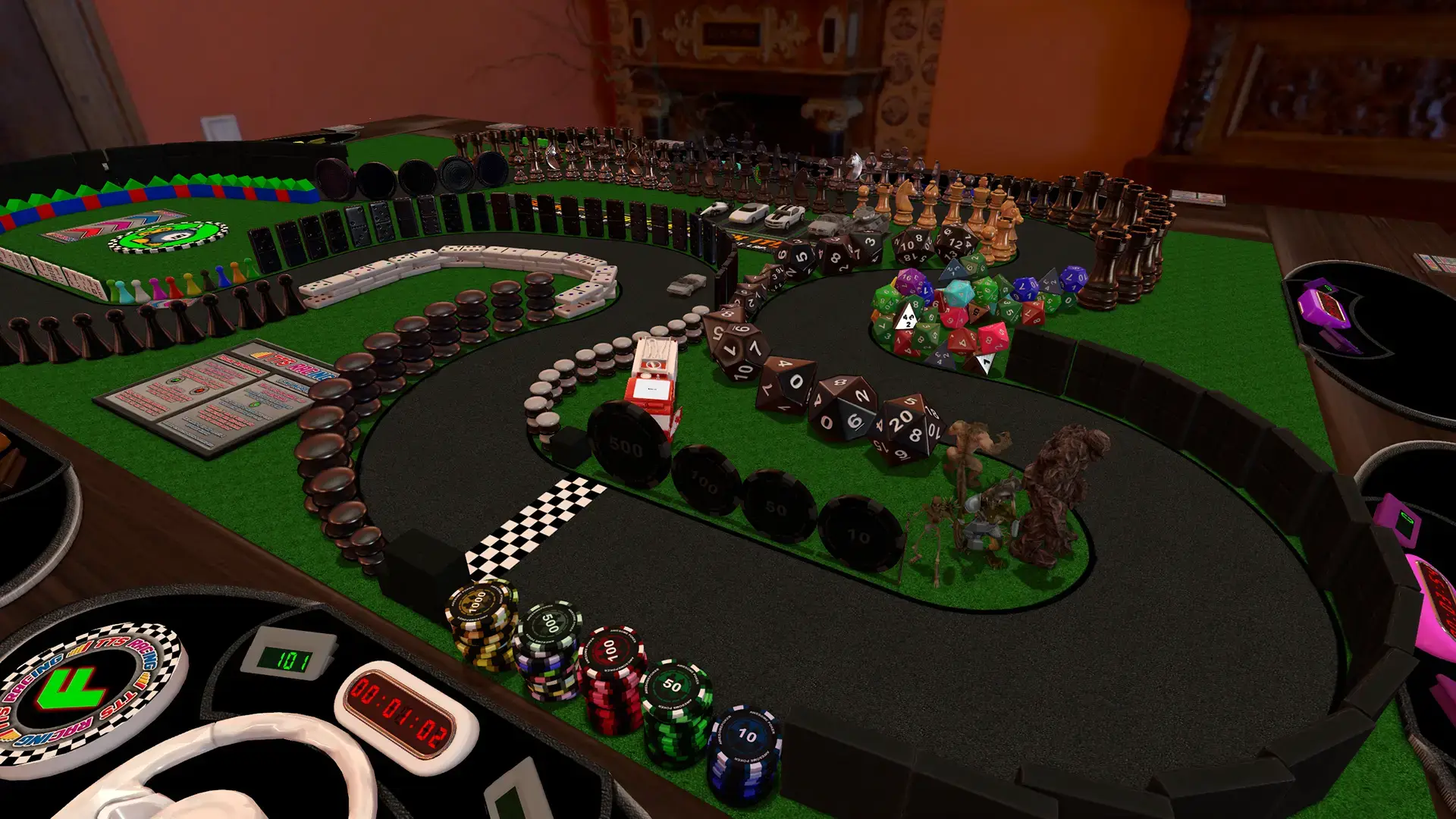
Physics Freedom: You can stack chips, throw dice across the room, or even flip the entire table over in rage. The objects react realistically.
- 🛠️
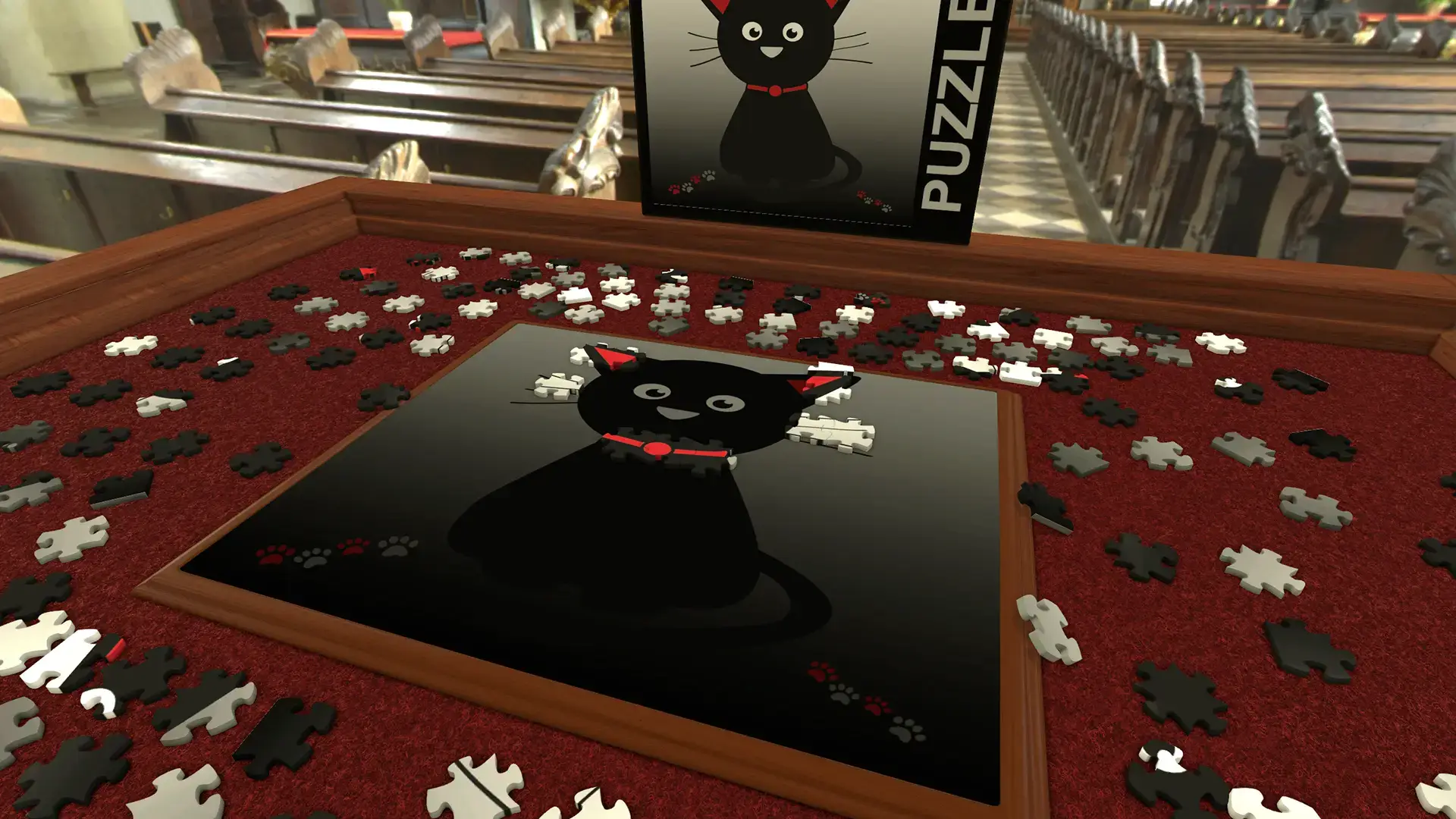
Create Anything: You can upload your own images and models. This lets you prototype your own board games or import family photos to use as playing cards.
- 📦
Infinite Games: The base game comes with 15 classics (like Chess and Dominoes), but the Workshop gives you access to thousands of user-created games.
🤔 Who Would Like This Game?
This game is perfect for friends who live far apart but want to play board games together. It feels more social than automated video games because you can mess around with the pieces.
It is also a must-have for Dungeons & Dragons groups who play online. You can build 3D maps that look much better than 2D drawings.
Why Play on Windows?
This game is designed for a mouse and keyboard setup:
- Control: Manipulating small game pieces is much easier with a mouse cursor than a game controller.
- Modding: Windows makes it easy to download mods from the Workshop or import your own image files to create custom decks.
- Multitasking: You will often need to Alt-Tab to look up rulebooks or chat on Discord while playing.
5 Tips for Beginners
The controls can feel strange at first. Use these tips to handle your pieces smoothly.
Gameplay Screenshots
Video Overview
Watch the trailer to see the physics engine in action.
System Requirements
The game is not demanding, but having more RAM helps when loading large mods.
| Component | Minimum | Recommended |
|---|---|---|
| OS | Windows 7 / 10 / 11 | Windows 10 / 11 |
| CPU | SSE2 instruction set support | Intel Core i5 / Ryzen 5 |
| RAM | 4 GB | 8 GB+ |
| GPU | Integrated Graphics | GTX 960 / RX 470 |
| Storage | 6 GB available | 10 GB SSD |
Tabletop Simulator FAQ
- Does it support VR?
Yes, the game supports VR headsets like the HTC Vive and Oculus Rift, allowing you to pick up pieces with your actual hands. - Can I play alone?
Yes, you can play Solitaire or setup single-player puzzles, but the game is much more fun with friends. - Is there local multiplayer?
Yes, it has a “Hotseat” mode where you can pass the mouse to the next player on the same computer. - Do I need to buy the DLC?
No. The DLCs are official versions of games like Zombicide, but there are thousands of free community mods available without buying anything extra.
Explore more Windows games: Best Simulation Games · Half-Life: Alyx for PC · Smite 2 for PC · Underground Garage for PC · Best Card & Board Games · Task Force Admiral for PC
Discover more from Windows Mode
Subscribe to get the latest posts sent to your email.