Readers like you help support this site. When you make a purchase using links on our site, we may earn an affiliate commission. All opinions remain our own.
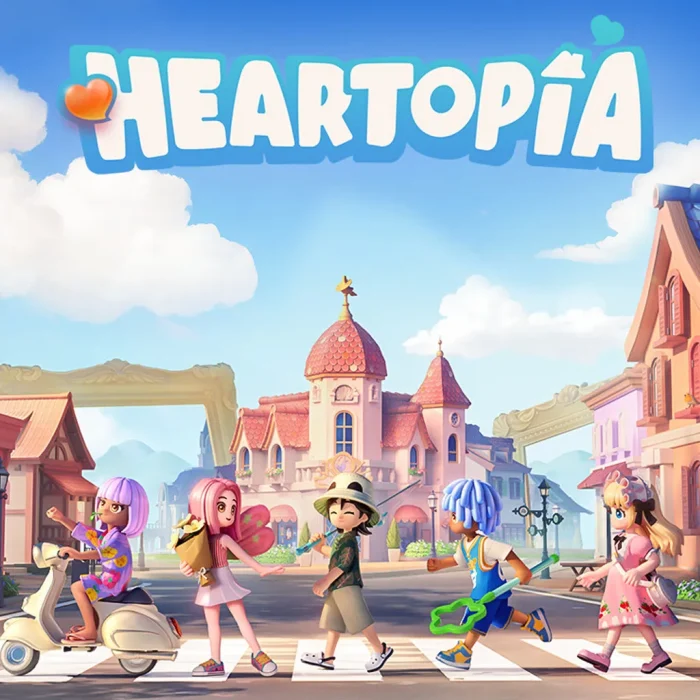
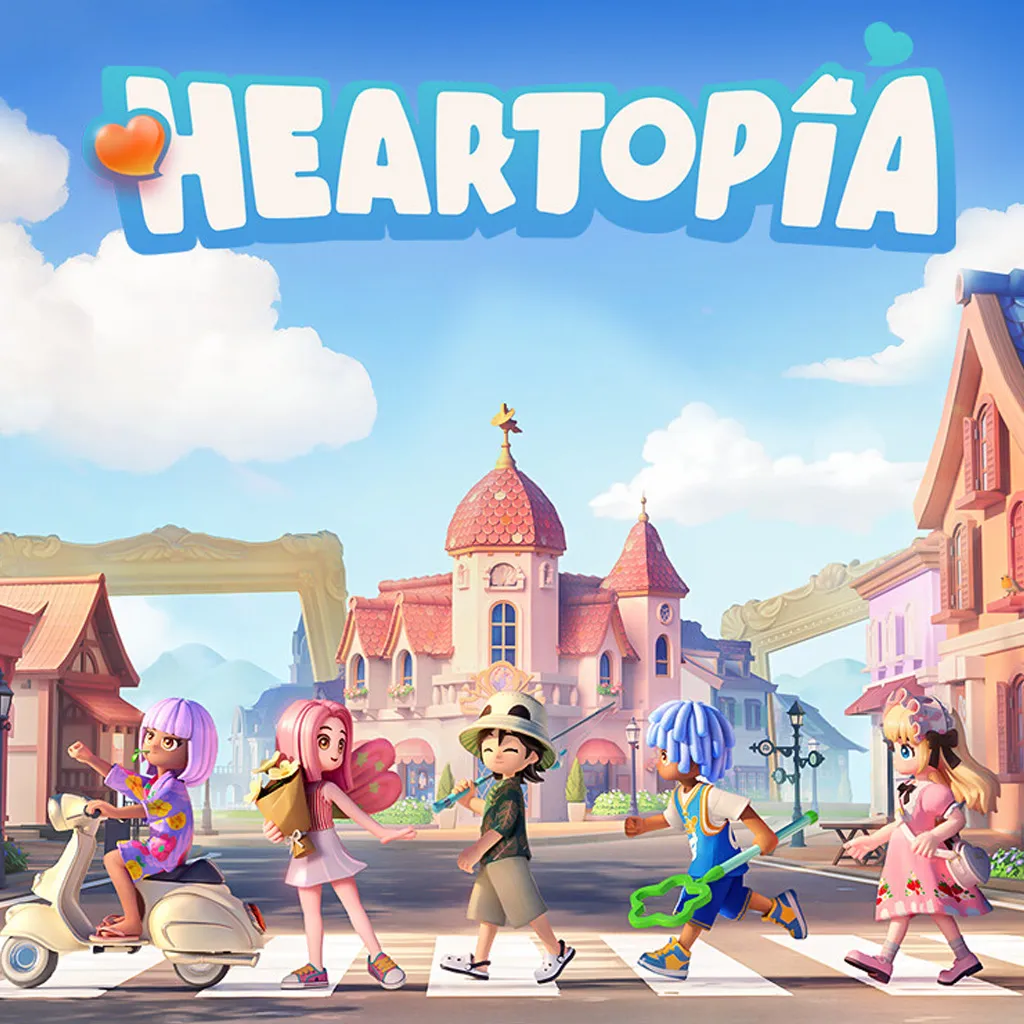
Heartopia is a free-to-play life simulation game for PC from XD, available on Steam. You build and decorate your own home, explore hobbies like fishing, cooking, and gardening, and spend time with friends in a shared town. The game has no competitive pressure and no time limits. You play at your own pace.
The multiplayer is the main draw. Heartopia supports cross-platform play, so you and your friends can visit each other’s homes and build spaces together in real time. You can decorate cooperatively, join hobbies as a group, and chat in-game without needing everyone on the same platform.
It launched January 17, 2026 on Steam and runs on Windows 10 and Windows 11. The game is free to download and free to play. You will need a Hi-Rez, Google, or Facebook account to log in for the first time.
Already playing? Share your home layout or favorite hobby in the comments. Got questions before you start? Reach out to us directly.
How to Download and Install on PC
Heartopia is free to download on Steam for Windows PC. You will need a third-party account to log in the first time you launch.
- Step 1. Go to the Heartopia Steam page.
- Step 2. Click Play Game (the game is free, no purchase required).
- Step 3. Open your Steam library and click Install.
- Step 4. Launch the game. When prompted, log in with a Hi-Rez, Google, or Facebook account to create your profile.
- Step 5. Create your character and enter your town. The opening guide walks you through the first few steps.
What is Heartopia?
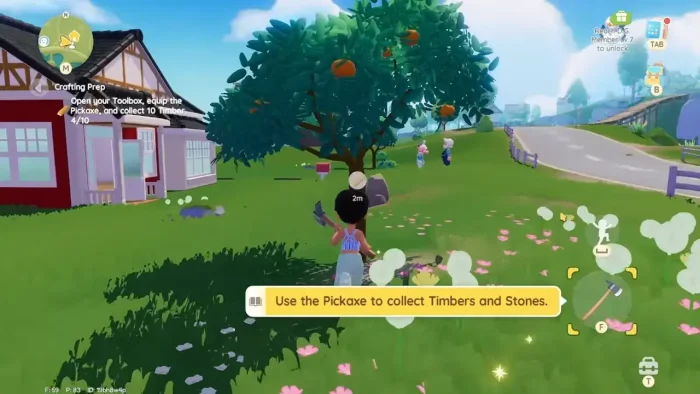
Heartopia is a free-to-play life simulation game developed and published by XD. It launched January 16, 2026 on Steam for Windows. You build and furnish a home, try out a range of hobbies, adopt pets, and connect with other players in a shared town. The game has no fail states and no competitive gameplay. Progress is entirely driven by what you choose to do.
There are six major hobbies in the game: fishing, cooking, gardening, birdwatching, and two others. Each one has its own progression and activities. Outside of hobbies, you can customize your character with over 1,000 outfit combinations, adopt cats or dogs as pets, and build your home solo or with friends in cooperative mode.
The multiplayer runs cross-platform. You can visit other players’ homes, build together in real time, and use in-game chat to stay in contact. Friends on different platforms can join the same session without any extra steps.
Key Gameplay Features
🏠Home Building
Build and furnish your home from scratch. You can decorate alone or invite friends to help. Every piece of furniture and layout choice is yours to control.
🎣Six Hobbies
Pick up fishing, cooking, gardening, birdwatching, and more. Each hobby has its own set of activities and progression. You can switch between them freely at any point.
👗Character Customization
Over 1,000 outfit combinations let you build a look that fits your style. Outfits can be earned in-game or purchased through the in-game shop.
🌐Cross-Platform Multiplayer
Play alongside friends regardless of what platform they are on. Visit each other’s homes, build together, and chat in-game without any workarounds.
🐾Pet Adoption
Adopt cats or dogs to keep you company in your home. Pets can be part of your daily routine in the game and add another layer to the home you are building.
🏘️Town Life
Your home sits inside a larger shared town with other residents and players. You can interact with town characters, explore public spaces, and take part in community activities.
🤔 Is This Game for You?
✅ You Will Love It If:
- You enjoy relaxing, open-ended games with no pressure
- You like decorating, building, or customizing characters
- You want a game to play with friends casually
- You are looking for a free-to-play life sim on PC
❌ You Might Not If:
- You prefer offline games (an internet account is required)
- You dislike free-to-play games with cosmetic purchases
- You want a game with deep story or challenge
- You are uncomfortable with chance-based item purchases
🎮 Our Take
Heartopia fills a gap on PC for a free-to-play life sim with real multiplayer. Most games in this genre are either mobile-first or behind a full purchase price. The cross-platform co-op building is the strongest part: getting a friend to help design a room in real time works well and is something few life sims let you do. The character and home customization options are broad enough to keep most players busy for a long time.
The in-app purchases are worth knowing about upfront. The core game is free and fully playable without spending, but some cosmetic items are locked behind chance-based purchases. If that is something you want to avoid, stick to items that show a direct price. The free content alone gives you plenty to work with.
🖥️ Why Play on PC?
- Bigger Screen for Building: Home decorating and layout work is easier on a large monitor. You can see more of your space at once and make finer adjustments with a mouse.
- Keyboard for Chat: The in-game chat works much faster with a keyboard than with an on-screen option. If you play with friends, this makes a real difference.
- Runs on Older PCs: At 10 GB and with low minimum specs, Heartopia runs on hardware that most other 2026 releases would not support.
- Free with No Storefront Barriers: The game is free on Steam with no extra launcher or subscription needed beyond a login account.
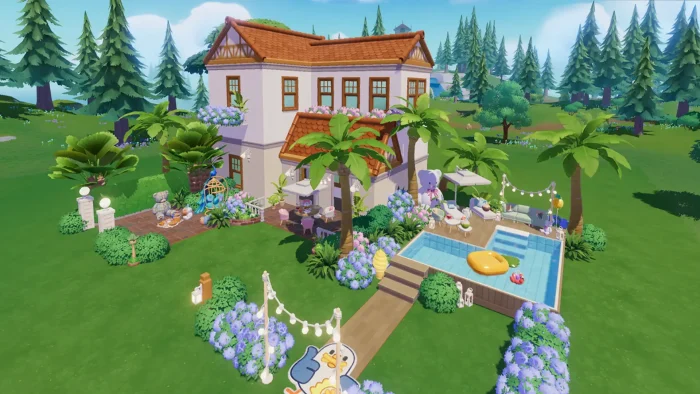 House design outside from Heartopia
5 Tips for New Players
The game does not explain everything upfront. These habits help from the start.
Gameplay Screenshots
Here is what Heartopia looks like in action on PC.
-
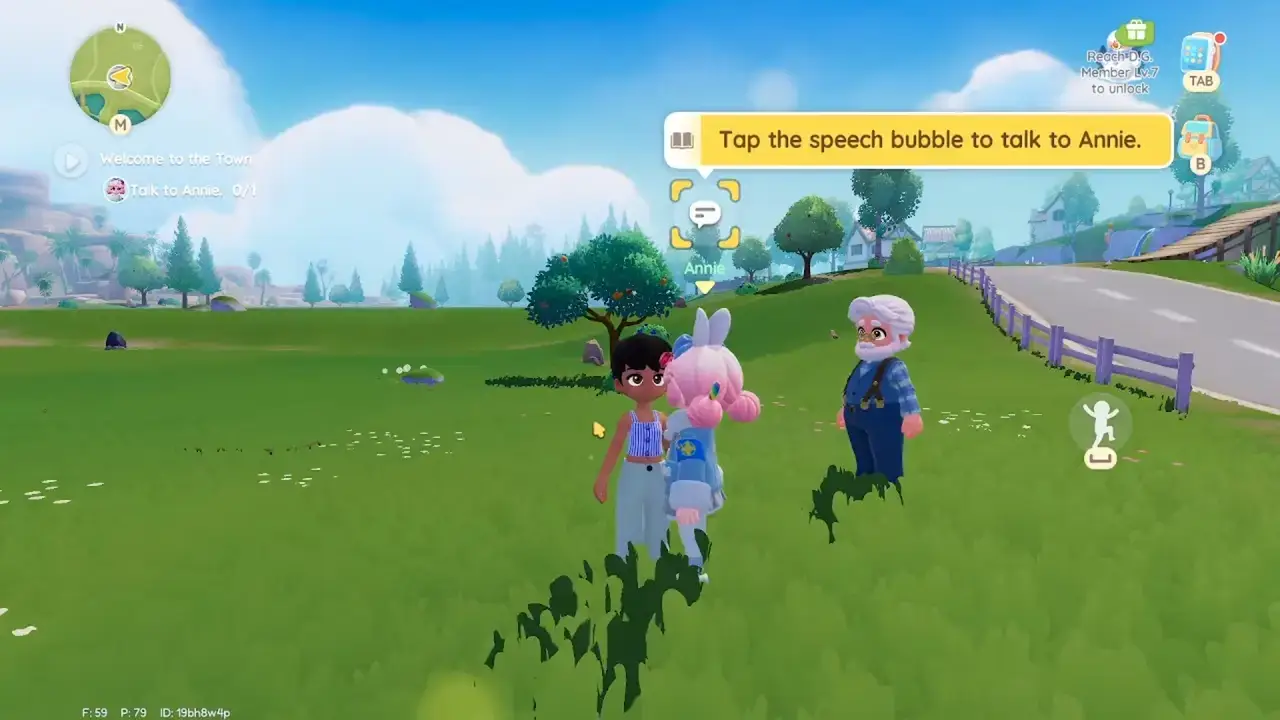
- Black girl character from Heartopia for PC: Gameplay, Tips & Full Guide (2026)
-

- Customize your house from Heartopia for PC: Gameplay, Tips & Full Guide (2026)
-

- Gameplay graphics from Heartopia for PC: Gameplay, Tips & Full Guide (2026)
-
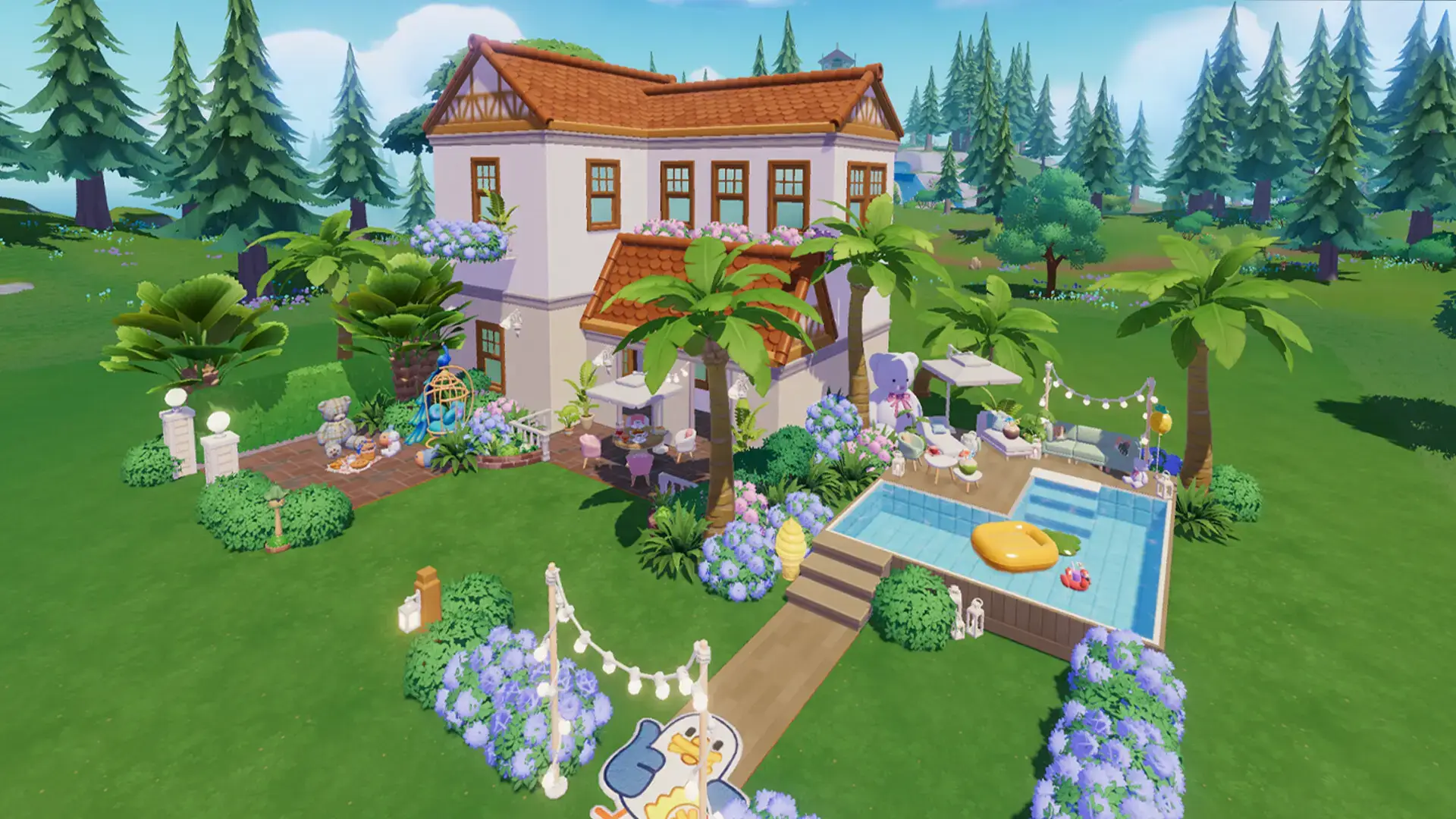
- House design outside from Heartopia for PC: Gameplay, Tips & Full Guide (2026)
-
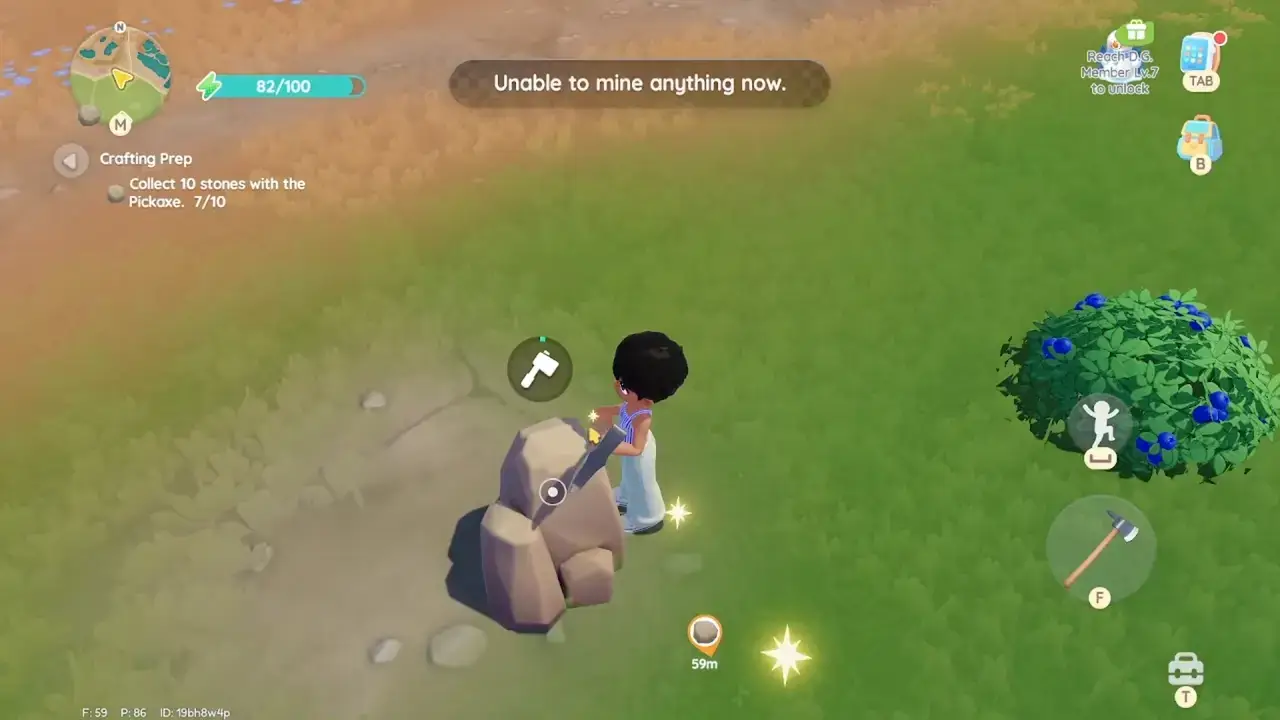
- Mining from Heartopia for PC: Gameplay, Tips & Full Guide (2026)
-

- Open world from Heartopia for PC: Gameplay, Tips & Full Guide (2026)
-
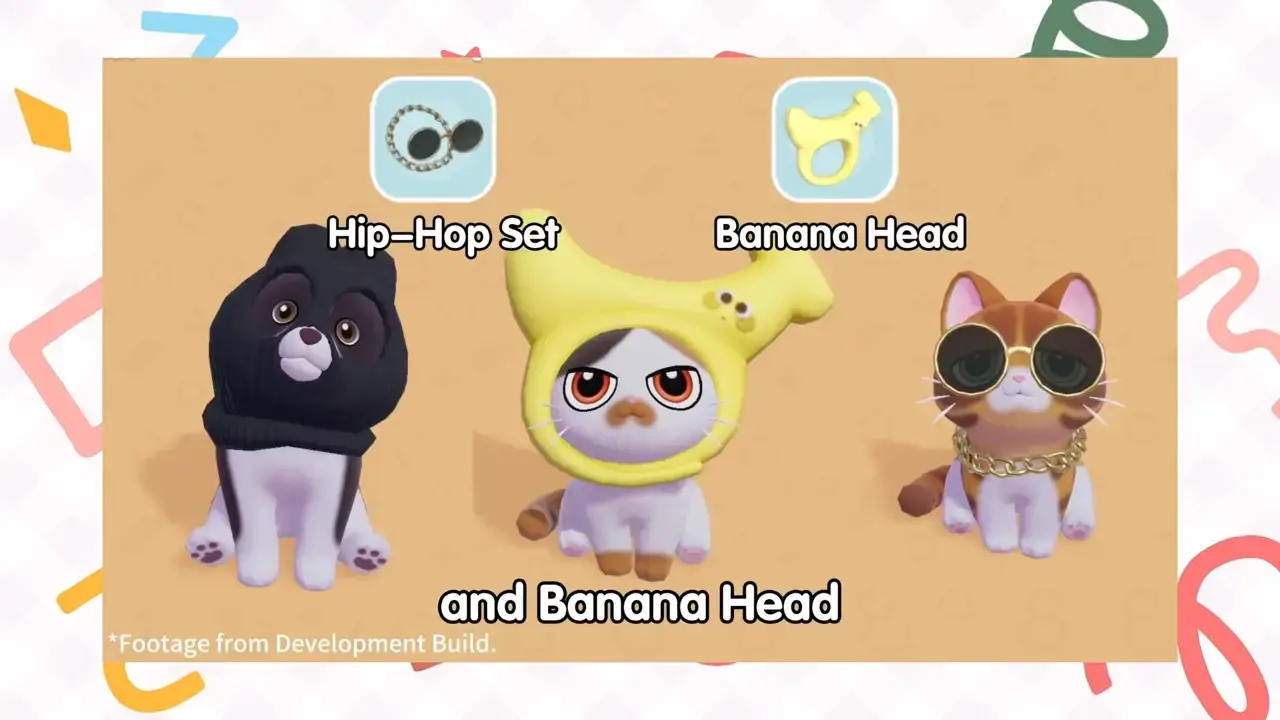
- Pet outfits from Heartopia for PC: Gameplay, Tips & Full Guide (2026)
-

- Picknick players from Heartopia for PC: Gameplay, Tips & Full Guide (2026)
-

- Post on instagram from Heartopia for PC: Gameplay, Tips & Full Guide (2026)
-
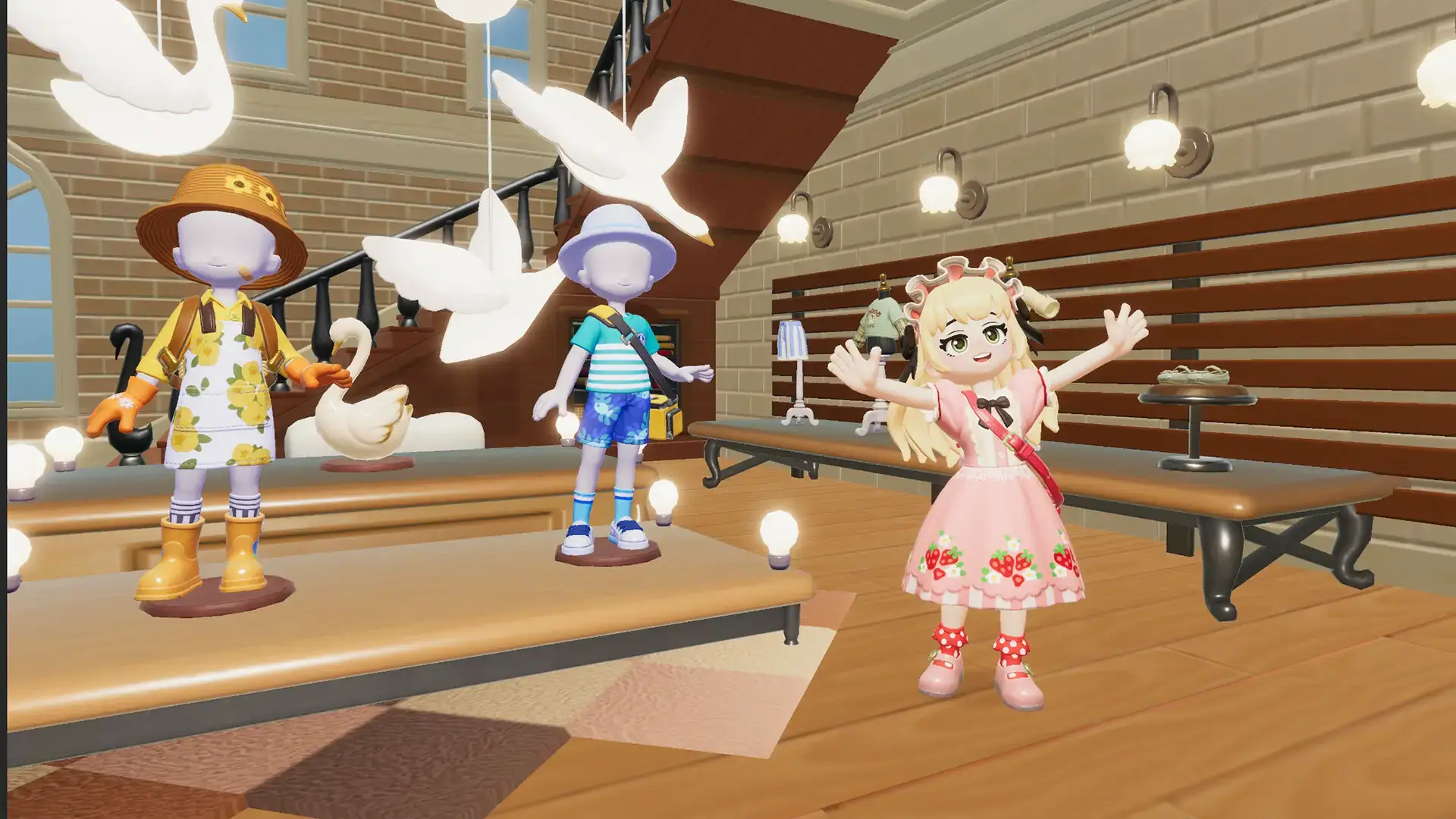
- Shopping from Heartopia for PC: Gameplay, Tips & Full Guide (2026)
-
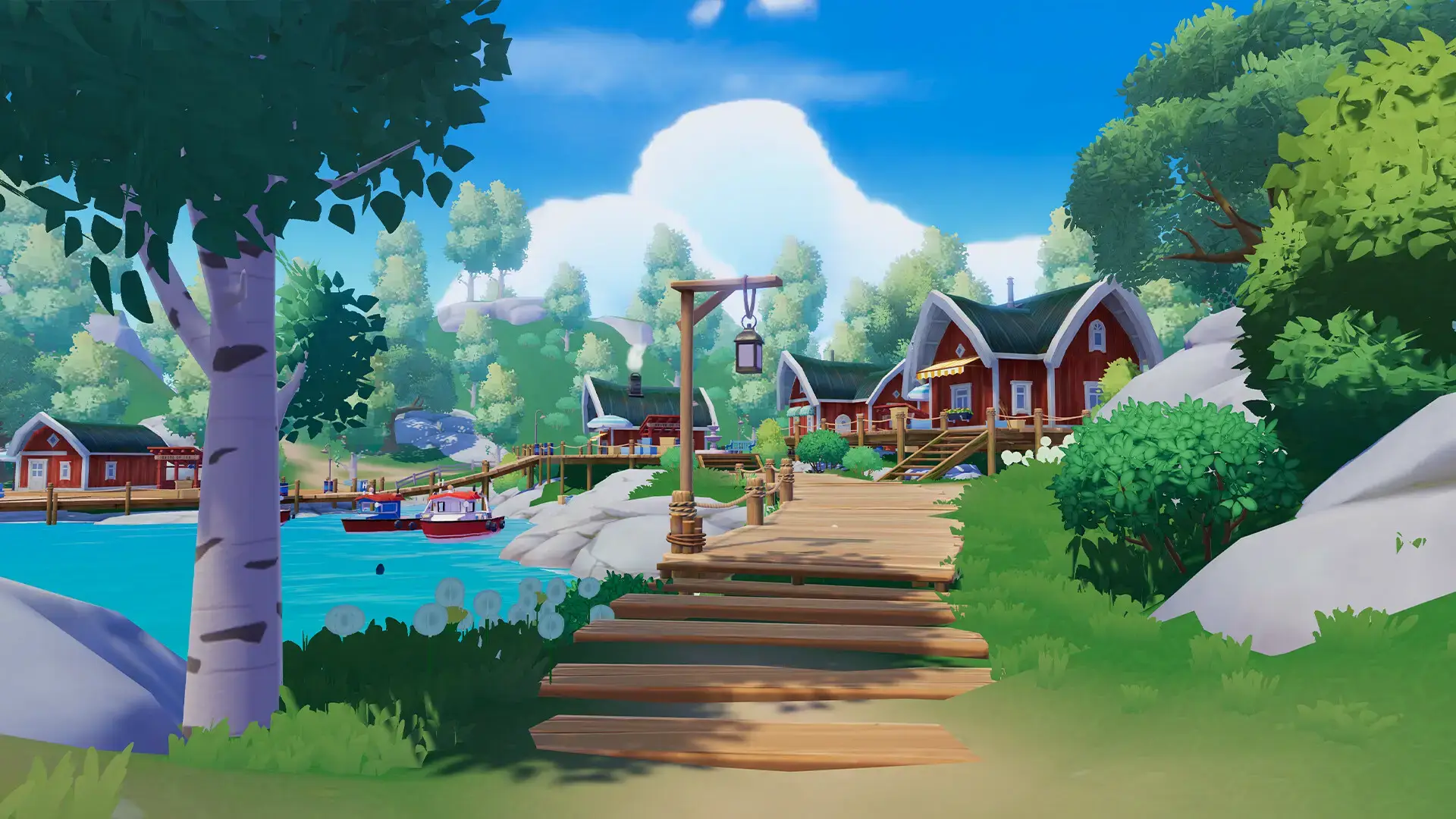
- Your house from Heartopia for PC: Gameplay, Tips & Full Guide (2026)
Official Trailer
See the home building, hobbies, and multiplayer town life in action.
System Requirements
Heartopia runs on older hardware. If your PC can handle any modern browser, it can likely run this game.
| Component | Minimum | Recommended |
|---|---|---|
| OS | Windows 10 (64-bit) | Windows 10 / 11 (64-bit) |
| CPU | Intel Core i5-2500 / AMD FX-4350 | Intel Core i5-6500 / AMD Ryzen 3 1200 |
| RAM | 8 GB | 16 GB |
| GPU | Nvidia GTX 660Ti / AMD R9 270 | Nvidia GTX 1060 / AMD RX 480 |
| DirectX | Not specified | Not specified |
| Storage | 10 GB | 10 GB |
Frequently Asked Questions
Is Heartopia free to play?
Yes. Heartopia is free to download and play on Steam. It has in-app purchases for cosmetic items, and some items are available through chance-based purchases. You do not need to spend money to play the core game.
Is Heartopia multiplayer or single-player?
Both. Heartopia supports solo play and cross-platform multiplayer. You can invite friends to visit your home, build together, and join hobbies as a group. Multiplayer works across platforms, so friends on different devices can join the same session.
What do you actually do in Heartopia?
You build and decorate your home, try out hobbies like fishing, cooking, gardening, and birdwatching, and interact with town residents and other players. The game is open-ended with no set goals. You play at your own pace and focus on whatever appeals to you.
Does Heartopia have in-app purchases?
Yes. Heartopia is free to play but includes in-app purchases for cosmetics, outfits, and decorations. Some items use chance-based purchases. The base game and all core features are free.
Does Heartopia require a separate account to play?
Yes. Heartopia requires a third-party account to log in. You can use a Hi-Rez, Google, or Facebook account. You will be prompted to connect one the first time you launch the game.
🔗 Helpful Community Links
For updates, tips, and discussions about Heartopia:
- @myheartopia on X (official game updates and announcements)
- Steam Community Hub (guides, tips, and player discussions)
Explore More PC Games:
Dressmaker for PC · Best Games for Girls on PC · Best Free-to-Play Games on PC · Trails beyond the Horizon for PC · StarRupture for PC · Ice Cream Simulator for PC · Code Vein 2 for PC · Best Gaming Desktops
Discover more from Windows Mode
Subscribe to get the latest posts sent to your email.











Add your first comment to this post