Readers like you help support this site. When you make a purchase using links on our site, we may earn an affiliate commission. All opinions remain our own.

Ice Cream Simulator is a cooking and shop management game for PC from AM Playhouse, available on Steam.
You run an ice cream shop from behind the counter. You make the ice cream yourself, choose your menu, set prices, hire staff, and keep customers satisfied as your shop grows.
The ice cream making is what makes it stand out from other tycoon games. Each type has its own preparation method: Thai Rolled ice cream goes on a cold stone plate, Mochi gets shaped by hand, and Matka Kulfi is poured into clay pots. None of it is click-and-wait. You actually do the steps.
Ice Cream Simulator was published by PlayWay S.A. and released on June 5, 2026. It is single-player only and runs on Windows 10 and Windows 11. A free demo is available on Steam before you buy.
Already playing? Drop your shop name in the comments. Just browsing? The guide below covers how to download it, what you get, and whether it is worth your time. Got questions? Reach out to us directly.
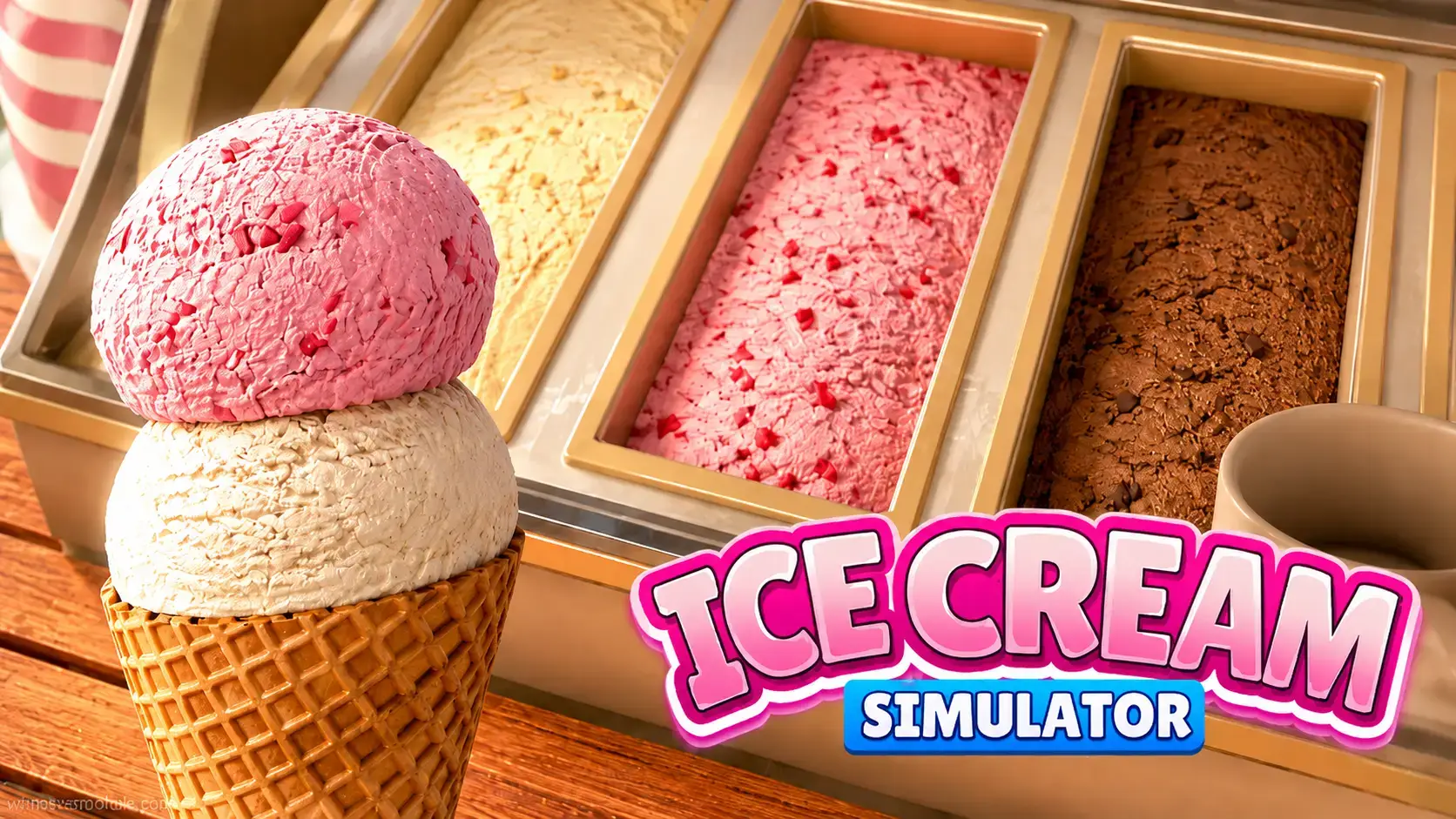
How to Download Ice Cream Simulator on PC
Ice Cream Simulator is sold on Steam for $9.99. A free demo is also available so you can try it before buying. You need a Steam account to install either version. The game takes about 10 GB of storage.
- Step 1. Download and install Steam if you do not have it. It is free.
- Step 2. Open Steam and sign in with your account. Create one for free if you do not have one yet.
- Step 3. Search for Ice Cream Simulator in the Steam store, or go directly to the store page.
- Step 4. Click Add to Cart and complete the purchase. Sometimes they have discounts!
- Step 5. Once purchased, click Install on the store page or in your Steam Library. The download is around 10 GB.
- Step 6. Click Play from your Library once the download finishes.
What Is Ice Cream Simulator?
Ice Cream Simulator puts you behind the counter of your own ice cream shop. You are not just managing numbers on a screen. You physically prepare each dessert yourself in first-person: rolling frozen cream on a cold plate for Thai rolls, shaping Mochi by hand, filling clay pots for Matka Kulfi, and scooping cones the old way. The preparation process is different for each type.
Between orders, you make business decisions. You design your menu, set your prices, and decide which machines to invest in as your shop expands. You hire staff so you can focus on the crafting side rather than running every task yourself. The shop grows as you earn more and unlock new recipes.
The game is published by PlayWay S.A., the Polish studio behind other simulator titles like Thief Simulator. Ice Cream Simulator takes the same first-person hands-on approach and applies it to a colorful food business setting. It is a relaxing game. There is no fail state from a single bad day. You build at your own pace.
Official Trailer
Watch the official Ice Cream Simulator trailer to see the crafting process up close, including Thai Rolled ice cream, Mochi preparation, shop customization, and the customer service loop.
Key Features
Hands-On Ice Cream Crafting
Each recipe has its own real preparation steps. Thai Rolled ice cream is made on a cold stone plate. Mochi is shaped by hand. Matka Kulfi goes into clay pots. Classic cones are scooped. You do each step in first-person, not through a menu.
Global Ice Cream Varieties
The game features ice cream styles from different cultures: Japanese Mochi, Thai Rolled, Indian Matka Kulfi, and Western cones and cups. Each one has its own technique and unlocks as your shop grows.
Shop Customization
You can change furniture, decor, and the overall look of your shop. The interior is not fixed. Pick a style that fits how you want the place to feel and update it as you earn more.
Staff Hiring and Management
As your customer numbers grow, you can hire staff to handle parts of the operation. This frees you up to focus on crafting new recipes or upgrading the shop instead of managing every small task yourself.
Menu Building and Pricing
You decide what goes on the menu and what each item costs. Set prices too high and customers leave. Too low and you lose money. Finding the right balance between crowd appeal and profit is a core part of running the shop.
Cleanliness and Atmosphere
Customer satisfaction depends on more than the ice cream itself. A dirty counter or poorly maintained shop will drive people away. Keeping the space clean and the atmosphere welcoming is part of the daily routine.
Is This Game for You?
You Will Love It If:
- ✅ You enjoy hands-on cooking games rather than pure number management
- ✅ You like relaxing games with no fail states or time pressure
- ✅ You are interested in real ice cream techniques from different cultures
- ✅ You enjoy customizing and building up a business from scratch
- ✅ You want something casual to play at your own pace
You Might Not If:
- ❌ You want a fast-paced or high-pressure kitchen game
- ❌ You prefer multiplayer or co-op experiences
- ❌ You need a long story or campaign to stay interested
- ❌ You are looking for a deep business simulation with lots of numbers and fine detail to manage
🎮 Our Take
Ice Cream Simulator is a good-looking, chill shop game that earns its early “Mostly Positive” rating by doing the hands-on crafting better than most games in the genre. The first-person preparation is genuinely satisfying: watching Thai rolls form on a cold plate or shaping Mochi feels like you are actually doing something, in a way that menu-driven cooking games do not. PlayWay knows how to make this style of game work, and this one is no exception. It is not deep. The management side is light, but the atmosphere and the variety of cultural recipes give it real charm.
If you like Stardew Valley, Cooking Fever, or games like Heartopia where you build something peaceful, this will likely click for you. If you want Overcooked-style chaos or a deep tycoon with tight profit margins, look elsewhere. The demo is free. Try it first.
System Requirements
Tips for Getting Started
Try the Demo Before You Buy
The free demo on Steam lets you experience the core crafting loop before spending money. If the first-person preparation style clicks for you, the full game will too. If it feels too slow, save your money.
Start With Classic Cones and Cups
The simpler recipes are easiest to nail quickly and will bring in your first steady customers. Get comfortable with the basic crafting flow before moving to multi-step recipes like Thai Rolled or Mochi, which need more precise timing.
Keep the Shop Clean from Day One
Customer satisfaction tracks shop cleanliness alongside the quality of what you serve. A messy counter will hurt your reputation even if the ice cream is good. Get into the habit of cleaning between orders while the shop is still quiet.
Hire Staff as Soon as You Can Afford It
Running every task yourself gets overwhelming fast once customer numbers increase. Hiring a staff member to handle serving or cleaning frees you up to focus on crafting and upgrades. Prioritize staff early rather than spending on decor first.
Test Prices Before Locking Them In
Pricing affects how many customers visit and how much you earn per order. Start with moderate prices and watch whether customers are hesitating. If the shop is quiet, bring prices down slightly. If customers are happy and coming back, consider a small increase.
Ice Cream Simulator Screenshots
Browse the gallery below to see Ice Cream Simulator running on PC, including the crafting process, shop customization, and customer service in action.
-
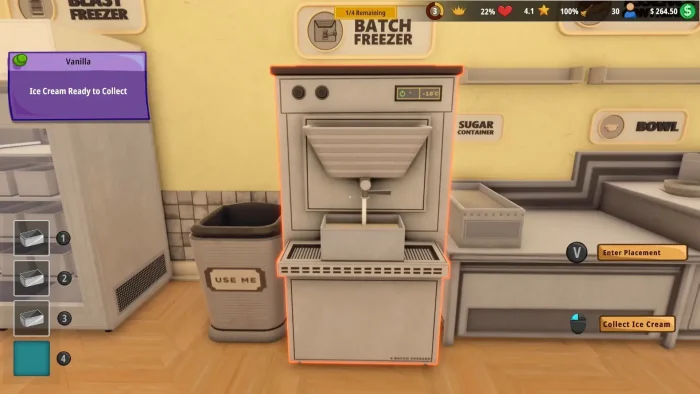
- Batch freezer from Ice Cream Simulator for PC: Guide, Tips & System Requirements
-
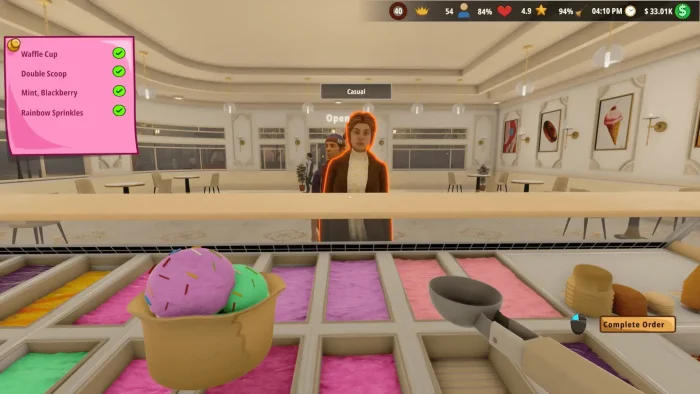
- Completing order of ice cream for customer from Ice Cream Simulator for PC: Guide, Tips & System Requirements
-
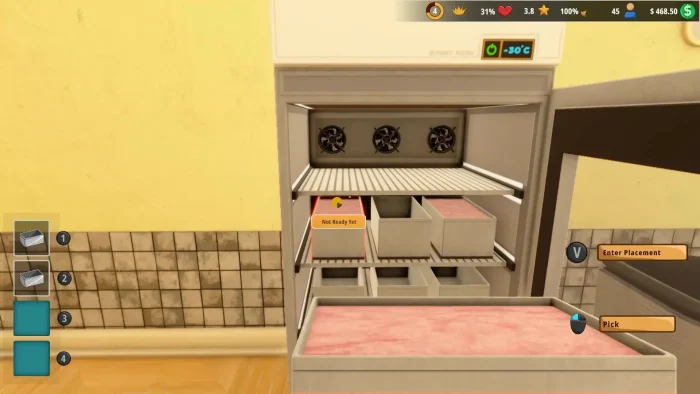
- Cooking from Ice Cream Simulator for PC: Guide, Tips & System Requirements
-
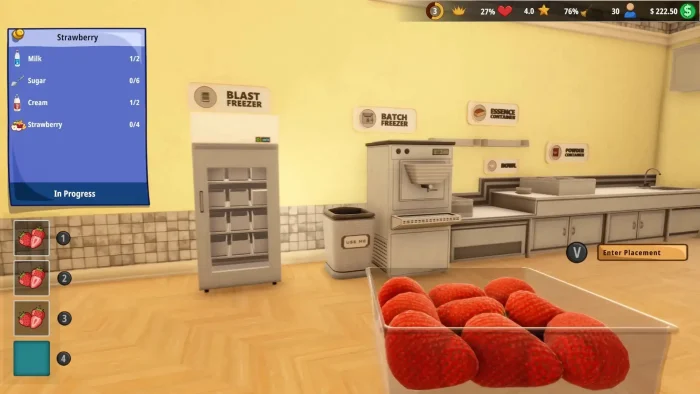
- Cooking materials from Ice Cream Simulator for PC: Guide, Tips & System Requirements
-
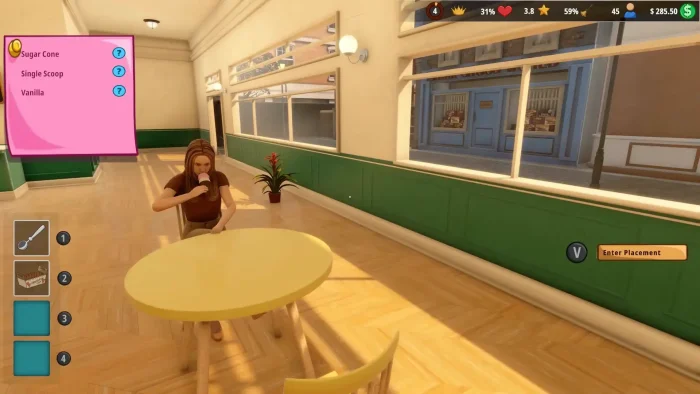
- Customer eating ice cream from Ice Cream Simulator for PC: Guide, Tips & System Requirements
-
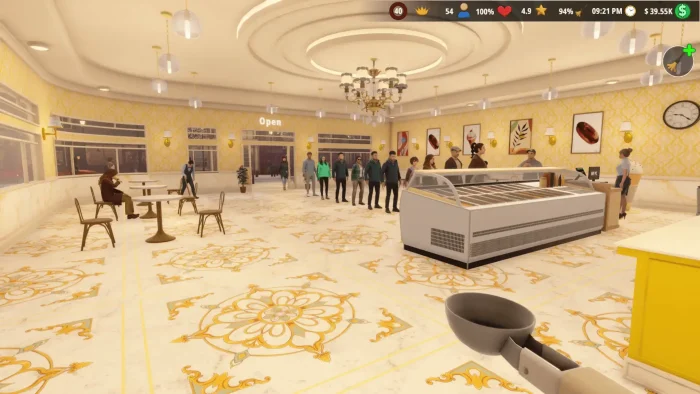
- Decorated ice cream shop from Ice Cream Simulator for PC: Guide, Tips & System Requirements
-
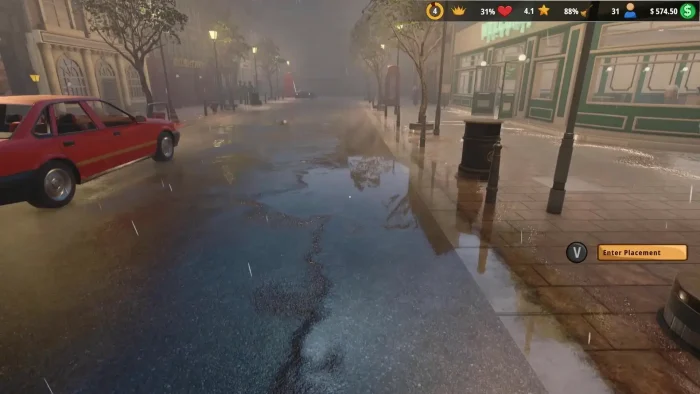
- Gameplay graphics outside the store from Ice Cream Simulator for PC: Guide, Tips & System Requirements
-
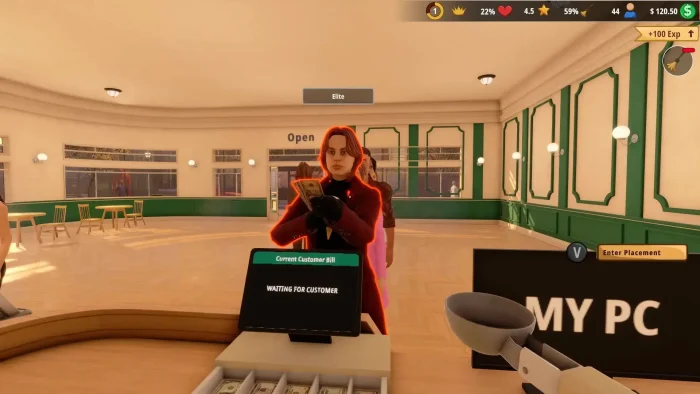
- Icecream simulator screenshot woman paying for coffee from Ice Cream Simulator for PC: Guide, Tips & System Requirements
-
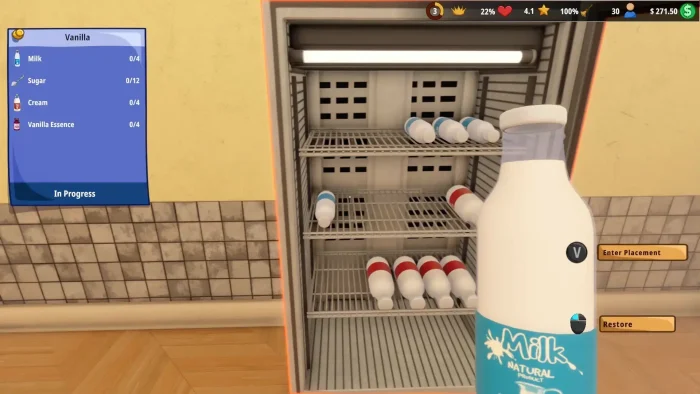
- Milk graphics from Ice Cream Simulator for PC: Guide, Tips & System Requirements
-
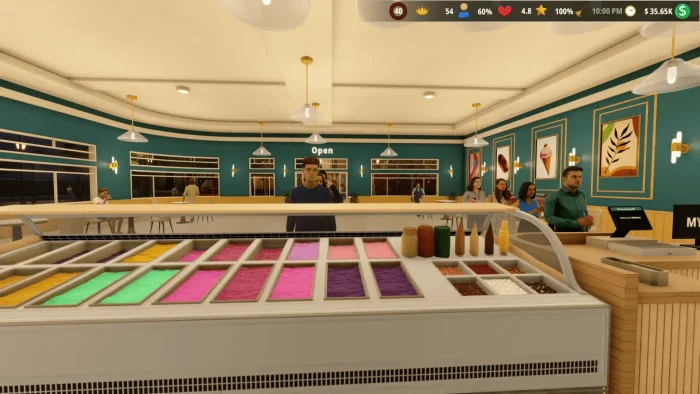
- Running the business from Ice Cream Simulator for PC: Guide, Tips & System Requirements
-
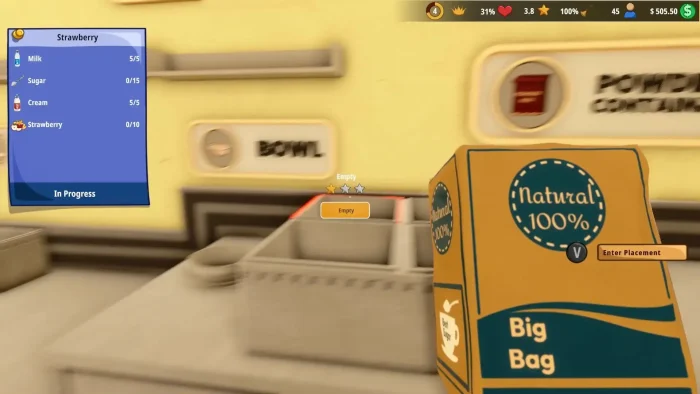
- Selling big bag from Ice Cream Simulator for PC: Guide, Tips & System Requirements
-

- Snowing outside store from Ice Cream Simulator for PC: Guide, Tips & System Requirements
-
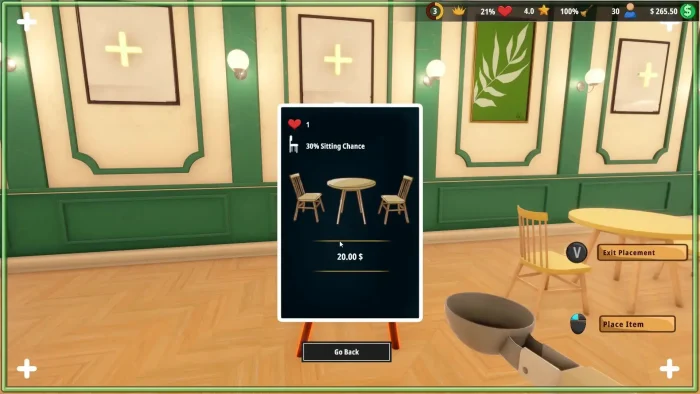
- Table price from Ice Cream Simulator for PC: Guide, Tips & System Requirements
-
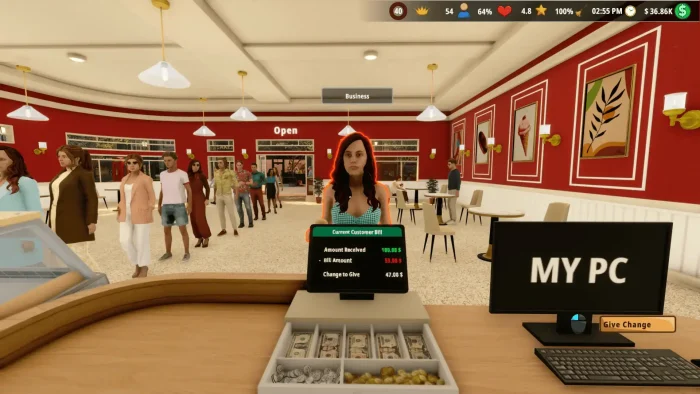
- Total charges from Ice Cream Simulator for PC: Guide, Tips & System Requirements
-
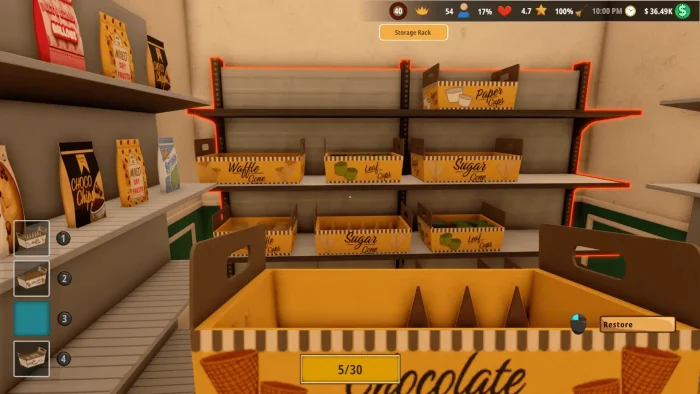
- Your store room from Ice Cream Simulator for PC: Guide, Tips & System Requirements
-
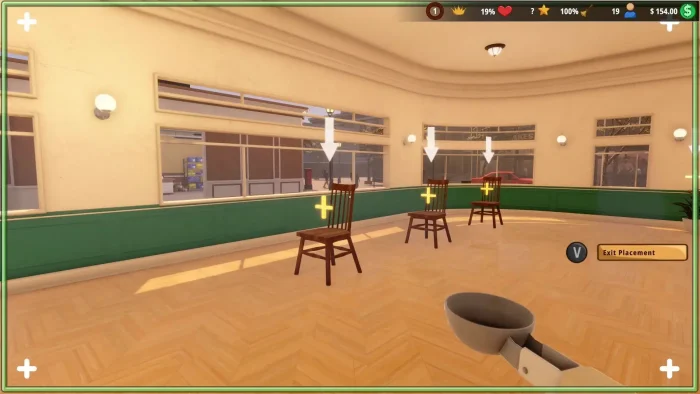
- In game option chair from Ice Cream Simulator for PC: Guide, Tips & System Requirements
Ice Cream Simulator FAQ
Support and Community
Explore more Windows games: Stardew Valley for PC · Heartopia for Windows · Supermarket Simulator for PC · Food Truck Simulator · Best Simulation Games on PC
Need a PC upgrade to run these? See our Best Gaming Desktops guide.
Discover more from Windows Mode
Subscribe to get the latest posts sent to your email.
















Add your first comment to this post