Readers like you help support this site. When you make a purchase using links on our site, we may earn an affiliate commission. All opinions remain our own.
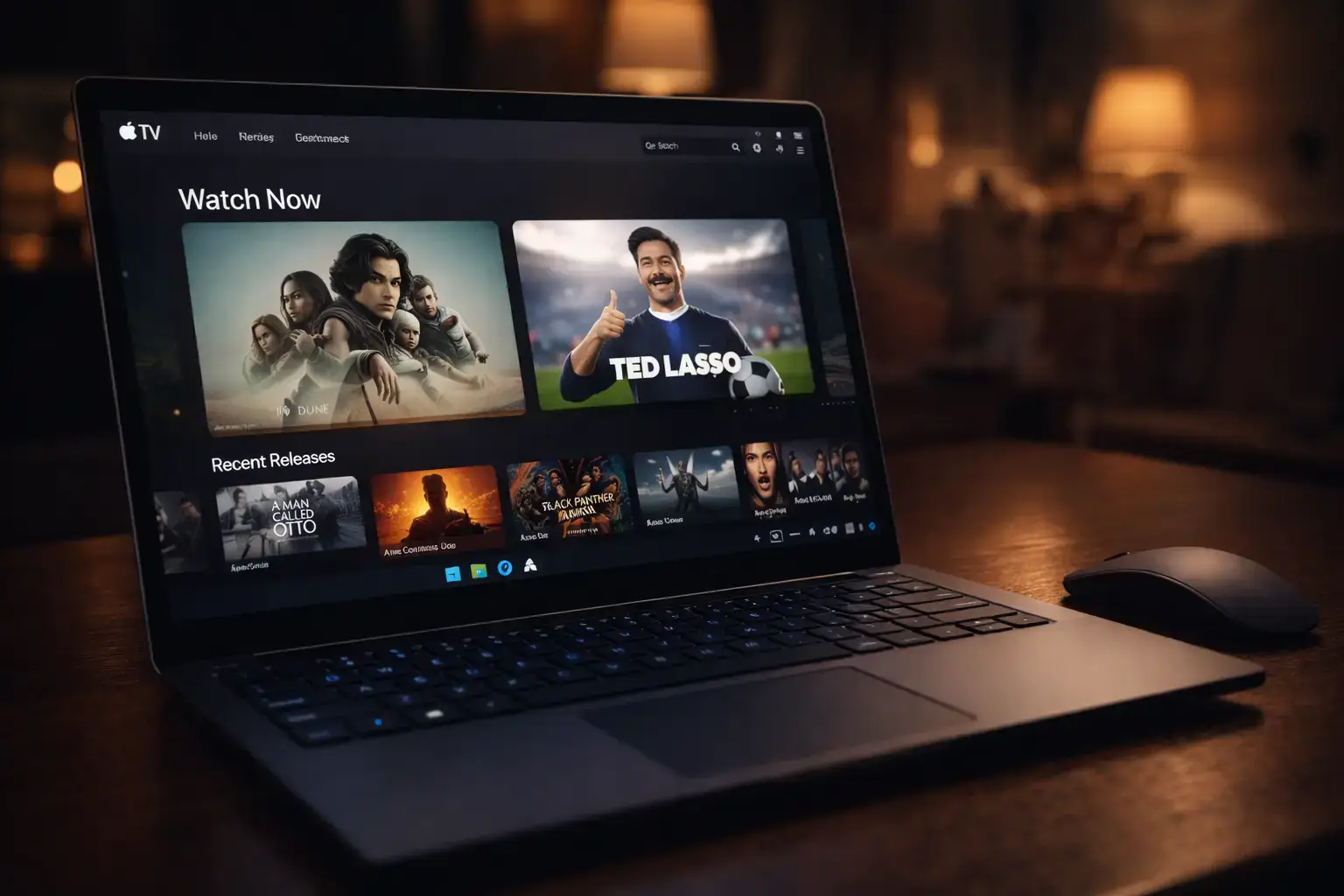
The Apple TV app is free on Windows. You pay only for the subscription or the movies you rent and buy.
Apple TV for Windows is Apple’s free app for watching movies and shows on a PC, available on the Microsoft Store. It plays Apple Originals, live sports and anything you rent or buy from Apple, all in one window.
The name trips a lot of people up. The streaming service used to be called Apple TV+, and Apple has since dropped the plus, so the app and the subscription are both just “Apple TV”. The app is free; the subscription is not.
On Windows it also replaced the movie and TV side of iTunes. Your old iTunes video purchases show up in the app’s Library.
This guide covers what you can watch, how to install the app, plan prices, 4K and download settings, and fixes for common problems. Questions? Reach out to us directly.
The free trial is for new subscribers. US price, checked on Apple’s site in October 2026.
What Is the Apple TV App for Windows?
The Apple TV app is a video player and store in one. Sign in with your Apple Account and it shows everything you can watch: Apple Originals if you subscribe, sports, and every movie or episode you have rented or bought from Apple.
You do not need an iPhone or a Mac to use it. Any Apple Account works, and you can create one for free when the app asks you to sign in.
Apple built it as one of three Windows apps that replace iTunes: Apple TV for video, Apple Music for music, and Apple Devices for backing up an iPhone. Apple explains the split on its Windows apps support page.
What You Can Watch on Apple TV
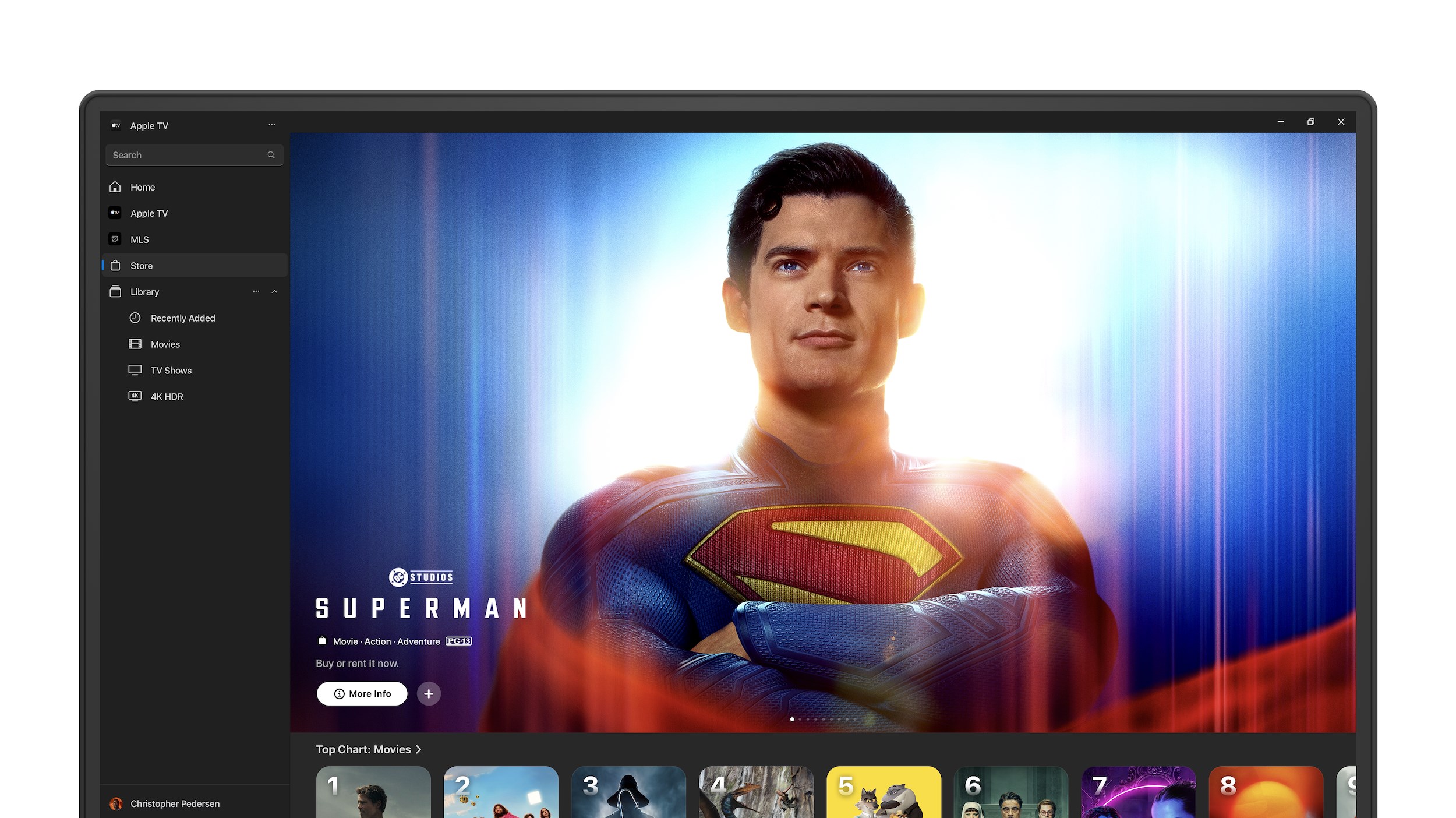
These screenshots come from Apple’s Microsoft Store listing and show the current Windows app.
Shows and movies you will not find anywhere else
The subscription unlocks hundreds of Apple Originals, with new episodes and films added every week. Apple Originals never show ads.
Severance, The Morning Show, Slow Horses, Ted Lasso and the F1 movie with Brad Pitt are all part of it.
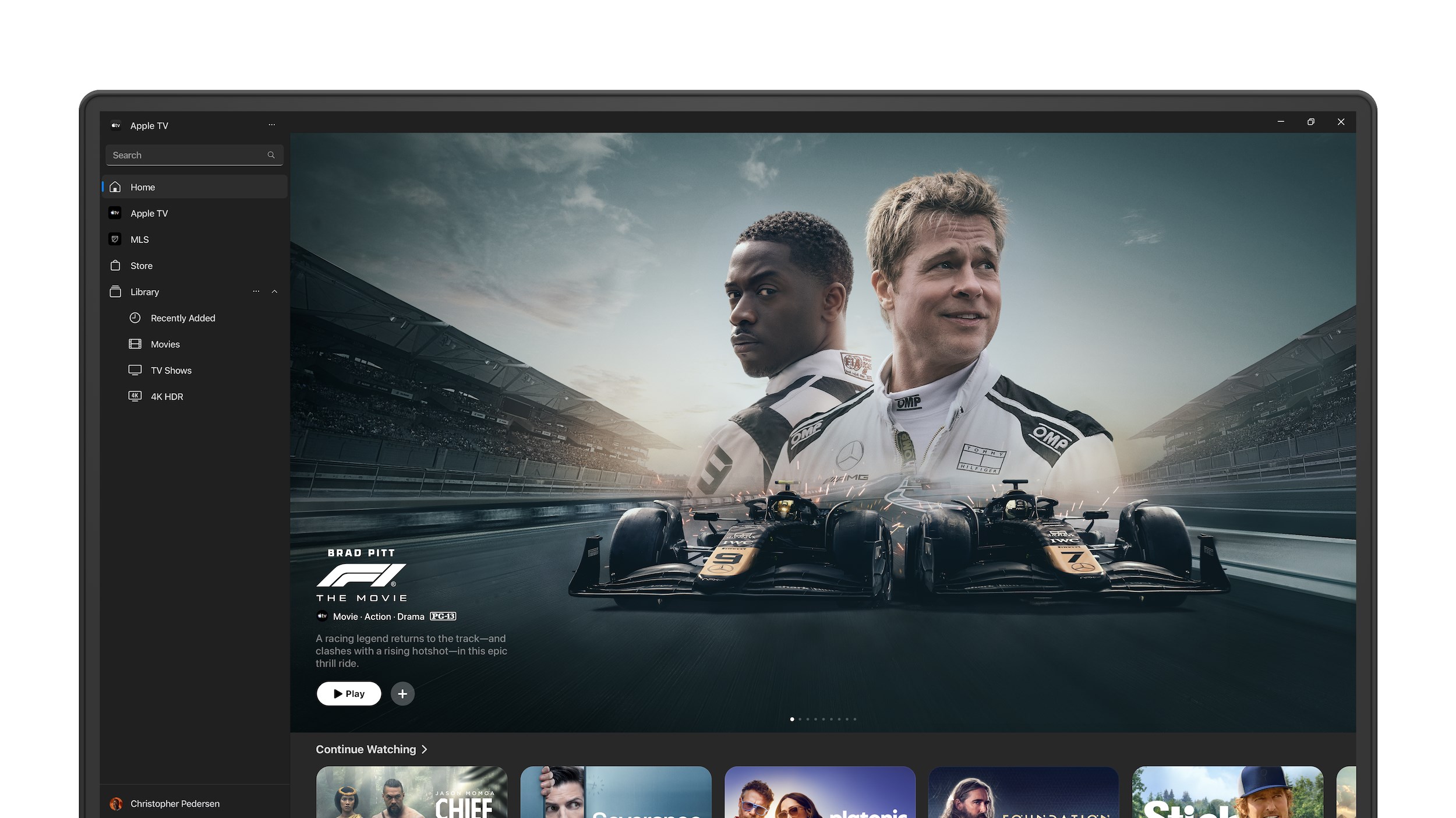
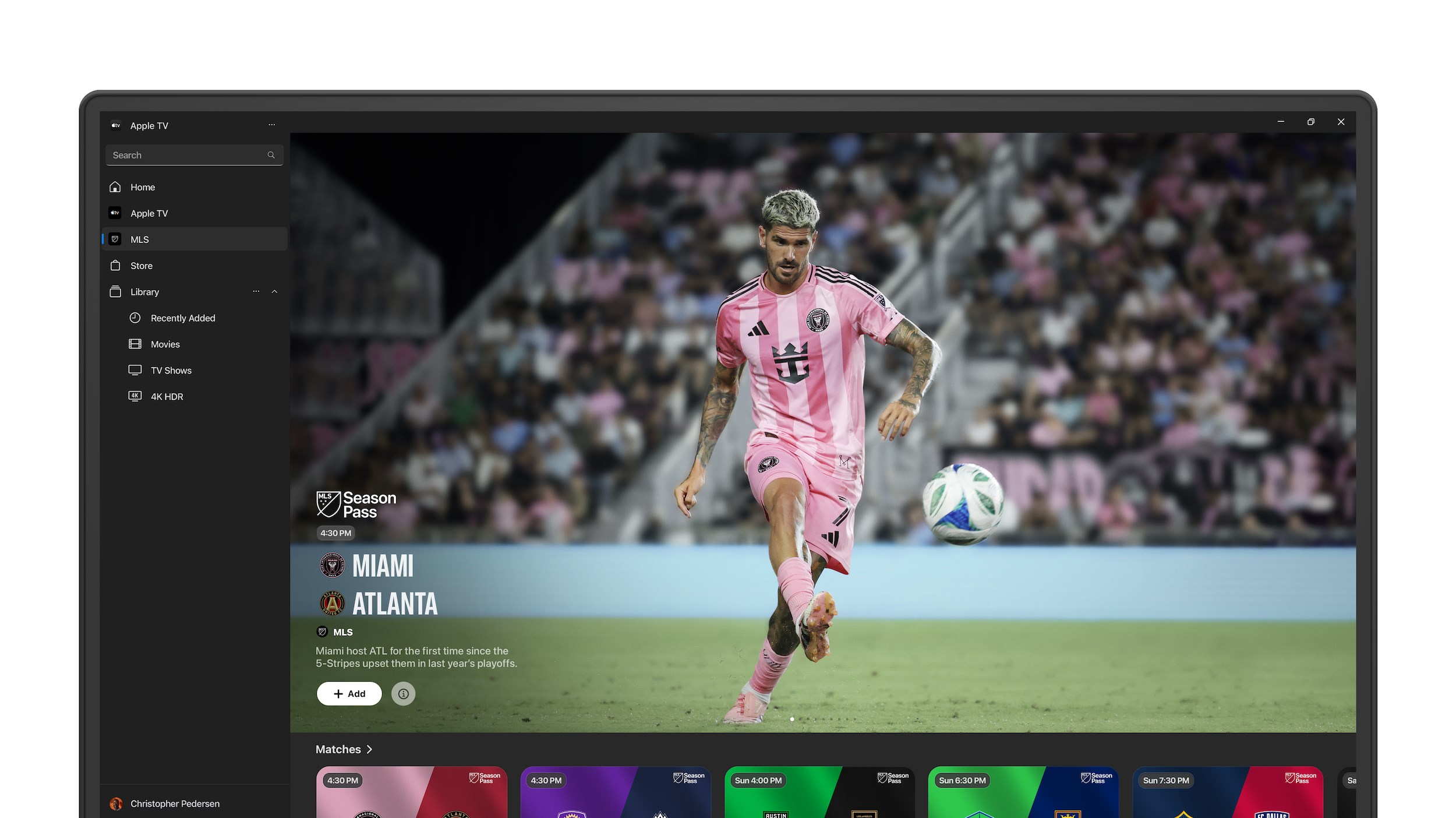
Formula 1, MLS and Friday Night Baseball
Live sports are now part of the regular subscription, at no extra cost. Every MLS match streams with no blackouts, and the old separate MLS Season Pass is gone.
In the US, Apple TV is also the home of Formula 1, with every practice, qualifying session, Sprint and race. Friday Night Baseball runs during the MLB regular season. Which sports you get depends on your country.
Rent or buy new movies
The Store tab sells and rents movies and seasons of TV, including new releases that are not part of any subscription. Apple says the Store has more than 100,000 titles.
Purchases stay in your Library for good and play on any device signed in to the same Apple Account.
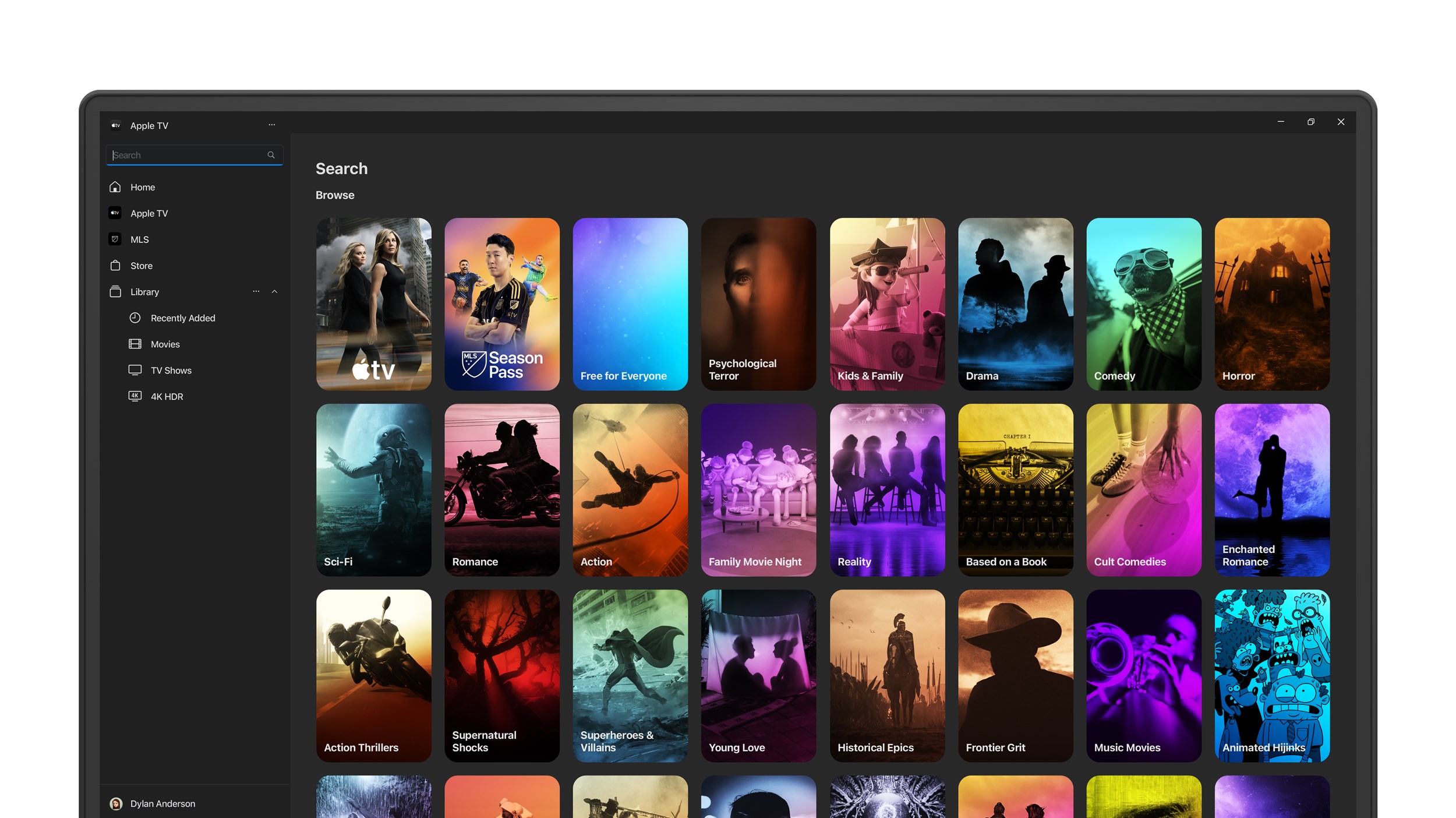
Find something by genre or mood
Search browses by category, from sci-fi and comedy to stand-up and kids. Results show whether a title is included with your subscription, or costs extra to rent or buy.
Apple TV Channels
Add other services, such as partner channels, inside the app and pay through your Apple Account. Each channel costs extra and depends on your region.
Family Sharing
One Apple TV subscription works for up to six people through Apple’s Family Sharing.
How to Get Apple TV on Windows
The only official place to get the app is the Microsoft Store. Skip any “Apple TV installer” from a download site: the Store version is free, safe and updates itself.
1 Open the Apple TV listing on the Microsoft Store. Check that the publisher reads Apple Inc.
2 Click Get or Install. The download is about 470 MB.
3 Open Apple TV from the Start menu once it finishes.
4 Sign in with your Apple Account. Click your name or Sign In at the bottom of the sidebar. No account yet? You can create one there.
5 Start a subscription if you want Apple Originals and sports. New subscribers can try Apple TV free for 7 days. Skip this step if you only want to rent or buy.
No app needed in a hurry? You can also watch in any browser at tv.apple.com. The app is the better pick on a PC you use often, because it handles downloads and your full purchase Library.
Apple TV Plans and Prices
The app costs nothing. What you pay for is the Apple TV subscription, or a rental or purchase from the Store. These are the ways to get the subscription in the US, from Apple’s own Apple TV page.
Prices change, so check before you pay. Apple raised the US monthly price in 2025 and again in 2026, and prices differ by country. The app shows your local price on the subscribe screen.
4K, HDR and Offline Downloads on a PC
Apple’s Windows app has two separate quality settings: one for streaming and one for downloads. Streaming can reach 4K with HDR, but downloads stop at 1080p. Both are under Settings, Playback, as listed in Apple’s Windows playback guide.
Streaming quality
Pick High Quality (Up to 4K) for the best picture, including HDR when the title has it. Data Saver uses less internet.
Download quality
Choose High Quality (Up to 1080p), Most Compatible HD, Most Compatible SD, or Fast Downloads for a slow connection.
Downloading a title
Right-click a movie or episode in your Library and choose Download. It plays later with no internet.
Auto-download purchases
Settings, General can download every movie or TV show you buy as soon as you buy it. Handy on a laptop.
Not getting 4K? You need a 4K screen and a fast connection, and the title itself has to be in 4K. For HDR, turn on Use HDR in Windows Settings, System, Display. If any link in that chain is missing, the app quietly plays in HD instead.
System Requirements
Apple TV App vs Watching in a Browser
You can also watch at tv.apple.com without installing anything. The app is the better choice on your own PC, because it adds downloads and the full Library.
What about iTunes? Once the Apple TV app is installed, iTunes stops showing your movies and TV shows, and they move to the app. iTunes keeps podcasts and audiobooks.
For music, use Apple Music for Windows. For photos and passwords, see iCloud for Windows. If you still need iTunes for podcasts or an older PC, our iTunes for Windows guide covers it.
Common Problems and Fixes
Purchases will not play
Your PC must be authorized for your Apple Account. Click your name at the bottom of the sidebar, then Authorize Machine. Apple allows five computers, so remove an old one if you hit the limit.
Your old iTunes movies are missing
Make sure you signed in with the same Apple Account you used in iTunes. Then open Library and check Movies and TV Shows.
The app will not install
Run Windows Update and restart. Then press Windows + R, type wsreset and press Enter to reset the Store, and try again.
Video stutters or looks blurry
Switch Streaming quality between High Quality and Data Saver under Settings, Playback, and close other downloads on the same network.
Tips for Getting Started
1 Set streaming to High Quality on day one. Settings, Playback. The default may not be the best your screen can show.
2 Download before you travel. Downloads play with no internet, so grab a few episodes on Wi-Fi before a flight.
3 Use your Watchlist. Add shows you want to see later, and Continue Watching keeps your place across your PC, phone and TV.
4 Share with your family. Turn on Family Sharing so up to six people use one subscription instead of paying twice.
5 Check what is included before you rent. A title marked as included costs nothing extra with your subscription.
Frequently Asked Questions
Is the Apple TV app free on Windows?
Do I need an iPhone or a Mac to use Apple TV on a PC?
Is Apple TV the same as Apple TV+?
Is MLS included with Apple TV?
Can I watch Apple TV in 4K on a PC?
What happens to iTunes when I install Apple TV?
Support and Community
- Apple TV, Apple’s own site for the service, with current offers.
- Apple TV App User Guide, Apple’s official help, including Windows settings.
- Apple TV Support, billing, account and playback help.
- r/tvPlus on Reddit, fan discussion of Apple Originals and new releases.
More Windows software guides: Apple Music · iCloud · iTunes · Netflix · Disney+ · Prime Video · Paramount+ · VLC Media Player · iTunes Alternatives
Discover more from Windows Mode
Subscribe to get the latest posts sent to your email.















Add your first comment to this post