Readers like you help support this site. When you make a purchase using links on our site, we may earn an affiliate commission. All opinions remain our own.
iTunes for Windows is the classic, all-in-one media manager. Despite Apple launching separate apps, iTunes remains the best tool for managing local MP3 libraries, ripping CDs, and syncing older iPods on Windows 11 and 10.
⚠️
Important 2026 Update:
If you install the new Apple Music or Apple TV apps, iTunes will automatically disable its music and video features to prevent conflicts. It will become a Podcast/Audiobook player only. If you want the “Classic” all-in-one iTunes experience, do not install the new apps.
How to Download & Install iTunes
Get the App
Download iTunes directly from the Microsoft Store (link below). It is cleaner and updates automatically.
Sign In
Launch the app and sign in with your Apple ID to access your past purchases and authorized computers.
Authorize PC
Go to Account > Authorizations > Authorize This Computer to ensure your media plays correctly.
Why use iTunes on Windows in 2026?
While Apple pushes streaming, iTunes remains the king of local management.
💿 Rip & Burn CDs
One of the few modern apps that still lets you import CDs into high-quality AAC/ALAC or burn playlists to disc.
📱 Full Device Backup
Unlike cloud syncing, iTunes creates a full, local backup of your iPhone or iPad directly to your PC’s hard drive.
🎧 Smart Playlists
Create complex rules (e.g., “Songs from 1990-1999 that I loved”) that update automatically as you add music.
System Requirements
| OS | Windows 10 or Windows 11 (64-bit recommended) |
| Storage | 400 MB available space |
| Hardware | 1GHz Processor, 512MB RAM (2GB for video) |
| Account | Apple ID required for Apple Music and Store features |
Common Issues & Fixes
❌ Sync Fails
Usually a cable issue. Try a genuine Apple Lightning/USB-C cable and a different USB port.
🐌 Slow Performance
Go to Edit > Preferences > Devices and delete old backups you no longer need.
🎵 Music Tab Gone?
You likely installed the Apple Music app. Uninstall it to restore music features in iTunes.
iTunes FAQ
Is iTunes free?
Yes, iTunes is completely free to download and use for library management. Apple Music streaming requires a paid subscription.
Can I use iTunes with non-Apple devices?
Generally, no. iTunes is designed specifically for syncing iPhones, iPads, and iPods. Android devices are not supported.
Should I switch to the new Apple Music app?
If you only stream music and don’t need to manage local files or burn CDs, the new Apple Music app is faster and modern. Stick with iTunes if you prefer the classic all-in-one view.
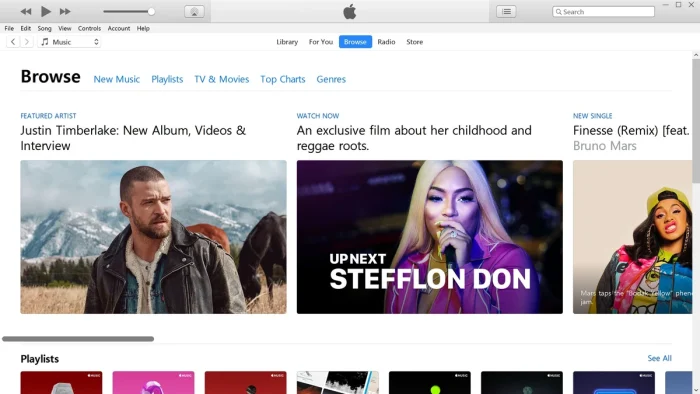
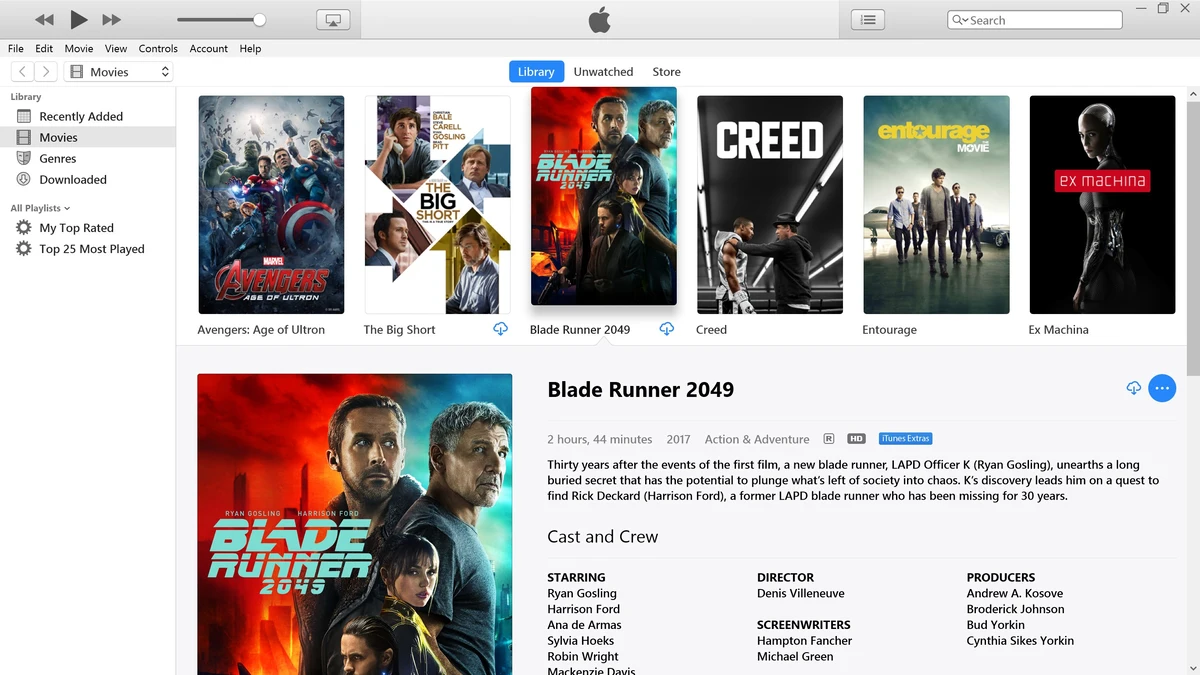
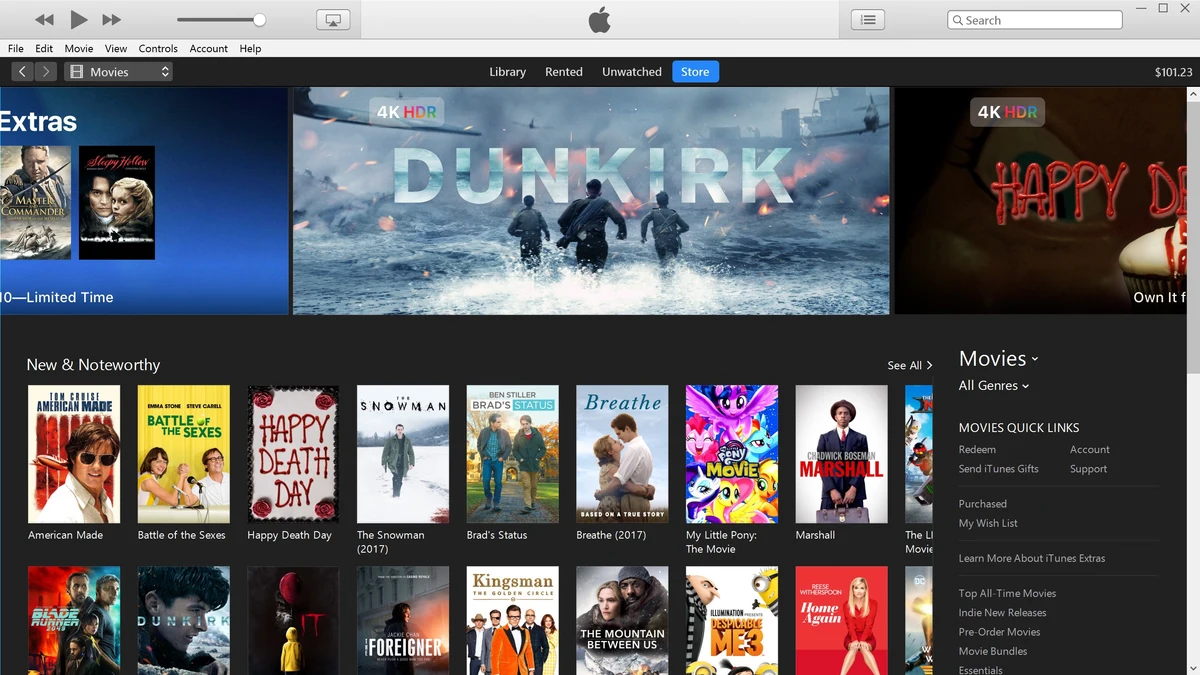
iTunes Interface Gallery

iTunes Installation Video
Explore More Apple Apps on Windows
- Apple Music for PC – The modern streaming app (replaces iTunes music features).
- Apple TV for PC – Watch 4K movies and Apple TV+ shows.
- iCloud for Windows – Sync photos and passwords to your PC.
Discover more from Windows Mode
Subscribe to get the latest posts sent to your email.













Add your first comment to this post