Readers like you help support this site. When you make a purchase using links on our site, we may earn an affiliate commission. All opinions remain our own.

Qwen Studio is Alibaba’s free AI chat app for PC, available as a direct download from the official website. Ask it questions, hand it research, or generate images and video, all in one window, no credit card required to start.
Alibaba also ships a second, separate app called Qwen Code, an open source coding tool for developers that lives in a terminal (a text-based command window) and edits real project files on its own. At the time of this post, Qwen3.8-Max is the newest model in preview behind both apps.
Already using Qwen? Tell us which app you rely on most in the comments. Got a question before you install it? Reach out to us directly.
What You Need to Know:
- Qwen has two separate apps: Qwen Studio (chat, research, images, documents) and Qwen Code (for developers)
- Both are free to download and use, no credit card required to start
- Qwen Code is open source, meaning its code and the underlying models can be inspected by anyone, unlike most closed AI coding tools
Who Should Use Qwen on Windows?
Qwen is not built for one type of user. Here is who gets the most out of it.
Students
Research and study help
Content Creators
Image and video generation
Writers
Drafting and editing
Office Workers
Reports and research
Developers
Code and bug fixes
Researchers
Deep Research on topics
Worth knowing: Qwen is developed by Alibaba, a Chinese company, and its servers are not guaranteed to sit inside the US or EU. If you plan to use Qwen for sensitive business documents or private client data, read Alibaba’s privacy policy first, the same way you would for any cloud AI tool before uploading real work.
How to Download Qwen Desktop on PC
Qwen is not one app, it is two. Each one is a separate download built for a different kind of task. Here is what each does and how to install it.
Qwen Studio
The Chat App
This is the one most people want. Open it, ask a question, get an answer, same as ChatGPT or Claude. It also has Deep Research for longer topics, Image and Video Generation, Web Dev for quick site mockups, and a mode that reads screenshots and files. If you are not sure which app to start with, start here.
01
Go to the official Qwen download page on qwen.ai.
02
Click Windows under the “For Desktop” section. No Microsoft Store needed.
03
Run the installer and open Qwen Studio.
04
Sign in with a free account, or create one.
Prefer not to install anything? Use it straight from your browser at qwen.ai, or grab the mobile app for iOS and Android from the same download page.
Qwen Code
For Developers
A separate open source coding tool, not something built into Qwen Studio. It lives in a terminal or as an extension for VS Code, Zed, or JetBrains IDEs, reads your project, and writes and edits code for you, showing every change before it saves. Skip this one unless you write code.
01
Open PowerShell (Windows’ built-in command tool) on Windows 10 or 11.
02
Run: irm https://qwen-code-assets.oss-cn-hangzhou.aliyuncs.com/installation/install-qwen-standalone.ps1 | iex
03
Move into a project folder and type qwen to start it.
04
Sign in with Qwen OAuth (a one-click sign-in with your Qwen account) for a free daily request allowance, or connect your own API key.
Prefer Node.js? Install it instead with npm install -g @qwen-code/qwen-code. Full setup steps and the source code are on the official GitHub repository, and it also works as a VS Code, Zed, or JetBrains extension if you would rather stay in your editor.

What Is Qwen, Really?
Qwen is Alibaba’s free AI assistant, built on Alibaba’s own line of open weight AI models (meaning the model files themselves can be downloaded and inspected, not just used through a locked API). It started as a research project and chat app, and Alibaba later built a second, separate app around it for developers. Both share the same underlying models but are different downloads with different install steps, which is the main source of confusion for new users. That is exactly why we split them out above.
Key Features
Free Chat
Unlimited basic chat on the free plan, with usage limits on heavier features like Deep Research and video generation.
Deep Research
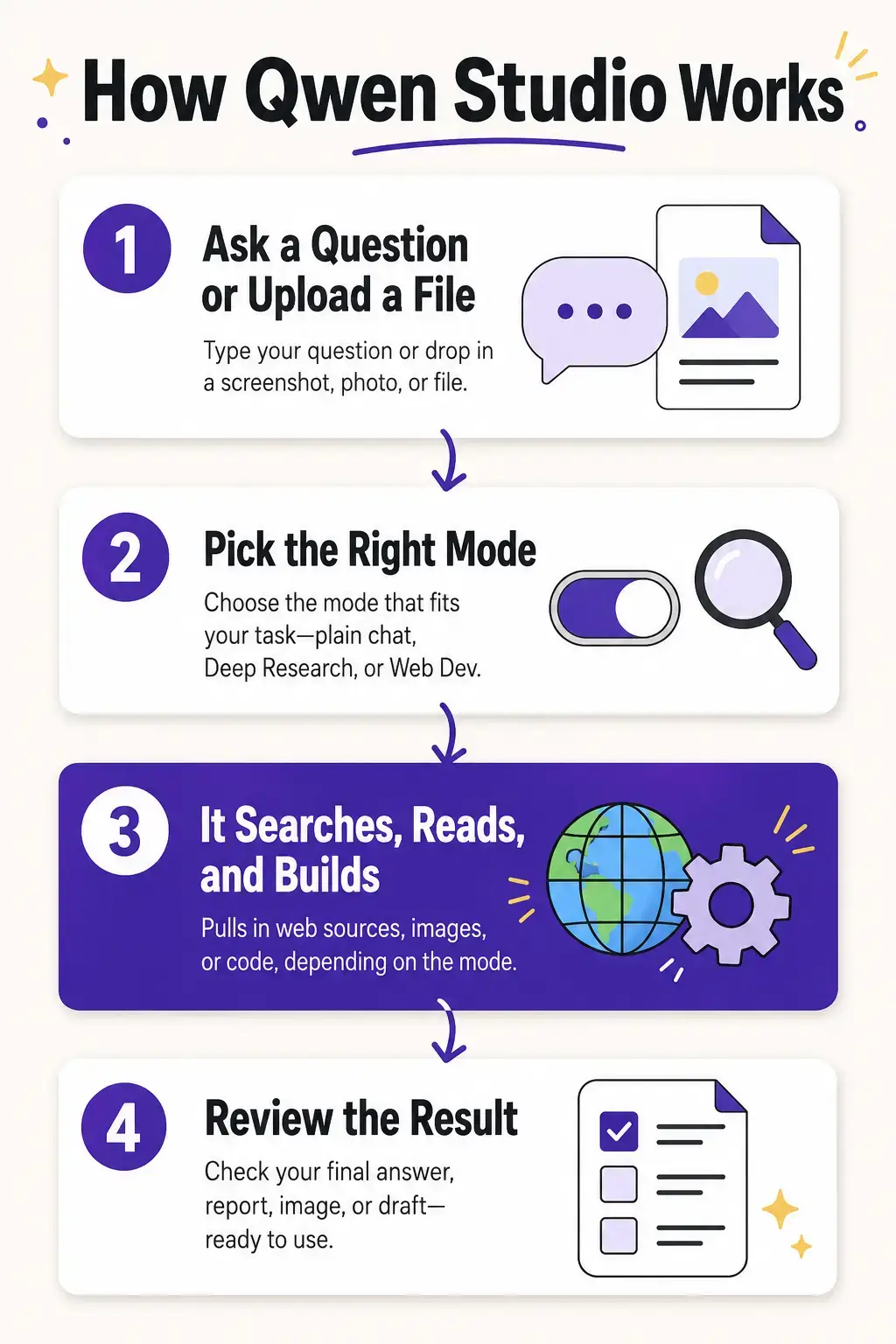
Point Qwen Studio at a broad topic and it searches, reads, and compiles a longer written report instead of a short answer.
Image and Video Generation
Generate and edit images, and create short video clips, directly inside the same chat window.
Web Dev Mode
Describe a simple website or landing page in plain language and Qwen Studio builds a working draft you can preview.
Multimodal Understanding
Upload screenshots, photos, or documents and ask questions about exactly what’s in them.
Open Source Coding
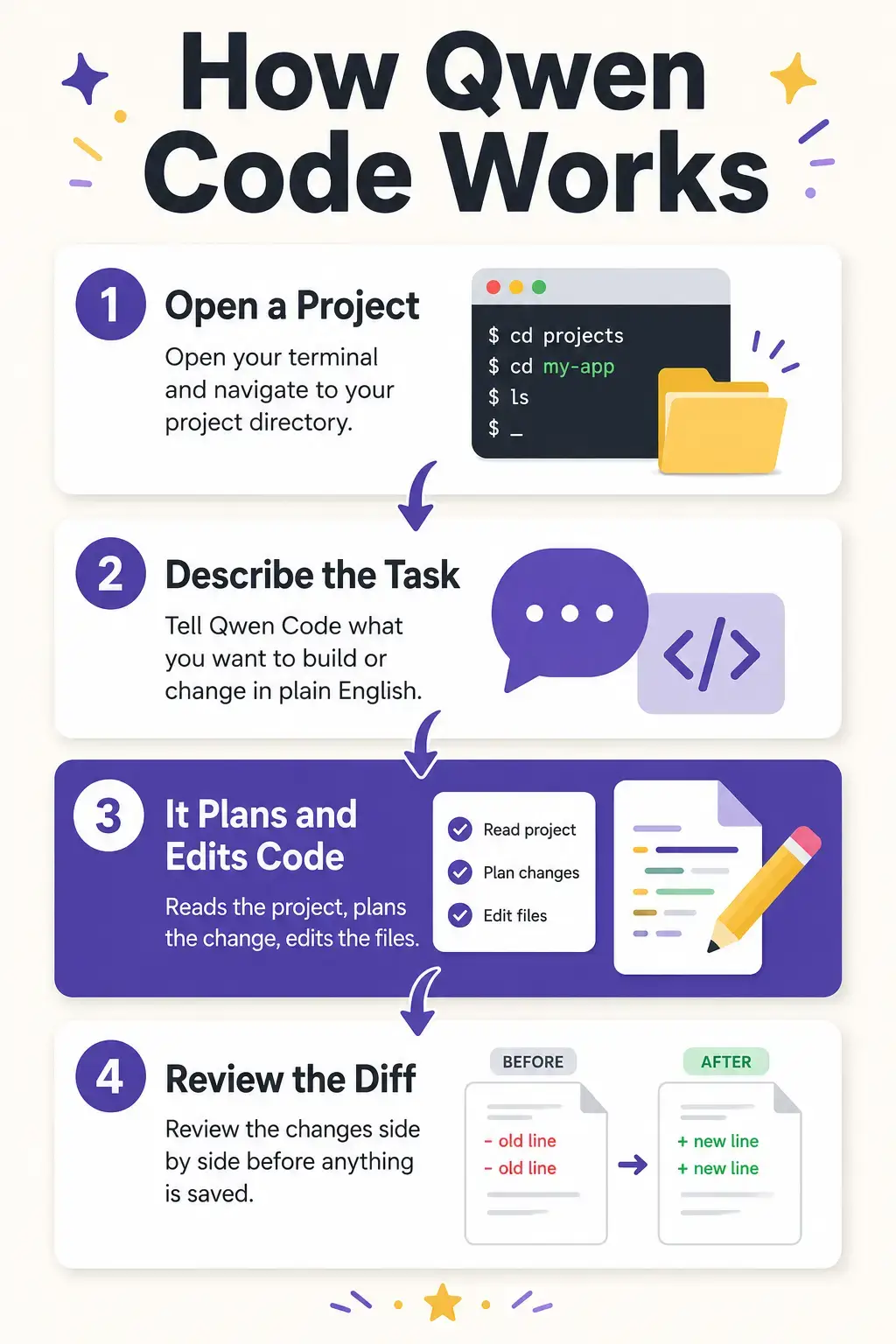
Qwen Code reads a project, writes and edits files, and runs tests, showing you every change before it saves, with its framework fully open on GitHub.
How Qwen Studio Works
See how Qwen Studio moves from a question or upload to a finished answer, report, or image, in the infographic below.
How Qwen Code Works
See how Qwen Code moves from a plain-language request to a reviewed code change, in the infographic below.
System Requirements
| Requirement | Details |
|---|---|
| Operating System | Windows 10 or Windows 11 |
| Account | Free Qwen account, no payment required |
| Internet | Required, the AI runs in the cloud |
| Hardware | Any PC that runs everyday apps smoothly |
Tips for Getting Started
Use Deep Research for broad topics, and regular chat for quick, single questions. Deep Research takes longer but goes further.
Read Alibaba’s privacy policy before uploading sensitive business documents or client data to Qwen Studio.
Sign in to Qwen Code with Qwen OAuth first. It is the fastest way to get a working free daily request allowance without setting up an API key.
Keep Qwen Code tasks small and specific. A focused request gets a cleaner result than a vague, open-ended one.
Always review a Qwen Code diff before approving it. It knows your project files, not your specific team rules or style guide.
Qwen Screenshots
A look at Qwen Studio and Qwen Code on Windows.
-
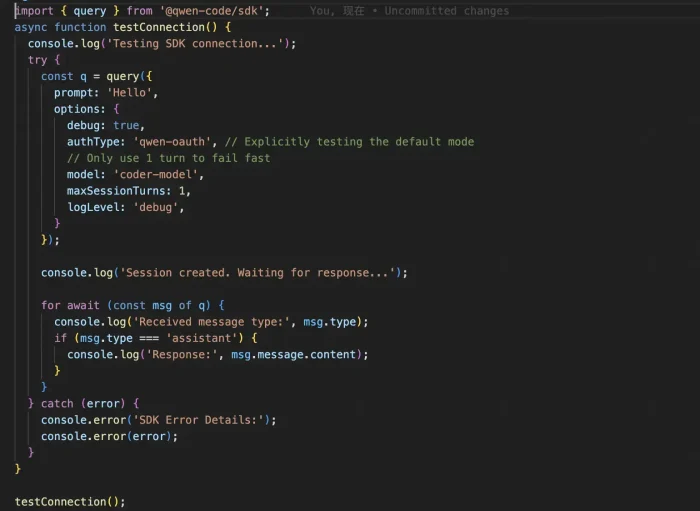
- Editing code from Qwen for Windows: Qwen Studio and Qwen Code Setup Guide (2026)
-
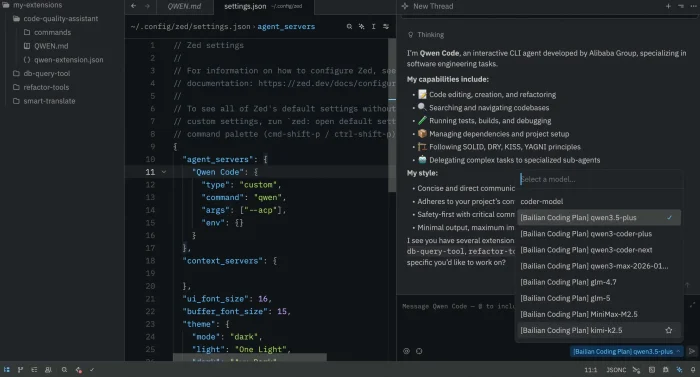
- Inside code editor from Qwen for Windows: Qwen Studio and Qwen Code Setup Guide (2026)
-
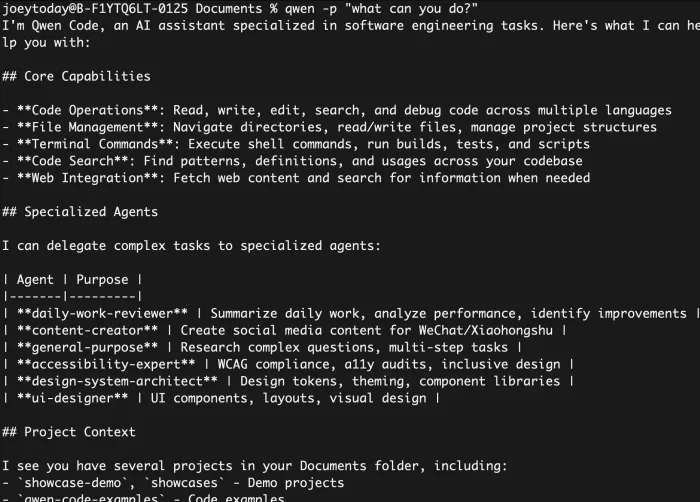
- List of abilities from Qwen for Windows: Qwen Studio and Qwen Code Setup Guide (2026)
-
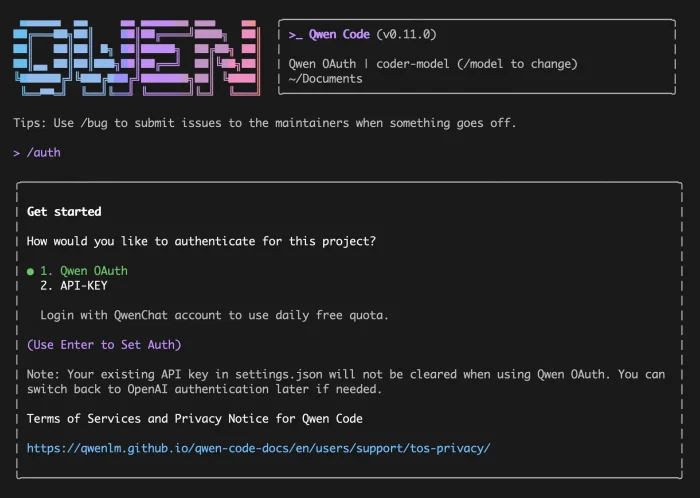
- Qwen code terminal 0auth from Qwen for Windows: Qwen Studio and Qwen Code Setup Guide (2026)
-
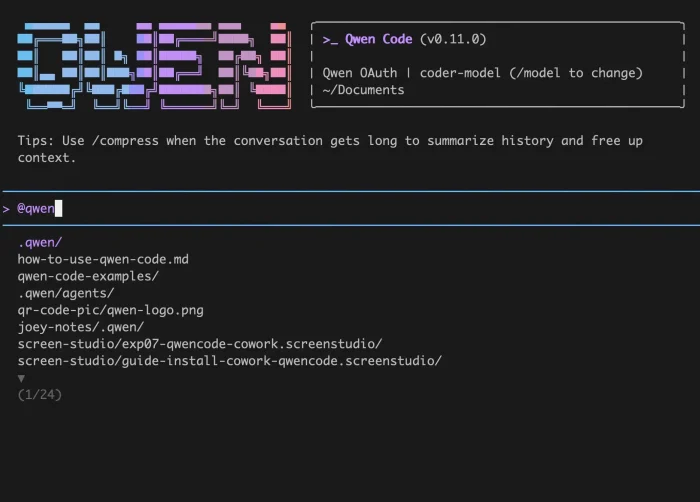
- Starting page qwen code from Qwen for Windows: Qwen Studio and Qwen Code Setup Guide (2026)
-
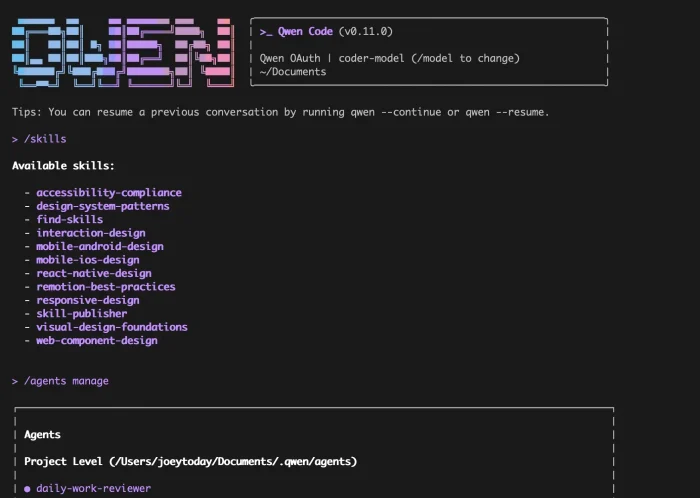
- Terminal skills from Qwen for Windows: Qwen Studio and Qwen Code Setup Guide (2026)
-
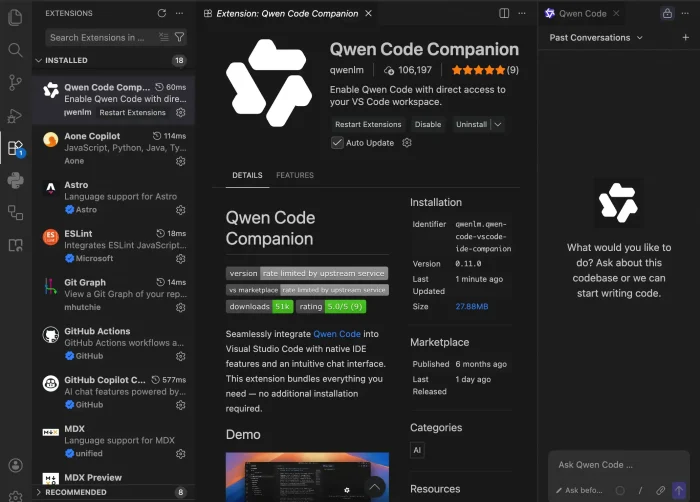
- Vscode extension from Qwen for Windows: Qwen Studio and Qwen Code Setup Guide (2026)
-
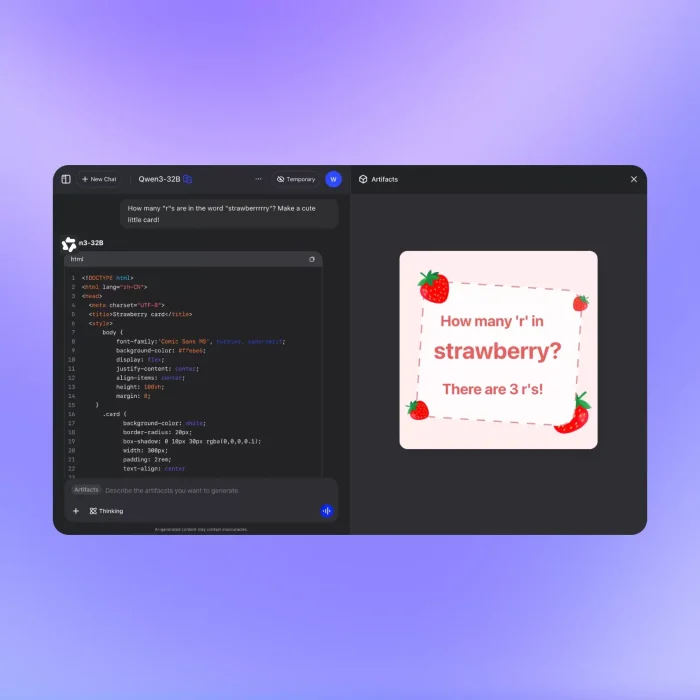
- Code websites from Qwen for Windows: Qwen Studio and Qwen Code Setup Guide (2026)
-
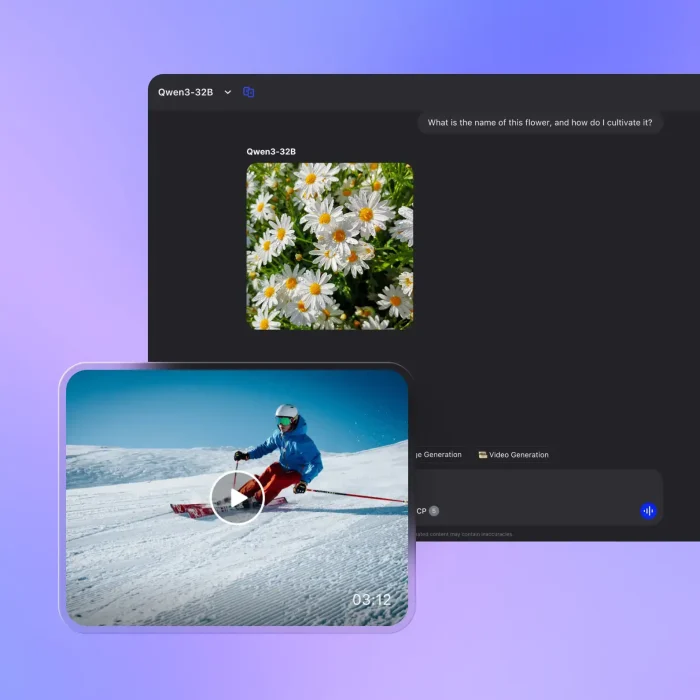
- Create videos from Qwen for Windows: Qwen Studio and Qwen Code Setup Guide (2026)
-
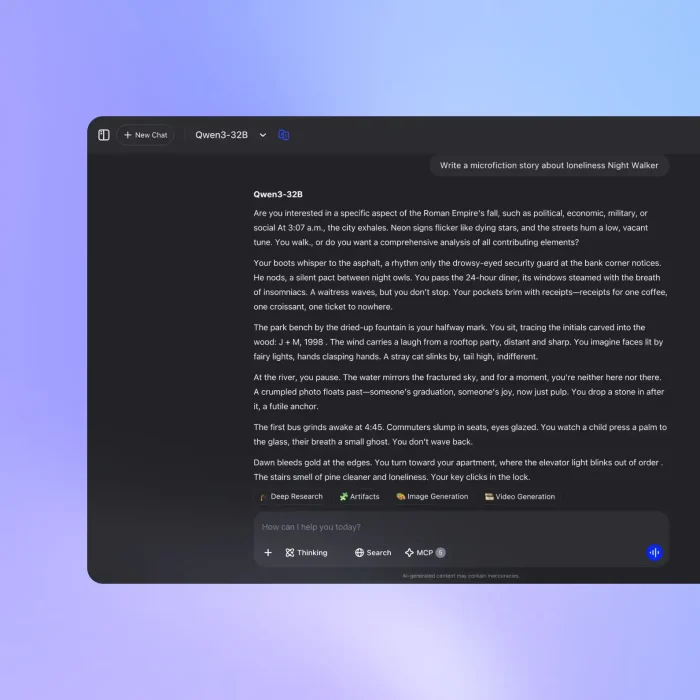
- Example prompt from Qwen for Windows: Qwen Studio and Qwen Code Setup Guide (2026)
-
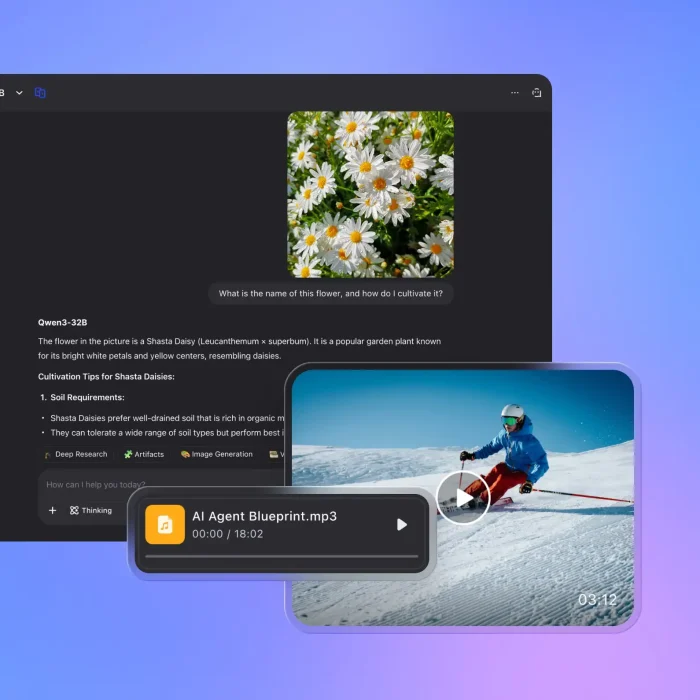
- Multimodal from Qwen for Windows: Qwen Studio and Qwen Code Setup Guide (2026)
-
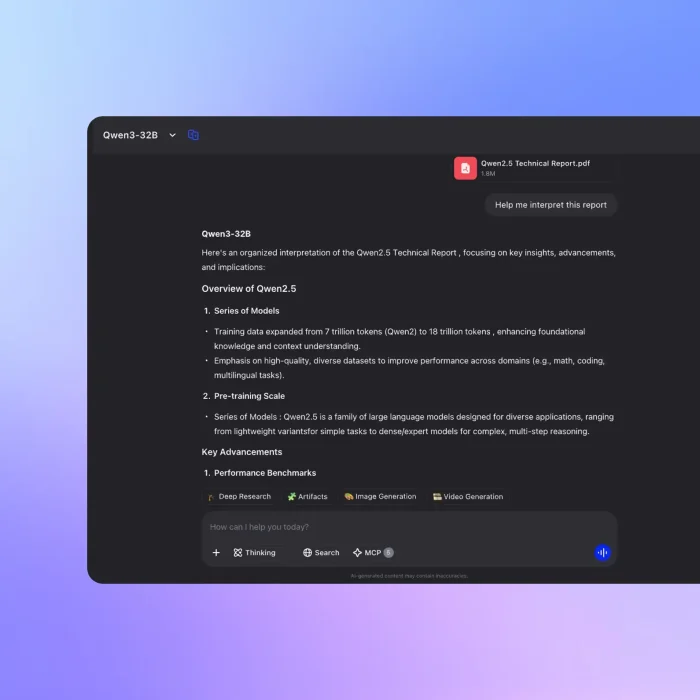
- Qwen read create pdf from Qwen for Windows: Qwen Studio and Qwen Code Setup Guide (2026)
-
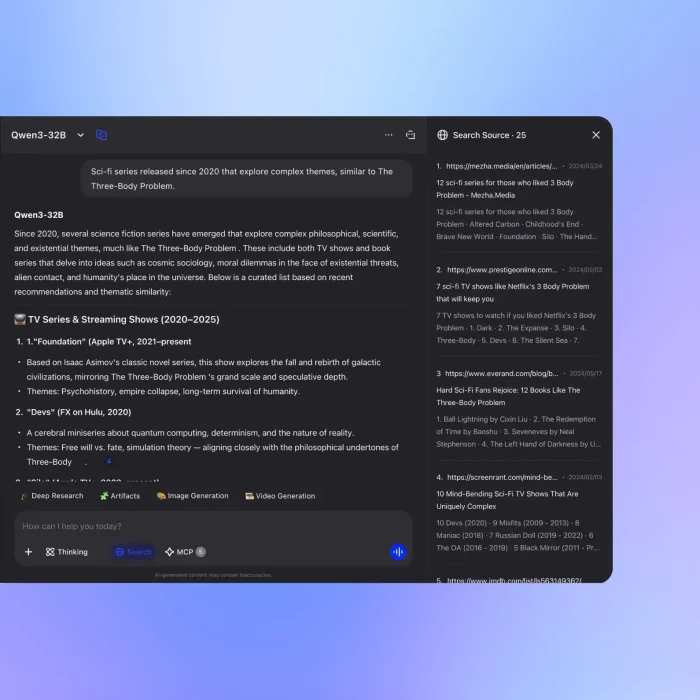
- Qwen studio online research from Qwen for Windows: Qwen Studio and Qwen Code Setup Guide (2026)
-
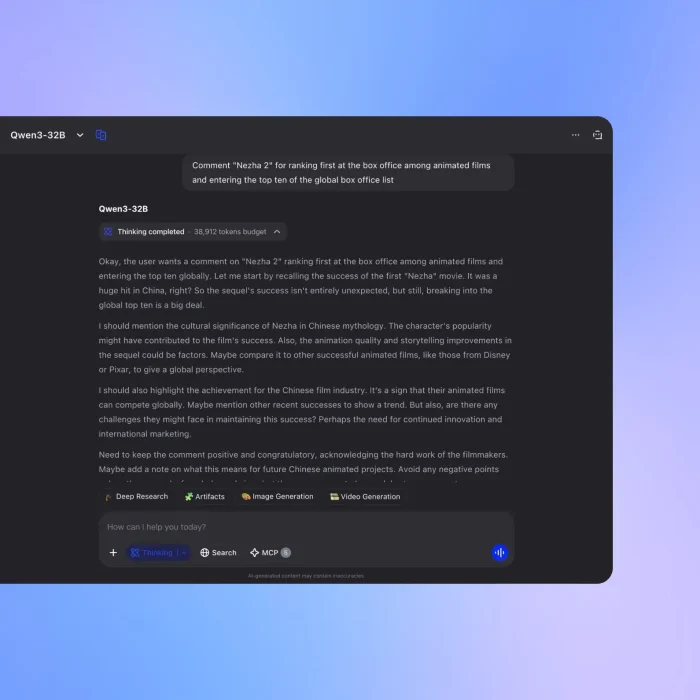
- Qwen studio screenshot from Qwen for Windows: Qwen Studio and Qwen Code Setup Guide (2026)
-
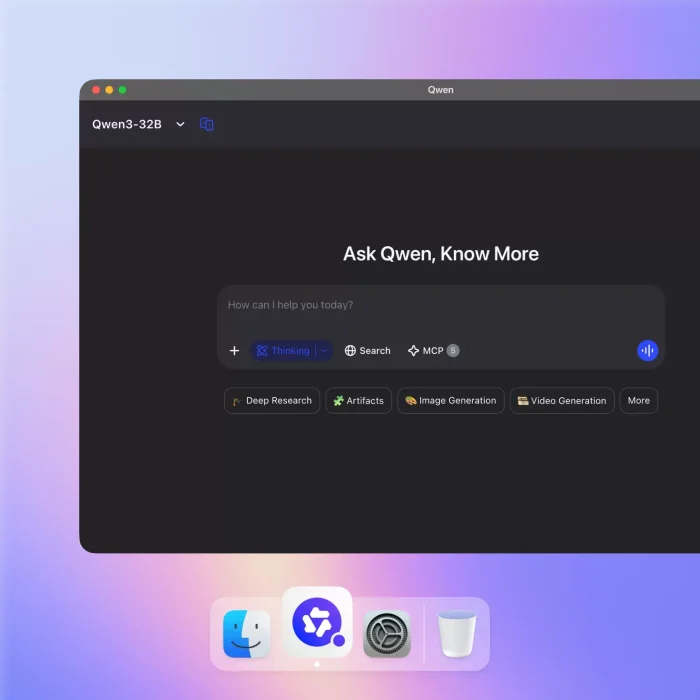
- Starting page qwen studio from Qwen for Windows: Qwen Studio and Qwen Code Setup Guide (2026)
Frequently Asked Questions
Is Qwen free on Windows?
What is the difference between Qwen Studio and Qwen Code?
Do I need to install both Qwen apps?
Is Qwen Code really open source?
Does Qwen store or train on my data?
Is Qwen available in English?
What are the system requirements for Qwen on Windows?
Support and Community
Need help or want to see how Qwen Code is built? Visit the official Qwen Code GitHub repository or read the Qwen Code documentation.
More Windows software guides: ChatGPT for Windows · Claude Desktop for Windows · Best Free Windows AI Software · Kimi Desktop for Windows
Discover more from Windows Mode
Subscribe to get the latest posts sent to your email.
















Add your first comment to this post