
The top free nature themes for Windows right now are Forest for the Trees, River Roll On, Stars at Night and Community Showcase Dramatic Skies 2.
Between them you get twenty forest photographs, sixteen rivers in 4K, nineteen night skies and the largest single sky set the store carries.
Every pack on this page is free from the Microsoft Store, installs in about ten seconds, and changes nothing on your PC except the wallpaper and accent color. We grouped them by subject so you can go straight to mountains, forests, water, night sky, seasons, wildlife or wide aerial views.
This is the deep version of the nature section in our main Windows themes guide. Two picks here also appear there, Forest for the Trees and Earth from Above, because leaving them out would have been dishonest. The other twenty-two are new.
Running a nature pack we missed? Tell us in the comments, or reach out to us directly if you need a hand installing one.
🔍 What We Looked For
- How many wallpapers you actually get: A six image pack and a twenty-one image pack are different products. We list the count on every card.
- Whether your icons stay readable: A busy wallpaper buries your desktop. We flagged the packs with open sky, dark space or blurred backgrounds.
- Real photography over generated art: The store now carries themes built from AI art. We left those out. Every pick here is photography, apart from one illustrated set we label clearly.
- Resolution on a large monitor: Several packs ship 4K source files. Those hold up on a big or high-resolution screen, and we say which ones they are.
How to Install a Nature Theme on Windows
Every pack in this guide installs the same way. There is no installer file and no third party tool. You do need to be signed in with a Microsoft account, and you need Windows 10 version 1607 or later, which covers any machine that has taken updates in the last several years.
STEP 1
Click the green button on any card below. The theme opens on its store page in your browser.
STEP 2
Choose Get, then let the Store app open and finish the download. Most packs take a few seconds.
STEP 3
Open Settings, go to Personalization, then Themes. Your new pack is waiting in the list.
STEP 4
Click it once to apply it. Windows sets the wallpaper and picks a matching accent color for you.
The Best Nature and Landscape Themes for Windows
The picks below are grouped by subject rather than ranked against each other. A mountain pack and a hummingbird pack are not really competing, so comparing them on one list never made much sense. Each card names the job that pack is best at.
Mountains and Peaks
Fifty-one images across three packs: daylight ranges, night peaks under the aurora, and one set shot entirely inside Yosemite. Start here if you want a quiet wallpaper that keeps the top corner of your screen clear.
1
BEST FOR WIDE MONITORS
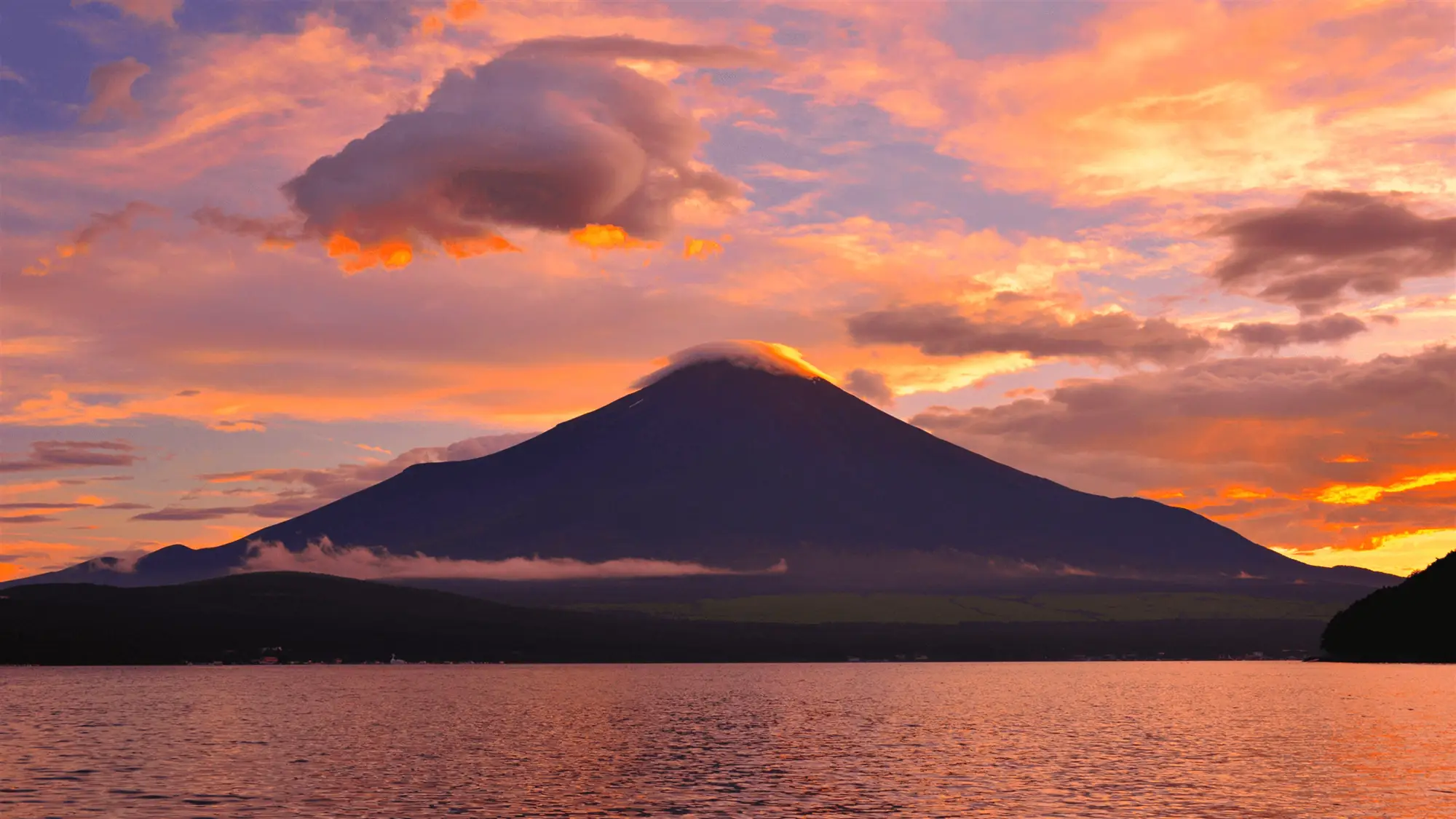
Mountain Light
Eighteen 4K views of major mountain ranges, shot wide with the peak set against open sky.
⭐ 4.8 stars 🖼️ 18 images 📅 Nov 6, 2019 💾 11 MB 💲 Free
What You Get
- 18 images at 4K resolution
- Wide framing with lots of open sky
- Ranges from several continents
- Published by Microsoft
Why We Like It
The open sky in the top half of most shots is what makes this one work on an ultrawide or a dual setup. Your icons sit on empty blue instead of fighting a ridgeline for attention.
2
BEST WINTER PEAKS
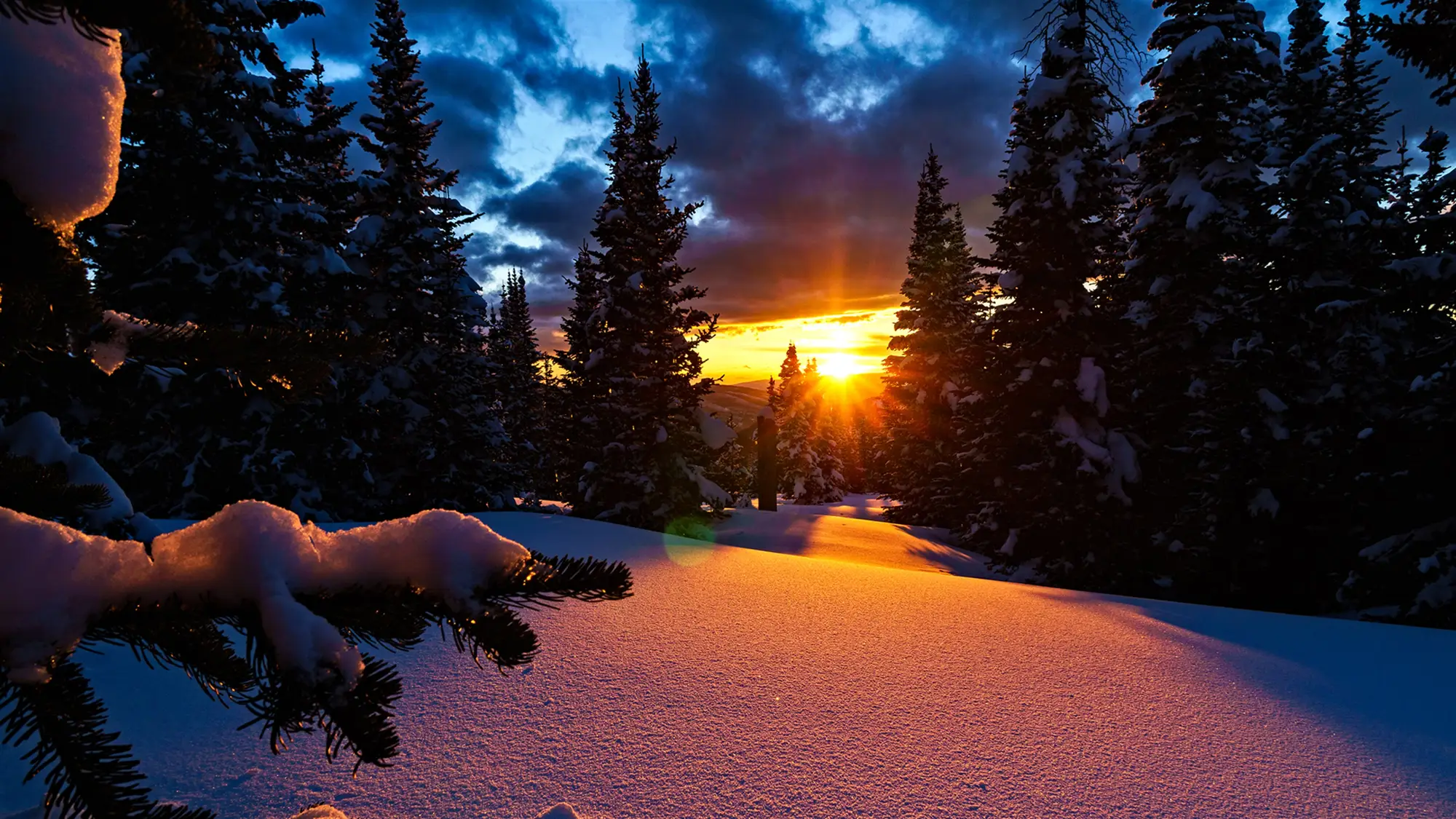
Snowy Mountains
Eighteen shots of snow-covered peaks under moonlight, starfields and the northern lights.
⭐ 4.8 stars 🖼️ 18 images 📅 Dec 1, 2018 💾 13 MB 💲 Free
What You Get
- 18 images at 4K resolution
- Night and low-light framing throughout
- Northern lights appear in several shots
- Published by Microsoft
Why We Like It
This is the winter pack that does not look like a stock calendar. Half the set is shot after dark, so it pairs cleanly with a dark Windows theme instead of blinding you at night.
3
BEST SINGLE PARK SET
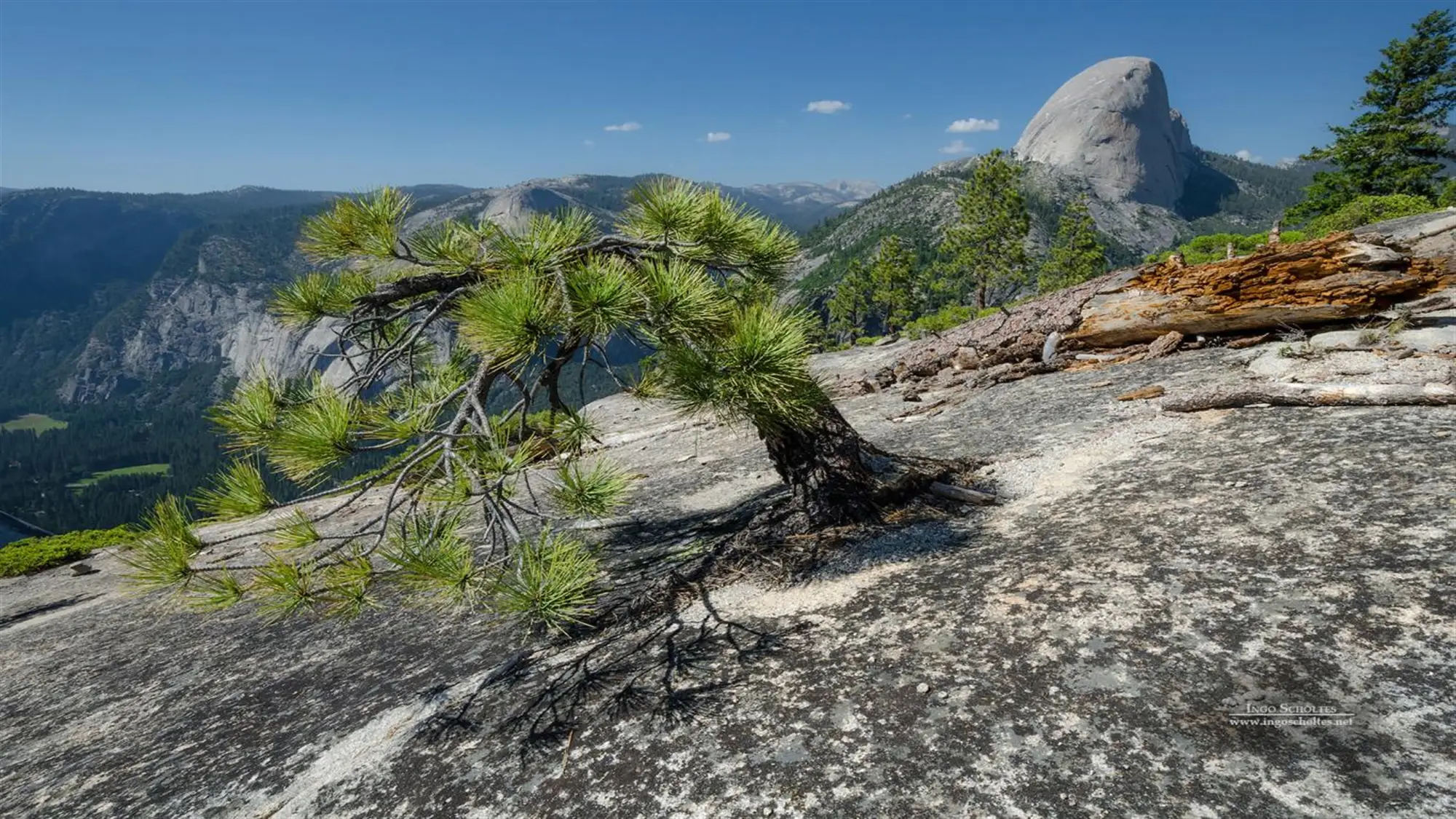
Scenes from Yosemite by Ingo Scholtes
Fifteen photographs of Yosemite’s granite walls and waterfalls by photographer Ingo Scholtes.
⭐ 4.9 stars 🖼️ 15 images 📅 Dec 13, 2016 💾 16 MB 💲 Free
What You Get
- 15 images from one photographer
- All shot in Yosemite National Park
- Consistent color and mood across the set
- Credited photographer, not stock
Why We Like It
Most theme packs jump between locations and the tone changes every time the wallpaper rotates. This one stays in a single park with one photographer’s eye, so a slideshow feels like a set instead of a shuffle.
Forests and Trees
Forty-eight images running from wide canopy shots down to macro photographs of the forest floor. This is the group to open first if you want green, and it holds the best all-round pick on the page.
4
BEST ALL ROUNDER
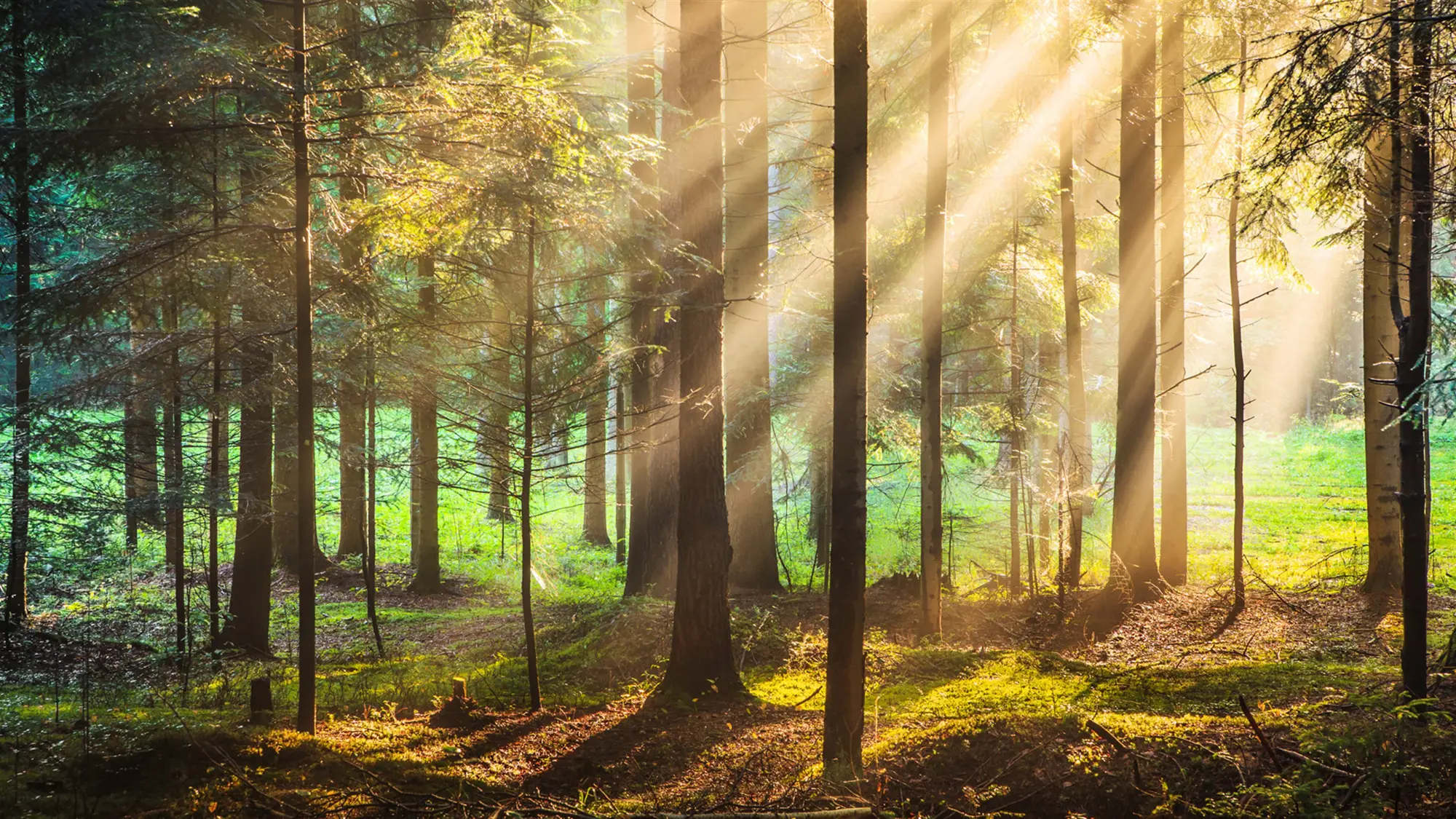
Forest for the Trees
Twenty forest photographs spanning tropical canopy, New England fall color and northern pine.
⭐ 4.8 stars 🖼️ 20 images 📅 Aug 21, 2017 💾 29 MB 💲 Free
What You Get
- 20 images, one of the larger sets
- Covers several forest types and seasons
- Strong color range from emerald to gold
- Published by Microsoft
Why We Like It
If you only install one theme from this page, make it this one. Twenty images is enough that a daily rotation stays interesting for most of a month, and the color range means it does not lock your desktop into one mood.
5

BEST CLOSE UP SET
The Forest Floor by Bojan Šeguljev
Ten close-up photographs of mushrooms and fungi found on the forest floor by Bojan Šeguljev.
⭐ 4.8 stars 🖼️ 10 images 📅 Jan 30, 2017 💾 8 MB 💲 Free
What You Get
- 10 macro images, small 8 MB download
- Shallow depth of field on every shot
- Dark backgrounds, bright subject
- Credited photographer, not stock
Why We Like It
The blurred dark background behind each mushroom is the reason to pick this one. Icons and window edges read clearly against it, which is rare for a wallpaper this detailed.
6
BEST FOR DEEP GREEN
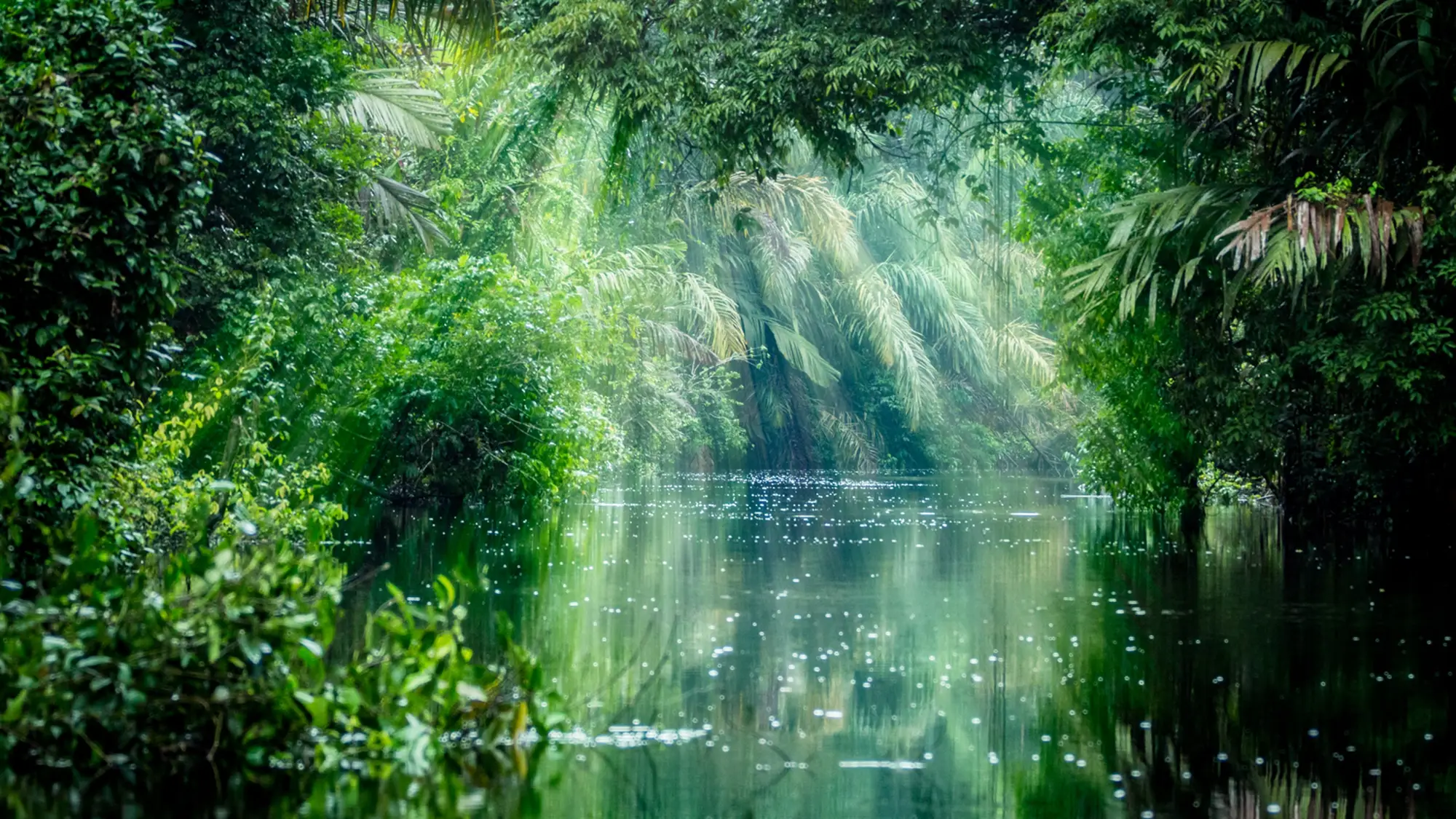
Amazon Rainforest
Eighteen images of the Amazon River basin and the rainforest around Tortuguero.
⭐ 4.7 stars 🖼️ 18 images 📅 Aug 24, 2018 💾 15 MB 💲 Free
What You Get
- 18 images at high resolution
- Heavy green and water tones
- River and canopy views in one set
- Published by Microsoft
Why We Like It
Green this saturated is hard to find in a free pack. Pair it with a matching Windows accent color and the whole desktop reads as one deliberate choice rather than a wallpaper you forgot to change.
Oceans and Coasts
Thirty-four images split between bright daytime sand, close surf, and a set of lighthouses shot after sunset. Two of the three are light and warm, so check your Windows mode before applying one.
7
BEST SURF SHOTS
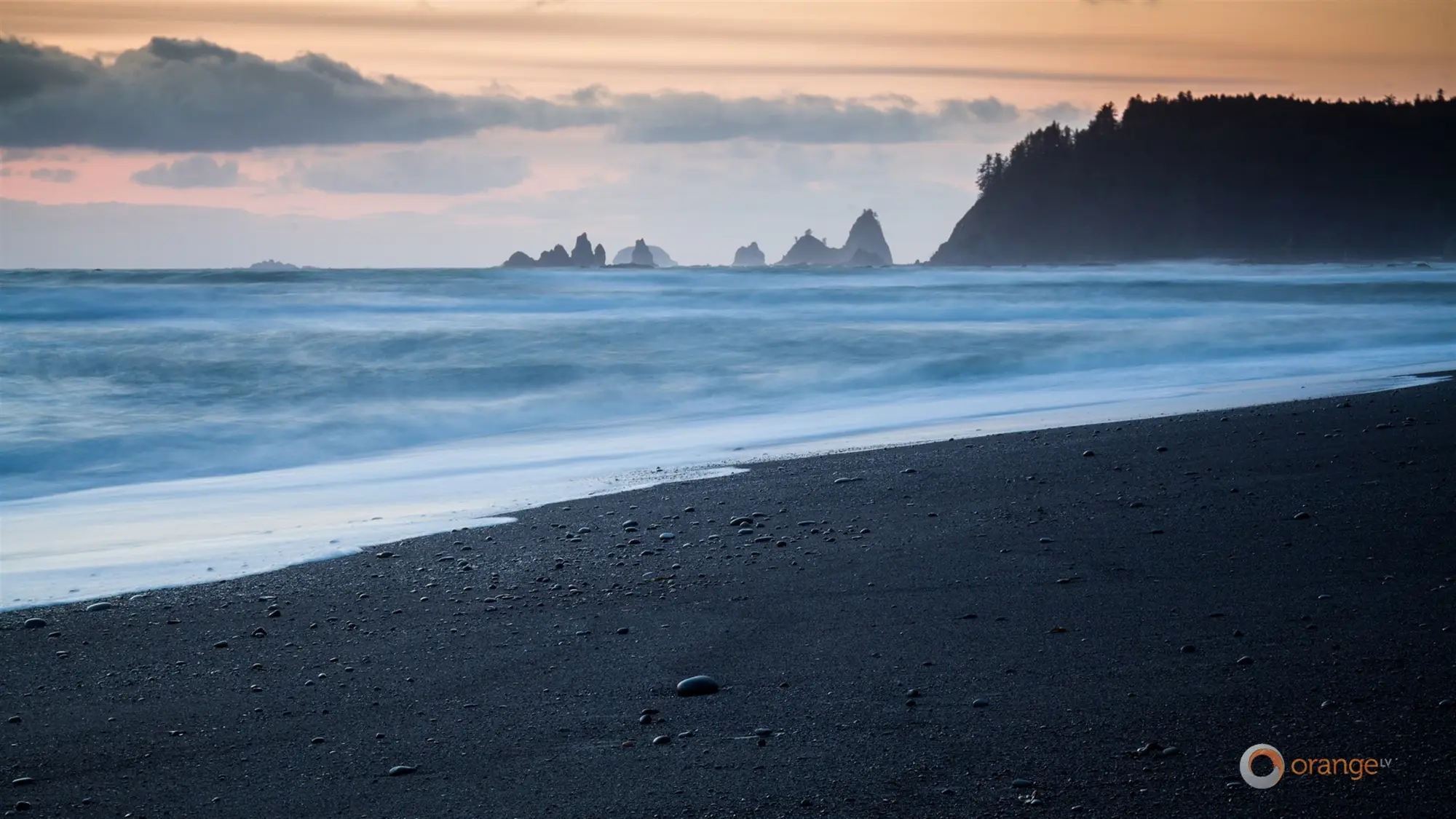
OLV Photography – Ocean
Seven surf and wave photographs from Orange LV, made with Microsoft for its retail stores.
⭐ 4.9 stars 🖼️ 7 images 📅 Nov 11, 2017 💾 4 MB 💲 Free
What You Get
- 7 images, smallest download here at 4 MB
- Shot close to breaking waves
- Made for in-store display screens
- Credited photographer, not stock
Why We Like It
Seven images is a short set, but these were picked to look good on a showroom screen, and it shows. If your monitor is the nicest thing on your desk, this is the pack that flatters it.
8
BEST WARM TONES
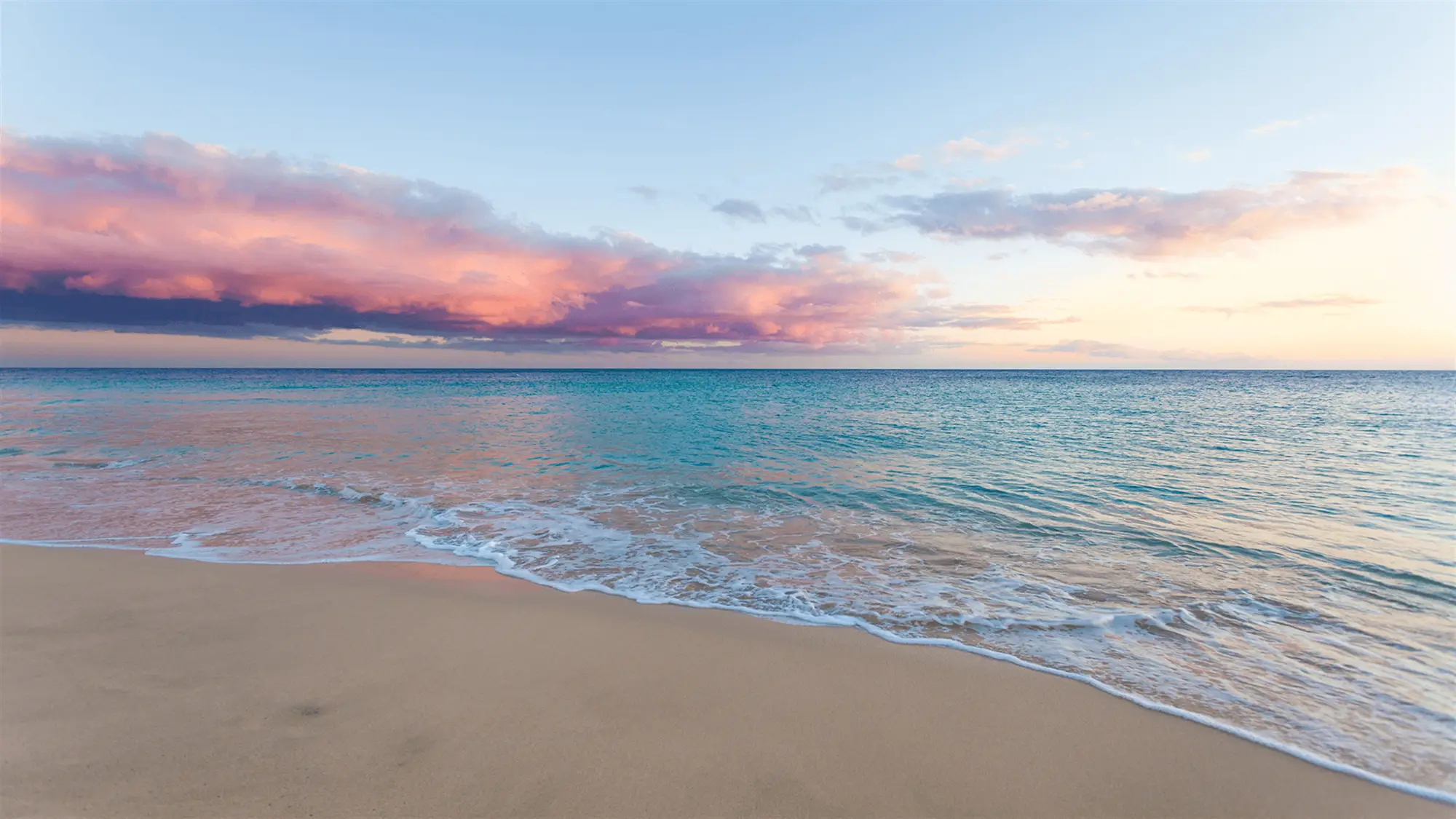
Beach Time
Fifteen 4K beach scenes of pale sand, clear shallows and bright open sky.
⭐ 4.8 stars 🖼️ 15 images 📅 Oct 29, 2019 💾 16 MB 💲 Free
What You Get
- 15 images at 4K resolution
- Light, high-key color throughout
- Plenty of flat sand and sky space
- Published by Microsoft
Why We Like It
This is the one to install if your other themes have made your desktop feel heavy. The pale sand gives you a genuinely light background without going to a plain white wallpaper.
9
BEST COASTAL NIGHT SET
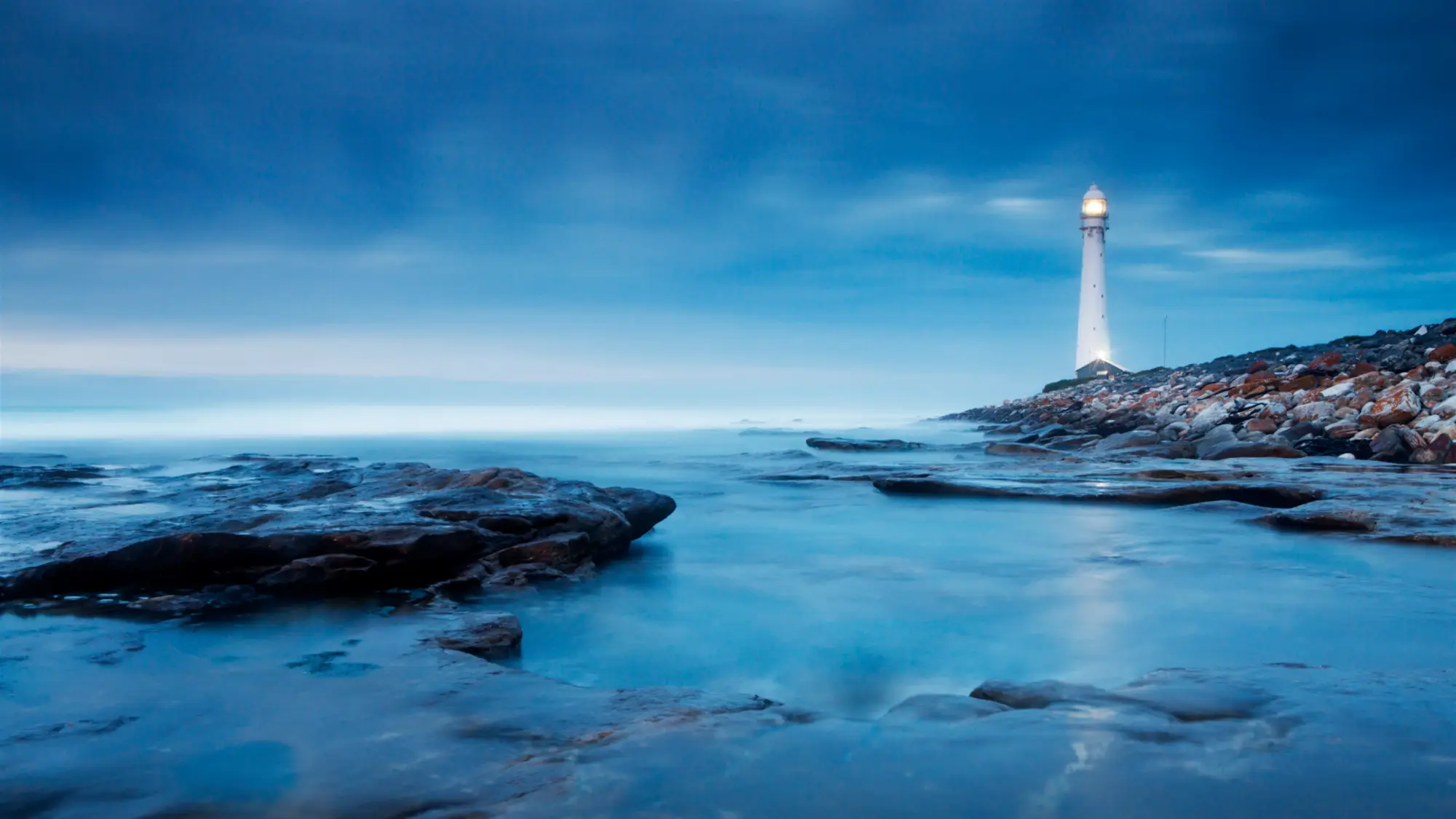
Lighthouses by Night
Twelve lighthouse photographs shot under moonlight, twilight skies and the aurora.
⭐ 4.8 stars 🖼️ 12 images 📅 Oct 24, 2017 💾 14 MB 💲 Free
What You Get
- 12 images, all shot after sunset
- Aurora appears in several frames
- One clear subject per image
- Published by Microsoft
Why We Like It
Every shot has a single bright point in a dark frame, which is a quietly good layout for a desktop. The light draws your eye, and everything around it stays dark enough to read icons against.
Rivers, Lakes and Waterfalls
Forty-six images of fresh water, including long exposure waterfalls and the clear blue ice of Lake Baikal. Water runs a natural line through a frame, which is why these read as composed rather than snapped.
10
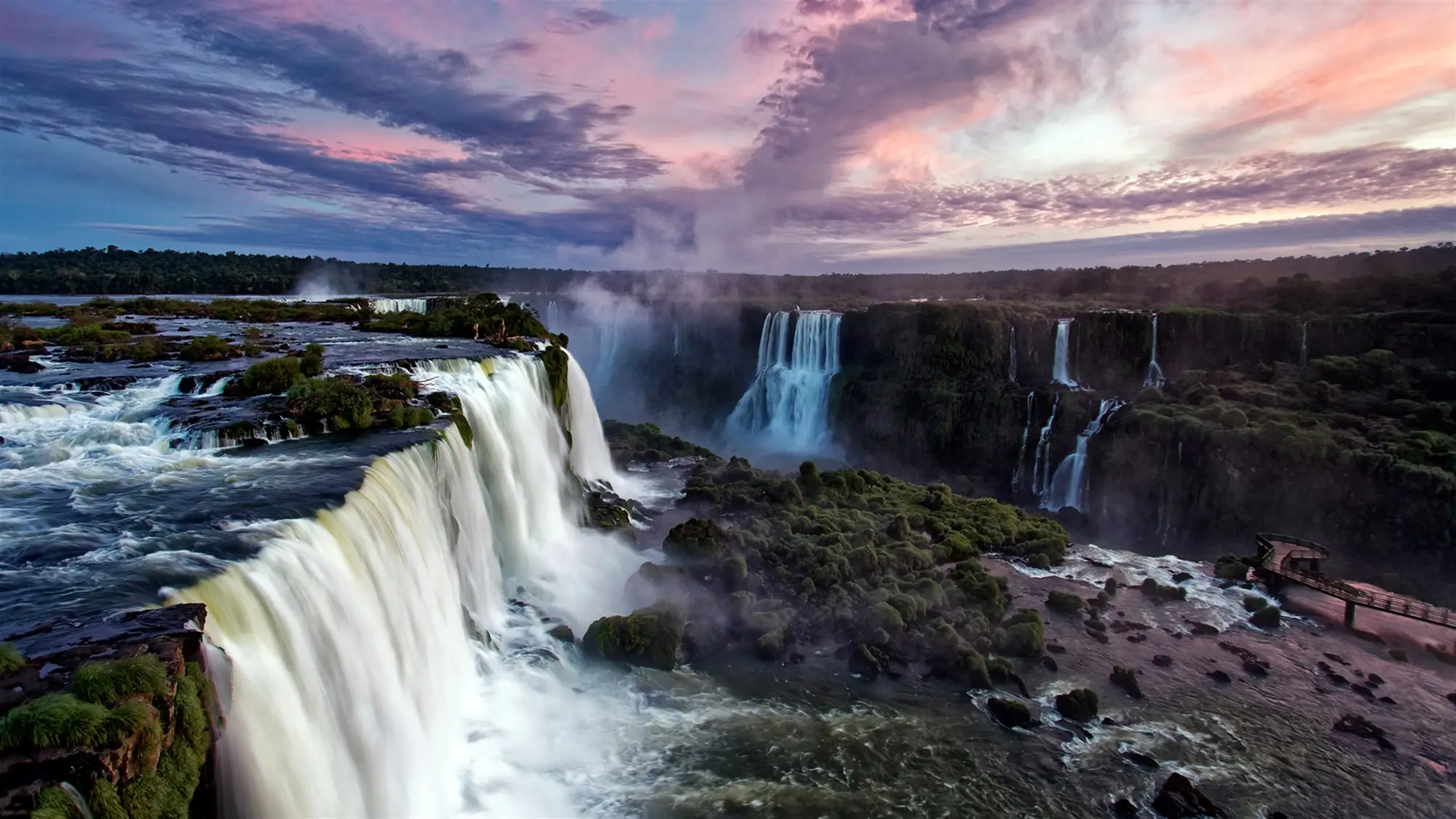
BEST FOR MOTION
Waterfall Tour
Fifteen waterfalls from around the world, shot with long exposures that blur the water.
⭐ 4.8 stars 🖼️ 15 images 📅 Nov 28, 2017 💾 33 MB 💲 Free
What You Get
- 15 images, 33 MB download
- Long exposure blur on the water
- Mix of wide and tight framing
- Published by Microsoft
Why We Like It
The long exposure work is the whole point. Still water photographs look flat as wallpaper, and these do not, because the blurred fall gives the image a direction your eye follows.
11
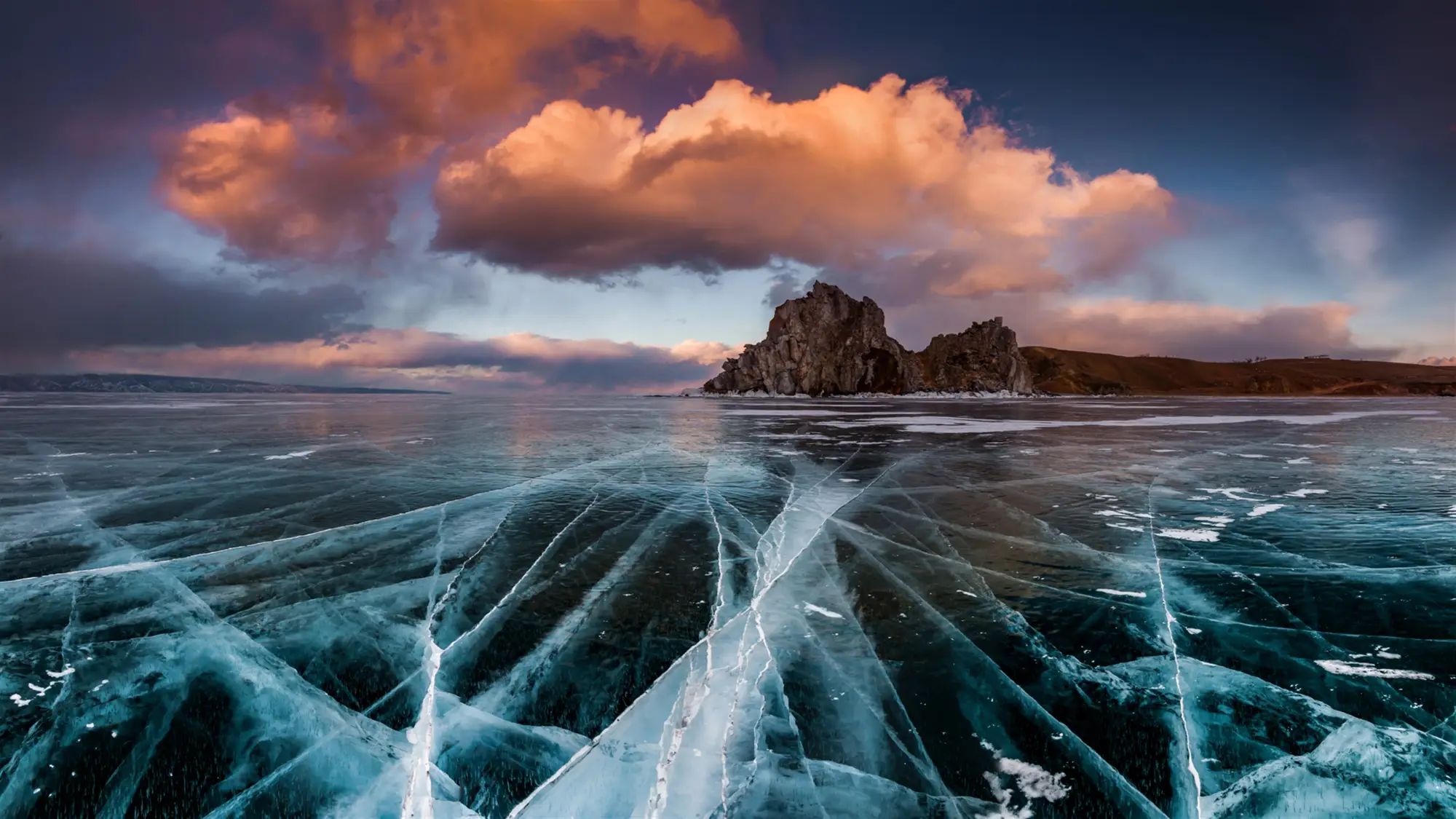
BEST SENSE OF PLACE
Lake Baikal
Fifteen images of Lake Baikal in southern Siberia, the deepest freshwater lake in the world.
⭐ 4.9 stars 🖼️ 15 images 📅 Sep 24, 2019 💾 15 MB 💲 Free
What You Get
- 15 images from a single location
- Ice, water and shoreline in one set
- Unusual subject for a theme pack
- Published by Microsoft
Why We Like It
Nobody expects a Siberian lake on their desktop, and that is the appeal. The clear blue ice photographs in particular do not look like anything else in the store.
12
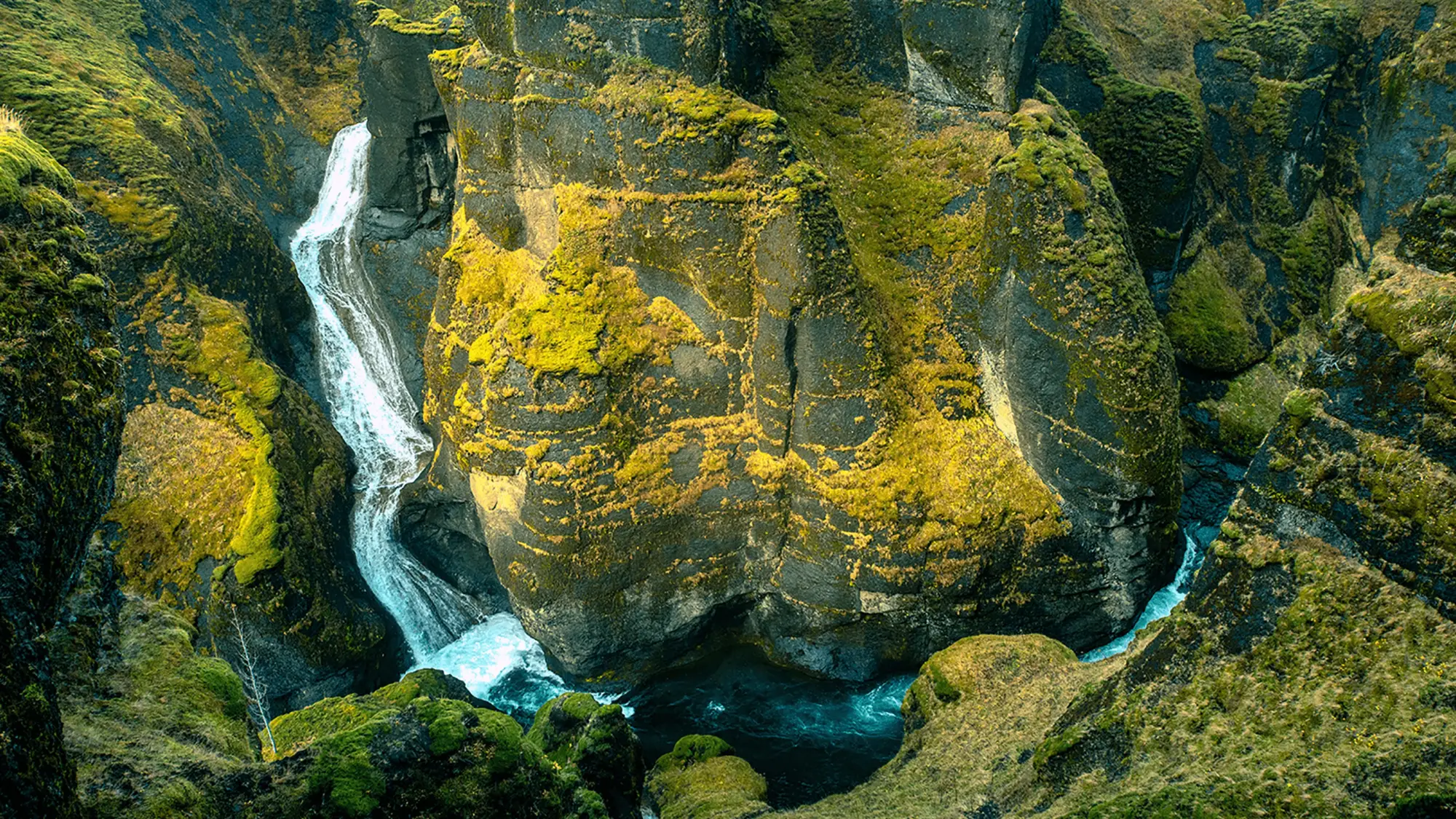
HIGHEST RATED
River Roll On
Sixteen 4K river photographs, from wide valley bends to tight rapids.
⭐ 5.0 stars 🖼️ 16 images 📅 Jun 11, 2020 💾 17 MB 💲 Free
What You Get
- 16 images at 4K resolution
- Carries a perfect star score
- Wide and close framing mixed
- Published by Microsoft
Why We Like It
One of only two packs on this page holding a perfect score, and it earns it. Rivers give you a natural line running through the frame, which makes almost every image here look composed rather than snapped.
Night Sky and Stars
Forty-six images with dark bases, from star trails over the Matterhorn to storm cloud and golden hour drone work. Turn on dark mode in Windows first, because these are the packs that gain most from it.
13
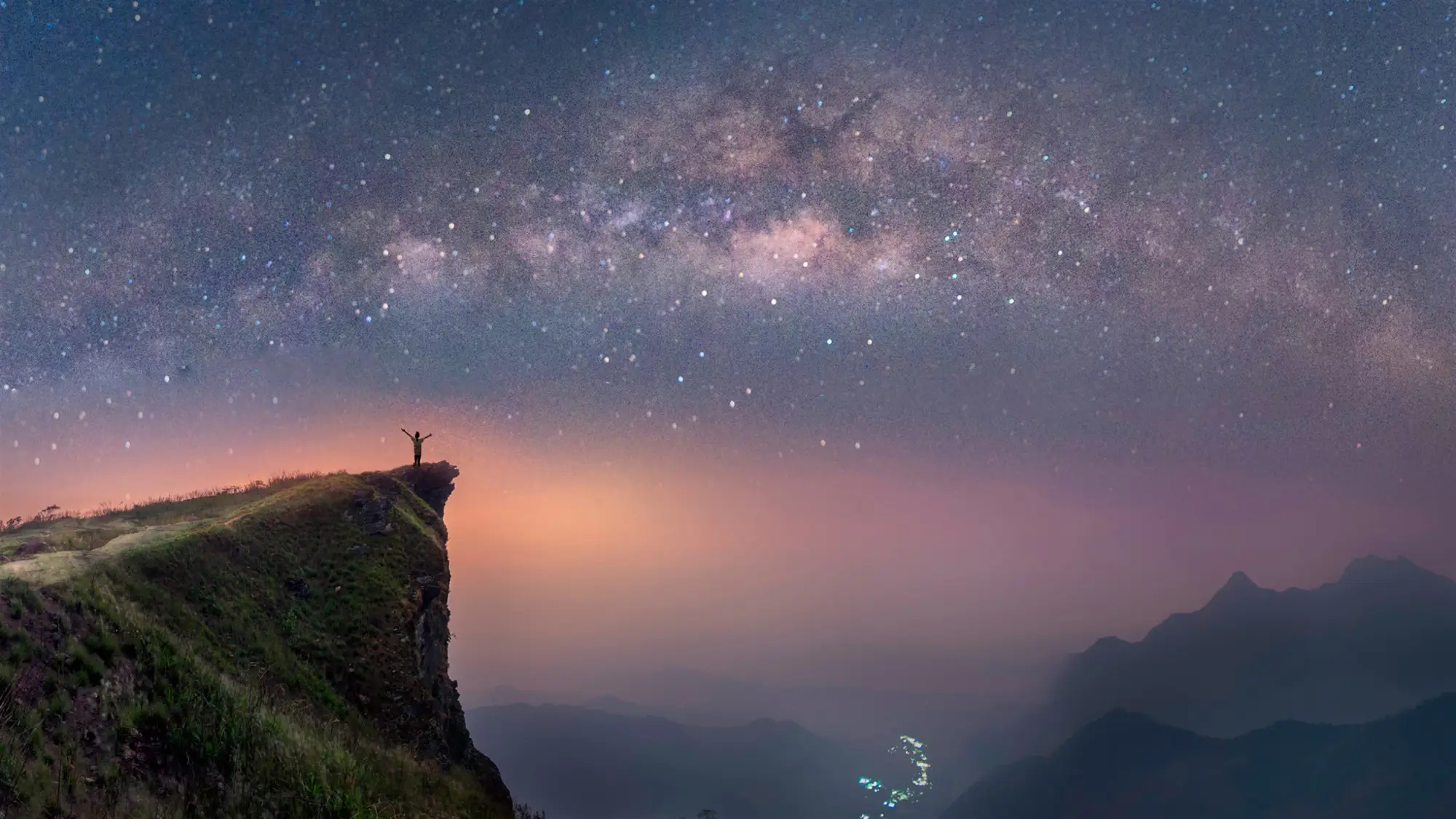
BEST FOR DARK MODE
Stars at Night
Nineteen time-lapse night sky images, from the Matterhorn to lava flows in Hawaii.
⭐ 4.8 stars 🖼️ 19 images 📅 Aug 11, 2017 💾 16 MB 💲 Free
What You Get
- 19 images, one of the larger sets
- Time lapse star trails throughout
- Very dark base tones
- Published by Microsoft
Why We Like It
Turn on dark mode in Windows first, then install this. The near-black backgrounds mean your taskbar and window chrome stop standing out as separate objects and the whole screen settles down.
14
MOST IMAGES
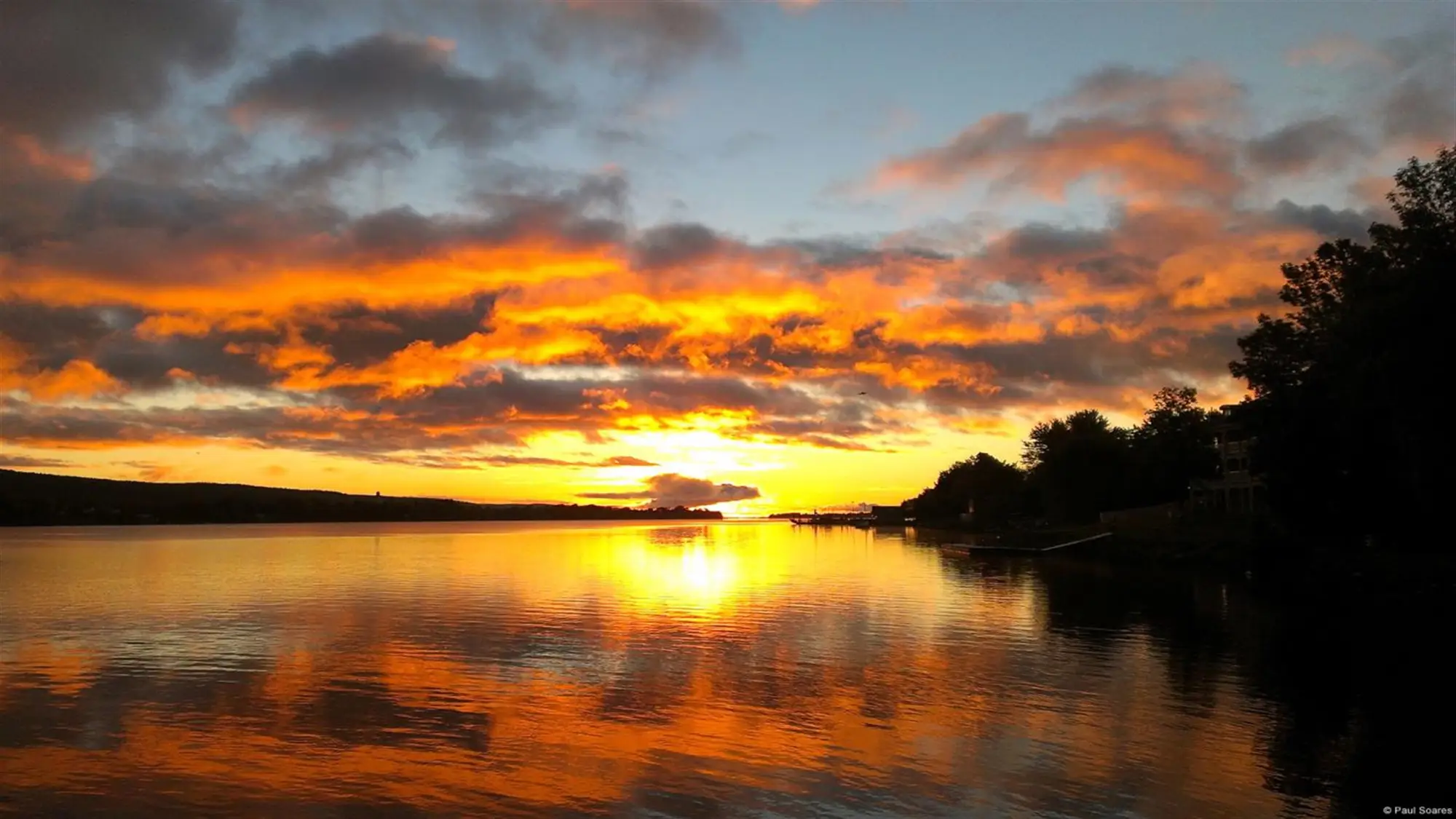
Community Showcase Dramatic Skies 2
Twenty-one sky photographs from contributing photographers, the second set in the Dramatic Skies series.
⭐ 4.8 stars 🖼️ 21 images 📅 Dec 9, 2016 💾 18 MB 💲 Free
What You Get
- 21 images, the largest set here
- Storm, dusk and cloud studies
- Multiple contributing photographers
- Part of an ongoing series
Why We Like It
This has more images than anything else on the page, which makes it the obvious choice for a slideshow you set once and forget. There is a first Dramatic Skies set too, so you can double it.
15
BEST DRONE SHOTS
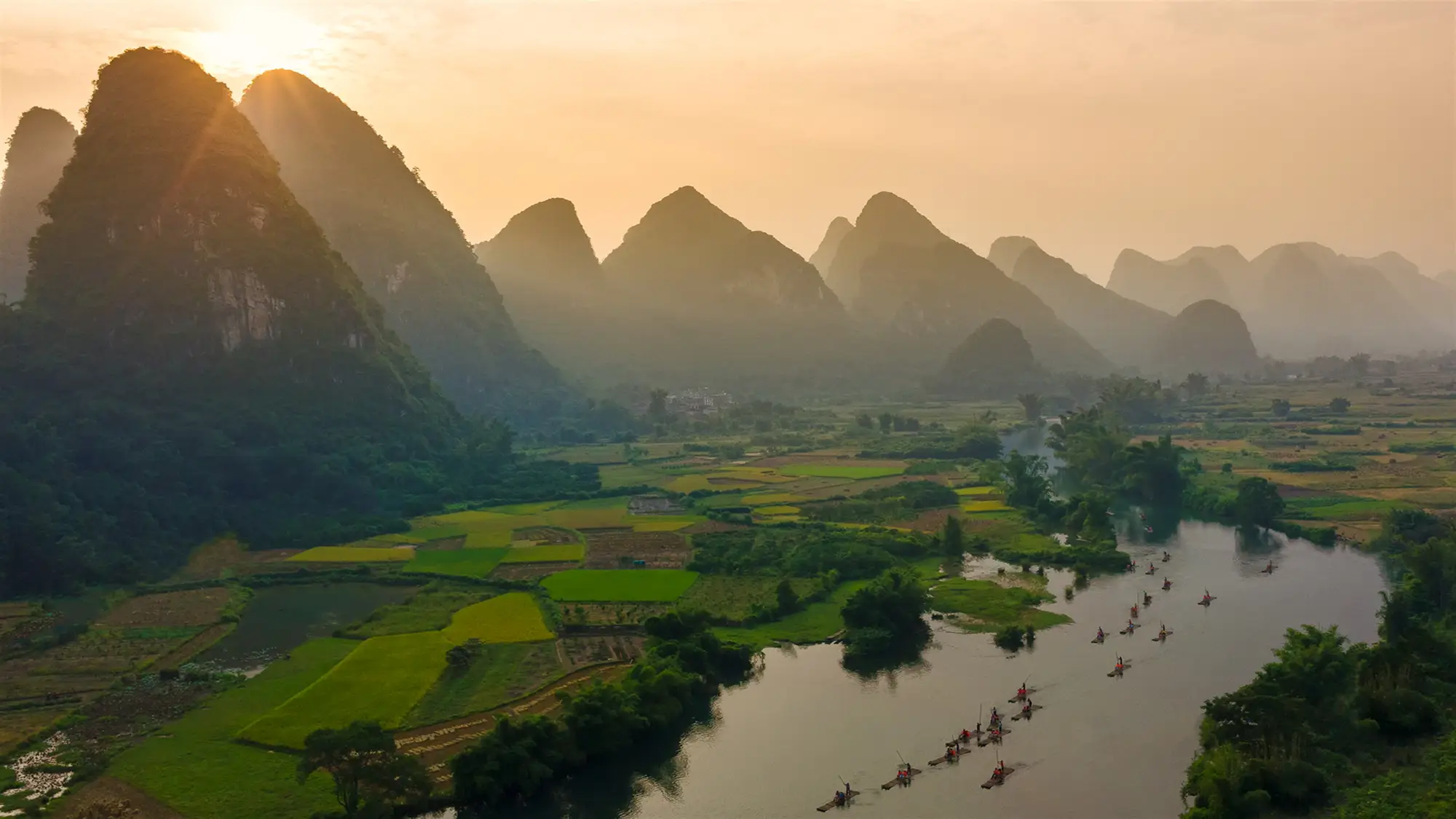
Twilight by Chad Copeland
Six aerial photographs taken at sunrise or sunset by drone photographer Chad Copeland.
⭐ 4.9 stars 🖼️ 6 images 📅 Jun 23, 2017 💾 16 MB 💲 Free
What You Get
- 6 images, all shot from the air
- Sunrise and sunset light only
- Locations from around the world
- Credited photographer, not stock
Why We Like It
Six images is the smallest set here and it is still worth installing. Aerial photography at golden hour gives you long shadows and shapes you never see from the ground.
Seasons
Thirty-eight images covering fall foliage, macro frost detail, and spring buds caught under a late fall of snow. These are the packs worth rotating through the year, since switching takes one click and costs nothing.
16
BEST FALL PACK
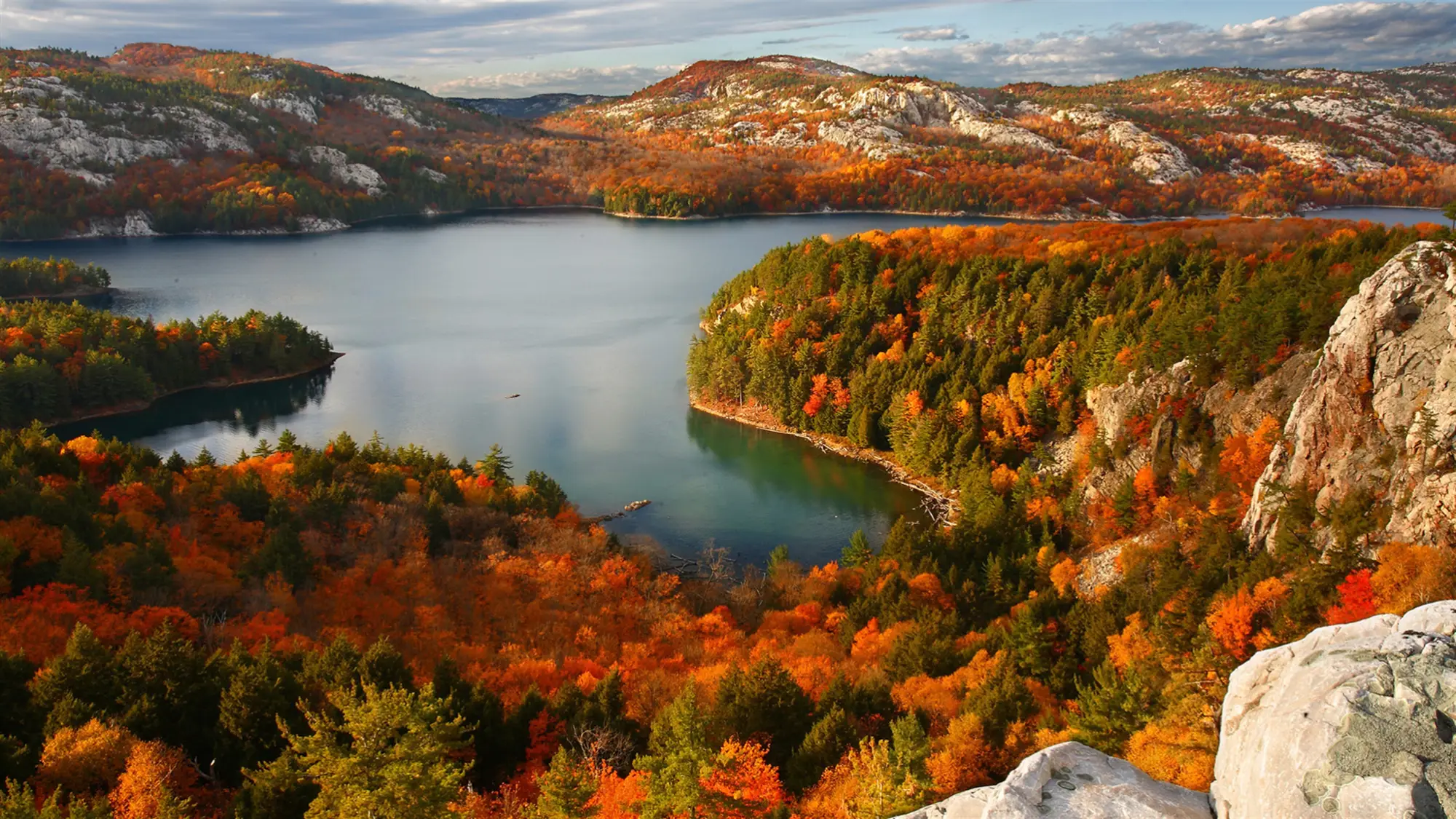
Autumn Colors
Seventeen fall foliage photographs of golden birches, country roads and turning woodland.
⭐ 4.8 stars 🖼️ 17 images 📅 Oct 20, 2017 💾 24 MB 💲 Free
What You Get
- 17 images at high resolution
- Gold, red and amber throughout
- Roads and paths in several shots
- Published by Microsoft
Why We Like It
Warm wallpaper is genuinely rare in the free packs, and this is the best of what exists. It is the one to switch to in October if you like your desktop to track the season.
17
BEST WINTER DETAIL
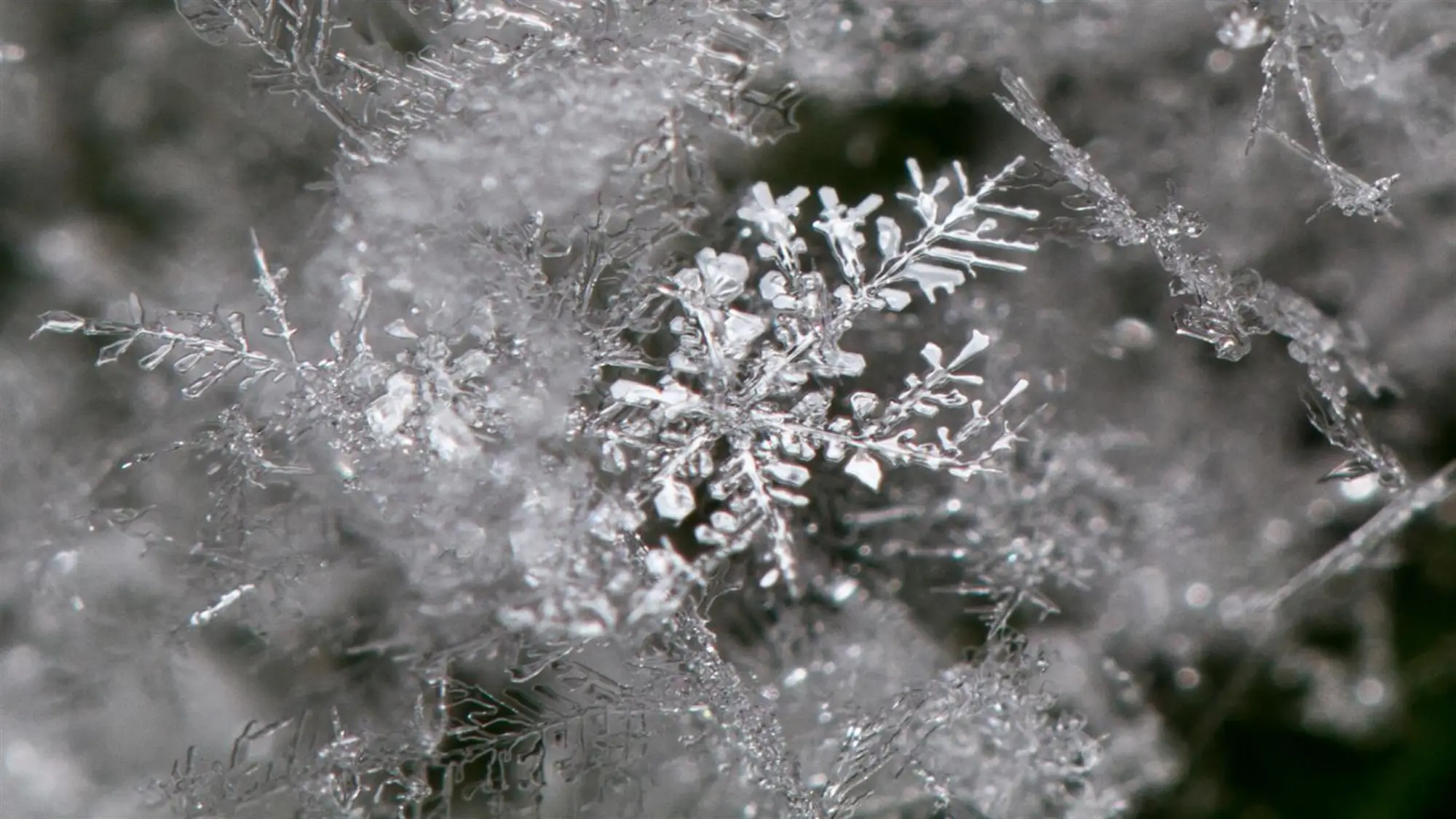
Frost Macros by Duncan Lawler
Nine macro photographs of ice crystals and frost patterns by Duncan Lawler.
⭐ 4.9 stars 🖼️ 9 images 📅 Dec 12, 2016 💾 7 MB 💲 Free
What You Get
- 9 macro images, 7 MB download
- Extreme close-up ice detail
- Cool blue and white palette
- Credited photographer, not stock
Why We Like It
Most winter themes show you a landscape. This one shows you a single frozen leaf edge at a scale you would never notice outdoors, and it holds up far better at full screen than you would expect.
18
BEST SEASON CROSSOVER
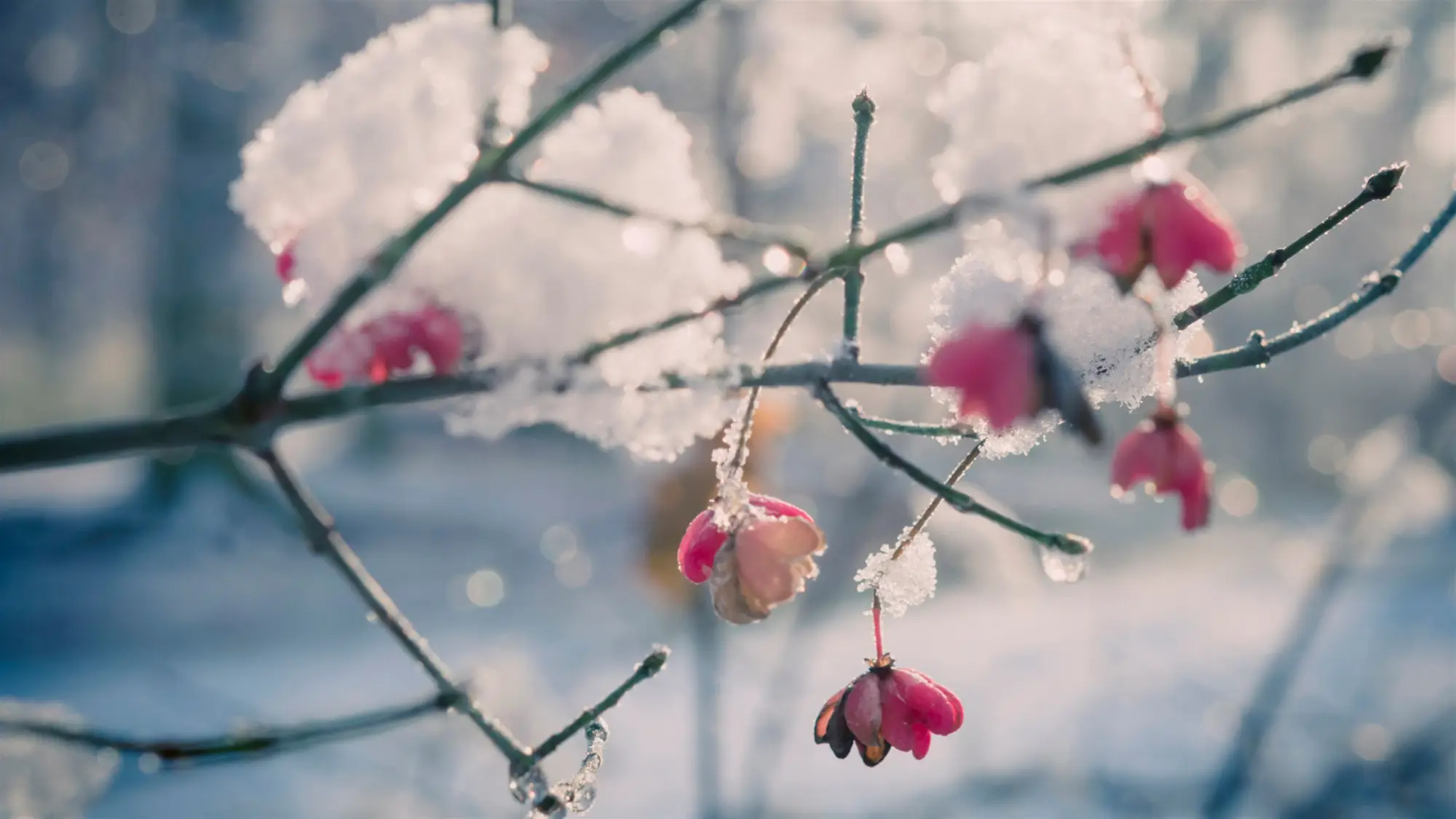
Flowers in the Snow
Twelve images of early spring buds and blossoms caught under a late fall of snow.
⭐ 4.8 stars 🖼️ 12 images 📅 Jan 12, 2018 💾 11 MB 💲 Free
What You Get
- 12 images at high resolution
- Spring and winter subjects together
- Bright subject on a pale background
- Published by Microsoft
Why We Like It
The contrast between soft petals and hard snow is the trick here, and it means the pack works from January right through to April rather than belonging to one month.
Wildlife
Thirty-one images of hummingbirds, otters and birds of prey, all by named photographers rather than stock libraries. One of only two packs on this page holding a perfect star score sits in this group.
19
BEST ACTION SHOTS
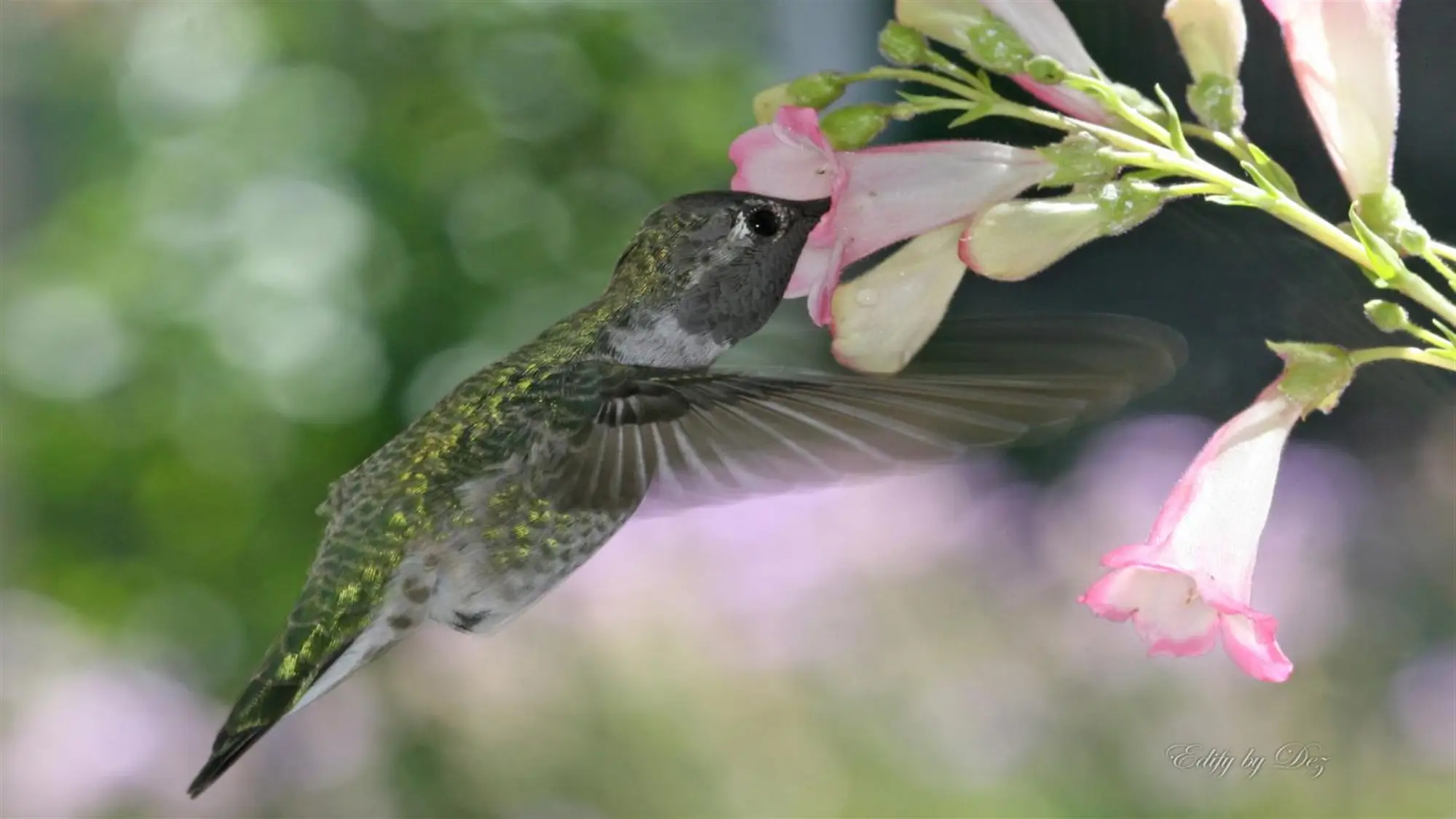
Hummingbirds by Desiree Skatvold
Eleven photographs of hummingbirds caught in mid-flight by Desiree Skatvold.
⭐ 4.9 stars 🖼️ 11 images 📅 Dec 12, 2016 💾 11 MB 💲 Free
What You Get
- 11 images, all birds in flight
- Frozen wing detail on every shot
- Bright, saturated color
- Credited photographer, not stock
Why We Like It
Freezing a hummingbird’s wings takes real skill and you can see it in every frame. The bright plumage against soft backgrounds also means these stay readable when your desktop is busy.
20
BEST FEEL GOOD PICK
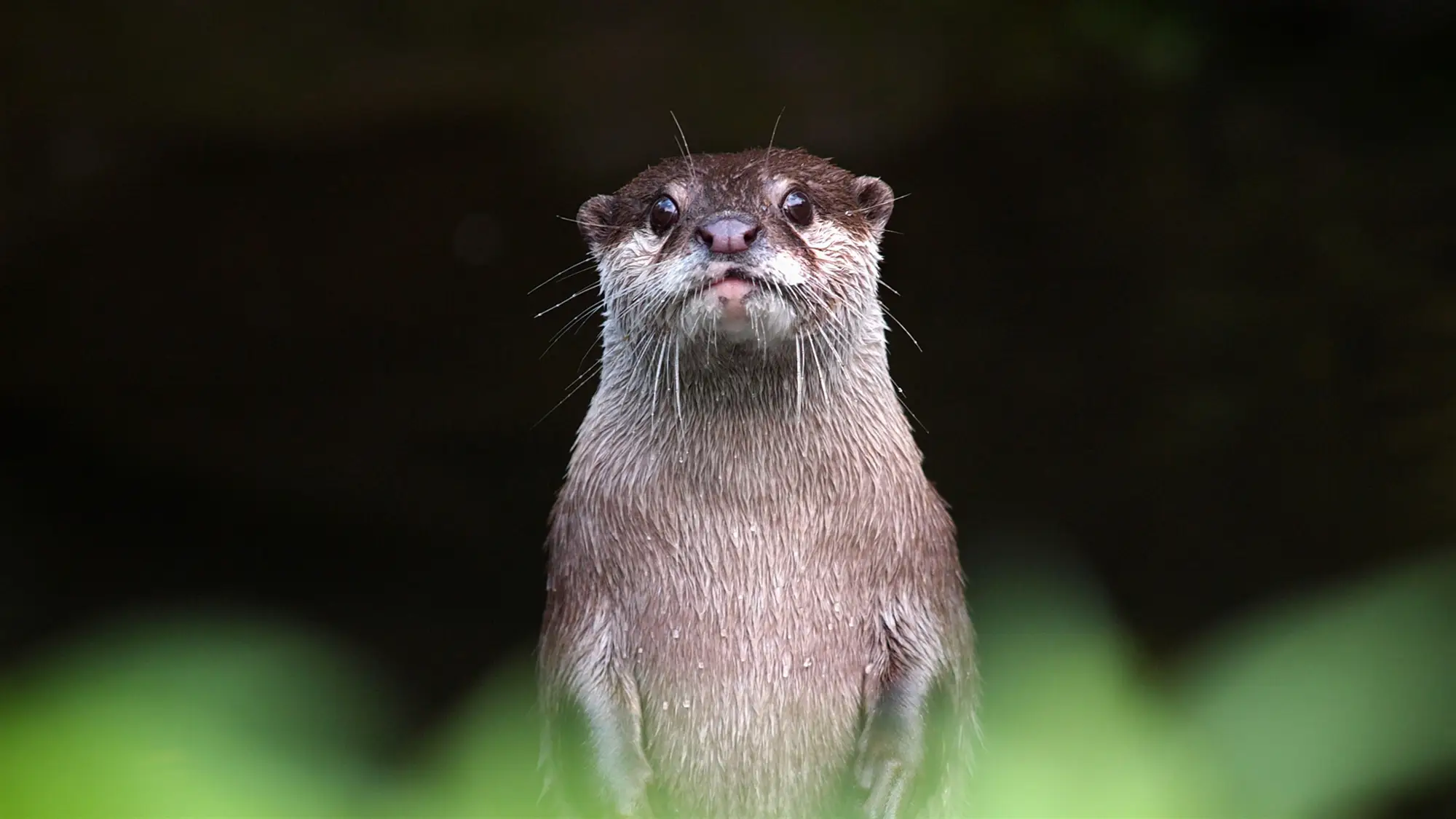
Otters
Twelve 4K photographs of otters swimming, floating and generally causing trouble.
⭐ 4.9 stars 🖼️ 12 images 📅 Aug 26, 2019 💾 39 MB 💲 Free
What You Get
- 12 images at 4K resolution
- Largest download here at 39 MB
- Water and wildlife in one set
- Published by Microsoft
Why We Like It
There is no clever technical reason to pick this one. It is twelve pictures of otters, they are very good, and it is the theme most likely to make somebody walking past your desk stop and ask about it.
21
HIGHEST RATED WILDLIFE
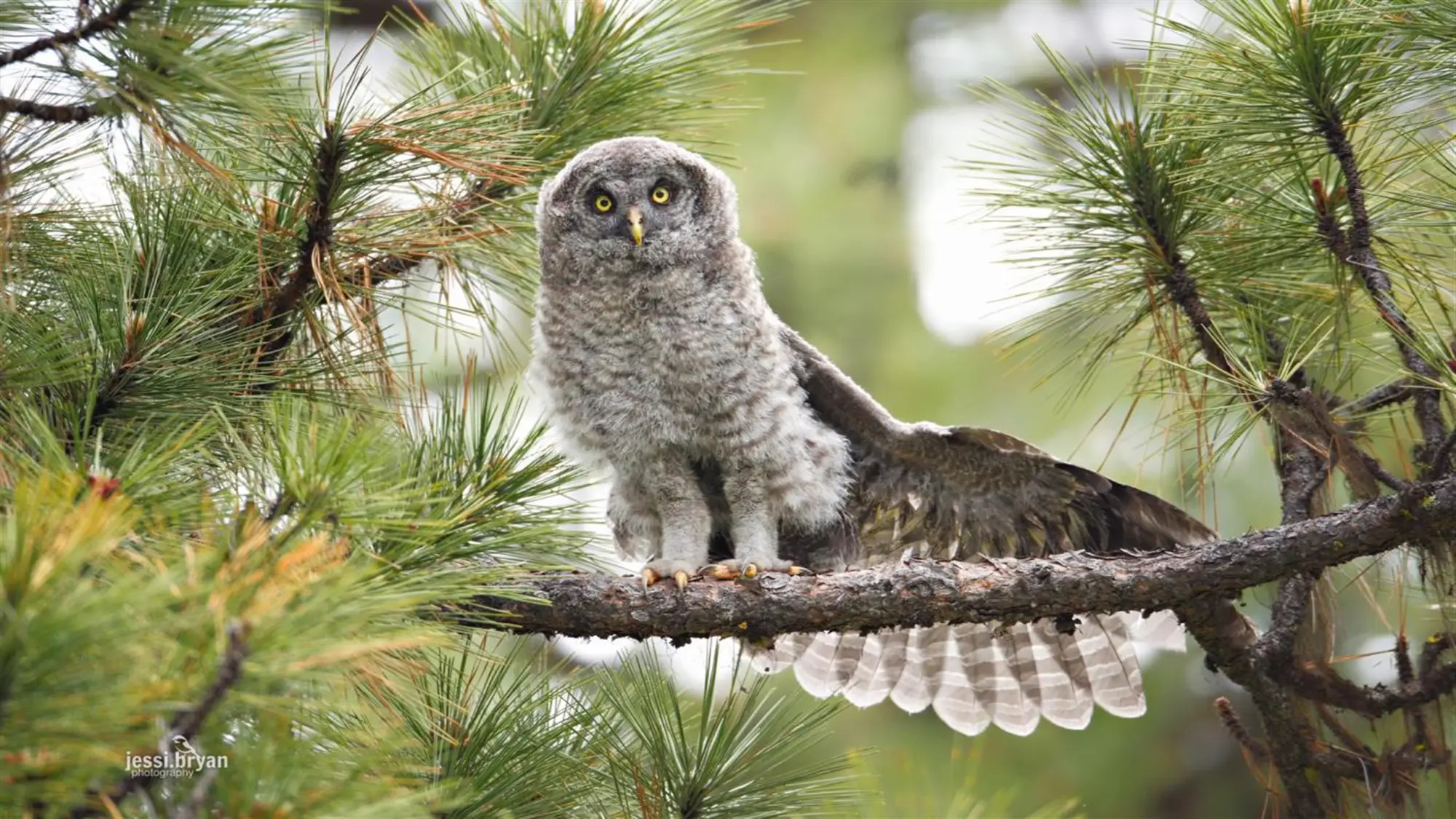
Large Birds by JessiBryan Photography
Eight photographs of birds of prey by Jessica Lee and Bryan Matthew.
⭐ 5.0 stars 🖼️ 8 images 📅 Dec 12, 2016 💾 7 MB 💲 Free
What You Get
- 8 images, 7 MB download
- Birds of prey close and in flight
- Carries a perfect star score
- Credited photographers, not stock
Why We Like It
The other perfect score on this page. Eight images is a short set, but each one is a proper wildlife portrait rather than a distant shot cropped in, and the small download makes it easy to try.
Flowers and Wide Views
Forty-six images that run from tulip rows shot at ground level to the curve of the Earth seen from orbit. The two wide sets leave large empty areas in frame, which is unusually practical on a desktop.
22
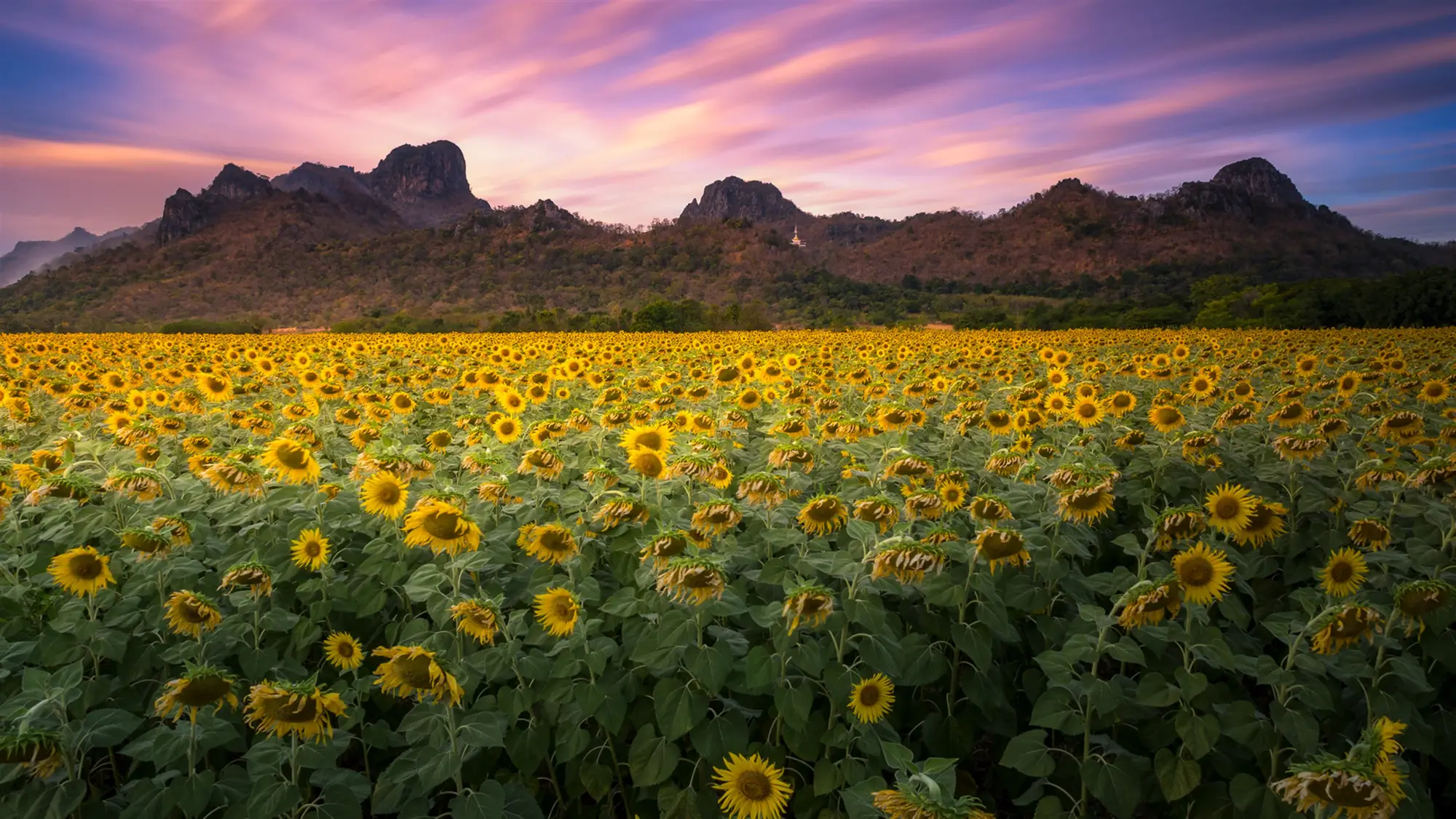
BEST FOR COLOR
Fields of Flowers
Eighteen images of tulip fields, lavender rows, sunflowers and other planted color.
⭐ 4.8 stars 🖼️ 18 images 📅 Apr 23, 2018 💾 18 MB 💲 Free
What You Get
- 18 images at high resolution
- Blocks of solid, saturated color
- Repeating rows and patterns
- Published by Microsoft
Why We Like It
Planted fields give you color in clean horizontal bands, which is unusual and looks deliberate on screen. If you want a wallpaper that reads as graphic rather than scenic, start here.
23
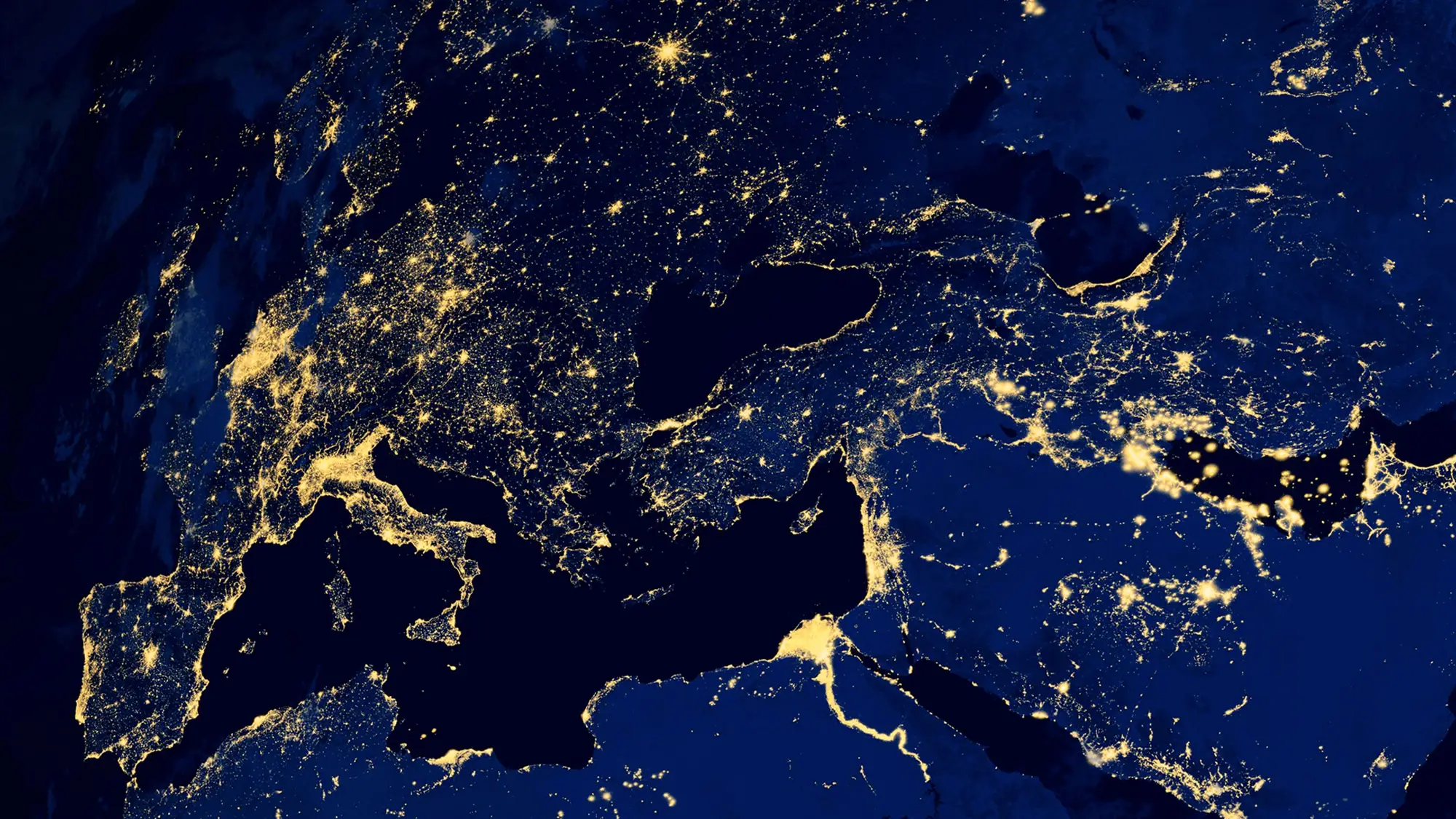
BEST ORBITAL SET
Earth from Above
Fourteen 4K views of Earth from orbit, showing continents, weather systems and the horizon.
⭐ 4.8 stars 🖼️ 14 images 📅 Mar 6, 2020 💾 10 MB 💲 Free
What You Get
- 14 images at 4K resolution
- Shot from orbit, not from the air
- Mostly dark space around the subject
- Published by Microsoft
Why We Like It
The large black areas around the planet are unusually practical. Your icons sit on empty space, and the curve of the Earth gives the desktop a focal point without cluttering it.
24
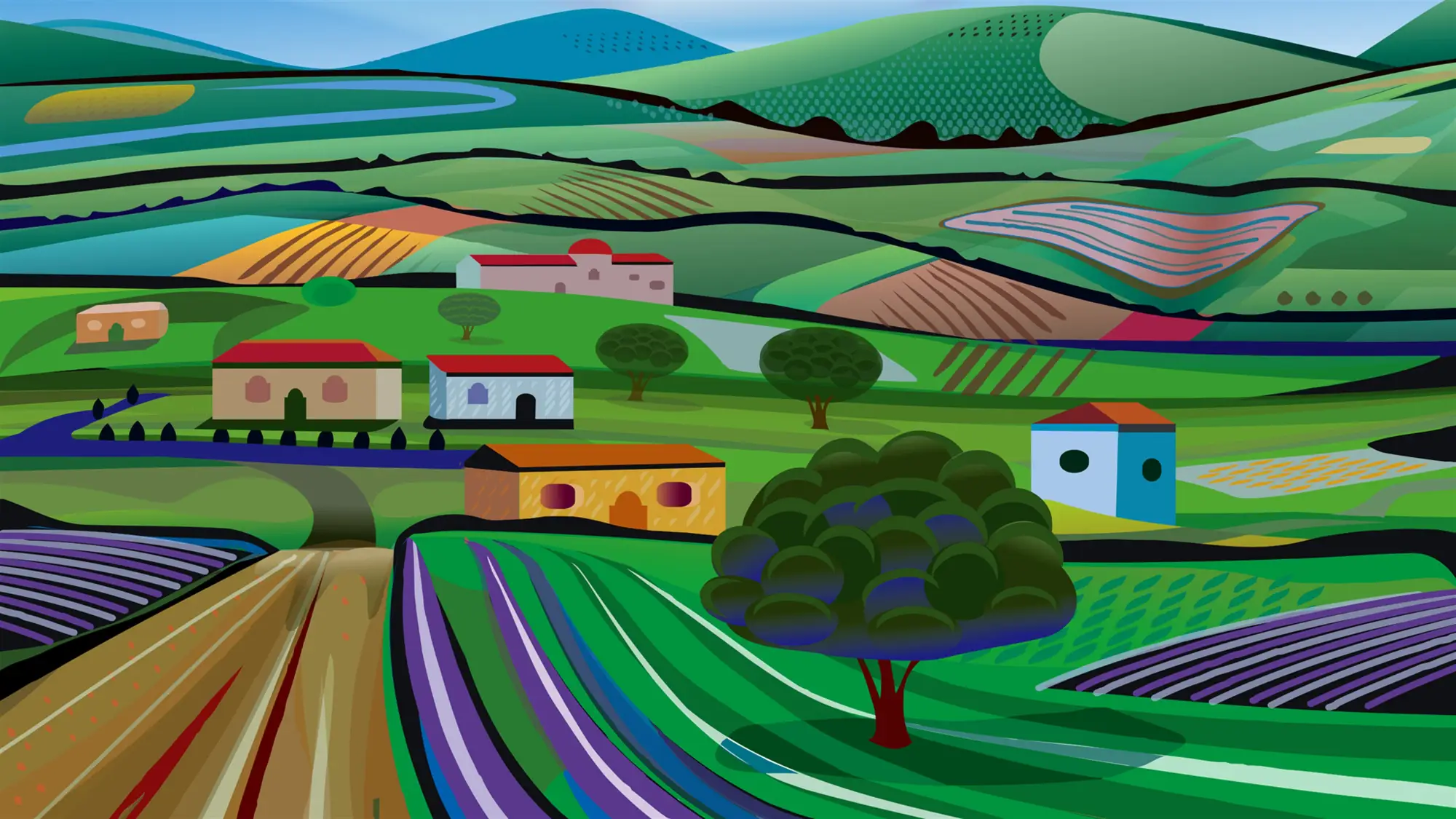
BEST ILLUSTRATED SET
Aerial Views
Fourteen illustrated aerial views of fields, farms, water and mountains seen from high above.
⭐ 4.7 stars 🖼️ 14 images 📅 Oct 10, 2019 💾 12 MB 💲 Free
What You Get
- 14 illustrations, not photographs
- Flat, graphic treatment of landscape
- Clean shapes and limited palette
- Published by Microsoft
Why We Like It
This is the only illustrated pack on the page and it is the right call if photographs feel too busy behind your work. Flat shapes and few details mean nothing competes with what is on screen.
💡 Want the wallpaper to move? These packs are still images. If you want a looping video or an animated scene behind your icons instead, that is a different kind of tool. Start with our guides to Lively Wallpaper and Wallpaper Engine.
Nature Themes at a Glance
Every pick on this page in one table, so you can compare image counts and download sizes without scrolling back up. Open the panel below to see it.
📊 Compare every nature theme in this guide
| Theme |
Group |
Images |
Size |
Stars |
Price |
| 1. Mountain Light |
Mountains and Peaks |
18 |
11 MB |
4.8 |
Free |
| 2. Snowy Mountains |
Mountains and Peaks |
18 |
13 MB |
4.8 |
Free |
| 3. Scenes from Yosemite by Ingo Scholtes |
Mountains and Peaks |
15 |
16 MB |
4.9 |
Free |
| 4. Forest for the Trees |
Forests and Trees |
20 |
29 MB |
4.8 |
Free |
| 5. The Forest Floor by Bojan Šeguljev |
Forests and Trees |
10 |
8 MB |
4.8 |
Free |
| 6. Amazon Rainforest |
Forests and Trees |
18 |
15 MB |
4.7 |
Free |
| 7. OLV Photography – Ocean |
Oceans and Coasts |
7 |
4 MB |
4.9 |
Free |
| 8. Beach Time |
Oceans and Coasts |
15 |
16 MB |
4.8 |
Free |
| 9. Lighthouses by Night |
Oceans and Coasts |
12 |
14 MB |
4.8 |
Free |
| 10. Waterfall Tour |
Rivers, Lakes and Waterfalls |
15 |
33 MB |
4.8 |
Free |
| 11. Lake Baikal |
Rivers, Lakes and Waterfalls |
15 |
15 MB |
4.9 |
Free |
| 12. River Roll On |
Rivers, Lakes and Waterfalls |
16 |
17 MB |
5.0 |
Free |
| 13. Stars at Night |
Night Sky and Stars |
19 |
16 MB |
4.8 |
Free |
| 14. Community Showcase Dramatic Skies 2 |
Night Sky and Stars |
21 |
18 MB |
4.8 |
Free |
| 15. Twilight by Chad Copeland |
Night Sky and Stars |
6 |
16 MB |
4.9 |
Free |
| 16. Autumn Colors |
Seasons |
17 |
24 MB |
4.8 |
Free |
| 17. Frost Macros by Duncan Lawler |
Seasons |
9 |
7 MB |
4.9 |
Free |
| 18. Flowers in the Snow |
Seasons |
12 |
11 MB |
4.8 |
Free |
| 19. Hummingbirds by Desiree Skatvold |
Wildlife |
11 |
11 MB |
4.9 |
Free |
| 20. Otters |
Wildlife |
12 |
39 MB |
4.9 |
Free |
| 21. Large Birds by JessiBryan Photography |
Wildlife |
8 |
7 MB |
5.0 |
Free |
| 22. Fields of Flowers |
Flowers and Wide Views |
18 |
18 MB |
4.8 |
Free |
| 23. Earth from Above |
Flowers and Wide Views |
14 |
10 MB |
4.8 |
Free |
| 24. Aerial Views |
Flowers and Wide Views |
14 |
12 MB |
4.7 |
Free |
Five Ways to Get More Out of These Themes
1. Build one giant nature slideshow
Install three or four packs from different groups, then copy every image into a single folder and point Windows at it as a slideshow. You end up with sixty or seventy wallpapers rotating instead of twenty, and the subject changes enough that you keep noticing it.
2. Match the pack to your Windows mode
Dark packs like Stars at Night and Lighthouses by Night look right with dark mode on. Light packs like Beach Time and Flowers in the Snow want light mode. Getting this wrong is the main reason a good wallpaper feels off.
3. Check where your icons sit before you commit
Apply the theme, then look at the top left corner of your screen where your icons live. If the wallpaper is busy there, the pack will annoy you within a week no matter how good the photography is.
4. Pull the raw files out and reuse them
Windows stores the images under C:\Users\YourName\AppData\Local\Microsoft\Windows\Themes, one folder per theme. Paste that path into File Explorer and you can copy a single favorite out and use it on your other machines.
5. Rotate packs with the season
Autumn Colors in October, Frost Macros and Snowy Mountains in winter, Flowers in the Snow in early spring, Beach Time in summer. It costs nothing, the packs stay installed, and switching takes one click in Settings.
Frequently Asked Questions
Do these nature themes work properly on a dual monitor setup?
Yes, and Windows treats each screen separately. Right click the desktop, choose Personalize, then Background, right click any image in the list and pick which monitor it goes on. The packs with lots of open sky, like Mountain Light and Earth from Above, are the ones that survive being stretched across two screens.
Are these images real photographs or AI generated art?
Every pack in this guide is photography, apart from Aerial Views, which is illustration and labeled as such on its card. The store has started carrying theme packs built from generated art, often with surreal color and only a handful of images. We left those out on purpose.
Can I mix wallpapers from two different themes into one slideshow?
Yes. Install both, then copy the image files from each theme folder into one new folder of your own. Point Settings, Personalization, Background, Slideshow at that folder. Windows will rotate through everything in it regardless of which pack each image came from.
Do these themes change my desktop icons or my taskbar?
No. A theme pack sets the wallpaper and the accent color and stops there. Your icons, taskbar layout and pinned apps are untouched. If you want to change those, that is a separate job and a different set of tools.
Will a 4K theme slow down an older PC?
Not in any way you will notice. The wallpaper is decoded once when it is applied and then sits in memory. The only real cost is disk space, and the largest pack here is 39 MB. A slideshow that changes every minute is also fine on old hardware.
Can I use these wallpapers on my phone or in a video?
The store listings state that the images are for use as desktop wallpaper only. Copying one to your own phone is the same personal use, but publishing them, printing them or putting them in a video you release goes beyond what the listing allows.
What do I need to run these themes?
Windows 10 version 1607 or later, or any version of Windows 11. You need a Microsoft account to download from the store and roughly 40 MB of free space for the largest pack here. There is no other requirement, and none of these themes install a background process.
More Windows software guides: Best Windows Themes for PC · How to Hide Your Desktop Icons on Windows 11 · How to Enable Dark Mode on Windows 11 · Best Game Themes for PC
Views: 4,485
Related Posts
Discover more from Windows Mode
Subscribe to get the latest posts sent to your email.

















Add your first comment to this post