Readers like you help support this site. When you make a purchase using links on our site, we may earn an affiliate commission. All opinions remain our own.
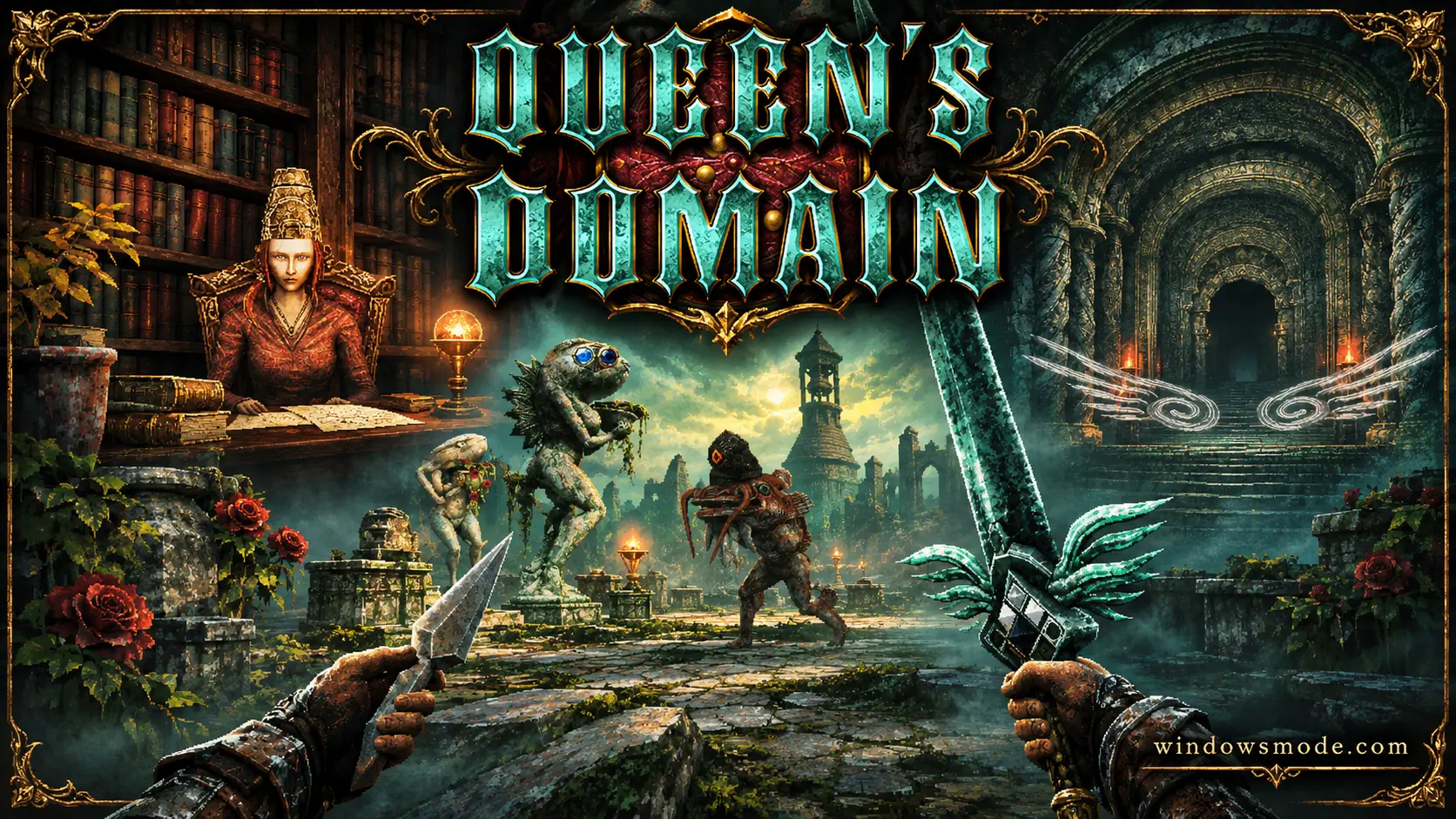
Queen’s Domain on PC. Click to open it full size.
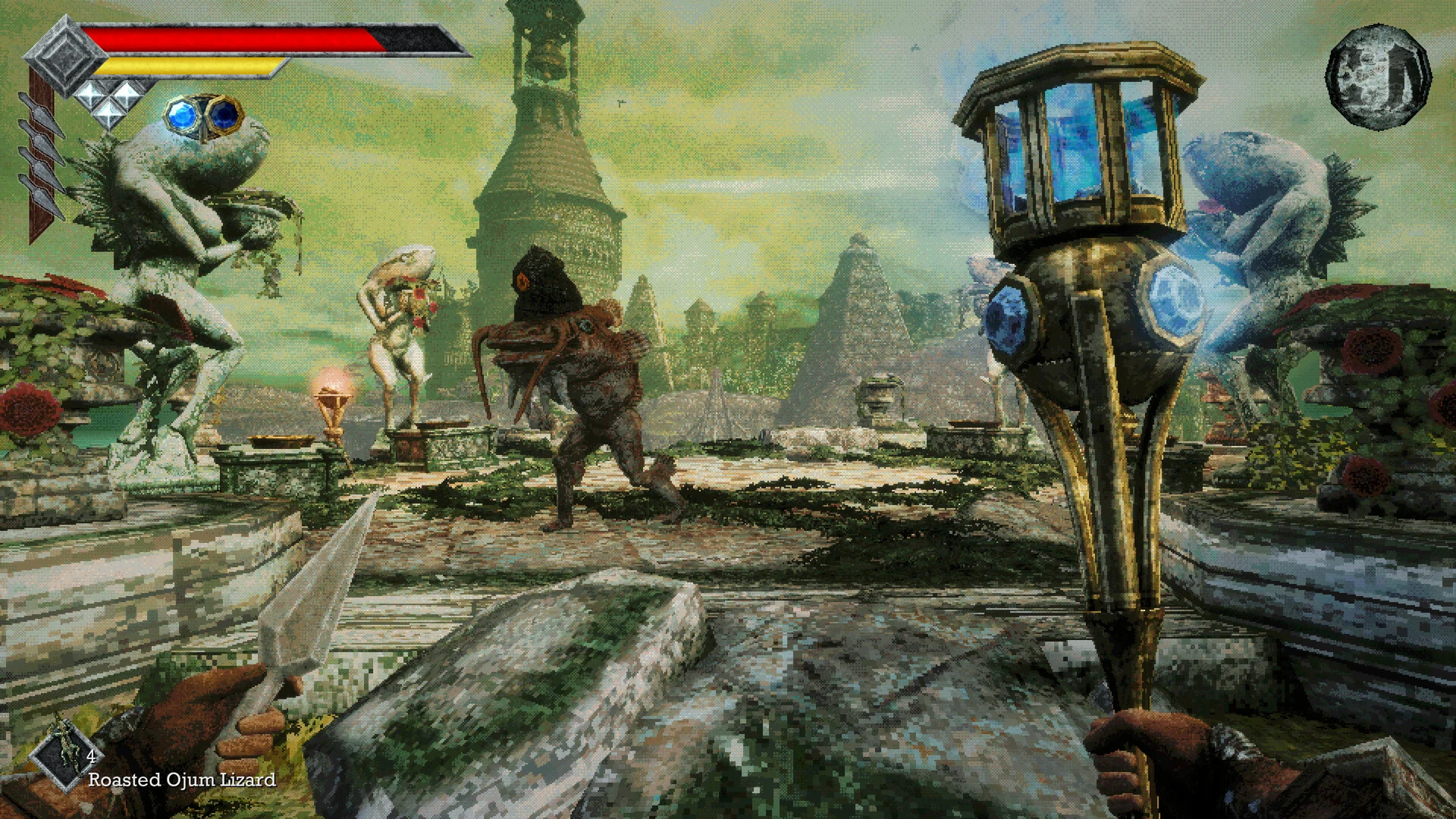
Queen’s Domain is a first-person action RPG for PC from Freshly Baked Games, available on Steam. You wash up on the Isle of Neasied, searching for your missing father. You explore one large, connected island, fight monsters with stamina-based combat, and level up as you go deeper. If you know FromSoftware’s old King’s Field games, it plays in that style.
Getting around is what sets it apart. Your Holy Sword, Endu, lets you fly from one platform to the next, and upgrades let you fly further. Gaps you cannot cross early on become shortcuts and secret areas later.
It came out on October 30, 2026, published by Future Friends Games. It needs a 64-bit version of Windows 10 or later, has full controller support, and is Steam Deck Verified. Freshly Baked Games is a two-person studio, and it announced more than 300,000 wishlists before launch.
Already on the island? Tell us which weapon carried you through the first dungeon. Got questions before buying? Reach out to us directly.
What You Need to Know
- On PC it is sold only on Steam. It is not on the Epic Games Store or GOG.
- A free demo is on Steam, so you can try the first dungeon before you buy.
- It is single-player only, with full controller support.
- It is also out on PS5, Xbox Series X|S and Nintendo Switch 2.
Quick Facts


How to Download Queen’s Domain on Windows
Steam is the only place to buy it on PC. The download is only 1.5 GB, so it installs in a few minutes on most connections.
- Step 1. Install Steam. Download it from the Steam website and sign in.
- Step 2. Open the store page. Go to Queen’s Domain on Steam.
- Step 3. Pick an edition. Add the base game or the soundtrack bundle to your cart and check out.
- Step 4. Install it. Click Install in your library.
- Step 5. Launch it and head for the shore.
Not sure yet? Click Download Queen’s Domain Demo on the same page to play the opening for free.
Queen’s Domain Editions and Price
There are two ways to buy it. The soundtrack bundle adds only the music, so it changes nothing in the game. Pick it if you like the score or want to give the small team a bit more. The soundtrack also sells on its own for $9.99.
Steam also lists bundle deals that lower the price if you already own a game in them, such as Lunacid.
💡 Your PC is too weak? Cloud gaming is an option. Check on Boosteroid.
What Is Queen’s Domain?
Queen’s Domain starts on a beach. You wash up on the Isle of Neasied looking for your father, who went missing there. Sinister forces are gathering on the island, and the sleeping Queen it is named after has begun to stir.
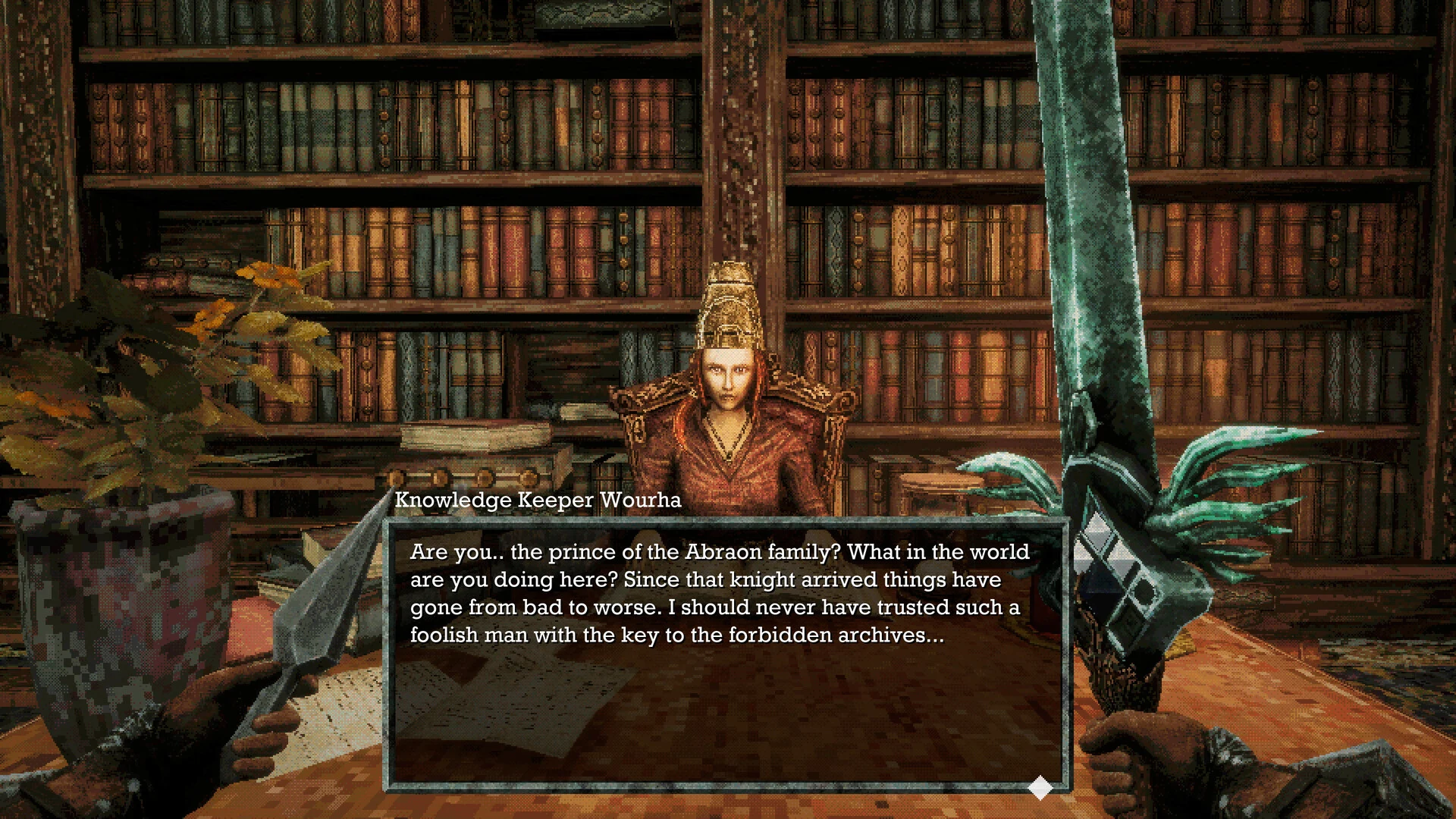
Knowledge Keeper Wourha, one of the people you meet on the island.
Everything happens in first person. The island is one connected maze: forests, ruins, libraries and dungeons that loop back on each other, with secrets and traps around every corner. You talk to the few people left, collect keys, and slowly open up the map.
Combat is slow and deliberate. Every swing uses stamina, so you pick your moment instead of mashing the attack button. On top of that you have charge attacks, a special attack for each weapon, and more than 20 kinds of throwing weapons for range.
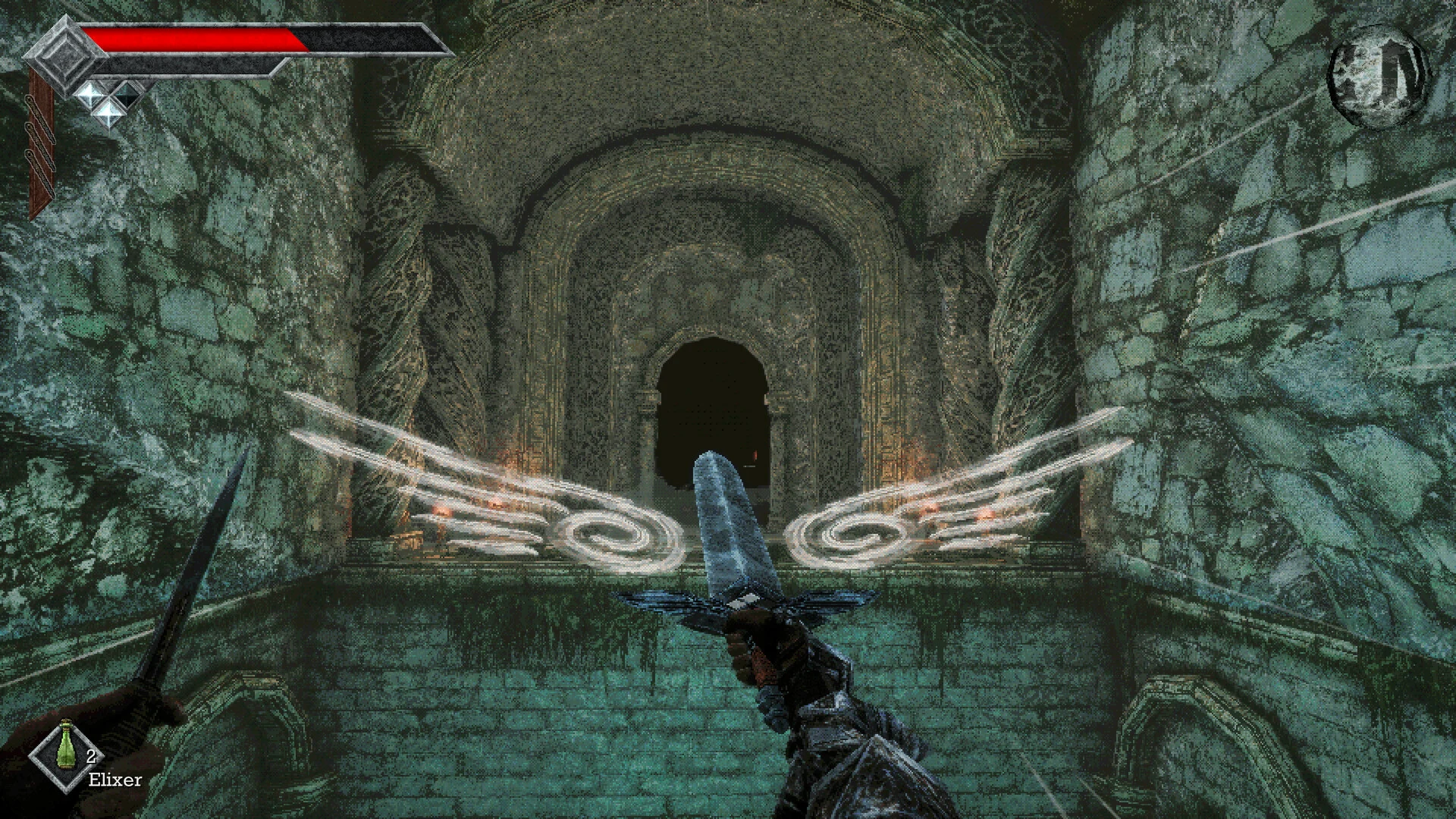
The Holy Sword Endu, ready to carry you across a gap.
The Holy Sword is the twist. Endu lets you fly across gaps, and each upgrade lets you fly further. It turns exploration into a kind of platforming and gives the island a vertical shape that the old games it is based on never had. The studio says most players will spend 40 hours or more on the island.
Official Trailer
Watch the official launch trailer for Queen’s Domain to see the island, the first-person combat and the bosses waiting in its dungeons.
Key Features
Forests, ruins and dungeons link up through shortcuts, so the map opens up as you learn it.
The Holy Sword Endu carries you across gaps. Upgrade it to reach places you saw but could not get to.
Every swing costs stamina. Charge attacks, weapon specials and throwing weapons give you options.
Find, equip and upgrade swords, maces, spears and staffs, each with its own special attack.
Spend XP to level up, and eat food to raise your stats even further.
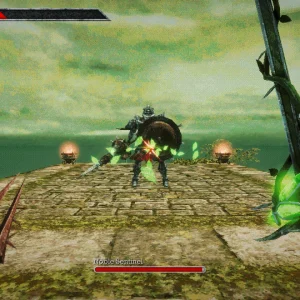
From giant bugs and fish men to boss fights like the Necronomicon and the Noble Sentinel.
Is This Game for You?
Our Take
🎮 Our Take
Queen’s Domain knows exactly what it wants to be: a full-length King’s Field style dungeon crawler, made for people who have wanted one for years. Its one new idea is the flying sword, and it is a smart one. It turns a slow, walking-pace genre into something with platforming and vertical routes, and it gives every gap you cannot cross yet a reason to come back. More than 50 weapons and food that raises your stats add plenty of room to build your own way. The rough spot was the launch build: the 1.01.01 patch the day after release fixed soft locks and freezes, so expect small bugs to keep getting patched.
If you grew up on King’s Field, or you like Souls games and want something older and stranger, buy it. At $19.99 for 40+ hours, it is easy to justify. If you are unsure about the PS1-style look or the slow combat, play the free demo first. It answers both questions in under an hour.
System Requirements
These are the requirements Freshly Baked Games lists on Steam. Any gaming PC from the last ten years should run it, and Windows 11 works fine since it meets the Windows 10 minimum.
Building or buying a new PC? See our Best Gaming Desktops guide.
Tips for Beginners
Watch your stamina bar
Every swing uses stamina. Leave a little in reserve so you can back off when an enemy hits back.
Use charge attacks and specials
A charged hit does far more damage than a quick one, and each weapon has its own special attack. Learn both on weak enemies first.
Keep throwing weapons stocked
There are more than 20 kinds. Soften dangerous enemies from range before you close in.
Eat the food you find
Food raises your stats on top of leveling up, so do not leave it sitting in your bag.
Remember the gaps you cannot cross
Each Holy Sword upgrade lets you fly further. A ledge that is out of reach now usually leads somewhere worth coming back for.
Queen’s Domain Screenshots
A ruined tower, an overgrown courtyard and three of the bosses: the Necronomicon, the Black Skeletal Butcher and the Noble Sentinel. Click any image to open it full size.
-
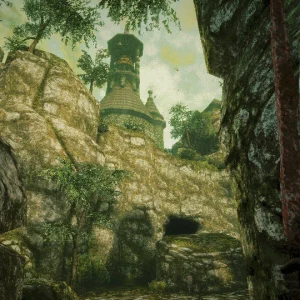
- Queens domain ruined tower cliffs from
-
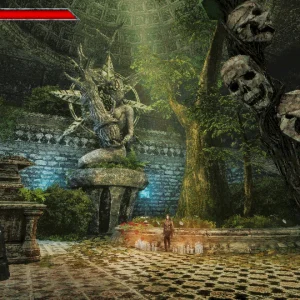
- Queens domain skull mace courtyard from
-
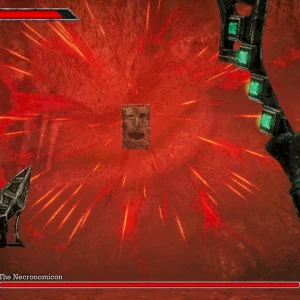
- Queens domain necronomicon boss from
-
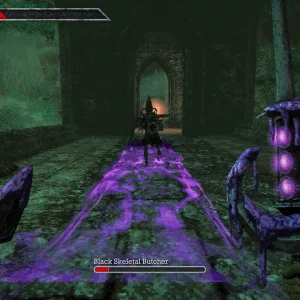
- Queens domain skeletal butcher boss from
-
- Queens domain noble sentinel boss from
Queen’s Domain FAQ
Is there a Queen’s Domain demo?
Can you play Queen’s Domain with a controller?
Does Queen’s Domain support mods?
How long is Queen’s Domain?
Is Queen’s Domain on PS5, Xbox or Switch 2?
What are the Queen’s Domain system requirements?
Support and Community
- Future Friends Games, the publisher’s own website. Freshly Baked Games does not run a website of its own.
- Biogenesis on YouTube, the channel of Eric Berger, one half of the studio, where the official trailers go up first.
- Queen’s Domain news and patch notes on Steam, for every update.
- Queen’s Domain Steam discussions, for questions, bug reports and tips.
- The official Queen’s Domain Discord, to talk to the team directly.
- Queen’s Domain on X, the game’s official account.
- r/pcgaming on Reddit, for wider PC gaming discussion.
Explore more Windows games: Elden Ring for Windows · Valor Mortis for Windows · Nioh 3 for Windows · Hollow Knight: Silksong for Windows · Best RPG Games on PC · Best Indie Games on PC
Discover more from Windows Mode
Subscribe to get the latest posts sent to your email.















Add your first comment to this post