Readers like you help support this site. When you make a purchase using links on our site, we may earn an affiliate commission. All opinions remain our own.
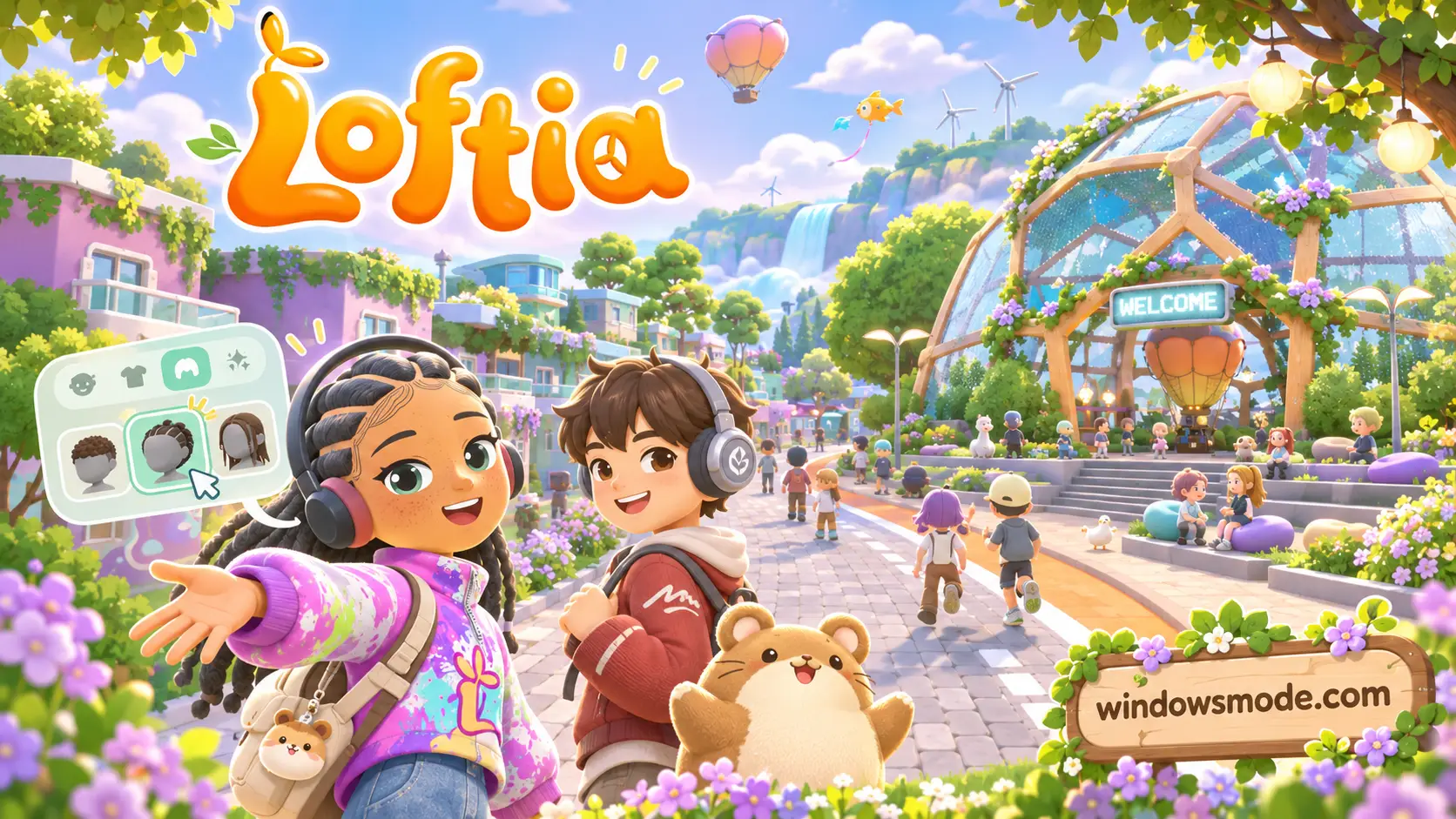
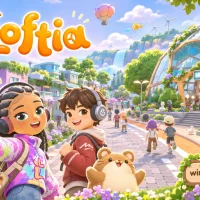
Loftia on PC. Click to open it full size.
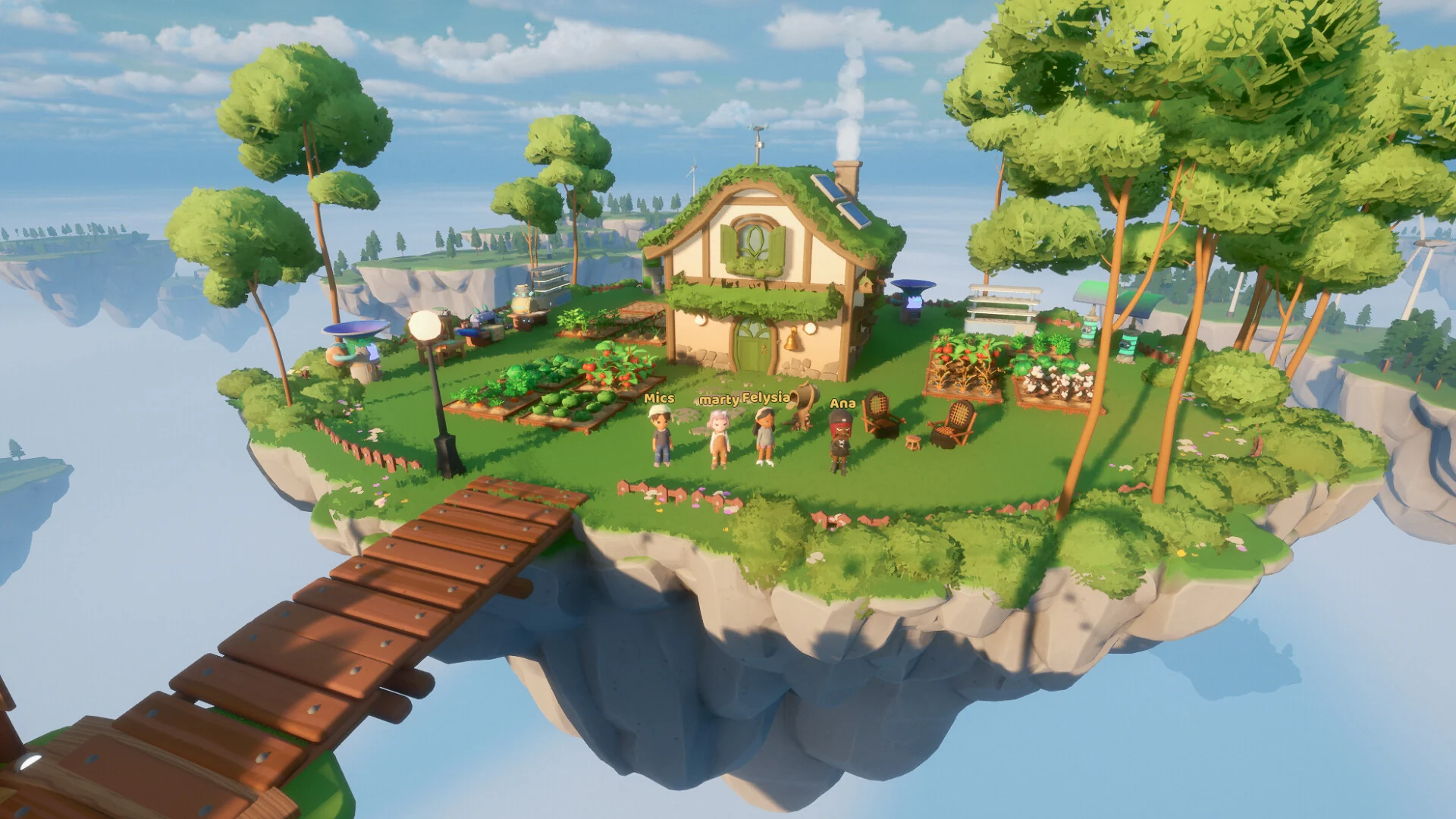
Loftia is a cozy online multiplayer game for PC from Qloud Games, available on Steam and the Epic Games Store. You build a home on a floating island, farm, craft, decorate and adopt pets in a shared sky city. Other players live around you, so you can team up or just hang out. There is no combat.
The setting is what sets it apart from other cozy games. Everything runs on clean energy: you farm with hydroponics and power your tools with sun, wind and rain. The whole world is built around helping the community grow, together.
It entered Early Access on November 3, 2026, on PC and Mac. It needs a 64-bit version of Windows 10 or later and an internet connection, and it has full controller support. Qloud Games started building it in 2022, and the studio says close to 150,000 players tried the free demo during Steam Next Fest.
Already living in the sky? Tell us which pet you adopted first. Got questions before buying? Reach out to us directly.
What You Need to Know
- It is in Early Access, so new areas and features arrive through updates.
- It is sold on Steam and the Epic Games Store. It is not on GOG.
- It is online only. You need an internet connection every time you play.
- You can play solo or with friends, and progress is never locked behind a group.
Quick Facts


How to Download Loftia on Windows
You can buy it on Steam or the Epic Games Store. Pick the store your friends use, since the two versions are separate purchases.
- Step 1. Install a launcher. Get Steam or the Epic Games Launcher and sign in.
- Step 2. Open the store page. Go to Loftia on Steam or Loftia on Epic.
- Step 3. Buy the game. Add the base game or a bundle to your cart and check out.
- Step 4. Install it. Click Install in your library. It needs 10 GB of space.
- Step 5. Launch it and create your character.
Loftia Editions and Price
There are two ways to buy it on Steam. The extras are cosmetic only, so the base game gets you every part of the gameplay. Qloud Games says it has no plans for paid expansions, and new content is free for everyone who owns the game.
You can also buy the add-ons on their own: the Supporter Pack costs $19.99, and 25% of its price goes to One Tree Planted for reforestation. The soundtrack costs $4.99. Epic sells the base game and the soundtrack. Prices differ by store and region, so check both pages before you buy.
💡 Your PC is too weak? Cloud gaming is an option. Check on Boosteroid.
What Is Loftia?
Loftia is set in a city of floating islands, high above an old world that did not make it. You arrive in Loftia City, meet the people who live there, and start building a life. It is a solarpunk game, which means it imagines a future where people and nature live in balance.
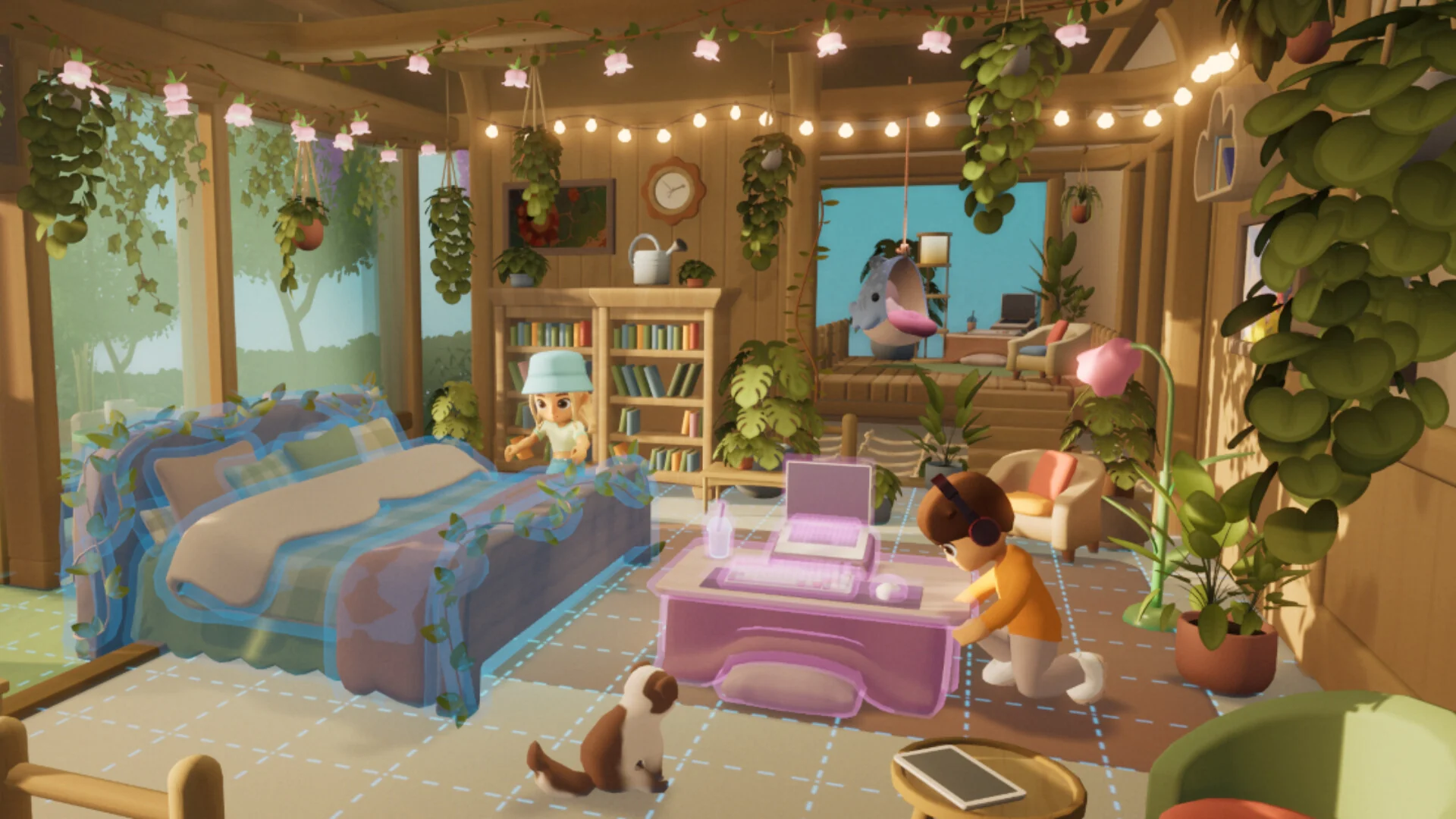
Your home is yours to decorate, inside and out.
Most of your time goes into your own floating island. You grow crops, craft tools, and decorate a house in whatever style you like. Your island links up with other players’ islands to form a neighborhood, so you can visit, farm together, or just sit and chat.
When you want more, you head out on Adventures: group trips to abandoned factories and wild biomes, with puzzles to solve and resources to salvage. Back in the city, everyone chips in to World Projects. Finishing them unlocks new resources, hidden stories and new islands for the whole server.
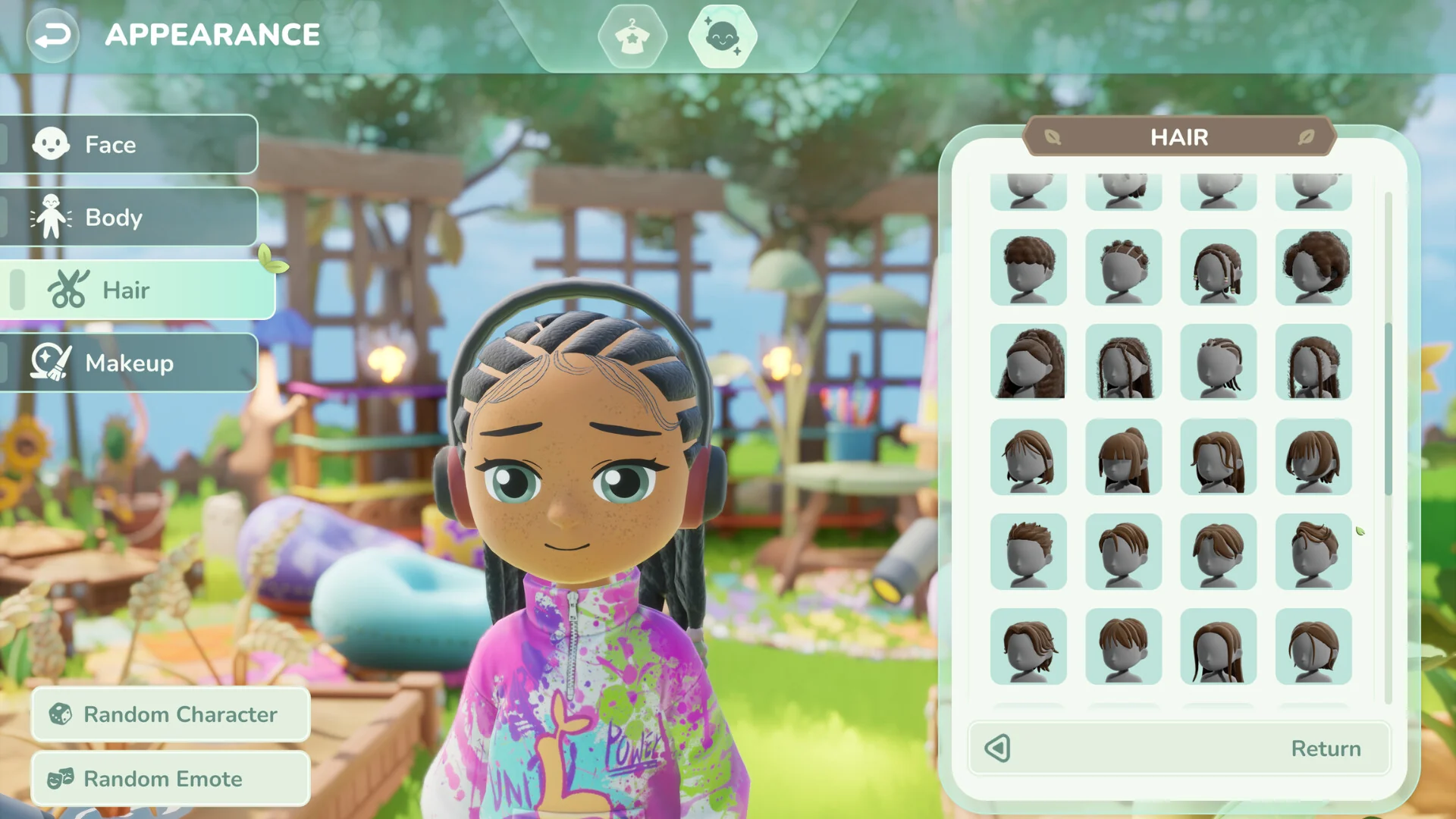
The character creator. Your character has no set gender, so mix any options you like.
Character creation is wide open. There is no set gender, so any hairstyle, outfit or body option works with any other. You can also rescue animals, from capybaras to turtles, and bring them along as pets you can dress up.
What Is in Loftia Early Access?
Early Access means the game is playable from start to finish, but not finished. Qloud Games said at launch that it aims to stay in Early Access for about a year, and that the exact 1.0 date depends on player feedback.
In the game today
The full main story, in 4 chapters across 3 regions: Loftia City, the Hanging Gardens and the Gridfall salvage district. Plus side quests, World Projects, Adventures, pets, treasure hunting and a large set of outfits and decorations.
Planned for 1.0
New islands and regions, more questlines and NPCs, a Study Cafe, Clubs and NPC Friendships, along with balance changes and interface fixes. All of it comes as free updates.
The studio keeps a full list on its Early Access page. It also says updates will keep coming after 1.0, since the world is meant to grow with its players.
Official Trailer
Watch the official Early Access launch trailer for Loftia to see the floating islands, the shared city and what you can build with friends.
Key Features
Build and decorate a house and a garden on an island that is yours, then link it to a neighborhood.
Grow crops with hydroponics, aquaponics and trellises, and power your tools with sun, wind and rain.
Rescue animals like capybaras and turtles, care for them and bring them on your trips.
Team up to explore abandoned factories and wild biomes, solve puzzles and salvage resources.
Everyone on a server adds to shared builds that unlock new resources, stories and islands.
No set gender and a wide range of hair, outfits and makeup, with more unlocked as you play.
Is This Game for You?
Our Take
🎮 Our Take
Loftia fills a gap that a lot of cozy games leave open: it is built from the ground up to be played with other people. Linking your island into a neighborhood and working on World Projects with a whole server gives the farming and decorating a reason beyond your own house, and the clean-energy theme gives it a look and feel of its own. The full main story is already in, so this is a real game today, not a tech demo. The trade-offs are clear, though. It is online only, it is in Early Access, and it is a paid game that also has a cosmetic shop and a season pass. The studio says those sell cosmetics only, and nothing we found says otherwise.
If you want a cozy game to share with friends or a partner, buy it now: the shared world is the whole point, and it is busiest early on. If you mostly play cozy games alone and offline, or you would rather wait for a finished game, put it on your wishlist and check back at 1.0, when the Study Cafe, Clubs and more islands are planned to arrive.
System Requirements
These are the requirements Qloud Games lists on Steam and Epic. A gaming PC or laptop with a GTX 1050 or better can run it, and the studio says it plans to make the game run better on older computers over time.
Building or buying a new PC? See our Best Gaming Desktops guide.
Tips for Beginners
Open the Tool Wheel early
Your seeds and tools live in the Tool Wheel. Learn its shortcut in the first few minutes, because the farming tutorial depends on it.
Do not skip solar on rainy nights
Solar panels still make power in rain and at night, so keep them on your island and let the energy build up.
Pitch in to World Projects
Every contribution counts toward new resources, stories and islands for everyone, and it is the easiest way to feel part of the server.
Join your friends’ server
Only players on the same server can play together. You are not locked to one, so switch to wherever your friends are.
Try one Adventure with a group
Adventures are built around group puzzles. Even if you plan to play solo, one run with others shows you how they work.
Loftia Screenshots
The Welcome dome, the streets of Loftia City, a rooftop garden, a community farm, the Gridfall district, a bamboo forest and a group Adventure. Click any image to open it full size.
-
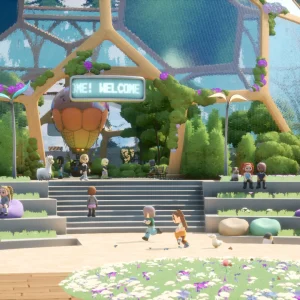
- Loftia welcome dome from
-
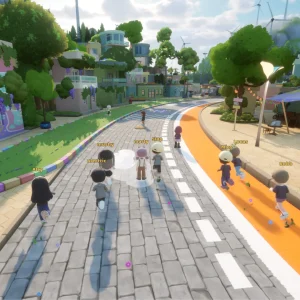
- Loftia city street from
-
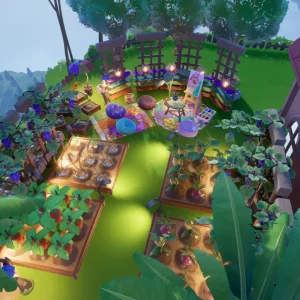
- Loftia rooftop garden from
-
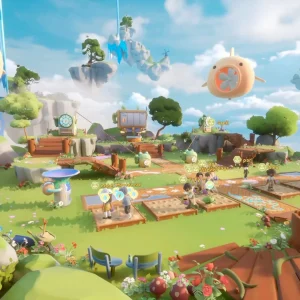
- Loftia community farm from
-
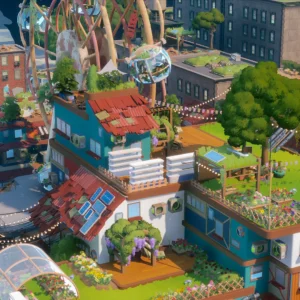
- Loftia gridfall district from
-
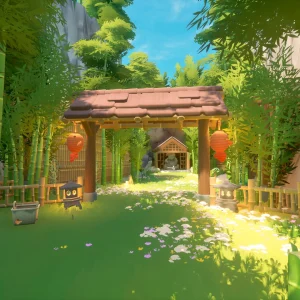
- Loftia bamboo gate from
-
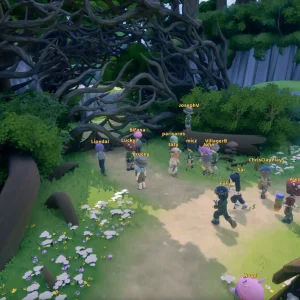
- Loftia group adventure from
Loftia FAQ
Is Loftia free to play?
Can you play Loftia solo?
Can you play Loftia offline?
Does Loftia have cross-play between Steam and Epic?
Is Loftia on Mac, Steam Deck or Switch?
Does Loftia support mods?
What are the Loftia system requirements?
Support and Community
- Loftia official website, from Qloud Games, with news and account sign-in.
- The official Loftia FAQ, for servers, pricing and platform questions.
- The official Loftia Discord, to talk to the team and other players, and to check on server downtime.
- Loftia news and patch notes on Steam, for every update.
- Loftia Steam discussions, for questions, bug reports and tips.
- r/loftia on Reddit, the game’s own subreddit.
- Loftia on YouTube, the official channel for trailers and update videos.
Explore more Windows games: Heartopia for Windows · Fields of Mistria for Windows · Stardew Valley for Windows · The Sims 4 for Windows · Wanderburg for Windows · Best Simulation Games on PC
Discover more from Windows Mode
Subscribe to get the latest posts sent to your email.







Add your first comment to this post