Readers like you help support this site. When you make a purchase using links on our site, we may earn an affiliate commission. All opinions remain our own.
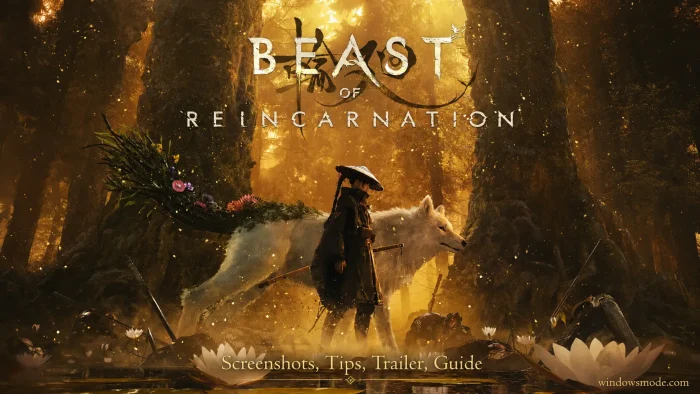
Beast of Reincarnation is an action RPG for PC from GAME FREAK, available on Steam and the Xbox app.
You play Emma, an outcast carrying a curse, travelling a ruined Japan with Koo, a blighted dog. Emma swings the sword while you feed Koo commands, and the two of you fight as one unit.
The combat is the reason to look at this game. Blocking an attack at the right moment builds the points that pay for Koo’s abilities, so your defense is what funds your offense. Picking a command for Koo slows time down, which turns a fast sword fight into a series of small decisions.
The game launched on August 3, 2026, for Windows 11 and 10, PlayStation 5, and Xbox Series X and S. It is single-player and it supports a controller. This is GAME FREAK’s first big release outside Pokemon.
Already playing? Tell us which Koo build you settled on in the comments. Got questions before buying? Reach out to us directly.
What You Need to Know
- The standard edition is $59.99 and the Deluxe Edition is $69.99. It is also included with PC Game Pass at no extra cost.
- Reviews are split. Almost everyone praises the sword-and-dog combat, and a lot of people find the open world empty and the story flat.
- PC performance is the main complaint at launch. Players well above the recommended specs report a soft, blurry picture and frame rates that stutter.
Quick Facts
How to Download Beast of Reincarnation on PC
There are two ways onto a Windows PC, and the cheaper one surprises people. Buying it outright costs $59.99, but a subscription gets you the whole game for a fraction of that.
- Step 1. Open the Beast of Reincarnation Steam page and click Add to Cart.
- Step 2. Already pay for PC Game Pass? Get it free on the Xbox store for PC instead.
- Step 3. Sign in to your account, or create one for free if you do not have one.
- Step 4. Check your free space first. The install needs 45GB and it has to sit on an SSD.
- Step 5. Update your graphics driver before you launch it the first time.
- Step 6. Turn off motion blur and depth of field in the graphics menu. Set upscaling, which draws the game smaller then stretches it to fit your screen, to Quality.
- Step 7. Plug in a controller if you have one. The blocking is easier on a stick.
Editions and Pricing
Standard Edition
$59.99
- ✔ The full game, start to finish
- ✔ All 46 Steam achievements
- ✔ Cloud saves and family sharing
- ✔ English and Japanese voice acting
Deluxe Edition
$69.99
- ✔ Everything in the standard edition
- ✔ The Deluxe add-on pack of bonus items
- ✔ Sold on its own for $9.99 if you buy later
- ✔ Same story, no extra chapters
🎮 The cheapest way in is a subscription
Beast of Reincarnation is included with PC Game Pass and with Xbox Game Pass Ultimate. One month costs a fraction of the $59.99 sticker price, which makes it a sensible way to find out whether the combat clicks for you before you commit. It is also an Xbox Play Anywhere title, so a purchase on the Xbox store covers both your PC and an Xbox console.
☁️ Your PC is too weak? Cloud gaming is an option.
This game asks for an SSD, 16GB of RAM, and a card in the RTX 3060 range to hold 60fps. If your machine falls short of that, you can try Boosteroid and stream it instead.
What Is Beast of Reincarnation?
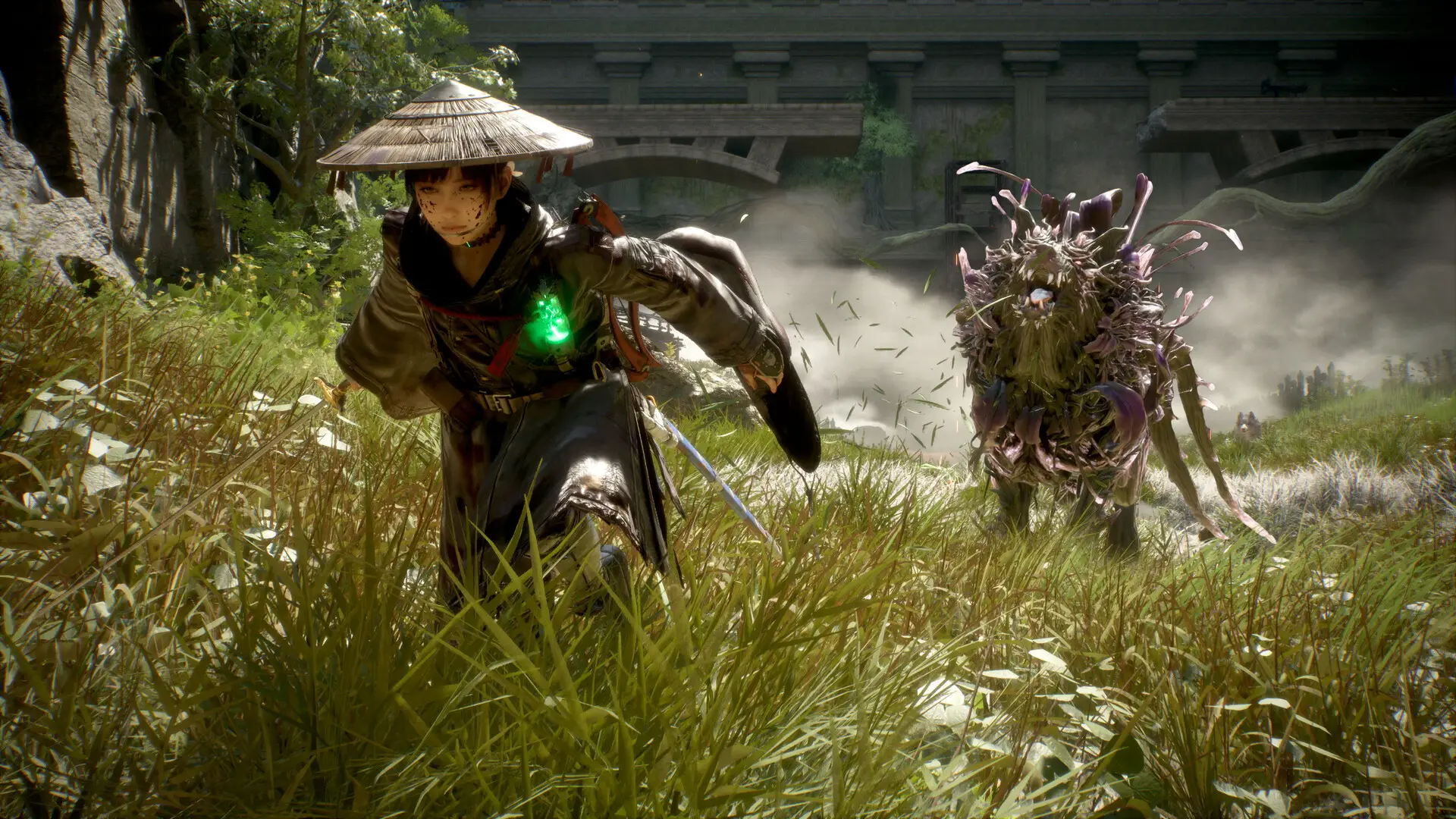
Beast of Reincarnation is a third-person action RPG set in Japan in the year 4026, long after a disease called the blight ruined the country. You control Emma, a young woman society threw out because of her own affliction, and Koo, a dog carrying the same blight. The two of them travel the wasteland hunting the bosses that rule it, taking each one’s power, all of it building toward the beast the game is named after.
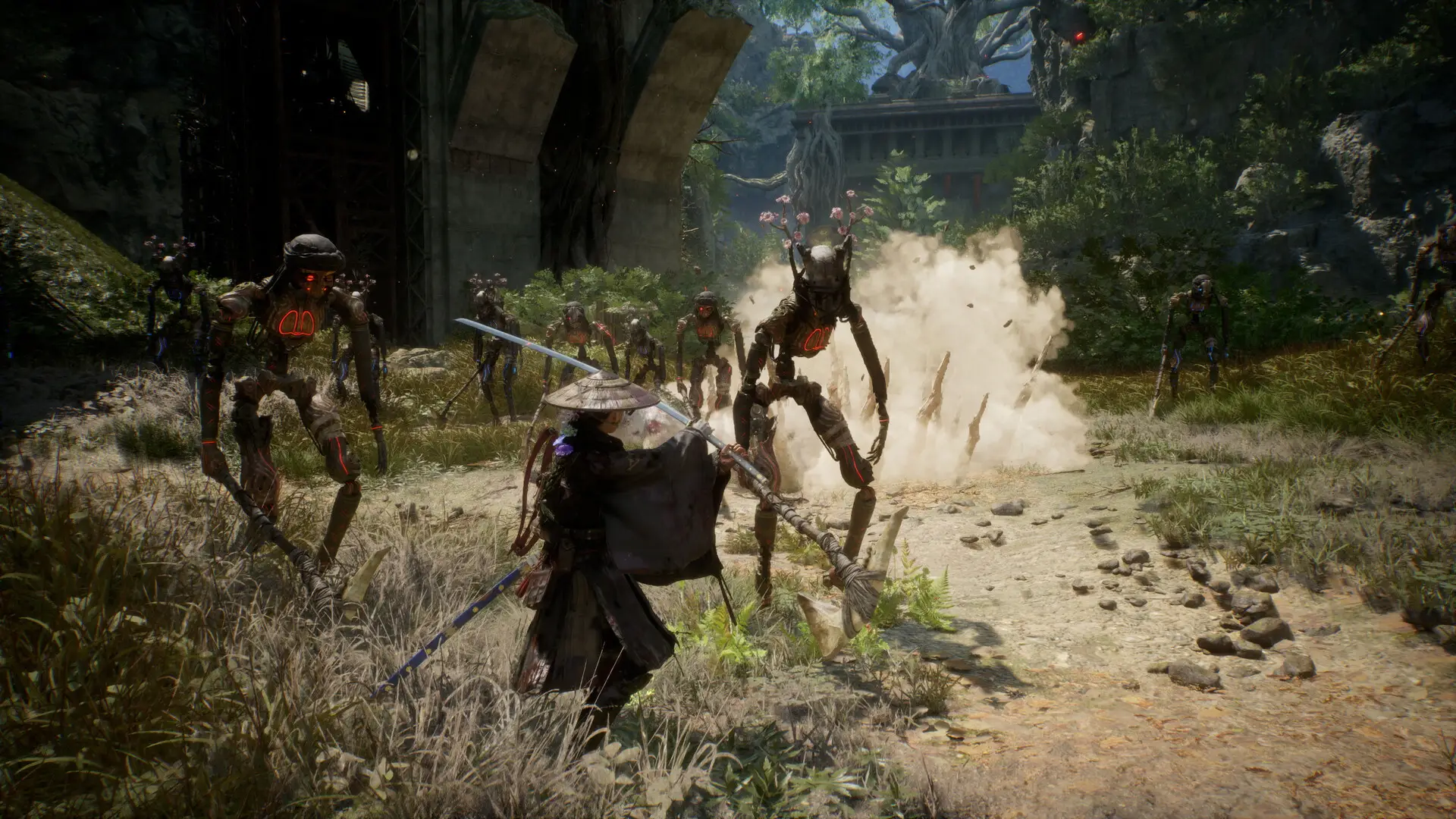
GAME FREAK calls it a one-person, one-dog action RPG, and that is a fair description of how it plays. Emma fights in real time with a sword, leaning on well-timed blocks the way Sekiro does. Koo works on a command menu that slows time to a crawl while you choose, so his fire blasts, lightning spears and binding attacks land as deliberate choices rather than button mashes. The two systems are wired together: good blocks earn the points that Koo’s abilities spend.
Progress runs through three things. Emma and Koo each get their own large skill tree, and your gear changes how you fight. Spirit stones (small parts you slot in to adjust your stats and abilities) let you aim a build at ranged, stealthy or aggressive play. The world itself is open and shifts as you cross it, with forests erupting out of dead ground.
Official Trailer
Watch the official Beast of Reincarnation launch trailer to see Emma’s sword work, Koo taking commands mid-fight, and the ruined Japanese landscape the two of them cross.
Key Features
Blocks Pay for the Dog
Timing a block well earns points, and those points are the only currency Koo’s abilities spend. Playing defensively is not the cautious option here, it is how you get to attack at all.
A Command Menu Inside a Sword Fight
Choosing what Koo does slows time almost to a stop. You get the calm of a turn-based RPG without leaving the fight, then drop straight back into real time.
Two Full Skill Trees
Emma and Koo level separately, each with a large tree of their own. You can pour everything into Emma’s sword, build Koo into an artillery piece, or split the difference.
Spirit Stones and Loadouts
Gear and spirit stones let you aim a build at ranged, stealthy or aggressive play. Swapping them is how you answer a boss that keeps beating you.
Bosses That Hand Over Their Powers
Every regional boss you beat gives up its power to you. Beating them is both the progression system and the story.
46 Achievements and Cloud Saves
The Steam version carries 46 achievements, Steam Cloud saves and family sharing. The Xbox version supports Play Anywhere, so PC and console share one purchase and one save.
Is This Game for You?
You Will Love It If:
- ✅ You want combat with real depth and you are willing to learn a timing window
- ✅ You liked the block-and-counter rhythm of Sekiro or Nioh
- ✅ You want a companion system that does more than follow you around
- ✅ You enjoy rebuilding a character around a boss that keeps killing you
- ✅ You have PC Game Pass and want a big single-player game to sink into
You Might Not If:
- ❌ You want a world full of things to find, this one is widely called empty
- ❌ You want a story that surprises you, most reviews call it predictable
- ❌ You want it to run cleanly on day one, the PC build has real performance problems
- ❌ You dislike parry-heavy combat, because blocking is not optional here
- ❌ You want co-op or multiplayer, it is strictly single-player
🎮 Our Take
The split reception makes sense once you see what the game is good at and what it is not. The fighting is excellent, and nearly every review says so: blocking to fund Koo’s abilities is a genuinely new idea, and the two skill trees give it somewhere to go. The world those fights sit inside is the problem. It is large, it is pretty, and there is not much in it, so the travel between good encounters drags. The story does not rescue that stretch either. On top of it, the PC version arrived rough, with a soft picture and frame rates that wobble on hardware that should not be struggling.
If you have PC Game Pass, install it today and judge the combat yourself, because at subscription prices the empty world costs you nothing. If you are looking at the $59.99 box, we would wait. A patch or two on performance, and a sale, would turn this from a hard sell into an easy one.
Why Play on PC?
- Frame rates above 60. Consoles cap this game. A PC that clears the recommended spec can push past that, and in a game built on block timing, a steadier frame rate is a real advantage.
- You control the settings. The blur that reviewers complain about is partly motion blur and depth of field, and on PC you can simply switch both off. Console players cannot.
- Upscaling is your choice. The game supports both of the common upscaling tools, NVIDIA DLSS and AMD FSR, and on PC you pick the mode. Quality looks noticeably sharper than the Performance setting the game leans on to hit its frame targets.
- One purchase covers two machines. Buy it on the Xbox store and Play Anywhere gives you the PC and Xbox versions with a shared save file.
System Requirements
Tips for Beginners
Learn the block before you learn anything else
Every other system depends on it. Koo’s abilities run on points you only earn by blocking well, so a player who dodges everything ends up fighting alone with half a toolkit.
Use the slow-motion command menu to breathe
Opening Koo’s command wheel slows time to a crawl. When a boss fight gets away from you, open it and actually look at the arena instead of picking the first ability on the list.
Turn off motion blur and depth of field first
The soft, smeared look people complain about is largely these two settings. Switching them off costs nothing in performance and sharpens the picture immediately.
Build Koo for what Emma cannot do
If you are playing Emma aggressively up close, give Koo the ranged and binding abilities. Doubling up on the same range leaves you with no answer when a boss backs off.
Respec instead of grinding
When a boss keeps beating you, the fix is usually a different spirit stone or a branch of the skill tree you skipped, not another hour of levelling.
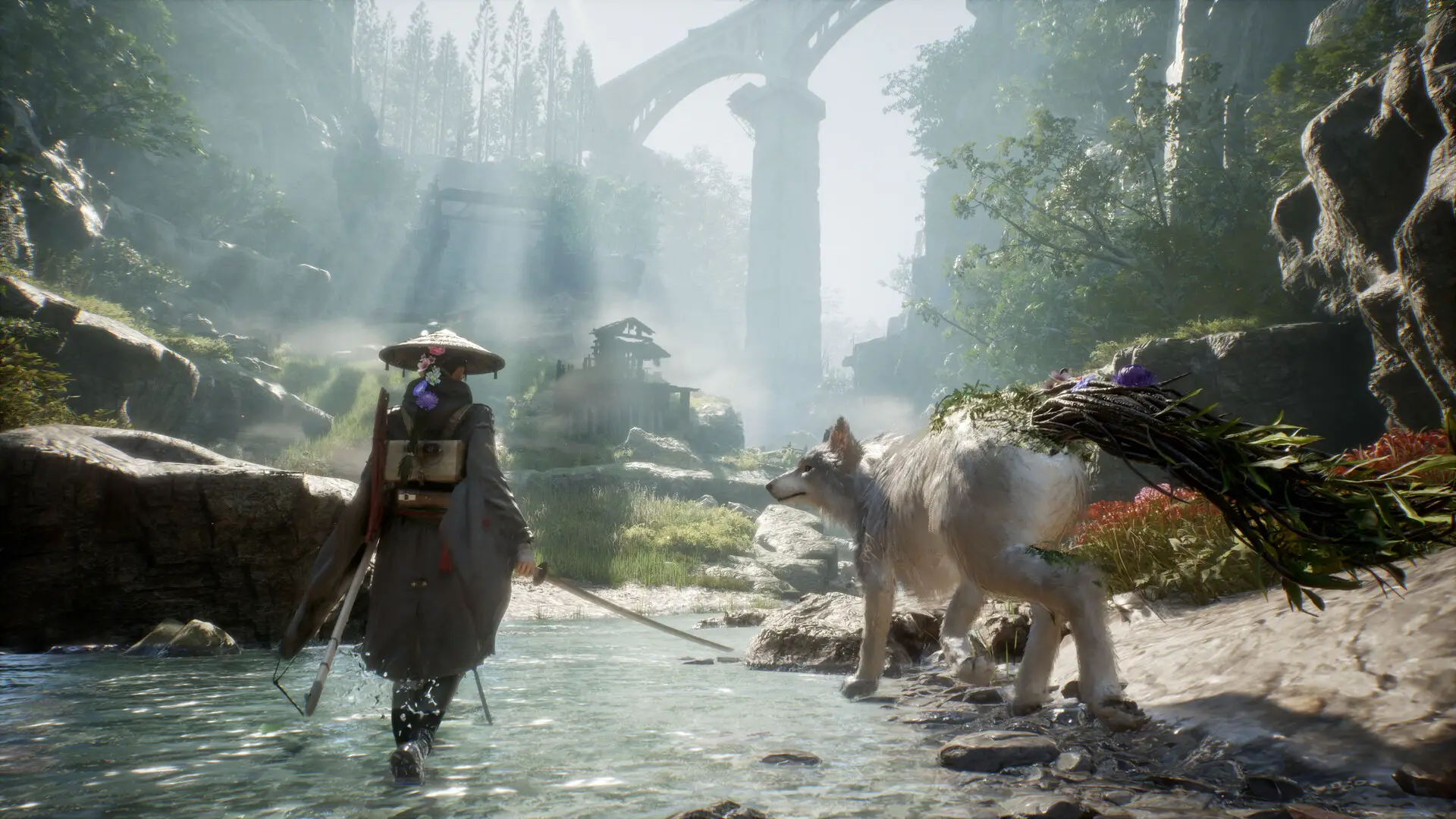
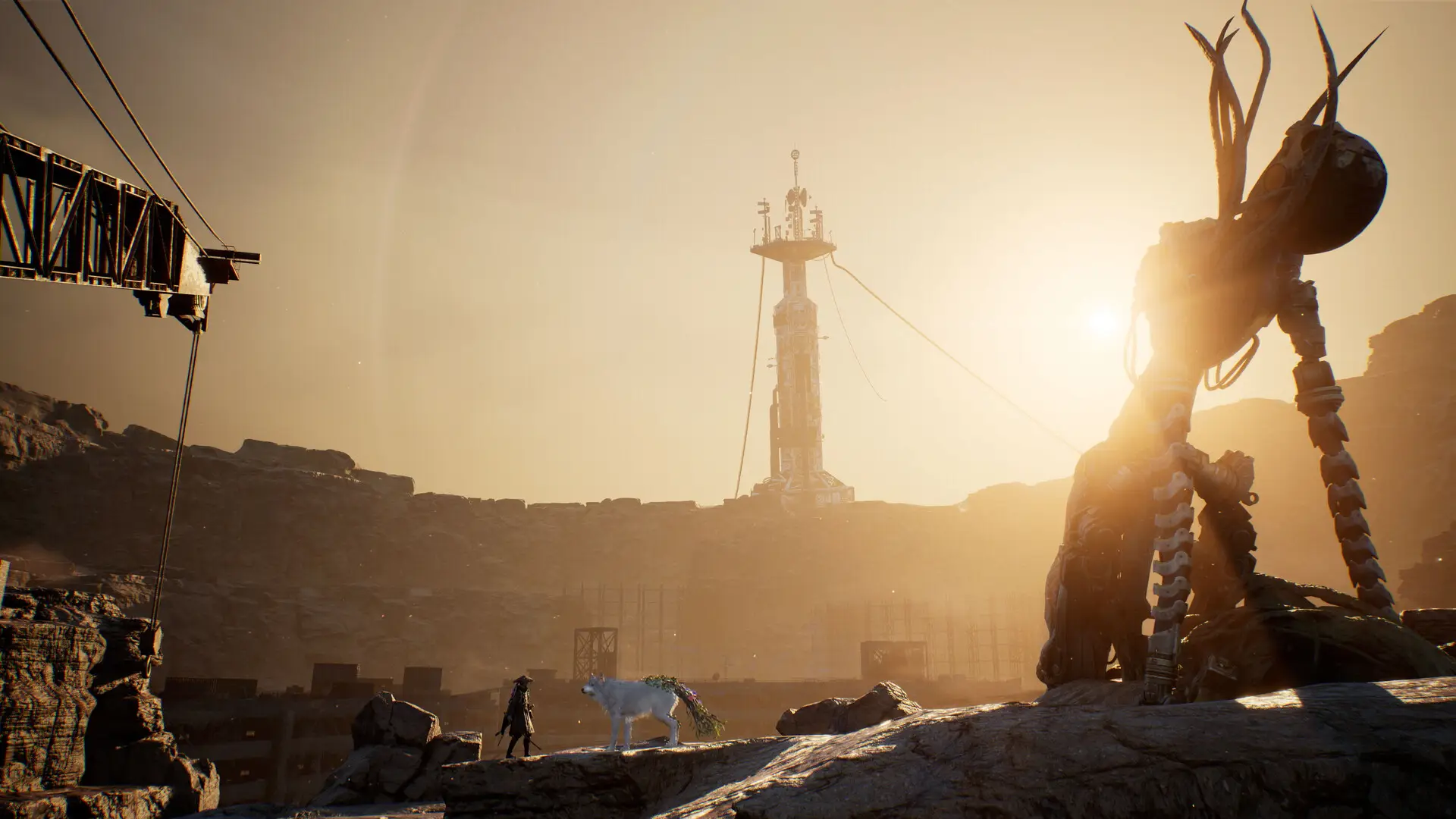
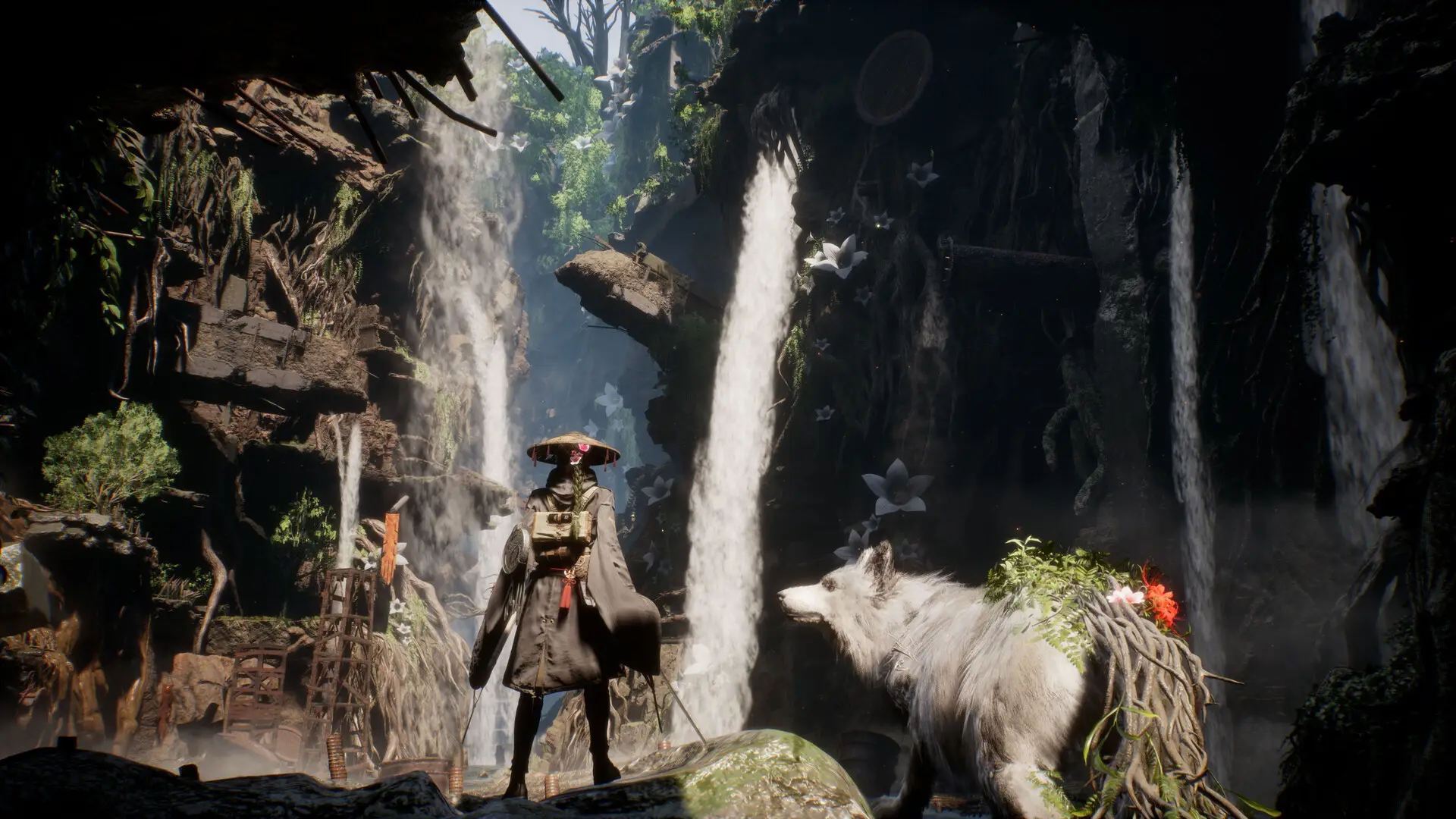
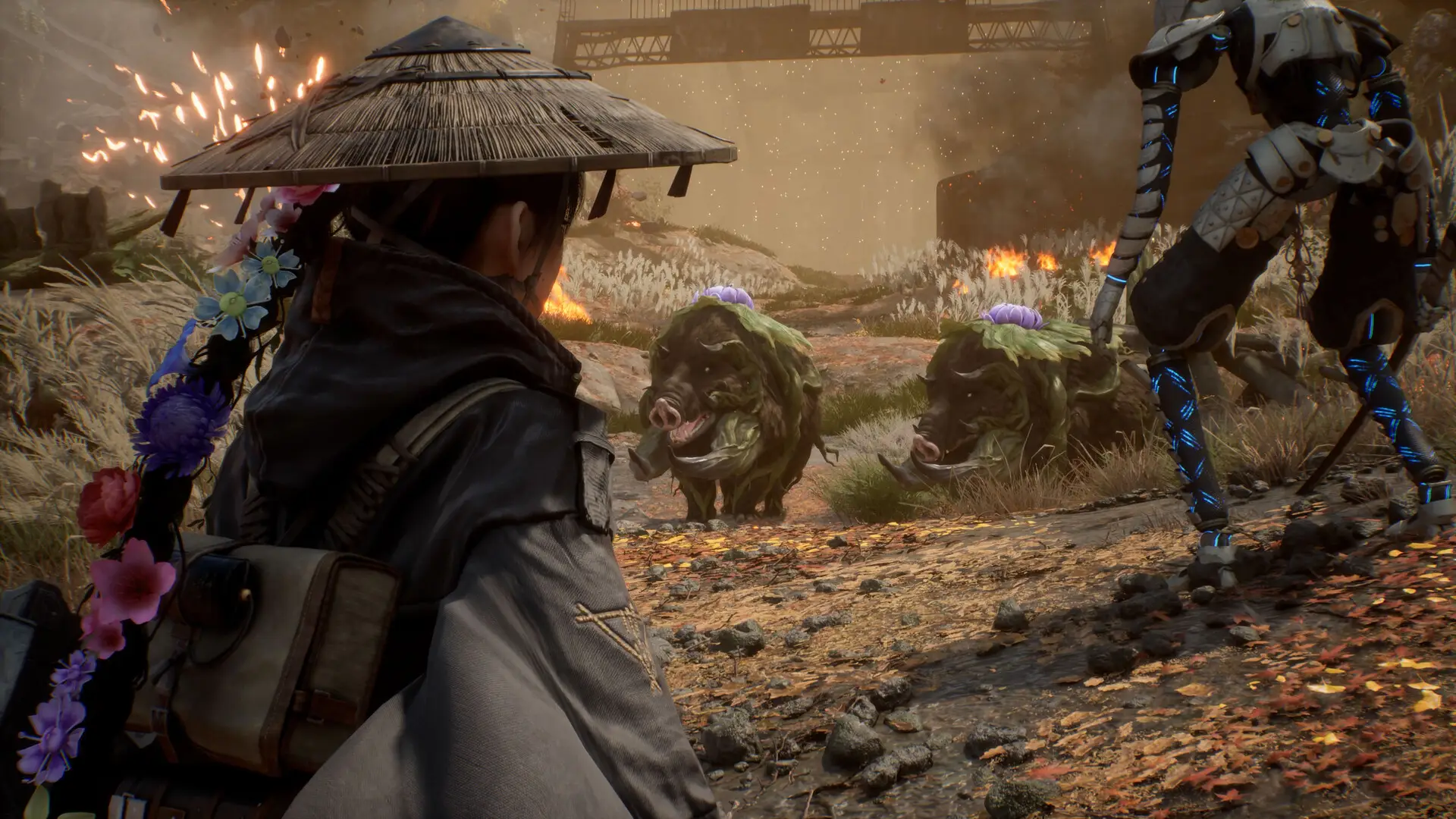
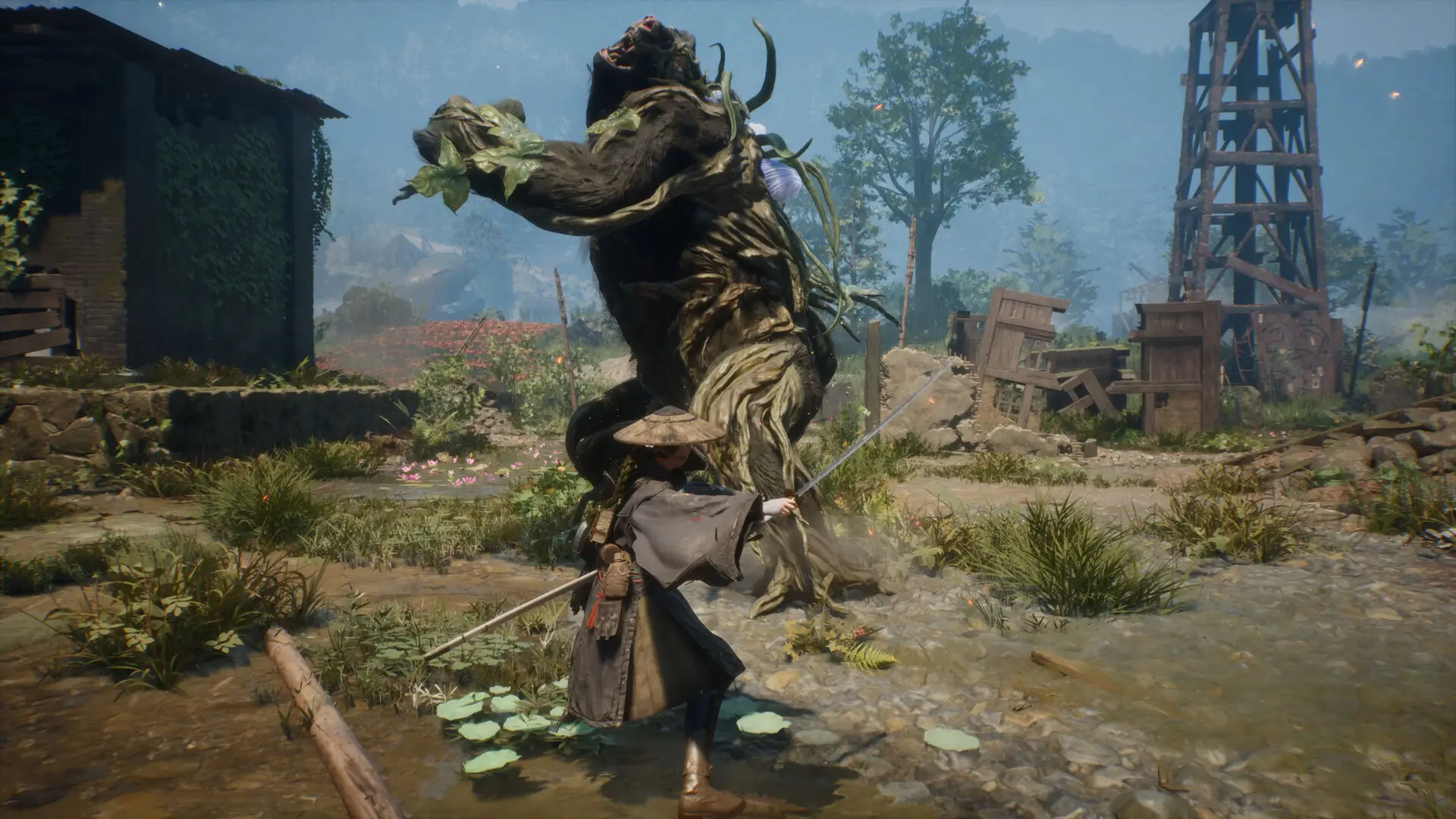
Beast of Reincarnation Screenshots
These are captured from the PC version. Click any shot to open it full size.
Beast of Reincarnation FAQ
Support and Community
- r/BeastofReincarnation, the game’s own subreddit, where players trade build ideas and settings fixes
- r/soulslikes, where the longer discussions about the combat and the world are happening
- Beast of Reincarnation Steam Discussions, the fastest place to find a fix for a performance problem
- Official Fictions Discord, for direct support from the publisher and patch news
- Patch notes and update history, worth checking before you decide whether performance is fixed
Explore more Windows games: Sekiro · Nioh 3 · The First Berserker: Khazan · Best RPG Games · Fields of Mistria for PC
Need a PC upgrade to run these? See our Best Gaming Desktops guide.
Discover more from Windows Mode
Subscribe to get the latest posts sent to your email.













Add your first comment to this post