The top free game themes for Windows right now are Gears of War Mad World, the Xbox Series X pack, World of Tanks and McLaren Senna Track Day.
Between them: twenty frames from a piece of games history, sixteen 4K console shots, the highest-scoring game theme in the store, and the sharpest car photos of the lot.
Every pack here is free, installs in about ten seconds, and changes nothing except your wallpaper and your accent color, which is the highlight color Windows uses on buttons and menus.
This is the gaming half of our main Windows themes guide, alongside the nature and landscape guide.
Running a game theme we missed? Tell us in the comments, or reach out to us directly if you need a hand installing one.
🔍 What We Looked For
- Official packs only: Every theme here comes from the studio, the publisher or the hardware maker, and we name who published each one. A fan pack and an official pack are different products.
- How many wallpapers you actually get: A one-image theme and a twenty-image theme are not the same thing, so we checked and listed the count for every single pack here.
- Whether your icons stay readable: Game art is busier than landscape photography. We flagged the packs with open sky, soft backgrounds or dark space behind the subject.
- A guide to go with it: Where we already have a full guide to the game itself, the card links straight to it.
How to Install a Game Theme on Windows
Every pack in this guide installs the same way. There is no installer file and no third party tool. You do need to be signed in with a Microsoft account. You also need Windows 10 version 1607 or later, which covers any machine that has taken updates in the last several years. You do not need to own the game.
STEP 1
Click the download button on any card below. The theme opens on its store page in your browser.
STEP 2
Choose Get, then let the Store app open and finish the download. Most packs take a few seconds.
STEP 3
Open Settings, go to Personalization, then Themes. Your new pack is waiting in the list.
STEP 4
Click it once to apply it. Windows sets the wallpaper and picks a matching accent color for you.
The Top Gaming Themes for Windows
Our themes below are grouped by genre rather than ranked against each other. A tank sim pack and a Pusheen pack are not really competing, so putting them on one numbered list never made much sense.
Xbox First-Party Games
Four packs built from Microsoft’s own studios. These are the ones with the highest image counts on the page, and three of the four have a full game guide on this site already.
1
BEST XBOX FIRST-PARTY PICK
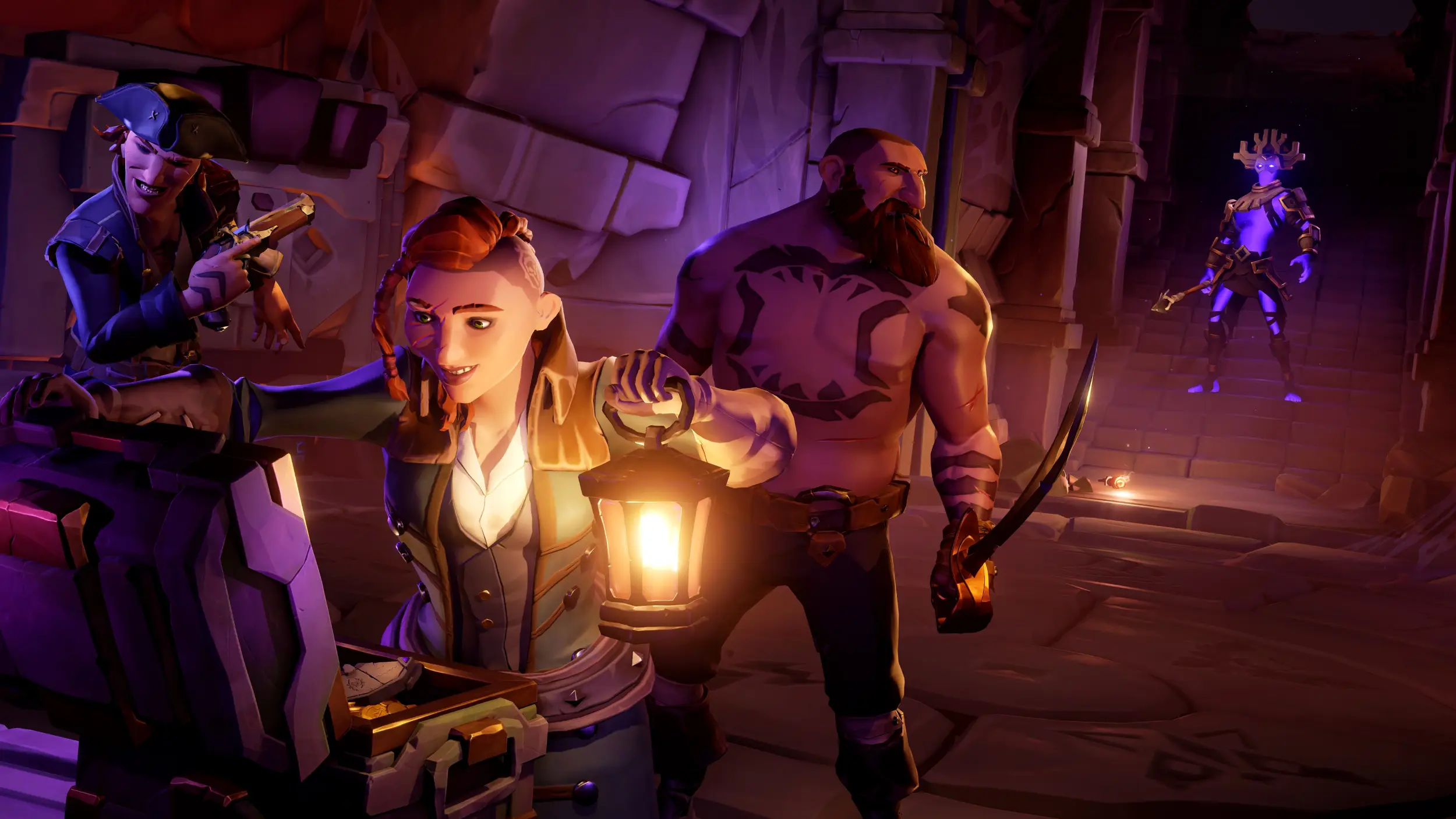
Sea of Thieves Official Theme
Seven wallpapers of open water, sailing ships and island coastline pulled straight from the game world.
⭐ 4.3 stars 🖼️ 7 images 📅 Nov 18, 2025 🏷️ Microsoft Studios 💲 Free
What You Get
- 7 wallpapers at high resolution
- Wide shots of sea and sky
- Published by Microsoft Studios
- Free, no in-app purchases
Why We Like It
This is the rare game pack that works as a plain nice-looking wallpaper. Most shots are water and sky, so your icons sit on empty blue instead of fighting a character model for space.
2
BEST FOR DARK MODE
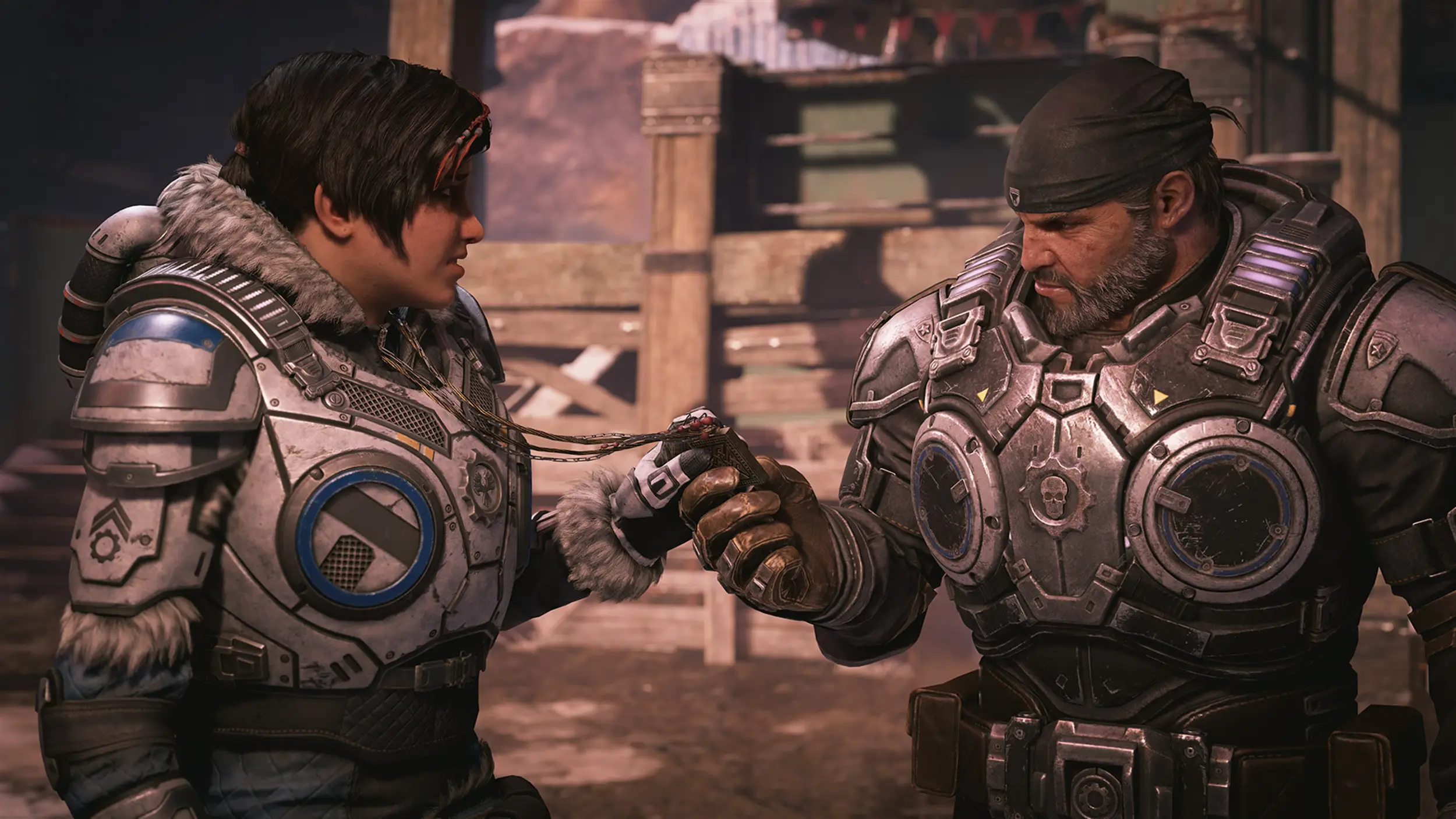
Gears 5 Campaign
Seven campaign stills from Gears 5, heavy on Kait Diaz and the frozen sections of the story.
⭐ 4.4 stars 🖼️ 7 images 📅 Aug 27, 2019 🏷️ Microsoft 💲 Free
What You Get
- 7 wallpapers at 4K
- Dark, low-light art throughout
- Published by Microsoft
- Free, no in-app purchases
Why We Like It
Almost every image here is dark, which is exactly what you want if you run Windows in dark mode. The accent color Windows picks from it lands somewhere between rust and bone, and it suits the rest of the system.
3
BIGGEST PACK ON THE PAGE
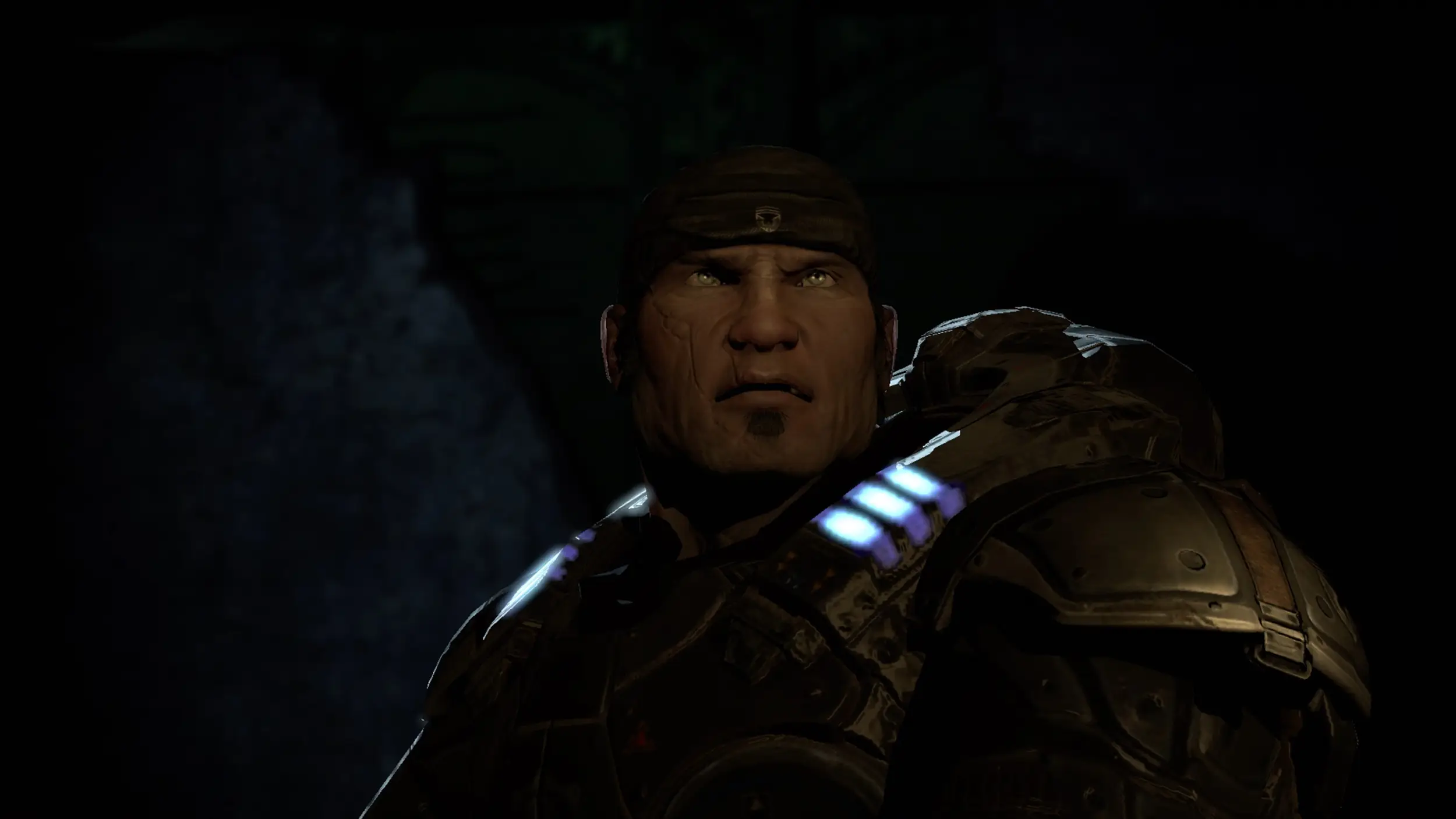
Gears of War – Mad World
Twenty key frames from the Mad World television ad, collected in one theme for the first time.
⭐ 4.5 stars 🖼️ 20 images 📅 Jul 5, 2019 🏷️ Microsoft 💲 Free
What You Get
- 20 wallpapers, the largest count here
- Frames from the original 2006 ad
- Published by Microsoft
- Free, no in-app purchases
Why We Like It
Twenty images means you can run this as a slideshow for three weeks and never see a repeat. It is also a piece of games history, and the washed-out color has aged better than most game art from that time.
4
BEST FOR A LIGHT DESKTOP
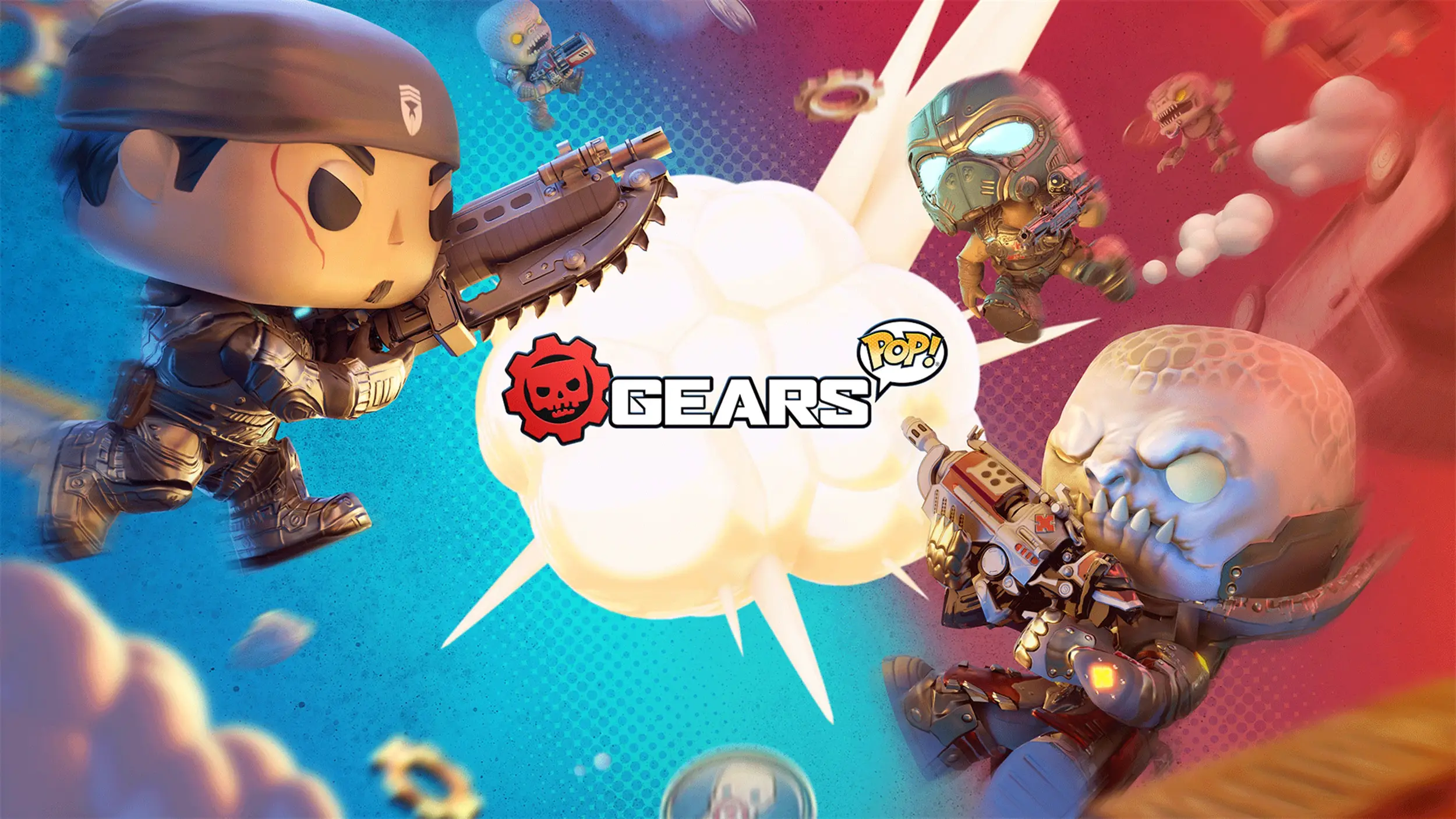
Gears POP! Wallpapers
Seven images of the Gears cast rendered as vinyl figures, well outside their usual war zone.
⭐ 4.5 stars 🖼️ 7 images 📅 Oct 14, 2019 🏷️ Microsoft 💲 Free
What You Get
- 7 wallpapers at 4K
- Bright, toy-styled character art
- Published by Microsoft
- Free, no in-app purchases
Why We Like It
It is the only pack in this group that will not darken your whole desktop. If you like the franchise but not the grim color palette, this is the version of it you can actually work in front of.
Racing and Motorsport
Six packs, split between the Forza machine and the arcade racers. The car sets are the strongest photos the store carries. They started life as advertising photos, not screenshots from the game.
5
NEWEST RACING PACK
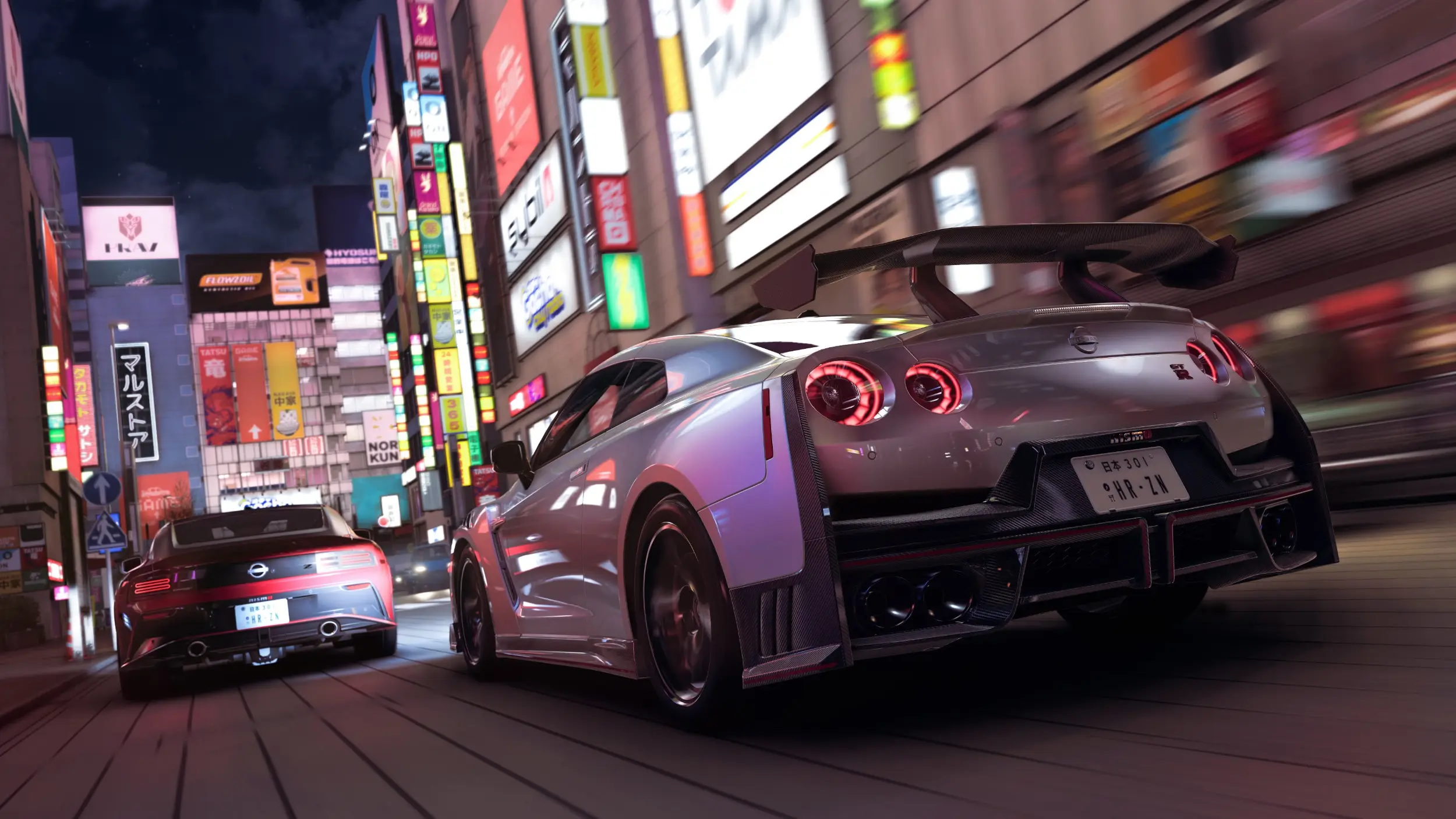
Forza Horizon 6 Official Theme
Cars and Japanese landscape art from the newest Horizon game, mixing official artwork with scenes from the game.
⭐ 4.1 stars 🖼️ 9 images 📅 Jun 18, 2026 🏷️ Microsoft Studios 💲 Free
What You Get
- 9 wallpapers at high resolution
- Mix of official artwork and game scenes
- Published by Microsoft Studios
- Free, no in-app purchases
Why We Like It
This is the most current pack on the page and the only one drawn from a game released this year. The Japan setting gives it a lighter, greener look than the desert and coast art the series usually leans on.
6
BEST SINGLE-CAR SET
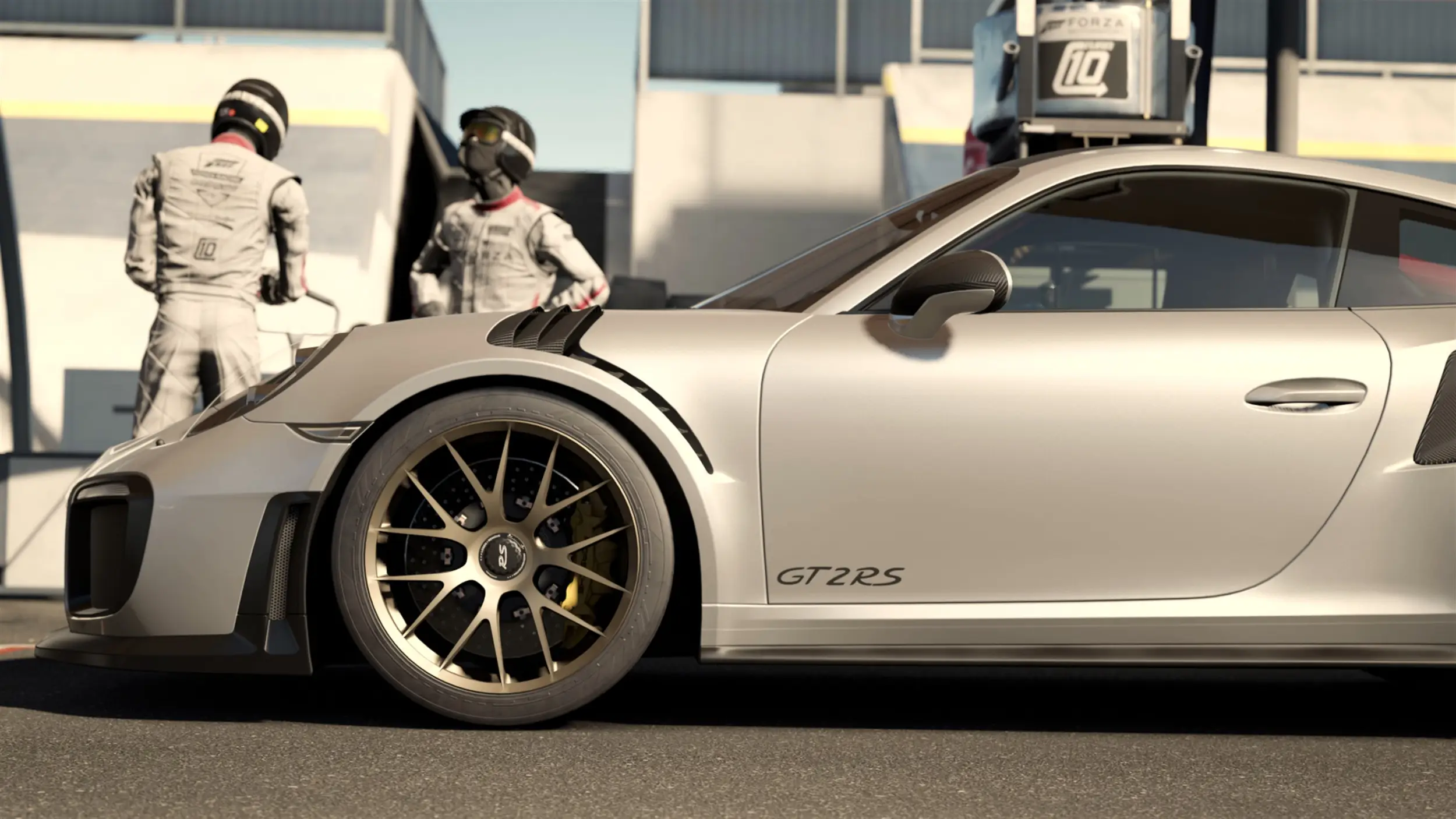
Porsche 911 GT2 RS – Forza Motorsport 7
Seven 4K studio and track shots of one car, released alongside Forza Motorsport 7.
⭐ 4.1 stars 🖼️ 7 images 📅 Sep 19, 2017 🏷️ Microsoft 💲 Free
What You Get
- 7 wallpapers at 4K
- One car photographed from every angle
- Published by Microsoft
- Free, no in-app purchases
Why We Like It
Single-car packs are usually a waste of a download. This one earns it. The lighting changes so much between shots that it feels like seven different images, not seven angles of one car.
7
BEST CAR PHOTOGRAPHY
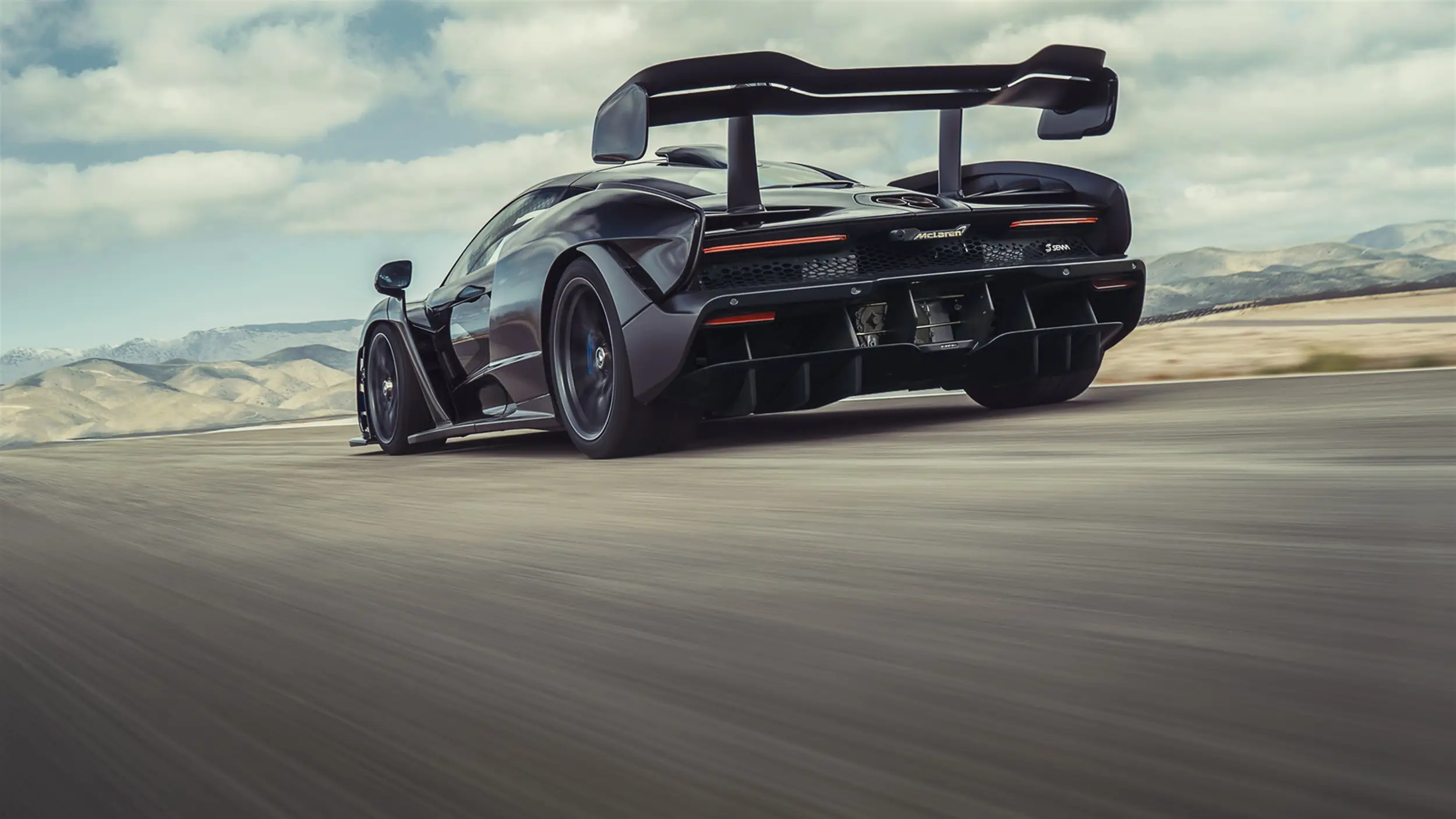
McLaren Senna Track Day
Ten shots of the McLaren Senna, the road car named after the Formula 1 driver, out on a track day.
⭐ 4.7 stars 🖼️ 10 images 📅 May 11, 2018 🏷️ Microsoft 💲 Free
What You Get
- 10 wallpapers at high resolution
- Track and pit lane settings
- Published by Microsoft
- Free, no in-app purchases
Why We Like It
The best-scoring car pack the store has, and the images hold up on a large screen better than anything else in this group. It also appears in our main themes guide, and it earns the second mention.
8
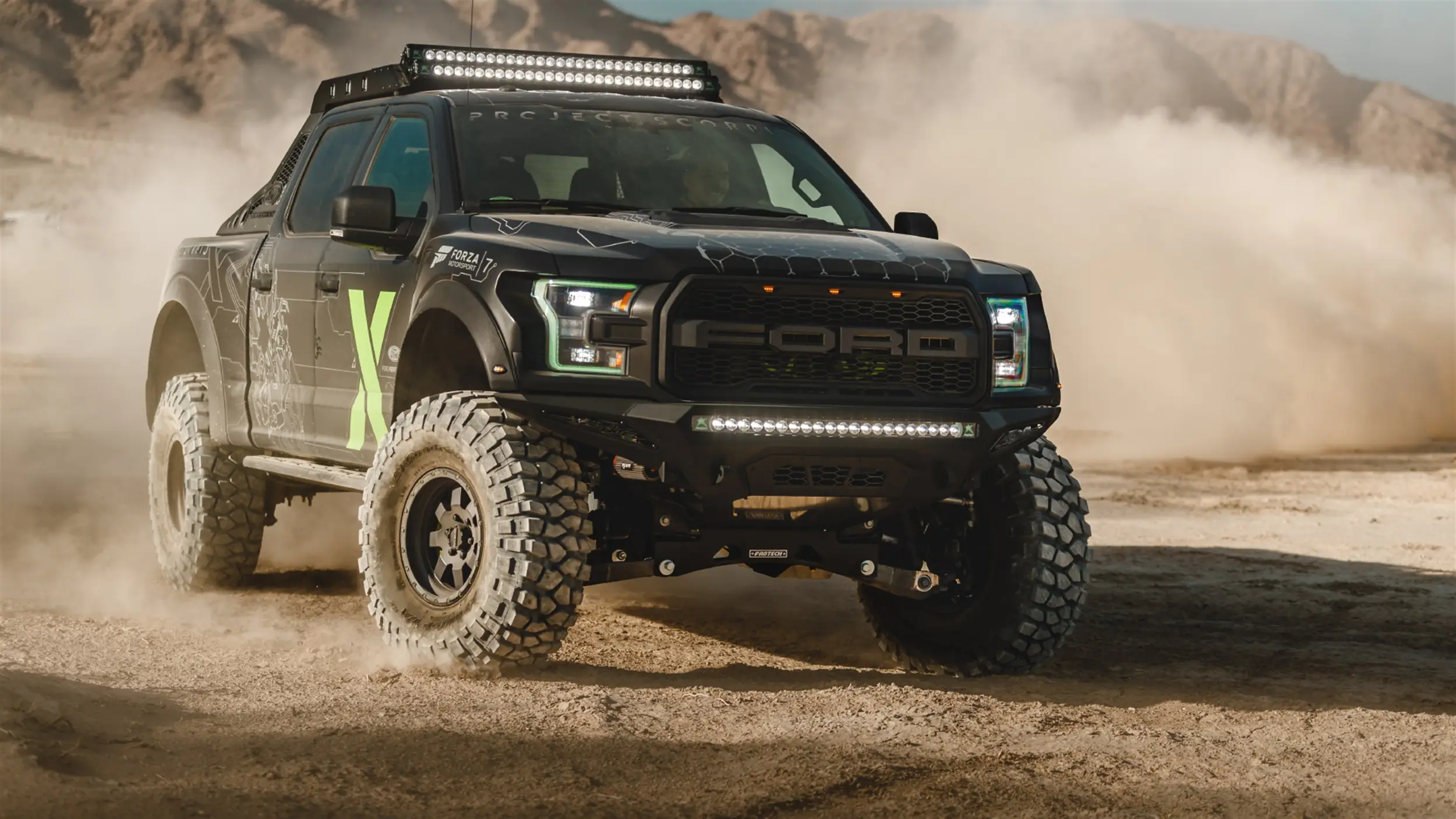
BEST OFF-ROAD SET
Ford F-150 Raptor Xbox One X Edition
Desert and dirt shots of the one of a kind Xbox-branded F-150 Raptor built by Ford Performance.
⭐ 4.3 stars 🖼️ 10 images 📅 Jan 26, 2018 🏷️ Microsoft 💲 Free
What You Get
- 10 wallpapers at high resolution
- Desert and off-road settings
- Published by Microsoft
- Free, no in-app purchases
Why We Like It
A strange little piece of Xbox history: a real truck built as a promo, then photographed properly. The dust and sky in these shots make for a warmer desktop than the rest of the racing group.
9
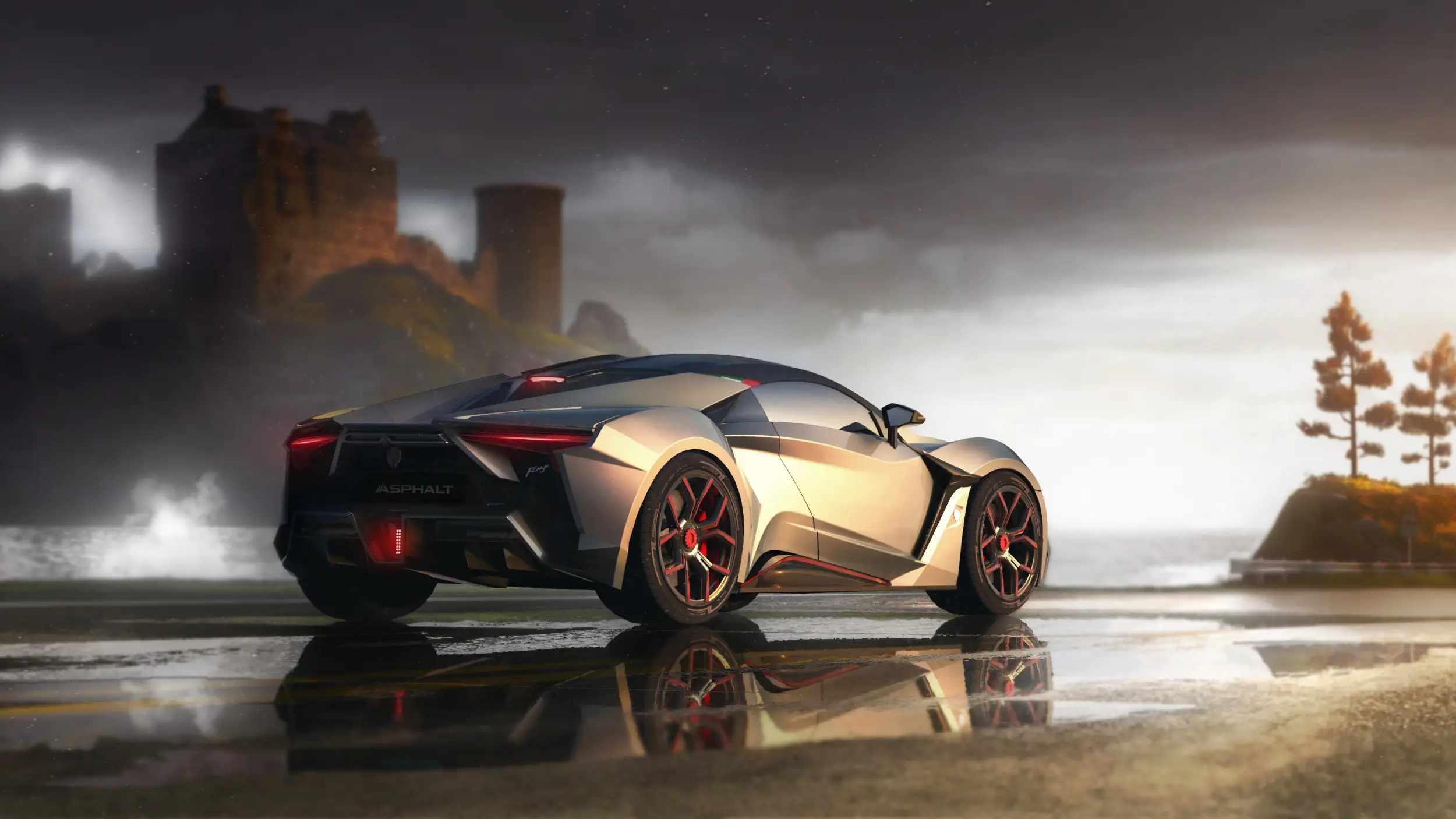
BEST ARCADE RACER
Asphalt Legends Official Theme
Supercars mid-drift with the heavy color and motion blur the Asphalt series is known for.
⭐ 4.2 stars 🖼️ 5 images 📅 May 18, 2026 🏷️ Gameloft 💲 Free
What You Get
- 5 wallpapers at high resolution
- Bright, saturated arcade art
- Published by Gameloft
- Free, no in-app purchases
Why We Like It
Where the Forza packs are photographic, this one is loud on purpose. It is the pick if you want your desktop to look like a game rather than a car magazine.
10
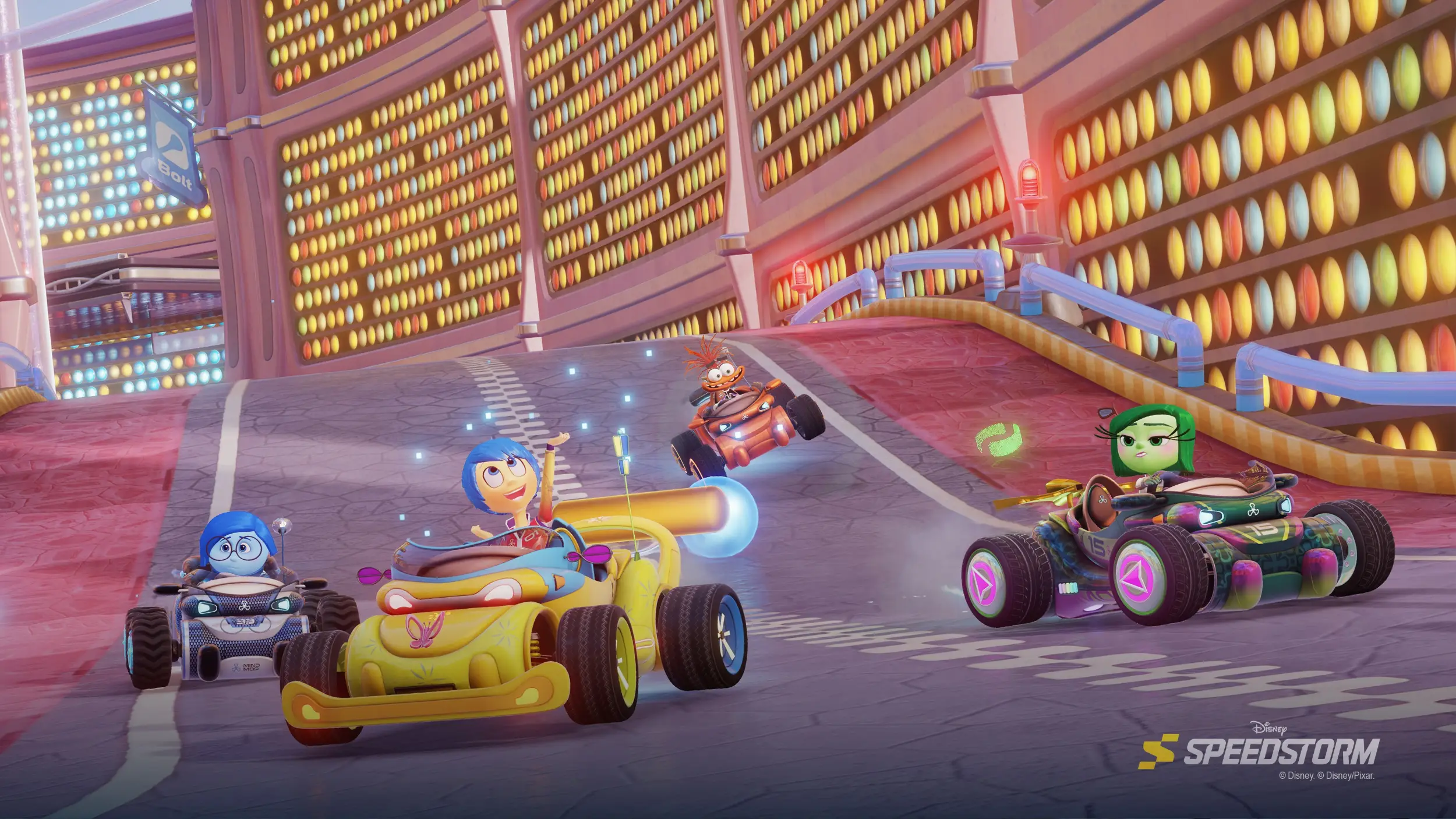
BEST FOR FAMILY DESKTOPS
Disney Speedstorm Official Theme
Kart racing art featuring Mickey Mouse, Mulan, Buzz Lightyear and Stitch across Disney and Pixar tracks.
⭐ No score yet 🖼️ 5 images 📅 May 15, 2026 🏷️ Gameloft 💲 Free
What You Get
- 5 wallpapers at high resolution
- Disney and Pixar character art
- Published by Gameloft
- Free, no in-app purchases
Why We Like It
The only officially licensed Disney art in the whole themes department, which is worth knowing if you have been looking. It is new enough that nobody has scored it yet.
Military and Strategy
Tanks, warships and empires. Wargaming has quietly become one of the most active theme publishers in the store, and this group is mostly its work.
11
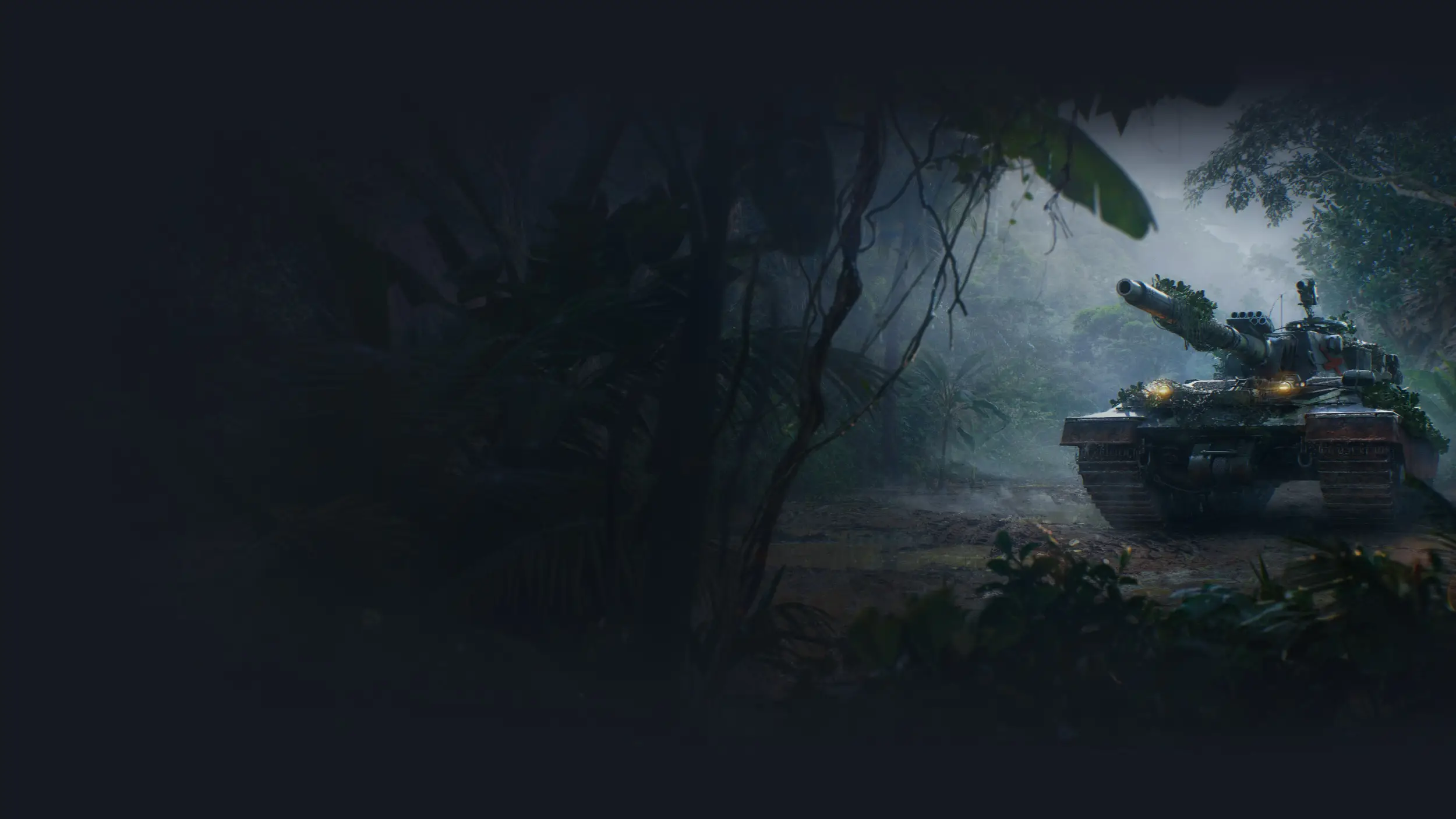
HIGHEST RATED ON THE PAGE
World of Tanks Official Theme
Nine sharp images of tanks in the field, shot low and close to the tracks.
⭐ 4.8 stars 🖼️ 9 images 📅 Nov 25, 2025 🏷️ Wargaming 💲 Free
What You Get
- 9 wallpapers at high resolution
- Ground-level vehicle shots
- Published by Wargaming
- Free, no in-app purchases
Why We Like It
The best-scoring game theme in the store, and you can see why in about two seconds. The images are clean, the backgrounds are soft, and the tank sits low enough that your icons stay on plain sky.
12
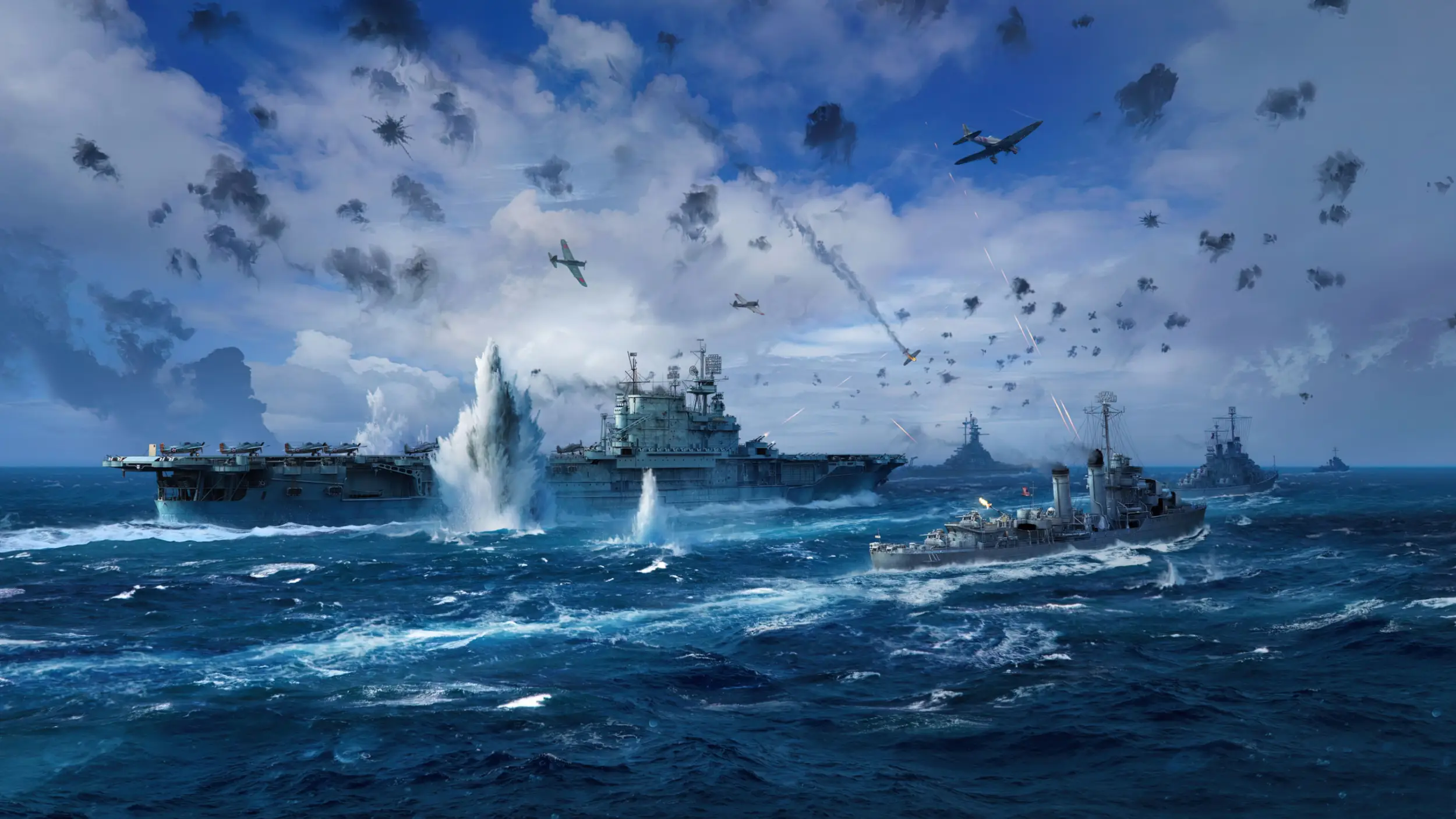
BEST NAVAL SET
World of Warships Official Theme
Seven wallpapers of battleships and carriers under heavy weather and open sea.
⭐ 4.5 stars 🖼️ 7 images 📅 Nov 20, 2025 🏷️ Wargaming 💲 Free
What You Get
- 7 wallpapers at high resolution
- Sea, sky and steel throughout
- Published by Wargaming
- Free, no in-app purchases
Why We Like It
It has the same restraint as the tanks pack but a bigger sense of scale. The horizon line sits low in most shots, which leaves the top two thirds of your screen clear.
13
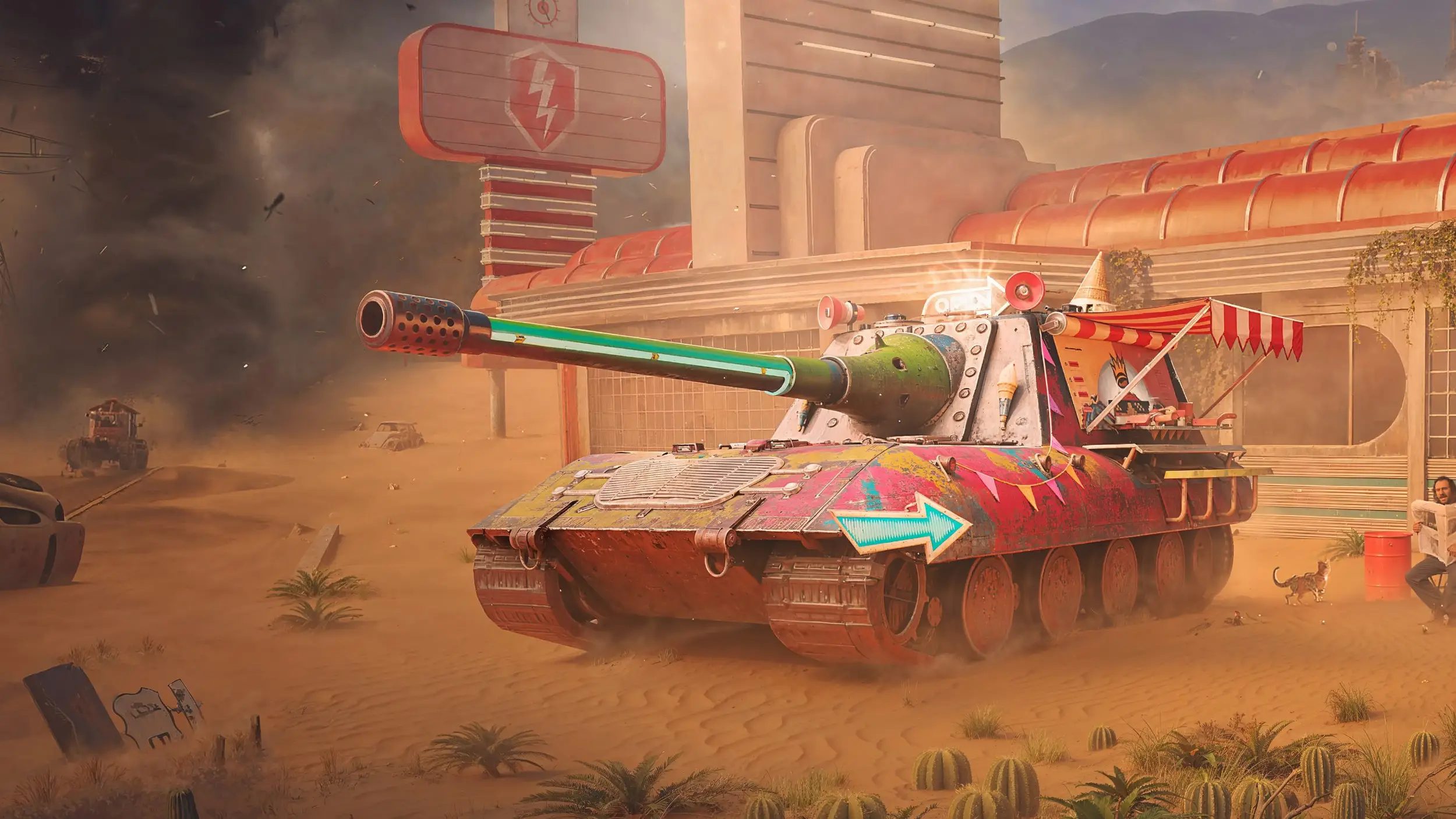
BEST FOR LIGHT MODE
World of Tanks Blitz – Daylight Assault
Five bright battlefield scenes: sun-scorched desert, green meadows and golden afternoon light.
⭐ No score yet 🖼️ 5 images 📅 Nov 25, 2025 🏷️ Wargaming 💲 Free
What You Get
- 5 wallpapers at high resolution
- Bright, sunlit color
- Published by Wargaming
- Free, no in-app purchases
Why We Like It
Wargaming released this and the Midnight pack as a matched pair, one for each Windows mode. This is the light half, and it is the better of the two if you work near a window.
14
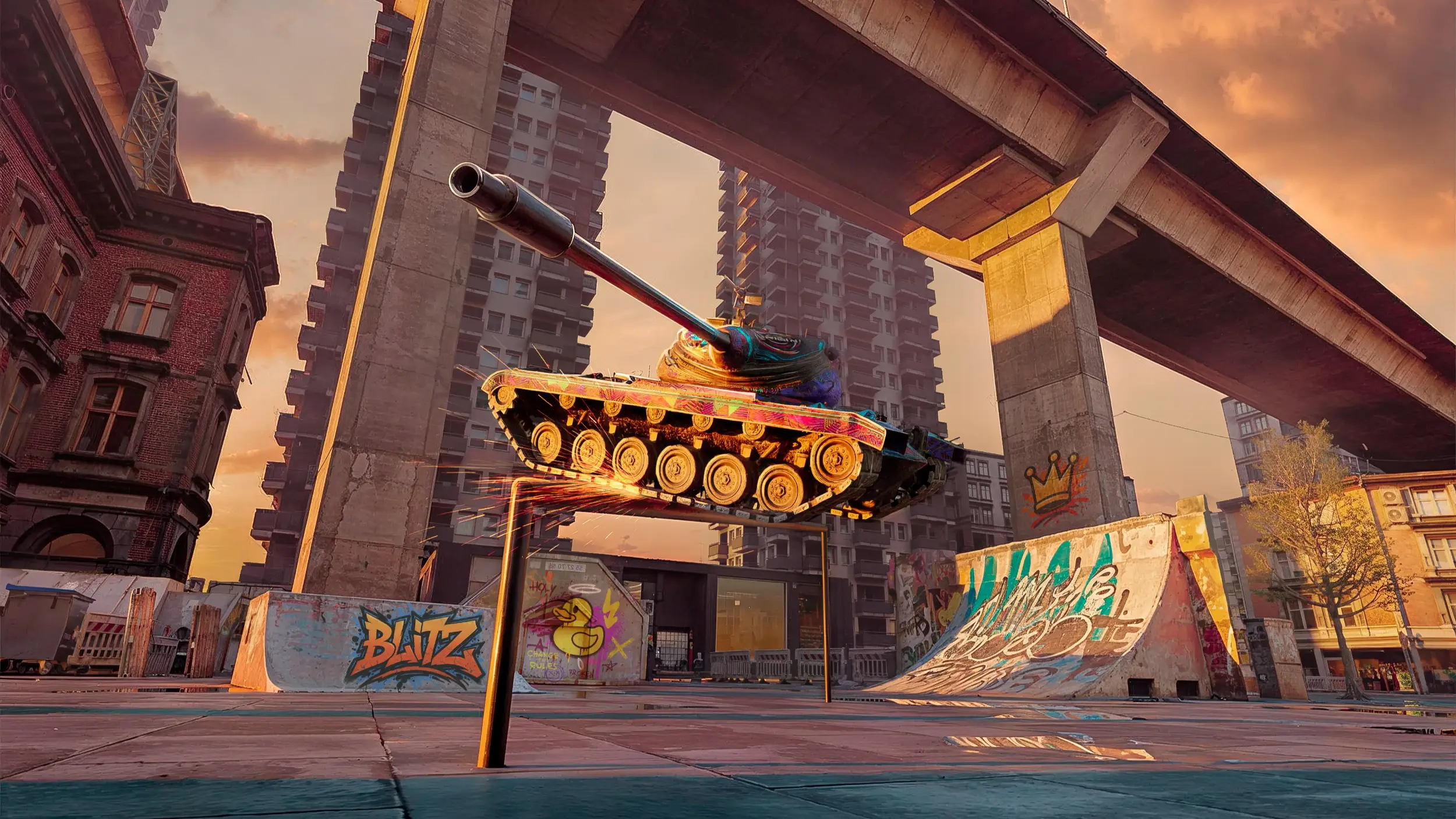
BEST FOR DARK MODE
World of Tanks Blitz – Midnight Barrage
Four night scenes, including frozen battles and a neon-city set of vehicle paint jobs.
⭐ No score yet 🖼️ 4 images 📅 Nov 25, 2025 🏷️ Wargaming 💲 Free
What You Get
- 4 wallpapers at high resolution
- Night and low-light scenes
- Published by Wargaming
- Free, no in-app purchases
Why We Like It
The dark half of the pair. Install both and you can switch your whole desktop mood by clicking a different theme, without hunting for a new download at nine at night.
15
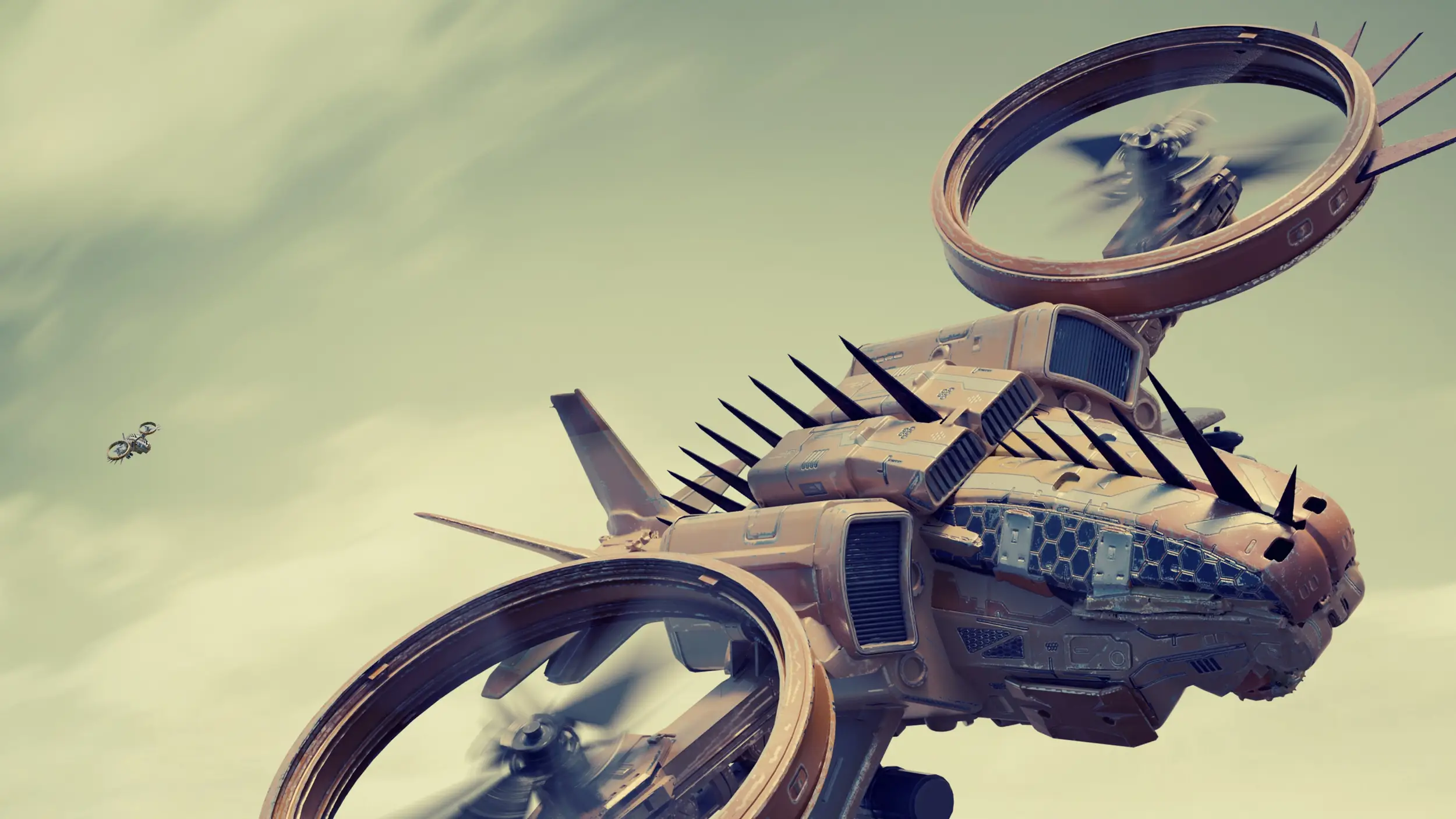
BEST SCIENCE-FICTION WARFARE
War Planet Online – Art of War Official Theme
Armored units, orbital strikes and ruined landscapes from the War Planet Online setting.
⭐ No score yet 🖼️ 10 images 📅 May 20, 2026 🏷️ Gameloft 💲 Free
What You Get
- 10 wallpapers at high resolution
- Near-future military art
- Published by Gameloft
- Free, no in-app purchases
Why We Like It
If the Wargaming packs are too grounded for you, this is the same subject pushed a century forward. The art is busier, so check where your icons land before you keep it.
16
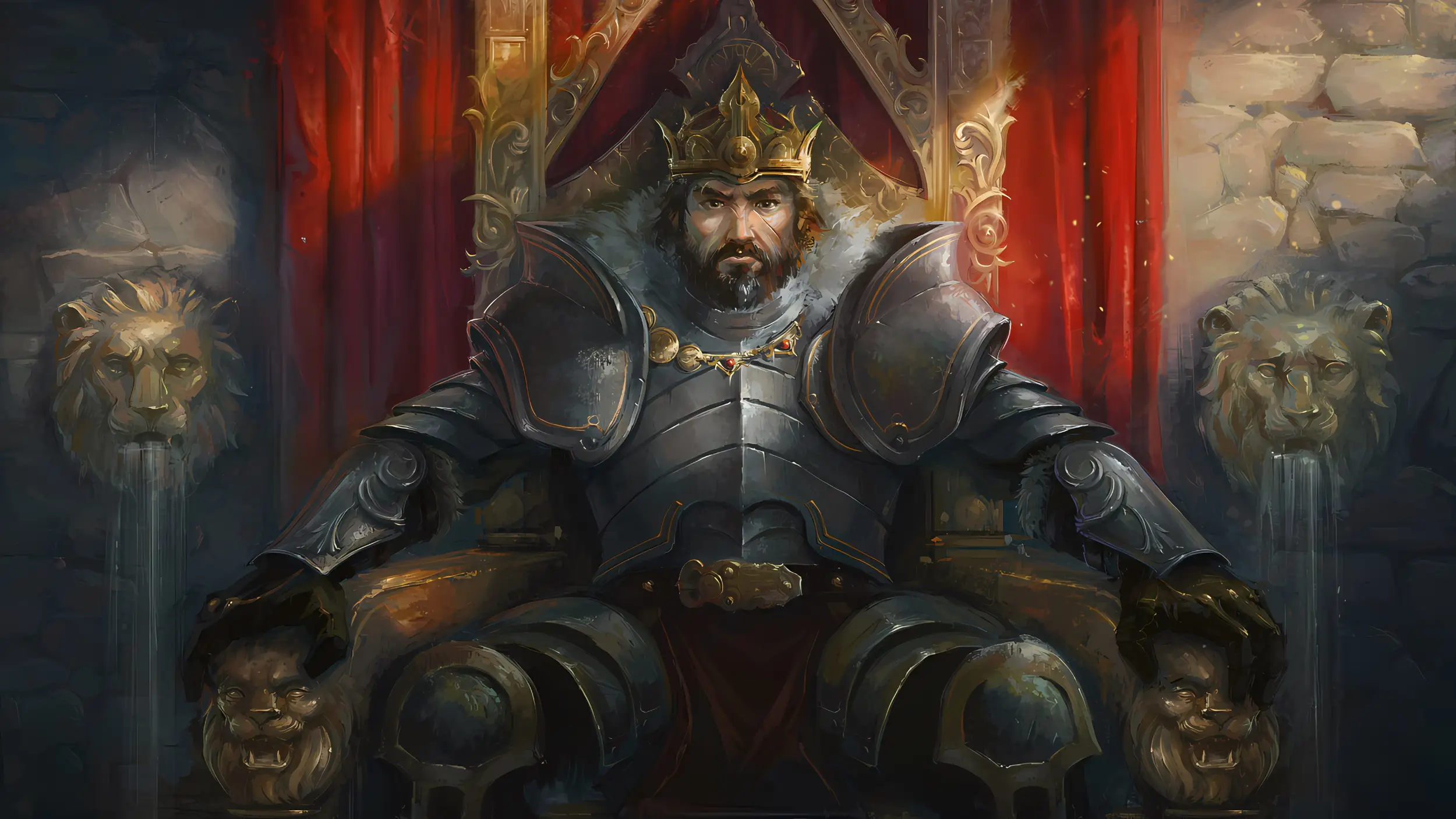
BEST HISTORICAL ART
March of Empires – Art of Conquest Official Theme
Painted warriors, castles and kingdoms drawn from across the March of Empires world.
⭐ No score yet 🖼️ 5 images 📅 May 18, 2026 🏷️ Gameloft 💲 Free
What You Get
- 10 wallpapers at high resolution
- Painted, illustrated style
- Published by Gameloft
- Free, no in-app purchases
Why We Like It
The only painted-illustration pack in this group, and a good change of pace from renders and photographs. It sits closer to a fantasy book cover than to a strategy game screenshot.
Shooters and Survival
Three packs, and the smallest group here on purpose. Big shooter franchises almost never ship an official Windows theme, which is a real gap rather than an oversight on our part.
17
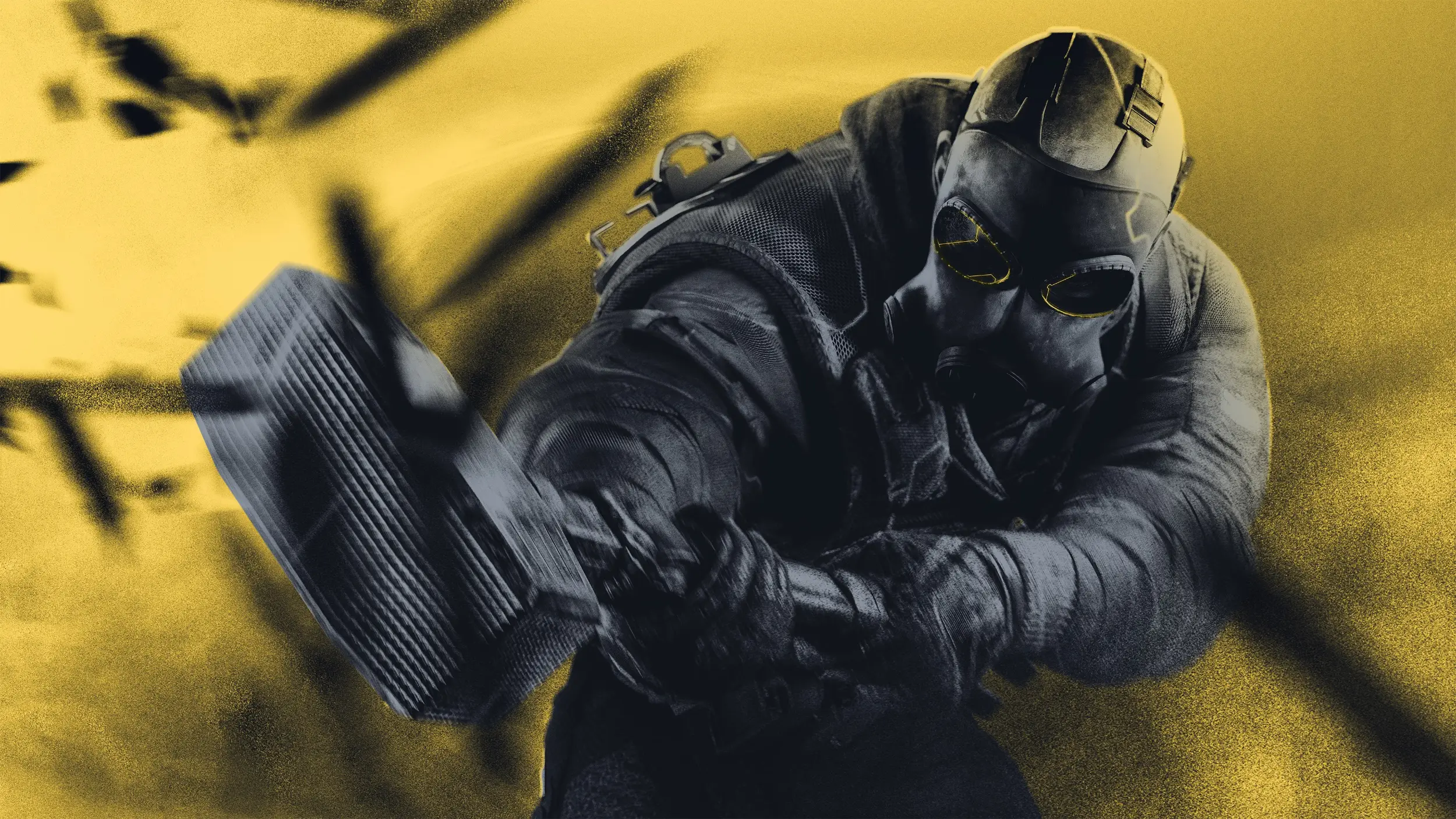
BEST SINGLE WALLPAPER
Rainbow Six Siege Official Theme
One wallpaper, released by Ubisoft to mark the tenth anniversary of Rainbow Six Siege.
⭐ 4.7 stars 🖼️ 1 images 📅 Nov 18, 2025 🏷️ Ubisoft 💲 Free
What You Get
- 1 wallpaper, and the listing says so plainly
- Anniversary artwork
- Published by Ubisoft
- Free, no in-app purchases
Why We Like It
We are including a one-image theme because it is one of the only major shooter franchises with an official pack at all. Go in knowing it is a single wallpaper, not a rotating set.
18
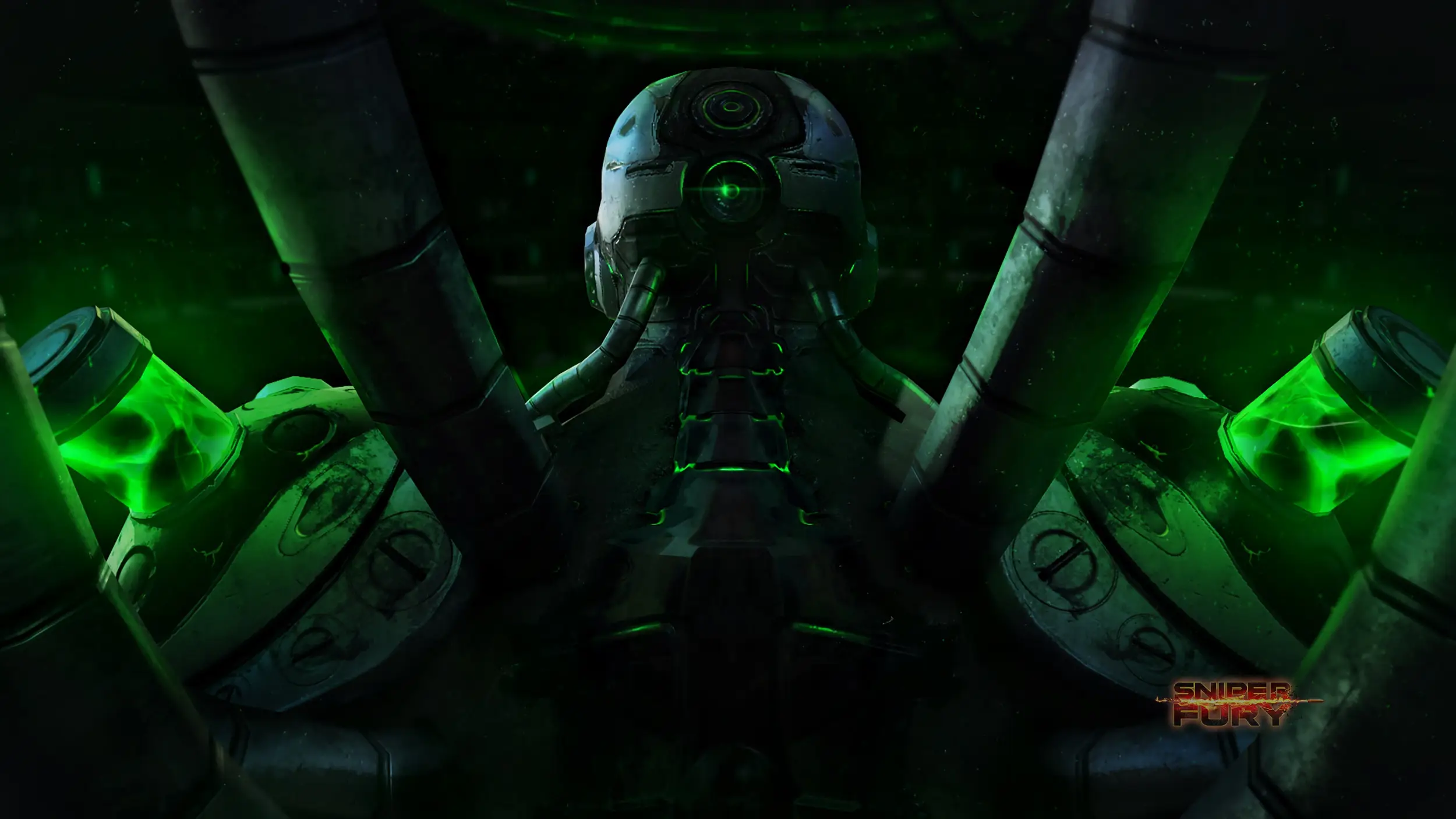
BEST TACTICAL SHOOTER SET
Sniper Fury – Elite Gun Shooter Official Theme
Battlefield scenes with weather effects, weapon detail and both modern and near-future settings.
⭐ No score yet 🖼️ 5 images 📅 Apr 14, 2026 🏷️ Gameloft 💲 Free
What You Get
- 5 wallpapers at high resolution
- Heavy weather and lighting effects
- Published by Gameloft
- Free, no in-app purchases
Why We Like It
This is the closest thing to a traditional military shooter theme the store has. The rain and fog in several shots do a lot of the work, softening the background behind your icons.
19
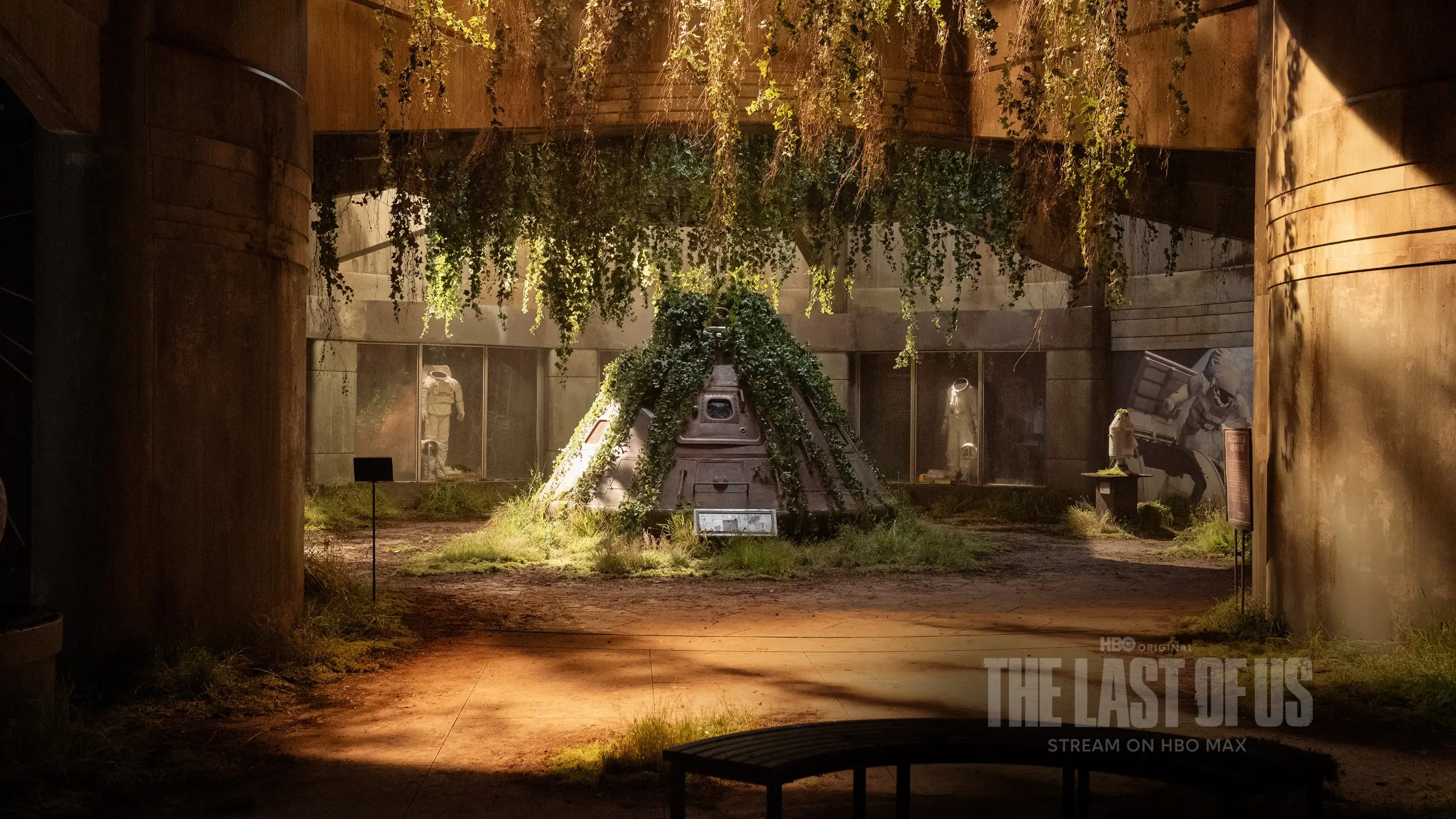
BEST TV SHOW PACK
The Last of Us Official Theme
Two wallpapers from Season 2 of the HBO series, including the space shuttle at the abandoned park.
⭐ 4.0 stars 🖼️ 2 images 📅 Dec 4, 2025 🏷️ WarnerMedia 💲 Free
What You Get
- 2 wallpapers at high resolution
- Art from the HBO series, not the game
- Published by WarnerMedia
- Free, no in-app purchases
Why We Like It
Worth being clear about: this is the TV show version, not the game art. It is quiet, well shot and easy to work in front of, but two images is a small pack.
Cozy, Fantasy and Family
The soft end of the shelf. Four packs for a desktop that should not look like a war room, including two you can put on a family PC without a second thought.
20
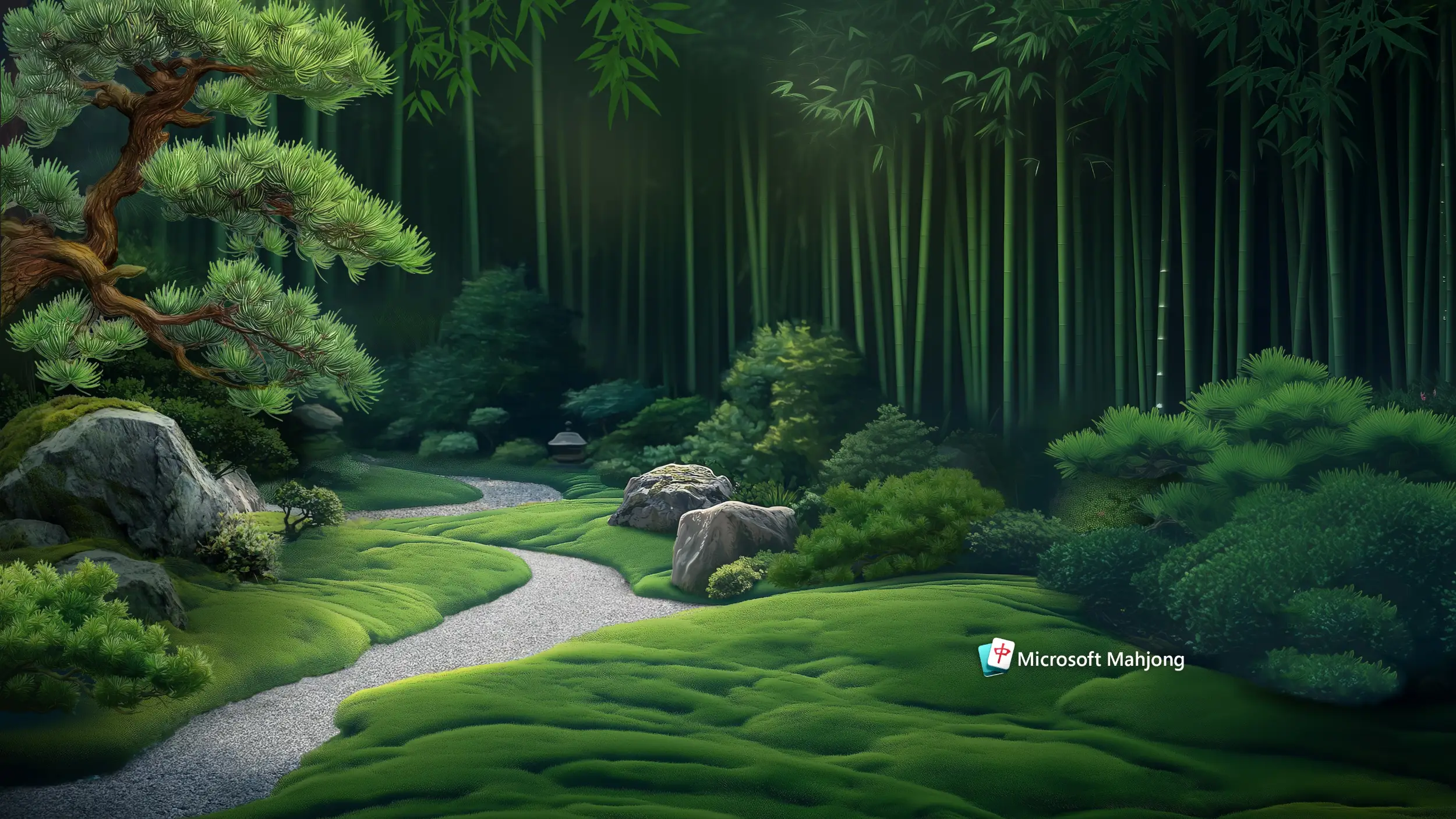
CALMEST PICK HERE
Microsoft Mahjong Theme Collection
Five 4K scenes reimagining the Mahjong backdrops, from a bamboo forest to a red maple water garden.
⭐ 3.9 stars 🖼️ 5 images 📅 Nov 25, 2025 🏷️ Microsoft Studios 💲 Free
What You Get
- 5 wallpapers at 4K
- Landscape scenes, no game interface
- Published by Microsoft Studios
- Free, no in-app purchases
Why We Like It
It barely looks like a game theme, which is the point. If you want something from the gaming shelf that will not distract you at work, this is the one to install.
21
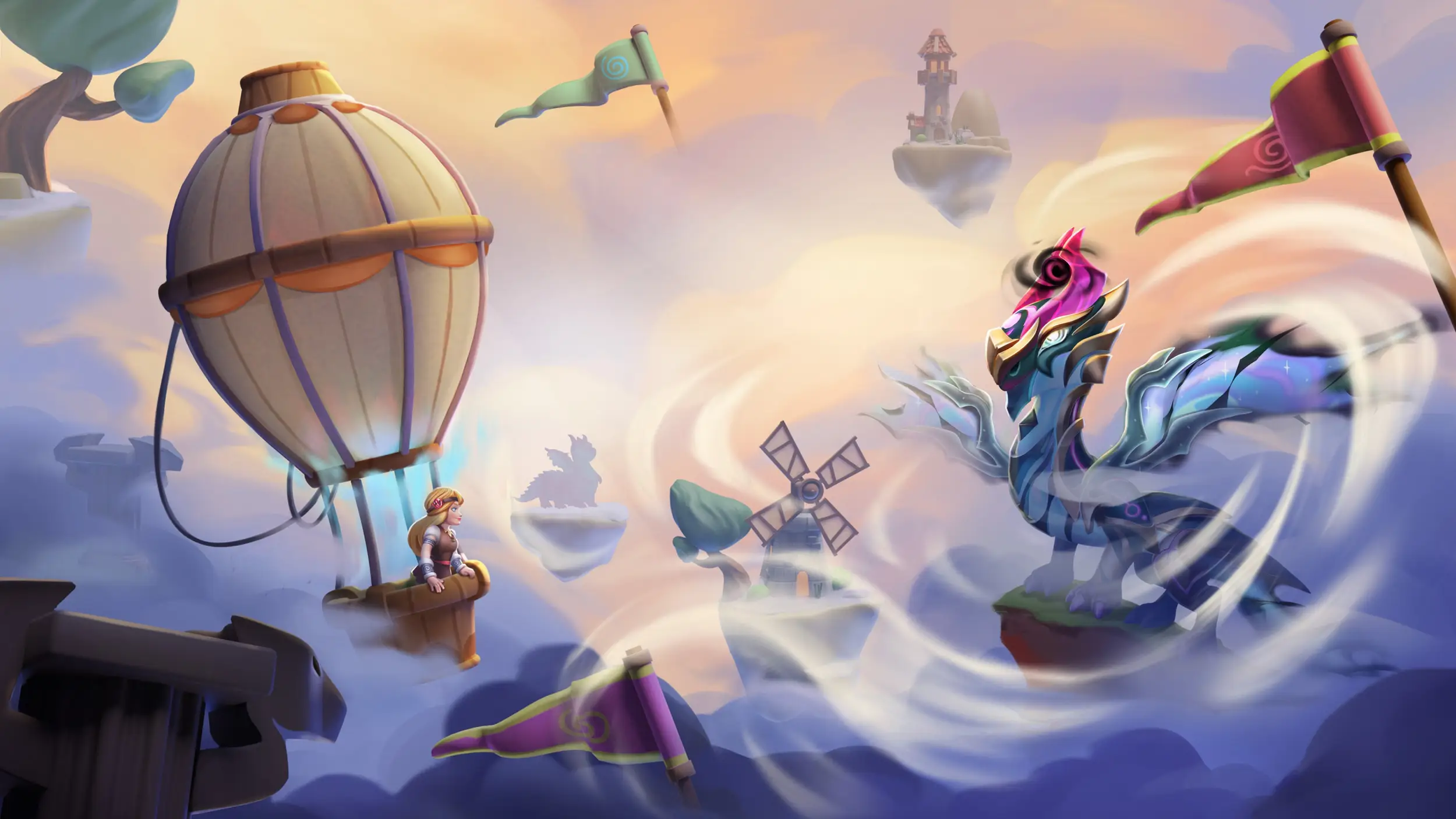
BEST FANTASY ART
Dragon Mania Legends Official Theme
Four wallpapers of the game’s dragons, rendered bright and cartoon-leaning rather than menacing.
⭐ No score yet 🖼️ 4 images 📅 May 19, 2026 🏷️ Gameloft 💲 Free
What You Get
- 4 wallpapers at high resolution
- Bright, friendly creature art
- Published by Gameloft
- Free, no in-app purchases
Why We Like It
A fantasy pack that is not trying to be epic, which makes it a lot easier to live with. Good middle ground for a shared PC where one person wants dragons and the other wants to see their files.
22
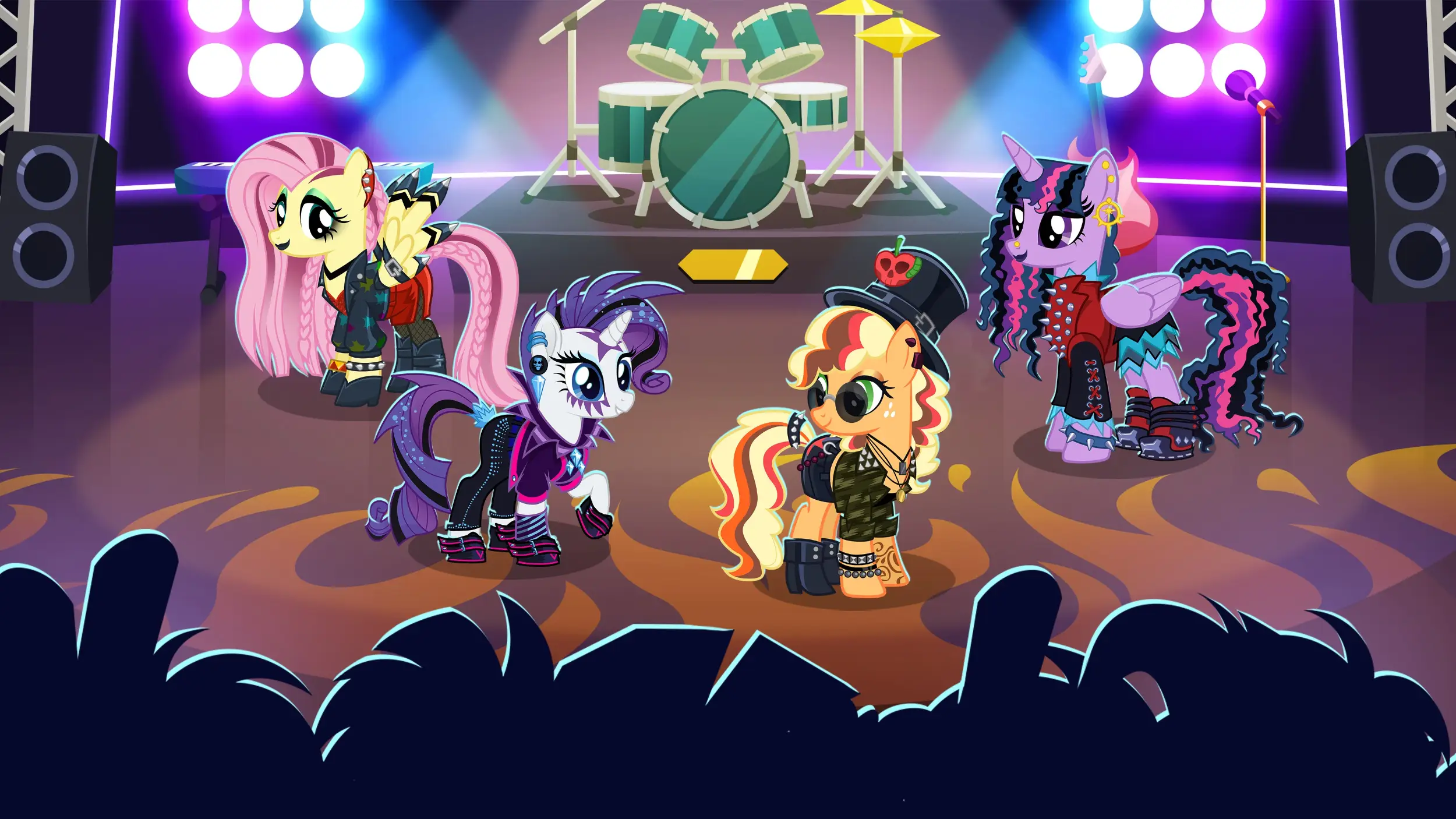
BEST FOR YOUNGER USERS
My Little Pony: Magic Princess Official Theme
Four wallpapers of Twilight Sparkle and the rest of the Equestria cast.
⭐ 4.8 stars 🖼️ 4 images 📅 May 20, 2026 🏷️ Gameloft 💲 Free
What You Get
- 4 wallpapers at high resolution
- Character art in flat pastel color
- Published by Gameloft
- Free, no in-app purchases
Why We Like It
It ties for the highest score on this page, which surprised us until we saw the art. Flat pastel backgrounds are genuinely one of the best surfaces to put desktop icons on.
23
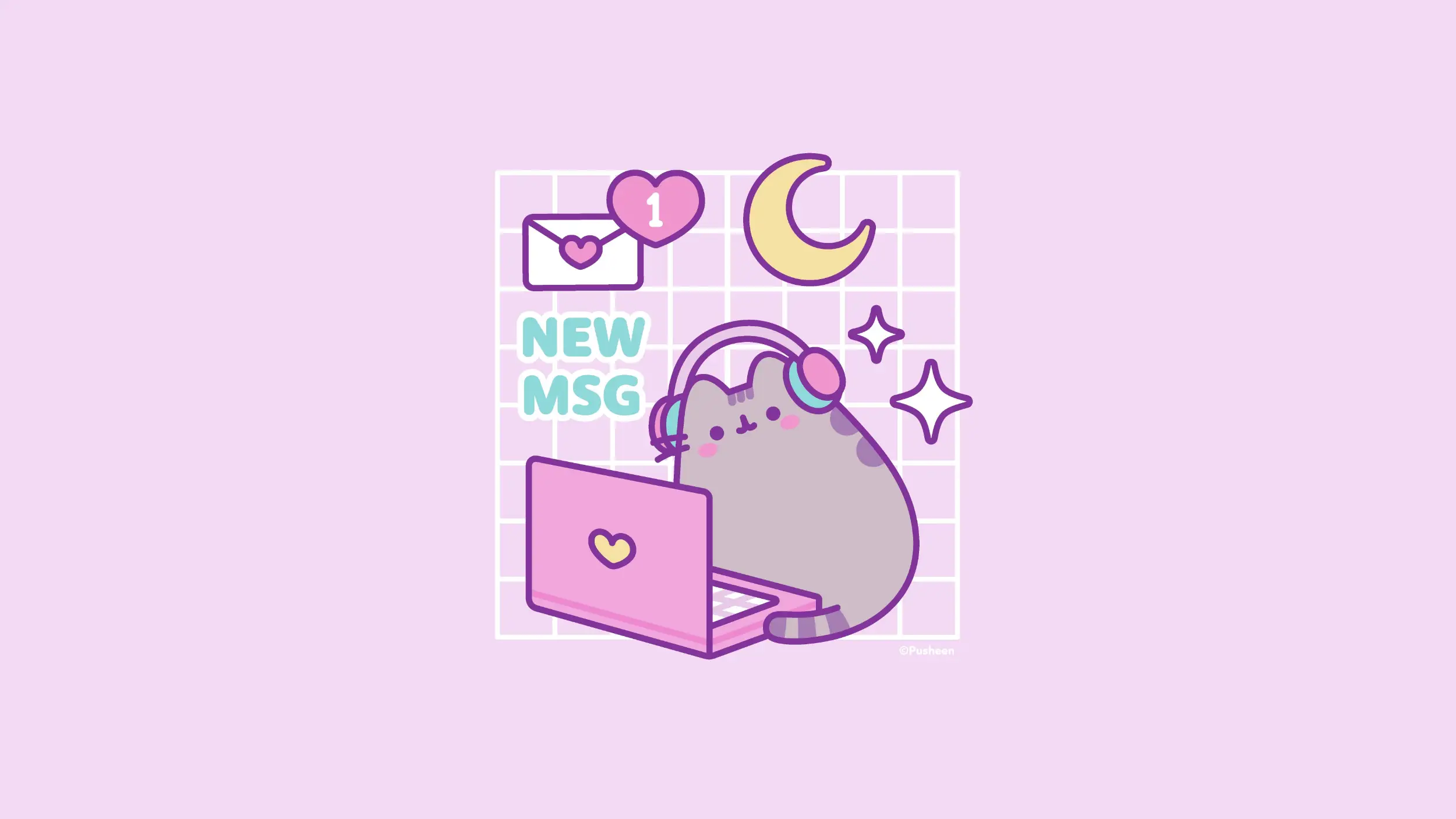
BEST COZY GAMING LOOK
Pusheen Gamer Official Theme
Four pastel wallpapers of Pusheen the cat with a headset on, surrounded by controllers and snacks.
⭐ 4.7 stars 🖼️ 4 images 📅 Jun 25, 2026 🏷️ Pusheen Corp 💲 Free
What You Get
- 4 wallpapers in pastel color
- Headset, controller and desk-setup scenes
- Published by Pusheen Corp
- Free, no in-app purchases
Why We Like It
The newest pack on this page and the only one made for the cozy gaming look rather than a specific title. It is also the lightest, so pair it with light mode.
Gaming Hardware and Setups
Two packs about the gear rather than the game. Both are official, and the Xbox one holds the record for most images in a single theme in this guide.
24
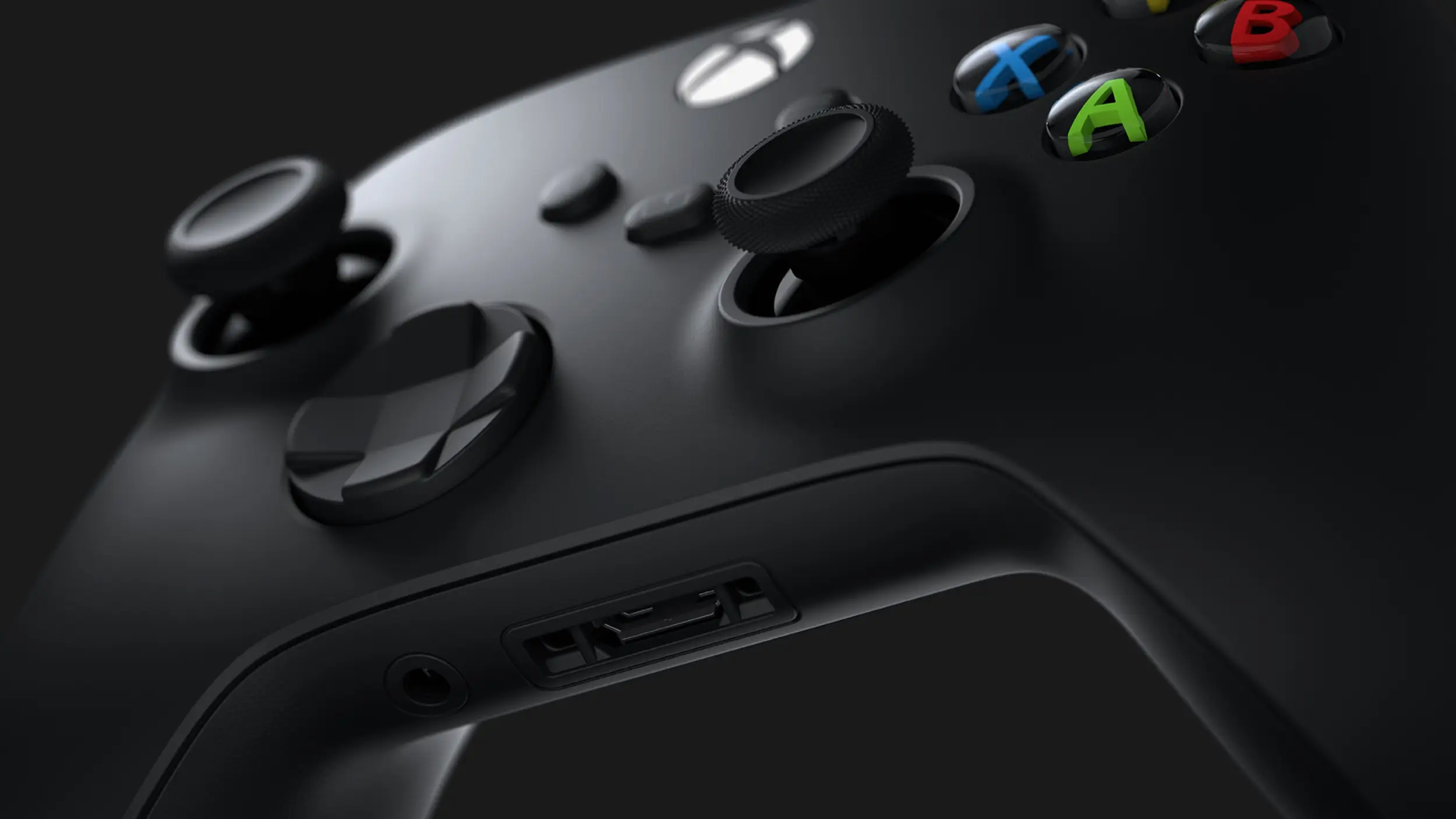
MOST IMAGES IN ONE PACK
Xbox Series X
Sixteen 4K studio shots of the Xbox Series X console, lit hard against dark backgrounds.
⭐ 4.7 stars 🖼️ 16 images 📅 Apr 14, 2020 🏷️ Microsoft 💲 Free
What You Get
- 16 wallpapers at 4K, the highest count here
- Product photography on dark backgrounds
- Published by Microsoft
- Free, no in-app purchases
Why We Like It
Sixteen images is more than double what most packs give you, and every one of them is dark. As a slideshow behind a dark-mode desktop it is the strongest set-and-forget option on the page.
25
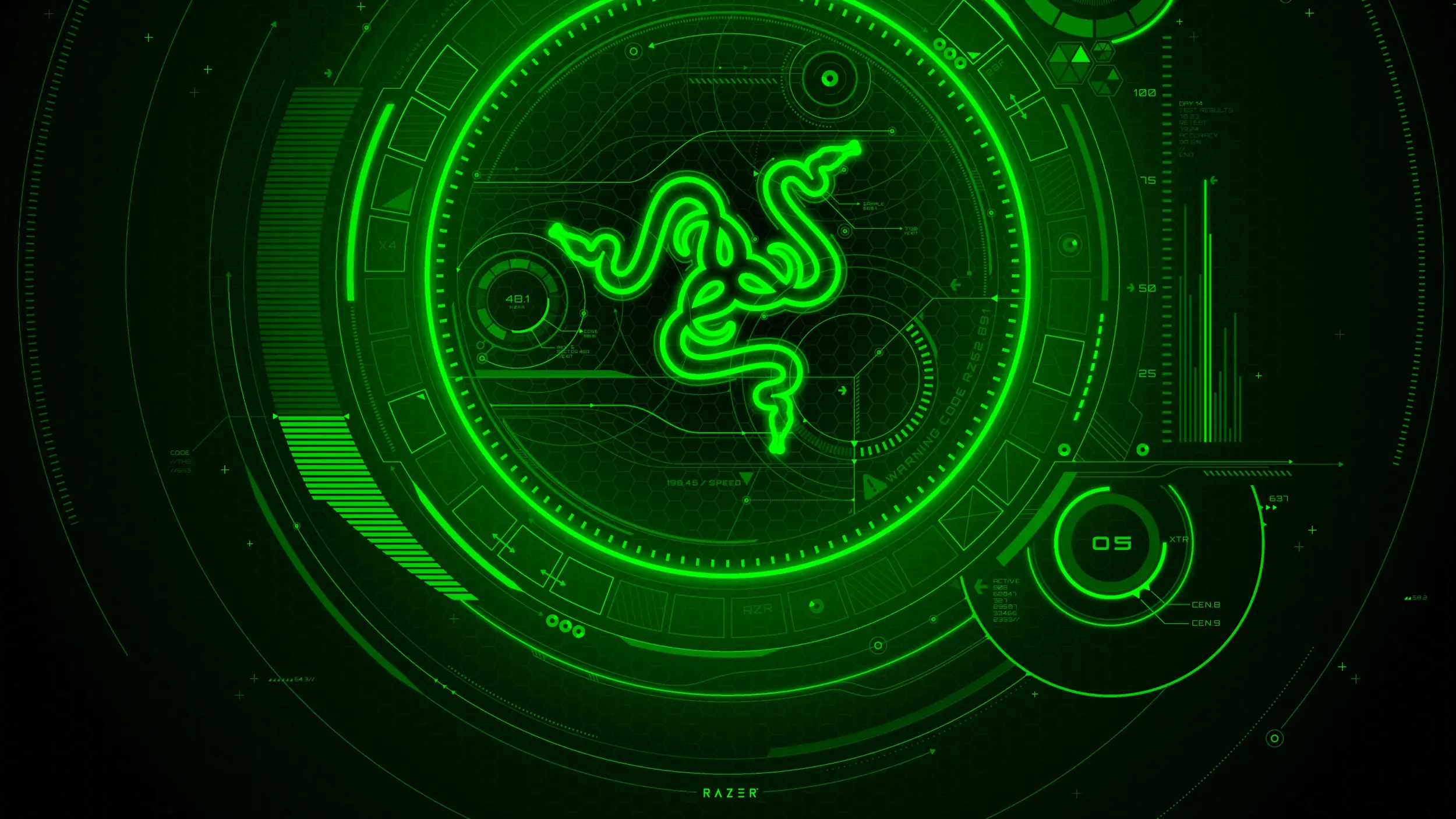
BEST HARDWARE BRAND PACK
Razer Axon Official Theme
Razer’s own wallpaper collection, built around the green-on-black look the brand has used for years.
⭐ 4.4 stars 🖼️ 10 images 📅 Nov 20, 2025 🏷️ Razer 💲 Free
What You Get
- 10 wallpapers at high resolution
- Green-on-black brand art
- Published by Razer
- Free, no in-app purchases
Why We Like It
The only peripheral maker with an official theme in the store. If your keyboard and mouse are already lit green, this finishes the job without any extra software running in the background.
💡 Your game is not on this list? That is normal, and it is not you looking in the wrong place. Most publishers never made one. Your options are a still screenshot you set yourself, or an animated wallpaper tool that can run game footage behind your icons. Start with our guides to Lively Wallpaper and Wallpaper Engine.
Game Themes at a Glance
Every pick on this page in one table, so you can compare what each pack is best at, how many wallpapers you get, and who made it, without scrolling back up. Open the panel below to see it.
📊 Compare every game theme in this guide
| Theme |
Best for |
Wallpapers |
Publisher |
Stars |
| 1. Sea of Thieves Official Theme |
Best Xbox first-party pick |
7 |
Microsoft Studios |
4.3 |
| 2. Gears 5 Campaign |
Best for dark mode |
7 |
Microsoft |
4.4 |
| 3. Gears of War – Mad World |
Biggest pack on the page |
20 |
Microsoft |
4.5 |
| 4. Gears POP! Wallpapers |
Best for a light desktop |
7 |
Microsoft |
4.5 |
| 5. Forza Horizon 6 Official Theme |
Newest racing pack |
9 |
Microsoft Studios |
4.1 |
| 6. Porsche 911 GT2 RS – Forza Motorsport 7 |
Best single-car set |
7 |
Microsoft |
4.1 |
| 7. McLaren Senna Track Day |
Best car photography |
10 |
Microsoft |
4.7 |
| 8. Ford F-150 Raptor Xbox One X Edition |
Best off-road set |
10 |
Microsoft |
4.3 |
| 9. Asphalt Legends Official Theme |
Best arcade racer |
5 |
Gameloft |
4.2 |
| 10. Disney Speedstorm Official Theme |
Best for family desktops |
5 |
Gameloft |
No score yet |
| 11. World of Tanks Official Theme |
Highest rated on the page |
9 |
Wargaming |
4.8 |
| 12. World of Warships Official Theme |
Best naval set |
7 |
Wargaming |
4.5 |
| 13. World of Tanks Blitz – Daylight Assault |
Best for light mode |
5 |
Wargaming |
No score yet |
| 14. World of Tanks Blitz – Midnight Barrage |
Best for dark mode |
4 |
Wargaming |
No score yet |
| 15. War Planet Online – Art of War Official Theme |
Best science-fiction warfare |
10 |
Gameloft |
No score yet |
| 16. March of Empires – Art of Conquest Official Theme |
Best historical art |
5 |
Gameloft |
No score yet |
| 17. Rainbow Six Siege Official Theme |
Best single wallpaper |
1 |
Ubisoft |
4.7 |
| 18. Sniper Fury – Elite Gun Shooter Official Theme |
Best tactical shooter set |
5 |
Gameloft |
No score yet |
| 19. The Last of Us Official Theme |
Best TV show pack |
2 |
WarnerMedia |
4.0 |
| 20. Microsoft Mahjong Theme Collection |
Calmest pick here |
5 |
Microsoft Studios |
3.9 |
| 21. Dragon Mania Legends Official Theme |
Best fantasy art |
4 |
Gameloft |
No score yet |
| 22. My Little Pony: Magic Princess Official Theme |
Best for younger users |
4 |
Gameloft |
4.8 |
| 23. Pusheen Gamer Official Theme |
Best cozy gaming look |
4 |
Pusheen Corp |
4.7 |
| 24. Xbox Series X |
Most images in one pack |
16 |
Microsoft |
4.7 |
| 25. Razer Axon Official Theme |
Best hardware brand pack |
10 |
Razer |
4.4 |
Every pack here is free. Wallpaper counts come from each publisher’s own store listing, or from counting the preview images where the listing does not state a number.
Five Ways to Get More Out of These Themes
1. Build one slideshow out of several packs
Install three or four of these, then copy every image into a single folder and point Windows at it as a slideshow. Settings, Personalization, Background, Slideshow. You end up with forty or fifty wallpapers rotating instead of seven. That matters here, because most game packs are small.
2. Match the pack to your Windows mode
Gears 5 Campaign, Midnight Barrage and the Xbox Series X pack are dark and want dark mode. Gears POP, Daylight Assault and Pusheen Gamer are light and want light mode. Getting this backwards is the main reason a good wallpaper feels wrong.
3. Check the top left corner before you commit
That is where your icons live. Game art puts a character or a car dead center far more often than landscape photos do. Apply the theme and look at that corner first. If it is busy, the pack will annoy you inside a week.
4. Pull the raw files out and reuse them
Windows stores the images under C:\Users\YourName\AppData\Local\Microsoft\Windows\Themes, one folder per theme. Paste that path into File Explorer and you can copy a single favorite out for your other machines, your phone or a second monitor.
5. Keep a calm pack installed alongside the loud one
Game art is busy by design. Install Microsoft Mahjong or the Sea of Thieves pack next to your favorite. Switch to it on the days you need to see what is on your screen. Switching takes one click and costs nothing.
How to Remove a Theme You Do Not Want
Installing a few of these and keeping only your favorite is the normal way to do it. Removing the rest takes about ten seconds and does not need any extra software.
STEP 1
Open Settings, go to Personalization, then Themes. Every theme on your PC is in that list.
STEP 2
Click a different theme first, so the one you want gone is not the one you are using.
STEP 3
Right-click the theme you want to remove and choose Delete. It disappears from the list.
💡 Two things to know. Windows will not let you delete the themes that came with it, only the packs you added yourself. And deleting a pack takes its wallpapers with it, so if there is one image you want to keep, copy it out of the theme folder first.
Frequently Asked Questions
Do I need to own the game to use its theme?
No. A theme pack is just wallpapers and an accent color, sold separately from the game itself. You can install the Sea of Thieves theme without ever having played Sea of Thieves. Nothing checks what you own.
Do these themes work on two monitors or an ultrawide screen?
Yes, and Windows treats each screen separately. Right-click the desktop, choose Personalize, then Background, then right-click any image in the list and pick which monitor it goes on. On an ultrawide the wallpaper gets stretched or cropped to fit, so the packs with open sky or a soft background hold up best. The busy character art in the shooter packs is where you notice it most.
Can I use these wallpapers in a stream or a video?
The store listings say the images are for desktop wallpaper only. Using one on your own PC is fine. Putting it behind a stream, in a video, or on anything else you publish goes past what the listing allows. This is licensed art from studios that do enforce it.
Can I make my own theme from my own game screenshots?
Yes, and it is easier than it sounds. Put your screenshots in one folder. Open Settings, go to Personalization, then Background, and set that folder as a slideshow. Now go to Themes and click Save. Windows writes a theme file you can copy to another PC and open with a double click.
What do I need to run these themes?
Windows 10 version 1607 or later, or any version of Windows 11. You need a Microsoft account to download from the store, and only a few megabytes of free space per pack. There is no other requirement, and none of these themes install a background process.
More Windows software guides: Best Windows Themes for PC · Best Nature Themes for Windows · How to Hide Your Desktop Icons on Windows 11
Post Views: 1,534
Related Posts
Discover more from Windows Mode
Subscribe to get the latest posts sent to your email.









Add your first comment to this post