Readers like you help support this site. When you make a purchase using links on our site, we may earn an affiliate commission. All opinions remain our own.
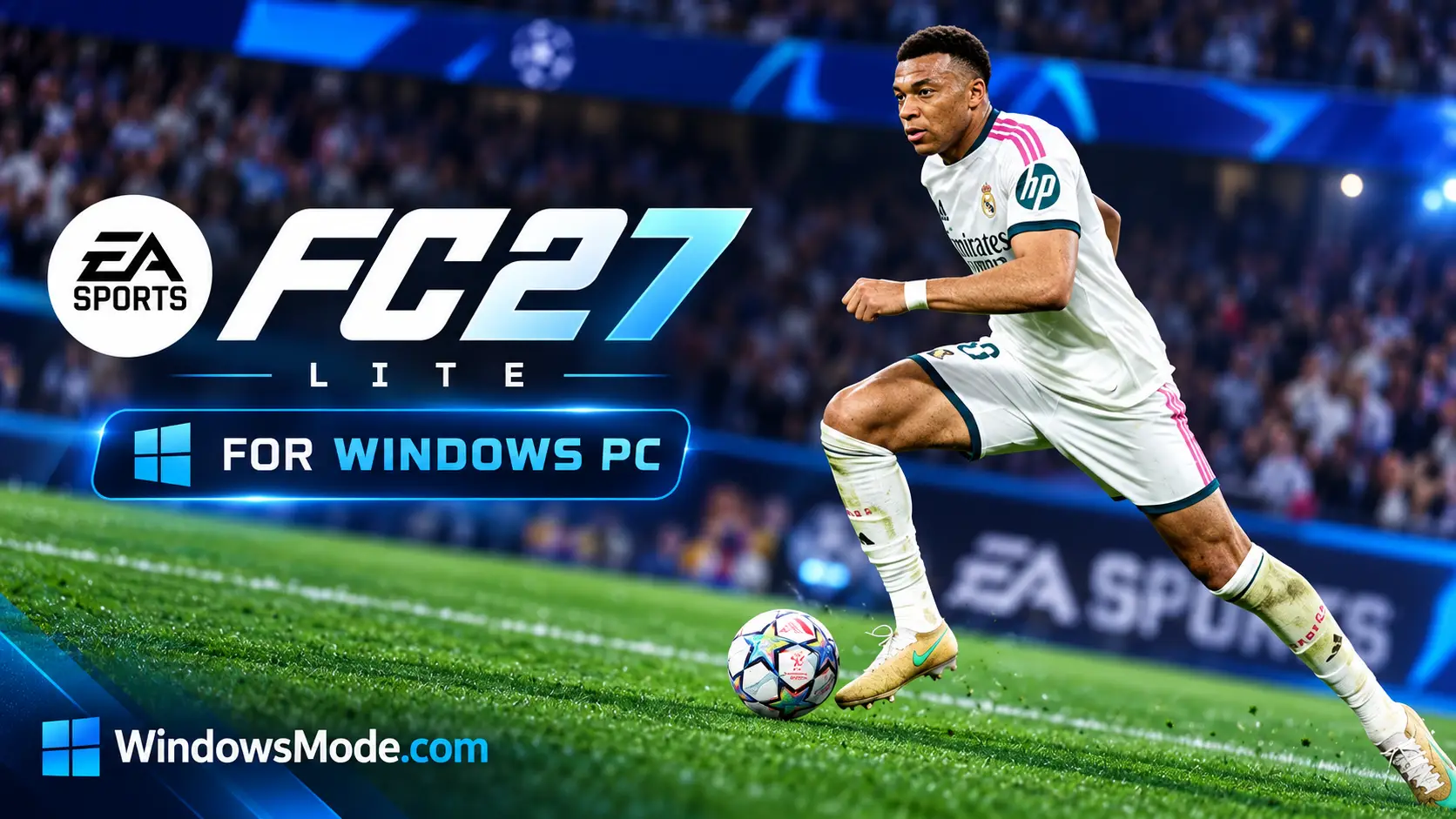
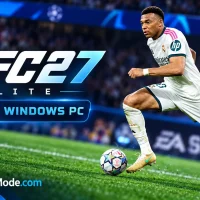
EA SPORTS FC 27 Lite is the free version of EA’s football game for PC, available on Steam, the Epic Games Store and the EA app. You get quick matches with a handful of big clubs, the training mode, and online 1v1 play against friends and strangers.
It is a preview, not a cut-down game you keep forever. Ultimate Team, Manager Career and The Grounds stay locked until you buy the full game. When you do, your Lite progress comes with you on the same platform and EA account.
It launched on September 25, 2026, alongside the full game. It needs 64-bit Windows 10 or 11, the same 100 GB as the paid version, and an internet connection the whole time you play.
Already playing? Tell us which of the free clubs you keep picking. Got questions before downloading? Reach out to us directly.
What You Need to Know
- It is free, with no time limit on how long you play.
- Four modes are included: Kick-Off, Learn to Play, Online Friendlies and Online Seasons.
- Kick-Off uses a small set of clubs that EA rotates. At launch that meant Real Madrid, Bayern Munich, Chelsea Women and OL Lyonnes.
- There is no offline play. Every mode needs a constant internet connection.
- The download is the full 100 GB, and you need an EA account and the EA app.
Quick Facts
 Free on Steam
 Free on Epic Games
How to Download FC 27 Lite on Windows
Lite is a free listing of its own on each store, separate from the paid game. The download is the same size as the full version, so start it well before you want to play.
- Step 1. Open the FC 27 Lite page on Steam or the FC 27 Lite page on Epic.
- Step 2. Click the free download button and add it to your library. There is nothing to pay.
- Step 3. Clear 100 GB on an SSD and start the install.
- Step 4. Let the EA app install when the game asks for it. It runs in the background whenever you play.
- Step 5. Sign in with your EA account and link it to Steam or Epic. Use the account you would buy the full game on, since progress only moves within one account.
- Step 6. Let the game finish its first update, then start with Learn to Play.
What Is FC 27 Lite?
FC 27 Lite is EA’s free entry point to EA SPORTS FC 27. EA describes it as a preview: a way to play real matches and learn the controls before deciding whether to buy. Steam files it as a demo of the full game, but it has no time limit and no match cap.
What it limits is the content, not the clock. You get four modes and a short list of clubs, and the big modes that most players spend their year in are not there. EA also reserves the right to retire Lite after posting 30 days’ notice, so treat it as a way in, not a permanent free game.

Matches in Lite run on the same gameplay as the full game.
The Kick-Off clubs at launch
EA rotates this selection during the season, so the list you see may be different.
FC 27 Lite vs the Full Game
The line is clear. Lite covers playing a match, against the computer, a friend or a stranger. Everything built around a longer project, whether that is a squad, a club or a career, is in the paid game.
How Upgrading to the Full Game Works
Buy from the main menu
Lite shows an upgrade prompt in its main menu. Follow it to buy the Standard or Ultimate Edition from the store you downloaded Lite on.
Restart the game
On PC, EA’s instruction is to restart the game after buying. It then opens as the full FC 27.
Keep your progress
Everything you did in Lite carries over, as long as you stay on the same platform and the same EA account.
💡 Want to try Ultimate Team or Career before paying? EA Play members get a 10-hour trial of the full game, with the same progress carry-over. Our EA SPORTS FC 27 guide covers the paid editions in detail.
Is FC 27 Lite for You?
You will like it if
- ✅ You want to see how FC 27 runs on your PC before spending anything
- ✅ You mostly play quick matches with a friend
- ✅ You are new to the series and want to learn the controls first
- ✅ You like ranked 1v1 play and want to start climbing Online Seasons
- ✅ You are not sure whether this year’s gameplay changes are worth an upgrade
It will not be enough if
- ❌ You want Ultimate Team, Career or The Grounds, which all need the full game
- ❌ You want to pick any club, not a short rotating list
- ❌ You want to play offline
- ❌ You are short on space, since the free version still takes 100 GB
- ❌ You play on Nintendo Switch, where there is no Lite version
🎮 Our Take
Lite is a better deal than a normal demo. There is no timer and no match limit, and Online Seasons is a real ranked mode, not a sample of one. For anyone who plays FC mainly as a 1v1 game against friends, that covers a lot of what they actually do. The weak spot is Kick-Off. Four clubs at a time gets repetitive fast, and the 100 GB download is a lot to ask for a preview.
Download it if you are unsure about your hardware, new to the series, or weighing whether to upgrade from FC 26. It answers all three questions for free. If you already know you want Ultimate Team, Career or The Grounds, skip Lite and buy the full game, since none of those modes are in it.
System Requirements
Tips for Beginners
Start with Learn to Play
It walks you through the basic controls and skill moves. Ten minutes there saves a lot of lost online matches.
Try all three Kick-Off types
Classic Match is normal football, House Rules changes the rules of a match, and Rush 3v3 is a short small-sided game. With only a few clubs, switching modes keeps it fresh.
Use Lite as a benchmark
Run a few matches on different graphics presets and watch for stutter. It is a free way to find the settings you would use in the full game.
Climb Online Seasons now
Your Lite progress carries into the full game on the same account and platform, so the matches you play now are not wasted if you buy later.
Stay on one account
Link the EA account you plan to keep before you play. Progress does not move between accounts, or between PC and a console.
FC 27 Lite Screenshots
The screenshots EA uses on the FC 27 Lite store page. Click any shot to open it full size.
-

- Ea sports fc 27 england corner kick from
-

- Ea sports fc 27 womens match throw in from
-
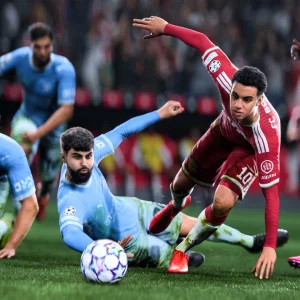
- Ea sports fc 27 goalmouth scramble from
-

- Ea sports fc 27 forward dribble from
FC 27 Lite FAQ
Is FC 27 Lite a time-limited trial?
Can I play FC 27 Lite on Nintendo Switch?
Can I play FC 27 Lite against friends on PlayStation or Xbox?
Is there an age requirement for FC 27 Lite?
What are the system requirements for FC 27 Lite on PC?
Support and Community
- r/EASportsFC, the official subreddit for the series, for Online Seasons talk and help with problems
- EA Help: FC 27 Lite, EA’s own page on what Lite includes and how upgrading works
- FC 27 Steam Discussions, useful for EA app sign-in and launch problems
- EA SPORTS FC 27 official site, Electronic Arts’ own page for the game
Explore more Windows games: EA SPORTS FC 27 · EA SPORTS FC 26 · Football Manager 2026 · Best Sports Games on PC · Rocket League
Need a PC upgrade to run these? See our Best Gaming Desktops guide.
Discover more from Windows Mode
Subscribe to get the latest posts sent to your email.












Add your first comment to this post