Readers like you help support this site. When you make a purchase using links on our site, we may earn an affiliate commission. All opinions remain our own.
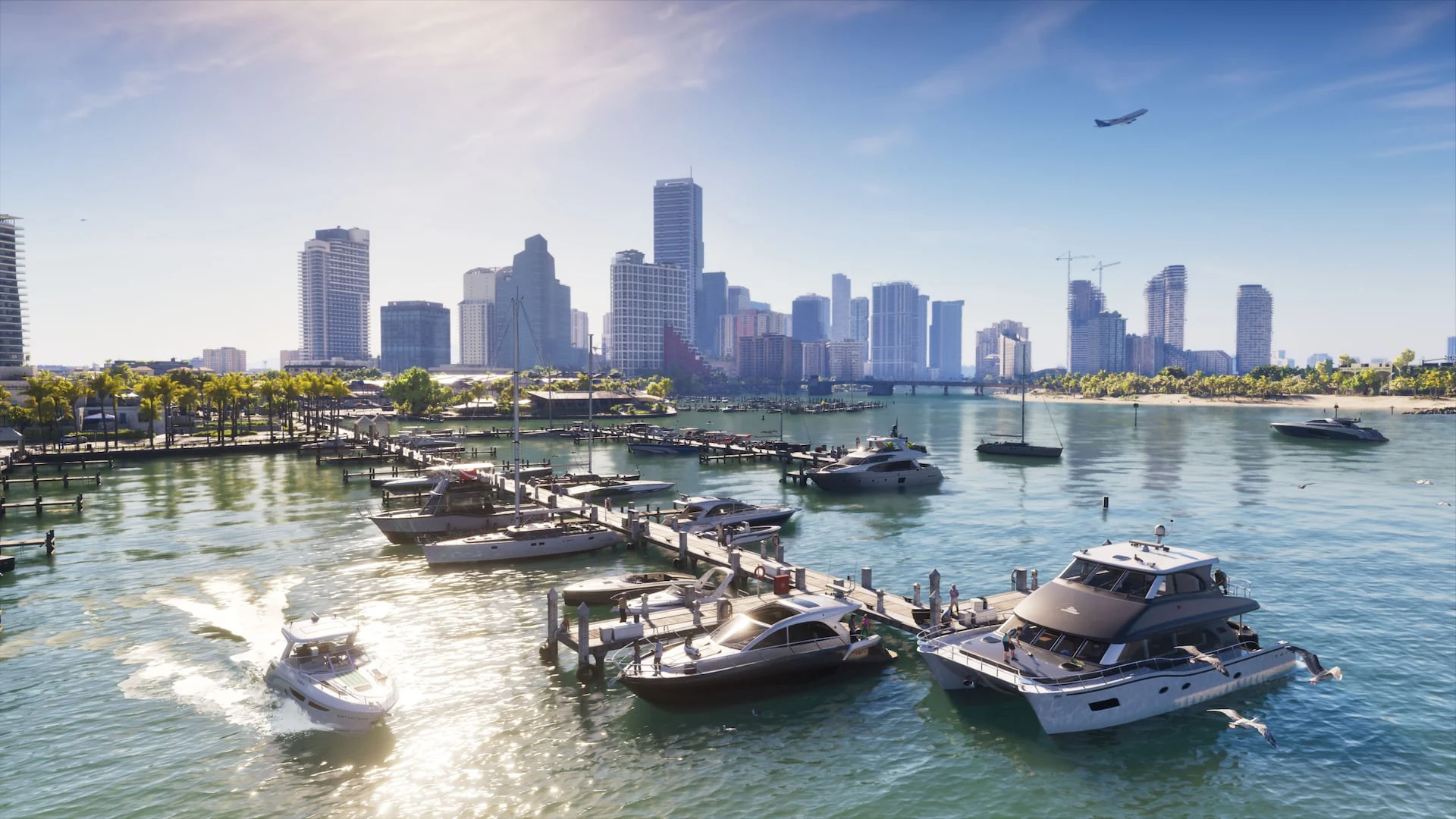
Vice City in Grand Theft Auto VI. Screenshot: Rockstar Games.
GTA 6 is out on PS5 and Xbox Series X|S, but there is no PC version yet. Rockstar has not announced one or given a date. You can still play it on your Windows PC today by streaming it from a console you own.
The trick is Remote Play, which sends your console’s picture to your PC while the console does the work. Rockstar confirmed GTA 6 fully supports Remote Play on both PlayStation and Xbox. Sony and Microsoft each have a free Windows app for it.
This guide covers both routes step by step, what you need, which one streams better, and what to expect on screen. Stuck on a step? Reach out to us directly.
Is GTA 6 on PC?
No, not yet. Rockstar lists two platforms for GTA 6: PlayStation 5 and Xbox Series X|S. There is no Steam page, no PC pre-order and no PC system requirements. Take-Two, Rockstar’s parent company, has said PC news will come from Rockstar when it is ready.
A PC version is widely expected, because GTA V and Red Dead Redemption 2 both came to PC after their console launches. Until Rockstar announces it, here is every way people try to get GTA 6 on a PC screen, and which ones actually work.
Watch out for fake downloads. Any site offering a GTA 6 PC download, crack or early access before Rockstar announces a PC version is a scam or malware. Until then, the only way to play on PC is streaming from your own console.
How to Play GTA 6 on PC with PS5 Remote Play
Sony’s PS Remote Play app shows your PS5 screen on your PC and sends your controller input back to the console. Set up the console once, then connect from the PC.
What you need
- A PS5 with GTA 6 installed and the latest system software
- A Windows 10 (64-bit) or Windows 11 PC with a 7th generation Intel Core processor or newer and 2 GB of RAM
- A DualSense, DualSense Edge or DUALSHOCK 4 controller and a USB cable
- The same PlayStation account you use on the console
- At least 5 Mbps upload and download on both ends (Sony recommends 15 Mbps for the best picture)
ON YOUR PS5
Open Settings from the PS5 home screen and go to System > Remote Play.
Turn on Enable Remote Play. The setting is per user, so do it on the account that owns GTA 6.
Go to System > Power Saving > Features Available in Rest Mode, so you can connect while the PS5 sleeps.
Turn on Stay Connected to the Internet and Enable Turning on PS5 from Network.
ON YOUR PC
Download PS Remote Play from Sony’s site and run the installer.
Plug your controller in with a USB cable.
Open the app and select Sign In, using the same account as your PS5.
Select PS5. The app finds your console and connects on its own.
Start GTA 6 from the PS5 home screen, now showing on your PC.
If the app cannot find your PS5
Pair it by hand. On the PS5, go to Settings > System > Remote Play > Pair Device, then type the number it shows into the app on your PC. Both devices need to be on the same network for this step.
How to Play GTA 6 on PC from Your Xbox
Xbox remote play runs through the Xbox app for Windows, the same app many PC players already have installed. Your Xbox Series X|S does the work and streams to the PC.
What you need
- An Xbox Series X|S with GTA 6 installed
- The free Xbox app for Windows, signed in with the same Microsoft account as your console
- An Xbox Wireless Controller, paired by Bluetooth or plugged in with USB (mouse and keyboard are not supported)
- 7 to 10 Mbps, ideally on 5 GHz Wi-Fi or a cable
ON YOUR XBOX
Press the Xbox button on your controller to open the guide.
Go to Profile & system > Settings > Devices & connections > Remote features.
Tick Enable remote features. This lets the console accept the connection.
Set Power options to Sleep. Remote play does not work in any other power mode.
ON YOUR PC
Open the Xbox app and connect your controller.
Click your profile picture and select View profile.
Under Where I play, select Add a console and follow the steps.
Pick your console and start remote play. Your Xbox home screen appears on the PC.
Launch GTA 6 from your library on the console screen.
No Xbox app? You can also stream from your Xbox in a supported browser at xbox.com/remoteplay. The steps are the same: pick your console and select Remote play on this device.
PS5 or Xbox: Which Streams Better to a PC?
Both work, and the game itself plays the same on either console. The differences are in the setup and the controller you can use.
Our pick: use whichever console you own. If you have both, Xbox is easier on a PC because the controller works wirelessly and the app is often already installed. PS5 gives you more control over picture quality and keeps the DualSense in your hands.
Tips for Smooth GTA 6 Remote Play
Streaming a game this big is mostly a network job. These fixes make the biggest difference.
Plug the console into your router
A network cable on the console removes most stutter and blurry patches. If you can only cable one device, cable the console.
Use 5 GHz Wi-Fi on the PC
Microsoft says 2.4 GHz works but is not recommended. Sit closer to the router if the picture breaks up during car chases.
Lower the resolution first
In PS Remote Play, open Settings and drop the resolution if the stream stutters. A steady picture feels better than a sharp one that freezes.
Save often
Microsoft warns you can lose progress if the connection drops. GTA 6 autosaves, but a manual save before a long mission costs nothing.
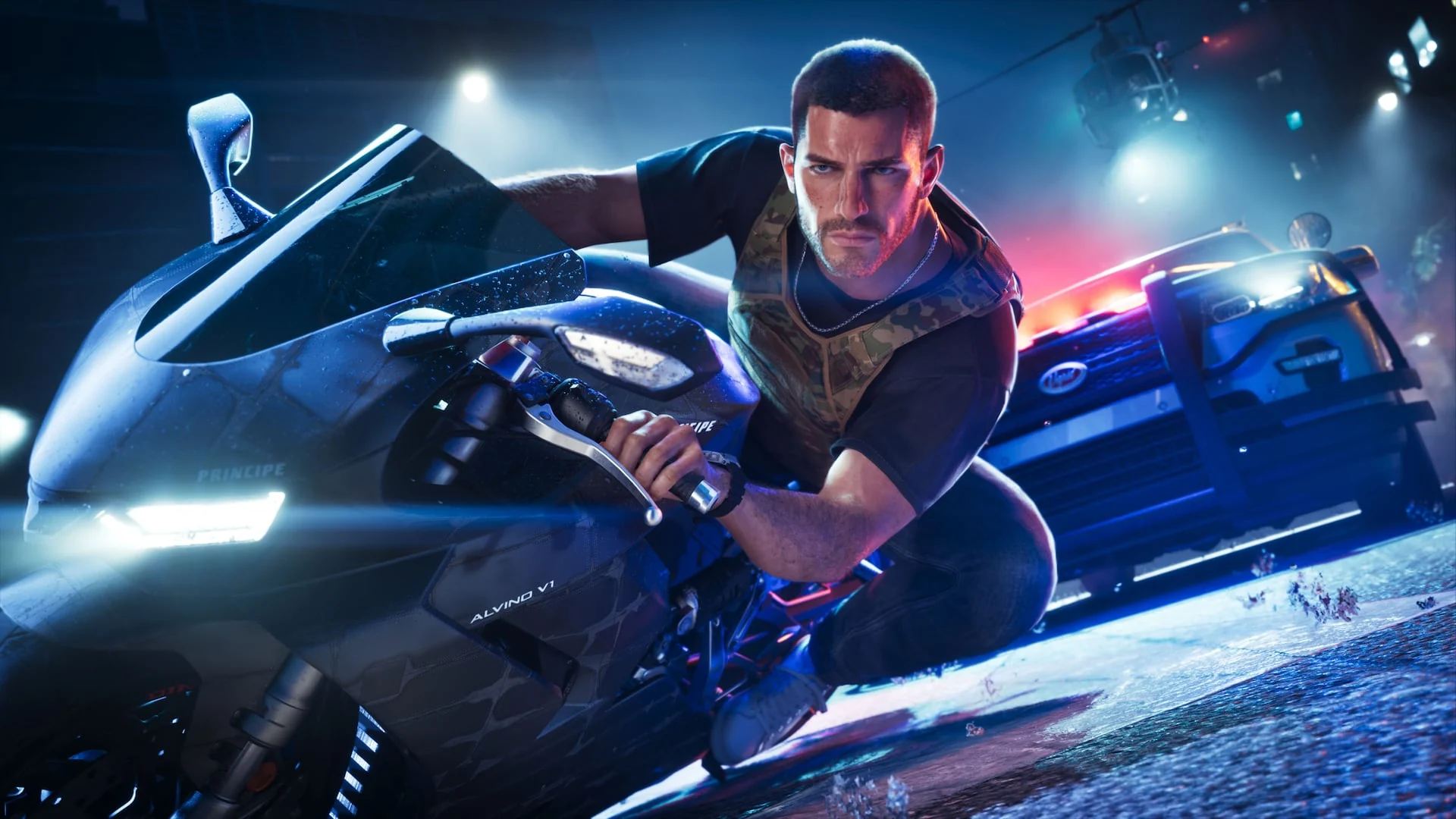
What GTA 6 Looks Like Over Remote Play
🎮 Our Take
Remote Play is a stand-in, not a PC version. You see the console’s picture, so you get the console’s 30 frames per second target, plus a little delay and some blur when the stream is under load. On a good home network it is perfectly playable for story missions and driving around Leonida. On busy Wi-Fi, fast chases and gunfights are where it falls apart first.
If you already own a PS5 or Xbox Series X|S, set it up now: it is free and takes about ten minutes. If you only own a PC, do not buy a console just to stream it to your desk. Waiting for the real PC version is the better deal, since it should bring higher frame rates and graphics settings the consoles do not have.
GTA 6 Screenshots
Official screenshots from Rockstar’s launch gallery, showing Vice City, the Leonida Keys, Grassrivers and the two leads, Jason and Lucia.
-
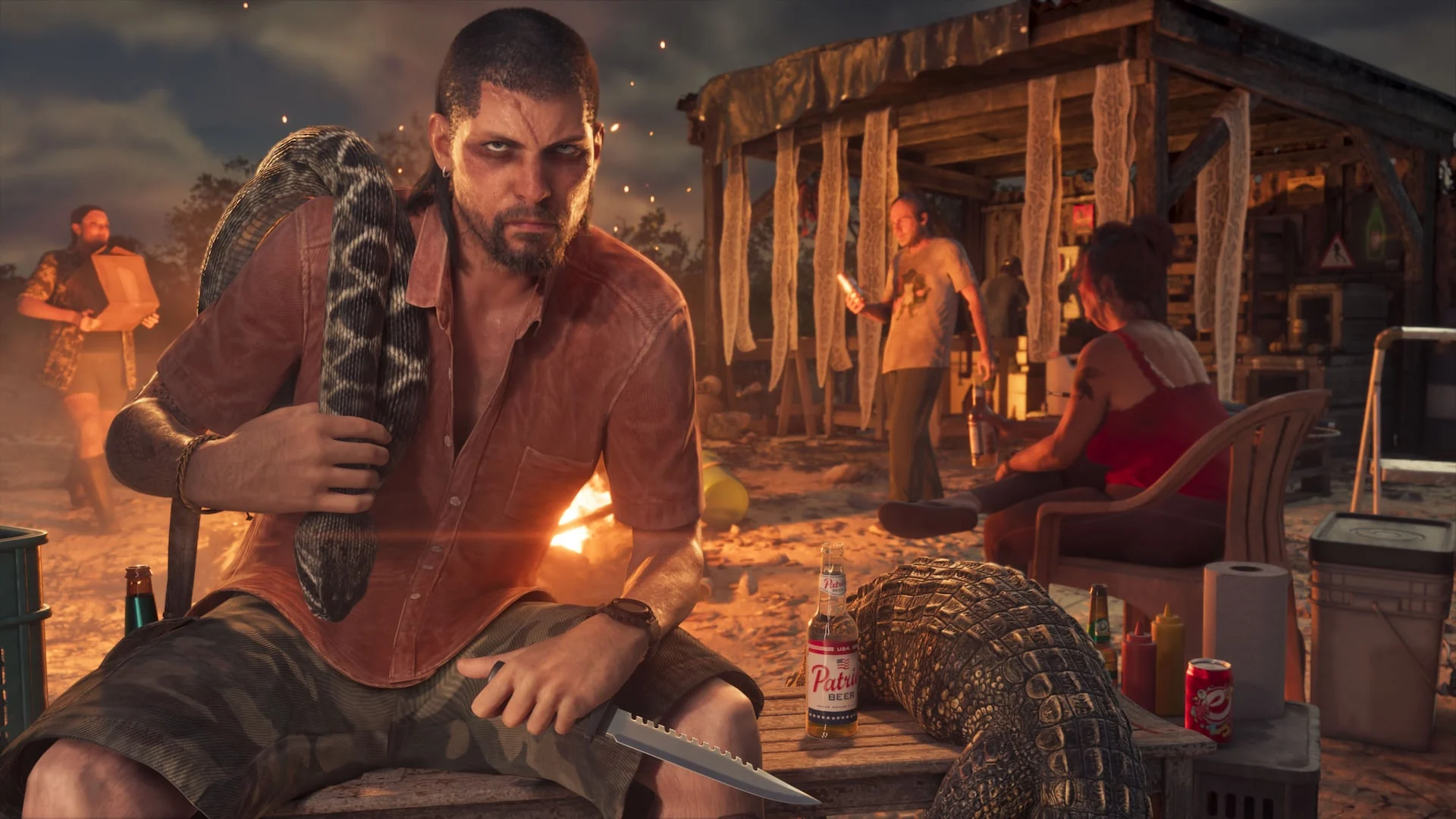
- Gta 6 grassrivers campfire from
-
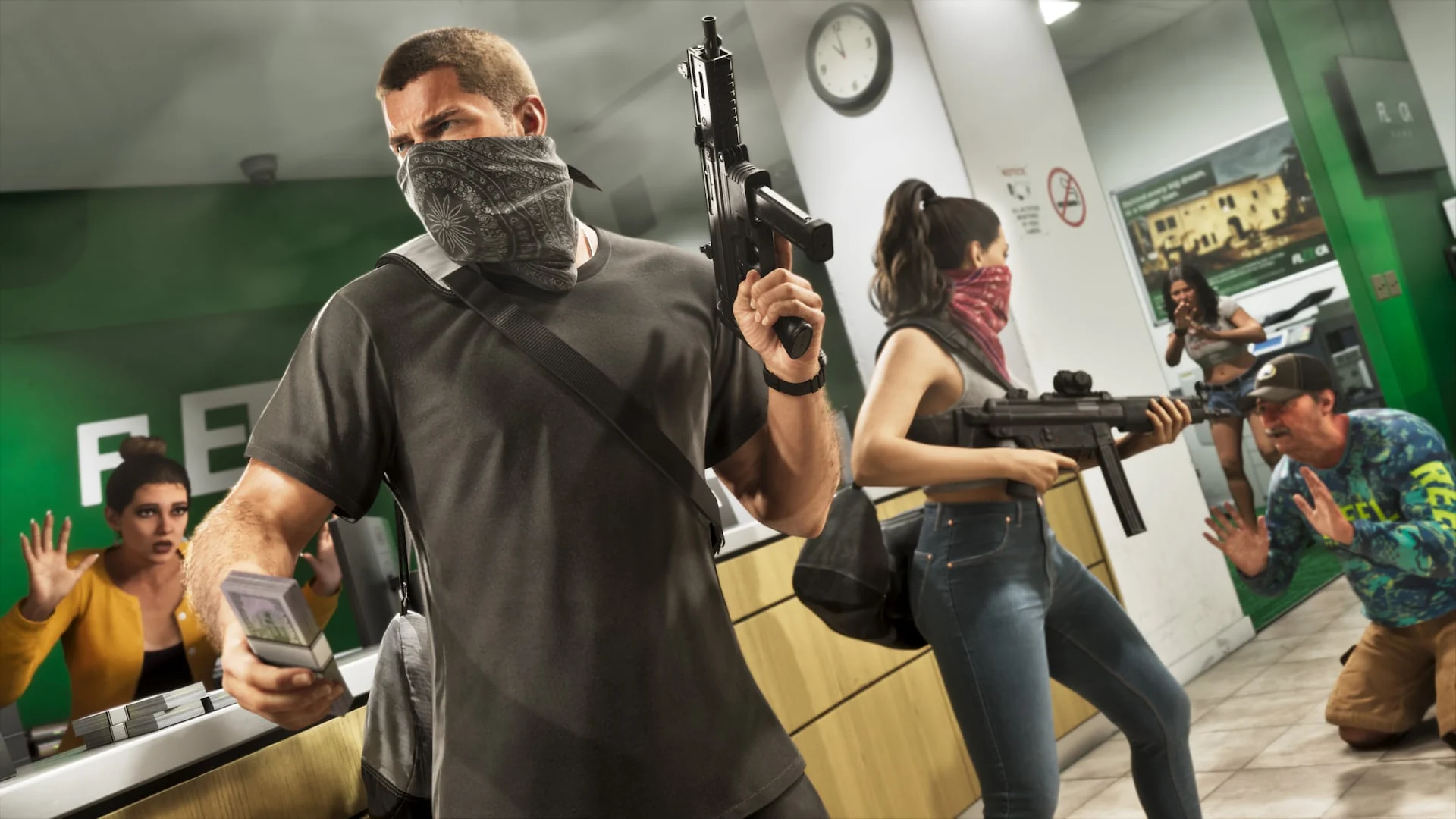
- Gta 6 jason lucia store robbery from
-

- Gta 6 jason lucia car door from
-
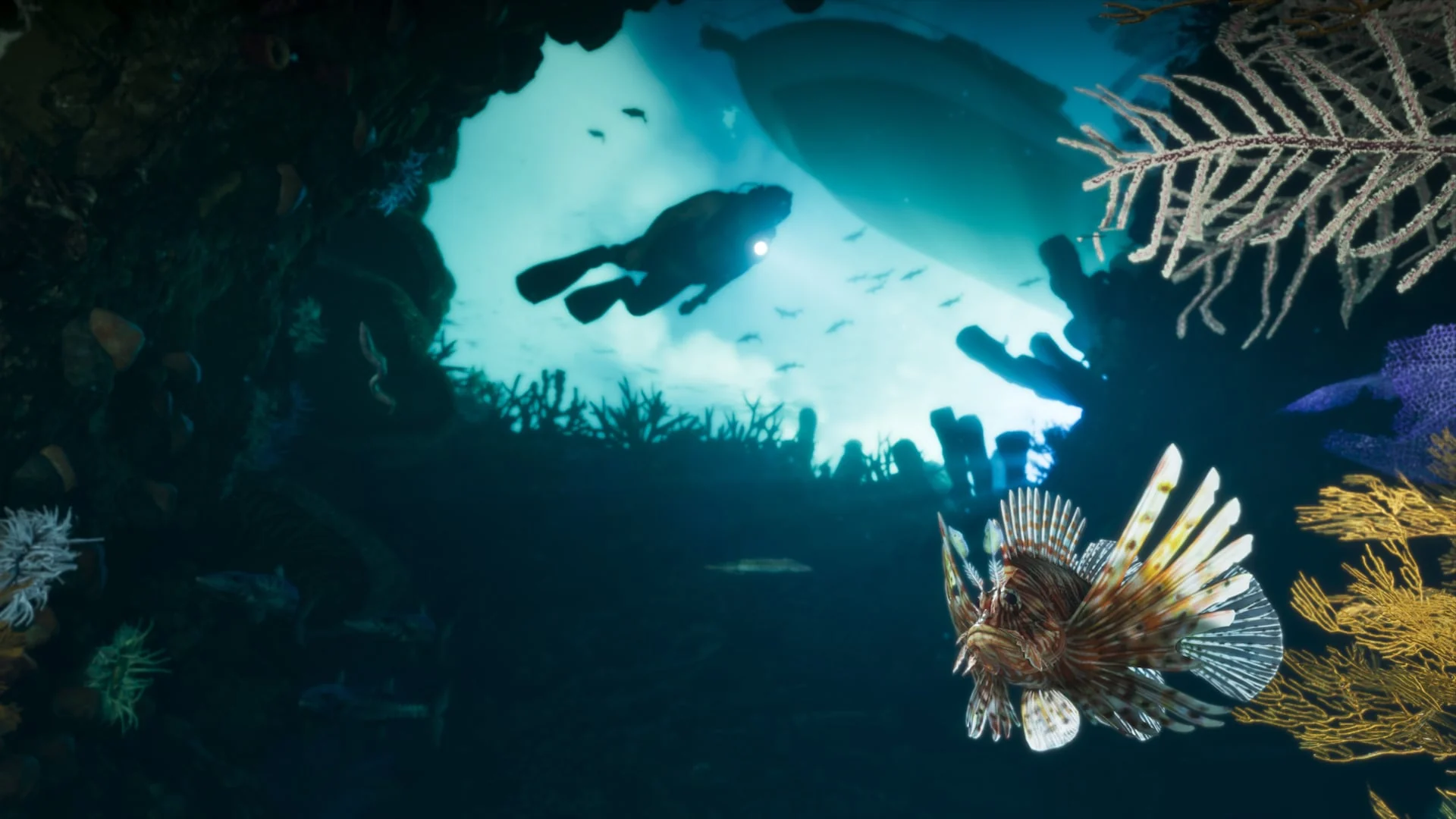
- Gta 6 leonida keys diving from
-
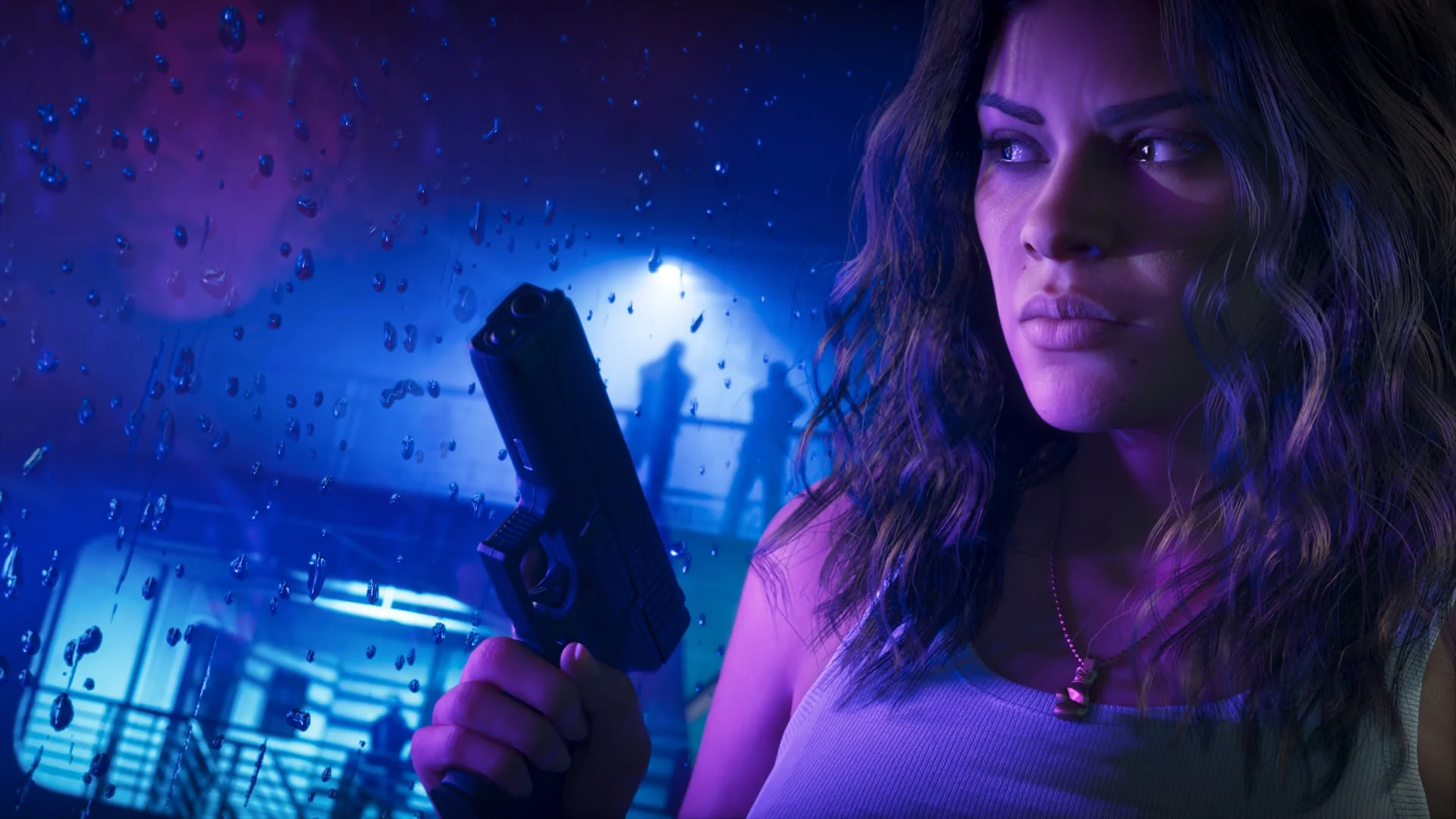
- Gta 6 lucia rain handgun from
-
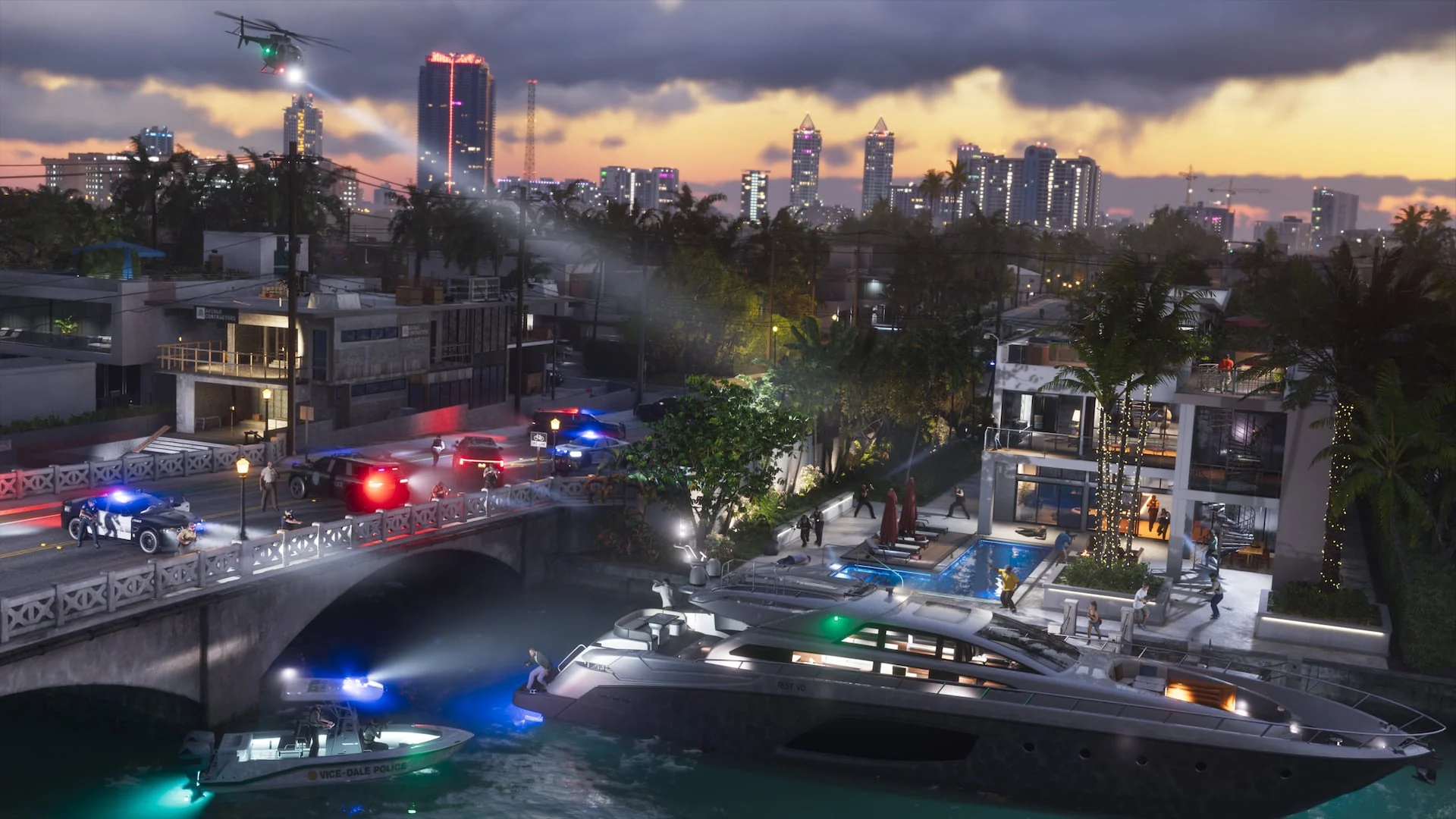
- Gta 6 vice city police chase night from
Don’t Own GTA 6 Yet?
Remote Play only works if GTA 6 is on your console. If you have a PS5 or Xbox Series X|S but not the game, these are the code-in-box editions on Amazon. Each box holds a download code, not a disc, and the codes work on US and Canadian accounts.
GTA 6 for PS5
For PS5 Remote Play. Includes the DualSense features Rockstar built in.
GTA 6 for Xbox Series X|S
For Xbox remote play through the Xbox app on your PC.
One thing to know before you buy: neither console version is confirmed to include the future PC version. Rockstar has not announced cross-buy or Xbox Play Anywhere for GTA 6, so plan on buying it again for PC.
Waiting for the PC version instead? GTA V on PC is the closest thing you can play natively today, and Red Dead Redemption 2 shows how Rockstar handled its last console-first PC release.
Frequently Asked Questions
Will GTA 6 come to PC?
Does buying GTA 6 on Xbox give me the PC version?
Can I play GTA 6 on PC with Xbox Cloud Gaming or Game Pass?
Can I play GTA 6 on PC with a keyboard and mouse?
Can I use Remote Play away from home?
Does GTA 6 Online work over Remote Play?
Support and Community
- Rockstar Games: Grand Theft Auto VI: the official site, where a PC announcement will appear first.
- Rockstar Newswire launch post: Rockstar’s own confirmation of Remote Play and cloud support.
- PlayStation Support: Remote Play on PC: Sony’s setup guide and troubleshooting.
- Xbox Support: Set up remote play: Microsoft’s setup guide and troubleshooting.
- r/GTA6 on Reddit: the main fan community for news and help.
Explore more Windows games: GTA V · Red Dead Redemption 2 · Best Action Games for Windows · Xbox App for PC
Want a PC ready for the day GTA 6 lands? See our Best Gaming Desktops guide.
Discover more from Windows Mode
Subscribe to get the latest posts sent to your email.






Add your first comment to this post