Readers like you help support this site. When you make a purchase using links on our site, we may earn an affiliate commission. All opinions remain our own.
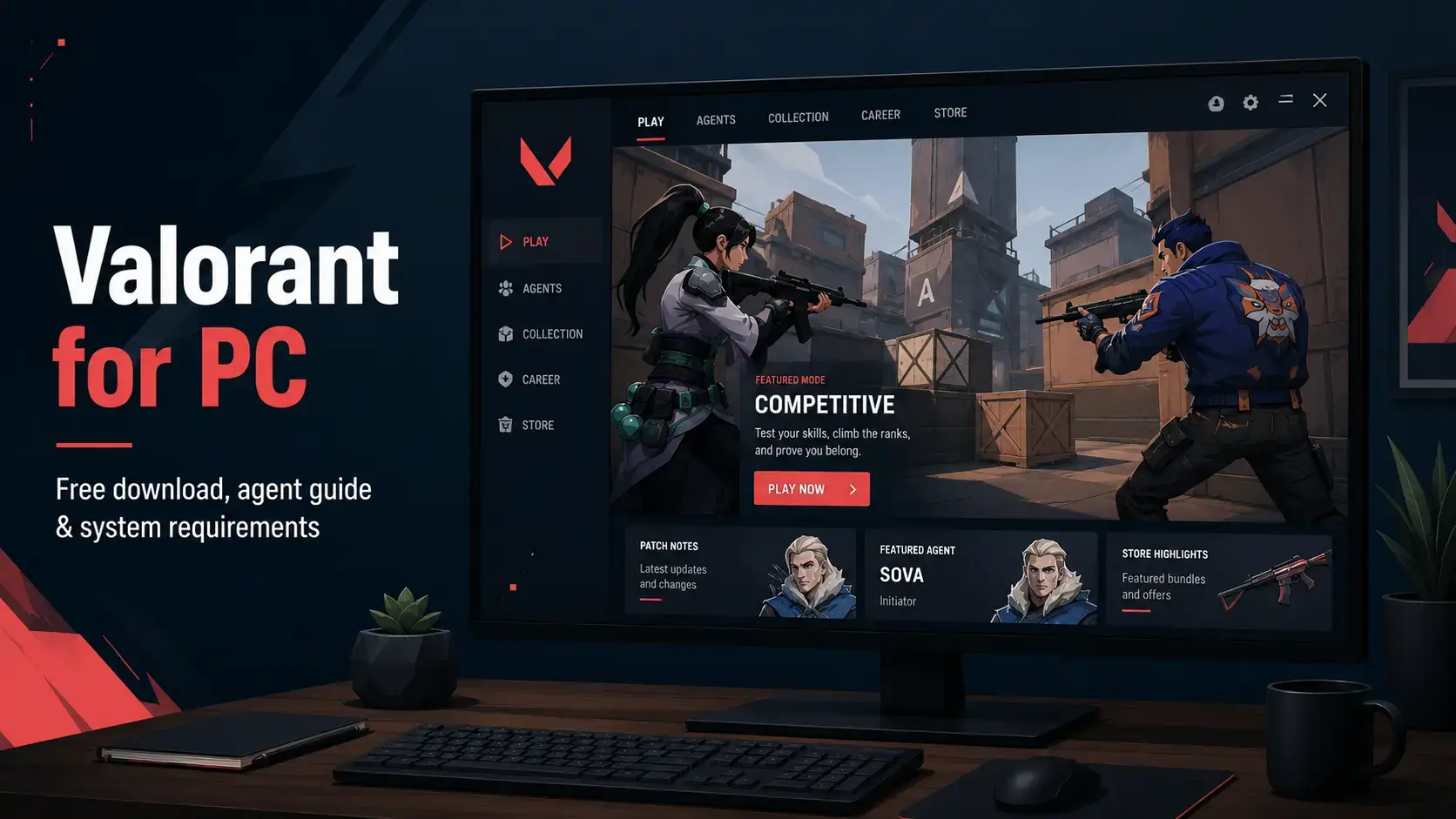
Valorant on PC. Click to open it full size.
Valorant is a 5v5 tactical shooter for PC from Riot Games, available through the Riot Client and the Epic Games Store. One team attacks and tries to plant a bomb called the Spike, the other defends. Each player has one life per round, and the first team to win 13 rounds takes the match.
The agents are what set it apart from other tactical shooters. Every agent brings a few abilities, like smoke walls, scouting drones or a heal, on top of the same guns everyone can buy. Good aim wins fights, but smart use of abilities wins rounds.
It is free to play on 64-bit Windows 10 and Windows 11. It installs Riot Vanguard, Riot’s anti-cheat, which needs TPM 2.0 and Secure Boot turned on if you use Windows 11.
Already playing? Tell us which agent you main. Got questions before you download? Reach out to us directly.
What You Need to Know
- The game is free. The store sells cosmetics and a Battle Pass, nothing that makes you stronger.
- On Windows 11, Valorant will not start unless TPM 2.0 and Secure Boot are on. Our Vanguard section below shows how to check.
- You need a Riot account, even if you download it from the Epic Games Store.
- Mods are not allowed. Anything that changes or reads the game can get your account banned.
- It does not run on Mac, Steam Deck, virtual machines or cloud gaming services.
Quick Facts

How to Download Valorant on Windows
Riot’s own installer is the most direct way in. You need 64-bit Windows 10 or 11 and a free Riot account.
- Step 1. Open the download page. Go to the official Valorant download page and click Download.
- Step 2. Run the installer. It sets up the Riot Client and Valorant together.
- Step 3. Sign in or create a Riot account. The client asks before the game starts downloading.
- Step 4. Restart your PC when asked. This finishes installing the Vanguard anti-cheat, and Play stays locked until you do.
- Step 5. Open the Riot Client and click Play. The tutorial runs first and teaches the basics.
Prefer Epic? Get it free from the Epic Games Store instead. It is the same game and the same servers, and you still sign in with a Riot account. Riot does not publish a storage figure, and the game grows with patches, so check the size the installer shows before you start.
Riot Vanguard, TPM 2.0 and Secure Boot
Vanguard is Riot’s anti-cheat. It installs with the game and runs as a driver, a part of Windows that loads before your apps, so cheats have a harder time hiding from it. On Windows 11, Vanguard needs TPM 2.0 and UEFI Secure Boot turned on, or Valorant will not launch. Windows 10 does not need them.
Vanguard cannot find TPM 2.0 turned on.
Secure Boot is turned off.
TPM 2.0 is on but failed to start. Riot suggests opening tpm.msc and choosing Prepare the TPM, or updating the BIOS.
Check TPM 2.0 and Secure Boot on Windows 11
- Step 1. Check Secure Boot. Press Windows + R, type msinfo32 and press Enter. BIOS Mode should say UEFI and Secure Boot State should say On.
- Step 2. Check TPM. Press Windows + R, type tpm.msc and press Enter. It should say the TPM is ready, with Specification Version 2.0.
- Step 3. Turn on what is missing in the BIOS. Restart and open your PC’s setup screen (often Delete or F2 at startup). TPM is usually called Intel PTT or AMD fTPM.
- Step 4. Save, restart and launch Valorant. If an error still shows, follow Riot’s guide for that exact code.
Some PCs get asked for more. Riot’s Vanguard security requirements can also include Memory Integrity (a Windows security feature under Core isolation) and IOMMU, a BIOS setting. The Vanguard tray icon tells you which one is missing, and Riot’s TPM 2.0 guide and error pages walk through each fix.
Vanguard normally starts with Windows and keeps running. Since June 2026, Riot offers an optional on-demand mode where it only runs while you play. Your PC needs Windows 11 25H2 or newer with Secure Boot, TPM 2.0, Memory Integrity and IOMMU all turned on to use it.
No mods, ever. Valorant has no mod support, and Riot’s terms of service ban unauthorized programs that change or read the game: skin changers, injected crosshairs, cheats and bots. Vanguard is built to catch them, and the risk is your account.
What Is Valorant?
Each round starts with a short buy phase. You spend credits, earned by winning rounds, getting kills and planting the Spike, on guns, armor and abilities. Losing a round means less money, so a team will sometimes save for a round and buy cheap guns. After 12 rounds the teams swap sides.
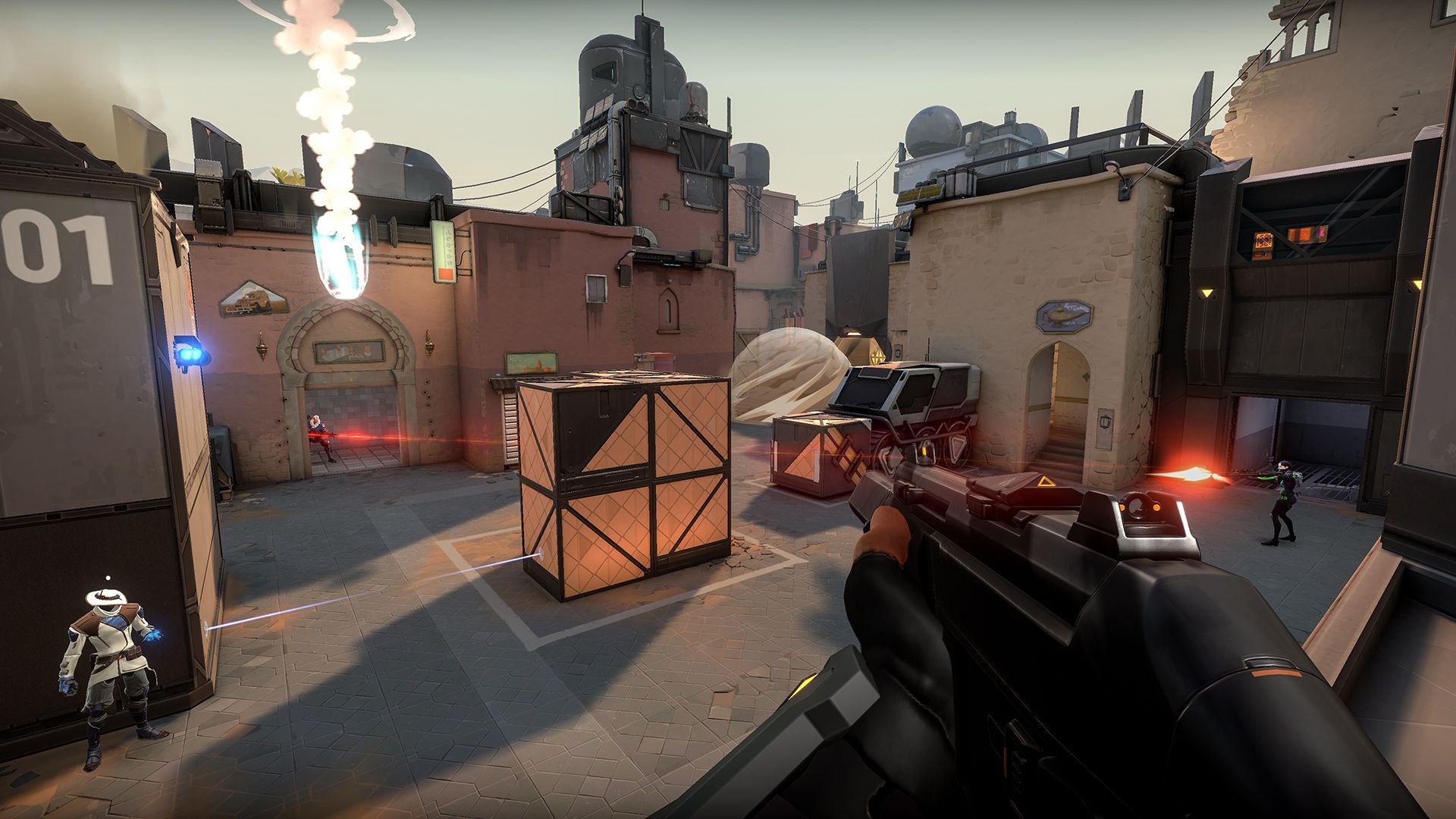
Guns are shared by everyone. A clean headshot ends most fights in one or two bullets.
Guns are accurate when you stand still and wild when you run, so most fights come down to stopping, aiming at head height and clicking first. Abilities set those fights up. Every agent belongs to one of four roles, and a balanced team usually has one of each:
Entry fraggers who push in first and take fights. Jett, Reyna, Phoenix and Raze are classic picks.
Scouts who reveal or stun enemies so the team can push. Sova, Skye, Fade and Breach fit here.
Smoke experts who block sightlines to split a site. Omen, Brimstone, Viper and Astra are the usual picks.
Defenders who lock down a site with traps and heals. Killjoy, Cypher, Sage and Chamber play this role.
Riot adds new agents and maps over time, and you can see the full current roster on the official agents page. Besides Competitive and Unrated, there are shorter modes like Swiftplay, Spike Rush, Deathmatch and Team Deathmatch for warming up.
Official Trailer
Watch Riot’s official launch gameplay trailer for Valorant to see agents using their abilities, the buy phase and a full attack on a bomb site.
Key Features
One team plants the Spike, the other stops them. One life per round makes every fight count.
Guns reward stopping to shoot and aiming at the head, so skill shows quickly.
Smokes, flashes, drones, walls and heals add strategy on top of the shooting.
Credits from each round decide what your team can buy, so saving and spending is part of the game.
Climb the Competitive ladder, or warm up in Deathmatch, Swiftplay and Spike Rush.
It runs on older and budget PCs, and high-end machines can push well past 144 FPS.
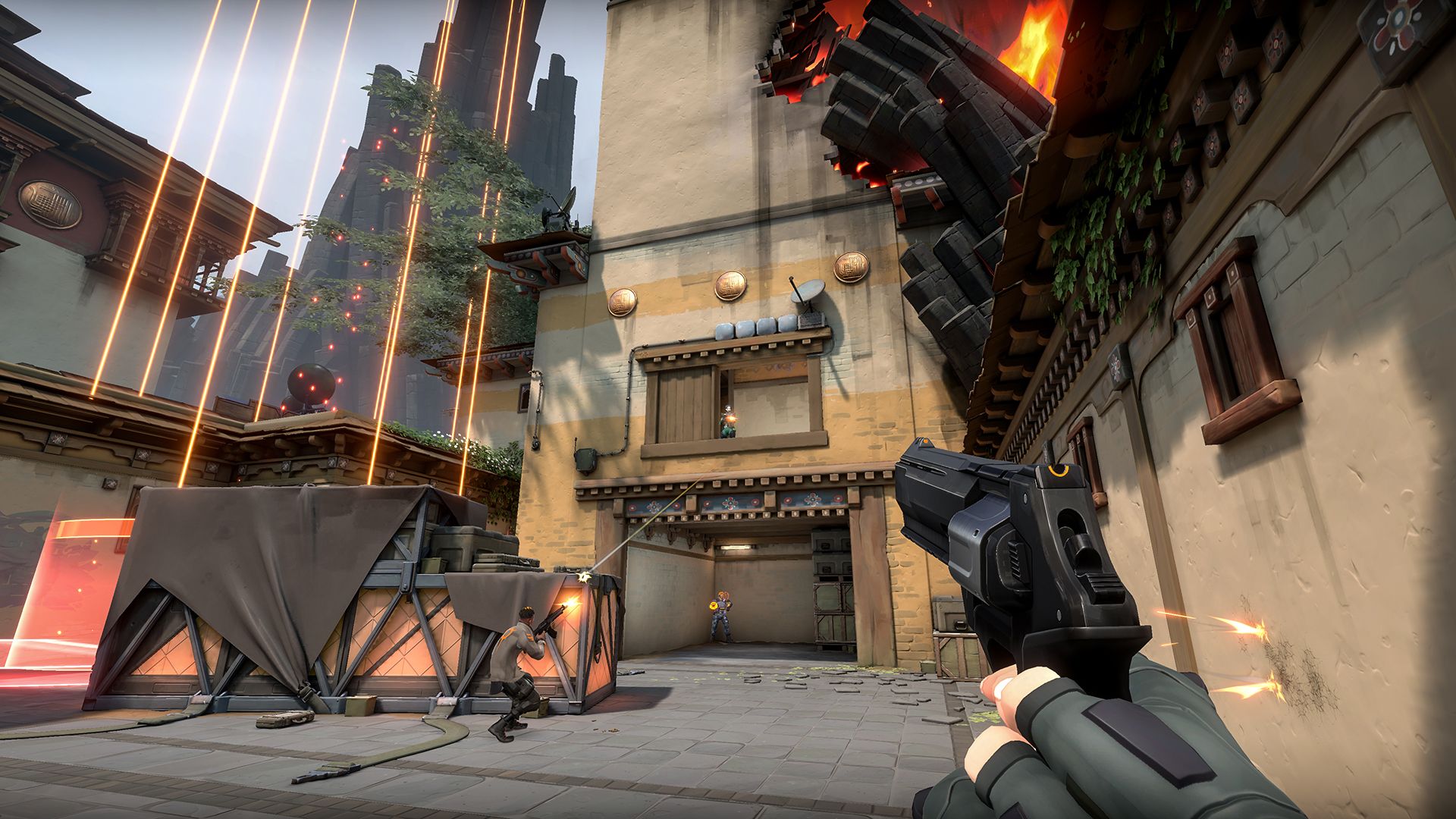
Abilities like barriers and drones shape every fight before the shooting starts.
Is This Game for You?
Our Take
🎮 Our Take
Valorant takes the tight, one-life rounds of Counter-Strike and adds agents whose abilities make every round a small puzzle. The shooting is clean and fair, it runs on almost any PC, and the free model is honest: the store sells looks, not power. The hard parts are real too. New players lose a lot while they learn aim and map callouts, a 13-round match can run long, skins are expensive, and Vanguard asks for more access to your PC than most games do.
If you like team shooters and want something to get better at, download it and give it a week of Unrated with friends before you judge it. If you want quick, casual action or you are not comfortable with kernel-level anti-cheat, a faster shooter like Apex Legends or Fortnite will suit you better.
System Requirements
Riot publishes three tiers, one for each frame rate target. The bar is low: most PCs from the last decade can run it, and a mid-range card is enough for 144 FPS. ARM processors are not supported.
Riot lists RAM only on the minimum tier, and 8 GB or more makes Windows and Discord running alongside the game much smoother. If you are shopping for a new machine, our Best Gaming Desktops guide is a good place to start.
Tips for Beginners
Pick one agent and stick with them
Learn one agent from a simple role first, like Sage or Brimstone, before trying the flashy ones.
Stop before you shoot
Guns are only accurate when you stand still. Let go of your movement key, then click.
Keep your crosshair at head height
Aim where an enemy’s head will appear as you walk around corners, so you only need a small flick.
Learn when to save
If your team cannot afford rifles, buy nothing or a cheap pistol so you can fully buy next round.
Warm up in the Range and Deathmatch
Ten minutes of practice before ranked does more for your aim than any setting.
Frame rate dropping? Update your graphics driver first, then lower the quality settings under Settings, Video. Play in fullscreen rather than windowed mode, and close browser tabs and overlays you do not need while you play.
Valorant Screenshots
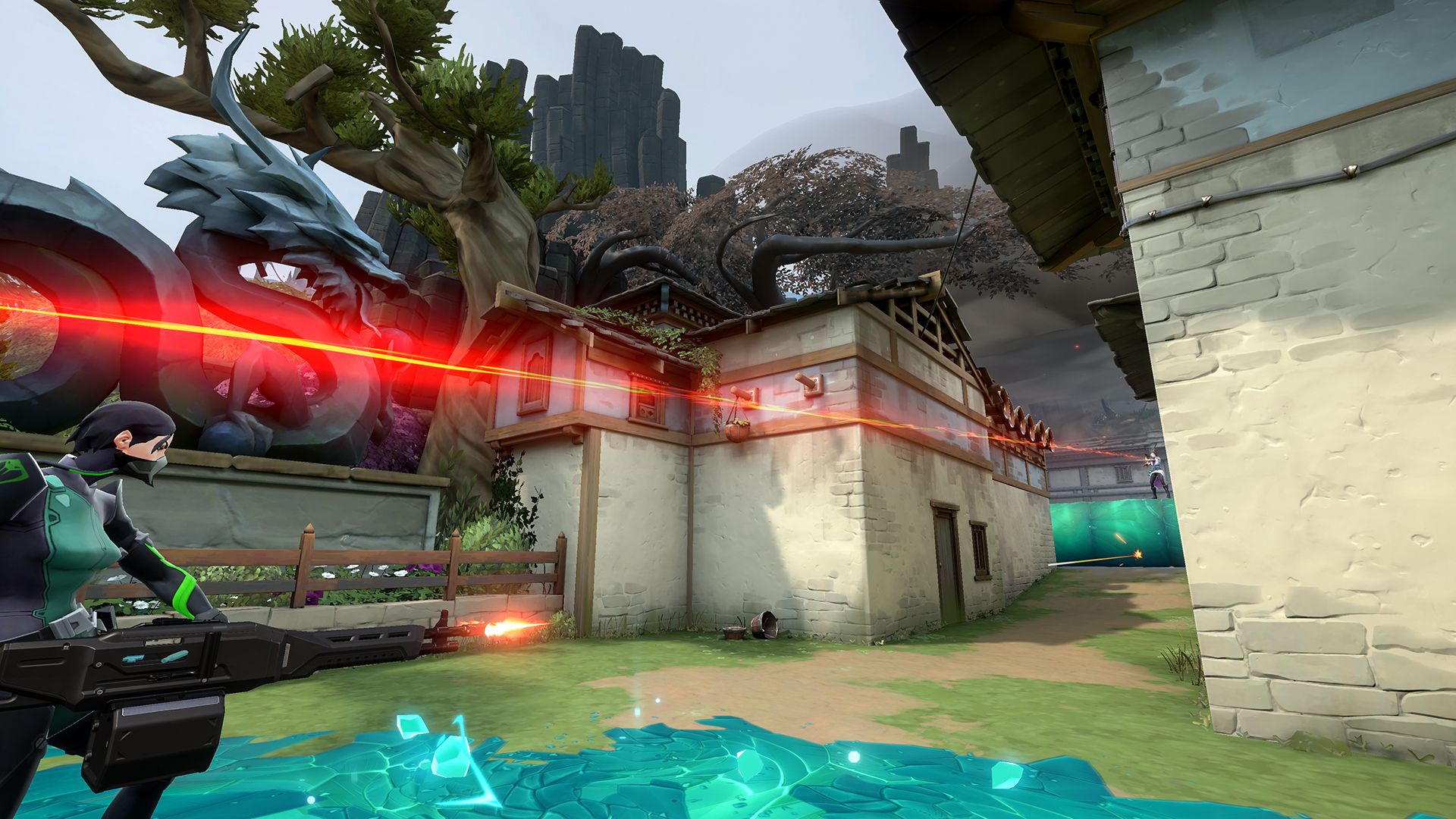
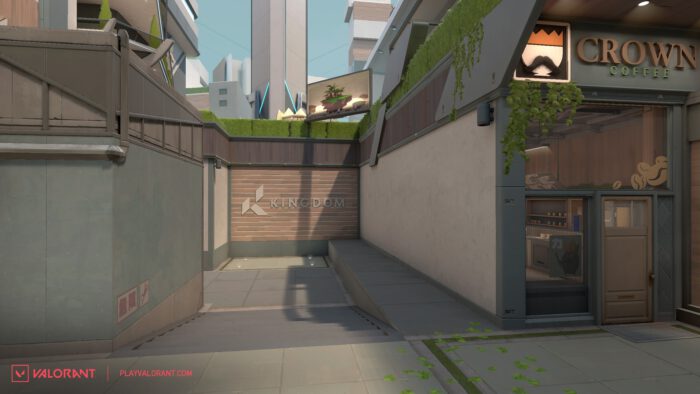
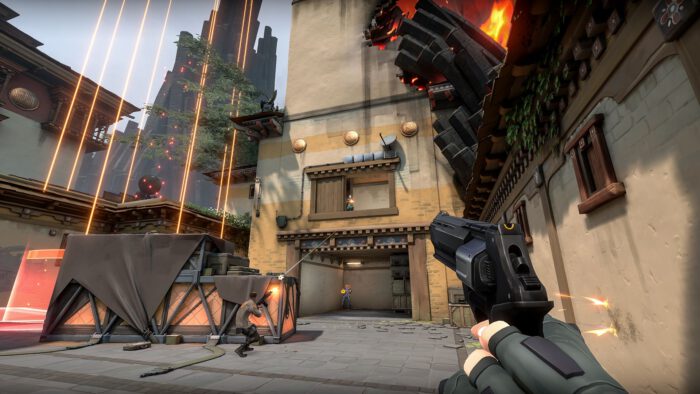
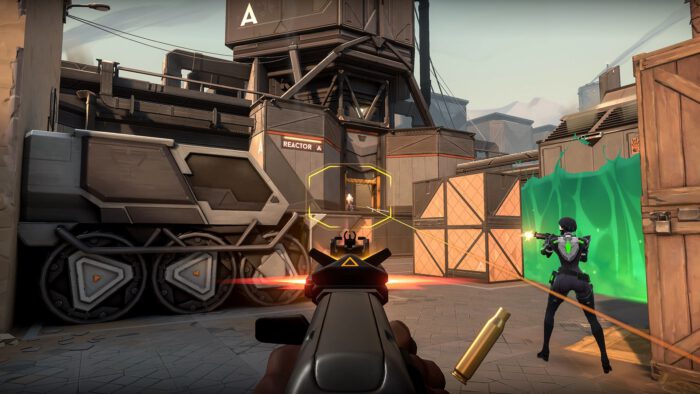
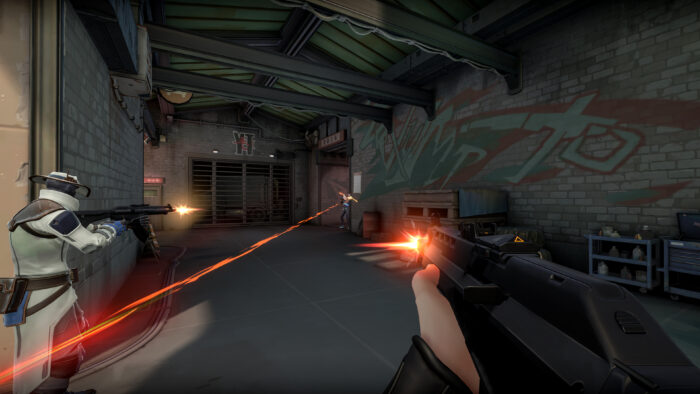
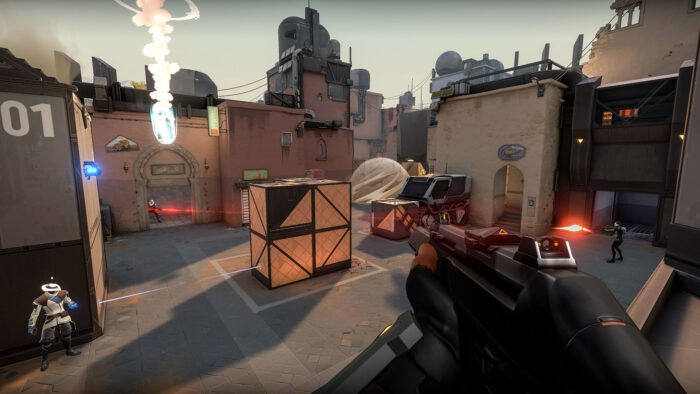
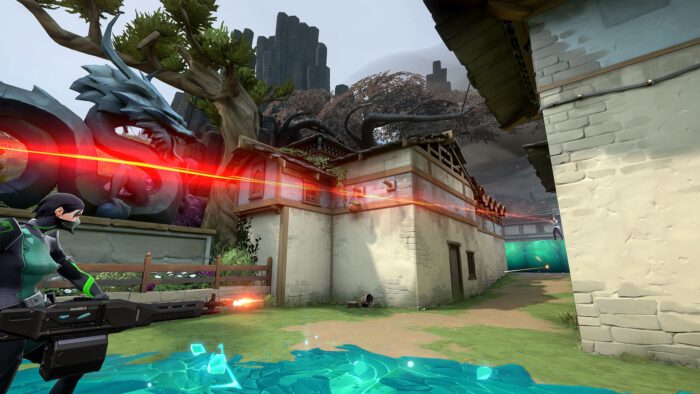
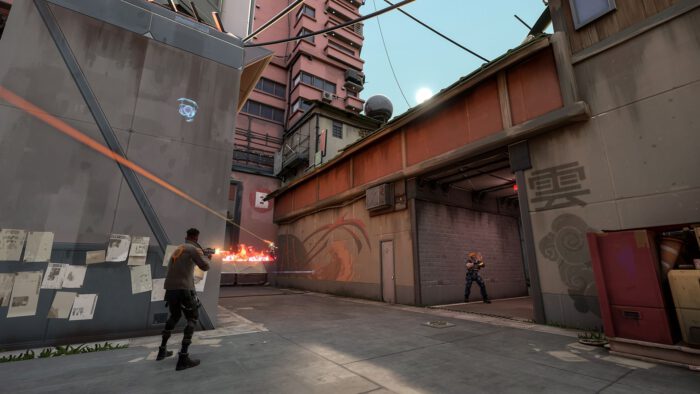
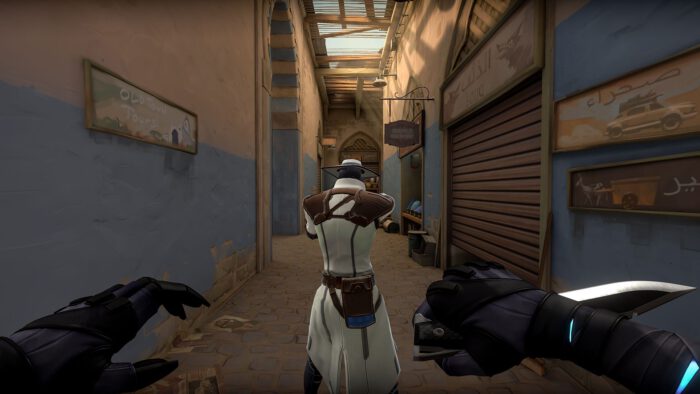
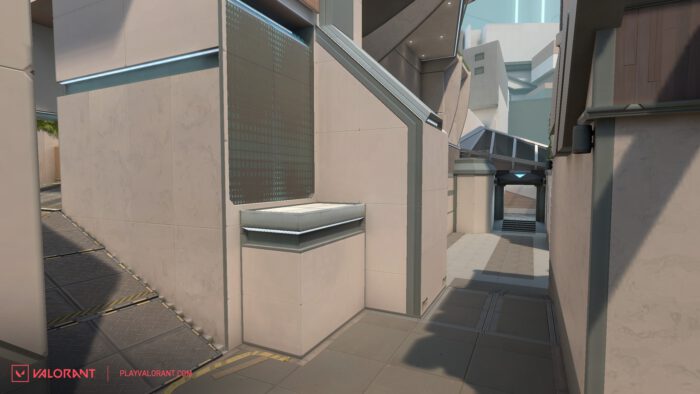
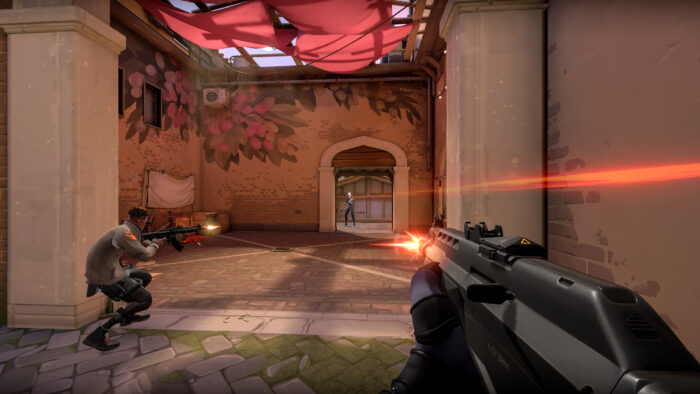
Bomb sites, narrow alleys and gunfights from across the Valorant map pool, seen in first person. Click any image to open it full size.
Valorant FAQ
Can Valorant PC players play with console players?
Can I play Valorant with a controller on PC?
Can you mod Valorant?
Why does Valorant not launch on Windows 11?
Can I play Valorant on a Mac, Steam Deck or through cloud gaming?
What are the Valorant system requirements?
Support and Community
- Valorant official site, Riot’s home for the game, with news, agents and maps.
- Valorant patch notes, for every balance change and new agent.
- Riot Support for Valorant, for account, purchase, Vanguard and error help.
- r/VALORANT on Reddit, the main player community for discussion, clips and help.
- Official Valorant Discord, for finding teammates and talking to other players.
- Valorant on YouTube, for agent reveals, map trailers and update videos.
Explore more Windows games: Counter-Strike 2 · Overwatch 2 · Marvel Rivals · Rainbow Six Siege · Apex Legends · League of Legends · Best Free-to-Play Games
Discover more from Windows Mode
Subscribe to get the latest posts sent to your email.












Add your first comment to this post