Readers like you help support this site. When you make a purchase using links on our site, we may earn an affiliate commission. All opinions remain our own.
 Looking for a free way to play your media files on PC? The right media player can make all the difference in your viewing and listening experience, whether you’re playing videos, streaming music, or diving into a movie marathon.
With so many options out there, finding a reliable media player that offers smooth playback, extensive format support, and customization can be a challenge.
In this post, we’ll highlight the best free media players available for Windows, designed to handle all your media needs.
Whether you’re a movie buff, music enthusiast, or just need a player that “does it all,” these picks will make your media experience enjoyable, without costing a dime.
What is a Media Player?
A media player is a software application for playing multimedia files like audio and video on your computer. While Windows includes basic players, dedicated media players offer better format support, enhanced features, and superior performance for an optimal viewing and listening experience.
- What is the Best Media Player?
For most users, VLC Media Player is the best choice. It’s free, open-source, plays virtually any file format you throw at it, and requires no additional codecs. It’s the most reliable and versatile option available. - Do I Need a Media Player?
Yes! While Windows can play basic files, a dedicated media player handles more formats, offers better organization, and provides features like equalizers, subtitles, and streaming that the built-in players lack. - Are They Safe?
Generally yes, when downloaded from official sources. All players listed here are reputable and free from our testing.
Best Free Media Players on PC
1. VLC Media Player
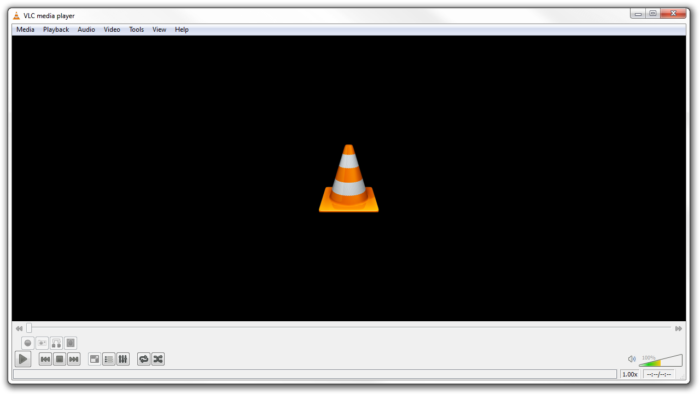
Top Features:
- 🎬 Plays Everything: Handles virtually any audio or video format without additional codecs
- 🌐 Streaming Support: Can play network streams, online radio, and podcasts
- 🔧 Advanced Tools: Includes equalizer, filters, and video effects
- 📱 Cross-Platform: Available on Windows, Mac, Linux, and mobile devices
Why we like it:
This is my favorite media player and it’s the first one I install on every new computer. VLC is a trusted name that combines simplicity with incredible power – it just plays everything you throw at it without fuss.
Who it is for:
Perfect for everyone from casual users to tech enthusiasts who want a reliable player that handles any media format effortlessly.
2. PotPlayer
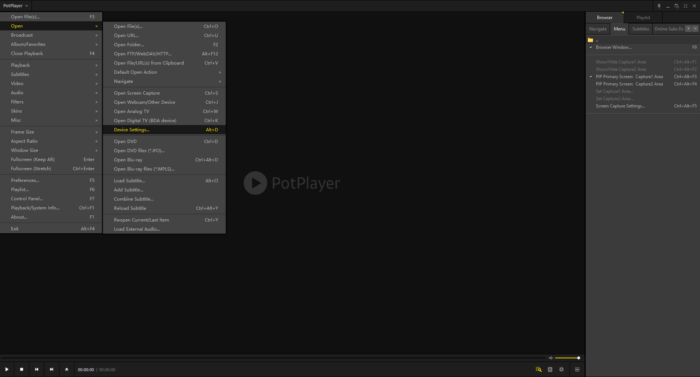
Top Features:
- 🚀 Hardware Acceleration: Smooth 4K/8K playback with GPU support
- 🎮 Customizable Interface: Highly customizable skins and controls
- 🌐 3D & 360° Support: Handles immersive video formats
- 🔧 Built-in Codecs: No additional codec packs needed
Why we like it:
PotPlayer strikes the perfect balance between advanced features and usability, offering pro-level customization without overwhelming casual users.
Who it is for:
Great for users who want high-performance playback with extensive customization options.
3. MPV Player

Top Features:
- ⚡ Minimalist Design: Ultra-clean interface with no distractions
- 🎯 High-Quality Output: Excellent video rendering and color accuracy
- 🔧 Scripting Support: Customize with Lua and JavaScript scripts
- 🚀 Lightweight: Extremely low resource usage
Why we like it:
MPV delivers what might be the purest video playback experience available – no bloat, no unnecessary features, just exceptional video quality in a minimalist package.
Who it is for:
Ideal for purists and advanced users who want maximum video quality with minimal interface interference.
4. Media Player Classic – Home Cinema (MPC-HC)
Top Features:
- 💡 Lightweight: Minimal resource usage on any system
- 🎯 Simple Interface: Clean, classic media player layout
- 🔒 No Ads: Completely free with no advertisements
- 📝 Subtitle Support: Handles all major subtitle formats
Why we like it:
MPC-HC is my go-to for older computers or when I want a no-nonsense player that just works without any extra features getting in the way.
Who it is for:
Ideal for users with older hardware or those who prefer a straightforward, traditional media player experience.
5. KMPlayer

Top Features:
- 📹 Screen Recording: Built-in video capture capabilities
- 🎬 High-Res Support: Handles 4K, 8K, and 3D content
- 📝 Subtitle Download: Finds subtitles directly within the player
- 🎨 Customizable UI: Various skins and interface options
Why we like it:
KMPlayer combines modern video support with useful extras like screen recording, making it more than just a playback tool.
Who it is for:
Ideal for users who want both media playback and basic content creation capabilities in one package.
6. GOM Player

Top Features:
- 📝 Smart Subtitle Search: Automatically finds and syncs subtitles
- 🎬 360° & VR Support: Handles immersive video content
- 🔍 Codec Finder: Automatically finds missing codecs
- 🛠️ Playback Control: Speed control, A-B repeat, and screen capture
Why we like it:
GOM Player makes watching foreign films and videos with complex subtitle requirements incredibly easy with its intelligent subtitle management system.
Who it is for:
Perfect for international content viewers and anyone who frequently needs subtitle support.
7. 5KPlayer
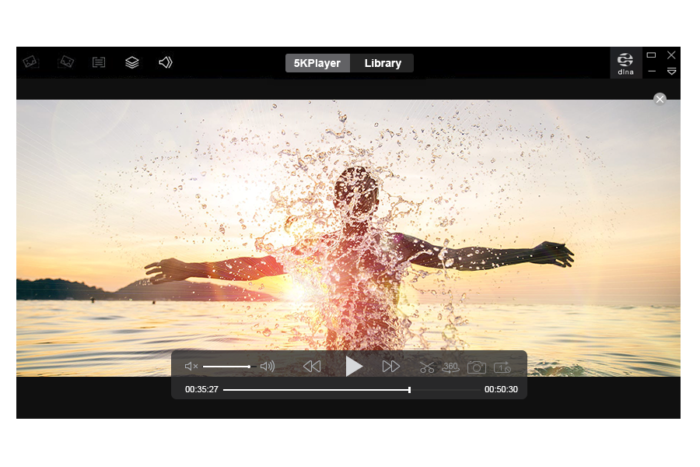
Top Features:
- 📡 AirPlay & DLNA: Stream to Apple TV and other devices
- 📥 Video Downloader: Download online videos from various platforms
- 🎬 4K/5K Support: High-resolution video playback
- 📻 Radio Player: Built-in internet radio support
Why we like it:
5KPlayer is like having three apps in one – a capable media player, a streaming tool, and a video downloader all working seamlessly together.
Who it is for:
Perfect for Apple ecosystem users and anyone who frequently streams content to multiple devices.
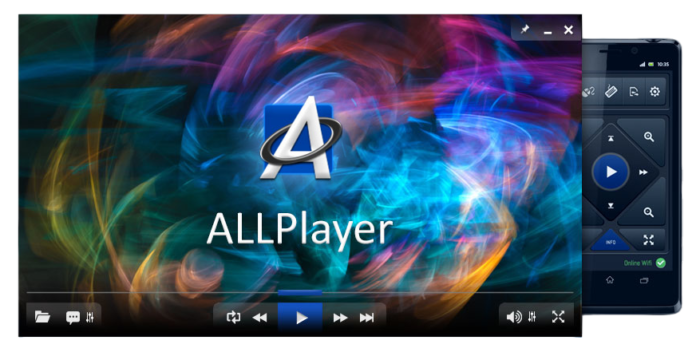
8. ALLPlayer
Top Features:
- 🌐 Multi-language Support: Automatic subtitle downloads in multiple languages
- 🔧 File Recovery: Can play incomplete or damaged files
- 🎮 Remote Control: Supports keyboard hotkeys and remote apps
- 🎵 Audio Enhancement: Dolby Surround, DTS, and 3D audio support
Why we like it:
ALLPlayer’s ability to handle problematic files and automatically find subtitles makes it incredibly useful for dealing with diverse media collections.
Who it is for:
Perfect for users who frequently work with files from various sources and need robust subtitle support.
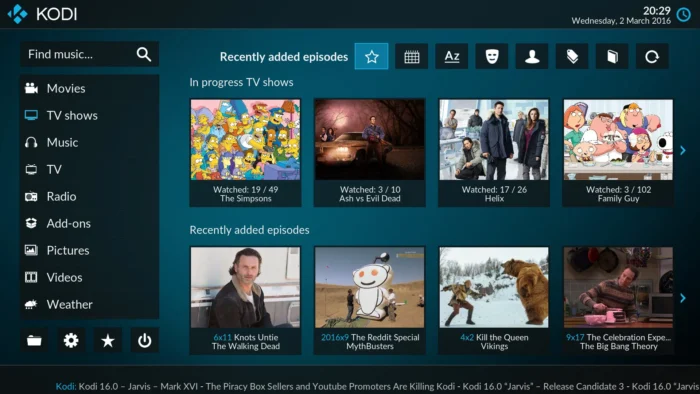
9. Kodi
Top Features:
- 🏠 Home Theater Hub: Complete media center solution
- 🧩 Add-on Ecosystem: Thousands of plugins and skins available
- 📱 Remote Control: Smartphone app support
- 🌐 Multi-format Support: Handles virtually all media types
Why we like it:
Kodi transforms your PC into a full-featured entertainment center that can be customized to exactly how you want to experience your media.
Who it is for:
Ideal for users who want a comprehensive media center rather than just a simple player.
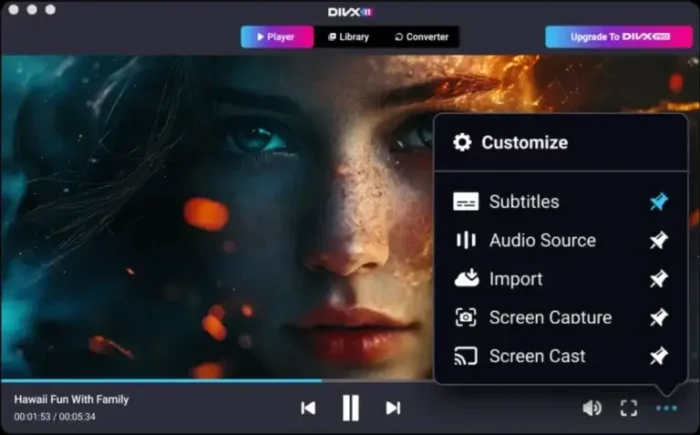
10. DivX Player
Top Features:
- 🎬 Free HEVC Playback: Handles 4K video without extra codecs
- 🌐 Media Server: Stream to DLNA-compatible devices
- 🎵 Cast Support: Send media to Chromecast and other devices
- 📊 Playlist Creation: Build and manage media playlists easily
Why we like it:
DivX Player offers excellent 4K playback capabilities and streaming features that make it perfect for modern home theater setups.
Who it is for:
Great for users with 4K content who want to stream to smart TVs and other devices around their home.
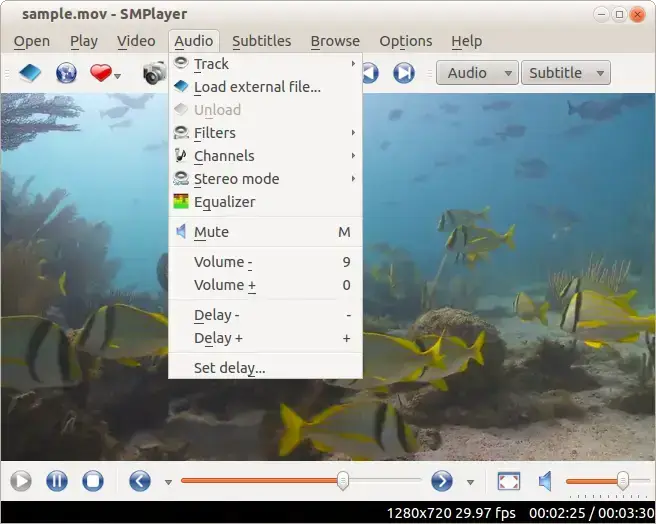
11. SMPlayer
Top Features:
- 💾 Session Management: Remembers playback position for all files
- 🎛️ Multiple Backends: Can use MPV or MPlayer as engine
- 📊 Playlist Management: Advanced playlist and library features
- 🌐 YouTube Support: Play YouTube videos directly
Why we like it:
SMPlayer’s ability to remember exactly where you left off in every video makes it perfect for binge-watching TV shows or long movie marathons.
Who it is for:
Great for series watchers and anyone who wants their player to remember playback positions automatically.
12. MusicBee

Top Features:
- 🎵 Audio-Focused Excellence: Superior sound quality with extensive format support
- 📱 Device Sync: Seamless synchronization with phones and portable devices
- 🎨 Customizable Interface: Highly skinnable with multiple layout options
- 📻 Podcast & Radio: Built-in podcast manager and internet radio
Why we like it:
MusicBee is what Winamp would be if it were built today – a powerful, modern audio player that excels at music library management without the confusing web player additions.
Who it is for:
Perfect for music enthusiasts who want a dedicated, feature-rich audio player with excellent library management capabilities.
13. AIMP
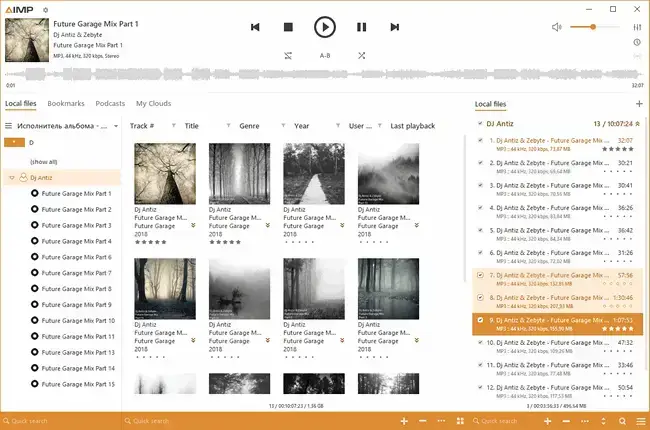
Top Features:
- 🎵 High-Quality Audio Engine: 32-bit audio processing for superior sound reproduction
- 🛠️ Audio Effects & Tools: Includes 18-band equalizer, sound effects, and voice remover
- 💾 Low Memory Footprint: Lightweight design with RAM loading for seamless playback
- 🌐 Internet Radio & Recording: Listen to and record online radio streams directly
Why we like it:
AIMP strikes a perfect balance between a no-fuss audio player and a powerful tool for audiophiles. It delivers fantastic sound quality out of the box but also offers deep customization and a wide array of features for those who want them.
Who it is for:
Ideal for users who want a straightforward, resource-efficient music player that doesn’t compromise on audio fidelity or advanced features like radio recording.
Media Player Comparison Table
| Media Player | Best For | Unique Feature |
|---|---|---|
| VLC Media Player | Everything & Everyone | Plays any format, no codecs needed |
| PotPlayer | Customization Enthusiasts | Highly customizable interface |
| MPV Player | Video Quality Purists | Minimalist design with max quality |
| MPC-HC | Older Computers | Lightweight, no-nonsense playback |
| KMPlayer | Content Creators | Built-in screen recording |
| GOM Player | International Content | Smart subtitle search & sync |
| 5KPlayer | Apple Ecosystem | AirPlay streaming & downloads |
| ALLPlayer | Problematic Files | Plays damaged/incomplete files |
| Kodi | Home Theater | Complete media center solution |
| DivX Player | 4K & Home Streaming | Free HEVC playback & DLNA |
| SMPlayer | Series Watchers | Remembers playback positions |
| MusicBee | Music Lovers & Audiophiles | Superior audio quality & device sync |
| AIMP | Audiophiles & Radio Listeners | High-quality audio engine & radio recording |
Don’t forget to check out the best music players for Windows and the best torrent clients on Windows.
Discover more from Windows Mode
Subscribe to get the latest posts sent to your email.













Add your first comment to this post