Readers like you help support this site. When you make a purchase using links on our site, we may earn an affiliate commission. All opinions remain our own.
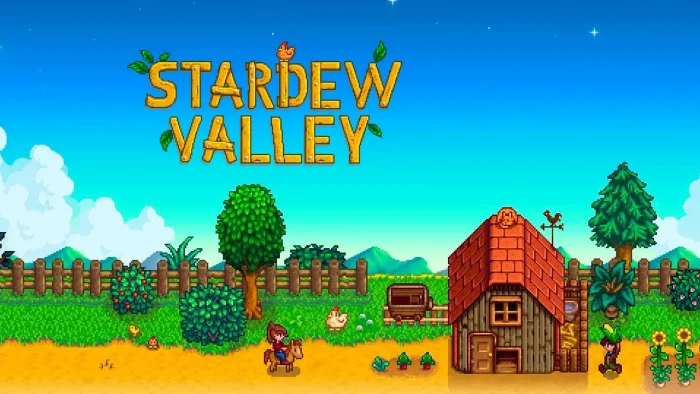
Stardew Valley is a farming life sim for PC from ConcernedApe, available on Steam.
You inherit a rundown farm from your grandfather and decide what to make of it. Grow crops, raise animals, fish, mine, and get to know the people of Pelican Town. There is no timer pushing you forward and no single right way to play.
The freedom to set your own pace is what keeps people coming back years later. You can spend a hundred hours just farming, or skip most of it to focus on mining, fishing, festivals, and relationships instead. No two farms end up looking the same.
Released February 26, 2016, and still updated by ConcernedApe today. Runs on Windows 10 and 11. Plays well with mouse and keyboard or an Xbox controller, including rumble support.
Already playing? Tell us what your farm looks like in the comments below. Got questions before buying? Reach out to us directly.
What You Need to Know
- It is a single $14.99 purchase. No subscriptions, loot boxes, or in-game purchases.
- Online co-op supports up to four players, with local split-screen and LAN options too.
- It is included with Xbox Game Pass and PC Game Pass if you already have a membership.
Quick Facts
How to Download Stardew Valley on PC
Stardew Valley is sold on Steam for Windows 10 and 11. It is a single purchase with no extra accounts or launchers to set up, and the install itself is small at around 500 MB.
Install via Steam
- Step 1. Open Steam, or install it first from the official Steam site if you do not have it yet.
- Step 2. Search for Stardew Valley, or open its Steam store page directly.
- Step 3. Click “Add to Cart” or “Buy Now” and complete the one-time purchase.
- Step 4. Once it appears in your library, click Install and pick where to save it.
- Step 5. Launch the game and create your farmer. The opening days walk you through the basics.
What Is Stardew Valley?
Stardew Valley is a farming life sim (a game where you manage a farm and daily routines rather than chase a fixed objective). You move from a cubicle job in the city to a small, overgrown farm your grandfather left you, and the game hands you the tools and gets out of the way.
You plant crops through four seasons, raise animals, sell what you produce, and head into the mines for ore, gems, and combat when you want a change of pace. Pelican Town is full of people with their own routines and stories, and getting to know them, through gifts, conversation, and festivals, is just as much the point as the farming itself.
Official Trailer
Watch the official trailer for Stardew Valley to see farm life, the mines, fishing, and the people of Pelican Town in action.
Key Features
Farming and Ranching
Plant crops tied to each season, build barns and coops, and raise animals for eggs, milk, wool, and more.
Mining and Combat
Work through more than a hundred floors of mines, fight monsters, and dig up ore, gems, and rare artifacts.
Relationships and Marriage
Get to know the people of Pelican Town through gifts and conversation, with friendships that can grow into marriage and a family.
Multiplayer Farming
Invite up to three friends to share your farm online, or play split-screen and LAN locally for up to four players total.
Festivals and Seasons
Each season brings its own crops, weather, and town festivals, from spring egg hunts to a summer luau on the beach.
Modding with SMAPI
A free community tool called SMAPI lets you load mods that change graphics, add content, or adjust how systems work, without altering the base game files.
Is This Game for You?
You Will Love It If:
- ✅ You enjoy slow games with no fail state and no rush to finish
- ✅ You like setting your own goals and watching a project grow over time
- ✅ You want a game you can play in short sessions or long ones
- ✅ You enjoy getting to know characters through small daily routines
- ✅ You are open to using mods to change how the game looks or plays
You Might Not If:
- ❌ You want a strong central story with clear objectives
- ❌ You prefer fast-paced action over slow daily routines
- ❌ You get bored without a defined end goal to chase
- ❌ You expect modern 3D graphics rather than a pixel art style
- ❌ You tend to lose track of time in games with no clear stopping point
🎮 Our Take
Stardew Valley earns its reputation honestly. One person built a deep, replayable life sim that respects your time and never pushes you toward grinding or spending more money. The systems, farming, mining, fishing, relationships, festivals, all overlap in ways that keep turning up new combinations to try, even after a hundred hours in.
If you like slow-paced games you can return to for years, buy it now. It is one of the safest purchases in PC gaming if you love sim games. If you need a strong story or fast combat to stay hooked, this one will likely feel too quiet for you, and that is fine, it is simply not built for that kind of player.
System Requirements
Tips for Getting Started
Plant parsnips first
They grow fast and give you early cash while you learn the daily routine and how far your stamina goes.
Clear small areas at a time
Removing every rock and stump on day one drains your stamina fast. Open up space gradually as you actually need it.
Talk to everyone in town
Giving gifts and chatting raises friendship levels, and some characters unlock useful recipes or story moments early.
Don’t go too deep into the mines early
Stock up on food and basic gear before each trip, and head back to town once your health runs low.
Check the calendar each morning
Birthdays and festivals are easy to miss, and showing up with the right gift can make a real difference in relationships.
Gameplay Screenshots
Here is what Stardew Valley looks like in action on PC.
-
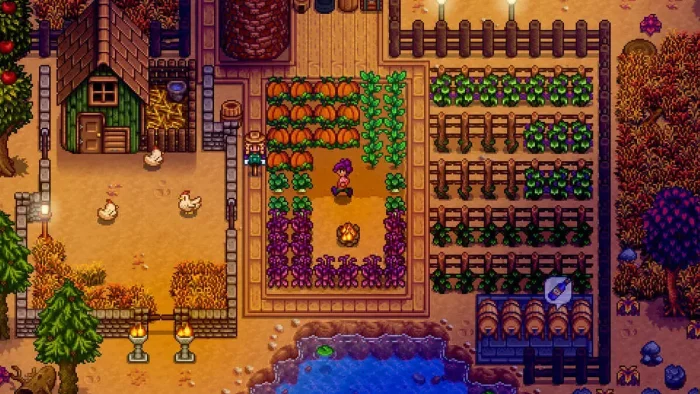
- Farm graphics from Stardew Valley for Windows PC: Download Guide, Tips and Features
-
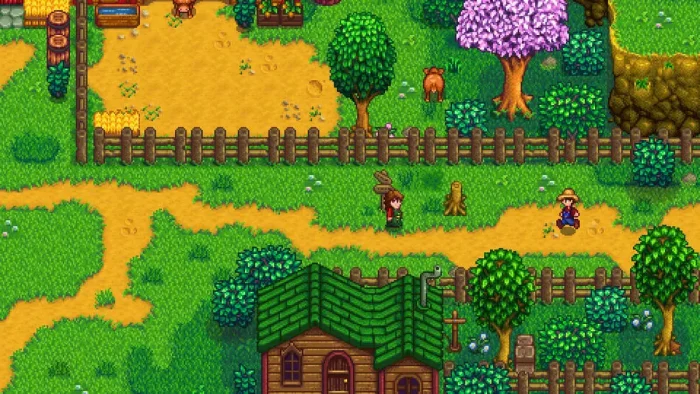
- Farming from Stardew Valley for Windows PC: Download Guide, Tips and Features
-
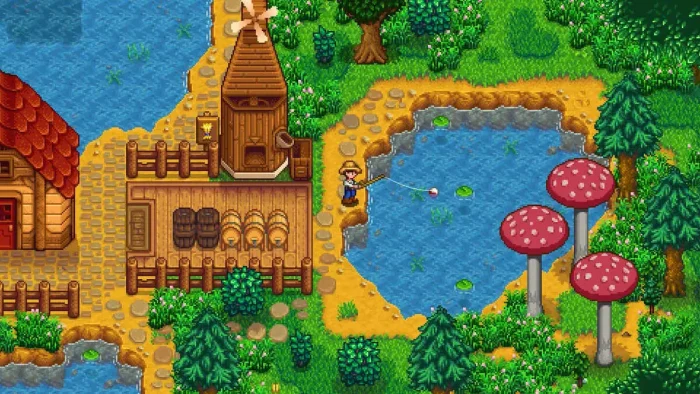
- Fishing pond from Stardew Valley for Windows PC: Download Guide, Tips and Features
-
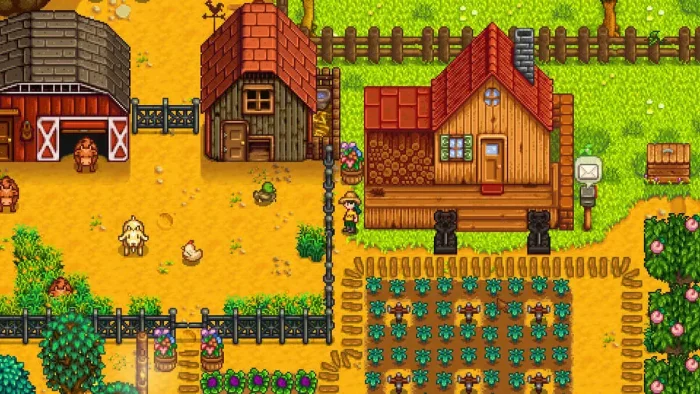
- Gameplay graphics from Stardew Valley for Windows PC: Download Guide, Tips and Features
-
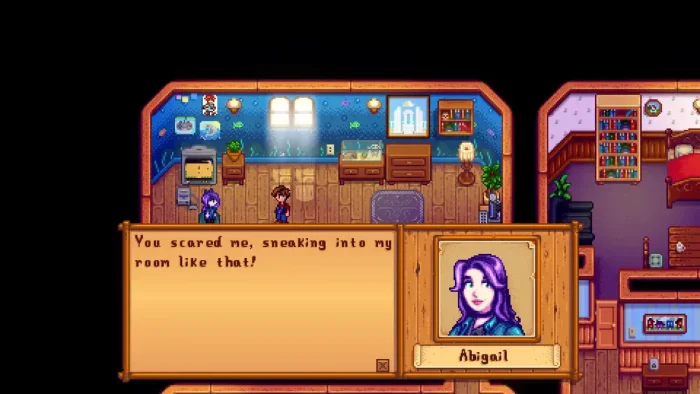
- Girlfriend from Stardew Valley for Windows PC: Download Guide, Tips and Features
-
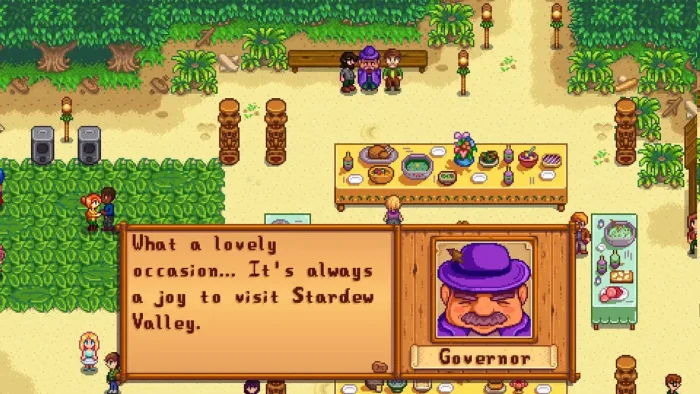
- Governor talk from Stardew Valley for Windows PC: Download Guide, Tips and Features
-
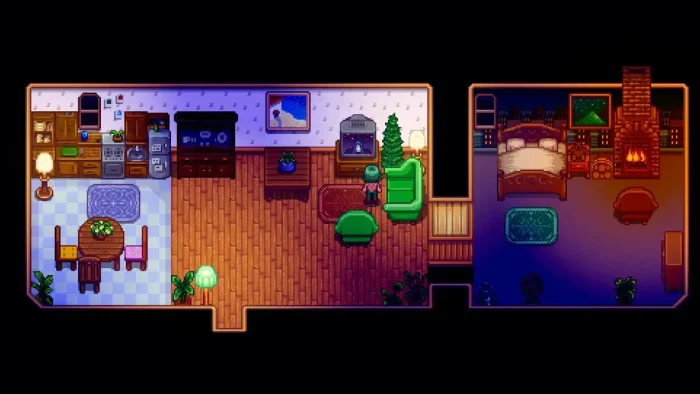
- House from Stardew Valley for Windows PC: Download Guide, Tips and Features
-
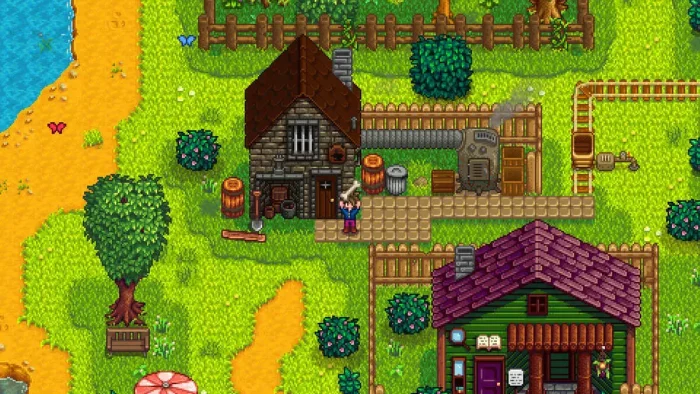
- Outside house from Stardew Valley for Windows PC: Download Guide, Tips and Features
-
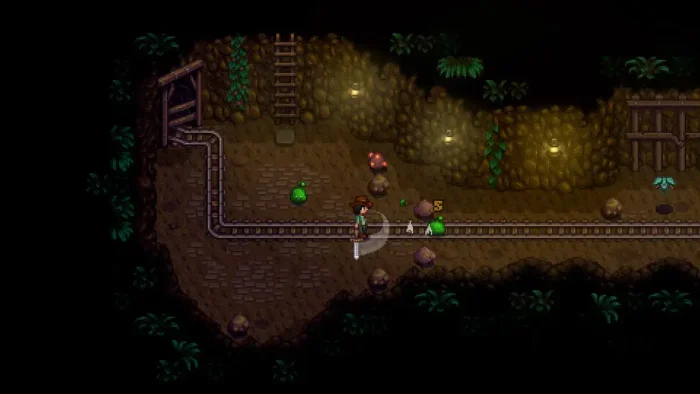
- Railroad from Stardew Valley for Windows PC: Download Guide, Tips and Features
-
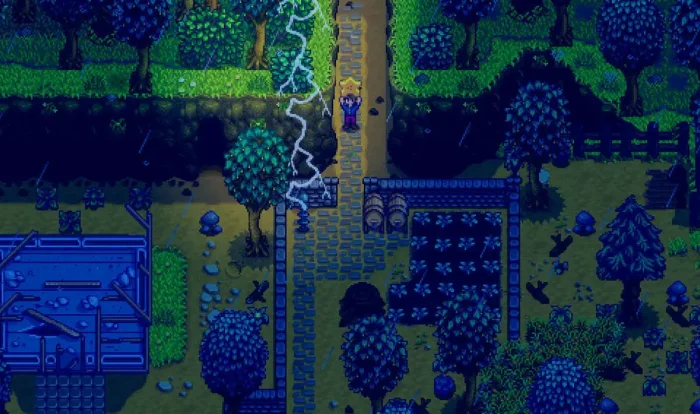
- Raining thunder from Stardew Valley for Windows PC: Download Guide, Tips and Features
-
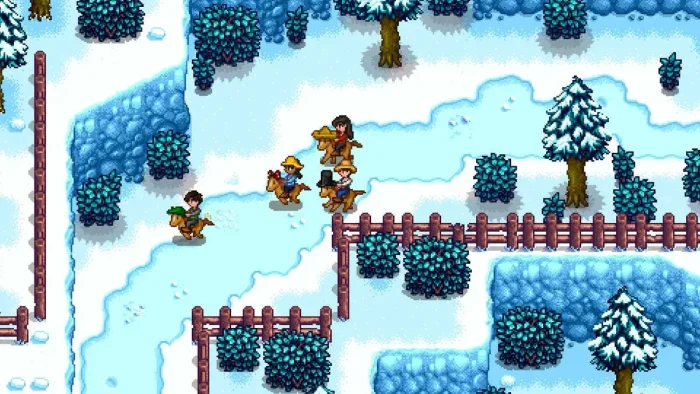
- Snow riding horses from Stardew Valley for Windows PC: Download Guide, Tips and Features
-
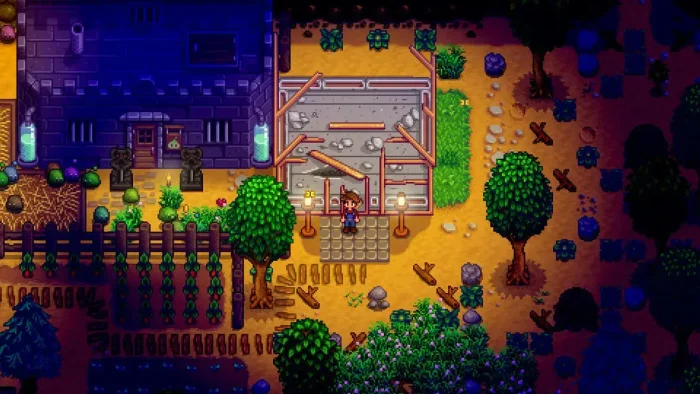
- Thieves from Stardew Valley for Windows PC: Download Guide, Tips and Features
-
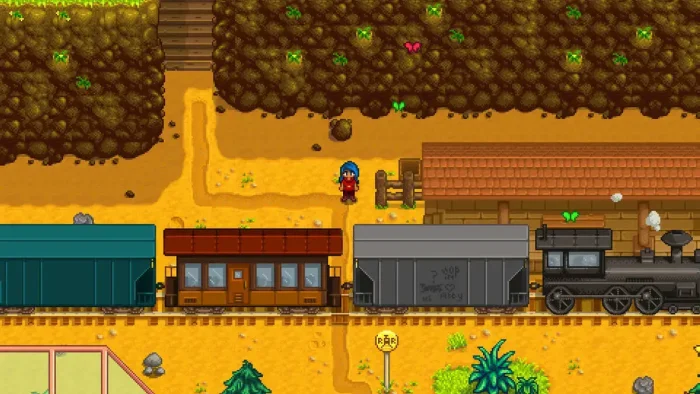
- Train from Stardew Valley for Windows PC: Download Guide, Tips and Features
-
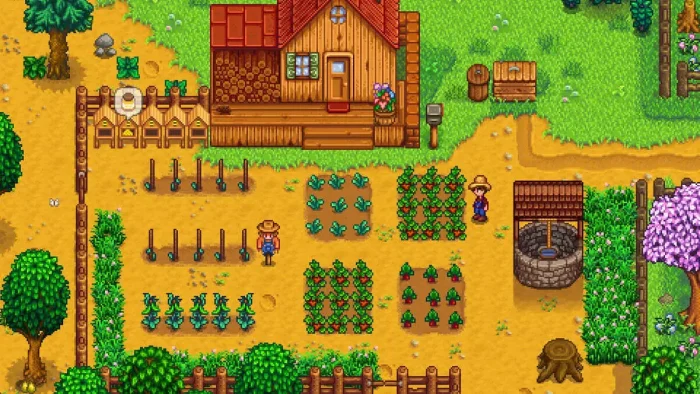
- Vegetables from Stardew Valley for Windows PC: Download Guide, Tips and Features
-
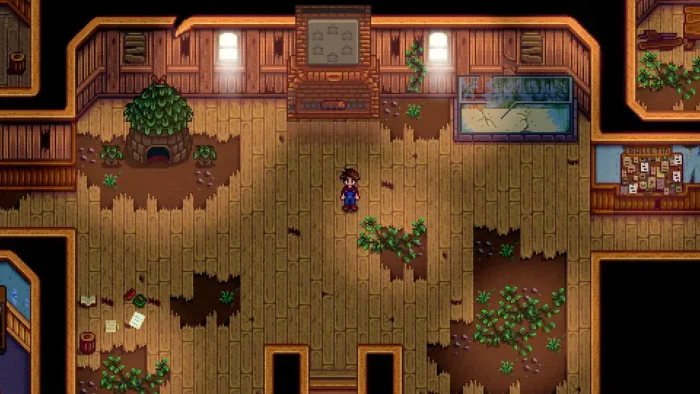
- Village from Stardew Valley for Windows PC: Download Guide, Tips and Features
-
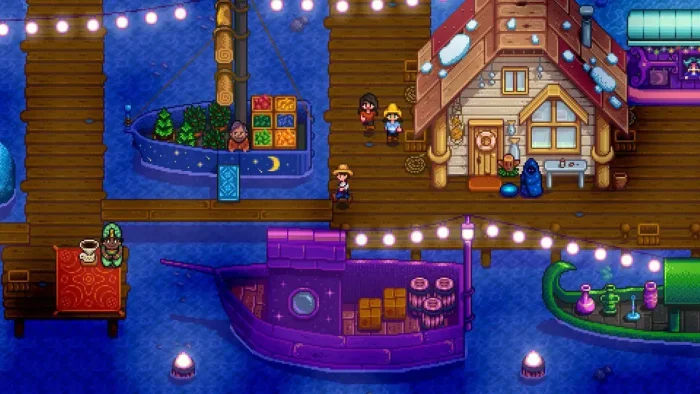
- Boat from Stardew Valley for Windows PC: Download Guide, Tips and Features
FAQ
Support and Community
Explore more Windows games: The Sims 4 for PC · Paralives for PC · Ice Cream Simulator for PC · Farming Simulator 25 for PC · Best simulation games · PC Games for Girls
Need a PC upgrade to run these? See our Best Gaming Desktops guide.
Discover more from Windows Mode
Subscribe to get the latest posts sent to your email.