Readers like you help support this site. When you make a purchase using links on our site, we may earn an affiliate commission. All opinions remain our own.
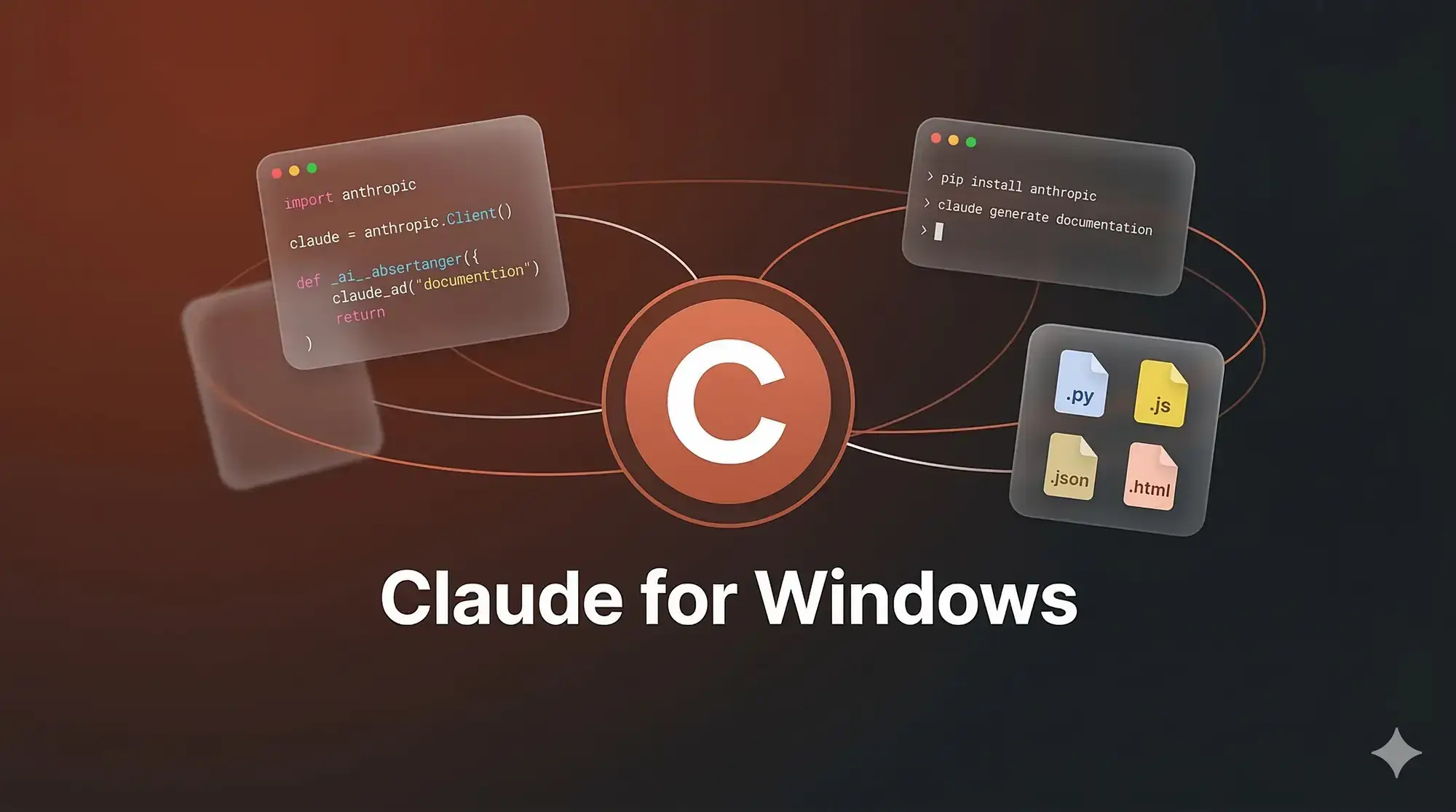
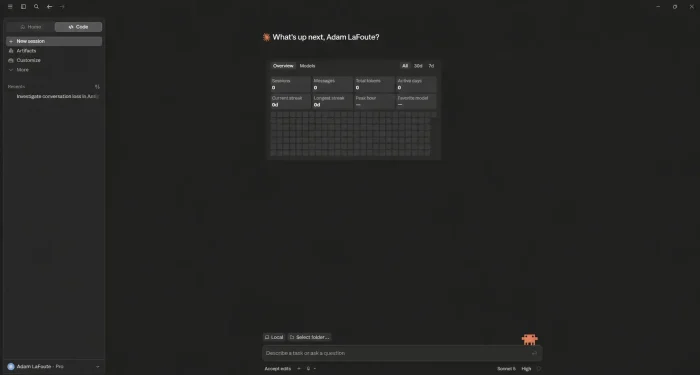
Claude Desktop is the official all-in-one AI assistant by Anthropic for Windows 10 and Windows 11. The app now uses two tabs: Home and Code. Chat and Cowork live together inside Home, switched with a small toggle in the message box, while the Code tab gives developers a full Claude Code environment. It is not just a chatbot: it is a complete agentic workspace for your PC.
What sets Claude Desktop apart from ChatGPT and Copilot is its ability to handle complex, multi-step actions locally, including computer use, where Claude can open apps, click through your screen, and fill in spreadsheets on its own. Cowork sessions also now follow you to the web and your phone, so a task you start at your desk can keep running after you close the laptop.
This guide covers everything in the current bundle: how to install Claude Desktop on Windows, how to use its Cowork and Claude Code features, plan pricing, and how it compares to other AI tools. For specific setup questions, contact us or leave a comment below.
What You Need to Know
- The app now has two tabs: Home and Code. Chat and Cowork share the Home tab with a small toggle to switch between them, instead of separate tools bolted together.
- Cowork can control your screen. Computer use lets Claude open apps, browse the web, and work in other programs on your PC, not just create files.
- Agentic features require Pro or higher. Chat is free, but Cowork and Claude Code need a paid plan starting at $17/mo.
How to Get Claude on Windows
There are two ways to use Claude on your PC. You can download the full Claude Desktop app for agentic features or use the standard web interface.
Note: Always download Claude Desktop directly from claude.ai/download. Do not use third-party Microsoft Store versions as they do not support agents like Cowork.
Option 1: Download Claude Desktop
- Step 1. Go to claude.ai/download and grab the Windows installer.
- Step 2. Run the file and follow the clean installation wizard.
- Step 3. Sign in. If you are new to Claude, you can create a free account immediately.
- Step 4. Access Chat for free. To use Cowork or Claude Code, ensure your account is on a Pro plan or higher.
Option 2: Use It on the Web
For a light experience without local file interaction, use claude.ai in any browser. It includes core chat features but lacks the agentic desktop power of Cowork.
What Is Claude Desktop?
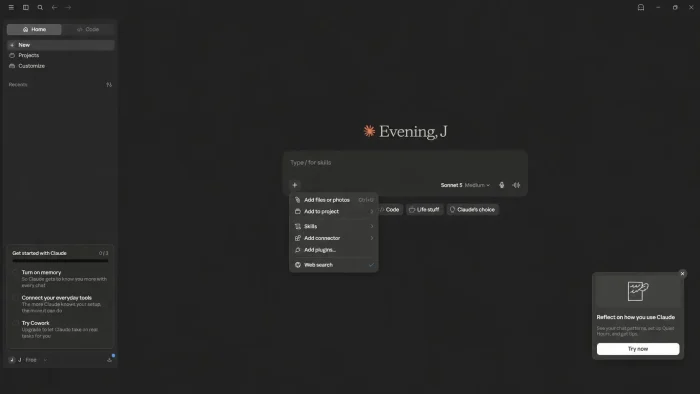
Claude Desktop is an integrated platform for agentic work on Windows, built around two tabs: Home and Code. While most AI tools simply respond to prompts, Claude Desktop can act as an autonomous worker on your PC. It uses Anthropic’s models to bridge the gap between AI conversation and actual computer tasks.
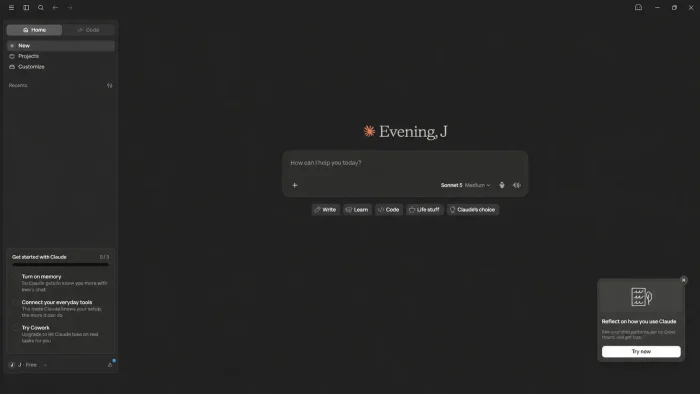
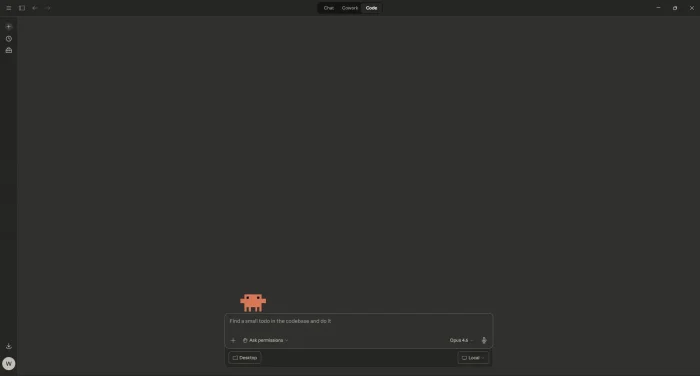
The Home tab holds both Chat and Cowork, and a small toggle in the message box switches between them. Cowork is an AI agent for general knowledge work. It can analyze folders and autonomously create documents, spreadsheets, or presentations, and with computer use enabled, it can also open apps and work directly on your screen. Cowork sessions now sync across desktop, web, and mobile, so you can start a task at your desk and check on it from your phone. Code is the second tab, giving you Claude Code with direct terminal access and codebase editing right from within the app.
Claude Desktop also features Memory (free for all users), which allows it to remember your project preferences and writing tone. This integration makes it a far more effective tool for long-term projects compared to standard web-based chatbots.
How to use Claude Desktop on your PC
Start by choosing between the modes: Claude Design, Claude Code or Claude Cowork. Each serves a different purpose but you can use all 3 together on multiple projects.
Claude Cowork
- ✓Takes real actions. Works across your files and connected tools instead of just replying with suggestions.
- ✓Follows you everywhere. Start a task on desktop, check progress on your phone, and let scheduled tasks run in the background.
- ✓Always on your terms. You choose what it can access, and nothing ships until you review and approve it.
Claude Code
- ✓Built for real engineering work. Reads your codebase, edits files, runs terminal commands, and manages Git.
- ✓Handles complex tasks. Splits hard jobs across parallel subagents and checks its own work before it reaches you.
- ✓Works where you already do. Available in the desktop app, terminal, VS Code, JetBrains, and Slack.
Claude Design
- ✓From idea to first draft. Describe a prototype, pitch deck, or one-pager and get something to react to right away.
- ✓Matches your brand. Import your own design system so drafts look like your company, not a template.
- ✓Exports where you need it. Send finished work to PDF, PowerPoint, or straight to Claude Code with
/design-sync.
Claude Design is currently a beta web tool at claude.ai/design rather than a tab in the Windows desktop app, but it is included with the same Pro, Max, Team, or Enterprise plan as Cowork and Code.
Key Features
Cowork Agents
Creates and edits files directly on your computer, and can now also follow you to the web and mobile app. On desktop it can use computer use to open apps and work on your screen. It autonomously builds spreadsheets, reports, and presentations using sub-agents that run tasks in the background, even after you close the laptop.
Claude Code
Its own tab in the desktop app. This agentic tool for developers enables file editing, terminal execution, and Git management, plus running servers and reviewing pull requests without leaving the window. It understands your whole codebase to ensure changes are accurate and consistent.
Smart Memory
Free for all users since 2026. Claude learns your writing style, project details, and specific preferences as you use it. This ensures every agentic task aligns perfectly with your goals without repeated instruction.
Multi-File Analysis
Upload entire folders, codebases, or batches of PDFs. Claude Desktop analyzes large datasets locally, allowing you to ask deep questions across your entire document set at once.
Computer Use
Lets Claude take over your screen when a task calls for it: opening apps, clicking through menus, filling in spreadsheets, and browsing the web on your behalf. You choose which folders and tools it can reach, and it asks before doing anything major.
MCP Integration
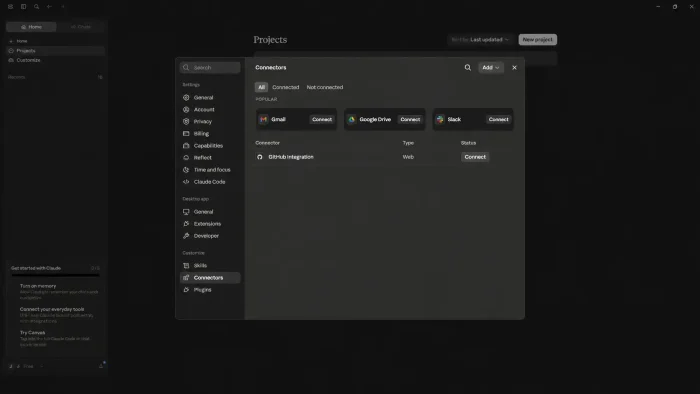
The Model Context Protocol connects Claude to your company’s data sources like Slack or Google Drive. You can even build your own connectors to expand the AI’s local reach.
Claude Design
Bundled into the same paid plan, mainly used on the web at claude.ai/design. Describe a prototype, deck, or one-pager, and Claude builds a first draft you can refine or hand off to Claude Code.
System Requirements
Claude Desktop is a high-performance Windows application that runs efficiently on any modern machine.
| Operating System | Windows 10 or Windows 11 (x64 and ARM64) |
| Account | Anthropic free account (Pro for agents) |
| Internet | Required for cloud AI processing |
| Official Site | claude.ai/download |
Plans and Pricing
Claude Desktop is free to download for Chat. To unlock agentic features like Cowork and Claude Code, you will need a paid plan starting at $17 per month billed annually ($20 if billed monthly). Prices and plans can change, so check claude.com/pricing for the current rates.
| Feature | Free | Pro (from $17/mo) | Max / Team (from $100/mo) |
|---|---|---|---|
| Unlimited Chat | Limited | 5x Usage | Highest Priority |
| Cowork (Auto-File) | ❌ | ✅ | ✅ |
| Claude Code Agent | ❌ | ✅ | ✅ |
| Extended Thinking | ❌ | ✅ | ✅ |
| Smart Memory | ✅ | ✅ | ✅ |
| Claude Design (beta) | ❌ | ✅ | ✅ |
| Corporate Support | ❌ | ✅ | ✅ (Dedicated) |
Claude Code Shortcuts and Commands
Claude Code is the developer hub within Claude Desktop. Use these shortcuts and commands to manage your files, terminal scripts, and agentic workflows faster.
Keyboard Shortcuts
| Action | Shortcut |
|---|---|
| Cancel current operation | Ctrl + C |
| Exit developer session | Ctrl + D |
| Cycle permission levels | Shift + Tab |
| Toggle reasoning visibility | Ctrl + O |
| Kill background agents | Ctrl + F (x2) |
| Reverse search history | Ctrl + R |
| Toggle extended thinking | Alt + T |
| Toggle task list | Ctrl + T |
| Clear terminal screen | Ctrl + L |
Agent Slash Commands
Type these directly into the Claude Code portal for quick agentic control:
| Command | Agent Action |
|---|---|
| /init | Initializes a project with a CLAUDE.md memory file. |
| /plan | Enters plan mode to map strategy before execution. |
| /doctor | Checks installation health and local connectivity. |
| /bug | Uses agents to find and fix bugs in your codebase. |
| /refactor | Triggers a multi-file code refactoring operation. |
| /explain | Ask Claude to explain complex files or relationships. |
| /compact | Summarizes current conversation to save context space. |
| /config | Configures Claude Code settings interactively. |
| /undo | Reverts the last agentic file change made. |
| /mcp | Manages local and remote MCP server connections. |
| /clear | Resets input history to start a fresh developer task. |
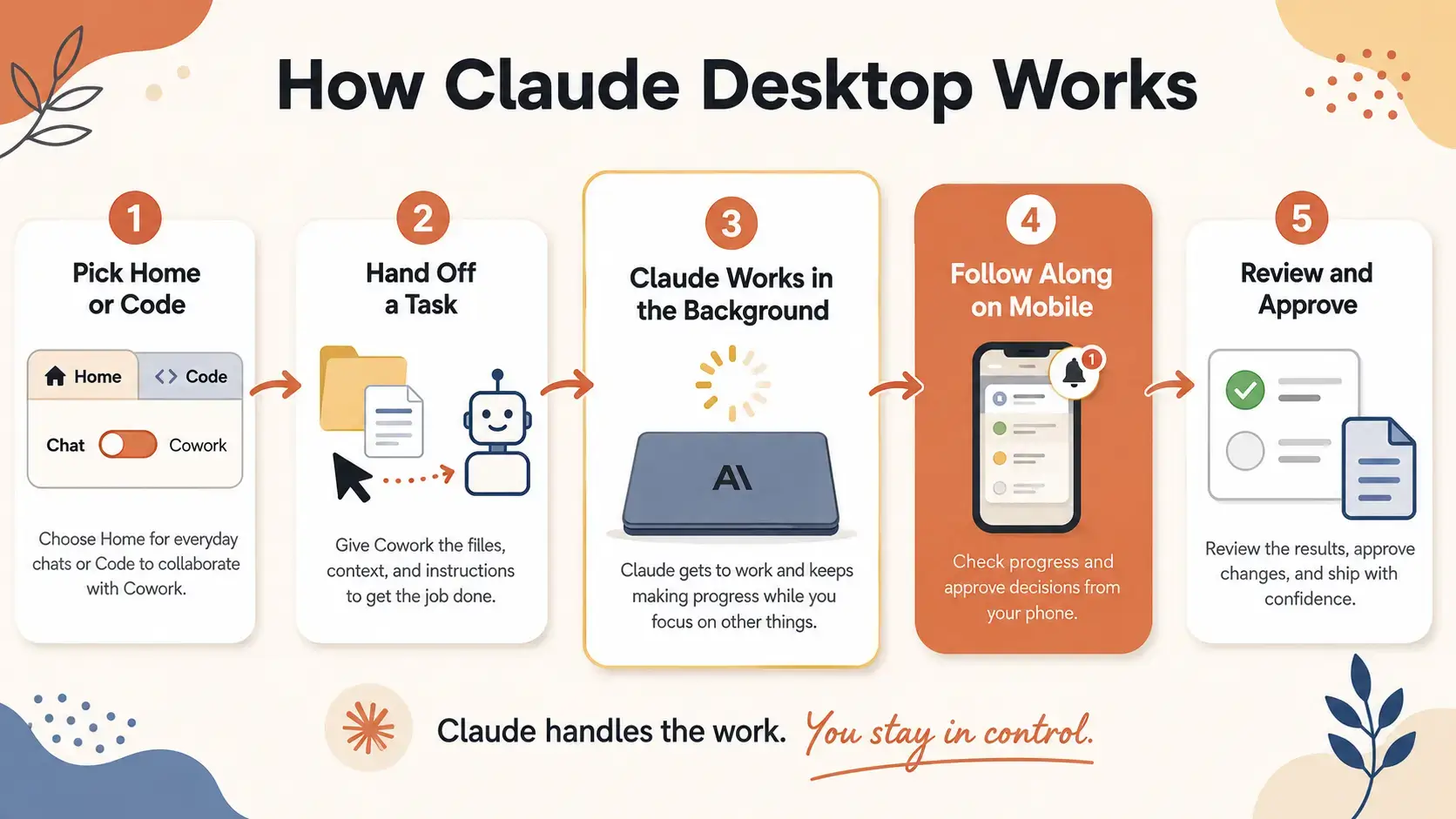
How Claude Desktop Works
See how a task moves from your desktop to Claude working in the background and back to you for review, in the infographic below.
Comparing Claude Desktop
See how the desktop bundle stacks up against the top AI tools on Windows in 2026.
| Application | Bundle Type | Starting Price | Killer Feature |
|---|---|---|---|
| Claude Desktop | Multi-Agent Bundle | Free / from $17 mo | Cowork, Code & Computer Use |
| ChatGPT | Desktop app + web | Free / $8 mo | Deep Plugin Store |
| Microsoft Copilot | Windows-Native | Free / $20 mo | Office 365 Integration |
| Perplexity | Search Hub | Free / $20 mo | Real-time sourcing |
Video Tutorial
Learn how to use Claude Desktop, Claude Code, Claude Design and its Cowork agents in your workflow.
5 Tips for Claude Desktop Agents
Quick Poll
Screenshots
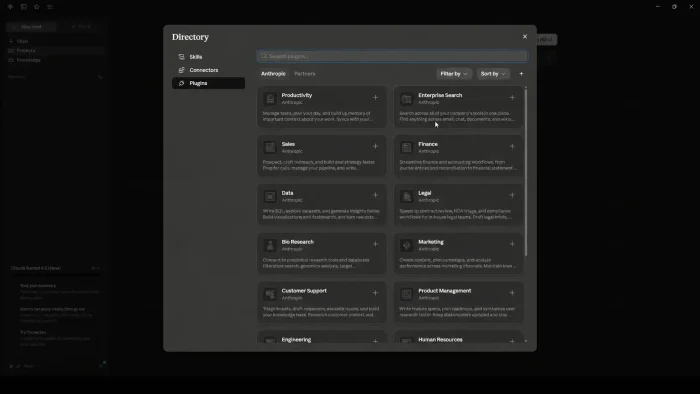
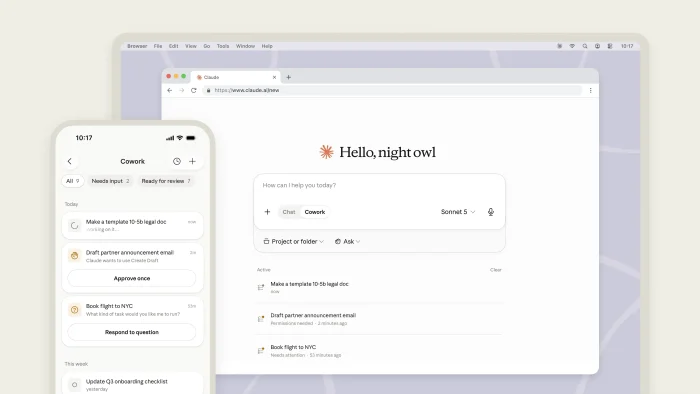
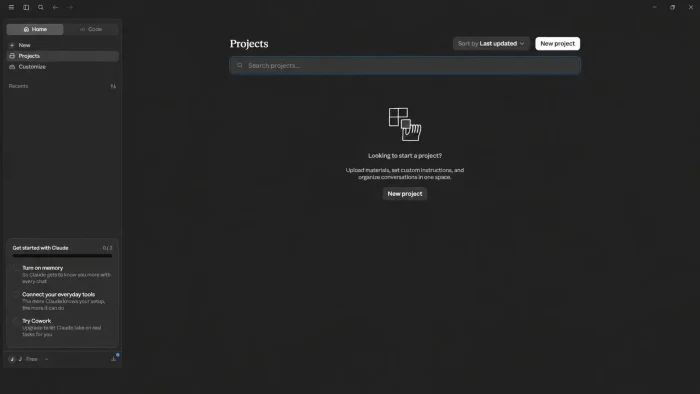
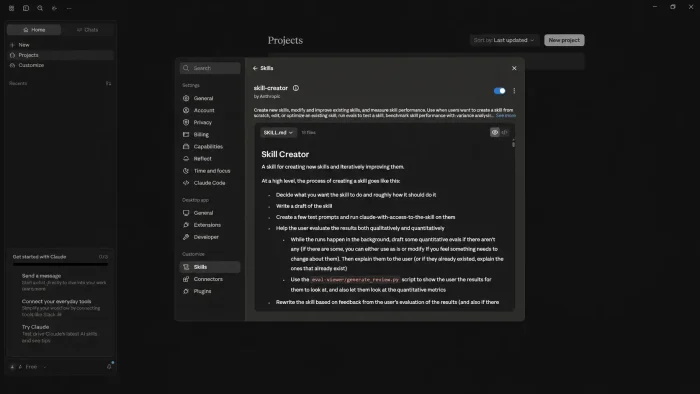
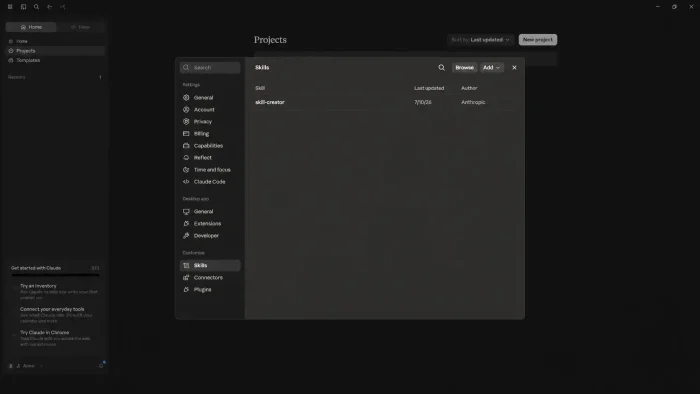
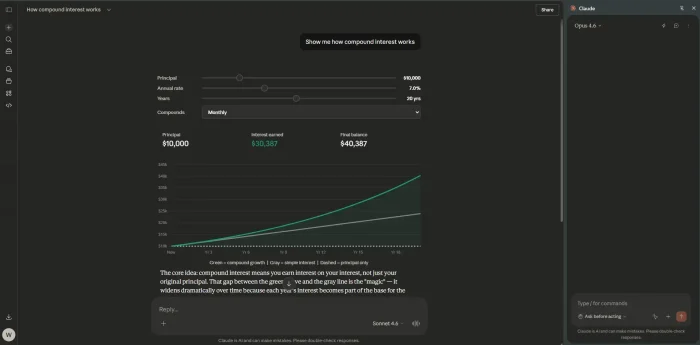
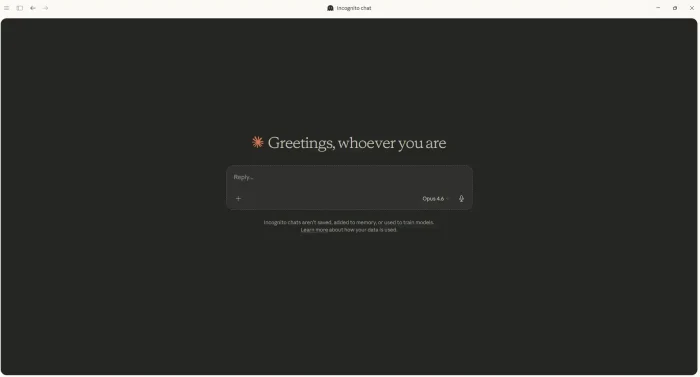
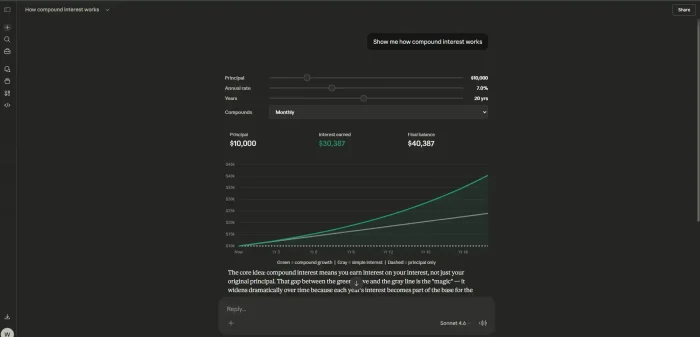
Here is how Claude Desktop looks on PC. Click any image to see it in full size. Some of the screenshots are for the previous/old versions of Claude Desktop, you can compare them with the new version which is a bit more simplified.
Frequently Asked Questions
Is Claude Desktop free for Windows users?
Yes. The core app and chat are free. However, the agentic features such as Cowork and Claude Code require a subscription (Pro or higher).
What is include with Claude Desktop?
The desktop app now has two tabs: Home and Code. Chat and Cowork share the Home tab, switched with a small toggle in the message box, and Code is a full Claude Code environment.
Is Cowork still desktop-only?
No, not anymore. Cowork is rolling out to web and mobile too, so a task can keep running after you close your laptop and you can check progress from your phone. Desktop still has the fullest version, including local file access and computer use.
Can I use a terminal with Claude Code?
Yes. Claude Code is bundled into the desktop app but can also be used as a CLI tool for those who prefer working entirely in the terminal.
How does Claude Desktop differ from ChatGPT?
While both offer powerful chat, Claude Desktop is focused on agentic local work: performing multi-step autonomous actions, including controlling your screen through computer use, across your local PC.
What is Claude Design and is it part of the desktop app?
Claude Design lets you describe a prototype, deck, or one-pager and get a first draft to refine. It is included with the same Pro, Max, Team, or Enterprise plan as Cowork and Claude Code, but it is a beta web tool used at claude.ai/design rather than a tab inside the Windows desktop app.
Support and Community
Stay updated and connect with other AI power-users:
Explore more Windows apps: Free AI Code Editors for PC · Microsoft Copilot · Perplexity · Canva ·
Looking for more AI tools on Windows? Check out our Best Free Windows AI Software roundup.
Discover more from Windows Mode
Subscribe to get the latest posts sent to your email.