Readers like you help support this site. When you make a purchase using links on our site, we may earn an affiliate commission. All opinions remain our own.
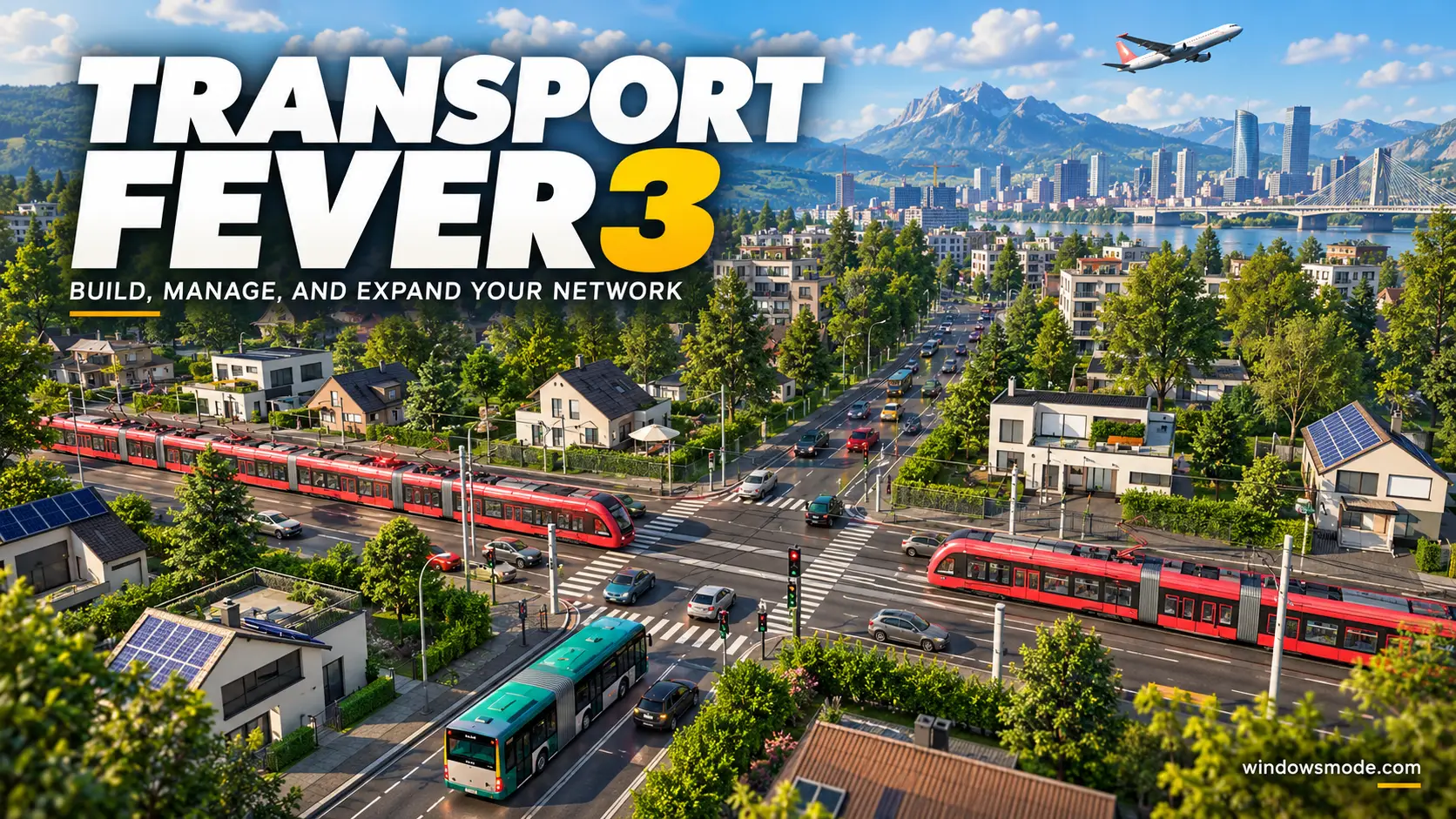
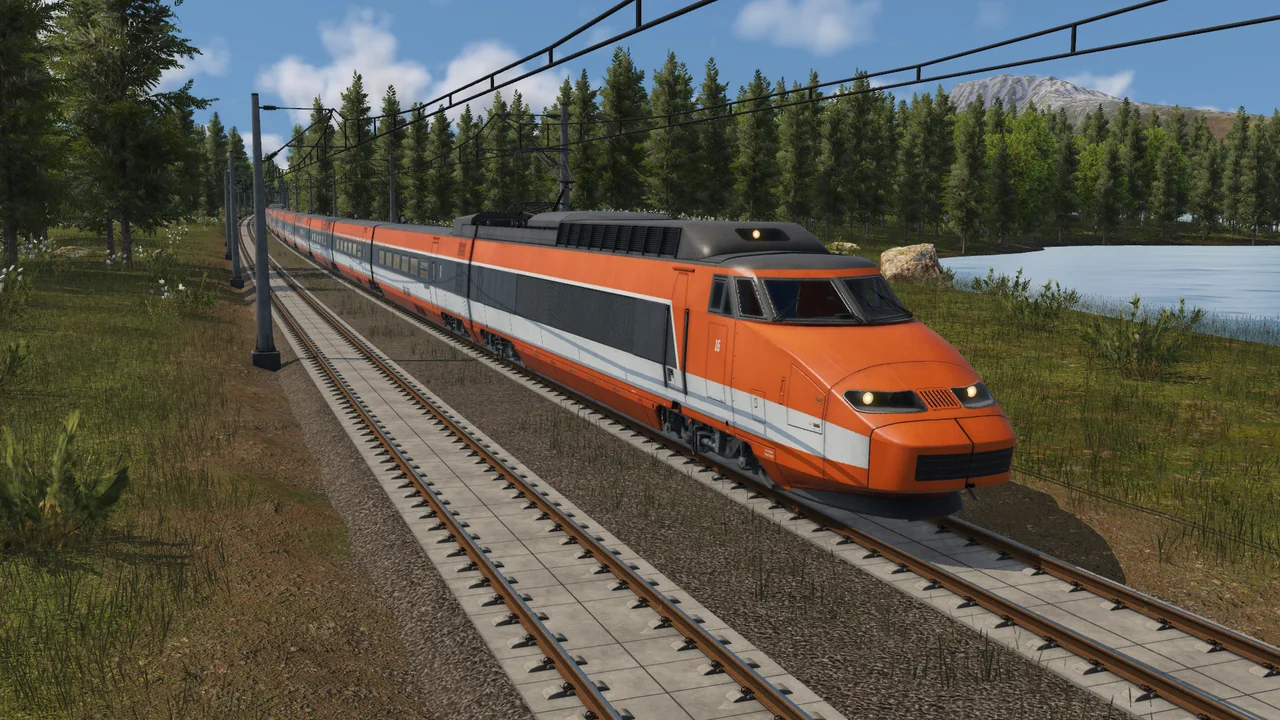
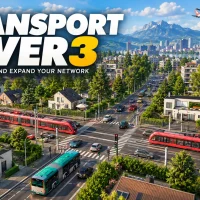
Transport Fever 3 on PC: build, manage and expand your network. Click to open it full size.
Transport Fever 3 is a transport tycoon game for PC from Urban Games, available on Steam, the Epic Games Store and GOG. You build rail lines, roads, shipping lanes and air routes that carry people and cargo between towns and industries. Every route earns money and every vehicle costs money, so the game is about building a network that pays for itself.
Time moves forward as you play. You start with horse-drawn wagons and steam trains and work your way up to jets, supertankers and high-speed rail. Towns, cars and buildings change with the era too, so a map looks very different a century in.
It launched on September 29, 2026 on PC, PlayStation 5 and Xbox Series X|S, with Mac and Linux versions on Steam. Paradox Interactive publishes it. It needs Windows 10 or 11, a processor with AVX2 support and 90 GB on an SSD. Controllers are fully supported.
Already playing? Tell us what your most profitable line is. Got questions before buying? Reach out to us directly.
What You Need to Know
- It is a full release, not Early Access, sold as a Standard and a Deluxe Edition.
- It is single-player only. There is no multiplayer mode.
- Your processor must support AVX2 (a set of processor instructions), or the game will not start.
- It needs 90 GB of free space, and an SSD is required, not just recommended.
- Mods come through an in-game mod browser, and a full map editor is included.
Quick Facts


How to Download Transport Fever 3 on Windows
The game is the same on all three PC stores. Buy it where your other games already live, so your library stays in one launcher.
- Step 1. Check your processor first. Make sure it supports AVX2, since the game will not start without it.
- Step 2. Pick your store. Open Transport Fever 3 on Steam, the Epic Games Store or GOG.
- Step 3. Choose an edition. Buy the Standard or the Deluxe Edition.
- Step 4. Install it on an SSD. Clear at least 90 GB first.
- Step 5. Launch it and start the campaign. Its first missions teach the building tools.
Transport Fever 3 Editions
There are two digital editions on PC. Both contain the same full game; the Deluxe Edition adds famous vehicles, landmarks and extra maps on top.
Prices are the US list prices on Steam. A physical Collector’s Edition was also sold through the official Transport Fever merch shop in limited numbers. It came with a Deluxe Edition key plus a statue, an art book and other collectibles, not a separate version of the game.
What Is Transport Fever 3?
Transport Fever 3 is the third main game in Urban Games’ Transport Fever series, after Transport Fever 2. You run a transport company on a large map full of towns and industries. Your job is to move people to work and to shops, and to move goods from mines, farms and factories to the places that use them.
Money drives every decision. Each delivery earns income, while each vehicle and each piece of track costs you upkeep. A line that runs half empty loses money, so you keep adjusting routes, swapping vehicles and adding stops until it pays.
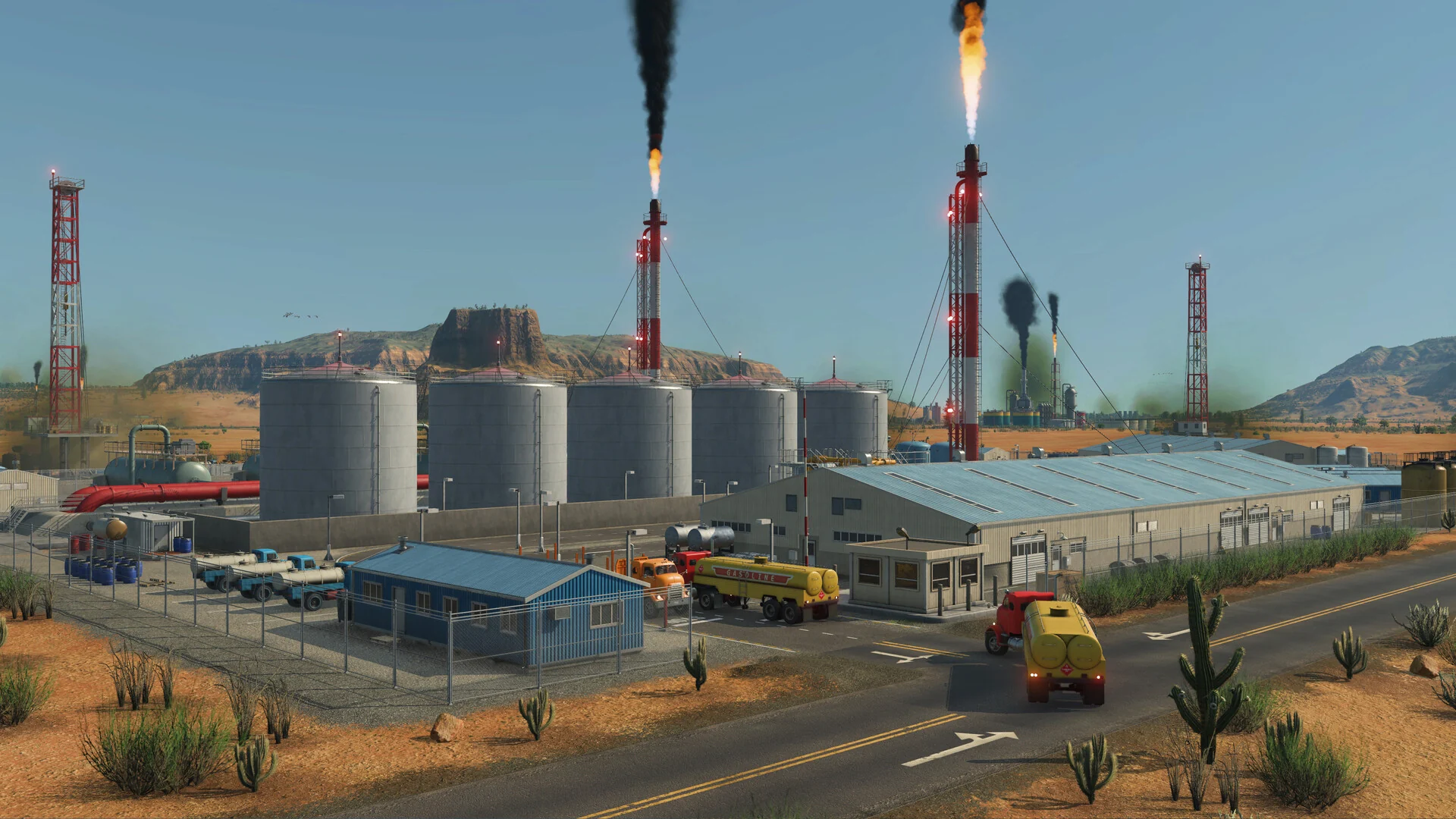
Industries like this refinery need raw goods delivered in and finished goods hauled away.
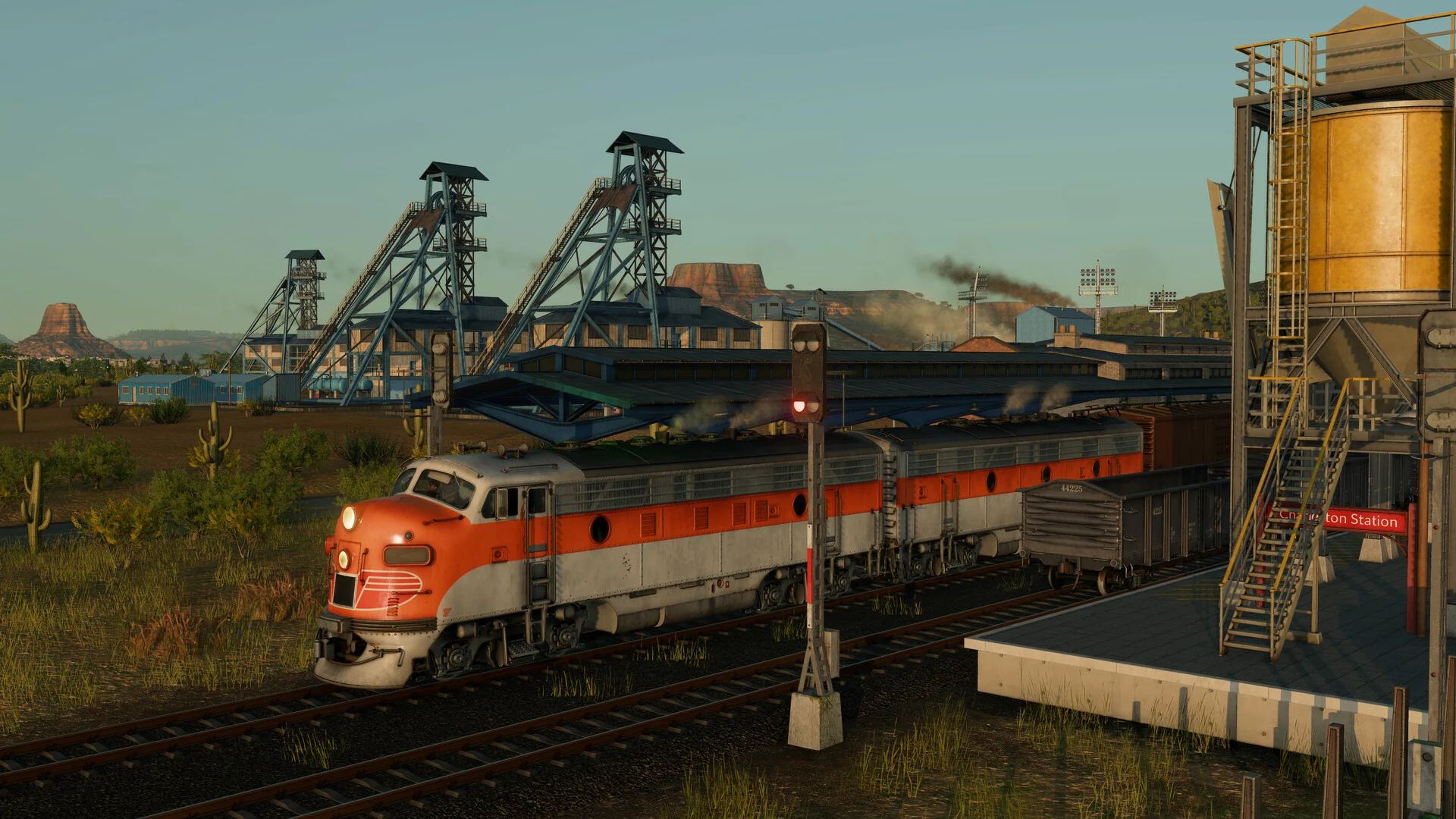
The world reacts to what you build. Towns grow where your lines reach them, and industries expand when demand rises. Each citizen has a home, a job and places to go, and you can follow any one of them. There are four climate zones, from temperate valleys to subarctic swamps, desert plains and tropical islands, and offshore industries such as oil platforms and fishing grounds.
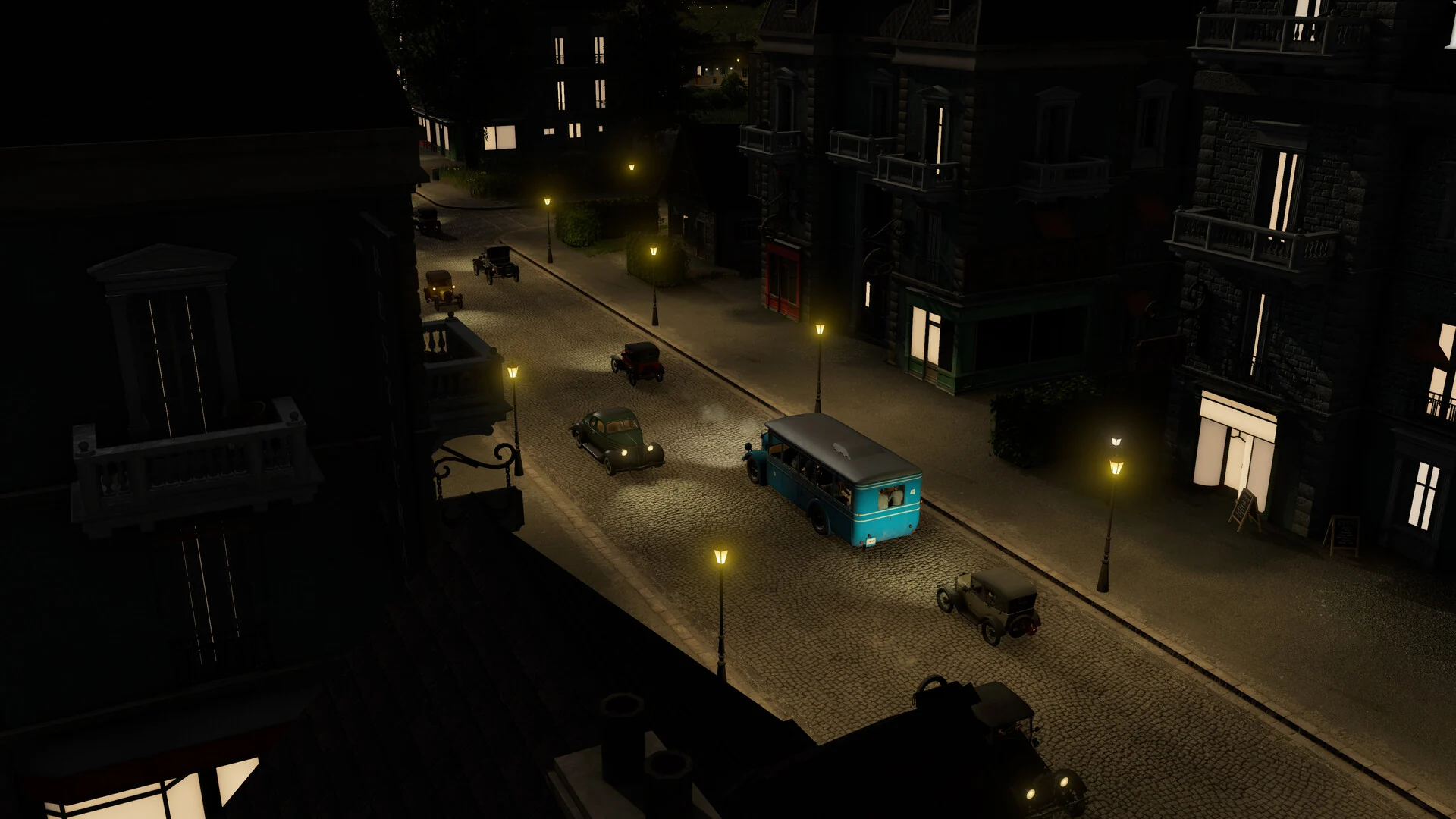
The world follows the era: early games have gas lamps and vintage cars, later ones look modern.
You can play three ways. Tycoon mode is the full economic game with adjustable difficulty. Sandbox mode turns money off so you can just build. The campaign gives you missions based on real moments in transport history. Compared with Transport Fever 2, this one adds a day-night cycle, dynamic weather, warehouses for storing cargo between legs of a trip, and lane-by-lane control of road traffic.
Official Trailer
Watch the official launch trailer for Transport Fever 3 to see steam trains and jets side by side, the new day-night cycle, and towns growing around a rail network.
Key Features
More than 275 trains, buses, trams, trucks, ships, planes and helicopters, unlocking as the years pass.
Every citizen has a home and a job. Towns grow into districts based on where people actually travel.
Warehouses and specialized terminals let you store goods and control exactly how they load and unload.
A full day-night cycle and dynamic weather, across four climate zones including a new subarctic region.
Lane-by-lane road design, separate tram lanes, highway ramps and track that upgrades from wooden rails to high-speed lines.
An in-game mod browser for other players’ creations, and a full editor for building your own maps.
Is This Game for You?
Our Take
🎮 Our Take
Transport Fever 3 keeps what made the series work, the slow satisfaction of turning one unprofitable bus line into a continent-wide network, and fixes the places Transport Fever 2 felt thin. Warehouses and real loading control make cargo chains something you plan instead of something you hope works. The day-night cycle and weather make long sessions far nicer to watch. The cost is the hardware: an SSD and AVX2 are hard requirements, and 90 GB is a lot for a game that looks this calm.
If you enjoyed Transport Fever 2 or any rail tycoon game, buy it now; the Standard Edition is enough, and the Deluxe extras are cosmetic. If you are new to the genre, start with the campaign before tycoon mode, because the free-form game drops you in with little guidance. If you mainly want to lay out a city, Cities: Skylines II is the better fit.
System Requirements
These are Urban Games’ published requirements from the Steam page. Two lines matter more than the rest: the processor must support AVX2, and the game must go on an SSD.
The minimum graphics cards are old enough that most gaming PCs from the last several years can start it. Large late-game maps with many vehicles lean hard on the processor, which is why the recommended CPUs are so much newer than the recommended GPUs. If you are shopping for an upgrade, our Best Gaming Desktops guide is a good place to start.
Tips for Beginners
Play the campaign first
Its missions introduce the road, rail and cargo tools one at a time, which tycoon mode does not.
Start small with road freight
Trucks and buses cost far less than track. Earn steady money from a short route before you build your first railway.
Use the data layers
They show traffic jams, failed deliveries, noise and pollution on the map, so you can see a problem before it costs you.
Take loans carefully
Borrowed money can fund a big line early, but interest adds up. Borrow for a route you know will pay, not to cover losses.
Replace aging vehicles
Vehicles wear out and cost more to keep running. Renew old fleets, and swap in newer models as the years unlock them.
Best Transport Fever 3 Mods to Start With
Transport Fever 3 has no Steam Workshop. Mods come through mod.io, built into the game as an in-game mod browser, and the same mods work on PC and on console. These five are a good first set: two make building easier, one adds a large train depot, and two are official vehicle packs from Urban Games.
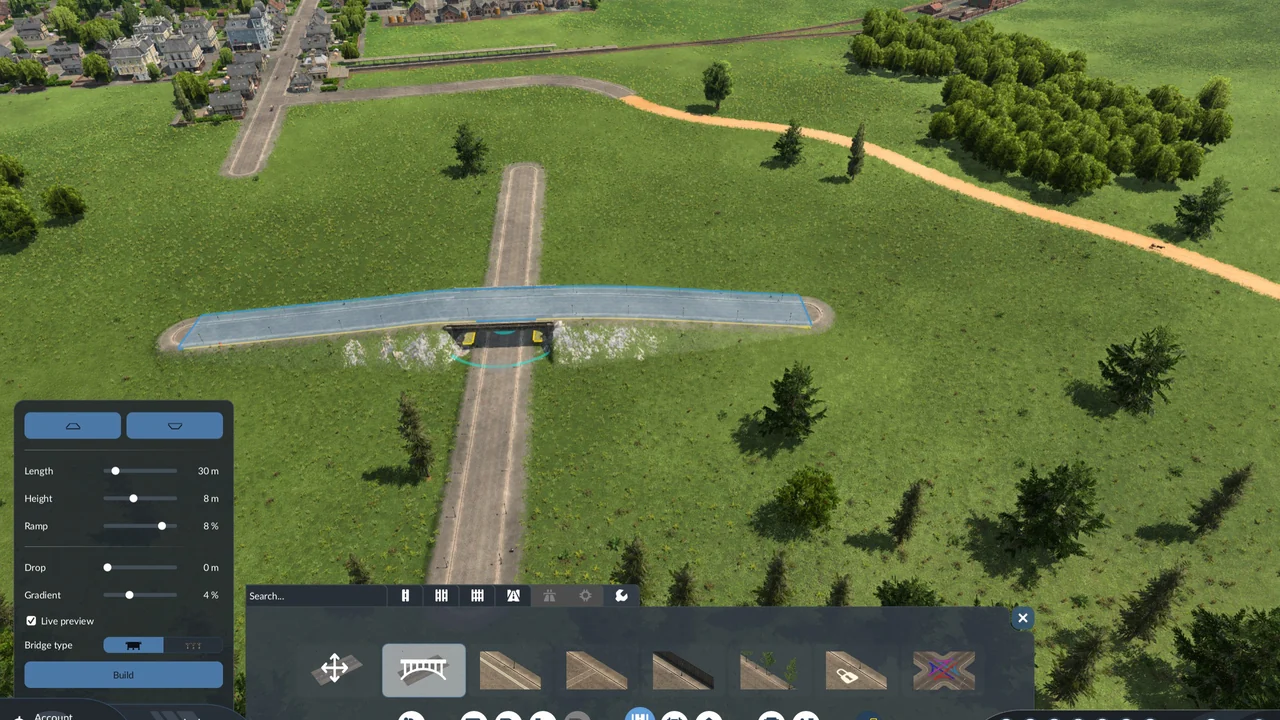
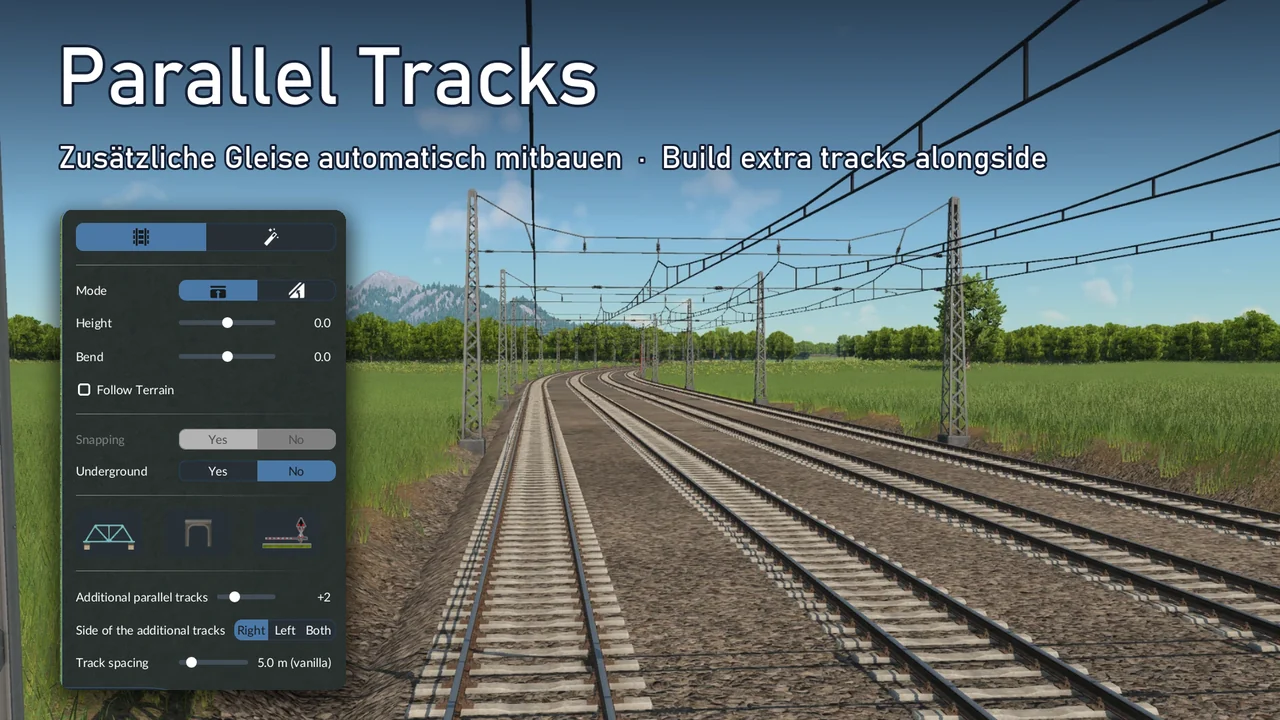
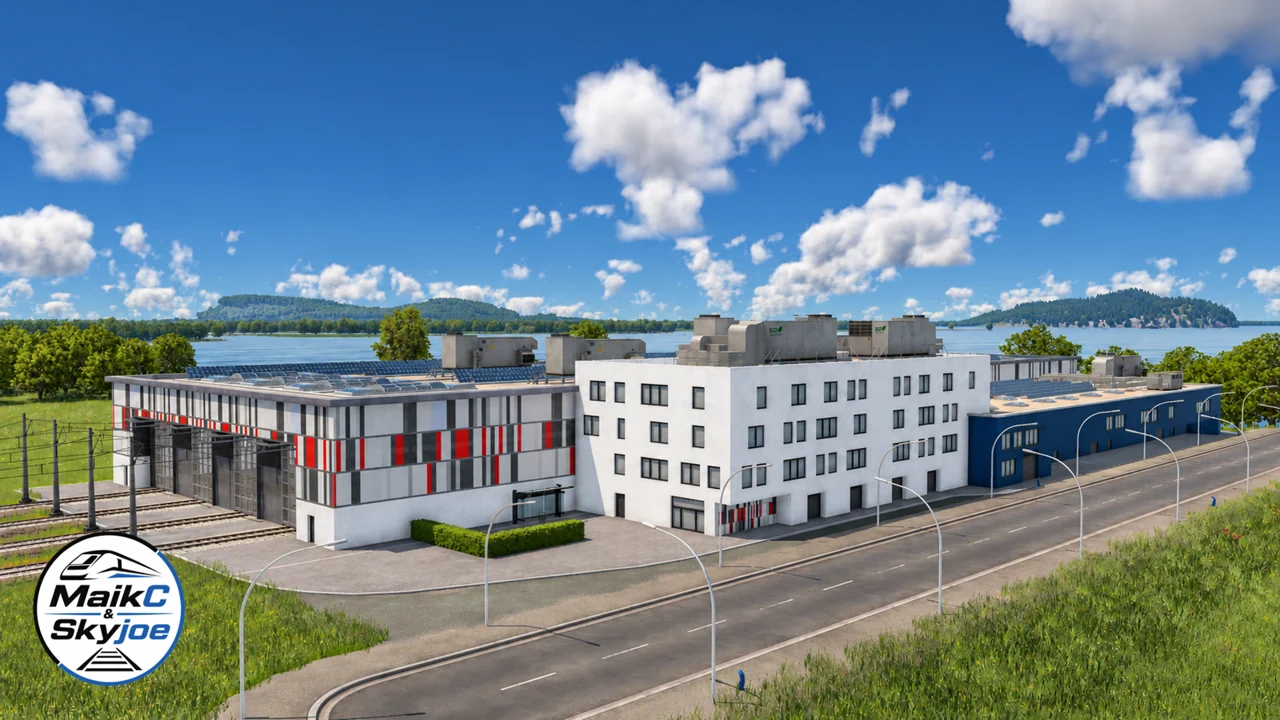
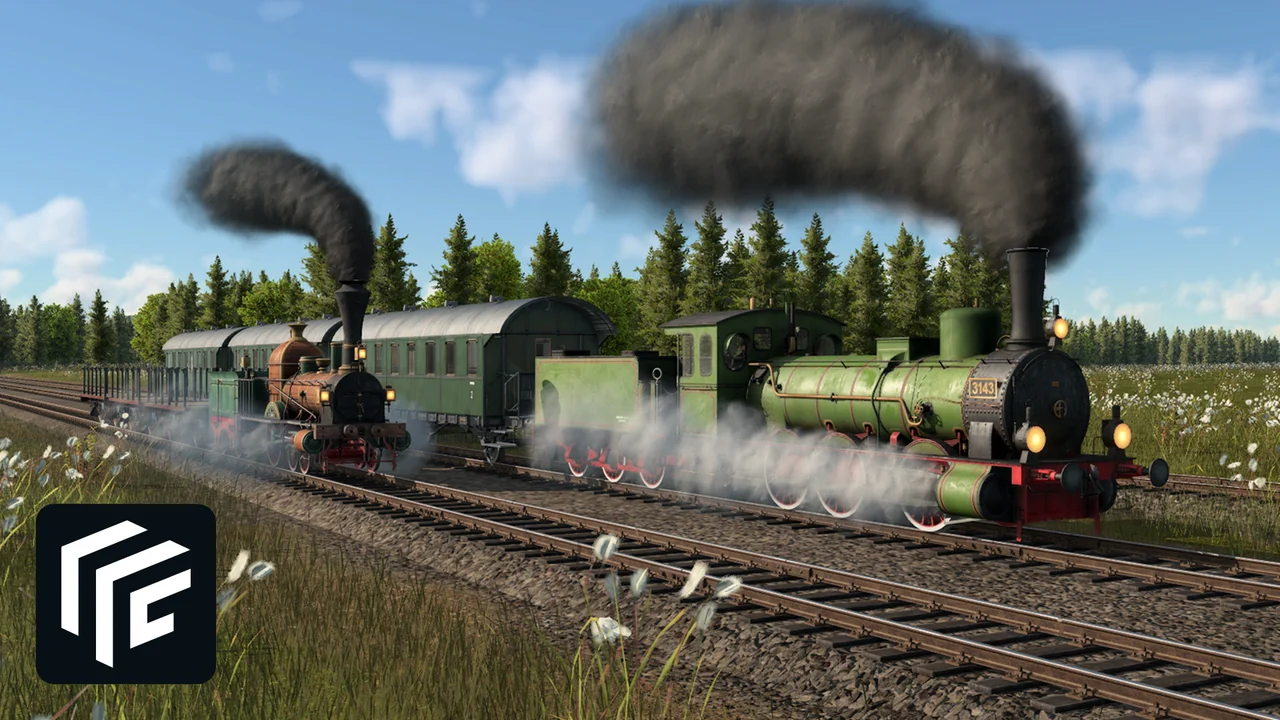
💡 Search for each mod by name in the in-game mod browser and subscribe there. Save a copy of a game you care about before adding script mods like the two building tools, since a mod update can change how a save loads.
Transport Fever 3 Screenshots
A closer look at the vehicles, industries and climate zones, from early propeller planes to high-speed trains. Click any image to open it full size.
-
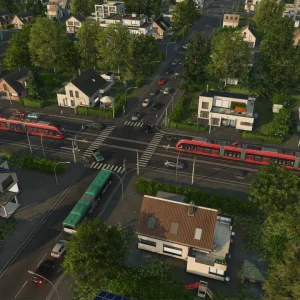
- Transport fever 3 town rail network from
-
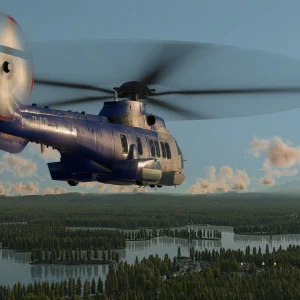
- Transport fever 3 helicopter over lakes from
-
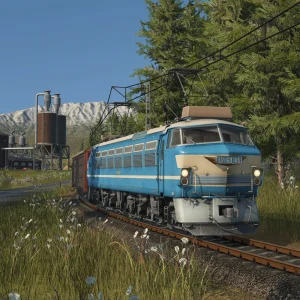
- Transport fever 3 electric locomotive forest from
-
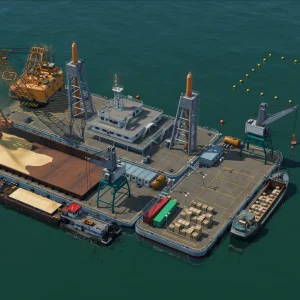
- Transport fever 3 offshore platform from
-
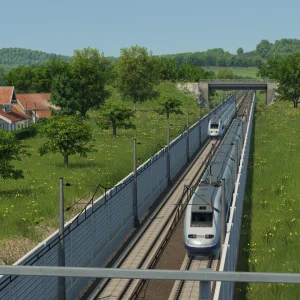
- Transport fever 3 high speed train from
-
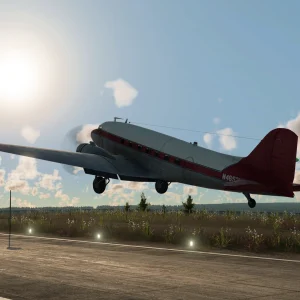
- Transport fever 3 propeller plane takeoff from
-
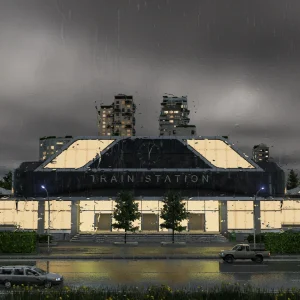
- Transport fever 3 train station rain from
-
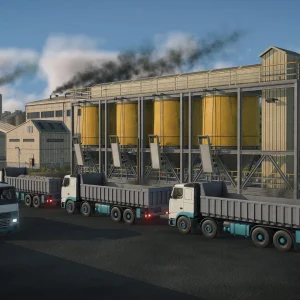
- Transport fever 3 trucks at industry from
-
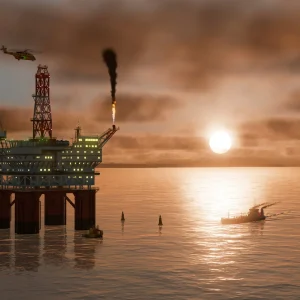
- Transport fever 3 oil rig sunset from
-
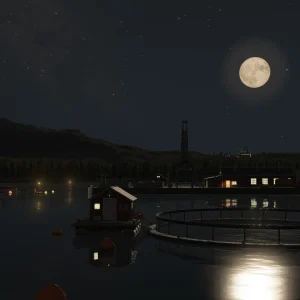
- Transport fever 3 fish farm moonlight from
-
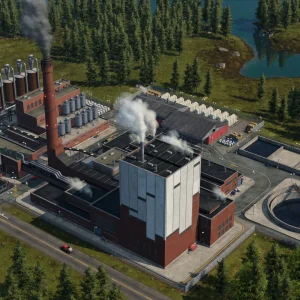
- Transport fever 3 factory aerial from
-
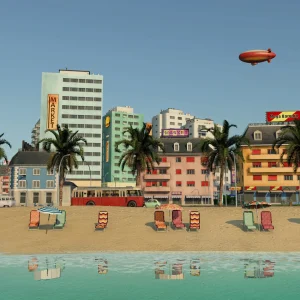
- Transport fever 3 tropical beach town from
-

- Transport fever 3 palm sunset ship from
Transport Fever 3 FAQ
Does Transport Fever 3 have multiplayer?
Can I play Transport Fever 3 with a controller on PC?
What does AVX2 support required mean, and does my PC have it?
Is Transport Fever 3 on Game Pass?
What are the Transport Fever 3 system requirements?
Support and Community
- Transport Fever 3 official website, with news, editions and the game’s features.
- Urban Games, the developer’s own site.
- The official Transport Fever 3 forum, run by Urban Games, for help, bug reports and mod talk.
- r/TransportFever3 on Reddit, the game’s subreddit, for network screenshots, route ideas and player help.
- Steam news for Transport Fever 3, where patch notes and updates appear.
Explore more Windows games: Cities: Skylines II for Windows · Microsoft Flight Simulator for Windows · Best Simulation Games on PC · Best Strategy Games for Windows
Need a PC upgrade to run these? See our Best Gaming Desktops guide.
Discover more from Windows Mode
Subscribe to get the latest posts sent to your email.















Add your first comment to this post