Readers like you help support this site. When you make a purchase using links on our site, we may earn an affiliate commission. All opinions remain our own.
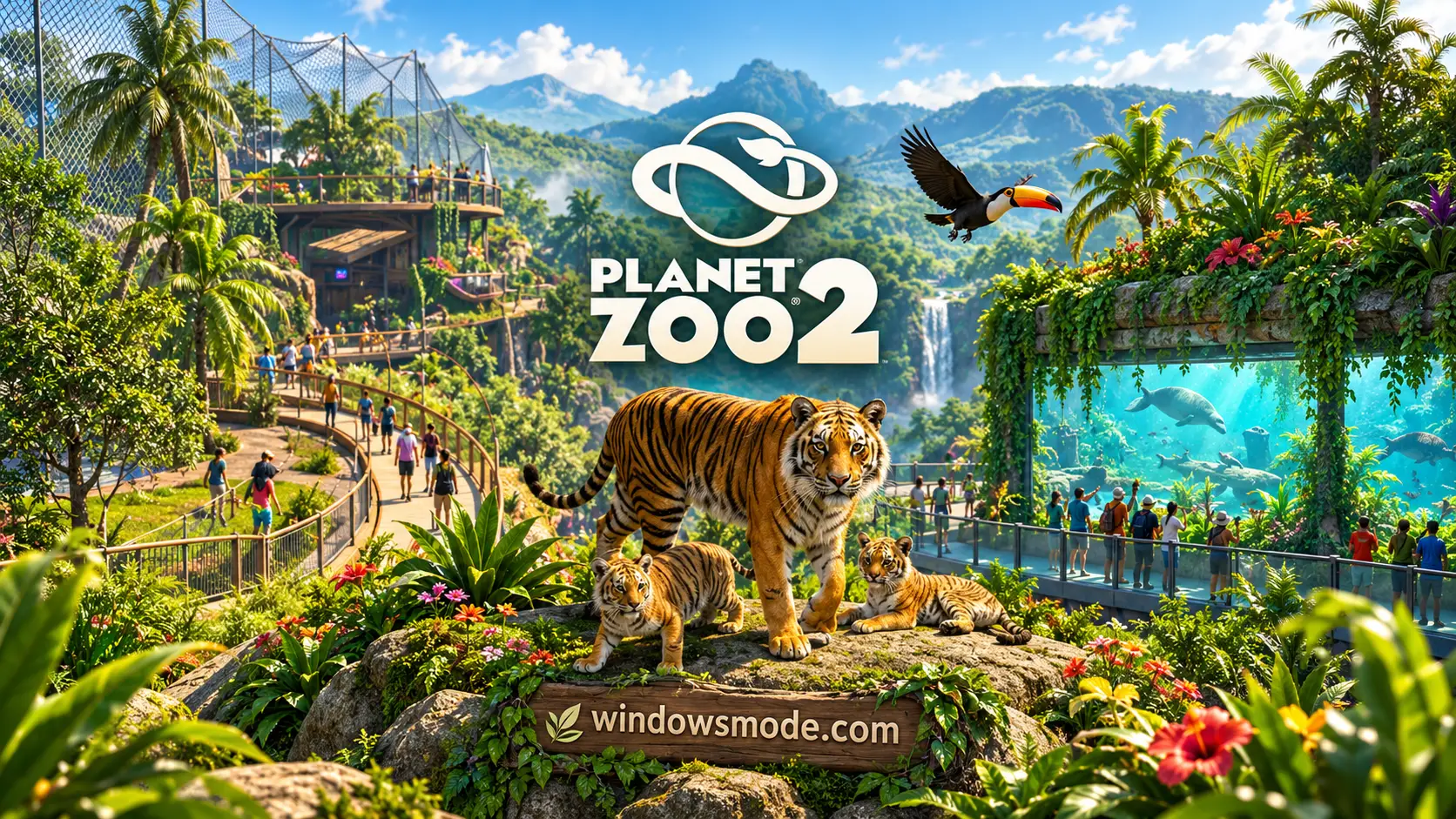
Planet Zoo 2 on PC. Click to open it full size.
Planet Zoo 2 is a zoo management sim for PC from Frontier Developments, available on Steam, Epic Games and the Xbox app. You design habitats, care for animals and keep guests happy so the money keeps coming in. Then you use that money to grow the zoo and fund conservation work around the world.
The sequel opens up water and sky. For the first time in the series, you can build aquariums for fully aquatic animals and aviaries where birds really fly. You can also release animals you raised into large Wildlife Reserves that you design yourself.
It came out on October 13, 2026, on PC, PS5 and Xbox Series X|S. It runs on Windows 10 and 11, has full controller support, and is also playable through GeForce NOW.
Already playing? Tell us which animal you put in your first aquarium. Got questions before buying? Reach out to us directly.
What You Need to Know
- On PC it is sold on Steam, the Epic Games Store and the Xbox app. It is also on PS5 and Xbox Series X|S.
- It is a heavy game for a sim. The minimum spec asks for an RTX 2060 class graphics card and 16 GB of RAM, and the recommended spec needs an SSD.
- Windows 10 is on the minimum spec, but Frontier says it cannot guarantee ongoing support for it.
- It is not on Game Pass. It is on GeForce NOW.
- It is rated ESRB Everyone 10+ and PEGI 7.
Quick Facts
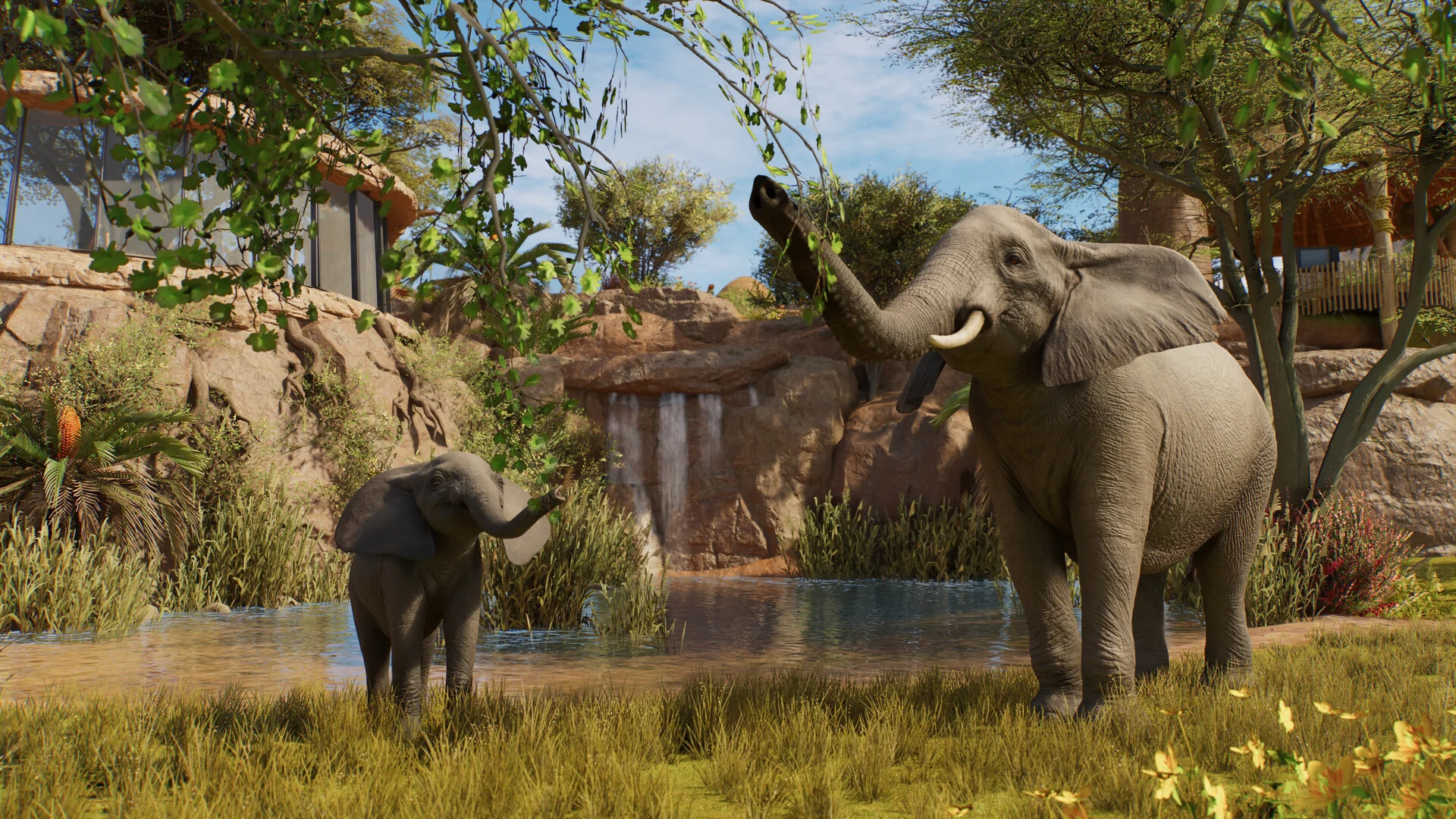


How to Download Planet Zoo 2 on Windows
Steam is the simplest route for most players. Make sure you have 40 GB free, ideally on an SSD.
- Step 1. Install Steam. Download it from the Steam website and sign in.
- Step 2. Open the store page. Go to Planet Zoo 2 on Steam.
- Step 3. Pick an edition and buy it. Choose Standard or Deluxe, click Add to Cart and finish checkout.
- Step 4. Install it to your fastest drive. Pick an SSD in the install window if you have one.
- Step 5. Launch it from your library. Start with Career mode to learn the basics.
Other ways to get it. The Epic Games Store sells the same game. The Xbox app version supports Xbox Play Anywhere, so one purchase covers your PC and an Xbox Series X|S. Frontier Workshop creations work across all of them.
💡 Your PC is too weak? Cloud gaming is an option. Planet Zoo 2 is on GeForce NOW, and the Xbox copy can stream through Xbox Cloud Gaming with a Game Pass Essential, Premium or Ultimate plan.
The original Planet Zoo is on Boosteroid, so the sequel may follow. Check if Planet Zoo 2 is on Boosteroid.
Planet Zoo 2 Editions and Price
There are two editions on PC. The Deluxe Edition adds six animals, not new modes or maps. If you change your mind later, the Deluxe Upgrade Pack is also sold on its own for $17.99.
Prices are the US list prices on Steam and the Xbox store, with regional prices elsewhere. The Bonus Content Pack (a Toucan Eat shop, three animal donation bins and a tiger photo wall) was a pre-order bonus and now sells for $2.99. The soundtrack, You, Me & Sanctuary, is a separate $9.99 purchase.
What Is Planet Zoo 2?
Planet Zoo 2 is the follow-up to Frontier’s 2019 Planet Zoo. You build zoos in different parts of the world, fill them with animals, and keep both the animals and the visitors happy. Each species has its own needs, from the plants in its habitat to how many others of its kind it lives with.
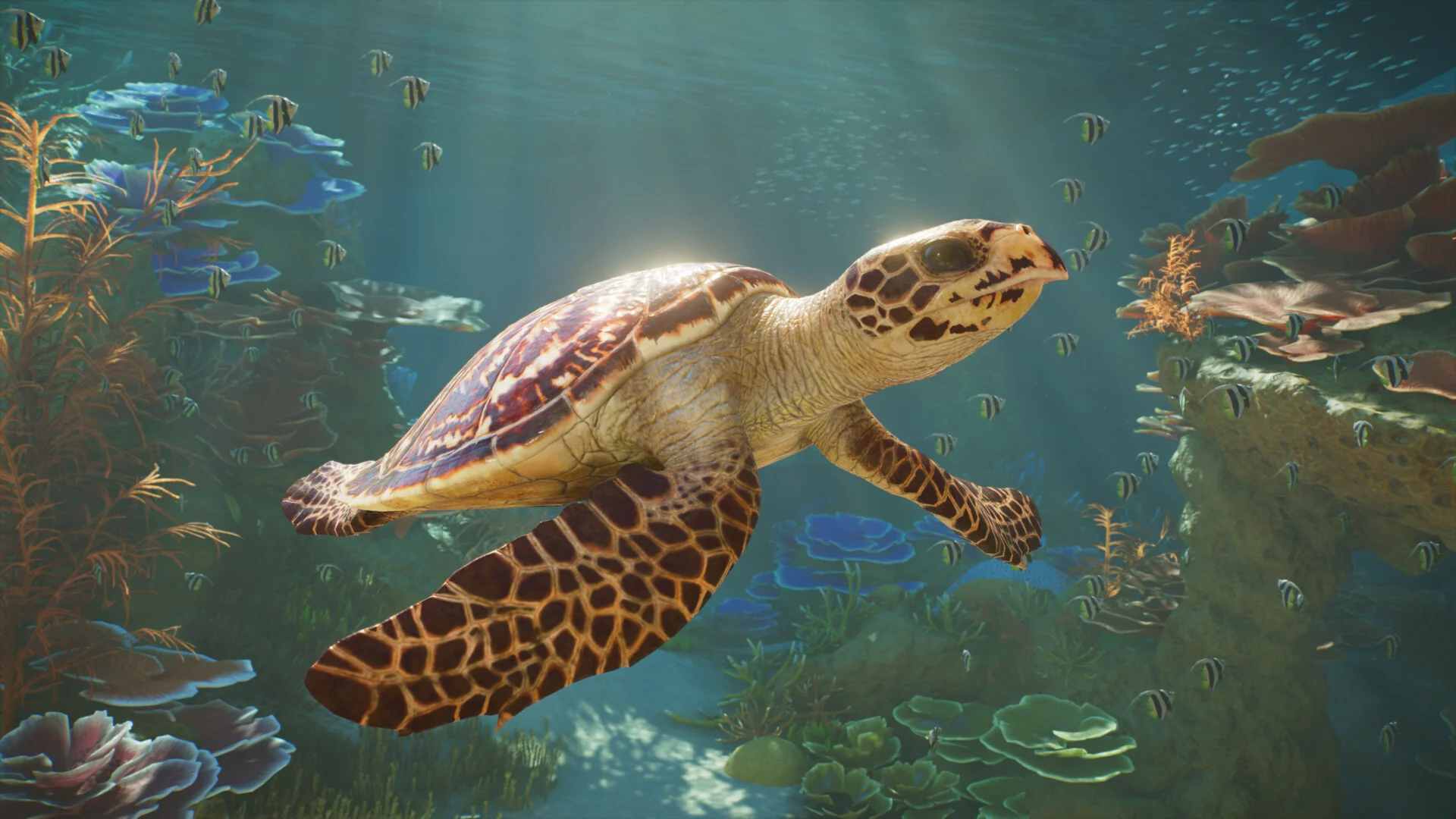
Fully aquatic animals, like this Hawksbill Turtle, are new to the series.
The two big additions are water and air. You can build freshwater or saltwater aquariums for sharks, turtles and schools of fish. Birds such as the Toco Toucan and Secretarybird live in aviaries you build from barriers, poles and mesh covers, and they actually fly around inside them.
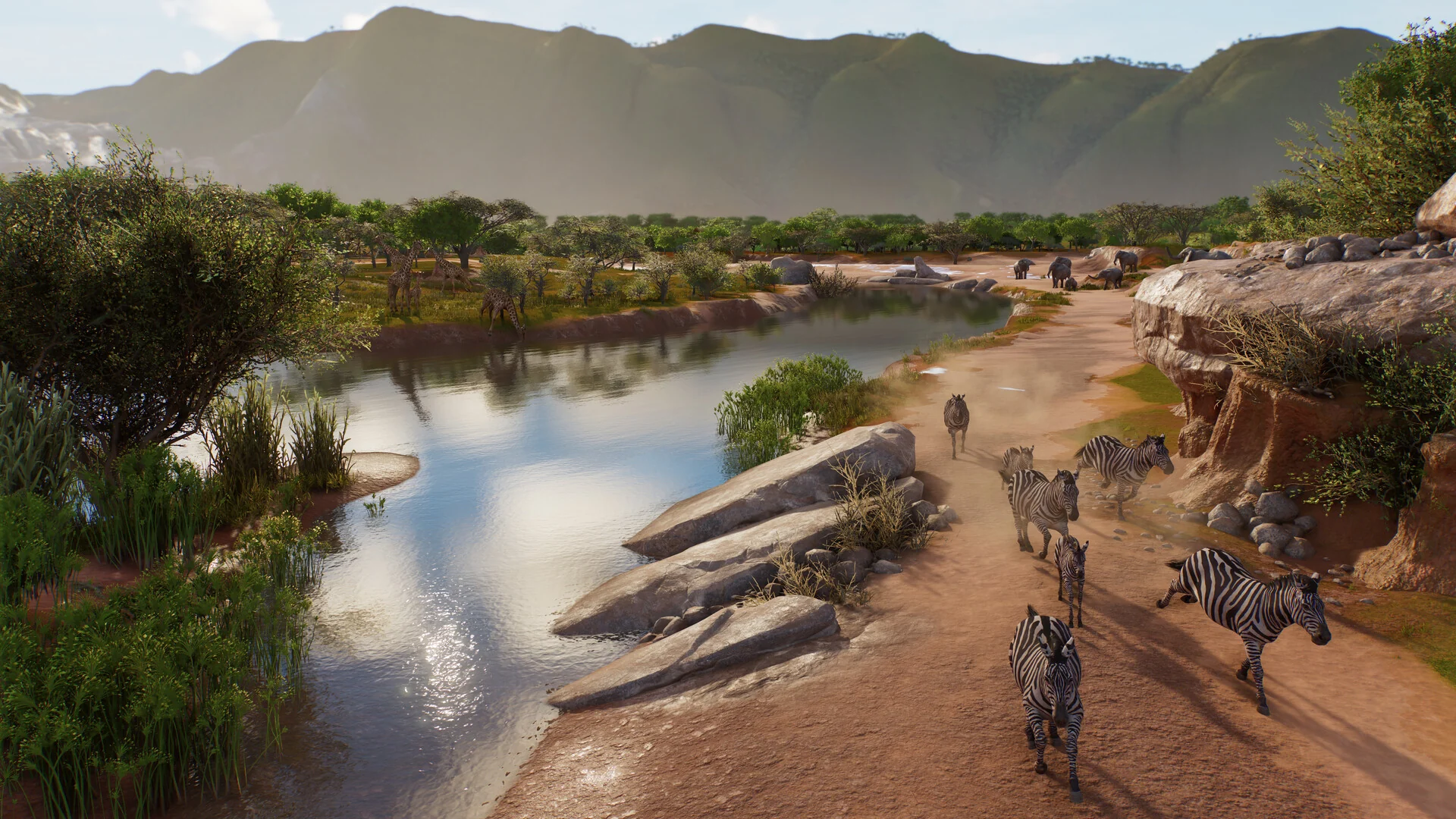
Wildlife Reserves are large open areas where you release animals back into the wild.
Conservation now goes past the zoo gates. You take on projects around the world, meet their requirements, and release animals into Wildlife Reserves that you shape yourself. The Planet Hub, a world map menu, lets you check every zoo and reserve you run from one place.
There are three modes. Career is the story, where you join a group called FEN as its new Conservation Coordinator. Sandbox gives you free rein to build. Franchise is online, where you run a network of zoos and trade animals with other players.
Official Trailer
Watch the official launch trailer for Planet Zoo 2 to see the new aquariums, the walk-through aviaries and the Wildlife Reserves up close.
Key Features
Build freshwater or saltwater tanks for fully aquatic animals, from Blacktip Reef Sharks to Hawksbill Turtles, with tunnels guests can walk through.
Birds fly freely inside aviaries you build from barriers, support poles and mesh covers, and they behave differently on the ground and in the air.
Release animals you raised into large reserves you design yourself, as part of conservation projects around the world.
Animals herd, graze on the plants you give them and show emotions, so a good habitat looks and acts more like the wild.
Use ready-made blueprints or build every wall, roof and shop by hand, with scaling, custom colors and new terrain and plant brushes.
Download zoos, buildings and habitats other players made, on any platform, and drop them straight into your own zoo.
Is This Game for You?
Our Take
🎮 Our Take
This is the sequel Planet Zoo fans asked for. Aquariums and real flying birds were the two biggest gaps in the first game, and both are here, along with Wildlife Reserves that give your work a goal beyond ticket sales. The piece-by-piece building tools are still the heart of it, so if you loved building in the original, you will feel at home right away. The catch is the launch state. In its first week, Frontier itself listed animals climbing out of habitats, animals ignoring their enrichment items and Franchise mode stability as open problems, and the hardware bar is high for a management game.
If you are a Planet Zoo or Planet Coaster builder, the standard edition is worth buying now, because Career and Sandbox already give you plenty to build. If you mainly want smooth animal behavior and a stable Franchise mode, wait until Frontier’s update notes say those fixes have landed. Skip the Deluxe Edition unless you specifically want the six extra species. And check your graphics card against the requirements below first, or try it on GeForce NOW.
System Requirements
These are the requirements Frontier lists on Steam and its own site. Frontier says the minimum spec runs a well built zoo at above 30 frames per second on Medium settings, and the recommended spec gets 30 frames per second on High.
The processor matters more than usual. Frontier notes that big zoos with lots of animals and guests lean on the CPU, so lowering graphics settings may not raise your frame rate. On a laptop, extra cooling helps. If your PC falls short, our Best Gaming Desktops guide is a good place to start.
Tips for Beginners
Play Career first
The opening Career scenarios teach you habitats, staff and money one piece at a time. Jump into Sandbox once you know the menus.
Turn on the Essentials filter
This item browser filter shows only the pieces that do a job, like shops, donation bins and habitat items, so you can get a zoo running fast.
Use blueprints early
Ready-made shops and buildings save hours. Build your own by hand later, once the money is flowing.
Check each animal’s needs
Open an animal’s info before you build its home. Terrain, plants, water and group size all affect how happy it is.
Keep accreditation separate
Career and Franchise each track accreditation on their own. Progress in one mode does not count toward the other.
Best Planet Zoo 2 Mods to Start With
Player-made buildings and habitats come from the Frontier Workshop, built into the game. Mods that change how the game works come from Nexus Mods, and the first ones are mostly building and menu helpers. These five are the most useful to start with.
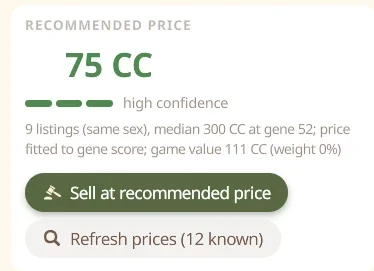
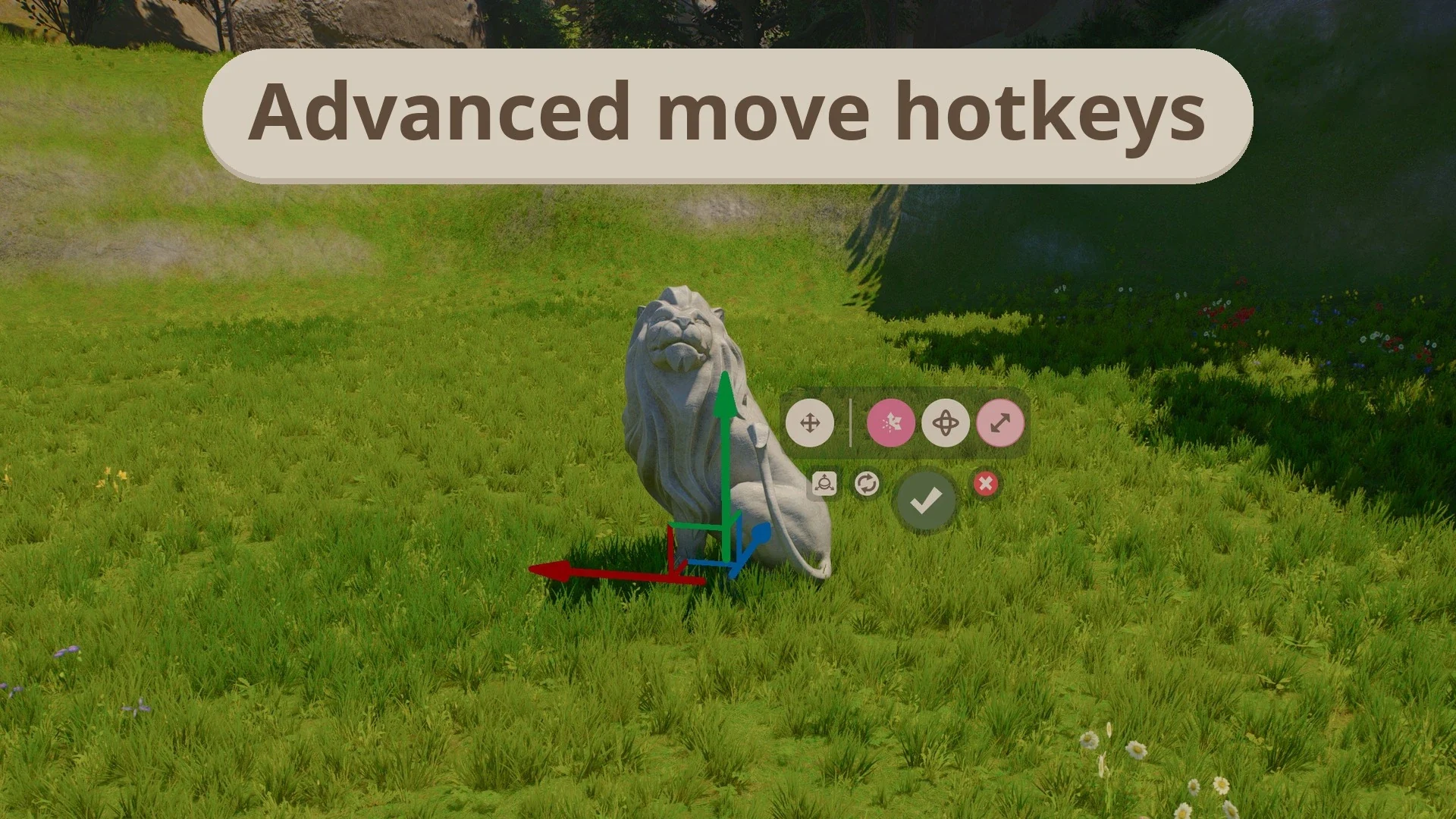

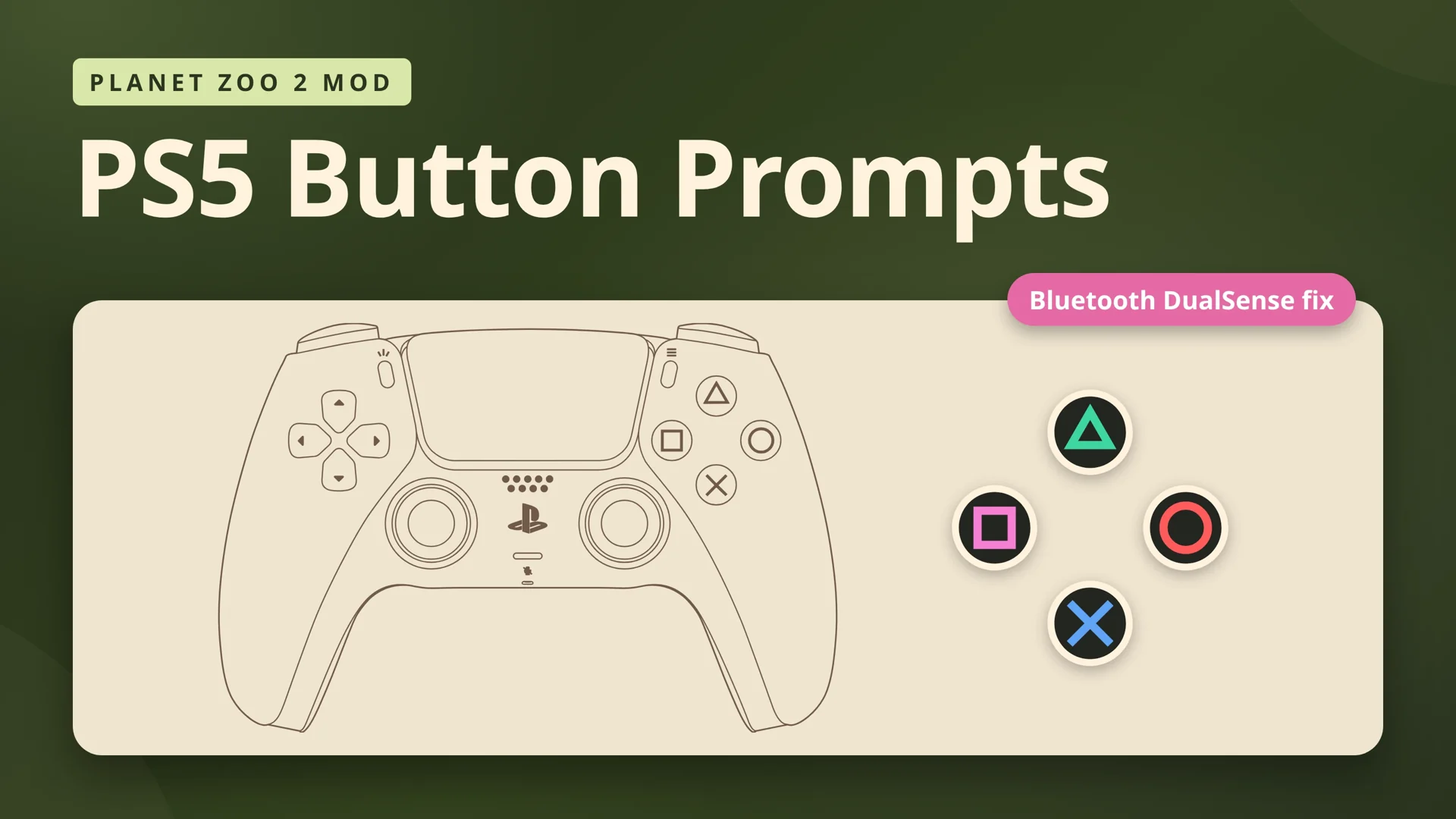
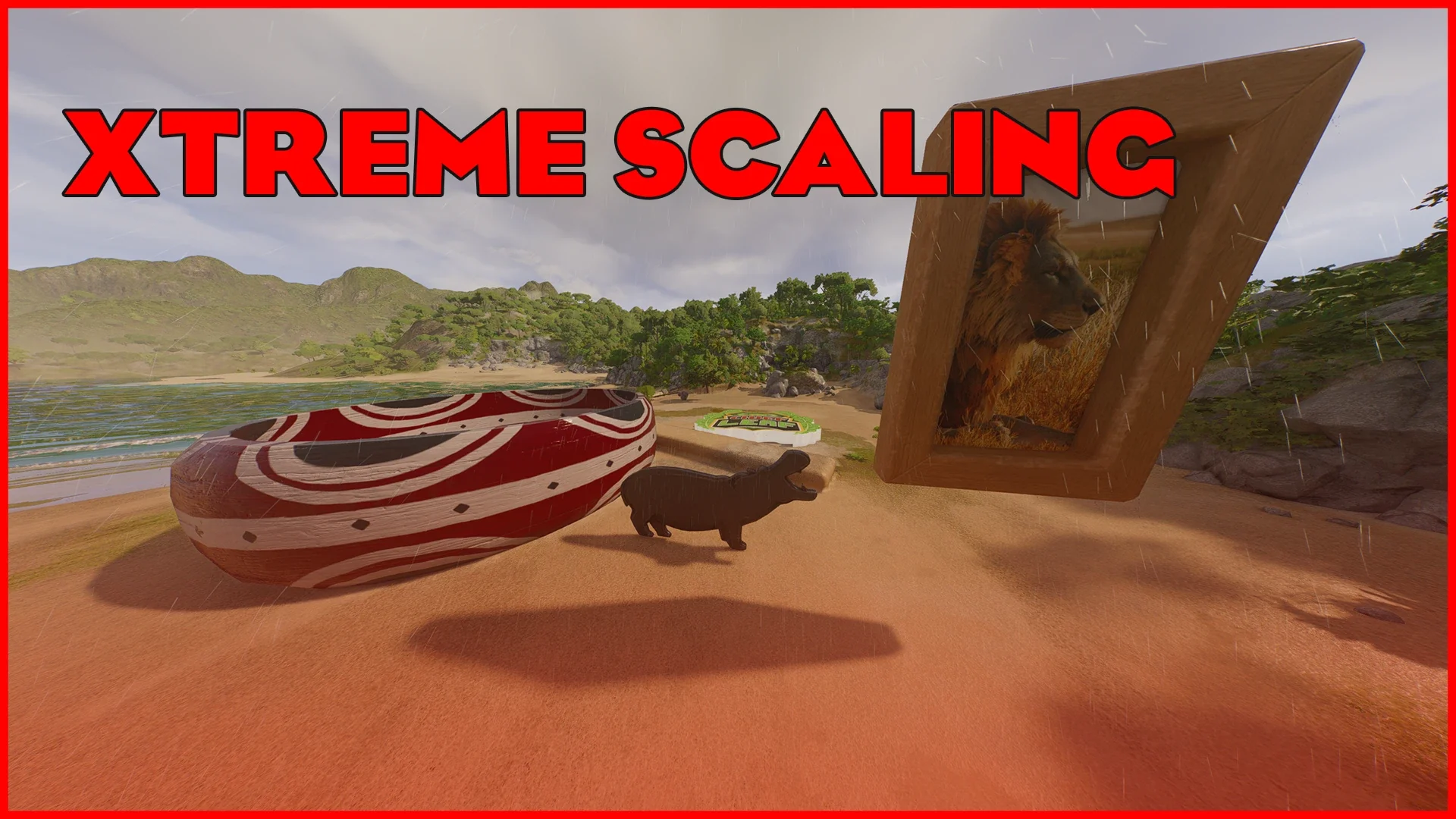
Frontier does not support mods, and these install into the game files by hand. A game update can break a mod until its author fixes it, so back up your saves first. Franchise mode is online and shared with other players, so if something goes wrong there, turn your mods off before you report it to Frontier.
Planet Zoo 2 Screenshots
An underwater tunnel, a Sumatran Tiger, a walk-through aviary, parrots, a manatee, a sleeping chimpanzee, a ray, a coastal zoo from above, and the building tools. Click any image to open it full size.
-
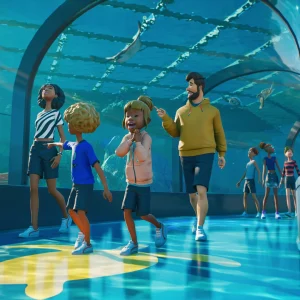
- Planet zoo 2 underwater tunnel guests from
-
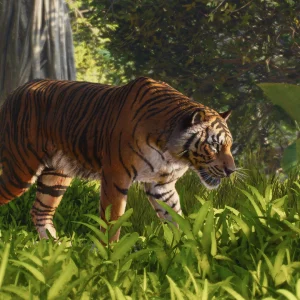
- Planet zoo 2 sumatran tiger habitat from
-
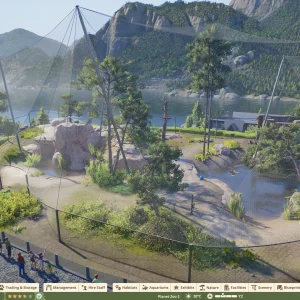
- Planet zoo 2 aviary mesh cover from
-
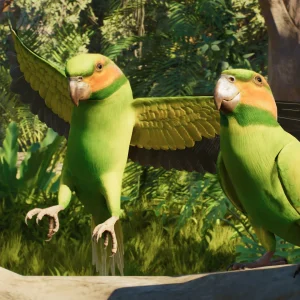
- Planet zoo 2 parrots perch from
-
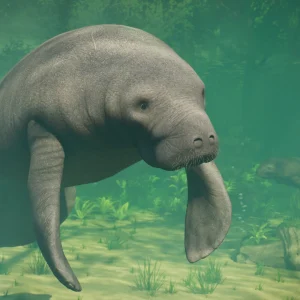
- Planet zoo 2 manatee underwater from
-
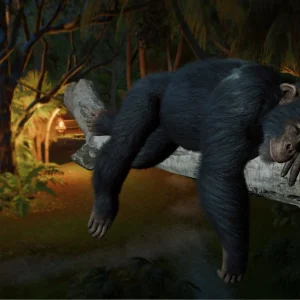
- Planet zoo 2 chimpanzee sleeping from
-
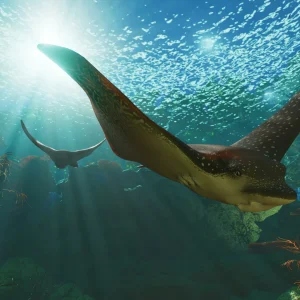
- Planet zoo 2 manta ray from
-
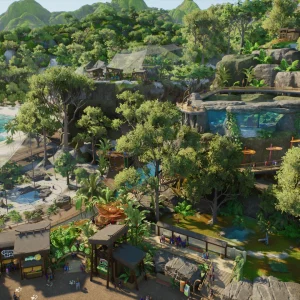
- Planet zoo 2 zoo aerial view from
-
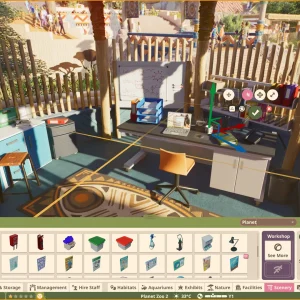
- Planet zoo 2 building tools shop from
Planet Zoo 2 FAQ
Does Planet Zoo 2 run on Windows 10?
Is Planet Zoo 2 on Game Pass?
Is Planet Zoo 2 multiplayer?
Can I play Planet Zoo 2 with a controller on PC?
Is Planet Zoo 2 on Mac?
What are the Planet Zoo 2 system requirements?
Support and Community
- The official Planet Zoo 2 website from Frontier Developments, with guides, the Zoopedia and the FAQ.
- Planet Zoo 2 update notes, where Frontier lists every patch.
- The Frontier Workshop, for player-made blueprints and zoos.
- r/PlanetZoo on Reddit, for builds, help and discussion.
- Frontier Unlocked on Discord, the official community server.
- Planet Zoo 2 on Nexus Mods, for PC mods.
Explore more Windows games: Cities: Skylines II for Windows · The Sims 4 for Windows · Farming Simulator 25 for Windows · Stardew Valley for Windows · Best Simulation Games on PC · Best Strategy Games for Windows
Discover more from Windows Mode
Subscribe to get the latest posts sent to your email.










Add your first comment to this post