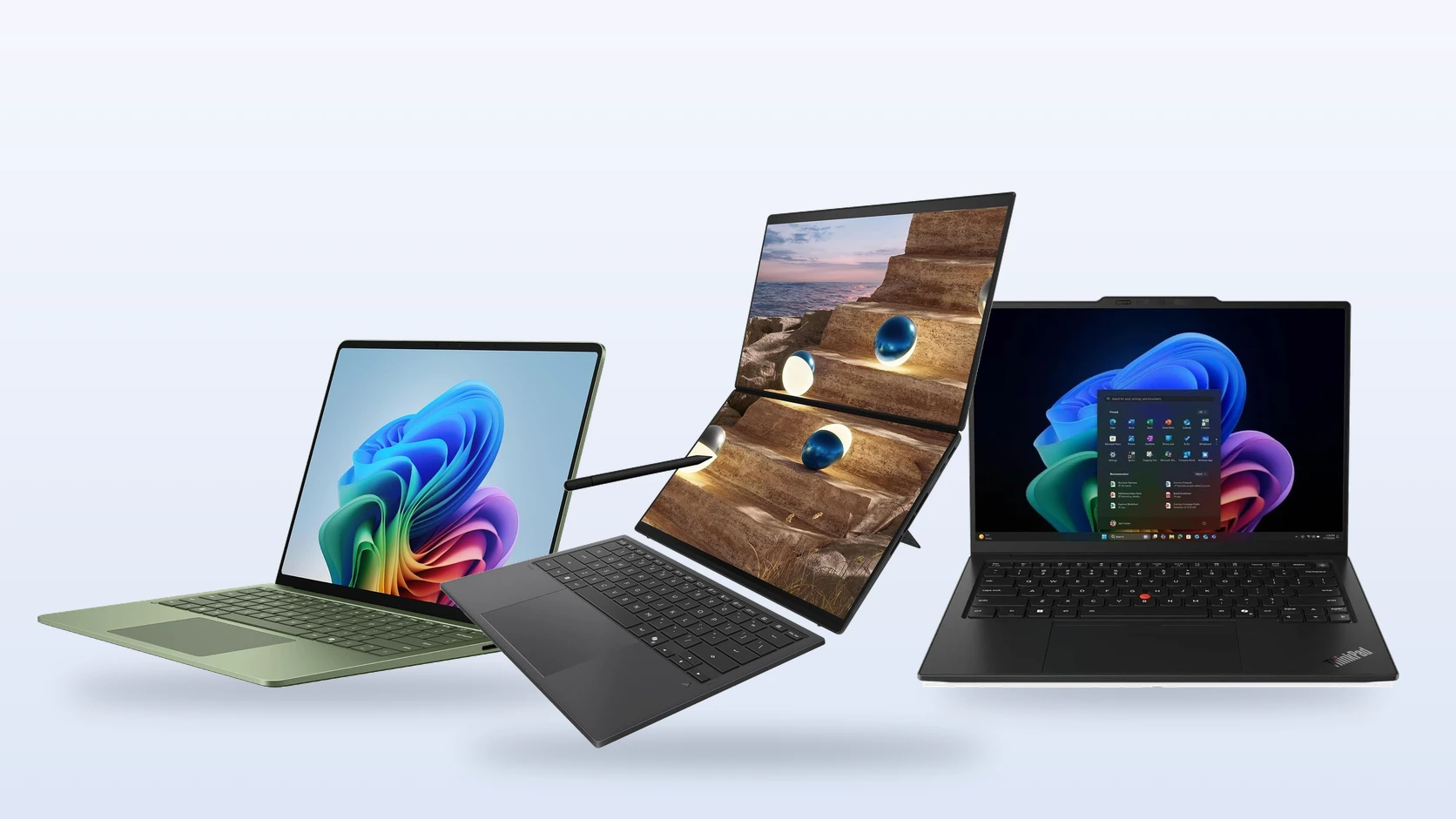
Microsoft Surface Laptop, ASUS Zenbook Duo and Lenovo ThinkPad X1 Carbon.
The top Windows laptops for work are the Microsoft Surface Laptop 13.8-inch for most people, the Lenovo ThinkPad X1 Carbon for business travel, the ThinkPad T14 for office and IT-managed work, and the dual-screen ASUS Zenbook Duo for multitasking. The Lenovo IdeaPad Slim 5i Ultra is the best value, and the Acer Aspire 14 AI is the budget pick.
We picked these from manufacturer specs, not hands-on testing, and every spec below is for the exact model we link. Each link goes to a listing shipped and sold by Amazon. We earn a commission if you buy through these links, at no extra cost to you. Questions about a model? Get in touch with us.
- Best for most people: Microsoft Surface Laptop 13.8-inch (8th Edition)
- Best premium business laptop: Lenovo ThinkPad X1 Carbon Gen 14 Aura Edition
- Best for office and IT-managed work: Lenovo ThinkPad T14 Gen 7
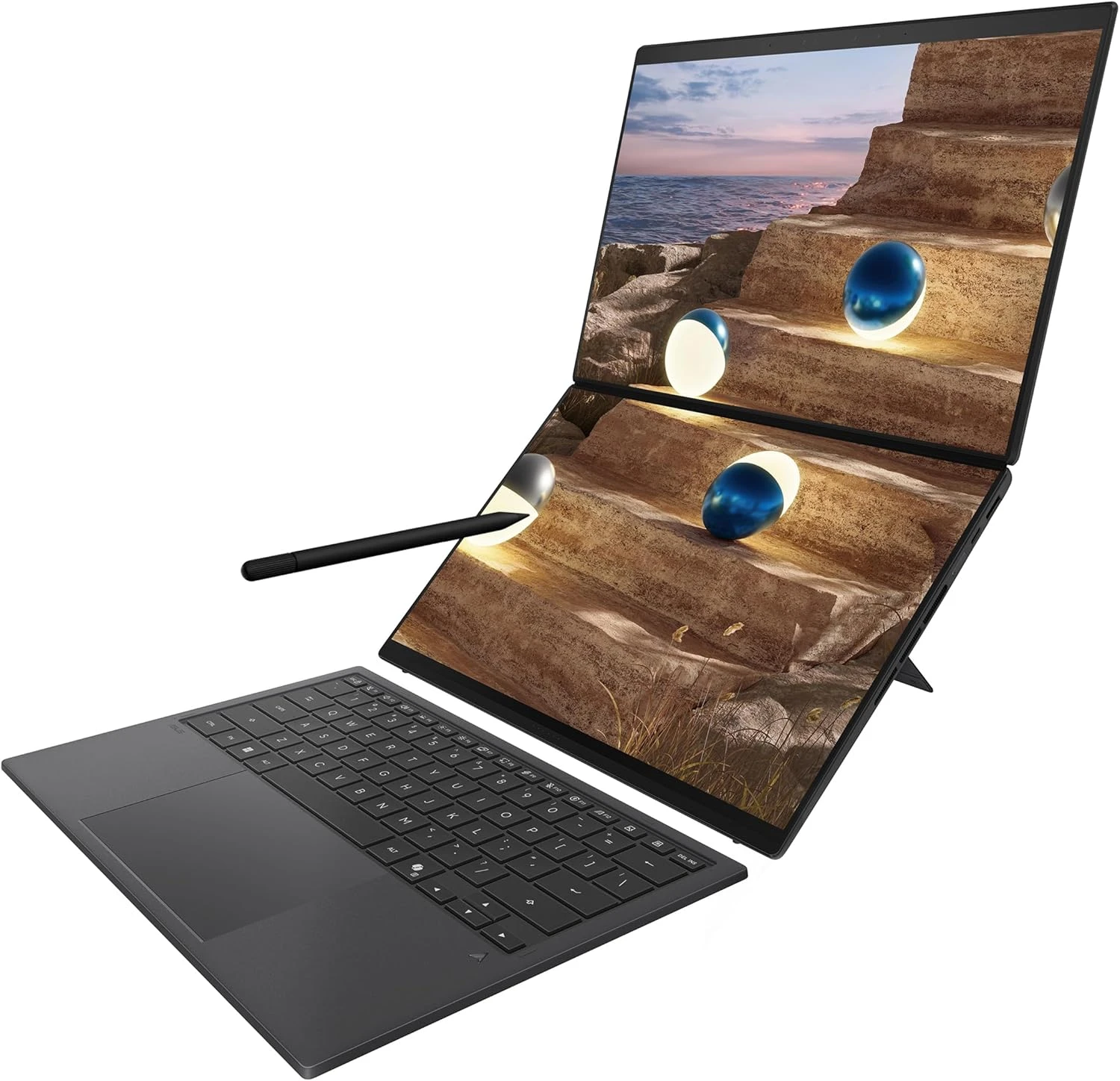
- Best for multitasking: ASUS Zenbook Duo (2026)
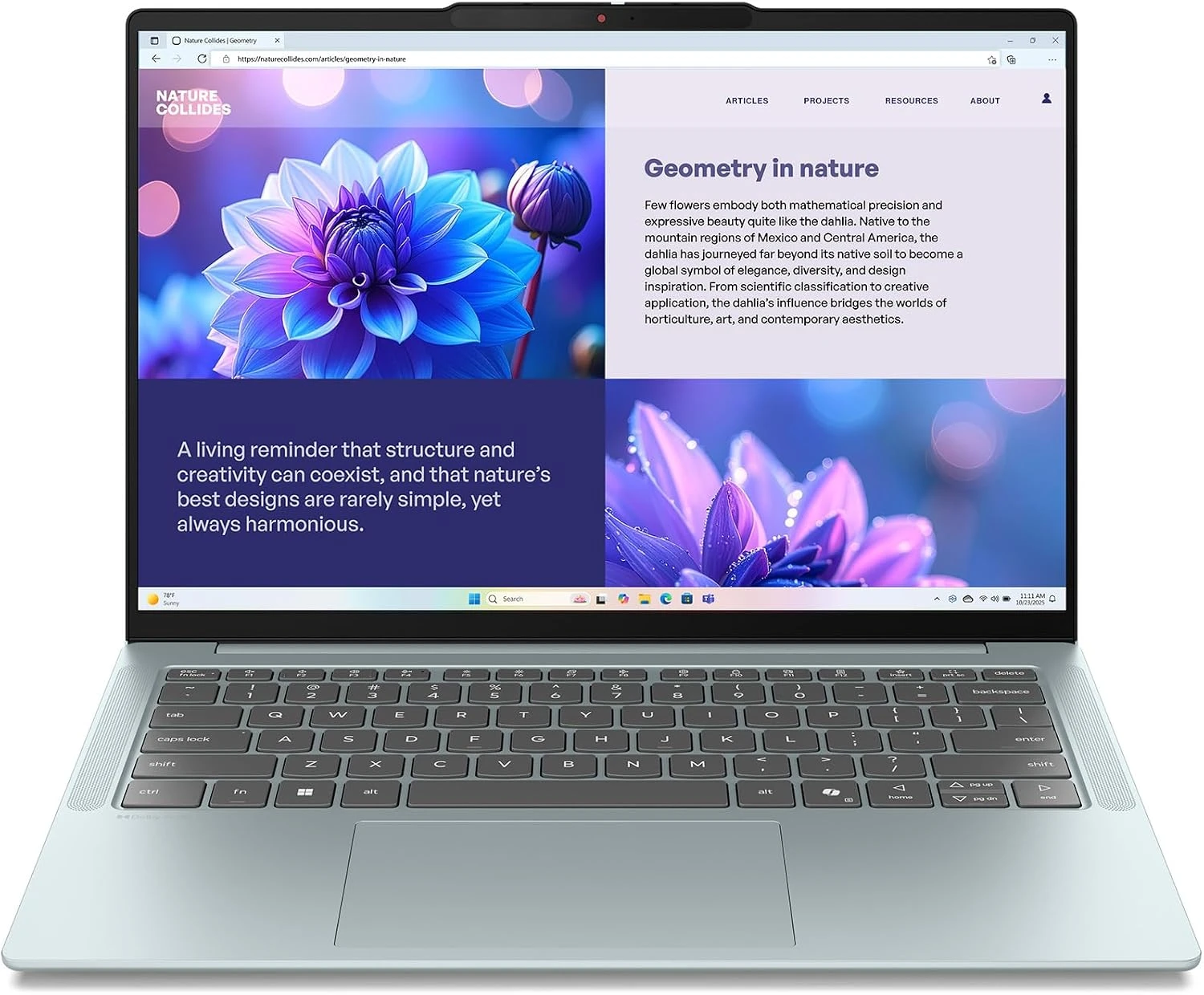
- Best value: Lenovo IdeaPad Slim 5i Ultra
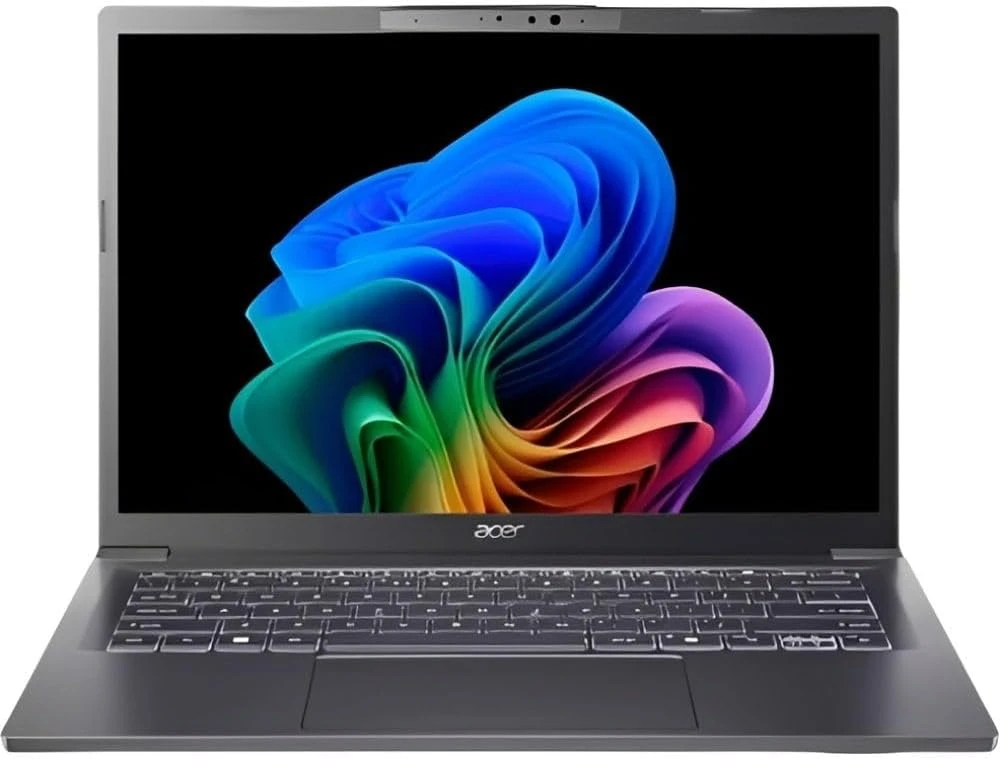
- Best budget: Acer Aspire 14 AI
Best Laptops for Work
Each pick lists the processor, memory, screen and weight of the exact model we link.
Microsoft Surface Laptop 13.8-inch (8th Edition)
Best for most people
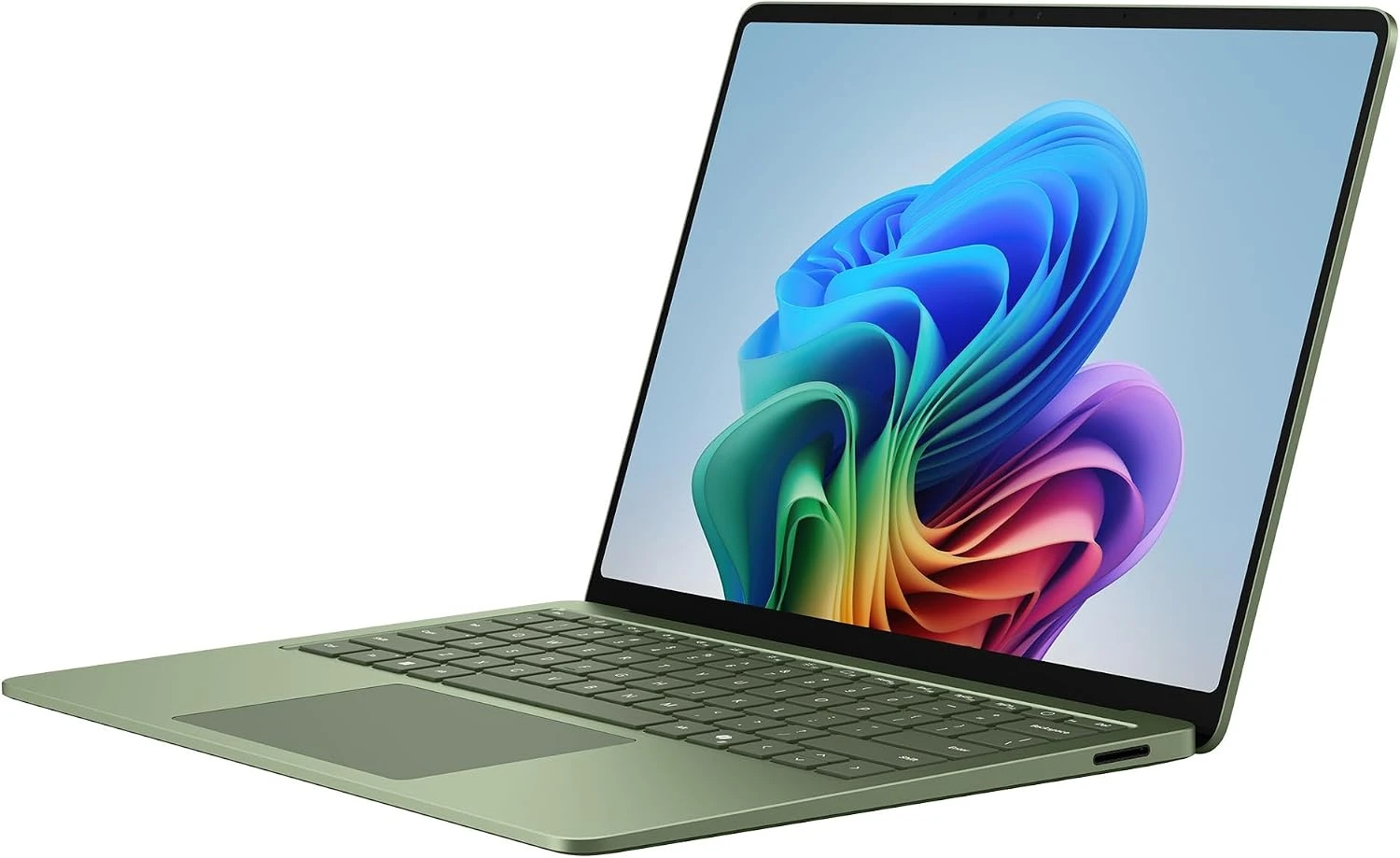
Processor
Snapdragon X2 Elite
Memory / storage
16GB / 512GB
Screen
13.8-inch touch, 120Hz
Weight
3.0 lb
The easy pick for office work, email, video calls and a browser full of tabs. Microsoft rates it at up to 20 hours of video playback, so it gets through a full workday without the charger. You also get a sharp 120Hz touchscreen, a haptic touchpad and face sign-in with Windows Hello.
What to consider
- It runs on a Snapdragon (Arm) chip. Most apps work, but check that your company’s VPN and security software support Arm before you buy.
- 16GB is fixed for life, and it ships with Windows 11 Home rather than Pro.
Good to know: it has two USB4 ports and one USB-A port, and the SSD can be replaced later. Our Surface buying guide compares every size and chip.
Lenovo ThinkPad X1 Carbon Gen 14 Aura Edition
Best premium business laptop
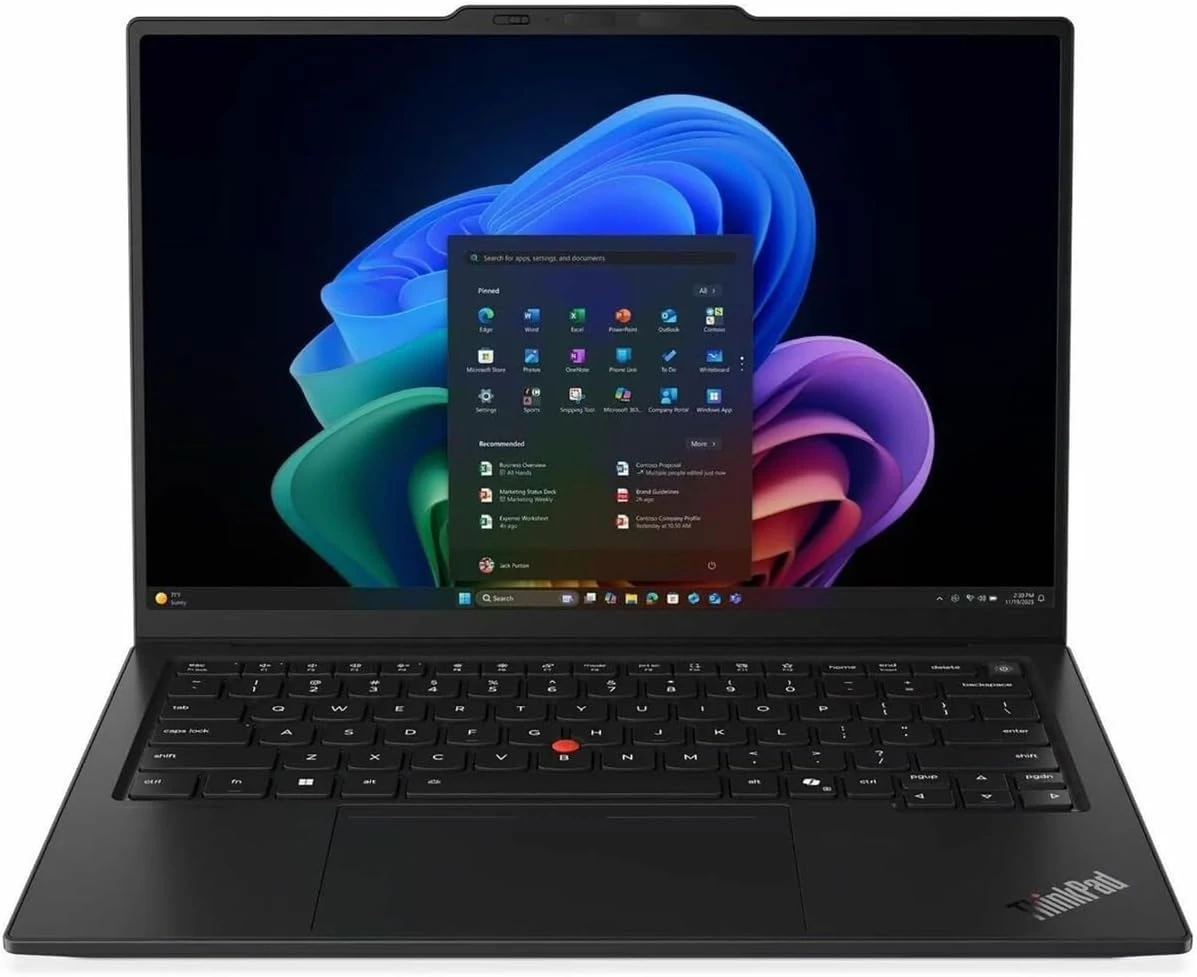
Processor
Core Ultra 7 365 (vPro)
Memory / storage
32GB / 512GB
Screen
14-inch 2.8K OLED, 120Hz
Weight
2.15 lb
The laptop many companies hand to staff who travel. At 2.15 lb it is the lightest pick here, yet it still has three Thunderbolt 4 ports, a USB-A port and full-size HDMI. The 2.8K OLED screen is sharp and bright, and the 5MP camera with a privacy shutter is a clear step up from the 1080p cameras most laptops use.
What to consider
- It is the most expensive pick by a wide margin, and 512GB of storage is thin at this price.
- Memory is soldered and capped at 32GB, so you cannot add more later.
Good to know: it ships with Windows 11 Pro and Intel vPro (remote management tools IT teams use), so a company can manage it without extra setup.
Lenovo ThinkPad T14 Gen 7
Best for office and IT-managed work
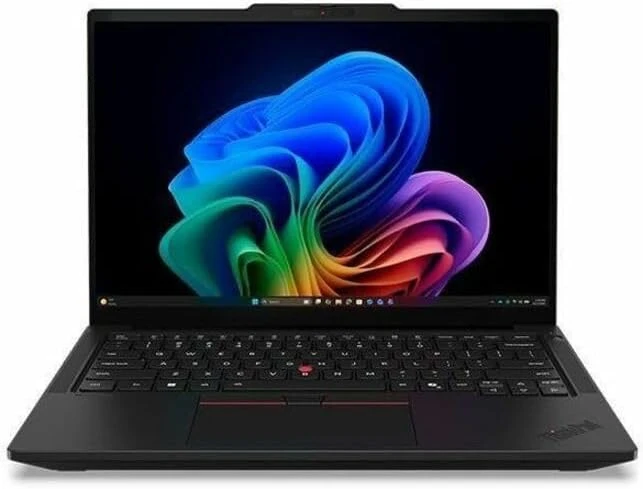
Processor
Core Ultra 5 325
Memory / storage
32GB / 512GB
Screen
14-inch 1920 x 1200, 60Hz
Weight
3.02 lb
The no-fuss workhorse. It is one of the few new laptops with an Ethernet port and a memory module you can swap out, so you can go from 32GB to 64GB later. A large 75Wh battery, two Thunderbolt 4 ports, two USB-A ports and a 5MP camera round it out.
What to consider
- The screen is a plain 60Hz panel, fine for spreadsheets but dull next to the OLED and 120Hz screens above.
- It is heavier than the X1 Carbon by close to a pound.
Good to know: the memory uses LPCAMM2, a small removable memory module, which is rare in a thin laptop. It also ships with Windows 11 Pro.
ASUS Zenbook Duo (2026)
Best for multitasking
Processor
Core Ultra 9 386H
Memory / storage
32GB / 1TB
Screens
Two 14-inch 3K OLED, 144Hz
Weight
2.98 lb (3.64 lb with keyboard)
Two 14-inch OLED screens in one laptop. Put your email or a video call on one screen and your document on the other, wherever you work. The keyboard is magnetic and detaches, so you can stand both screens up on the kickstand or lay one flat and use it as a large touch keyboard.
What to consider
- Using both screens drains the battery faster, even with its large 99Wh battery.
- It ships with Windows 11 Home, and it is a lot to carry if you only ever use one screen.
Good to know: the stylus and a sleeve come in the box. Ports include two Thunderbolt 4, one USB-A and HDMI 2.1.
Lenovo IdeaPad Slim 5i Ultra (14-inch)
Best value
Processor
Core Ultra 7 258V
Memory / storage
32GB / 512GB
Screen
14-inch 1920 x 1200 touch
Weight
2.51 lb
A light 2.51 lb laptop with 32GB of memory at a mid-range price. That is double the memory of the Surface Laptop for less money, which helps when you keep Teams, Outlook and dozens of browser tabs open all day. The 65Wh battery is large for a laptop this light.
What to consider
- All three ports are USB-C, with no USB-A or HDMI, so plan on a USB-C hub for a mouse receiver or a projector.
- The screen is 60Hz and it ships with Windows 11 Home.
Good to know: it has a 1080p camera with face sign-in and a privacy shutter.
Acer Aspire 14 AI
Best budget work laptop
Processor
Core Ultra 5 226V
Memory / storage
16GB / 1TB
Screen
14-inch 1920 x 1200 touch
Weight
3.09 lb
The cheapest pick, and still a Copilot+ PC with the same family of Intel chip as the IdeaPad. You get a full 1TB of storage and ports for almost everything: two USB-A, USB-C and HDMI. It handles Office, Teams calls and web apps without trouble.
What to consider
- 16GB cannot be upgraded later. It is enough for office work, not for heavy multitasking.
- The build and screen are basic next to the pricier picks.
Work Laptops Compared
Swipe the table sideways on a phone to see every column.
What to Look for in a Work Laptop
16GB of memory is the floor
Teams, Outlook and a busy browser use a lot of memory at once. 16GB handles that, and 32GB keeps things smooth if you run heavier apps or many windows. On most thin laptops memory cannot be added later, so buy what you will need for years.
Windows 11 Pro or Home
If your company’s IT team manages your laptop, it usually needs Windows 11 Pro, which can join a work domain and use Group Policy. Home is fine for freelancers and personal use. Both ThinkPads ship with Pro, and the others can be upgraded.
Snapdragon or Intel
Snapdragon laptops like the Surface use Arm chips and get long battery life. Most apps run fine on them, but some older VPN, security and printer software does not. If your work depends on one specific app, ask your IT team or check the maker’s site first.
Ports and docking
Count what you plug in every day. Thunderbolt 4 and USB4 ports let one cable run a dock with your monitors, keyboard and charger. USB-A still matters for older mice, receivers and USB sticks.
Camera and microphones
You will spend hours on calls. A 1080p or 5MP camera with a privacy shutter is worth more on a work laptop than a faster processor you never use.
Weight versus screen size
Under 3 lb is easy to carry every day. A 14-inch screen is the usual balance for work. If the laptop mostly sits on a desk, plug in an external monitor instead of buying a bigger, heavier laptop.
Need help with the software side? See our guides to Microsoft Teams, Microsoft Copilot, the best remote desktop apps and the best free Office alternatives.
Work Laptops FAQ
Do these laptops come with Microsoft Office?
Assume not. Windows laptops usually come with the Microsoft 365 app preinstalled, but Word, Excel and PowerPoint need a Microsoft 365 subscription or a one-time Office purchase to keep working. If your employer gives you a Microsoft 365 account, sign in with it and the apps unlock. If you only need to write documents and spreadsheets, there are good free options too.
Can I upgrade Windows 11 Home to Pro later?
Yes. Open Settings, go to System, then Activation, and choose Upgrade your edition of Windows. You can buy a Pro upgrade from the Microsoft Store there or enter a Pro product key. Your files and apps stay in place.
Do I need a Copilot+ PC for work?
No. The Copilot app and Microsoft 365 Copilot run on any Windows 11 PC, because the AI runs in the cloud. Copilot+ PCs add features that run on the laptop itself, such as Click to Do and live caption translation, and they need an NPU (a small chip for AI tasks) rated at 40 TOPS or more. Every laptop in this list meets that bar.
Should I buy a business laptop or a regular one for work?
If your company’s IT team will set it up, a business model like the ThinkPads is the safer choice: it ships with Windows 11 Pro, works with remote management tools, and Lenovo sells longer on-site warranty plans for it. If you are a freelancer or buying for yourself, a consumer laptop such as the Surface or IdeaPad gives you more for the money.
Is a gaming laptop a good work laptop?
Usually not. Gaming laptops are heavier, have bigger chargers and run out of battery much sooner, which is the opposite of what you want on a commute or in meetings. Buy one only if you also game after work. Our gaming laptop guide covers those.
More Windows hardware guides: Best Surface Laptops · Best Laptops for Running AI Locally · Best Gaming Laptops
Discover more from Windows Mode
Subscribe to get the latest posts sent to your email.













Add your first comment to this post