
Readers like you help support this site. When you make a purchase using links on our site, we may earn an affiliate commission. All opinions remain our own.
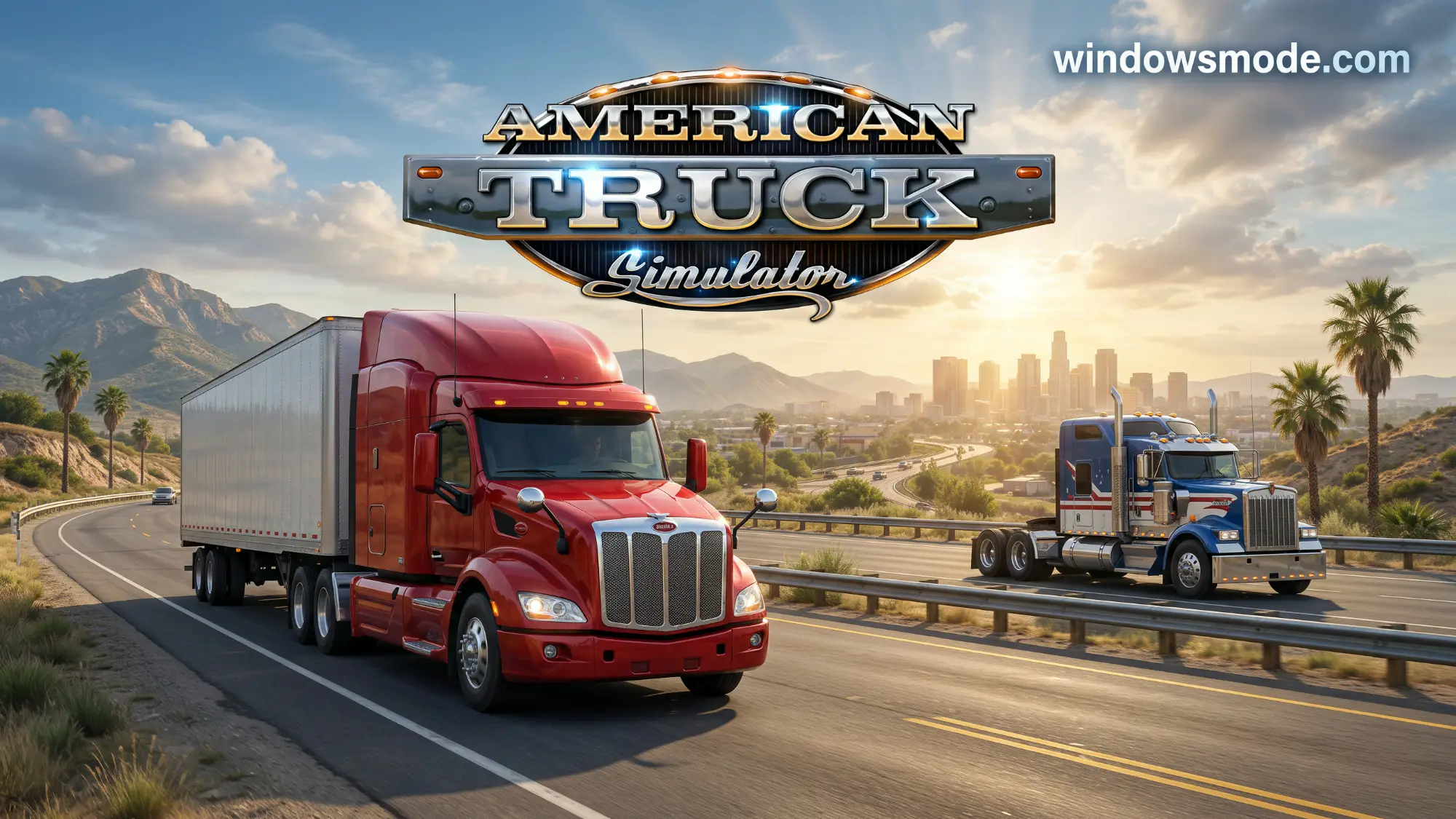
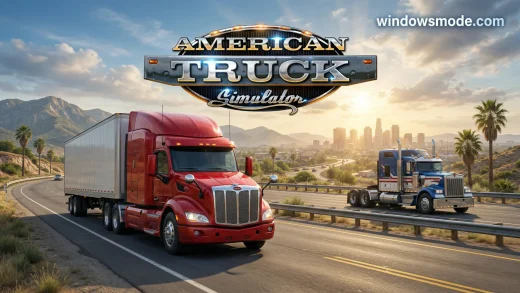
American Truck Simulator on PC. Click to open it full size.
American Truck Simulator is a truck driving game for PC from SCS Software, available on Steam. You haul cargo between real American cities in licensed trucks from brands like Peterbilt, Kenworth and Freightliner. Start as a driver for hire, then buy your own truck and grow a company.
The driving is slow and calm on purpose. You follow speed limits, watch your fuel and back a 53-foot trailer into a loading dock yourself. Many players treat it as a way to relax with a podcast or the built-in radio.
It came out on February 2, 2016, and SCS still updates it and adds new states. It runs on 64-bit Windows 10 and 11, and it works with a keyboard, a controller or a steering wheel.
Already driving? Tell us which state is your favorite run. Got questions before buying? Reach out to us directly.
What You Need to Know
- On PC it is sold on Steam. It is not on the Epic Games Store, and it is not sold on GOG.
- The base game covers California, Nevada and Arizona. Other states are paid expansions.
- The Steam Workshop is built in, so adding mods takes one click.
- Convoy, the official multiplayer mode, is free and included.
- It is also on Boosteroid if your PC is too weak to run it.
Quick Facts
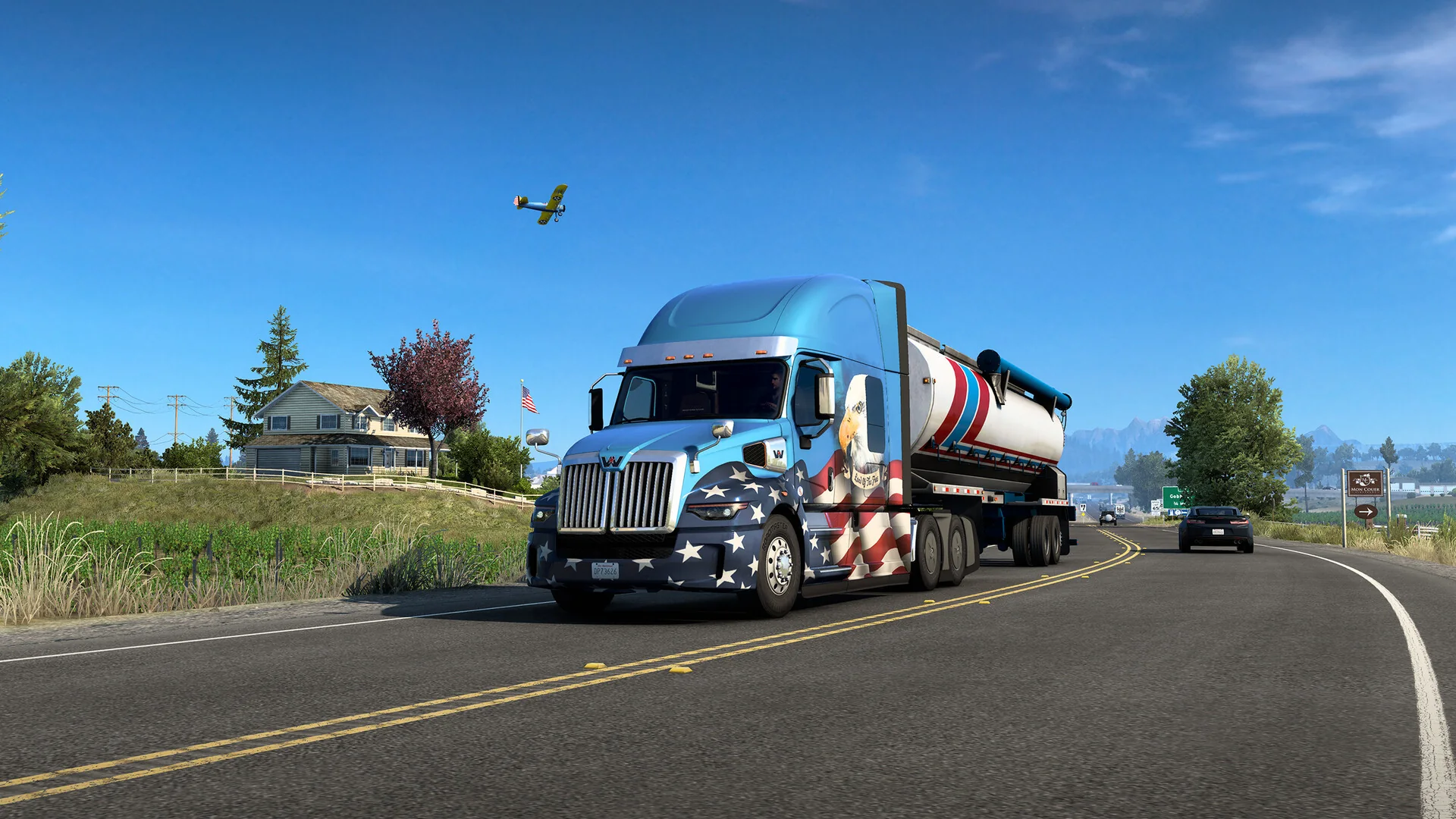


How to Download American Truck Simulator on Windows
American Truck Simulator is sold on Steam. The base game needs about 25 GB of free space.
- Step 1. Install Steam. Get Steam and sign in.
- Step 2. Open the store page. Go to American Truck Simulator on Steam.
- Step 3. Buy the game and add it to your library.
- Step 4. Install it and wait for the download to finish.
- Step 5. Plug in your wheel or controller before you launch the game.
- Step 6. Create a profile, pick your home city and take your first job.
💡 Your PC is too weak? Cloud gaming is an option. Try Boosteroid.
Base Game and Map DLC
Start with the base game. It already includes California, Nevada and Arizona, and every state you add later joins the same map. There is no need to buy anything else on day one.
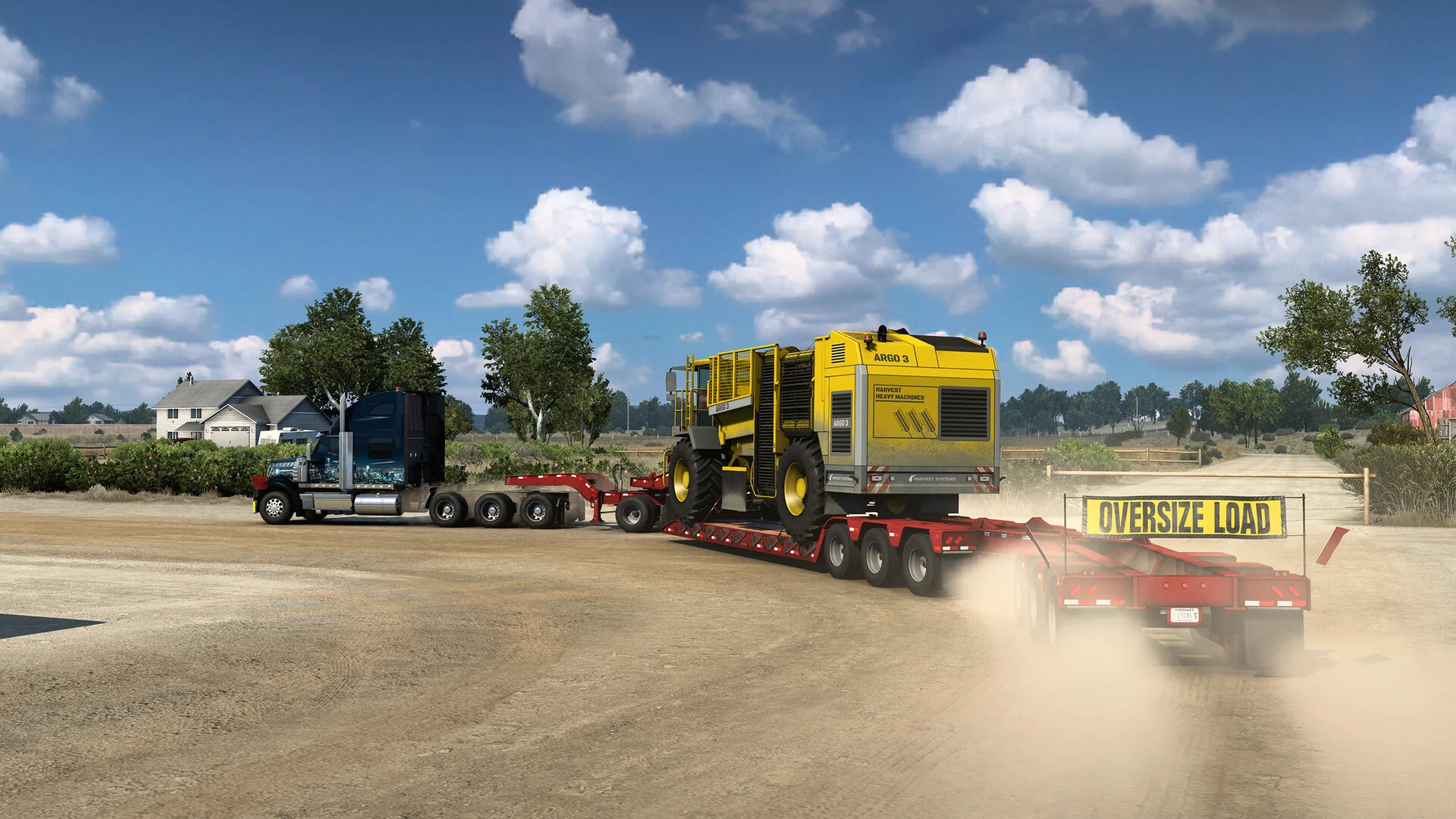
An oversize load from one of the heavy cargo packs.
Steam often bundles the state expansions into collections, and sales cut the price of single states often. If you only plan to buy one, Texas or Oregon make a good first pick, since they add very different scenery to the desert of the base game.
What Is American Truck Simulator?
American Truck Simulator is a trucking simulator. You drive real truck models across a scaled-down version of the United States, delivering cargo for money. It shares its engine and design with Euro Truck Simulator 2, the studio’s European game.

The Golden Gate Bridge in San Francisco.
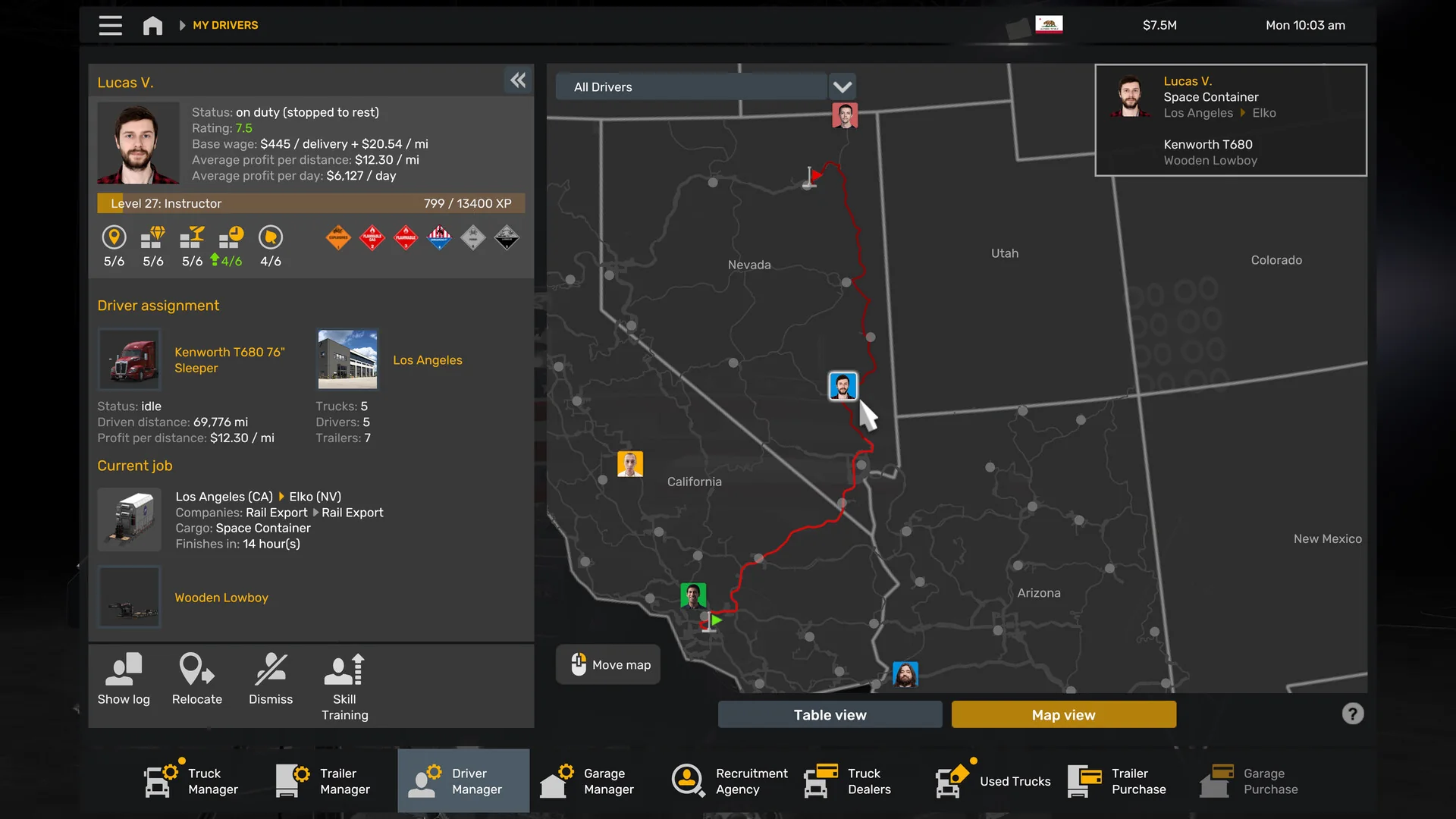
You begin by taking quick jobs, where the company supplies the truck. Each delivery pays and earns experience, which unlocks skills such as hazardous cargo, long distance runs and fragile loads. Once you can afford it, you buy a truck, then garages, then hire drivers who earn money for you while you drive.
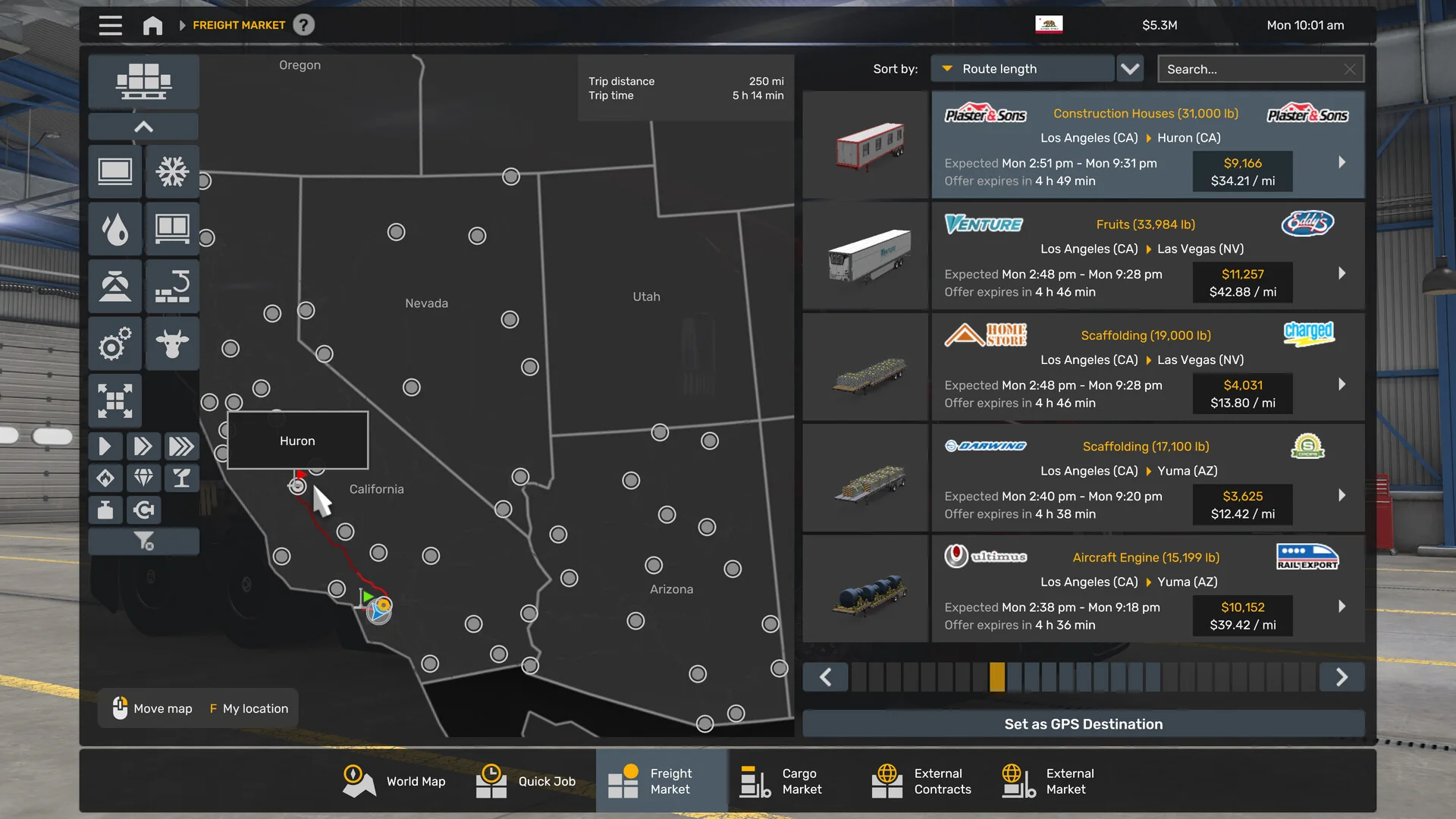
The freight market, where you pick your next job.
The roads follow real rules. Police fine you for speeding or running a red light, weigh stations check your load, and you need to rest when your driver gets tired. You can tune each of these in the settings, from full simulation to a more relaxed drive.
Your truck is also your project. You can swap the cab, chassis, engine and transmission, then paint it and add lights, horns and interior parts. Photo mode lets you take shots of your rig and share them on World of Trucks, SCS’s free online community.
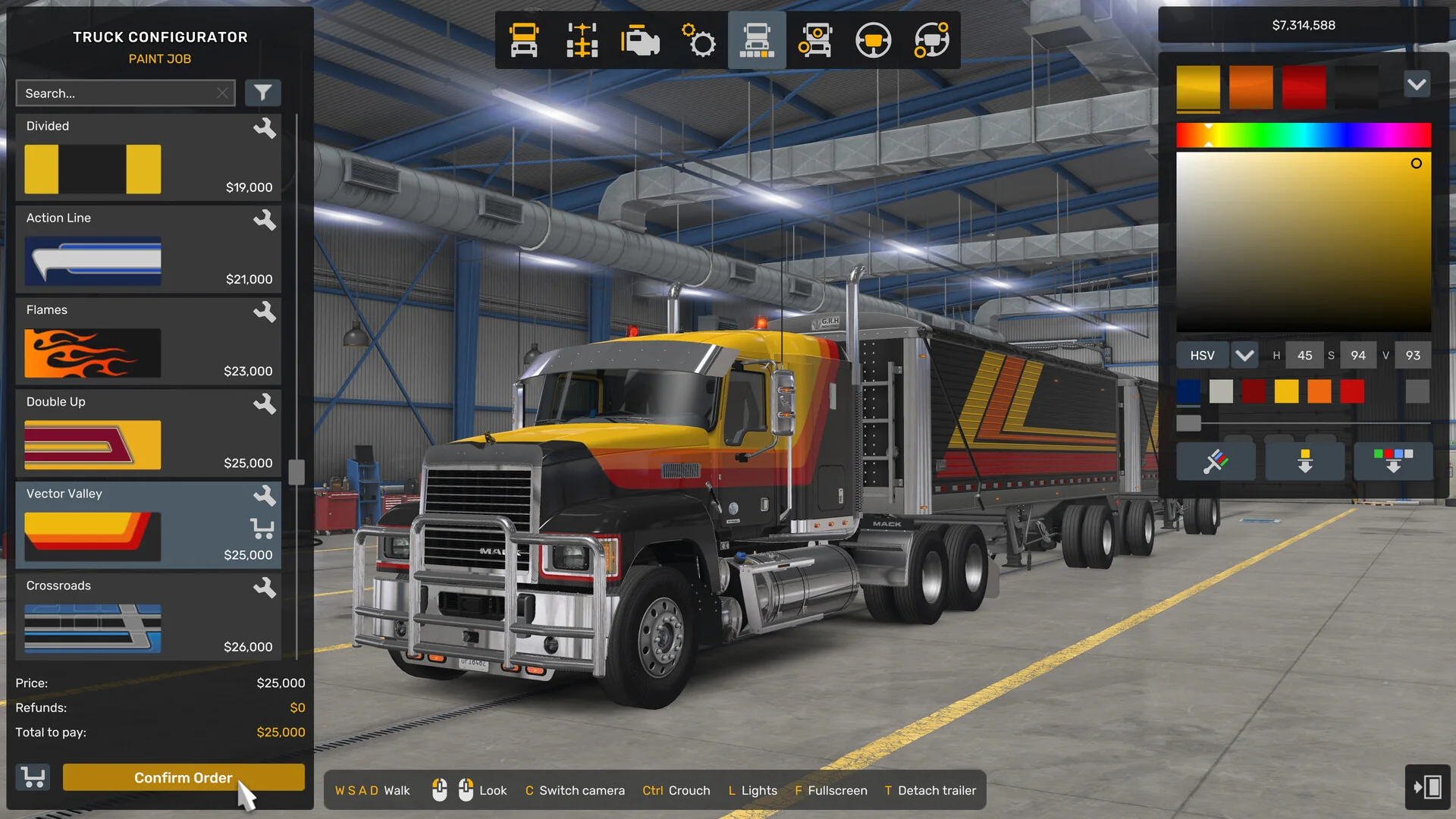
Picking a paint job in the truck configurator.
Official Trailer
Watch the official American Truck Simulator trailer to see the reworked California, the trucks and the long highway drives up close.
Key Features
Drive real models from Peterbilt, Kenworth, Freightliner, Mack, Volvo and more.
Start in the West, then add state expansions that join the same road network.
Buy trucks and garages, hire drivers and watch them earn money for you.
Change engines, transmissions, cabs, paint and lights in the garage.
Drive with friends, take the same job and haul it together.
Add new trucks, sounds, traffic and maps with one click.
Is This Game for You?
Our Take
🎮 Our Take
American Truck Simulator does one thing and does it very well: it makes a long drive feel worth doing. The trucks are detailed inside and out, the roads look like the real places, and the slow loop of picking a job, planning a route and parking the trailer is oddly calming. Years of updates have reworked older areas like California, so the base map does not feel like a 2016 game. The weak spots are the AI traffic, which can act strangely at junctions, and the cost of buying many states if you want the whole map.
If you like relaxing games, driving or building something slowly, buy the base game and play it for a while before adding states. If you want speed, action or a story, this is not your game, and a racing game will suit you better.
System Requirements
American Truck Simulator runs on modest hardware. The minimum spec is an Intel Core i5-6400, 8 GB of RAM and a GeForce GTX 660, with 25 GB of free space for the base game. Each state expansion adds to that, so leave extra room if you plan to buy several.
Heavy graphics mods and dense traffic mods ask more of your PC than the base game does. Thinking of a new gaming PC? See our Best Gaming Desktops guide.
Tips for Beginners
Start with quick jobs
The company lends you a truck and pays for fuel and damage, so you earn money without risk.
Spend early skill points on long distance
Longer runs pay much more, and that skill unlocks them fast.
Turn on the route advisor and GPS
Keep the mini map open so you see turns and exits well before you reach them.
Rest before the fatigue warning
Sleep at a rest stop or truck stop. Driving tired makes your view blur and blink.
Use easy parking at first
Pick the easiest parking spot at delivery until you can reverse a trailer with confidence.
Best American Truck Simulator Mods to Start With
Mods are a big reason people keep playing American Truck Simulator for years. The Steam Workshop is built into the game, and the in-game Mod Manager turns each mod on or off per profile. Thousands of free mods add trucks, trailers, sounds, traffic and even whole new maps.
These five are among the most subscribed on the Workshop, are kept up to date by their makers and do not hand out free money, so they will not spoil your career.

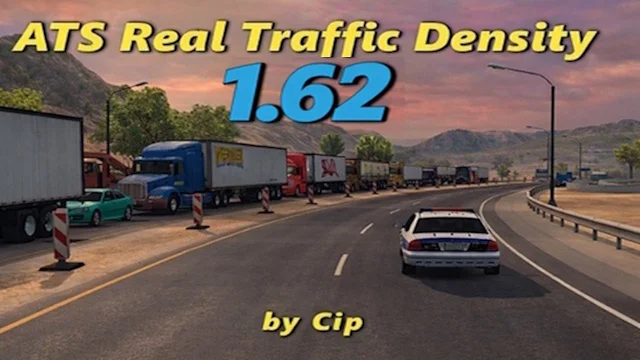
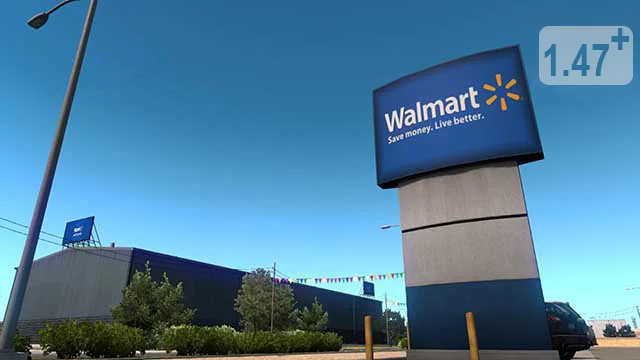

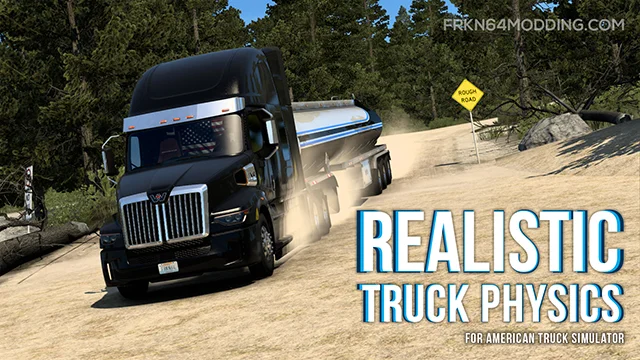
How to install mods on PC
- Step 1. Open a mod’s Workshop page and click Subscribe.
- Step 2. Launch the game and let Steam download the mod.
- Step 3. Open the Mod Manager from the profile screen.
- Step 4. Move the mod to the active list and confirm the changes.
- Step 5. Manual installs go as a .scs or .zip file into Documents\American Truck Simulator\mod.
After a big game update, some mods stop working until their makers update them. Check that your mods support your game version before you load a save, and keep a backup of your profile. In Convoy, players need the mods the host sets as required.
American Truck Simulator Screenshots
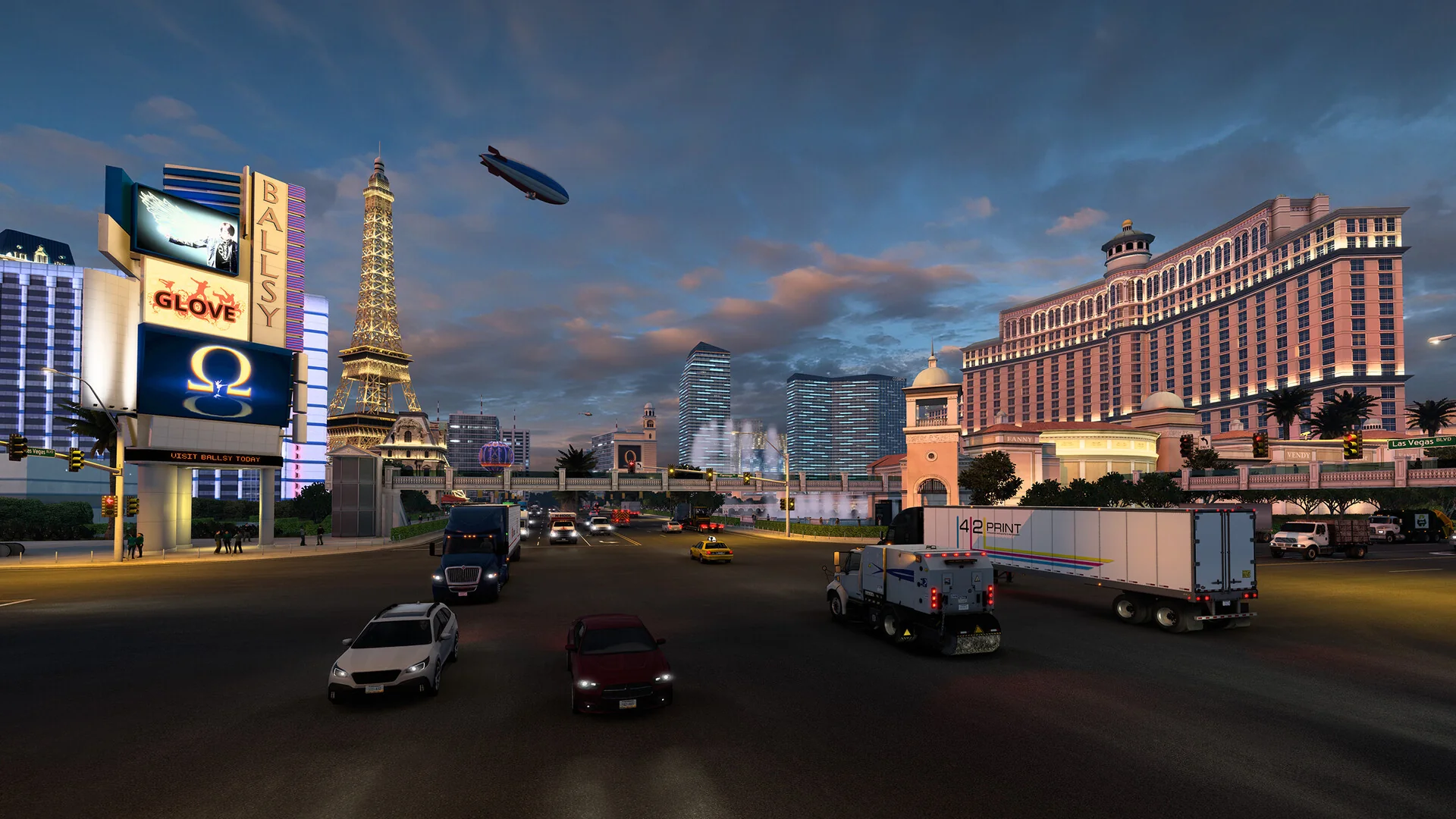
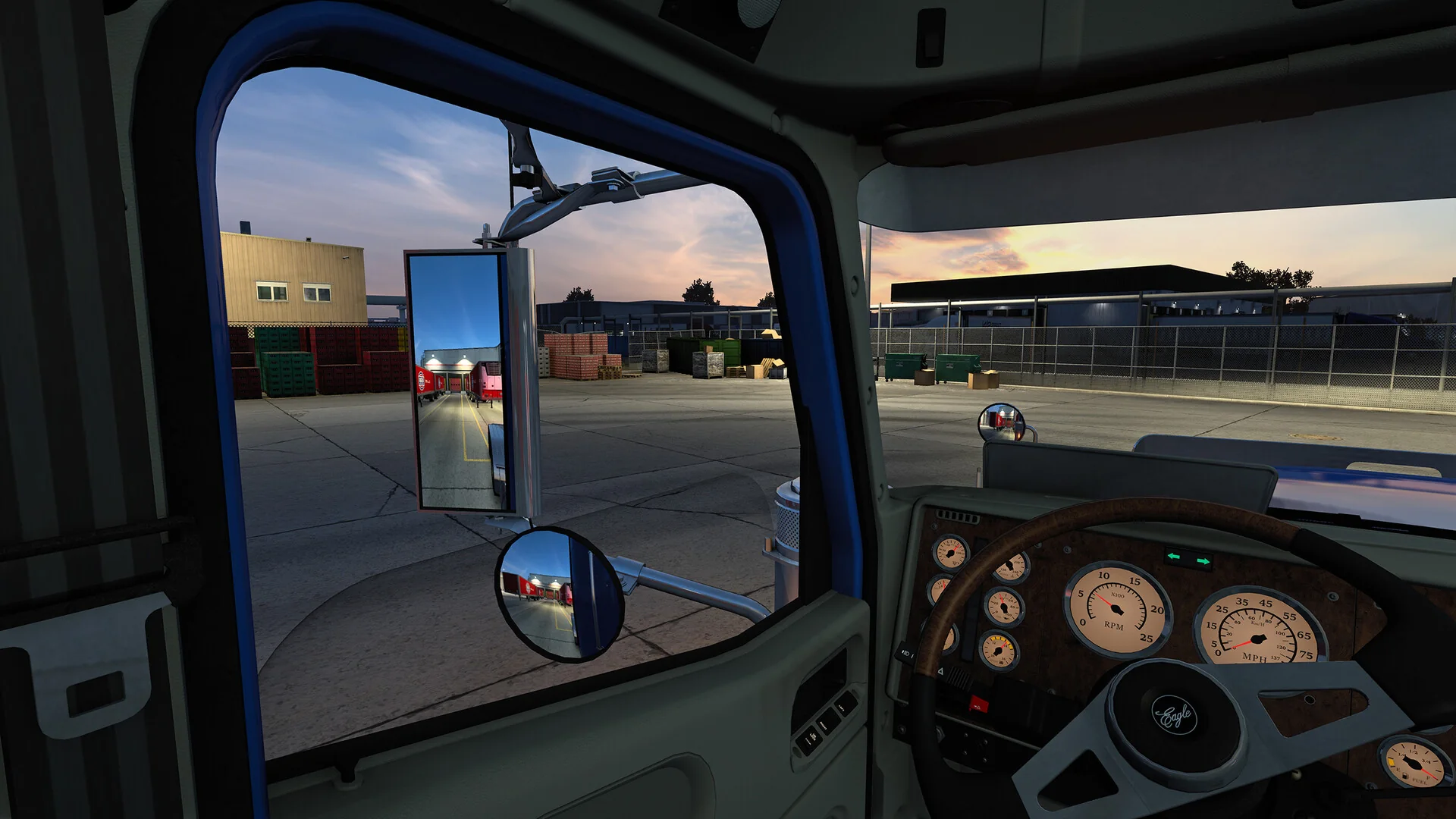
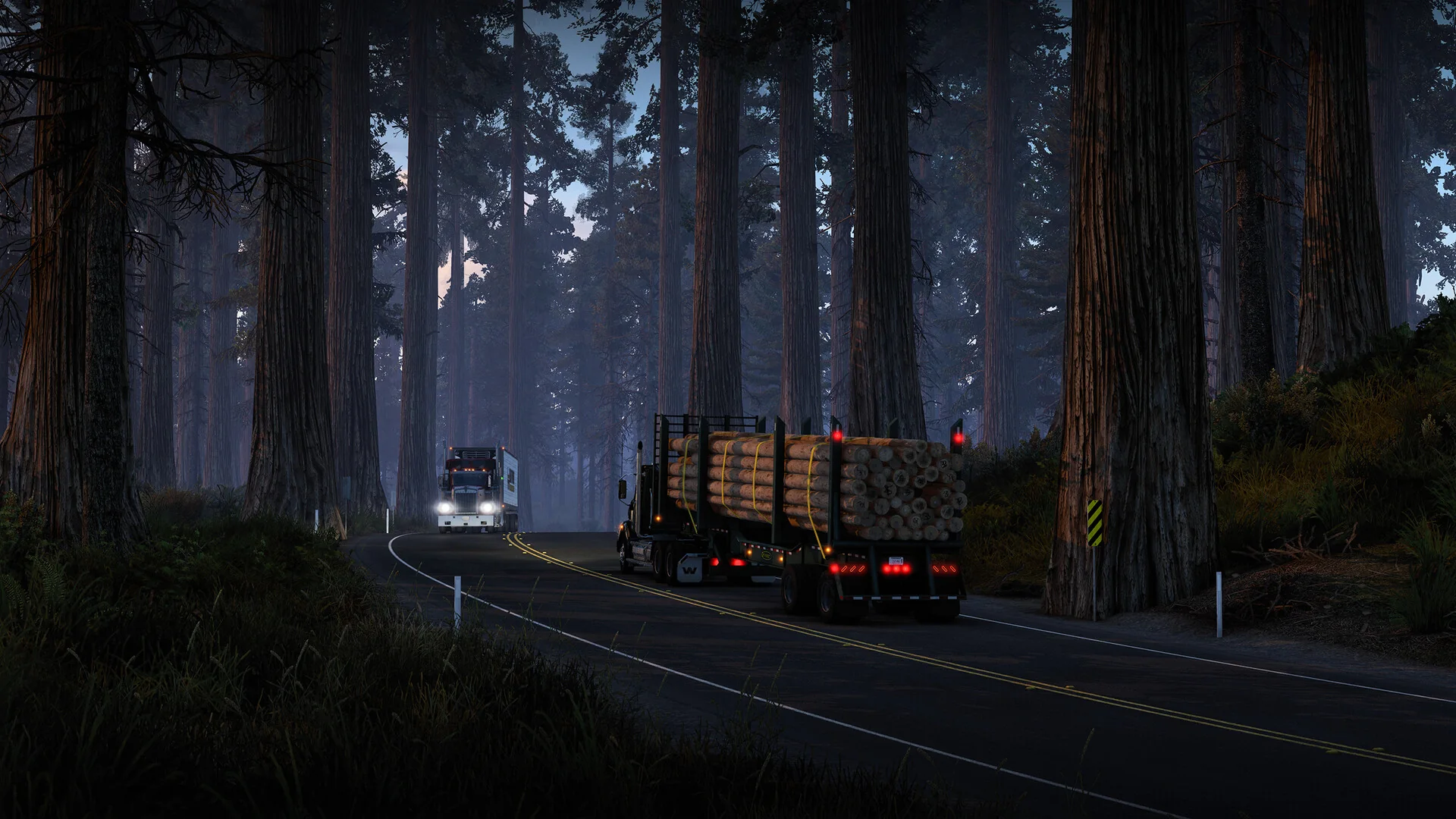
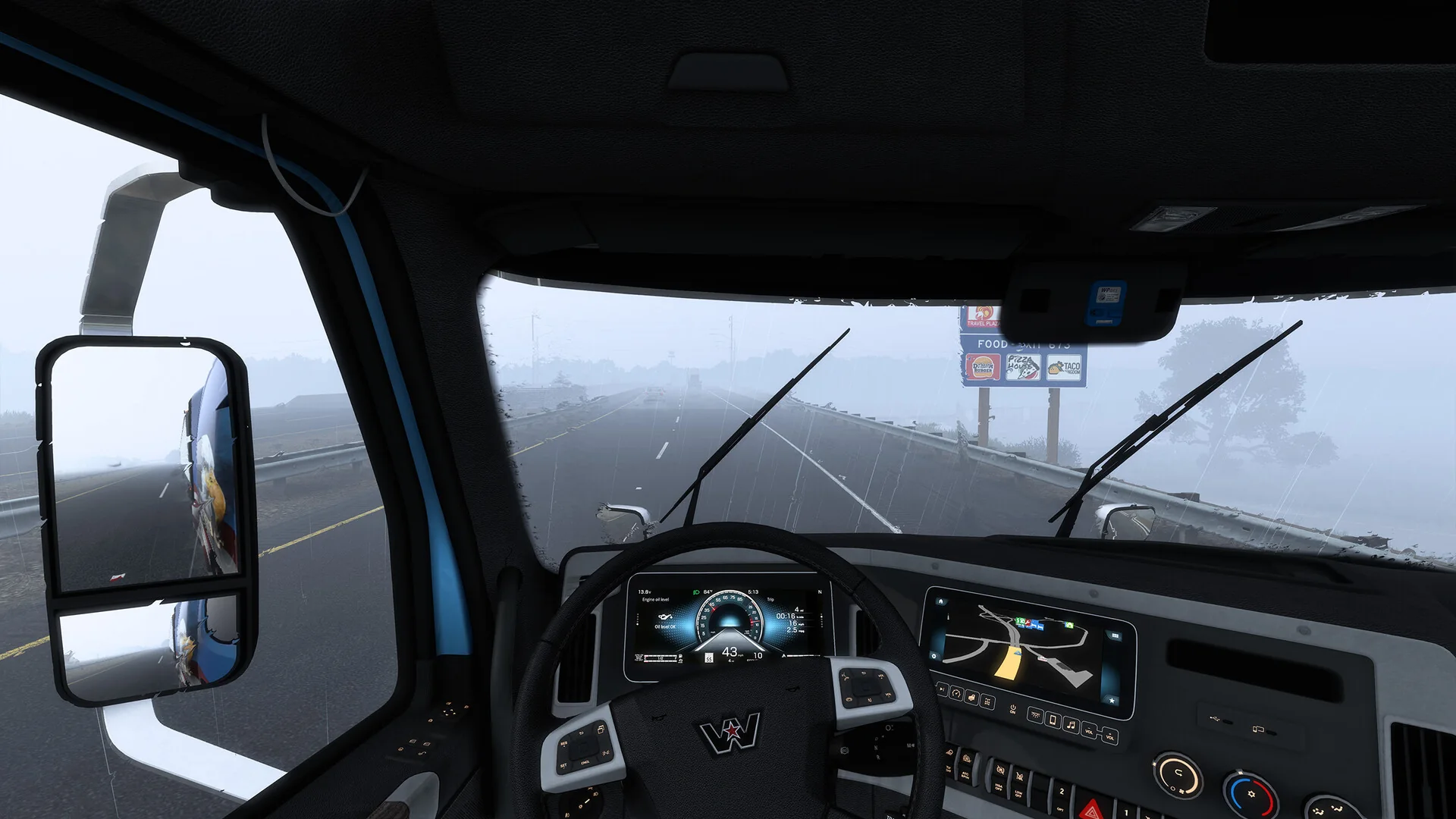
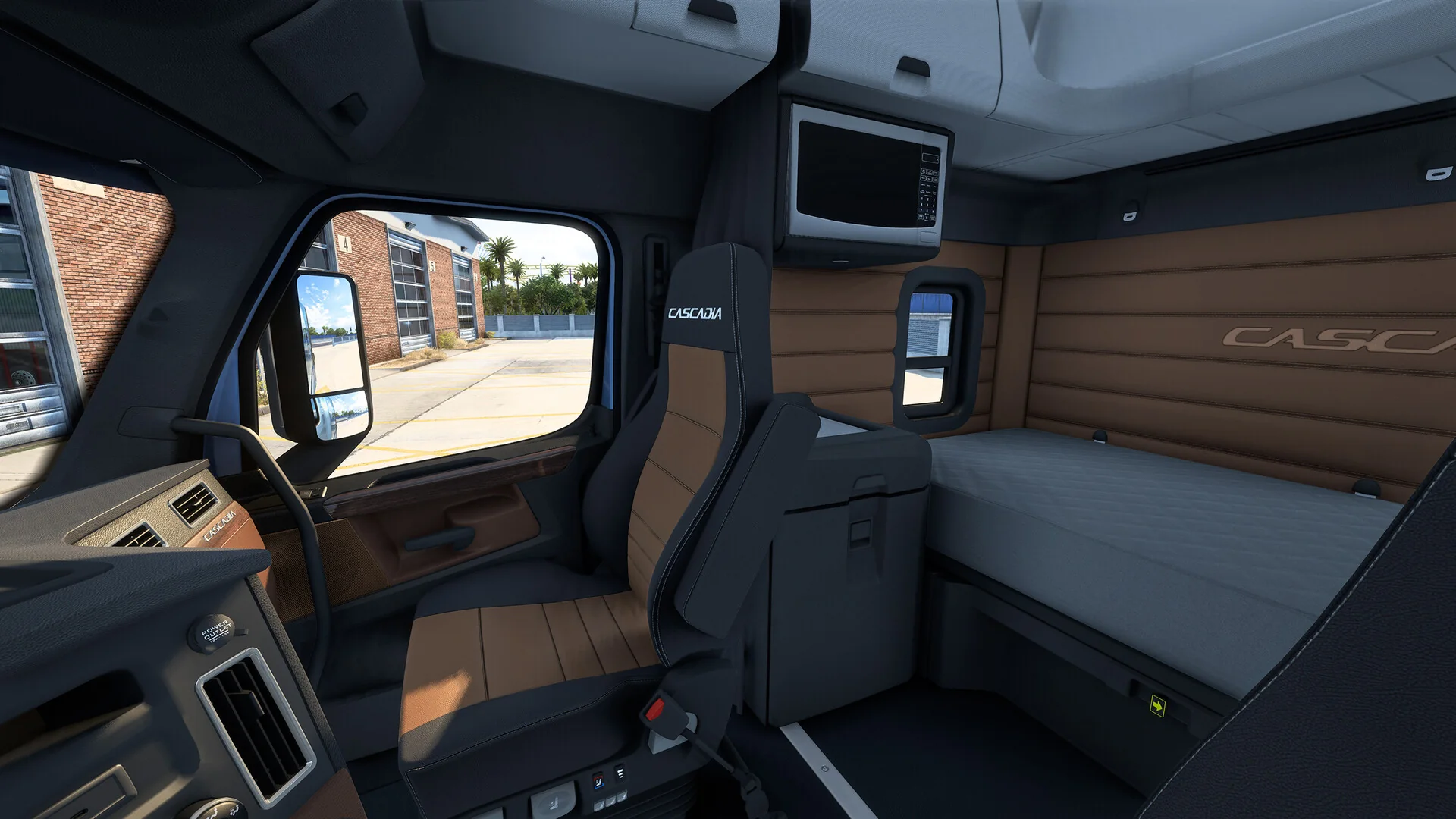
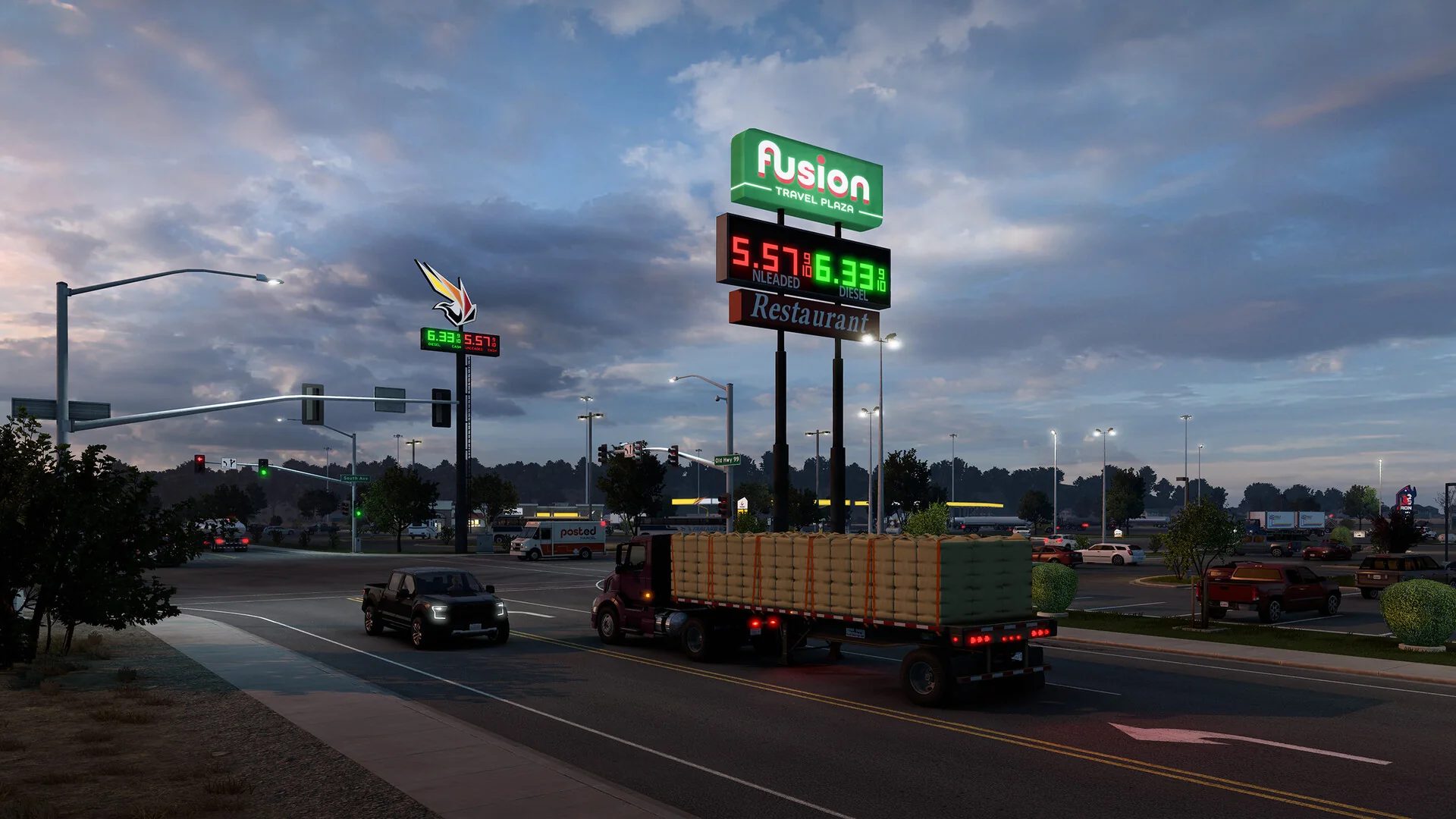
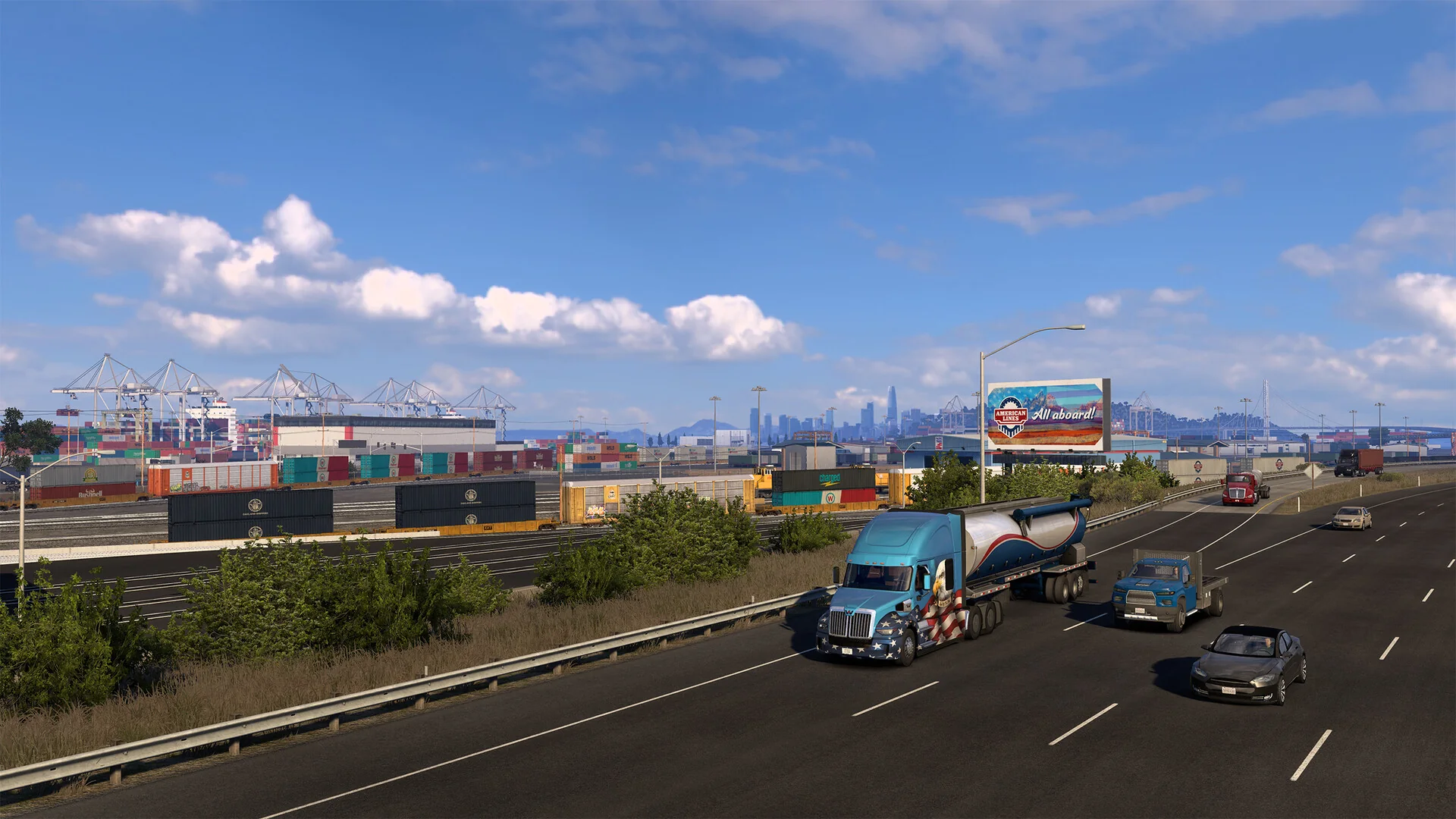
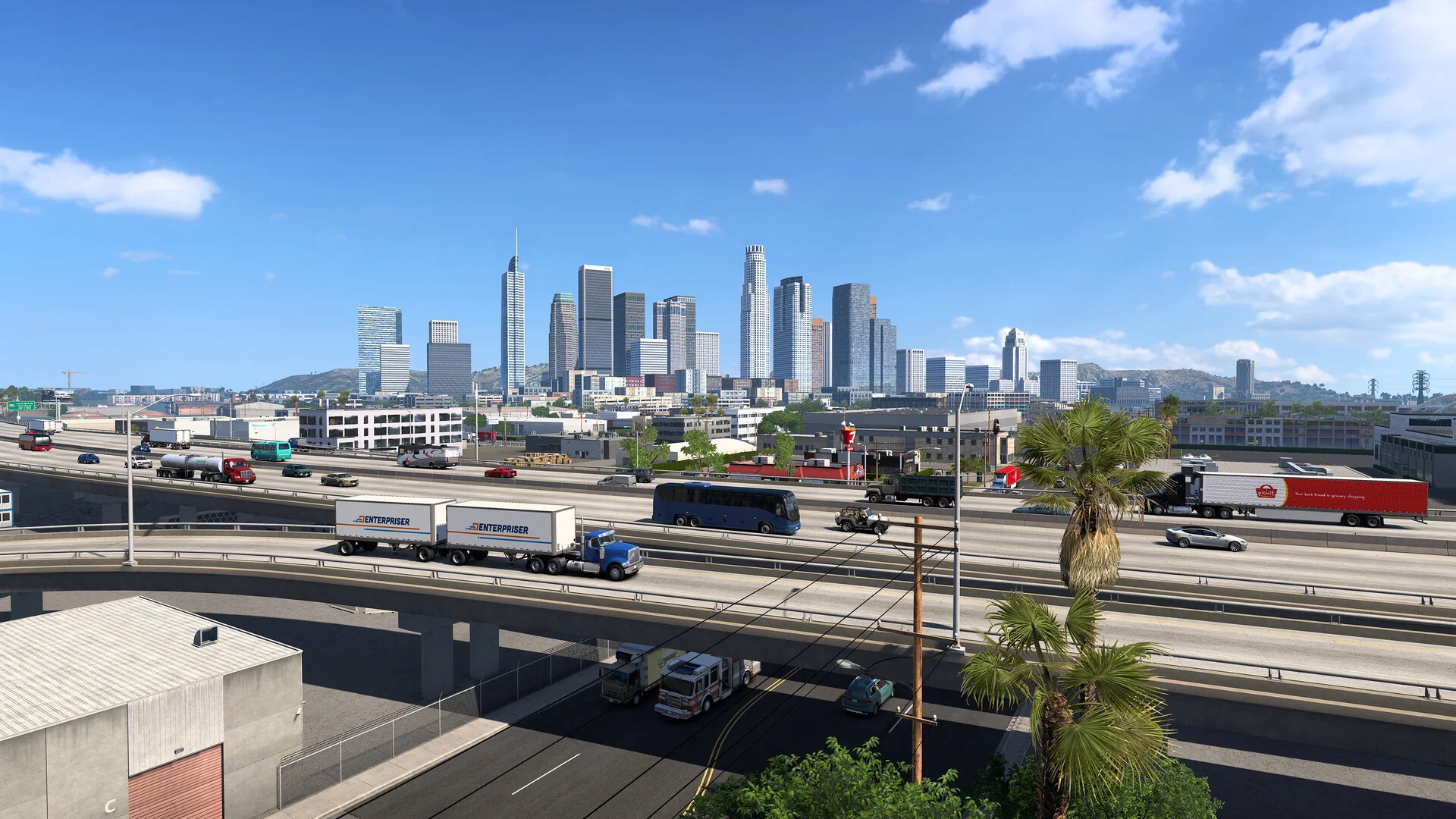
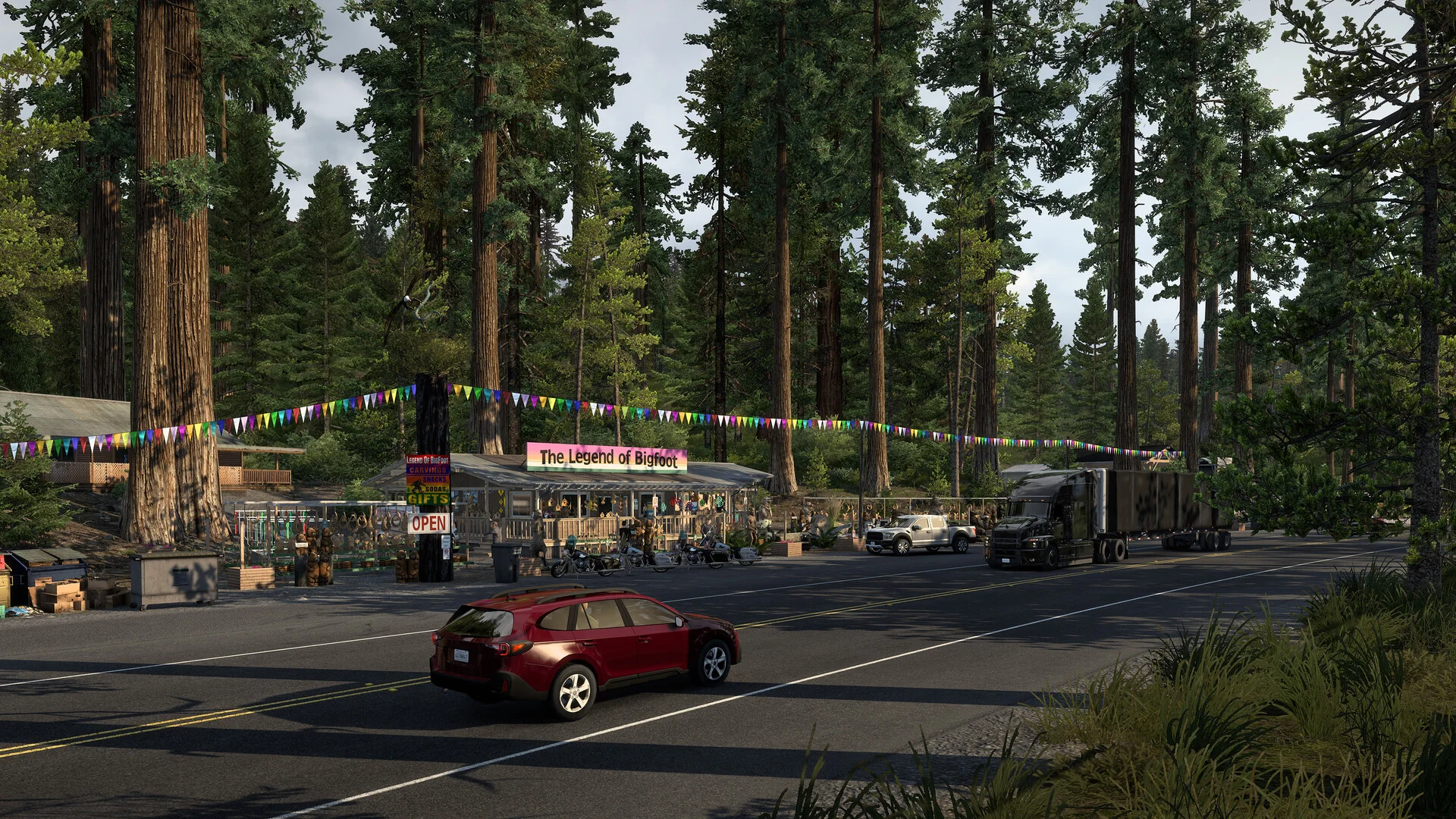
The Las Vegas Strip, Los Angeles by day and night, redwood forests, the cab and sleeper interiors and the company manager. Click any image to open it full size.
-

- Ats las vegas strip from
-
- Ats cab view sunset from
-
- Ats redwood logging from
-
- Ats rainy cab view from
-
- Ats sleeper cab from
-
- Ats gas station from
-

- Ats los angeles night from

-
- Ats company manager from
-
- Ats port highway from
-

- Ats los angeles skyline from
-
- Ats forest town from
American Truck Simulator FAQ
Does American Truck Simulator have multiplayer?
Can you play American Truck Simulator with a keyboard, controller or steering wheel?
Is American Truck Simulator on Epic Games or GOG?
Do I need the map DLC to enjoy American Truck Simulator?
Does American Truck Simulator run on Windows 11?
What are the American Truck Simulator system requirements?
Support and Community
- The official American Truck Simulator website, SCS Software’s home for the game, its trucks and its map expansions.
- The SCS Software blog, for update notes, new states and behind-the-scenes posts.
- World of Trucks, SCS’s free online community for photos, events and your custom license plate.
- The Steam Workshop, the main hub for American Truck Simulator mods.
- TruckersMP, a fan-run multiplayer client with large public servers.
- News and announcements on Steam, for updates and events.
- Steam discussions, for questions and bug reports.
- r/americantruck on Reddit, to share screenshots, routes and tips.
Explore more Windows games: Euro Truck Simulator 2 for Windows · SnowRunner for Windows · Farming Simulator 25 for Windows · Car Mechanic Simulator for Windows · Microsoft Flight Simulator for Windows · Best Simulation Games on PC · Best Racing Games on PC
Discover more from Windows Mode
Subscribe to get the latest posts sent to your email.











Add your first comment to this post