
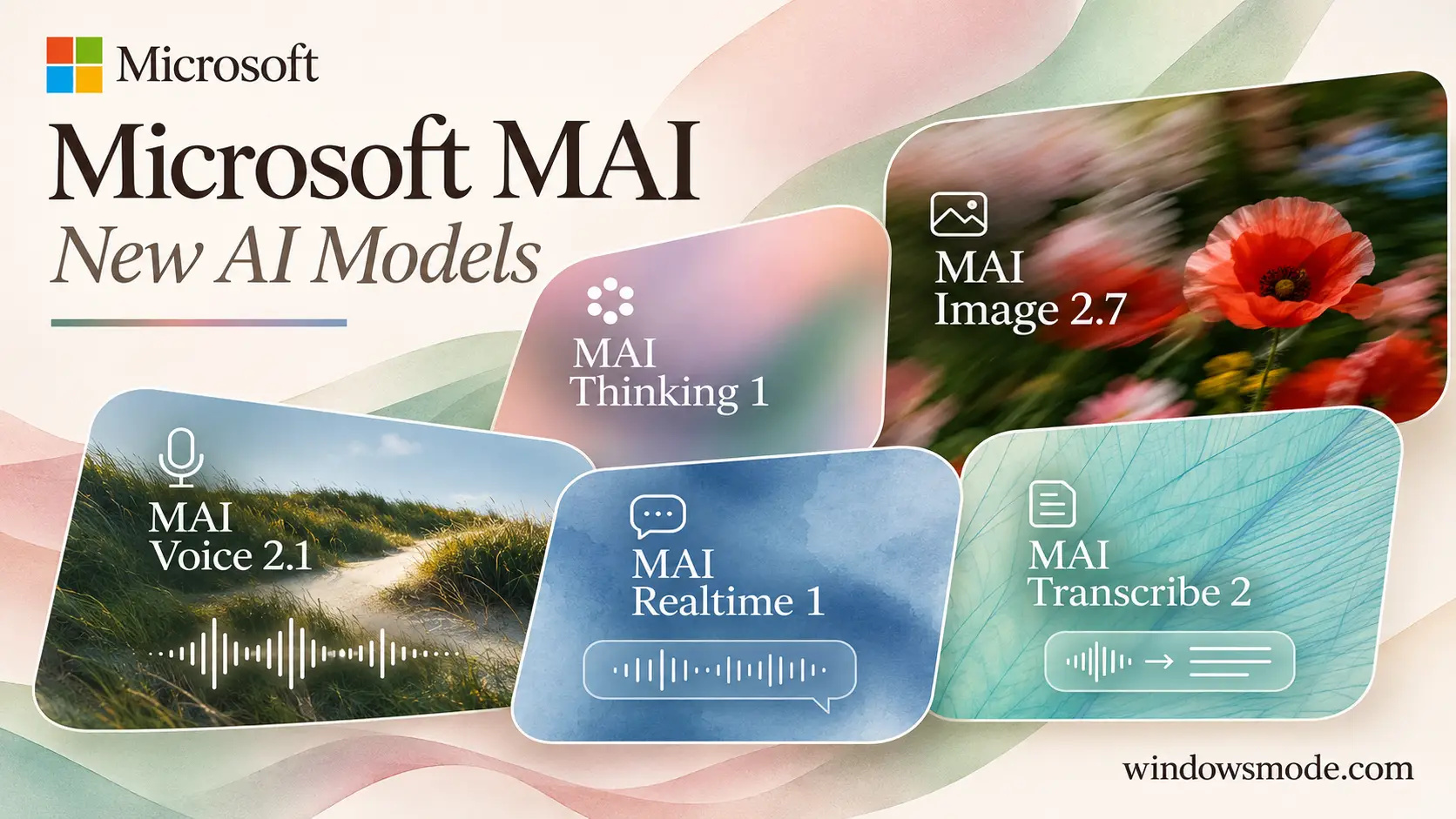
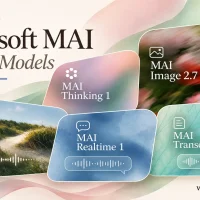
Microsoft’s MAI model family: Thinking, Image, Voice, Realtime and Transcribe.
MAI models are the AI models Microsoft builds itself, through its Microsoft AI team, instead of licensing them from OpenAI or anyone else. There is one for reasoning, one for code, one for security, one for images, and three for speech and voice.
Several of them launched at Microsoft Ignite on November 17, 2026. Most of them you can try for free in your browser, in MAI Labs, with just a Microsoft account. Developers can build with them in Microsoft Foundry, and the coding models are already inside GitHub Copilot.
Microsoft pitches the whole family on price: results close to the top models from other companies, for a smaller bill. We cannot check those benchmark claims ourselves, so we flag them as Microsoft’s numbers.
Below: each model with a screenshot, what it is good at, and exactly where to try it. Questions? Reach out to us directly.
What Are Microsoft’s MAI Models?
MAI stands for Microsoft AI, the team inside Microsoft that builds its own AI models. For years, most of Microsoft’s AI ran on OpenAI models. The MAI family is Microsoft making its own, so it can pick the right model for each job and keep costs down.
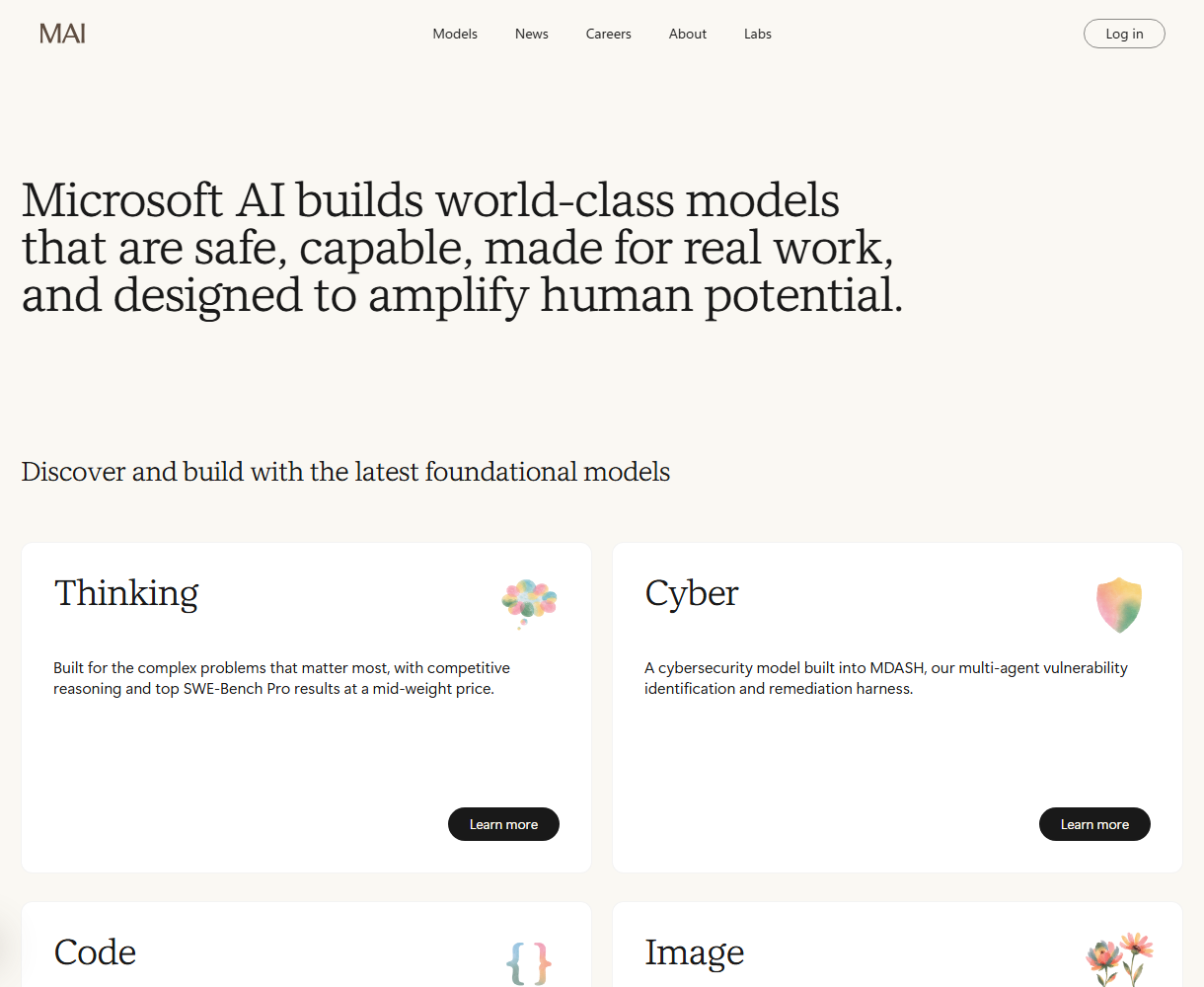
The models page on microsoft.ai groups the family by job: Thinking, Cyber, Code, Image, Transcribe, Voice and Realtime.
There are three ways in, depending on who you are:
MAI Labs
Free try-it boxes right on each model page, at labs.microsoft.ai. Sign in with a Microsoft account. For personal use only, and you must be 18 or older.
Microsoft Foundry
Microsoft’s cloud platform for developers (see our Microsoft Foundry guide). You deploy a model and pay for what you use.
Microsoft products
Some MAI models run inside apps you may already use, like GitHub Copilot, Bing Image Creator and Dragon Copilot.
Model names move fast. The version numbers below are the ones on microsoft.ai in November 2026. Microsoft ships updates every few months, so check the models page for the latest.
MAI Models at a Glance
MAI Thinking 1: Reasoning for Hard Problems
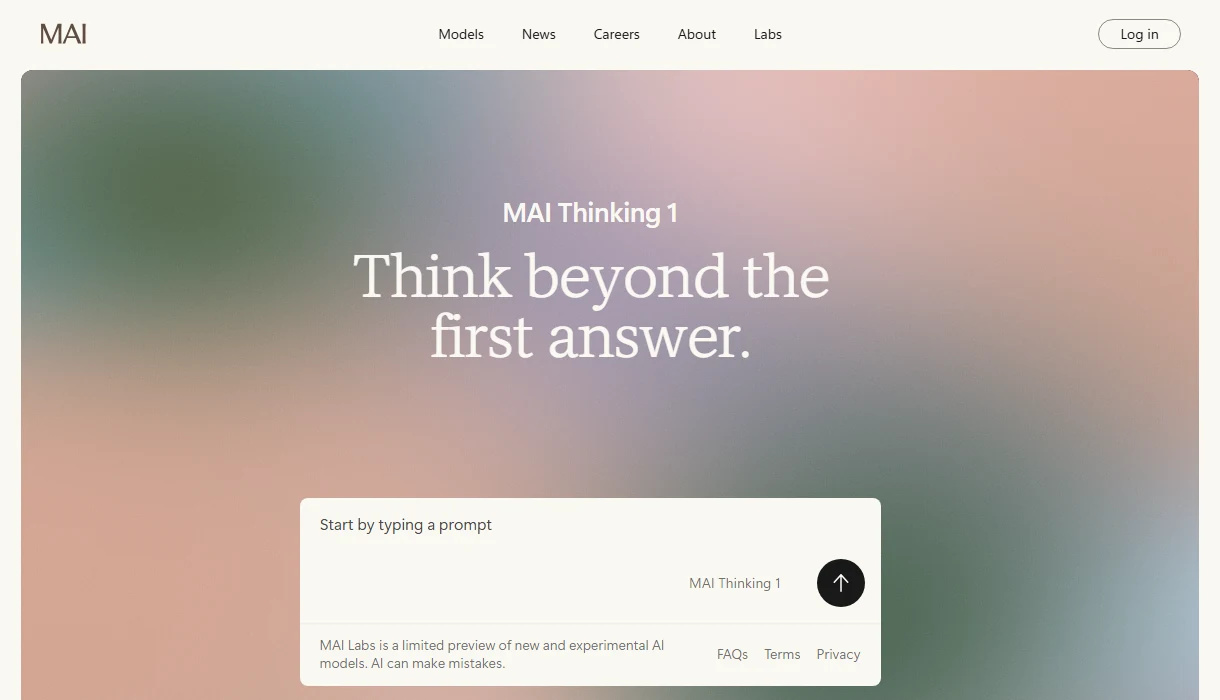
The MAI Thinking 1 page, with its MAI Labs prompt box.
MAI Thinking 1 is Microsoft’s reasoning model, built to plan before it answers. It breaks a messy question into what is known, what is assumed and what still needs a decision, then gives you a structured answer instead of a wall of text.
You can tell it how hard to think: a quick pass for simple questions, or a long one for complex work. Microsoft launched it on August 12, 2026, and aims it at analysis, software design and long documents.
Long documents, planning, coding questions, step-by-step analysis
About 1 trillion parameters, with only 35 billion working on each request, which keeps it cheaper to run
MAI Labs lets you attach up to five PDF, Word or text files, each up to 50 MB
MAI Code 2 and Code 2 Flash: Coding Models in GitHub Copilot
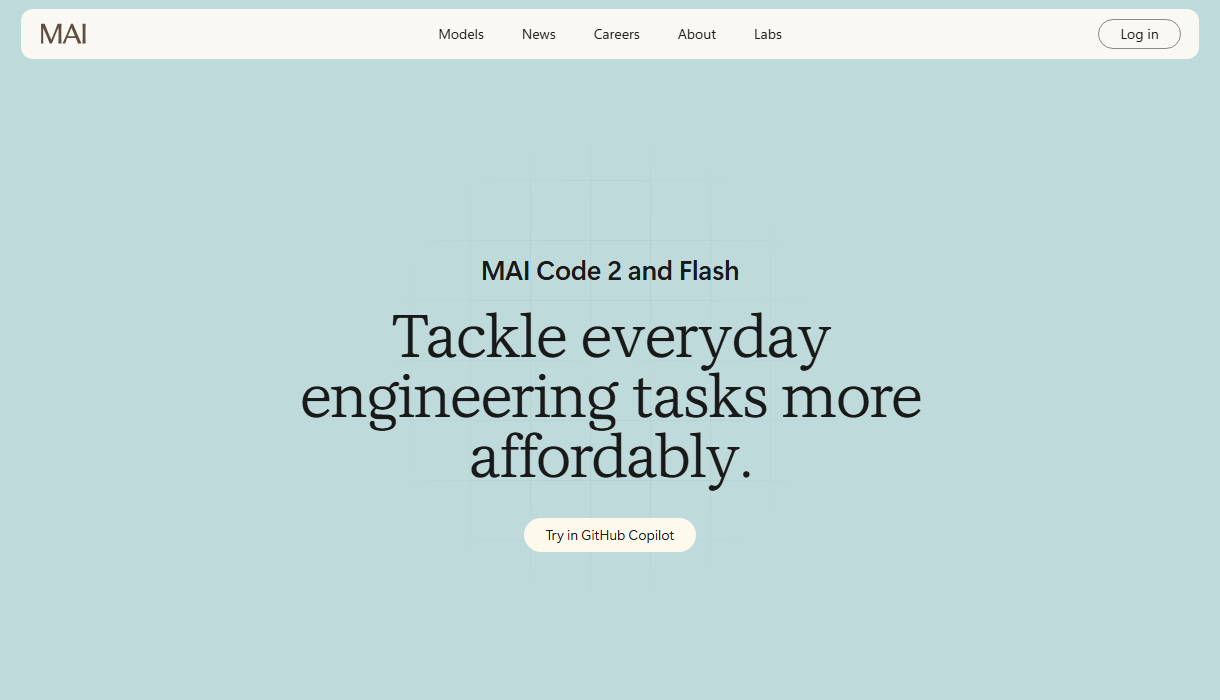
The MAI Code 2 page sends you straight to GitHub Copilot.
MAI Code 2 handles the real coding work: multi-file changes, deep debugging, building user interfaces and getting code ready to ship. Code 2 Flash is the lighter version for quick edits, code explanations and routine fixes, where speed and cost matter more.
Both launched at Ignite and both are available in GitHub Copilot, where you pick them from the model menu. By Microsoft’s own numbers, Code 2 comes close to the top coding models from other companies at a small share of their cost.
Everyday coding, bug fixes, multi-file edits, front-end work
GitHub Copilot now. Code 2 Flash is in limited preview in Foundry, and Code 2 is coming to Foundry
AT&T and Woven by Toyota trained their own versions of Code 2 Flash on their code
MAI Cyber 2 Flash: Security Scanning for Defenders
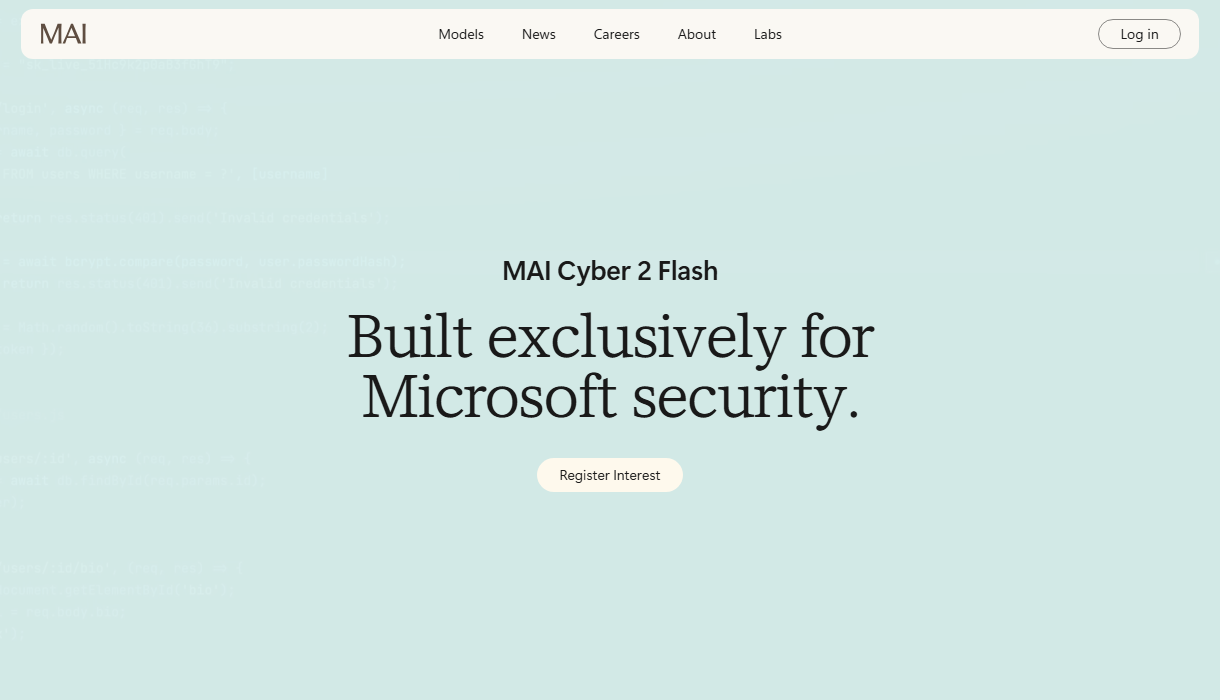
MAI Cyber 2 Flash is not open to the public. Companies register interest instead.
MAI Cyber 2 Flash finds real security holes in code, proves they are real, and suggests a fix. It does not run on its own. It works inside Codename MDASH, Microsoft’s security system, where more than 100 AI agents scan a codebase, filter out false alarms and build a test that reproduces each bug.
Microsoft says Cyber 2 Flash handles up to 90% of those tasks, leaving only the hardest cases to bigger models. We covered how this is changing Windows patching in AI Speeds Windows Vulnerability Management.
Finding, checking and fixing vulnerabilities in large codebases
Verified security teams, through Microsoft security products only
Eligible customers get it in place of the older model starting mid-December 2026
MAI Image 2.7 and 2.7 Flash: Create and Edit Images
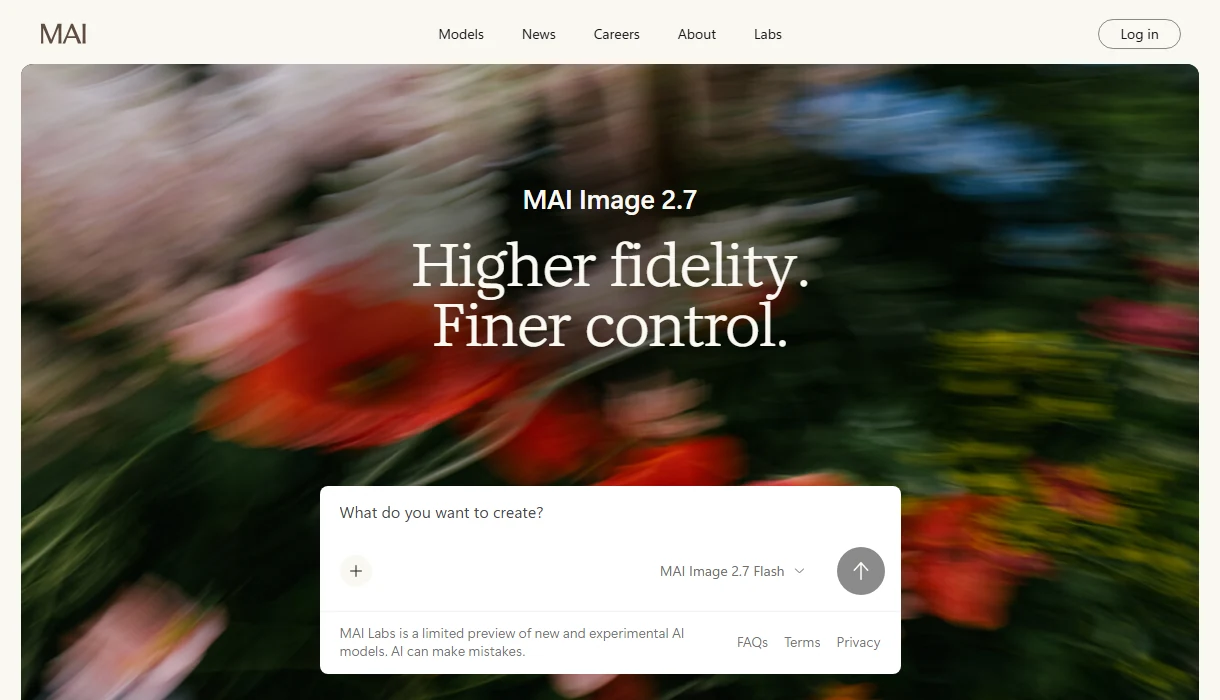
The MAI Image 2.7 page, with the image box set to the Flash model.
MAI Image 2.7 makes images from a text prompt and edits photos you upload, with fine control over what changes. You can add up to five reference images, keep details you want to protect, and make backgrounds transparent for design work.
Image 2.7 Flash is the cheaper, faster version, and it powers Canvas, a new image workspace in MAI Labs. Bing Image Creator also uses the MAI Image family by default, so you may already have used it.
Photo edits, product shots, design-ready images, style changes
In Foundry, about $35 per 1,000 images for 2.7 and about $10 for 2.7 Flash, at 1024 x 1024
fal, OpenRouter, Vercel and Genspark, plus Figma Weave for designers
Watch this short demo from fal, one of Microsoft’s launch partners, to see MAI Image 2.7 create and edit images.
MAI Transcribe 2: Accurate Speech to Text
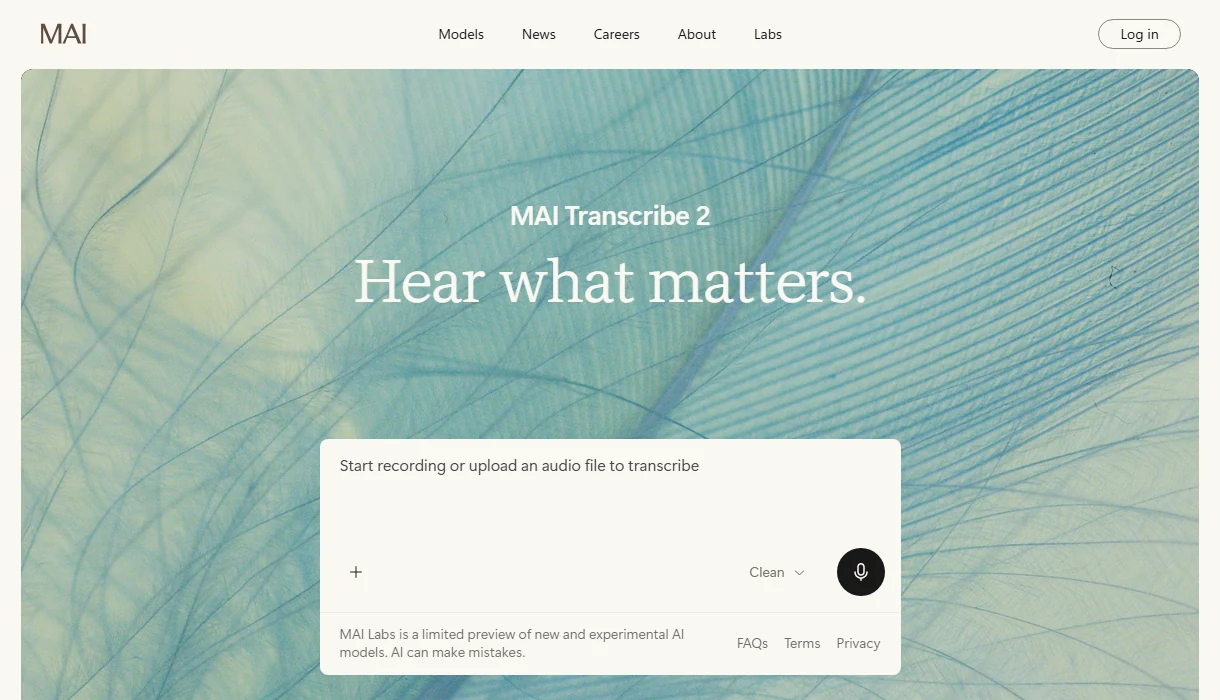
Record or upload audio right on the MAI Transcribe 2 page.
MAI Transcribe 2 turns recordings into written transcripts in 60 languages, even with background noise. It detects the language on its own, copes with people switching languages mid-sentence, labels who is speaking, and marks the time of every word.
Microsoft released it on September 3, 2026. It also powers Dragon Copilot Transcribe, the note-taking tool Microsoft sells to doctors and hospitals.
Meetings, interviews, podcasts, calls with industry terms
In MAI Labs, record with your mic or upload one MP3 or WAV file up to 25 MB and 60 minutes
Microsoft Foundry, Azure Speech, MAI Playground and OpenRouter
MAI Voice 2.1 and 2.1 Flash: Natural Text to Speech
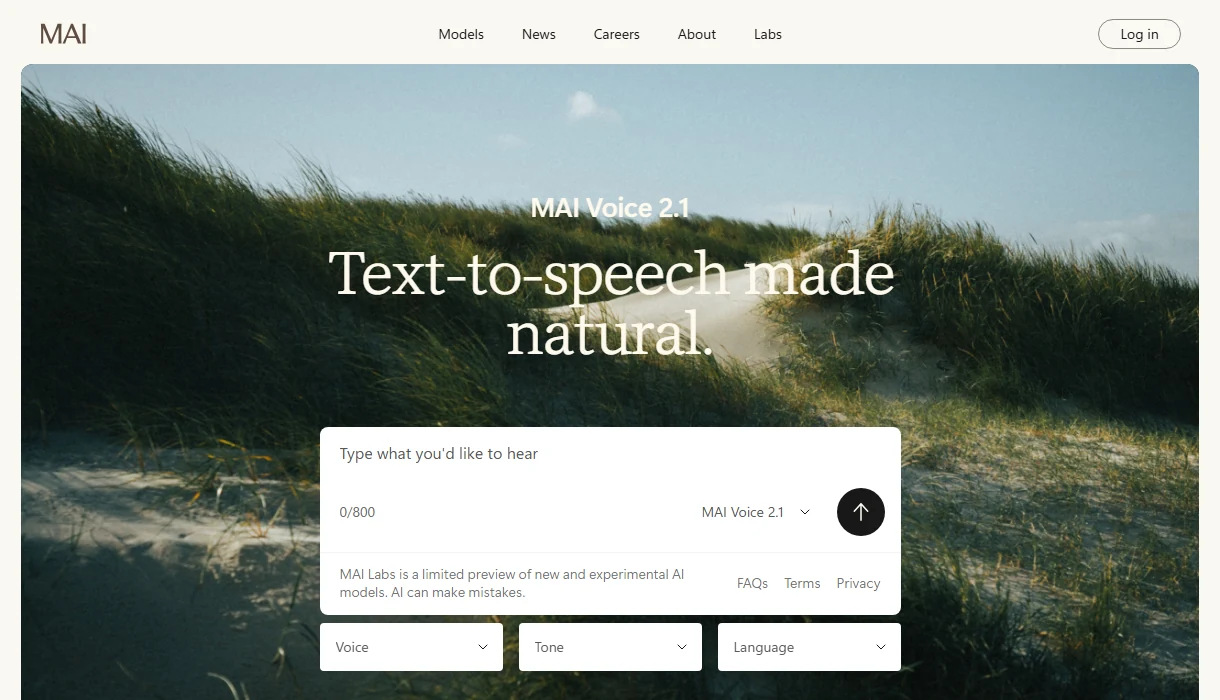
Type up to 800 characters and pick a voice, tone and language on the MAI Voice page.
MAI Voice 2.1 reads text aloud in a voice that sounds human, in 23 languages. It can also copy a voice from a five-second sample, but only voices that have given consent, and that feature is gated behind approval.
Voice 2.1 is tuned for long-form audio like audiobooks and narration. Voice 2.1 Flash answers faster, for voice assistants and phone menus.
Narration, audiobooks, voice assistants, accessibility
$22 per million characters of text, per Microsoft’s model page
MAI Labs, MAI Playground and Azure Speech (public preview, 14 regions)
Watch Microsoft’s own introduction to MAI Voice 2 to hear what its voices sound like.
MAI Realtime 1: Live Voice Conversations
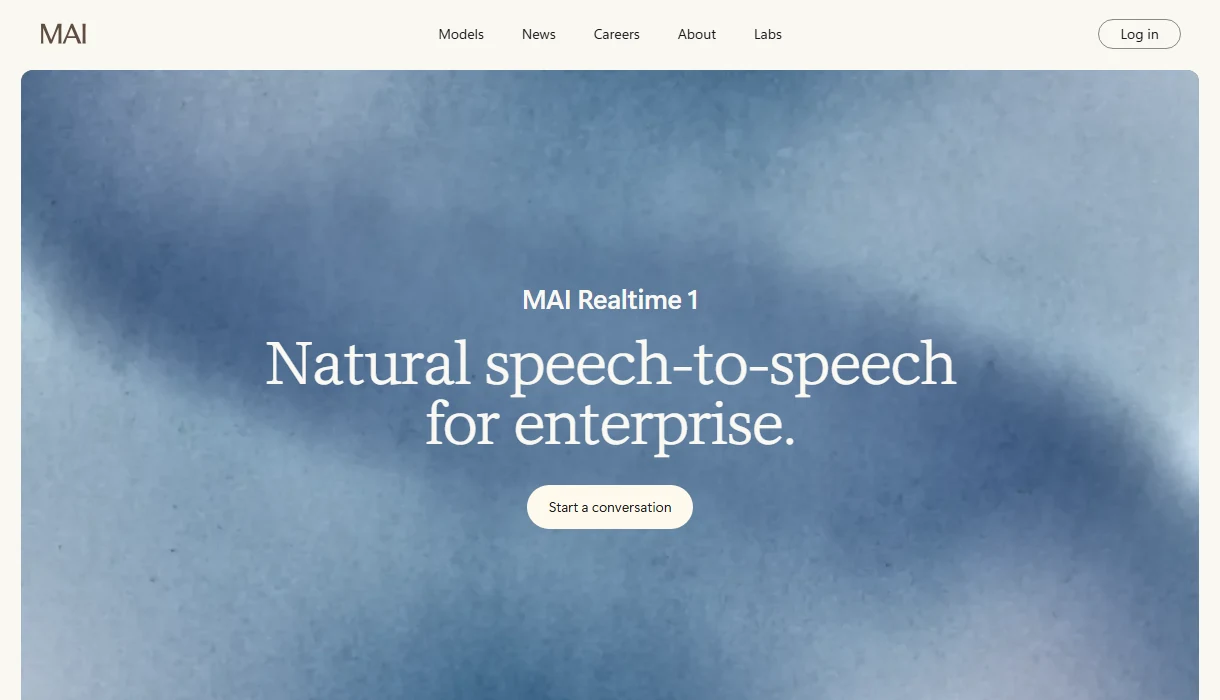
Start a two-minute voice chat with MAI Realtime 1 from its page.
MAI Realtime 1 listens and talks back in one step, so a conversation flows like a phone call instead of waiting on text. It combines MAI’s speech understanding and voices with reasoning, for companies building voice agents such as support lines.
It launched at Ignite and is coming to Dynamics 365 Contact Center and Dragon Copilot. Developers who already use OpenAI’s realtime voice tools can switch with few code changes, since it works with the same interface.
About 880 milliseconds before it starts speaking, per Microsoft
From $0.01 per audio minute, with reasoning billed separately
Two-minute demo chats in MAI Labs, using your microphone
Custom MAI Models for Businesses
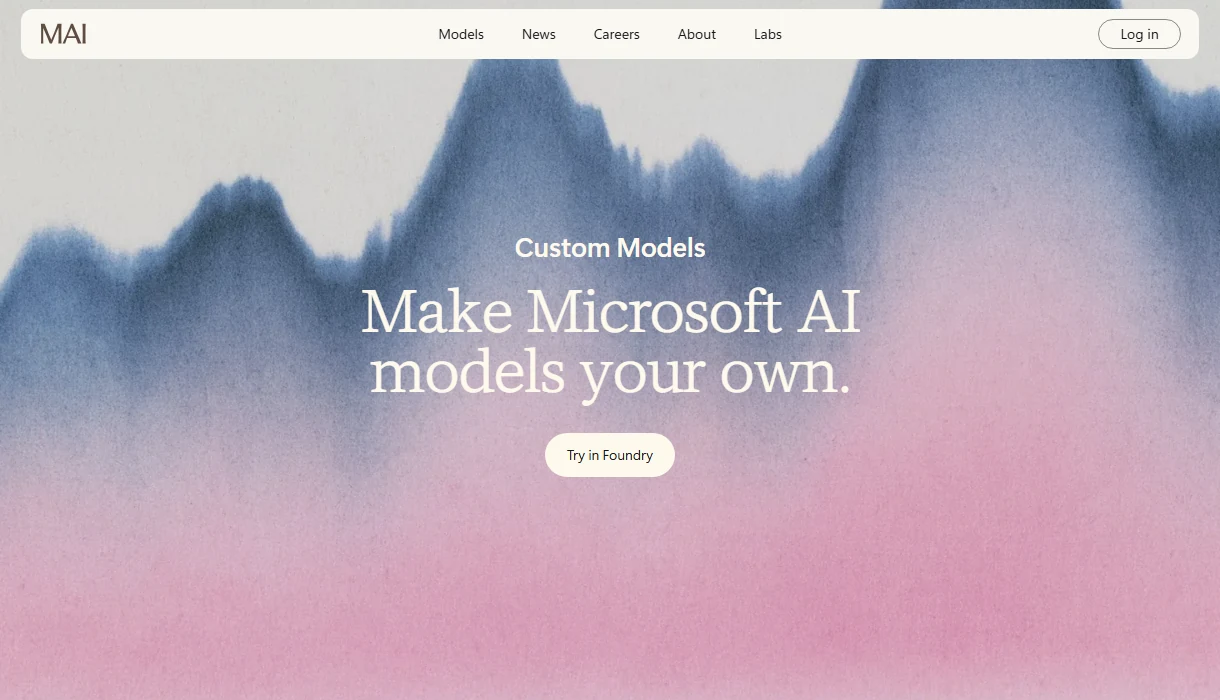
The Custom Models page on microsoft.ai.
Companies can train an MAI model on their own data, so it learns their code, rules and words. Woven by Toyota trained Code 2 Flash on its history of fixes to car software, for example.
At Ignite, Microsoft also announced MAI Licensed Weights: a company gets its own copy of an MAI model and runs it inside its own Azure account. It starts with large customers in Microsoft’s Frontier Company program, through their Microsoft account team.
Which MAI Model Should You Try First?
Our take
For most people, start with MAI Image 2.7 in MAI Labs. It is free, it needs nothing but a Microsoft account, and you see the result in seconds. MAI Voice 2.1 and Realtime 1 are next, because hearing them beats reading about them.
If you write code, pick MAI Code 2 from the model menu in GitHub Copilot and give it a real bug. That is the fairest test of Microsoft’s price claims, because cost per task is exactly what it promises to cut.
Watch Microsoft’s Ignite session on its AI models to see how companies build with them.
Frequently Asked Questions
Are Microsoft’s MAI models free to use?
What is MAI Labs?
Are MAI models the same thing as Microsoft Copilot?
How do developers use MAI models in their own apps?
Who makes the MAI models?
Official Links and Docs
- Microsoft AI models, Microsoft AI’s own page for every MAI model.
- Microsoft AI news, with the launch post and benchmarks for each model.
- MAI Labs, to try the models for free.
- Microsoft Foundry model catalog, to deploy MAI models in your own apps.
- MAI Voice docs on Microsoft Learn, with regions and setup for the voice models.
More Windows AI guides: Microsoft Ignite announcements · MAI Base 2 · Microsoft Foundry · Microsoft Copilot · Best AI Code Editors
Discover more from Windows Mode
Subscribe to get the latest posts sent to your email.












Add your first comment to this post