Readers like you help support this site. When you make a purchase using links on our site, we may earn an affiliate commission. All opinions remain our own.
Perplexity is a free AI search tool that answers questions with cited sources. Unlike regular search engines that give you a list of links, Perplexity reads the web for you and puts together a clear answer with references. You can download the Windows app from the Microsoft Store or from perplexity.ai.
What makes Perplexity different from ChatGPT or Copilot is that every answer includes numbered citations. You can click on any source to read the original article. If you need to go deeper, the Deep Research feature will explore a topic across multiple sources and put together a full report.
This page covers how to download and install Perplexity on Windows, what it can do, how it compares to other AI tools, and tips for getting the most out of it. If you have any questions or comments, leave a comment below or contact us.
What You Need to Know
- Free to use. Download from the Microsoft Store, perplexity.ai, or use it in any browser. No payment required for basic searches.
- Answers with sources. Every response includes numbered citations so you can check where the information came from.
- Deep Research for complex questions. Need more than a quick answer? Deep Research explores multiple sources and compiles a detailed report.
How to Get Perplexity on Windows
There are three ways to get Perplexity on your Windows PC. The Microsoft Store is the easiest, but you can also download it directly from the Perplexity website or skip the install entirely and use it in your browser.
Option 1: Microsoft Store
- Step 1. Open the Microsoft Store on your Windows 10 or Windows 11 PC.
- Step 2. Search for Perplexity or go to the Perplexity listing on the Microsoft Store.
- Step 3. Click Get and wait for it to finish installing.
- Step 4. Open Perplexity and sign in or create a free account.
Option 2: Download from Perplexity.ai
You can also download the desktop app directly from the Perplexity website:
Click the Windows download button and run the installer. This gives you the same app as the Microsoft Store version.
Option 3: Use It on the Web
No install needed. Open any browser and go to perplexity.ai. Sign in with your account and you get the same features as the desktop app.
What Is Perplexity?
Perplexity is an AI-powered search tool. You ask a question in plain English and it searches the web, reads through multiple sources, and gives you a clear answer with numbered citations. Think of it as a research assistant that does the reading for you and shows its work.
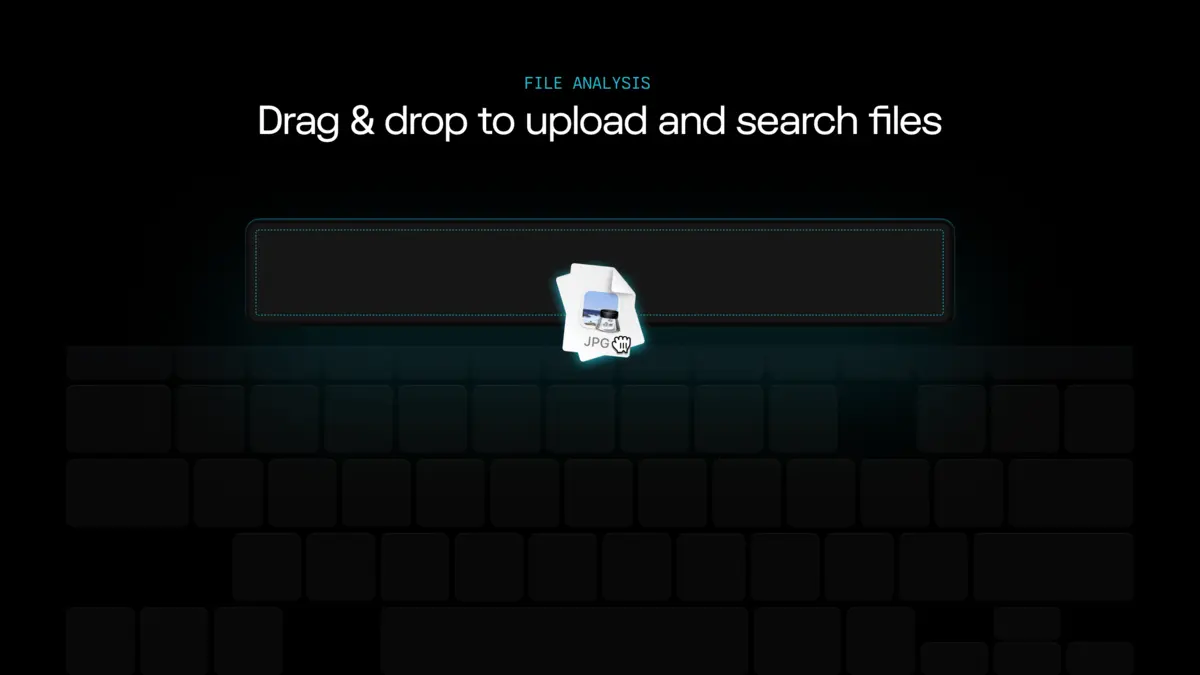
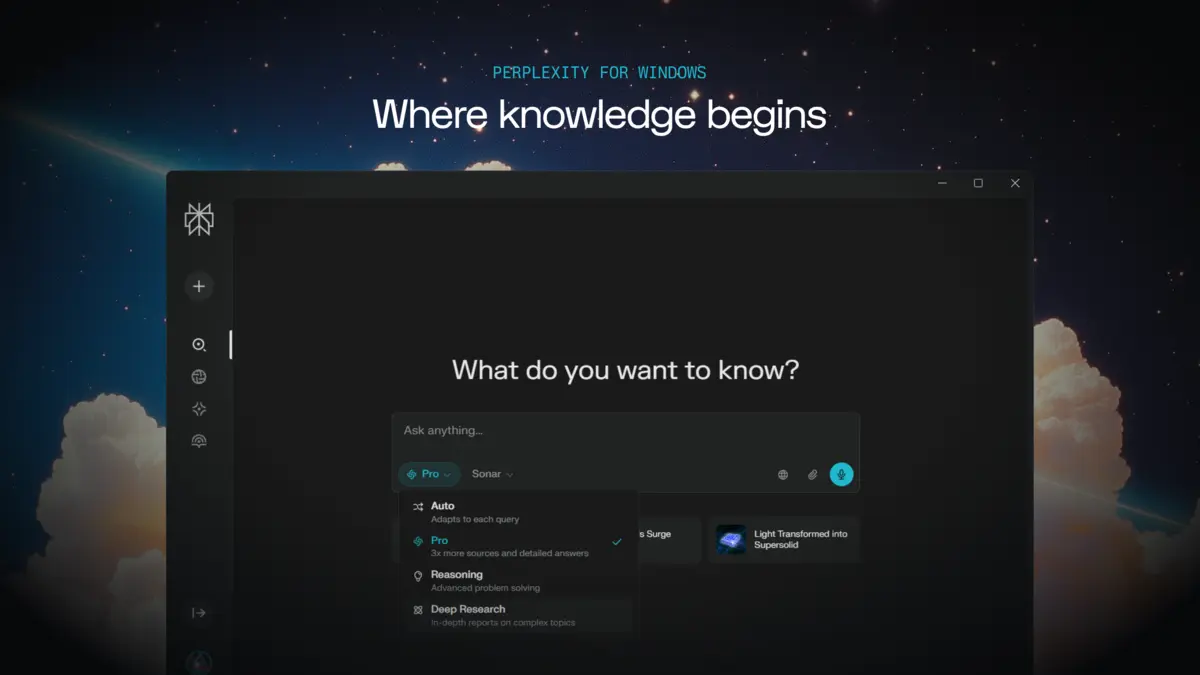
On Windows, Perplexity runs as its own desktop app with a clean interface. You can type or use voice search. The app supports file uploads (PDFs, images, spreadsheets, and more), so you can ask questions about your own documents. Your search history is saved in a personal library that you can organize and revisit later.
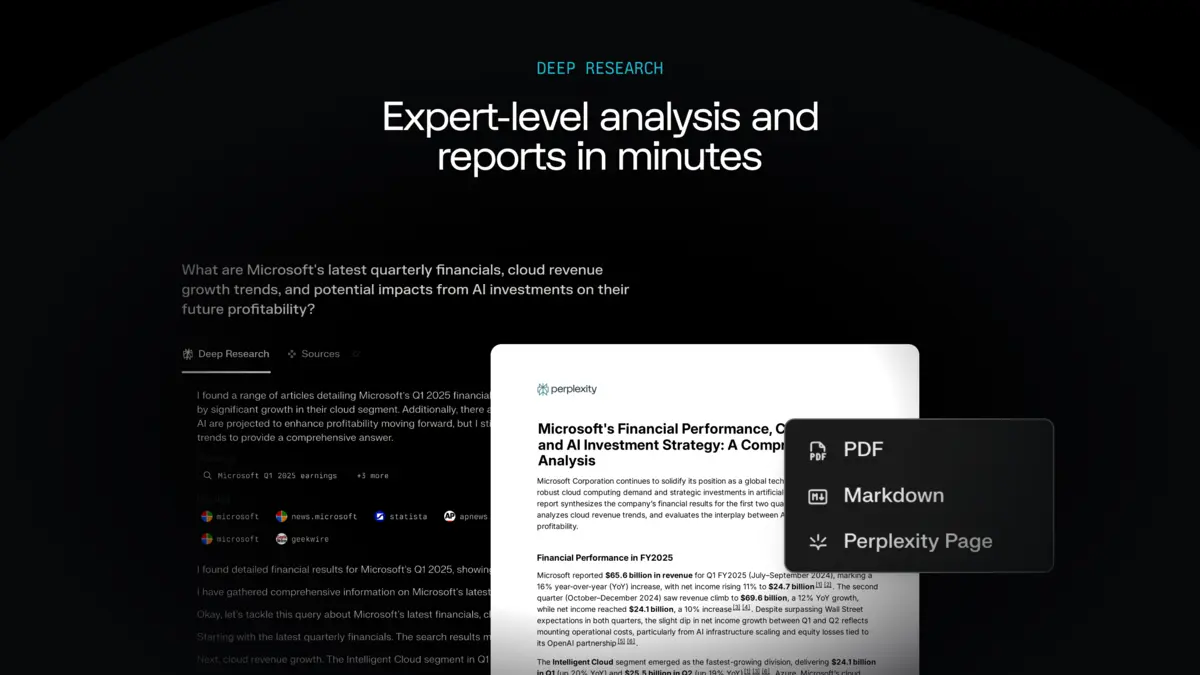
The standout feature is Deep Research. When a quick answer is not enough, Deep Research digs into a topic across many sources and puts together a detailed, multi-section report. It is useful for school projects, work research, or any time you need a thorough understanding of something before making a decision.
Key Features
Deep Research
Go beyond quick answers. Deep Research reads across dozens of sources and compiles a full, structured report on any topic. It includes citations for every claim so you can verify everything yourself.
Cited Sources
Every answer includes numbered references that link to the original sources. Click any citation to read the full article. No guessing where the information came from.
Voice Search
Speak your question instead of typing it. Perplexity processes voice input and returns the same cited answers. Useful when you are multitasking or prefer not to type.
File Uploads
Upload PDFs, images, spreadsheets, or text files and ask questions about them. Perplexity reads the content and can summarize, explain, or analyze what is in your documents.
AI Model Switching
Perplexity Pro subscribers can switch between AI models like GPT-4, Claude, and others within the same conversation. Different models have different strengths, so you can pick the right one for each question.
Spaces for Collaboration
Create shared spaces to organize research by topic. Invite others to contribute and keep all your findings in one place. Useful for team projects, school group work, or ongoing research.
System Requirements
Perplexity is a lightweight app. Any modern Windows PC can run it.
| Operating System | Windows 10 or Windows 11 |
| Account | Free account (sign up at perplexity.ai) |
| Internet | Required (searches the web in real time) |
| Web Alternative | perplexity.ai (works in any browser, any OS) |
Plans and Pricing
Perplexity has three tiers. The free plan covers most casual use. Pro and Max are for power users who need unlimited advanced searches and access to the latest AI models.
| Feature | Free | Pro ($20/mo) | Max ($50/mo) |
|---|---|---|---|
| Basic Searches | Unlimited | Unlimited | Unlimited |
| Pro Searches (advanced AI) | ~5 per day | 300+ per day | Unlimited |
| AI Model Switching | ❌ | ✅ (GPT-4, Claude, etc.) | ✅ (latest models) |
| File Uploads | Limited | Unlimited | Unlimited |
| Image Generation | Limited | ✅ (DALL-E, SDXL) | ✅ (enhanced) |
| API Credit | ❌ | $5/month | Included |
Perplexity vs the Alternatives
How Perplexity compares to other AI tools available on Windows in 2026.
| Tool | Type | Price | Best For |
|---|---|---|---|
| Perplexity | Desktop app + web | Free / $20 / $50 per month | Research with cited sources |
| ChatGPT | Desktop app + web | Free / $20 per month | General AI chat, writing, code |
| Microsoft Copilot | Windows app + web | Free / $20 per month | Windows users, Microsoft 365 |
| Google Gemini | Web + mobile app | Free / $20 per month | Google Workspace, search answers |
| Claude | Web + desktop app | Free / $20 per month | Long-form writing, analysis, code |
Video
Watch a full overview of Perplexity Computer and how it works on a Windows PC.
5 Tips for Getting Started
Quick Poll
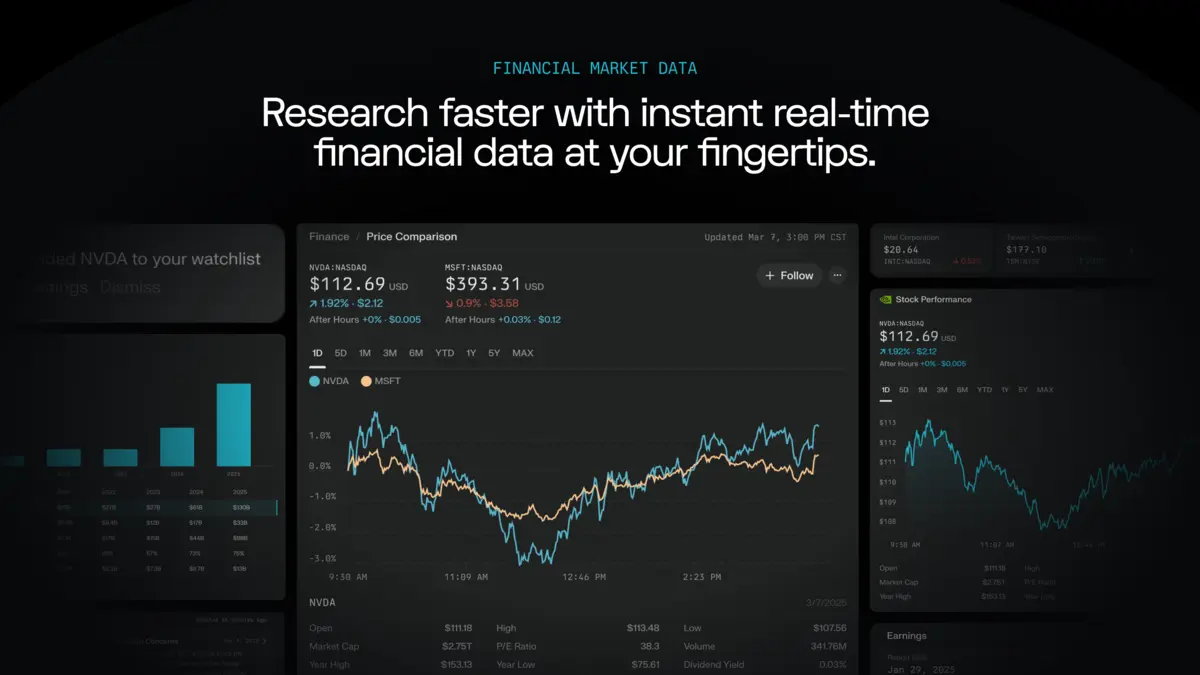
Screenshots
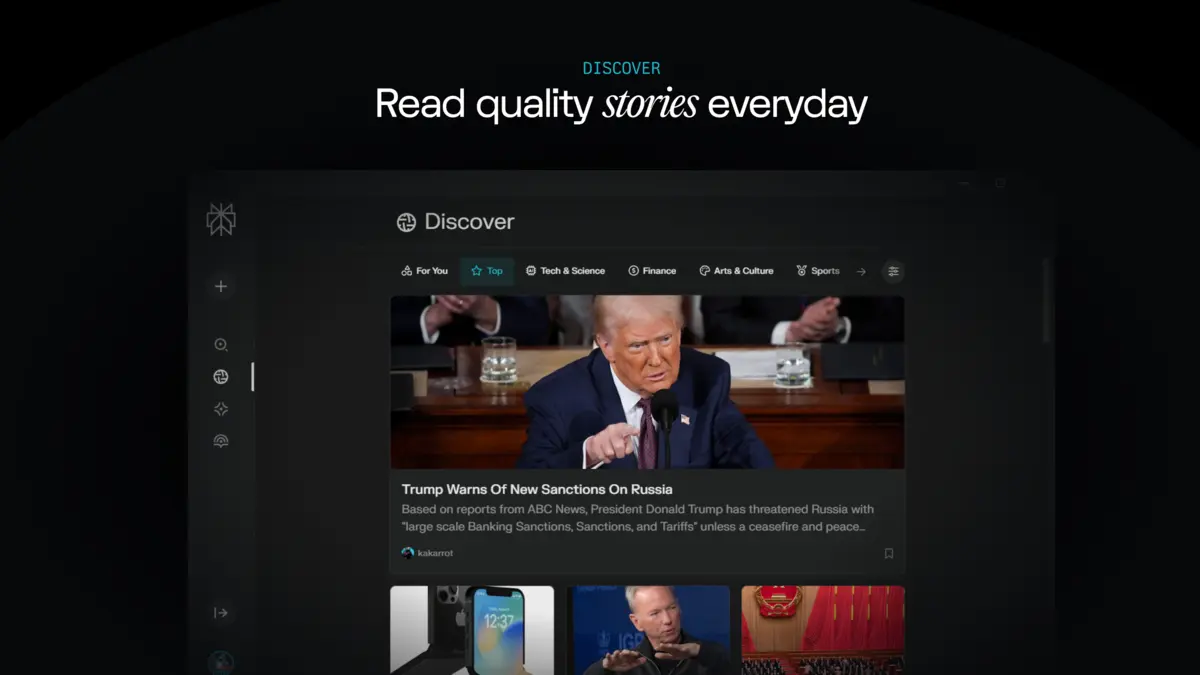
Here is what Perplexity looks like on Windows. Click any image to see it full size.
Frequently Asked Questions
Is Perplexity free on Windows?
Yes. You can download Perplexity for free from the Microsoft Store or from perplexity.ai/platforms. You can also use it in any browser at perplexity.ai. The free plan includes unlimited basic searches and a limited number of Pro Searches per day for more detailed answers.
What is the difference between Perplexity Free and Pro?
The free plan gives you unlimited basic searches and a few Pro Searches per day. Perplexity Pro costs $20 per month and unlocks unlimited Pro Searches, access to advanced AI models like GPT-4 and Claude, unlimited file uploads, and image generation tools.
Does Perplexity cite its sources?
Yes. Every answer includes numbered citations that link to the original sources. You can click any citation to read the full article or page it came from. This makes it easy to verify the information yourself.
Can I use Perplexity offline?
No. Perplexity needs an internet connection to work because it searches the web and uses cloud-based AI models to generate answers. You need to be online for both the desktop app and the web version.
How is Perplexity different from ChatGPT?
Perplexity is focused on search and research. Every answer comes with cited sources so you can check where the information came from. ChatGPT is more of a general-purpose conversational AI that can write, code, and create content. Perplexity is better for fact-checking and research. ChatGPT is better for creative and open-ended tasks.
Support and Community
Stay updated, learn more, and connect with other Perplexity users:
- Perplexity.ai (official website and web app)
- Download for All Platforms (Windows, Mac, iOS, Android)
- r/perplexity_ai on Reddit (community discussions and tips)
Explore more Windows apps: ChatGPT for PC · Microsoft Copilot for PC · Canva for PC · Claude for PC · Codex for PC · Microsoft Designer
Looking for more AI tools on Windows? Check out our Best Free Windows AI Software roundup and also the Best AI Code Editors.
Discover more from Windows Mode
Subscribe to get the latest posts sent to your email.
















Add your first comment to this post