
Readers like you help support this site. When you make a purchase using links on our site, we may earn an affiliate commission. All opinions remain our own.
Reshine on PC. Click to open it full size.
Reshine is a cozy restoration game for PC from Quite OK Games, available on Steam. You take old objects apart in a quiet attic, clean off the dust and rust, repaint every piece, then put it all back together. Rain taps on the window while you work.
The game strips the genre down to the restoring itself. There are no customers, no shop to run, no skill trees and no deadlines. You pick an object, work on it in any order you like, and nothing you do can go wrong.
It released on November 26, 2026, on Windows and PlayStation 5. It is single-player, and you can play with mouse and keyboard, a controller, or the mouse alone.
Already restoring? Tell us which object you saved for last. Got questions before buying? Reach out to us directly.
What You Need to Know
- 24 objects to restore, about 8 to 10 hours of play, says the developer.
- Single-player only, with no timers, fail states or management.
- On PC it is sold on Steam only. It is not on the Epic Games Store or GOG.
- It needs 4 GB of RAM and any DirectX 12 graphics card, so most laptops can run it.
- A first Reshine mod is already on Nexus Mods.
Quick Facts


How to Download Reshine on Windows
On PC, Reshine is sold on Steam, and it needs 7 GB of free space.
- Step 1. Install Steam. Get Steam and sign in.
- Step 2. Open the store page. Go to Reshine on Steam.
- Step 3. Buy the game or the Supporter Pack, then check out.
- Step 4. Install it from your Steam library.
- Step 5. Pick an object from the catalog and start taking it apart.
Reshine Price and Supporter Pack
Reshine costs $9.99 on Steam, with regional pricing in other countries. The base game is the whole game: all 24 objects and every tool. The extras are optional and change nothing about how it plays.
The three extras are also sold on their own: the artbook and soundtrack at $3.99 each and the Supporter Cutting Mats at $1.99. The pack is the cheaper way to get all three.
💡 Your PC is too weak? Cloud gaming is an option. Check if Reshine is on Boosteroid.
What Is Reshine?
Reshine is a restoration game about one thing: bringing a worn-out object back to life. Each job follows the same calm path: take it apart, clean every part, repaint it, then put it back together. You can work on the parts in any order, and the game never rushes you.
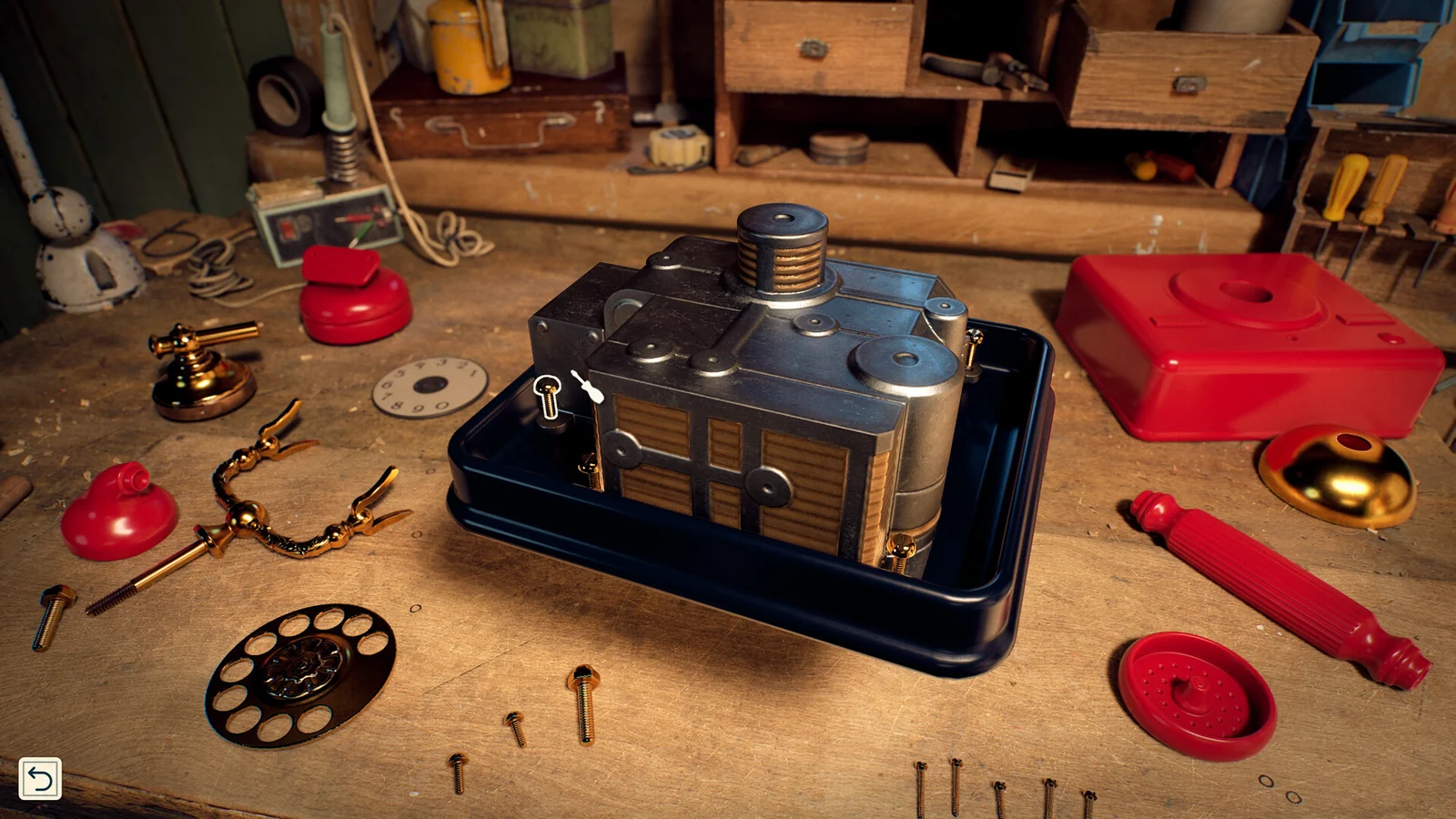
Step one is always taking the object apart. Here a rotary telephone is down to its last screws.
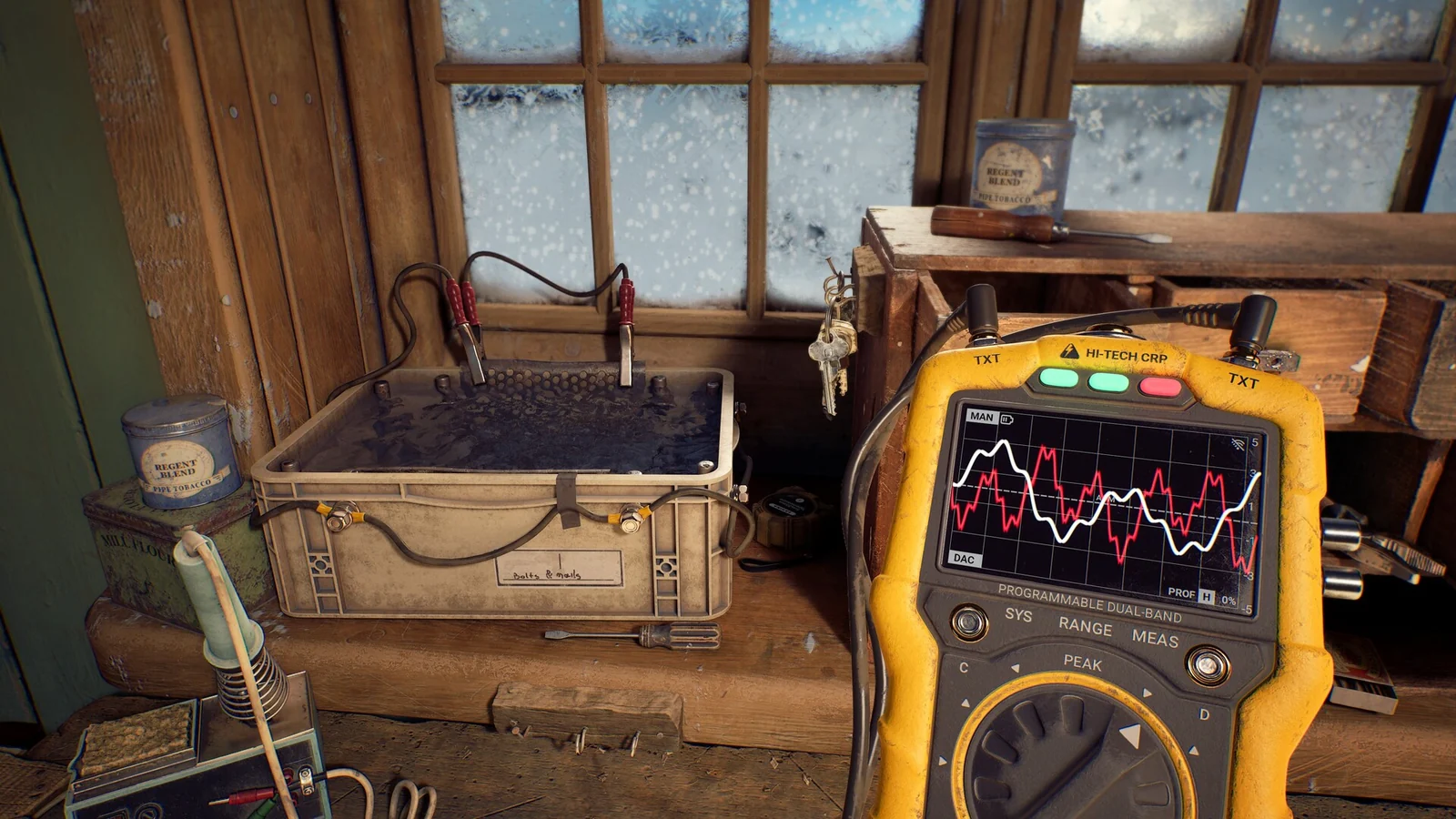
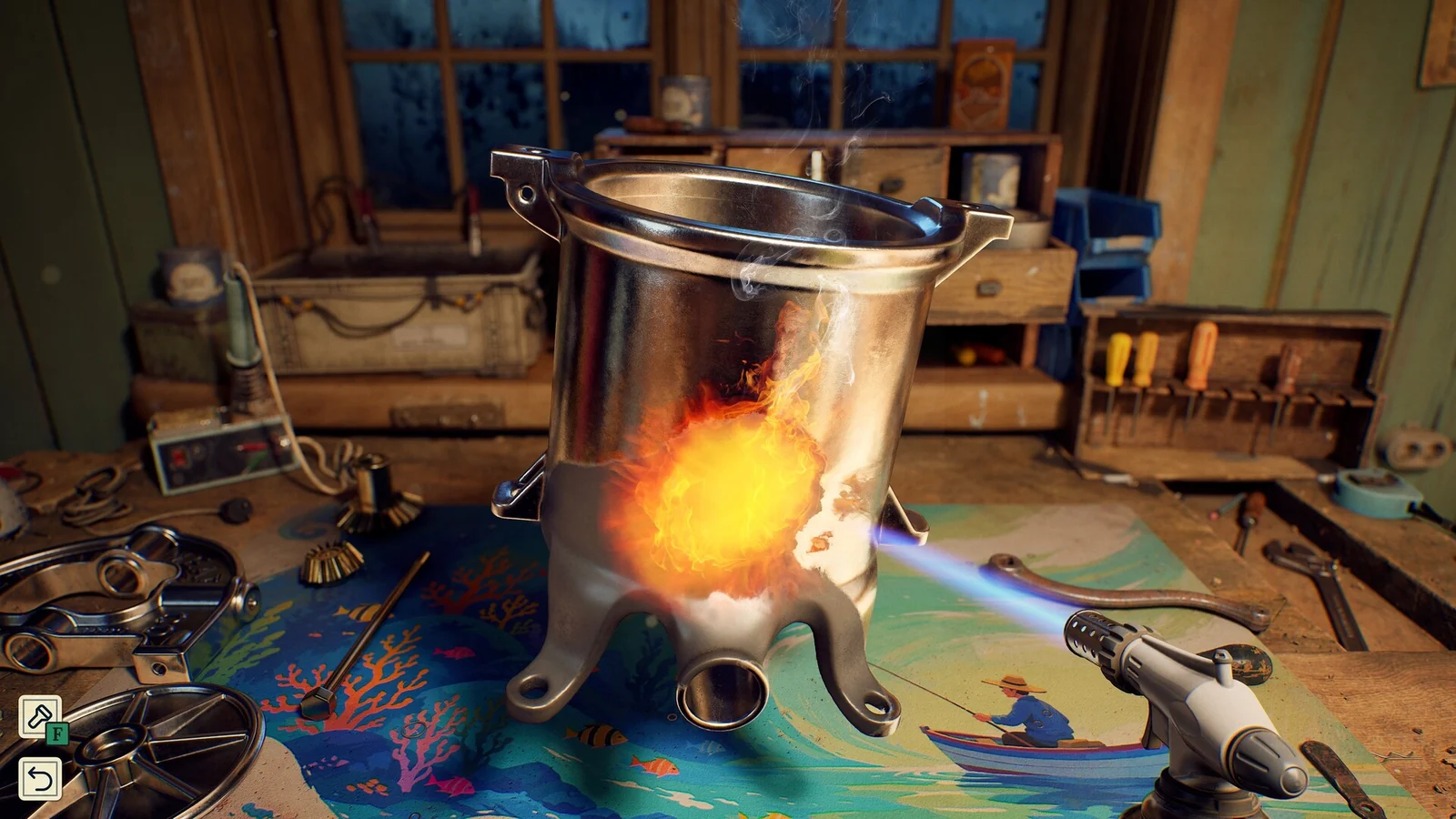
Cleaning is where most of your time goes. A sandblaster strips old paint, sandpaper smooths rough edges, a laser and a blowtorch burn off coatings, and a UV light shows up dirt you missed. Rusty metal goes into a small electrolysis tank, where you tune a dial to lift the rust away.
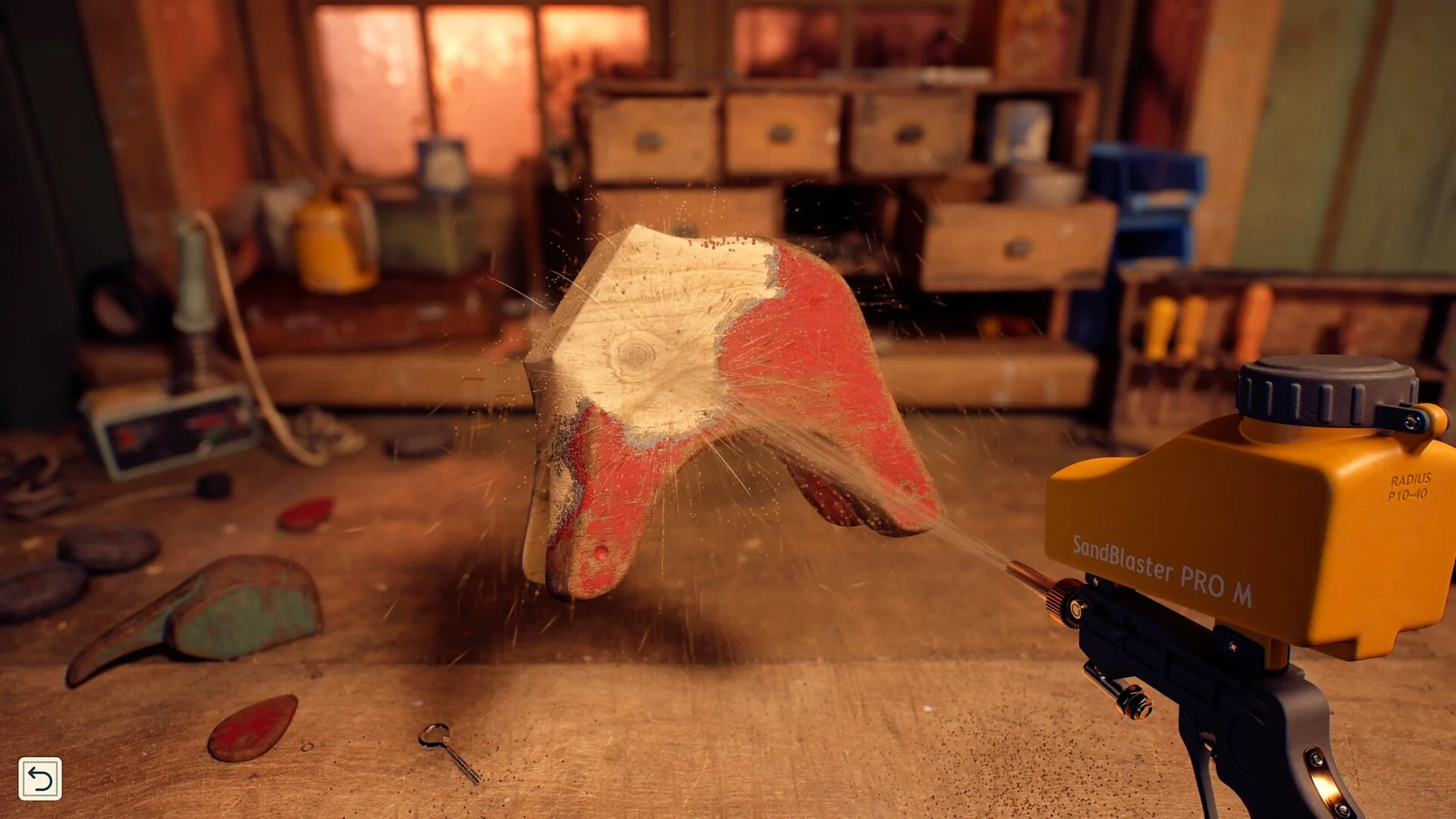
The sandblaster blasts years of old paint off a wooden shoe form.
Once a part is clean, you choose its new color and spray it on. The colors are yours to pick, so a lantern can come back in its old teal or in something else. Then you rebuild the object piece by piece and compare it with how it looked when it arrived.
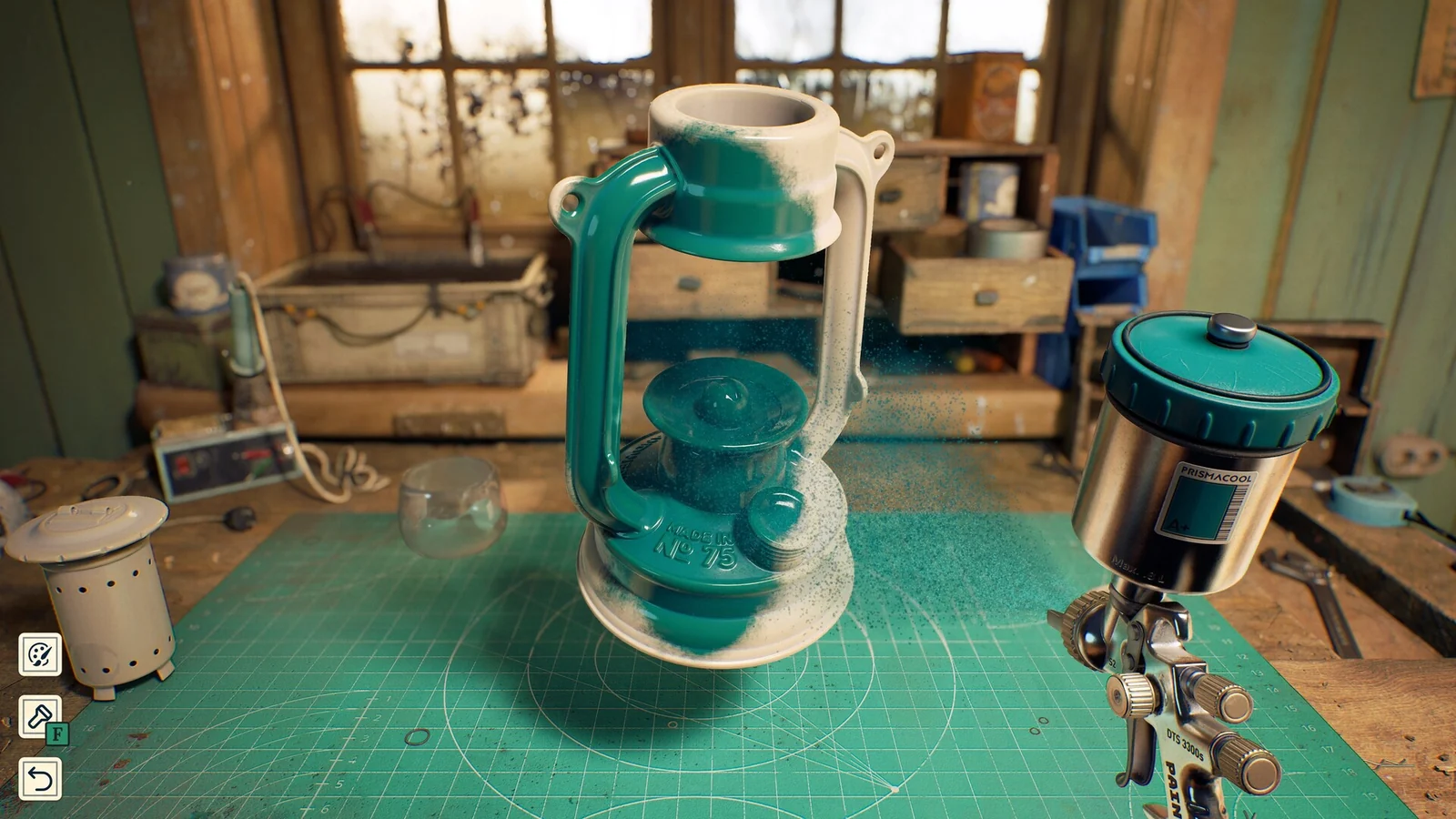
Repainting an oil lantern. You pick the color for every part.
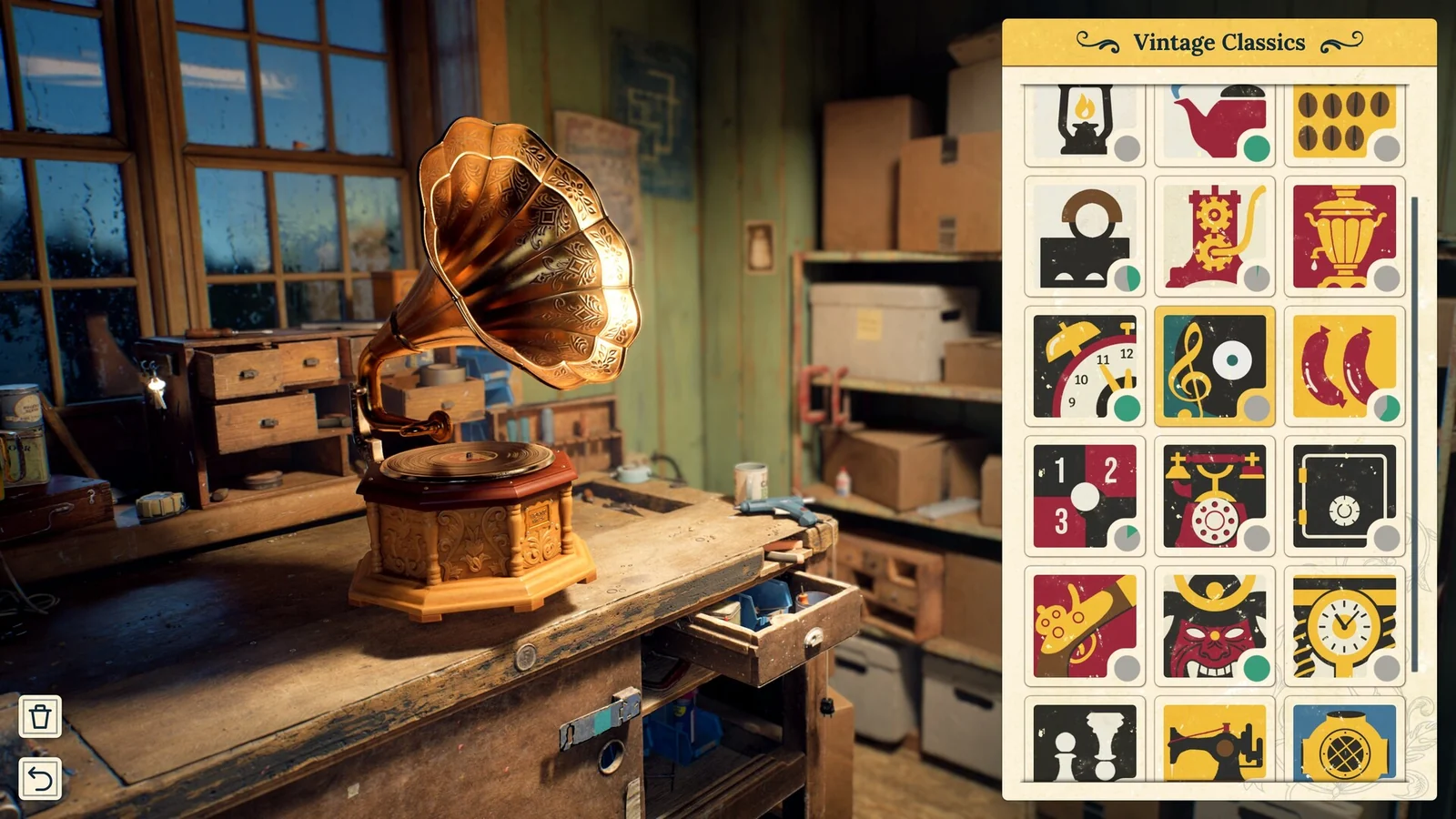
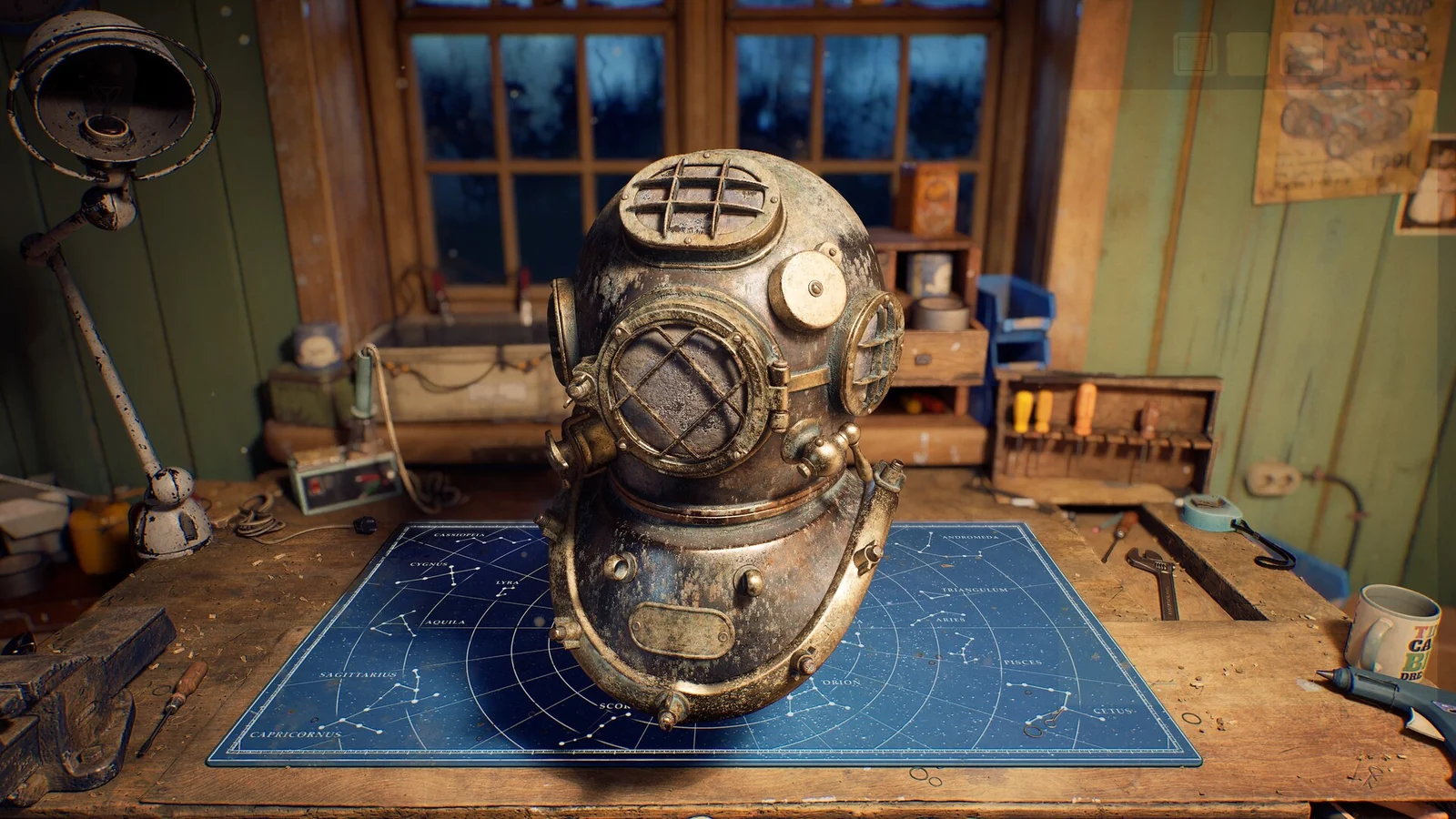
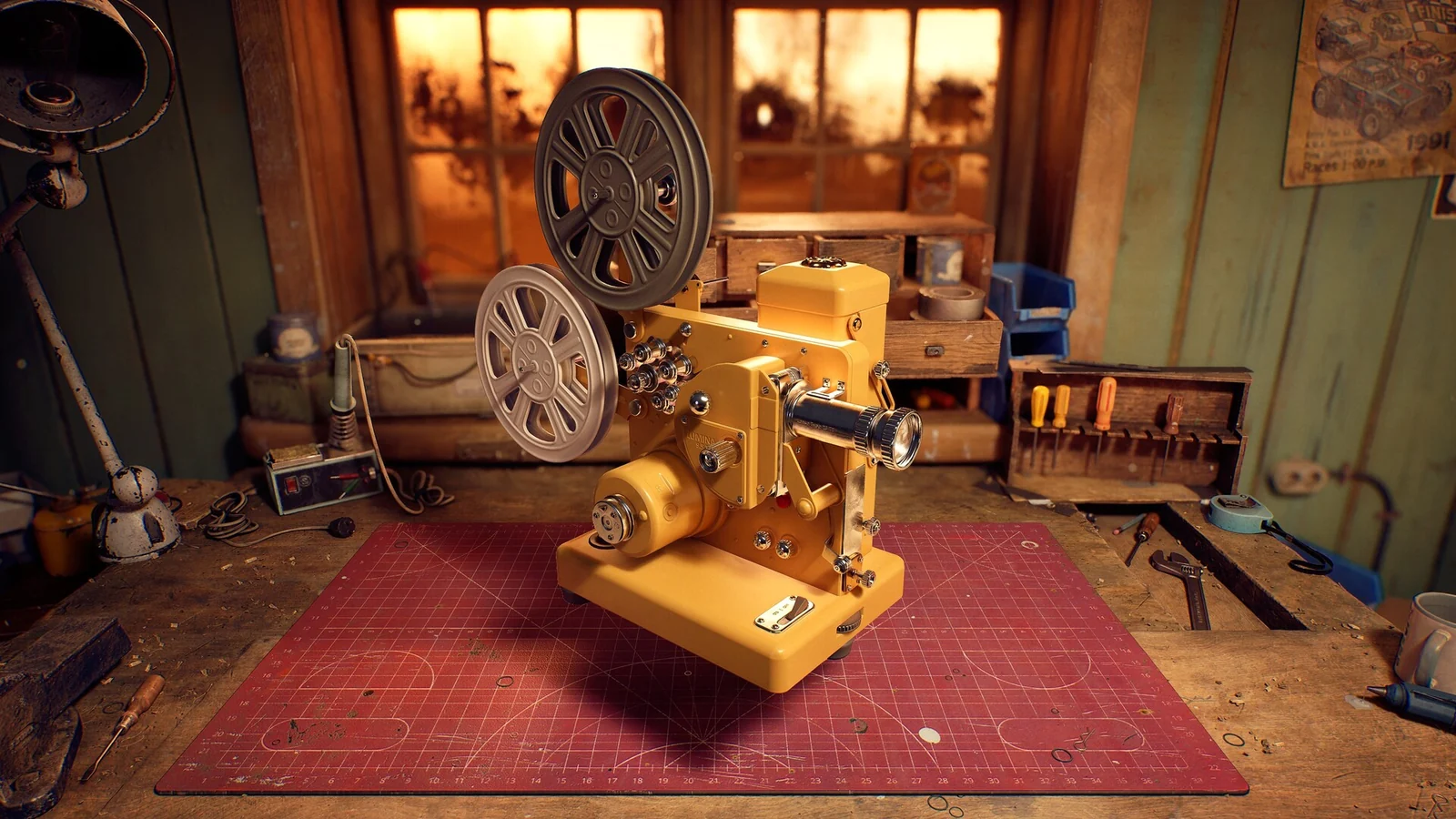
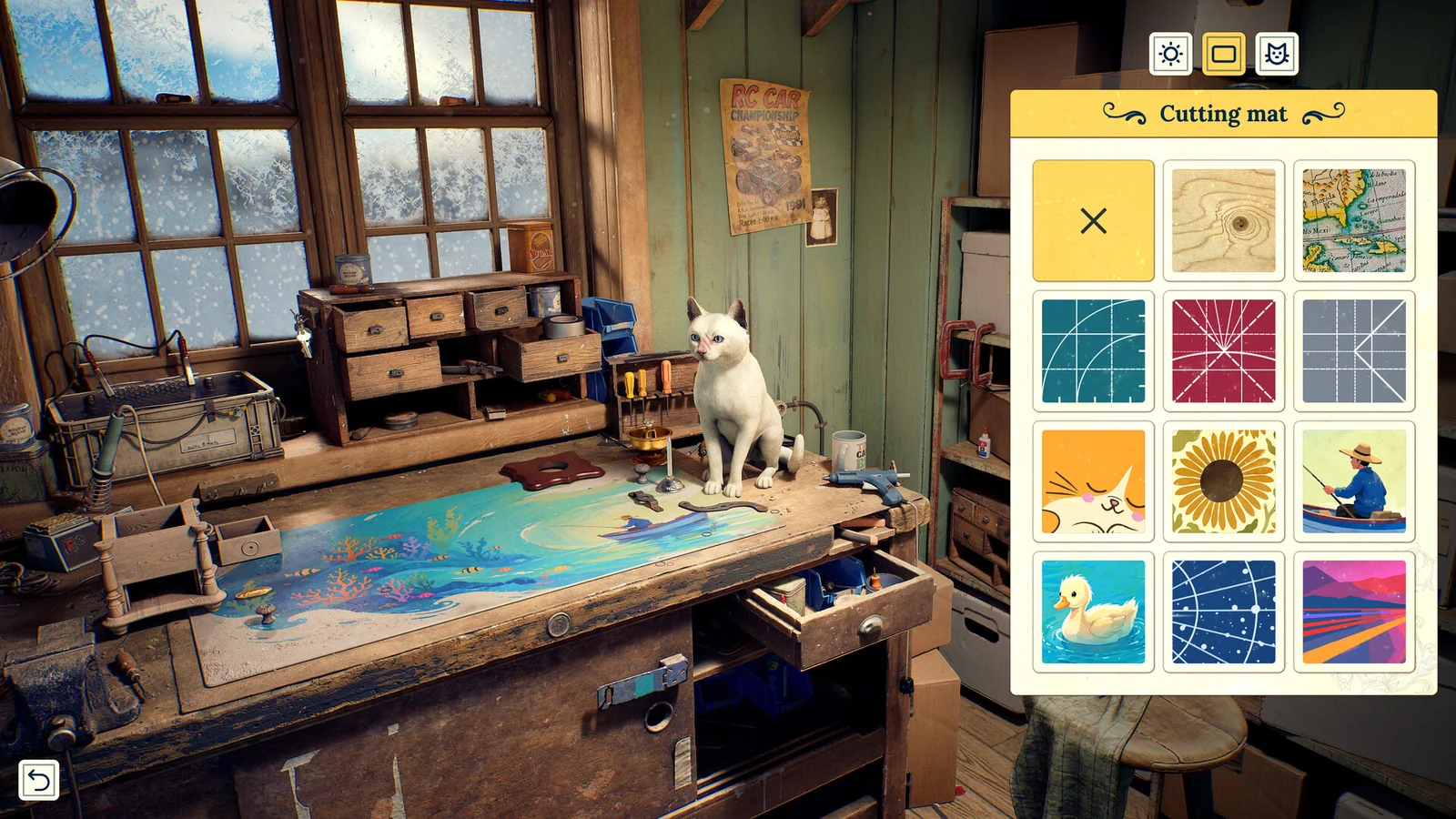
The objects span everything from a gramophone and a film projector to a ship compass, a diving helmet and a samurai helmet. Small cards tell you a bit of each object’s history while you work. Between jobs you can change the cutting mat, the lighting and the weather outside, and an attic cat keeps you company.
Reshine comes from Quite OK Games, a three-person studio that made the mountain city builder Laysara: Summit Kingdom before this. The studio says nearly 100,000 players signed up for the public playtest before launch.
Official Trailer
Watch the official launch trailer for Reshine to see objects being taken apart, cleaned, repainted and rebuilt in the rainy attic workshop.
Key Features
Restore antiques from a gramophone and a rotary phone to a diving helmet and a samurai helmet.
Sandblaster, sandpaper, laser, blowtorch, UV light and an electrolysis tank for rust.
Pick the paint for every part, then redo an object later to try a new look.
Slide between the object as it arrived and the finished piece to see what changed.
Change the cutting mat, the light and the weather, with a cat on the bench.
Mouse-only play, no timed inputs, and options to skip or soften the trickier tools.
Is This Game for You?
Our Take
🎮 Our Take
Reshine knows exactly what it is and refuses to become anything else. Most restoration games wrap the fun part in shops, customers and upgrade trees; this one cuts all of that and keeps only the moment when rust gives way to bare metal. The attic, the rain and the detailed objects do a lot of work, and the before and after slider is a smart way to make each job feel finished. The tradeoff is variety. Every object runs through the same take apart, clean, paint and rebuild loop, so if the first one does not hook you, the twentieth will not either.
If you want a quiet game for evenings and love watching grime disappear, buy it: at $9.99 it is easy to recommend. If you need goals, money or progress bars to stay interested, watch the launch trailer first, because the loop you see there is the whole game.
System Requirements
Reshine has light requirements, and the developer keeps them simple. The minimum is a quad-core processor, 4 GB of RAM and any graphics card with DirectX 12 support, and the recommended spec moves up to 8 GB of RAM and a dedicated graphics card. Both need 7 GB of free space.
Integrated graphics count on the minimum list, so a recent laptop should be fine. Thinking of a new gaming PC? See our Best Gaming Desktops guide.
Tips for Beginners
Start with a simple object
The catalog runs from simpler pieces to complex ones. Begin with an easy one to learn each tool before you open up something with dozens of screws.
Use the UV light before you paint
It shows dirt and rust you cannot see in normal light. A quick check saves you from painting over a spot you missed.
Set the mood of the attic
Swap the cutting mat, the lighting and the weather between jobs. A rainy night and a sunny morning make the same restoration feel quite different.
Do not worry about mistakes
There is nothing to fail. If a color looks wrong, pick another one, and you can redo the whole object later.
Read the history cards
Each object has a short card about its past. They add a lot to the slow parts of a restoration and are easy to miss.
Best Reshine Mods to Start With
Reshine has no Steam Workshop, so its mods live on Nexus Mods. The mod scene is brand new, and one mod there is worth a look right away. Mods install by copying their files into a ~mods folder inside the game’s Paks folder, and each mod page explains the exact path.

Reshine is offline and single-player, so mods cannot get you banned. Back up your save first, and remove a mod if the game misbehaves after an update.
Reshine Screenshots
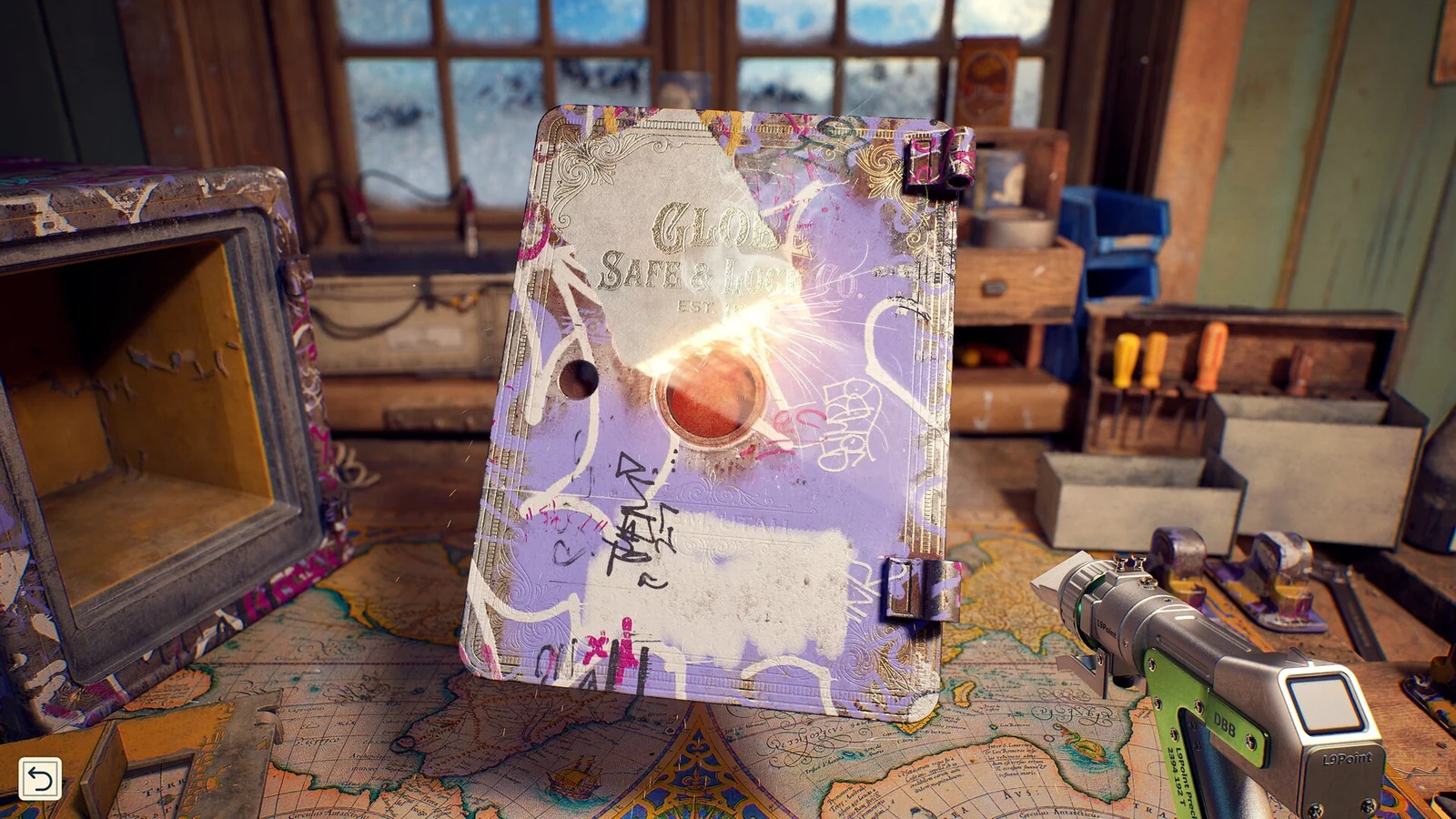
The UV light on a graffiti-covered safe, the electrolysis tank, a diving helmet, a ship compass, the blowtorch, a finished film projector and the cutting mat picker. Click any image to open it full size.
-
- Reshine uv light safe graffiti from
-
- Reshine electrolysis rust removal from
-
- Reshine diving helmet star mat from
-

- Reshine compass history card from

-
- Reshine blowtorch metal pot from
-
- Reshine film projector restored from
-
- Reshine cutting mat picker cat from
Reshine FAQ
Can you play Reshine with a controller?
Is Reshine on PS5, Epic Games or GOG?
Can you skip the electrolysis minigame in Reshine?
Was Reshine made with generative AI?
What are the Reshine system requirements?
Support and Community
- Quite OK Games, the developer’s official site, with the Reshine press kit.
- Quite OK Games on YouTube, for trailers and behind-the-scenes videos.
- The Quite OK Games Discord, the studio’s community server.
- News and patch notes on Steam, for every update.
- Steam discussions, for questions and bug reports.
- Reshine on Nexus Mods, for new mods as they appear.
- Reshine on the PlayStation Store, if you also play on PS5.
- r/cozygames on Reddit, for cozy game players sharing finds and tips.
Explore more Windows games: Stardew Valley for Windows · Heartopia for Windows · Fields of Mistria for Windows · Hello Kitty Island Adventure for Windows · Best Simulation Games on PC · Best Indie Games on PC
Discover more from Windows Mode
Subscribe to get the latest posts sent to your email.

















Add your first comment to this post