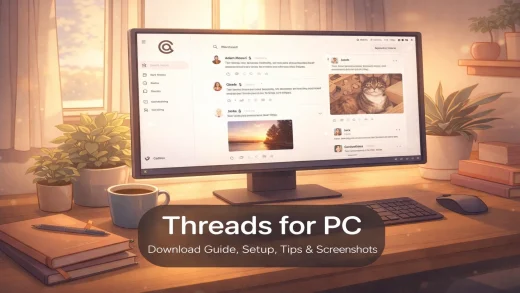
Threads for PC: Complete Setup Guide (2026)
Threads is Meta’s text-based social app with 450+ million monthly users. Install it from the Microsoft Store. This guide covers both options, key features, and tips to get started on your PC.
Threads is Meta’s text-based social app with 450+ million monthly users. Install it from the Microsoft Store. This guide covers both options, key features, and tips to get started on your PC.
Here are the best AI code editors for Windows that cost nothing to use. Some run models on your own PC, some pair with free APIs, and some just work out of the box with no account needed.
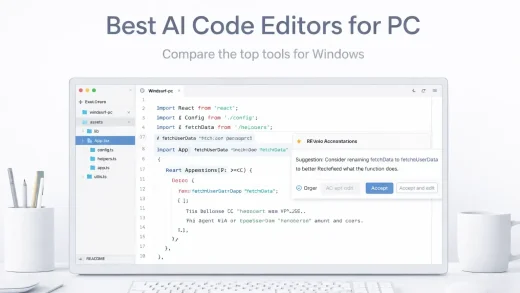
The top 19 AI editing software for Windows PC in 2026. Create stunning apps, games & websites with these desktop tools.
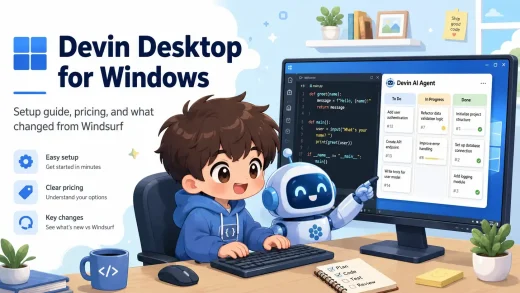
Devin Desktop is an AI code editor from Cognition built around Devin Local and an Agent Command Center for running multiple coding agents at once. In our guide, we cover what changed from Windsurf, how to install it, pricing, and how it compares to Cursor and GitHub Copilot.
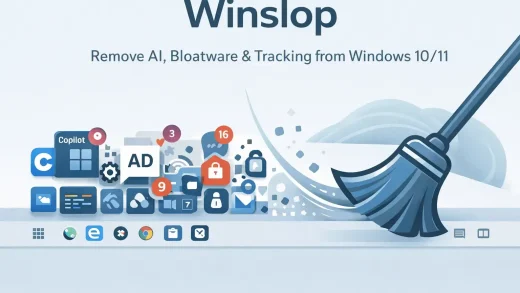
Winslop is a free tool for Windows 10/11 that removes Copilot, forced AI features, Microsoft tracking, Start menu ads, and pre-installed apps you never asked for. No installer. Just extract and run as Administrator.
Claude Desktop is an AI assistant by Anthropic for PC. Chat, Cowork, and Claude Code now live in one app with three tabs, plus Claude Design on the web. This page covers how to install it and how it compares to ChatGPT and Copilot.

Cursor is now an agent-first coding workspace for Windows, with local and cloud agents, automations, plugins, and more, our page will show the latest prices, setup, use cases, screenshots and more.

We tested 15 browsers on Windows 11 and 10 and compared them on speed, privacy, customization, and extensions. Some surprised us, others disappointed. See which ones made the cut, our comparison table, and the top pick for every type of user.

Helium is a free, open-source Chromium browser that removes Google’s proprietary services, background tracking, and bloat. It comes with uBlock Origin pre-installed and anonymizes your requests to the Chrome Web Store so Google cannot track which extensions you install. We have a review with screenshots, video and an installation guide for Windows.

LibreWolf is an independent Firefox fork that removes all background data collection, sponsored content, and distractions from the browser. It comes with uBlock Origin pre-installed, cookies that delete themselves when you close the browser, and DuckDuckGo as the default search engine. Check our review, screenshots and installation guide.