Readers like you help support this site. When you make a purchase using links on our site, we may earn an affiliate commission. All opinions remain our own.

Craving high-speed thrills in 2025? Forza Horizon 5 for Windows 10 and 11 delivers open-world racing with over 700 cars and vibrant multiplayer action, refreshed with the 2025 High Performance Festival hotfix.
Released by Playground Games in November 2021, this critically acclaimed title showcases a stunning Mexican landscape and remains a top racing pick for Windows users in 2025.
This guide covers installing Forza Horizon 5 on Windows, its standout features, and why it’s a must-play. Share your favorite car in the comments, or contact us for help.
How to Install Forza Horizon 5 on Windows 11 and 10
To play Forza Horizon 5 on your Windows PC, download it via Steam or the Microsoft Store. Pick your platform and follow these steps:
- Choose Your Download Source
- Download the Game
- Click Add to Cart and purchase (Steam) or Install (Microsoft Store).
- Save the installer to your PC.
- Install Forza Horizon 5
- Run the installer and follow the prompts.
- Allow it to download (up to 110 GB).
- Launch and Play
- Start it from your desktop, Start menu, or platform library.
- Race across Mexico’s open roads!
Quick Tip: 💡 Free with PC Game Pass, check your subscription.
What is Forza Horizon 5 About?
Forza Horizon 5, launched in 2021 by Playground Games, is a premium open-world racing game for Windows 10 and 11.
Core Gameplay: Drive over 700 vehicles through a fictional Mexico, mastering races, stunts, and custom events solo or with players online.
Key Features
- Diverse open-world map of Mexico
- Over 700 cars from 100+ manufacturers
- Dynamic weather and day-night cycles
- Custom races and robust mod support
- Multiplayer with Horizon Arcade events
Why Play Forza Horizon 5 on Windows?
It’s a dream for racing fans and explorers. Windows 10 and 11 users enjoy stunning visuals, endless variety, and smooth multiplayer.
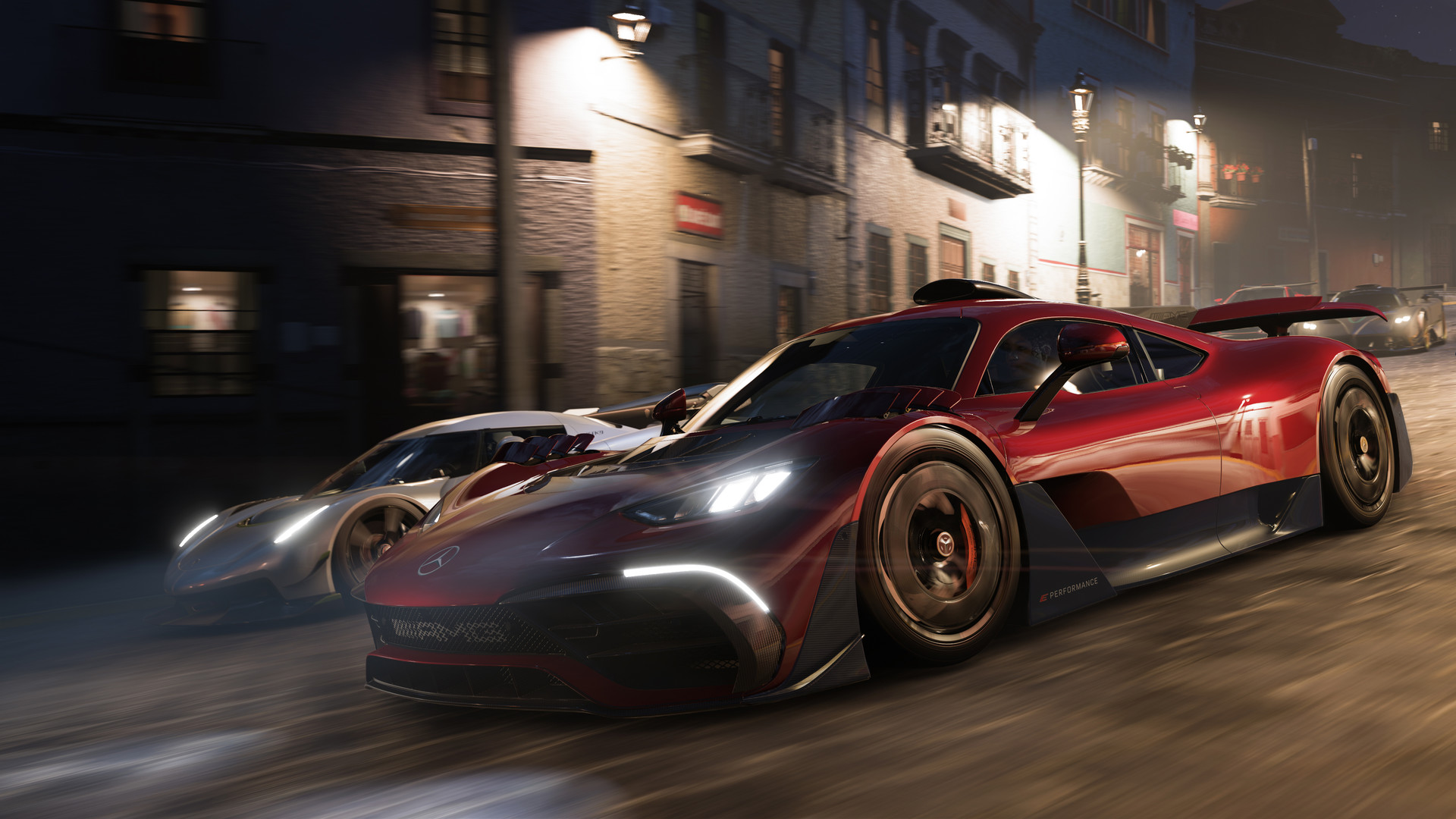
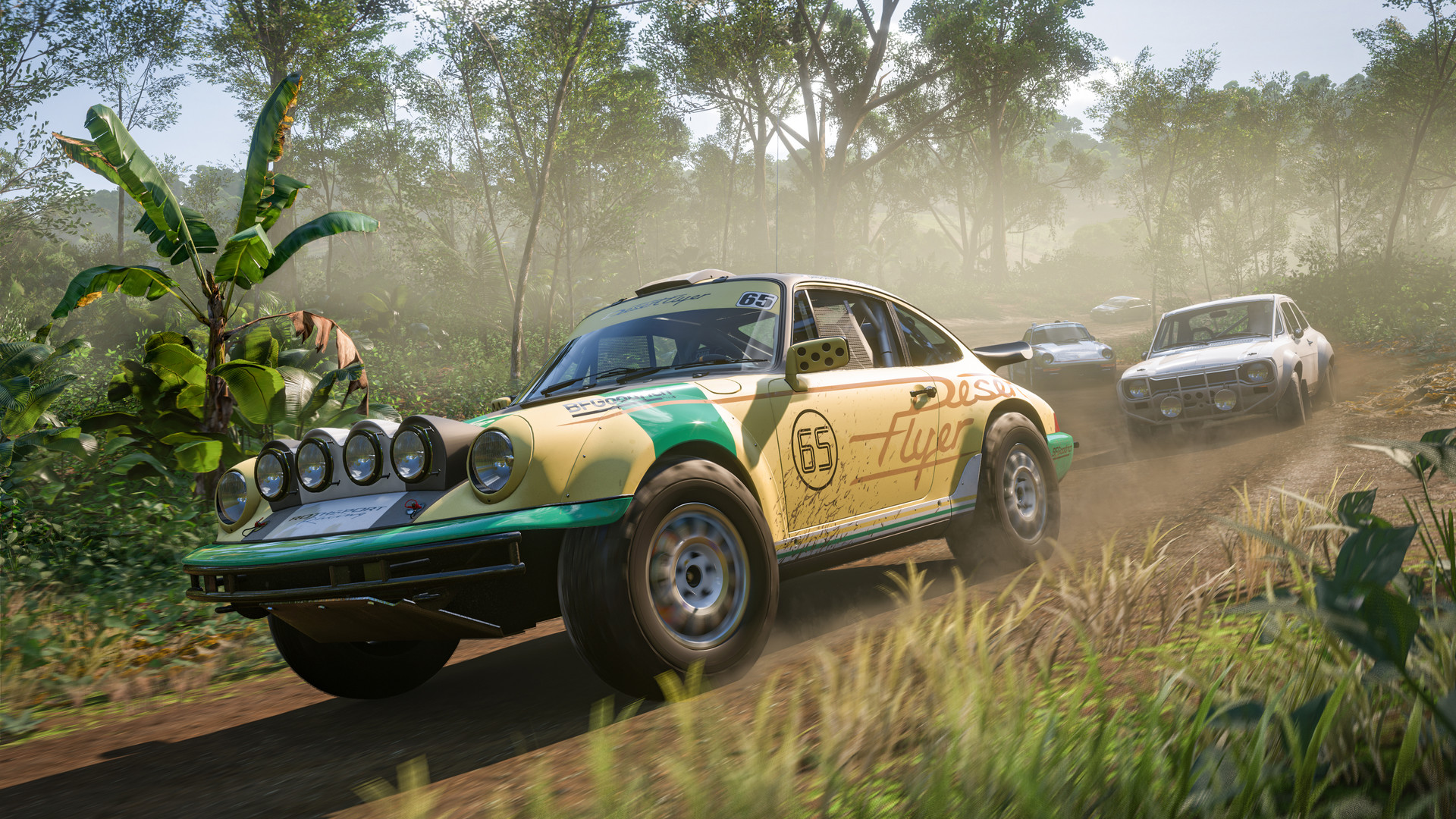
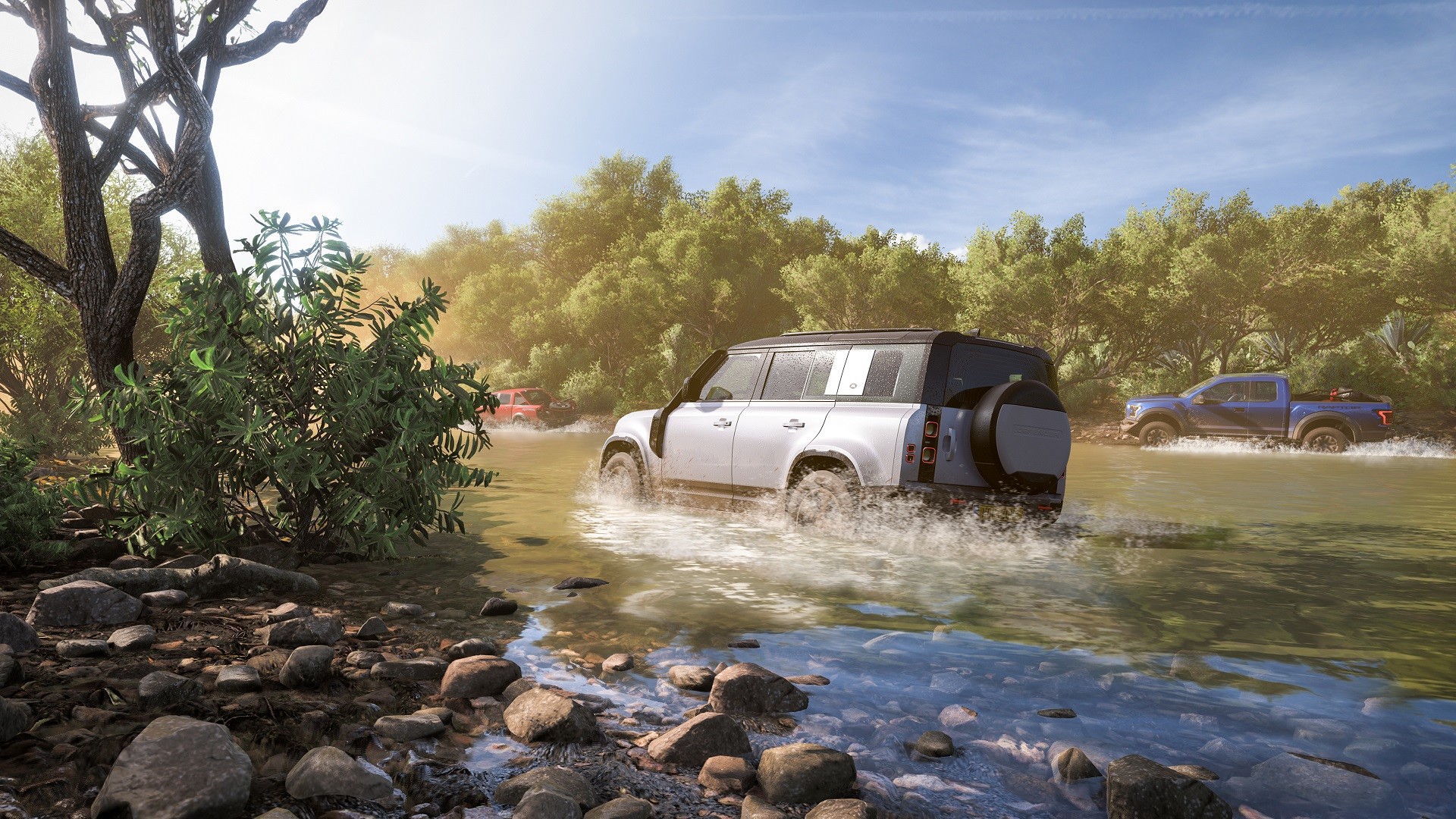
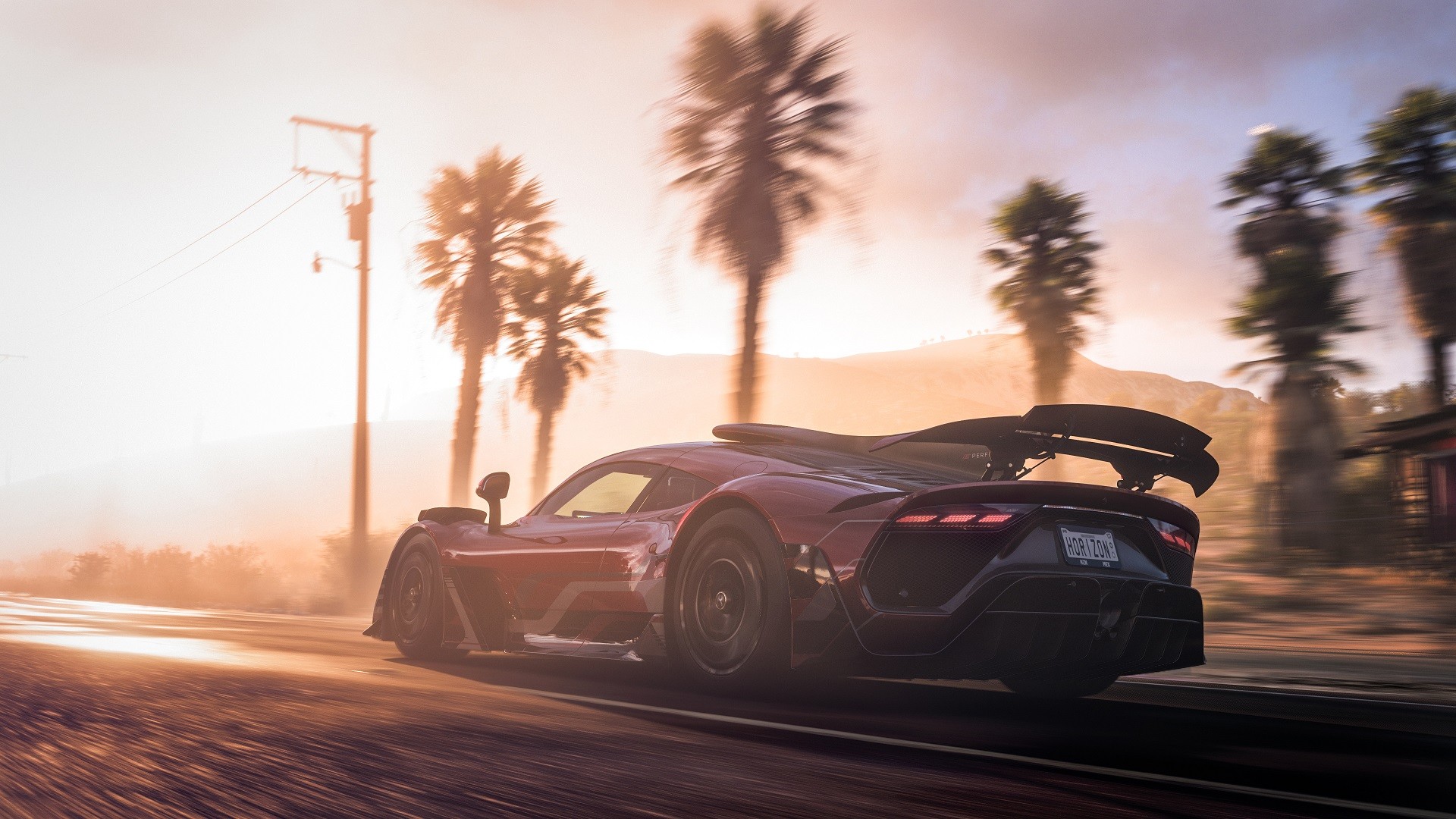
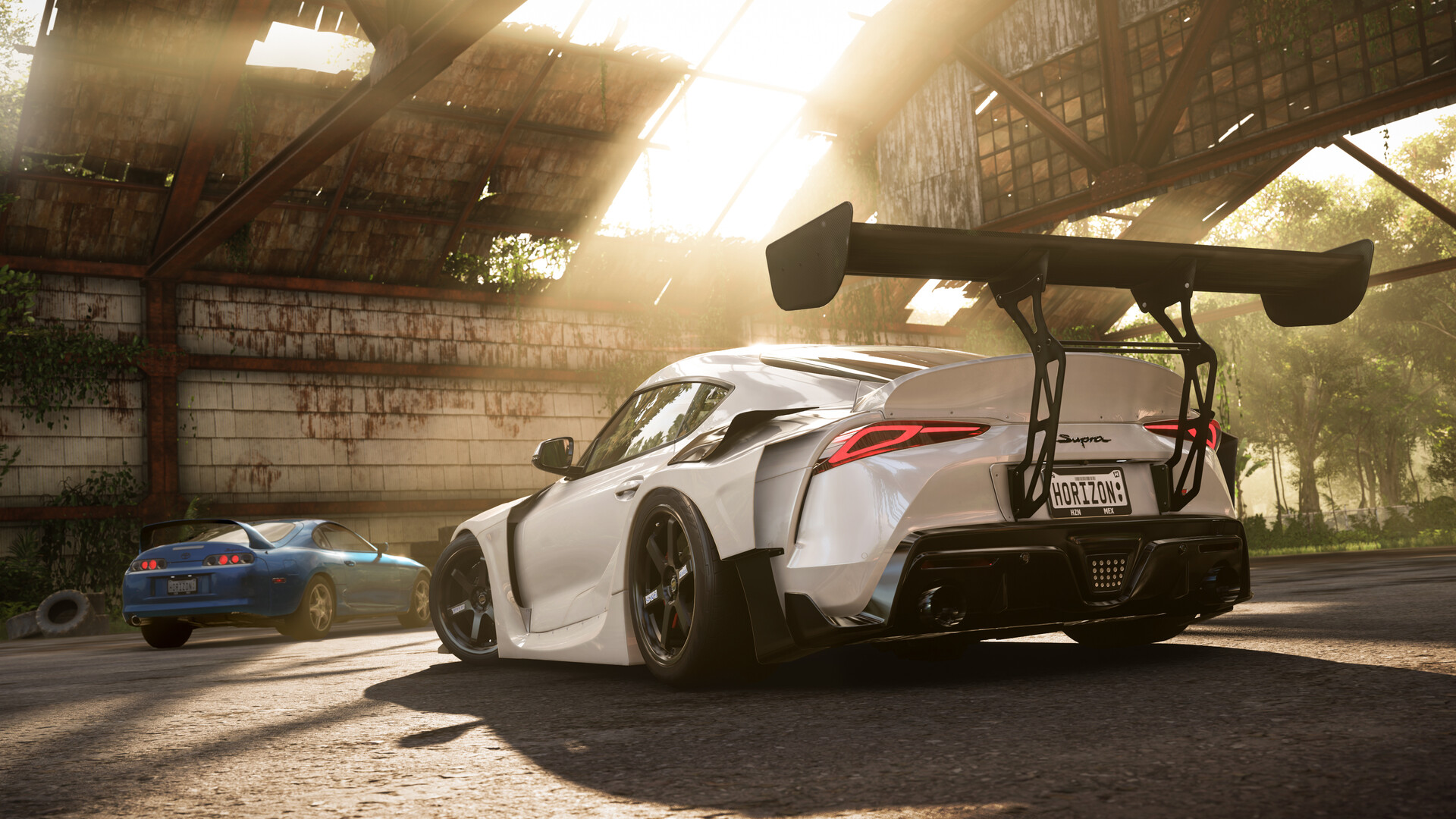
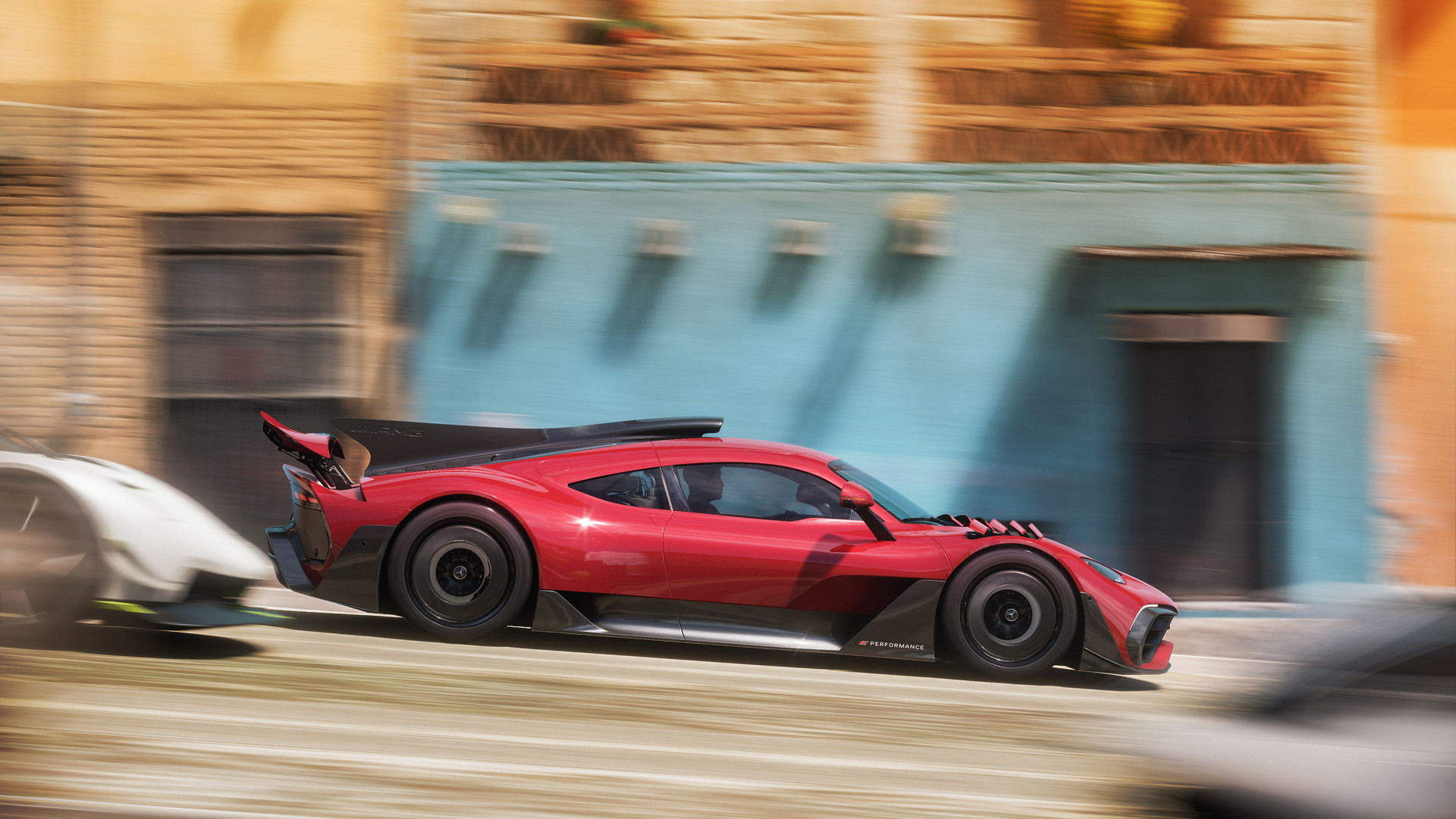
Forza Horizon 5 Screenshots










Forza Horizon 5 Gameplay Video
Forza Horizon 5 PC Requirements for Windows
Minimum:
- OS: Windows 10 64-bit or Windows 11 64-bit
- CPU: Intel Core i5-4460 or AMD Ryzen 3 1200
- RAM: 8 GB
- Storage: 110 GB free (SSD recommended)
- GPU: NVIDIA GeForce GTX 970 or AMD RX 470
- VRAM: 4 GB
- DirectX: Version 12
- Internet: Broadband for multiplayer
Recommended:
- OS: Windows 11 64-bit
- CPU: Intel Core i7-10700 or AMD Ryzen 7 3800XT
- RAM: 16 GB
- Storage: 110 GB SSD
- GPU: NVIDIA RTX 3080 or AMD Radeon RX 6800 XT
- VRAM: 8 GB
- DirectX: Version 12
Forza Horizon 5 on Windows FAQ
- Is it free? No, it’s $59.99, or free with PC Game Pass.
- Can I play offline? Yes, single-player works offline.
- Does it run on Windows 11? Yes, fully optimized for Windows 11.
- What’s the download size? About 100 GB, up to 110 GB with updates.
Support & Community
Explore More Windows Games: Best racing games, Forza Horizon 6 for PC, best sports games, F1 25, Nascar 25
Discover more from Windows Mode
Subscribe to get the latest posts sent to your email.













Add your first comment to this post