Readers like you help support this site. When you make a purchase using links on our site, we may earn an affiliate commission. All opinions remain our own.
Signal is a free, private messaging app for Windows from the Signal Foundation, available at signal.org. It encrypts your messages, calls, and file transfers by default, so only you and the person you are talking to can see them. No ads. No data collection. No one reading your conversations.
Signal has been around since 2013, but it shot back into the spotlight in March 2026 when senior US government officials were caught discussing sensitive military plans in a Signal group chat. A journalist was accidentally added to the chat and published what he saw. The incident reminded millions of people why private, encrypted messaging matters. You can read the full breakdown of what happened in this SBS News report.
The Windows app links to your phone and lets you send and receive messages, make calls, and transfer files securely from your desktop. Already using Signal? Share your setup in the comments, or reach out to us directly if you have questions.
What You Need to Know
- Signal is 100% free, run by a non-profit, and has zero advertisements.
- New in 2026: Signal now offers Secure Backups, meaning you will not lose your messages if you lose your phone.
- New in 2026: The Windows 11 app now features a “Screen Security” setting that actively blocks your computer from taking screenshots of your chats.
- You need Signal on your phone first. The desktop app links to it and does not work standalone.
Price
100% Free
Developer
Signal Foundation
Windows
10 / 11
Encryption
End-to-End Default
How to Get Signal on Windows
Signal on Windows links to your phone. You need Signal installed on your Android or iPhone before you can set up the desktop app. If you do not have it on your phone yet, install it there first.
- Step 1. Go to signal.org/download/windows and click the download button. You can also get it securely from the Microsoft Store.
- Step 2. Run the installer. It sets up in seconds.
- Step 3. Open Signal on your PC. You will see a QR code on the screen.
- Step 4. On your phone, open Signal and go to Settings > Linked Devices > Link New Device.
- Step 5. Scan the QR code with your phone. Your messages and contacts will appear on your desktop immediately.
What is Signal?
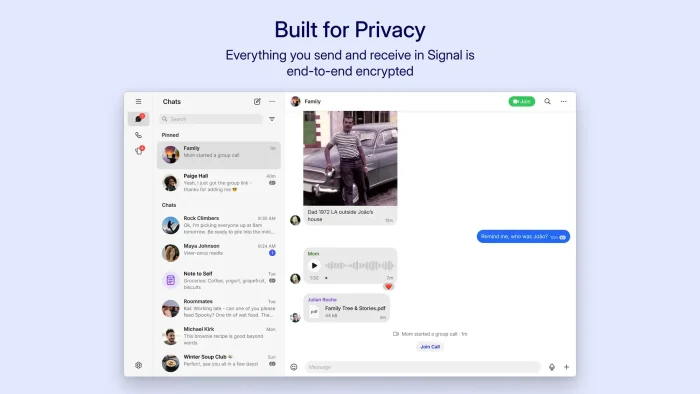
Signal is a free messaging app built and run by the Signal Foundation, a non-profit. It launched in 2013 and has grown into one of the most widely trusted private messaging tools in the world. Journalists, lawyers, activists, and everyday users all use it for the exact same reason: when you send a message on Signal, only the people in that conversation can read it.
All messages, calls, video calls, and file transfers are end-to-end encrypted (scrambled on your device before they are sent, and only unscrambled once they reach the other person’s device). Signal cannot read your messages, even if they were legally forced to try. The company also collects almost no data about you. They only know your phone number and the last time you connected to the server.
The Windows app acts as a secure mirror to your phone. Messages you send on the desktop show up on your phone and vice versa, so you can type on a full keyboard without losing any privacy.
Core Features Explained
End-to-End Encryption
Every message, call, and file is encrypted before it leaves your device. Not Signal, not your internet provider, and no one in the middle can intercept or read it.
Secure Backups (New)
Added in early 2026, you can now enable automatic end-to-end encrypted backups. If you break or lose your phone, your chat history and media are no longer lost forever.
Windows Screen Security
A new setting designed specifically for Windows 11 that automatically prevents your own computer or spyware running in the background from capturing screenshots of your private chats.
Group Member Labels
Introduced in March 2026, you can now assign yourself labels (like your job title) in specific group chats to keep your different social and professional roles organized.
Disappearing Messages
Set a timer on any conversation and messages will permanently delete themselves after a chosen period. The timer starts the moment the other person reads it.
No Ads, No Tracking
Signal is funded entirely by user donations. It does not collect data to sell or use for targeting. The app has no idea what you talk about or who your contacts are.
🤔 Is Signal Right for You?
✅ Best for you if:
- You want absolute certainty your conversations remain private.
- You share sensitive work, legal, or personal files over chat.
- You are tired of messaging apps owned by large tech companies that collect your data.
- Your contacts are already on Signal or are willing to switch.
❌ Not for you if:
- Most of your contacts rely on WhatsApp or iMessage and refuse to install a new app.
- You need a standalone desktop app without needing to link a smartphone first.
- You require built-in business integrations like Google Drive or Slack.
Tips for Maximum Privacy
These settings make Signal more secure once it is installed on your PC.
Turn on Screen Security (Windows 11)
If you are on Windows 11, make sure the Screen Security setting is turned on. It stops your computer from taking accidental or unwanted screenshots of your open Signal window.
Enable Secure Backups
Go to your settings and turn on Secure Backups. If you lose your phone, your chat history can be recovered without giving anyone else access to your messages.
Set up Disappearing Messages
Go into any chat and set a disappearing message timer (one hour, one day, etc.). It applies to both sides of the conversation automatically, so old messages do not sit around on either device.
Verify Safety Numbers
Every Signal conversation has a unique Safety Number code. Before sharing sensitive information, tap the contact’s profile and hit “Verify Safety Number” to confirm you are really talking to the right person and not someone pretending to be them.
Turn off Read Receipts
Signal shows read receipts by default. You can turn them off in Settings so contacts cannot see when you have read their messages. Doing this will also hide their read receipts from you.
System Requirements
| Requirement | Minimum Spec |
|---|---|
| Operating System | Windows 10 or Windows 11 |
| Phone Required | Android or iPhone with the Signal app installed |
| Internet | Required for sending and receiving messages |
| Storage | ~300 MB for the app (more if you store media locally) |
Official Video Guide
See how Signal works and what makes its encryption different from other messaging apps.
App Screenshots
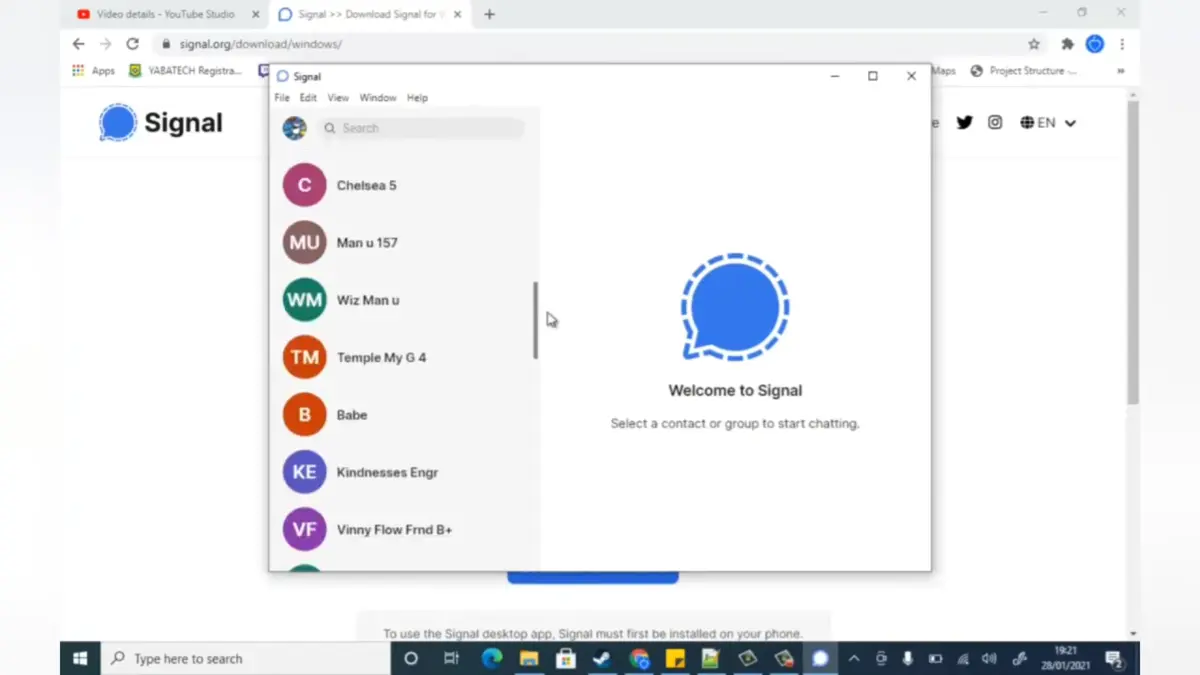
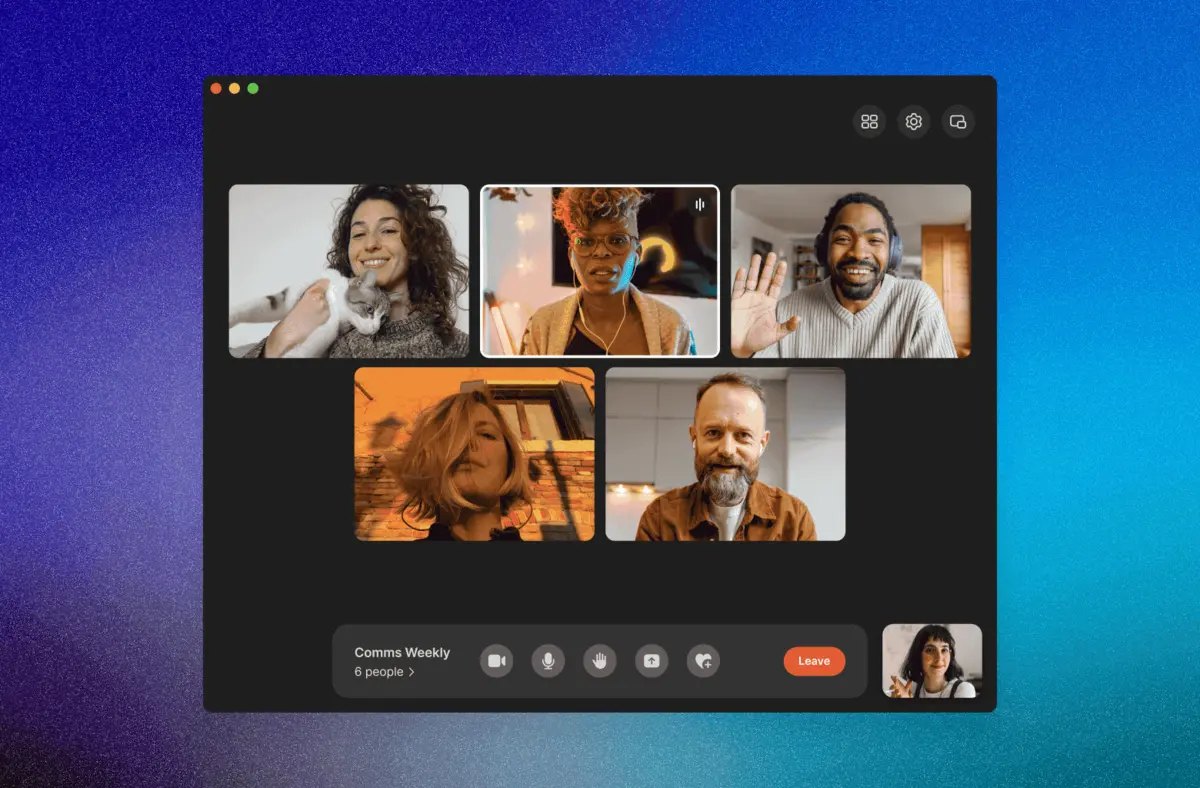
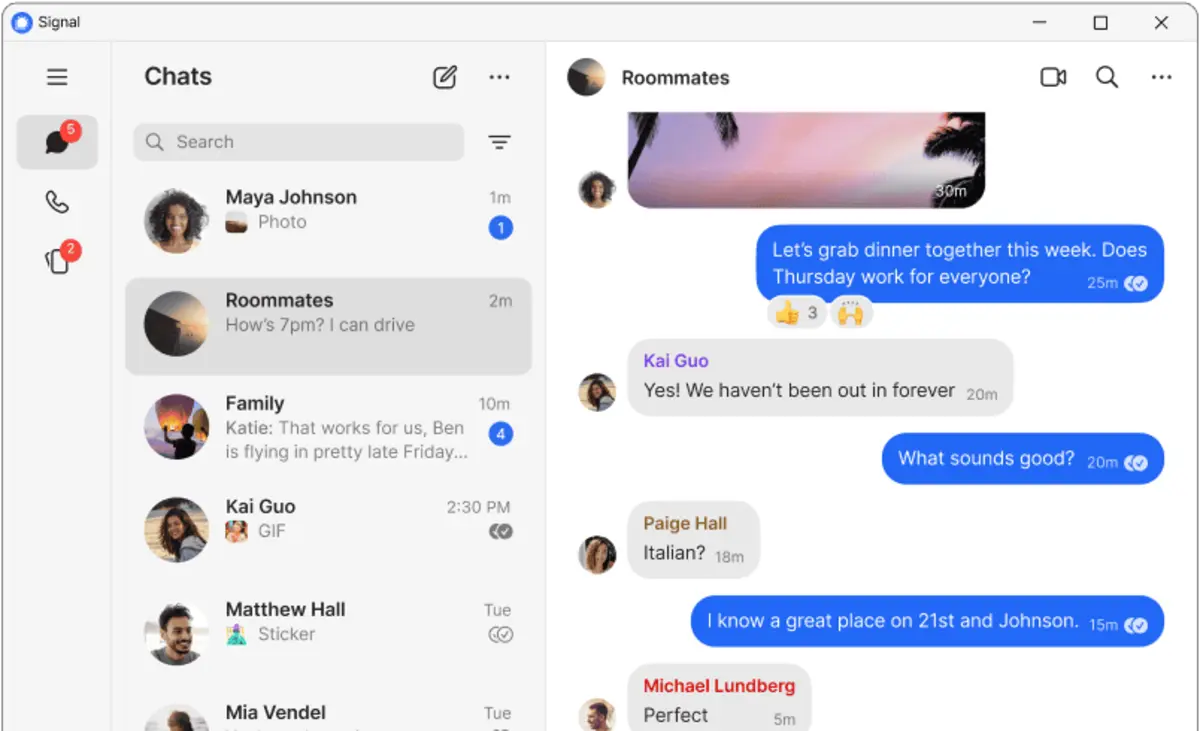
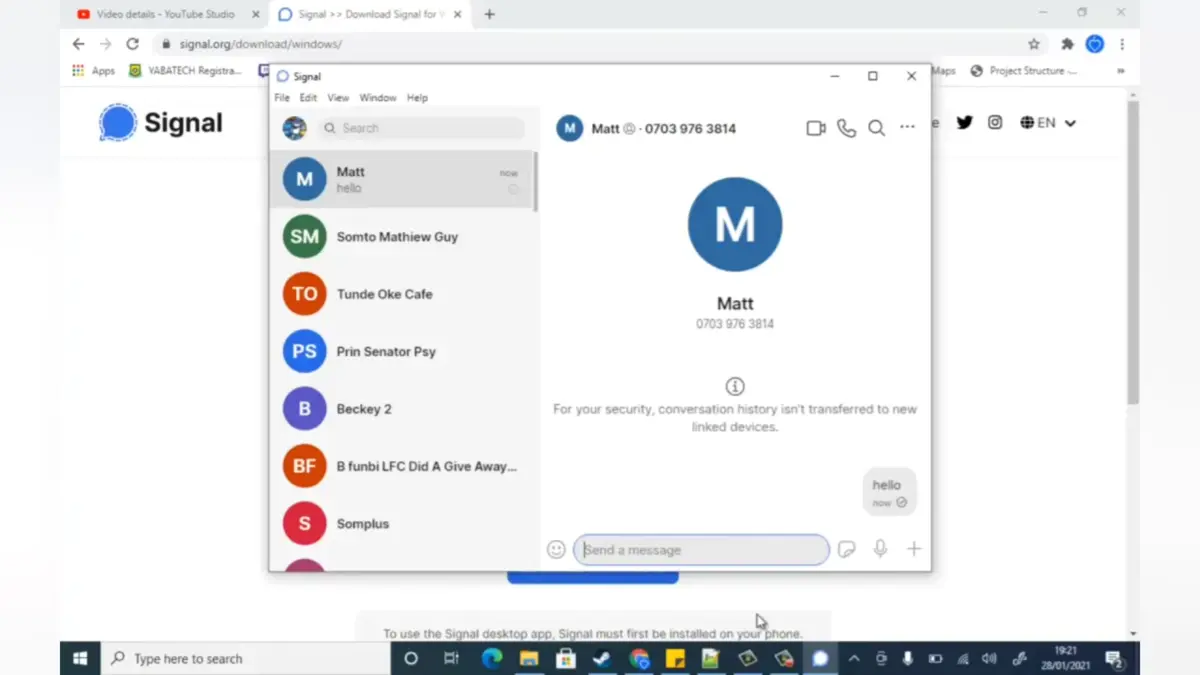
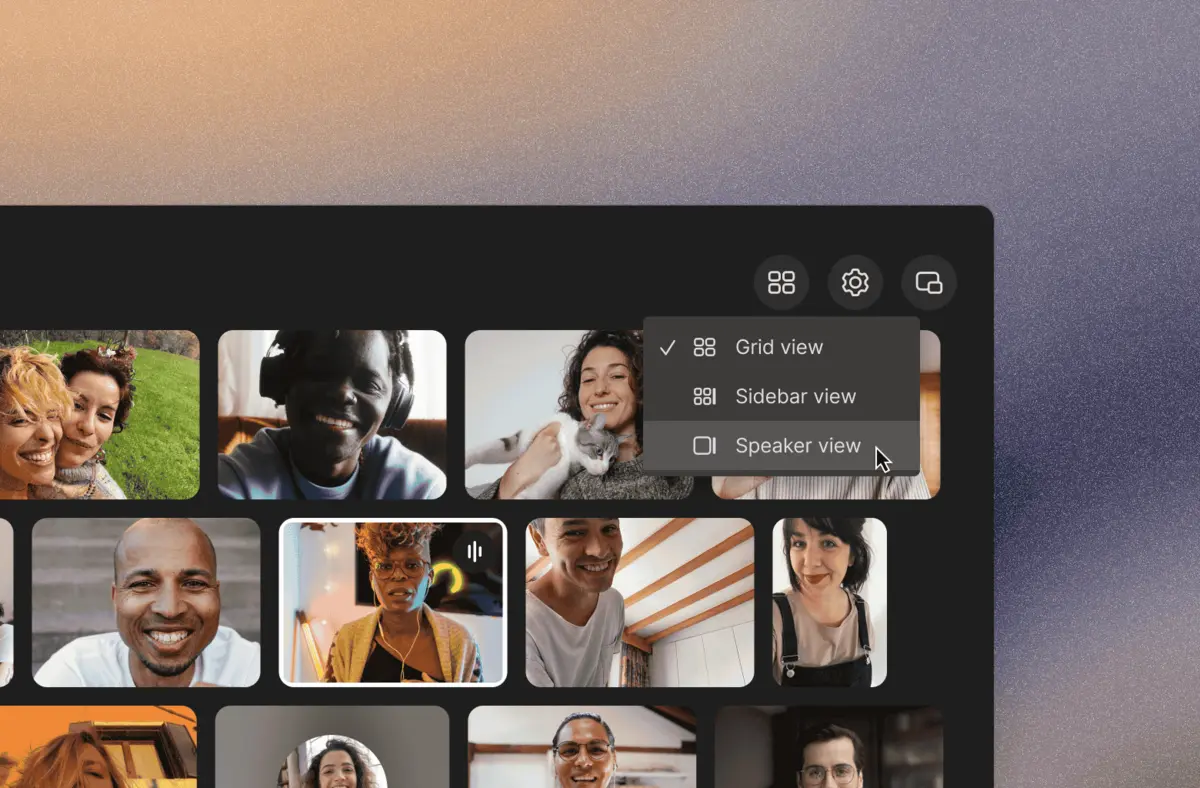
Here is what Signal looks like on Windows.
-
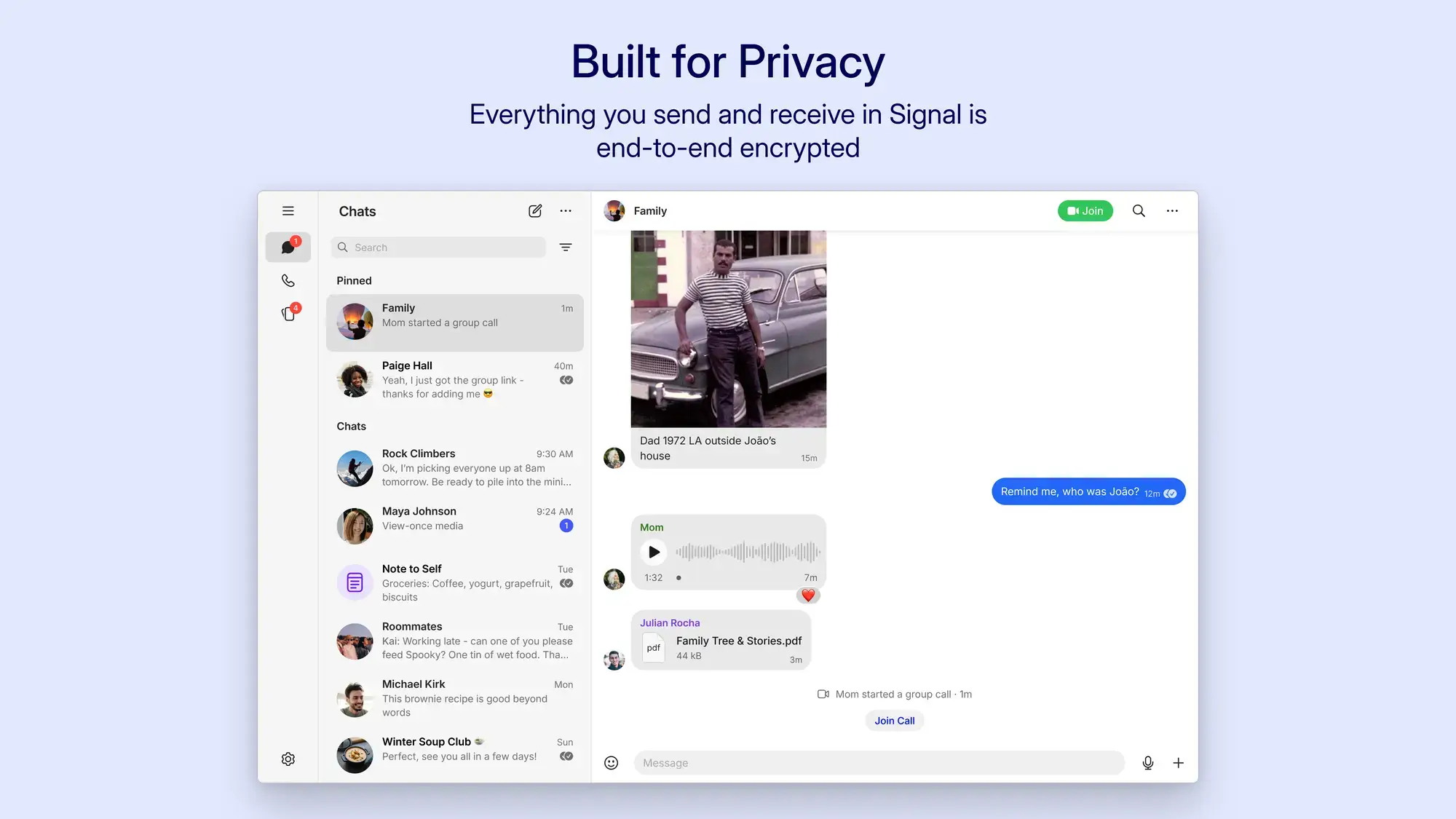
- New signal interface from Signal for Windows PC: Download Guide, Tips & Features
Poll
Frequently Asked Questions
Is Signal free to use?
Yes. Signal is completely free. It is built and maintained by the Signal Foundation, a non-profit organization. There are no paid plans, no subscriptions, and zero advertisements.
Do I need a phone to use Signal on Windows?
Yes. Signal for Windows links directly to your smartphone. You need to install Signal on your Android or iPhone first, then scan a QR code to connect the desktop app. It will not work without a linked phone.
Is Signal actually private?
Yes. All messages, calls, and file transfers on Signal are end-to-end encrypted by default. This means only the people inside the conversation can read the messages. The company also collects almost no data about who you talk to or when.
How is Signal different from WhatsApp?
Both use end-to-end encryption, but they differ in data collection. Signal is a non-profit and collects almost no data about who you message or when. WhatsApp is owned by Meta and does collect that kind of data, even if it cannot read the message content. Signal is also fully open source (the code is public and anyone can inspect it).
Support and Community
- Signal Support Center (official help and troubleshooting)
- r/signal on Reddit (community discussions and setup help)
Explore More Windows Apps: WhatsApp for Windows · Telegram for Windows · Microsoft PC Manager
Discover more from Windows Mode
Subscribe to get the latest posts sent to your email.