Readers like you help support this site. When you make a purchase using links on our site, we may earn an affiliate commission. All opinions remain our own.
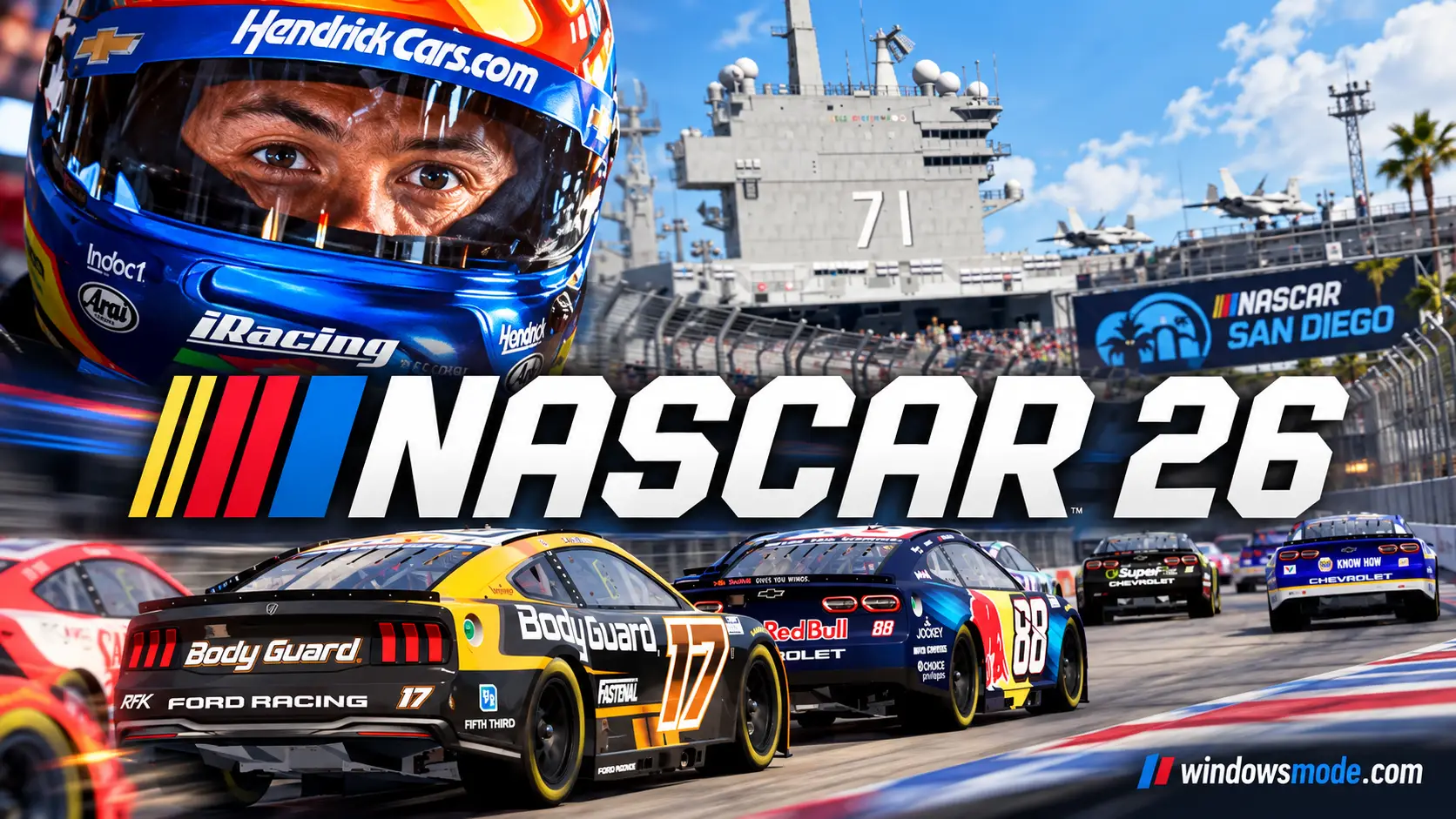
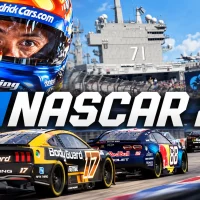
NASCAR 26 on PC. Click to open it full size.
NASCAR 26 is the official NASCAR racing game for PC from iRacing Studios, available on Steam. You race real drivers and teams across all four NASCAR national series, from the ARCA Menards Series up to the Cup Series. Build a team in Career Mode, jump into a single race, or fight for the title in the new Chase mode.
It comes from the team behind the iRacing sim. The tracks are laser-scanned (measured down to the bumps) from iRacing, and the track surface now changes grip across a race weekend. The car you set up in practice will not feel the same by the final laps.
The Standard Edition came out on September 18, 2026, after three days of early access for Gold Edition buyers. It runs on Windows 10 and Windows 11, plays best with a wheel or a controller, and has cross-play with PlayStation 5 and Xbox Series X|S.
Already racing? Tell us which series you started your career in. Got questions before buying? Reach out to us directly.
What You Need to Know
- On PC it is sold only on Steam. It is not on the Epic Games Store or GOG.
- It needs a real gaming PC: 16 GB of RAM, a graphics card with 4 GB of its own memory, and 65 GB of space.
- Use a wheel, a controller or the keyboard. The mouse does not work.
- There is no mod support and no VR.
Quick Facts
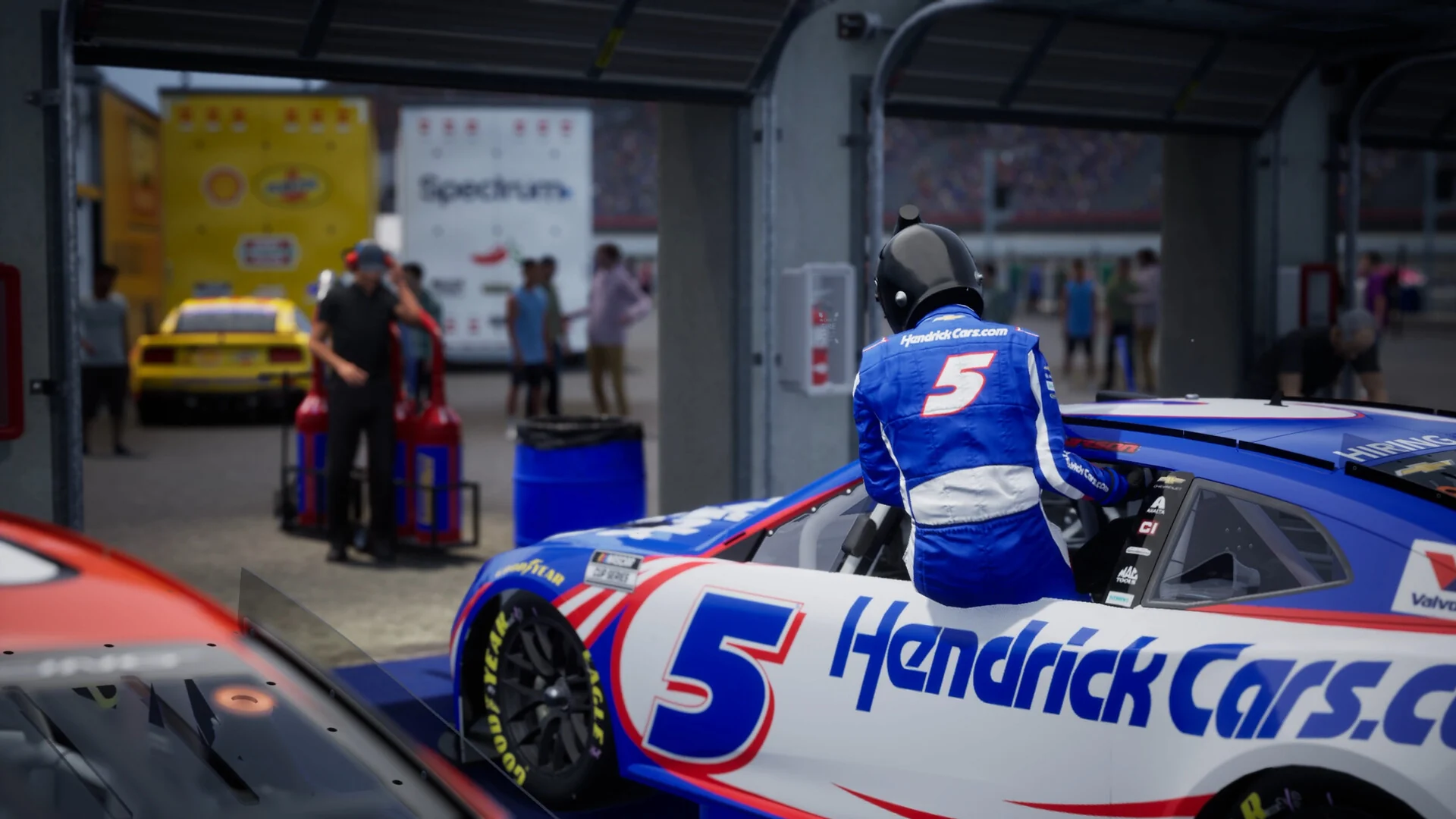


How to Download NASCAR 26 on Windows
Steam is the only place to buy it on PC. The download is large, so start it before you plan to race.
- Step 1. Install Steam. Download it from the Steam website and sign in.
- Step 2. Open the store page. Go to NASCAR 26 on Steam.
- Step 3. Pick an edition. Add the Standard or Gold Edition to your cart and check out.
- Step 4. Install it. Click Install in your library and make sure you have 65 GB free.
- Step 5. Plug in your wheel or controller.
- Step 6. Launch it and check your controls under Options, then Input Mapping.
NASCAR 26 Editions and Price
There are two editions. The Gold Edition is the Standard Edition plus the 2026 Season Pass, so the game itself is the same in both. The extras are paint schemes, firesuits and boosts that make the start of Career Mode easier.
Already own the Standard Edition? You can buy the Season Pass on its own for $24.99, or pick up single monthly packs for $9.99 each. Bought separately, the Standard Edition and the Season Pass cost a little more than the Gold Edition.
💡 Your PC is too weak? Cloud gaming is an option. Check if NASCAR 26 is on Boosteroid.
What Is NASCAR 26?
NASCAR 26 is the second NASCAR game from iRacing Studios, after NASCAR 25. It covers the whole national ladder: the ARCA Menards Series, the NASCAR Craftsman Truck Series, the NASCAR O’Reilly Auto Parts Series and the NASCAR Cup Series, with real drivers, teams and tracks from each.
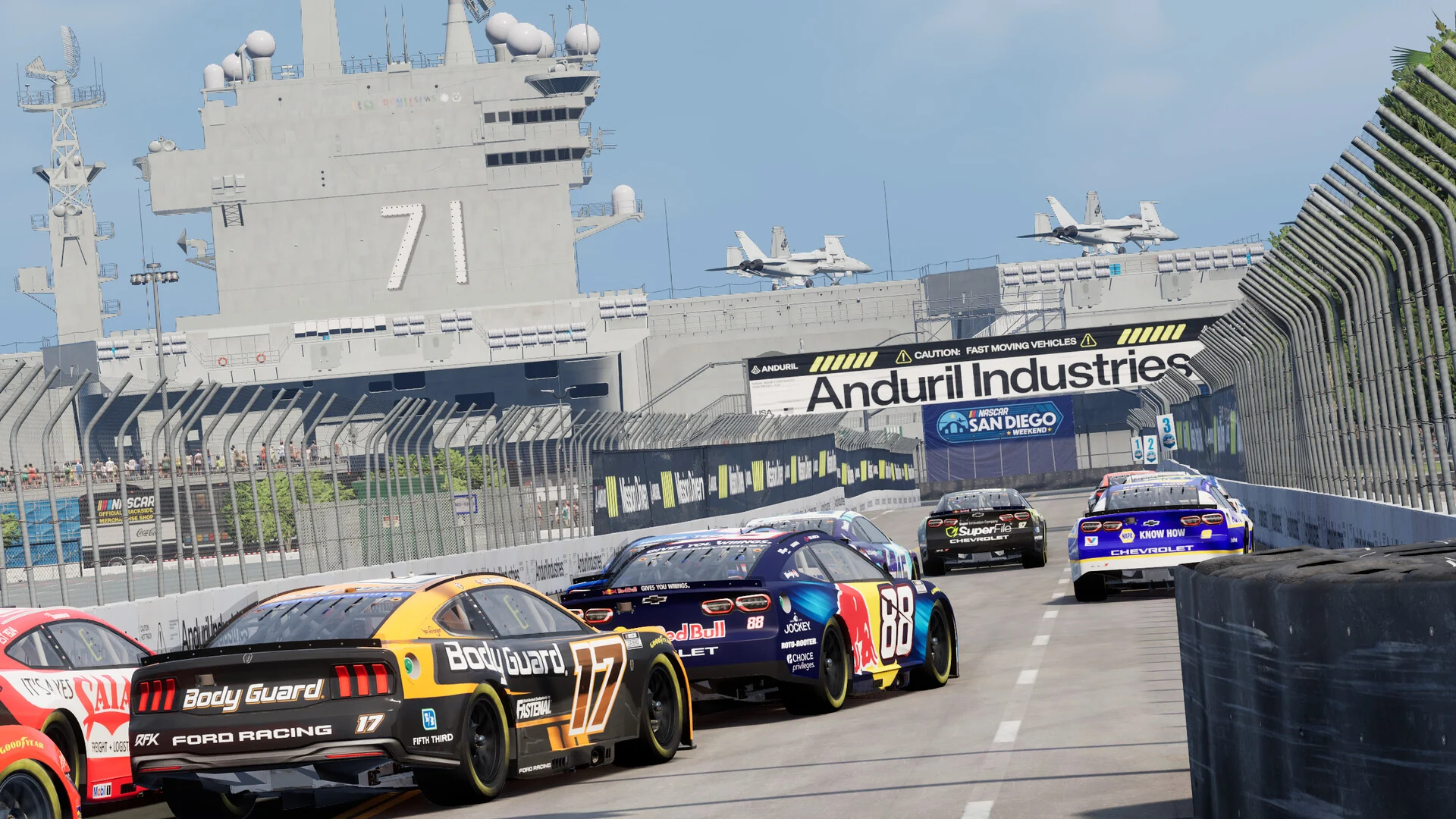
The new street circuit at Naval Base Coronado in San Diego.
Career Mode is the core of the game. You start a small team in ARCA and work your way up to the Cup Series. Each week you make plans and spend money on facility upgrades, and crew chief Steve Letarte and Daytona 500 winner Jamie McMurray coach you along the way. From the Truck Series up, your season ends in the Chase, a ten-race playoff for the title.
If you would rather skip the long season, The Chase is also its own mode. You pick the field and jump straight into the last ten races. There is also Quick Race, a Championship mode, online races with console players, and Peak Performance, a training mode for learning each track.
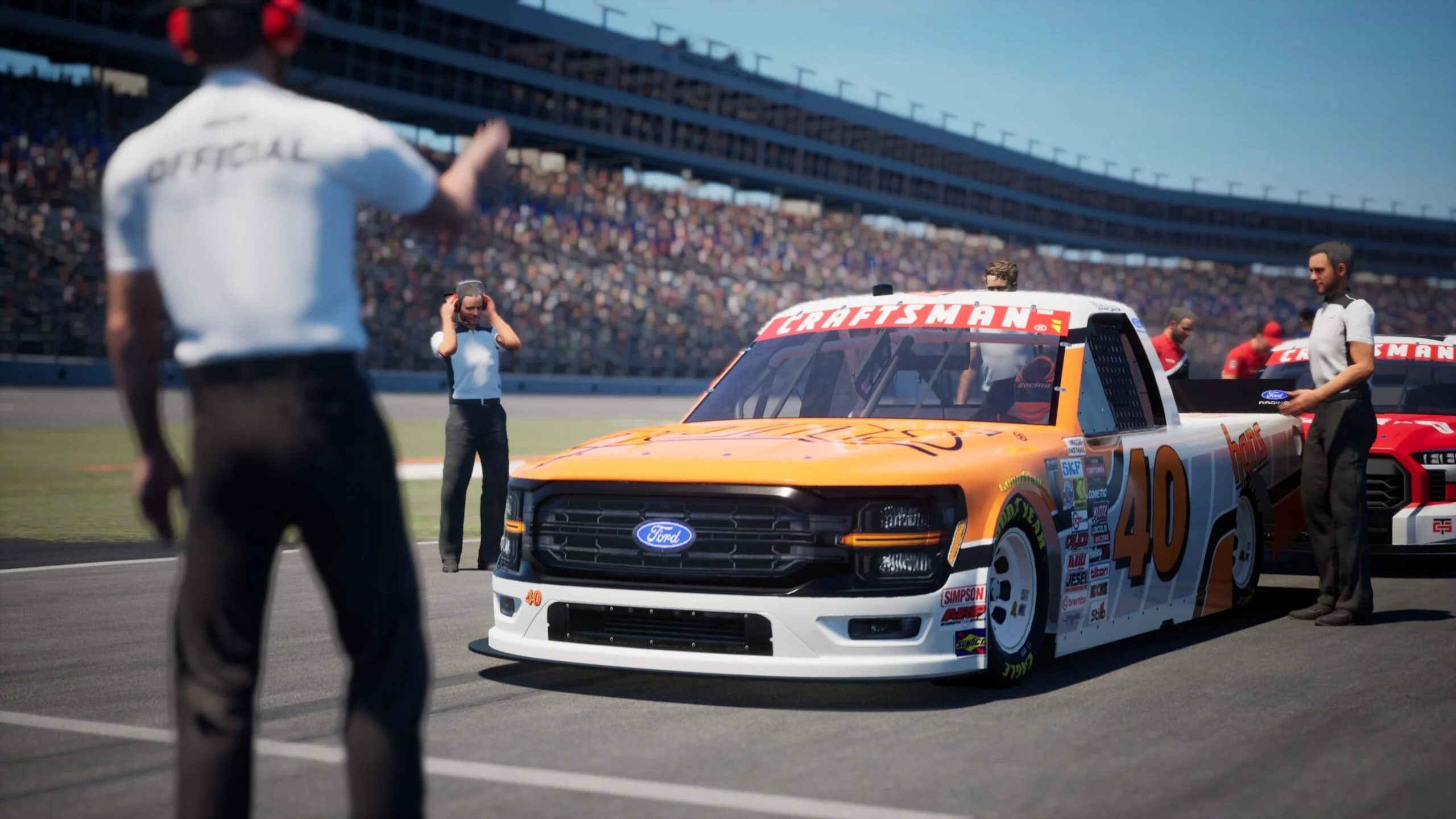
Career Mode runs through the Truck Series on the way to the Cup Series.
New this year are the Coronado street circuit, Chicagoland and the St. Petersburg street circuit, plus an updated Circuit of the Americas. The Ram truck joins the Truck Series, Freddie Kraft is your spotter (the voice that tells you where other cars are), and you can do burnouts after a win and keep your trophies in a trophy room.
Official Trailer
Watch the official gameplay trailer for NASCAR 26 to see the Cup, O’Reilly and Truck Series cars on track, the new street circuits and race day from the driver’s seat.
Key Features
Race in the Cup Series, the O’Reilly Auto Parts Series, the Craftsman Truck Series and the ARCA Menards Series, each with its real drivers and tracks.
Run your own team, plan each week, upgrade your facilities and get coaching from Steve Letarte and Jamie McMurray as you move up.
A standalone mode where you choose the field and fight for the title over the last ten races of the season.
The racing surface changes from the first practice laps to the checkered flag, so grip and the fast line move during a weekend.
A new tire and braking model, better input options and the 750 horsepower engine package used in real NASCAR.
Race online against players on PlayStation 5 and Xbox Series X|S, or in password-protected lobbies with friends.
Is This Game for You?
Our Take
🎮 Our Take
The changes from NASCAR 25 land where they matter most: the dynamic track, the new tire and brake model and a Career Mode with real decisions in it. Having iRacing’s scanned tracks under a game you can pick up with a controller is the main reason to buy it. The Chase as a standalone mode is a smart addition for anyone who wants the tense end of a season without racing 26 weeks to get there. On PC it is more locked down than we would like, though. There is no mod support, no VR, no mouse input and no private lobbies, and the paid packs are mostly paint schemes and career boosts.
If you are a NASCAR fan with a wheel or a controller, buy the Standard Edition. The Gold Edition only makes sense if you want the extra paint schemes or a faster start in Career Mode. If you want deep online racing or a modding scene, look at iRacing itself instead.
Why Play NASCAR 26 on PC?
- Wheel support: Many wheels work right away, and you can map any wheel, pedal set or shifter that uses XInput, GameInput or DirectInput.
- Triple monitors: Span the game across three screens with NVIDIA Surround or AMD Eyefinity for a wider view of the pack.
- DualSense support: Steam lists support for the PlayStation DualSense controller, so you can race with a PS5 pad on your PC.
- Same online field: Cross-play means PC players race in the same lobbies as PlayStation 5 and Xbox Series X|S players.
System Requirements
These are the requirements iRacing Studios lists on Steam. The minimum spec is modest, but 16 GB of RAM and 65 GB of free space are firm. A real Windows PC is required: Mac emulation and virtual machines are not supported.
Tips for Beginners
Set up your controls first
From the Press Start screen, press Y (or the Y key) to open Input Mapping. Map your wheel or controller before your first race, since the mouse does nothing.
Train in Peak Performance
Use the training mode to learn a track before you race it in Career Mode. It is the fastest way to stop losing time in the corners.
Points beat wins for the Chase
In Career Mode, steady top-ten finishes get you into the Chase more safely than chasing wins. Wins still pay big points, so take them when they come.
Repair before you replace
Repair and rebuild parts between races, and buy new parts only when you need them for a big run, such as the Chase.
Expect the track to change
Grip changes from practice to the race. Do not judge your car on your first few laps, and watch for the line moving as the weekend goes on.
NASCAR 26 Screenshots
A pack at sunset on an oval, two trucks side by side at St. Petersburg, and a Cup race past the pit road scoring tower. Click any image to open it full size.
-
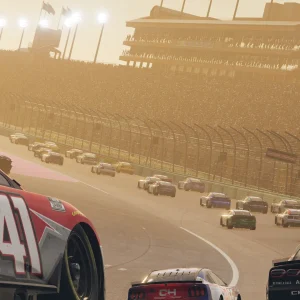
- Nascar 26 sunset oval pack from
-
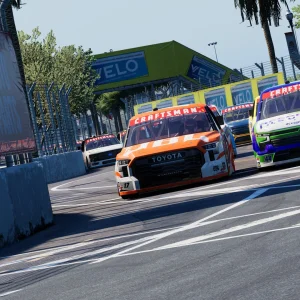
- Nascar 26 craftsman trucks st pete from
-
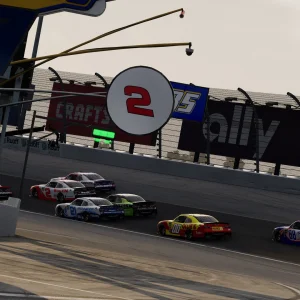
- Nascar 26 pit road cup race from
NASCAR 26 FAQ
Does NASCAR 26 support mods?
What controls does NASCAR 26 support on PC?
Does NASCAR 26 have cross-play?
Does NASCAR 26 support VR?
Does NASCAR 26 work on Steam Deck?
Can you play NASCAR 26 on a Mac?
What are the NASCAR 26 system requirements?
Support and Community
- NASCAR 26 official website, the developer’s own site for the game, with news and guides.
- iRacing Studios, the studio behind the game.
- NASCAR 26 release notes, for every patch and fix.
- The official NASCAR 26 FAQ, with wheel setup, keyboard controls and triple monitor steps.
- iRacing support, for bug reports and account help.
- NASCAR 26 on YouTube, for trailers and dev diaries.
- NASCAR 26 on X, the game’s official account.
- r/NASCAR26game on Reddit, for setups, career tips and discussion.
Explore more Windows games: NASCAR 25 for Windows · Forza Motorsport for Windows · F1 25 for Windows · Assetto Corsa Rally for Windows · Forza Horizon 6 for Windows · Best Racing Games on PC
Need a PC upgrade to run these? See our Best Gaming Desktops guide.
Discover more from Windows Mode
Subscribe to get the latest posts sent to your email.












Add your first comment to this post