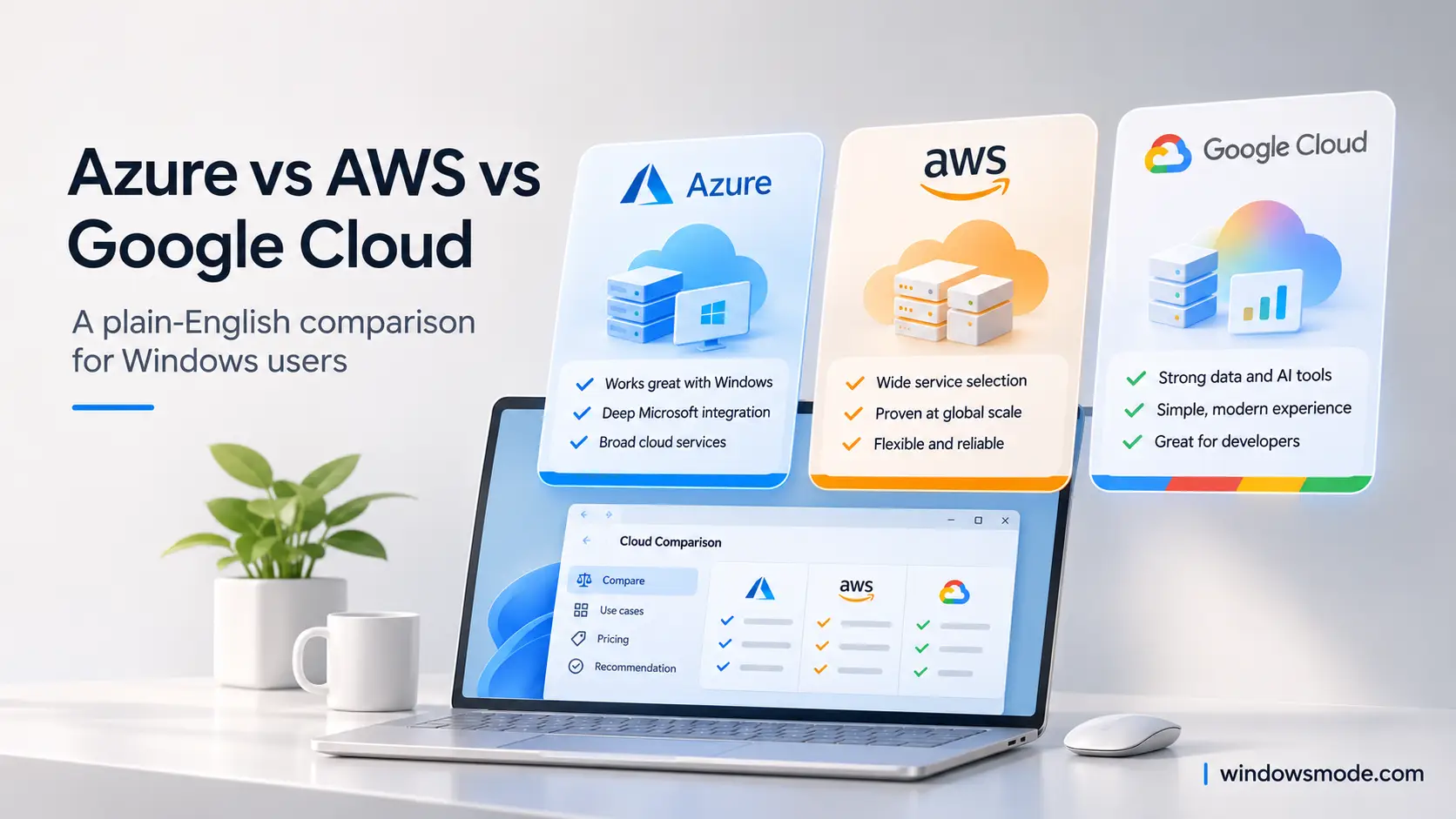
Azure, AWS and Google Cloud all rent you computers, storage and AI by the hour. The differences are in the details.
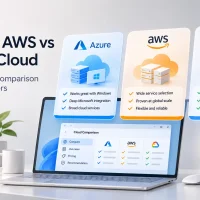
Azure, AWS and Google Cloud are the three big public clouds, run by Microsoft, Amazon and Google. Each one rents you servers, storage, databases and AI tools over the internet, and bills you for what you use. All three can run almost any common workload, so the choice comes down to fit.
Most of the services line up one to one, just with different names. What really separates them is what you already use: your tools, your licenses, your team’s skills. A company that lives in Windows Server and Microsoft 365 starts from a different place than a startup built on Google tools.
All three offer free credits for new customers, plus services that stay free up to monthly limits. None of them asks for a long contract to get started.
Below: what each cloud is good at, a table of matching service names, the AI platforms, free trials, pricing models, the Windows licensing angle, and how to pick. Got a question we did not answer? Reach out to us directly.
The Short Answer
Pick the cloud your work already leans on. If you run Windows Server, SQL Server, Microsoft 365 or Entra ID sign-ins, Azure usually costs less effort and often less money. If your team or your customers already build on AWS, staying there is the easy path. If your work is heavy on data analysis, Kubernetes or Google’s Gemini AI models, Google Cloud is worth a hard look.
Starting from zero with no ties? Use the free credits to try the same small project on two of them, then keep the one whose portal, docs and bills make sense to you. That hour of testing tells you more than any comparison chart, including this one.
Meet the Three Clouds
Same idea, three companies with different histories. Here is who runs each one and where it tends to shine.
Microsoft Azure
Azure grew out of Microsoft’s server business, so it speaks Windows, Active Directory and SQL Server natively. It runs plenty of Linux too.
Windows Server and SQL Server workloads, Microsoft 365 and Entra ID sign-ins, hybrid setups that mix your own servers with the cloud, and Windows desktops in the cloud.
The portal and the service names change often, and Microsoft licensing rules take time to learn.
Amazon Web Services (AWS)
AWS was the first big public cloud, so it has the longest track record. Many third-party tools, courses and tutorials show AWS examples first.
A very large catalog of services, mature building blocks such as EC2 and S3, and a deep pool of community answers and outside tooling.
Hundreds of services and options can overwhelm beginners, and bringing your own Windows Server licenses comes with strict limits.
Google Cloud
Google Cloud runs on the same kind of network and data tools Google built for Search and YouTube. Google also created Kubernetes, the open system for running containers.
Data analysis with BigQuery, Kubernetes with GKE, Gemini AI models and Google’s own AI chips (TPUs), and automatic discounts on some long-running servers.
Fewer services than the other two in some areas, and Windows workloads are less of a focus than on Azure.
Why no market share numbers here? They shift every quarter, and size alone does not tell you which cloud fits your project. A small team cares more about free credits, clear docs and the skills it already has.
Same Job, Different Names: Matching Services
Most cloud services have a twin on the other two clouds. Use this table to translate a tutorial written for one cloud into the names on another.
A twin is rarely an exact copy. Limits, features and prices differ, so treat the table as a map, not a promise. For the full lists, Microsoft keeps an AWS to Azure services comparison and Google keeps a service comparison across all three clouds.
Working from Windows? All three command-line tools install on Windows 10 and Windows 11. Our Azure CLI for Windows guide walks through the Azure one step by step.
AI Platforms: Foundry vs Bedrock vs Gemini Enterprise Agent Platform
Each cloud now has one main place to build AI apps and agents. All three let you pick from models made by several companies, connect them to your own data, add safety filters, and pay per use. The differences are in which models sit at the center and which other services they plug into.
Microsoft Foundry
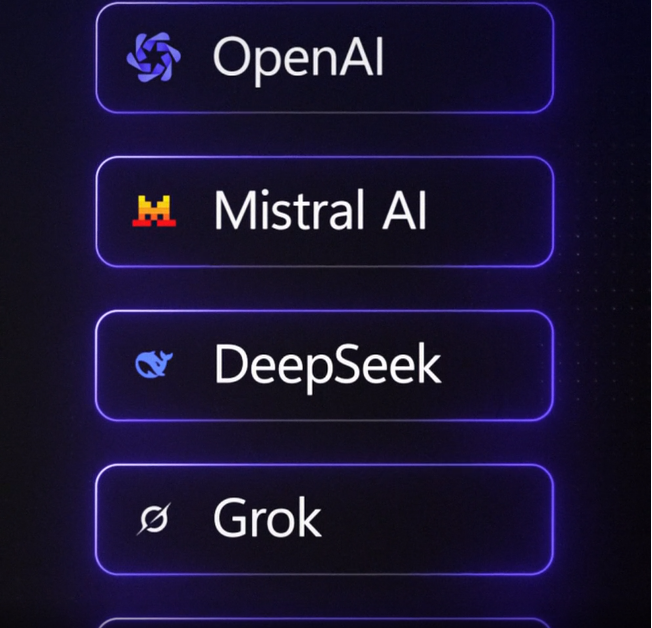
Foundry, formerly Azure AI Foundry, hosts the OpenAI models Microsoft sells through Azure, plus models from Anthropic, Meta, Mistral, DeepSeek and others, with an agent service built in.
It fits best when your data already lives in Microsoft tools, such as SharePoint, Microsoft 365 or Azure databases. Our Microsoft Foundry guide covers it in depth.
Amazon Bedrock
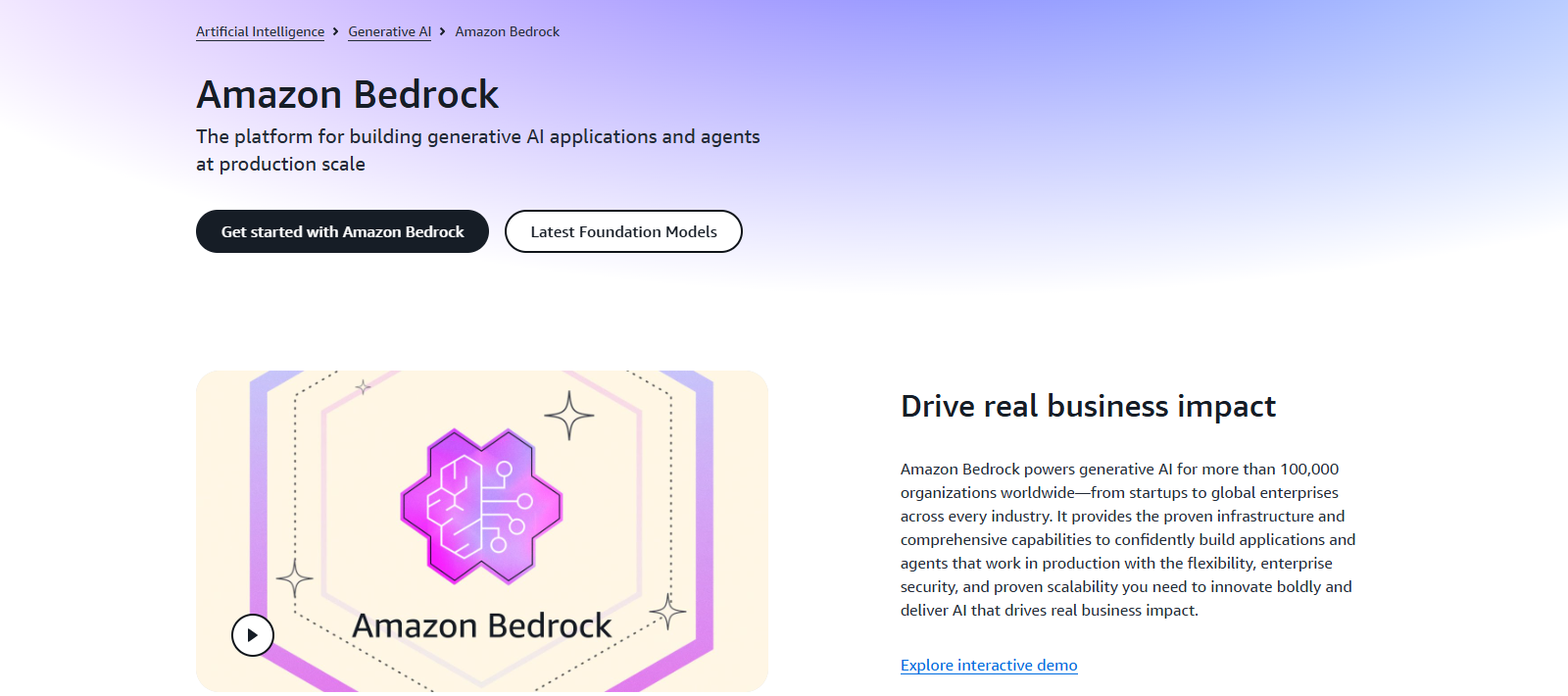
Amazon describes Bedrock as the platform for building generative AI apps and agents at production scale, with access to hundreds of foundation models (large ready-made AI models) from several AI companies.
It fits best when your apps and data already run on AWS, since it works with AWS sign-in, storage and monitoring out of the box.
Gemini Enterprise Agent Platform
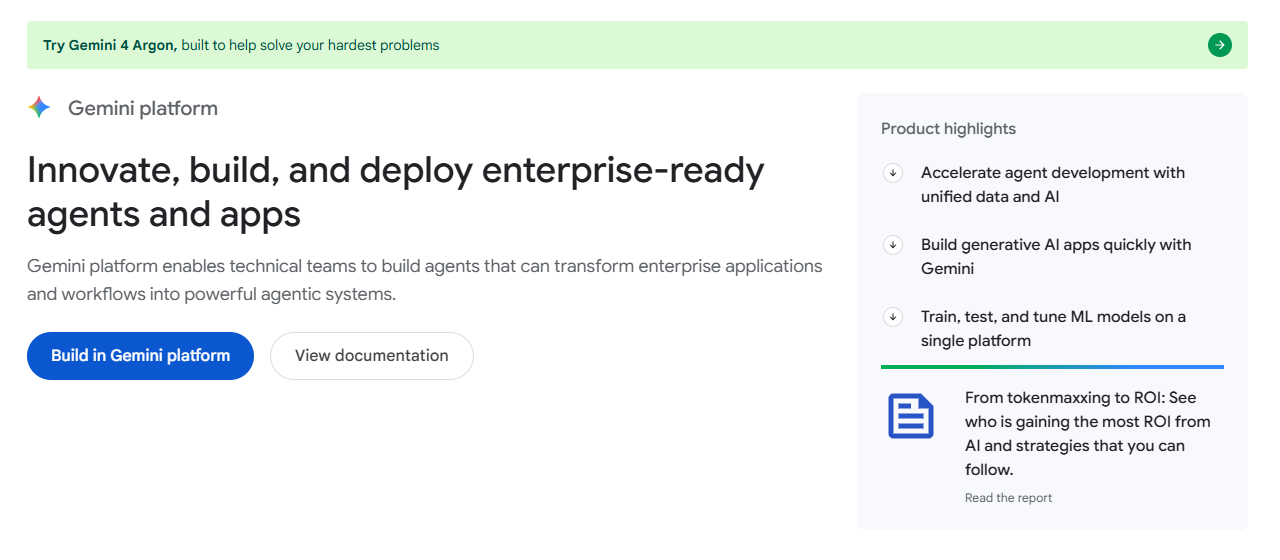
Google renamed Vertex AI to Gemini Enterprise Agent Platform, shortened to Gemini platform on its own pages. Its Model Garden offers Google’s Gemini models, third-party models such as Anthropic’s Claude, and open models such as Gemma.
It fits best when you want Gemini models or work with BigQuery data. Older tutorials say Vertex AI; the ideas carry over.
Model lineups change every few months. A model that is only on one cloud today may land on another next quarter. Pick the platform for how it fits your data and team, and check the model catalog on the day you start.
Free Tiers and Trial Credits Compared
All three give new customers credit to spend, plus services that stay free up to monthly limits. Here is how the offers looked when we checked each vendor’s site in November 2026.
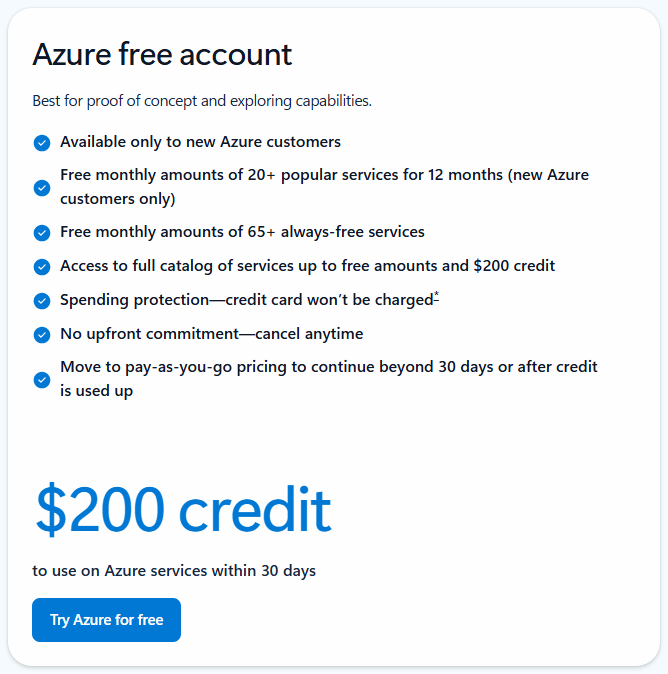
Azure free account
The Azure free account gives $200 of credit for 30 days, then popular services stay free for 12 months within monthly amounts. You add a card for identity checks, and Microsoft says it is not charged unless you move to pay-as-you-go.
Students can get Azure for Students with a school email and no credit card. Our Azure free account guide covers sign-up and the limits.
AWS Free Tier
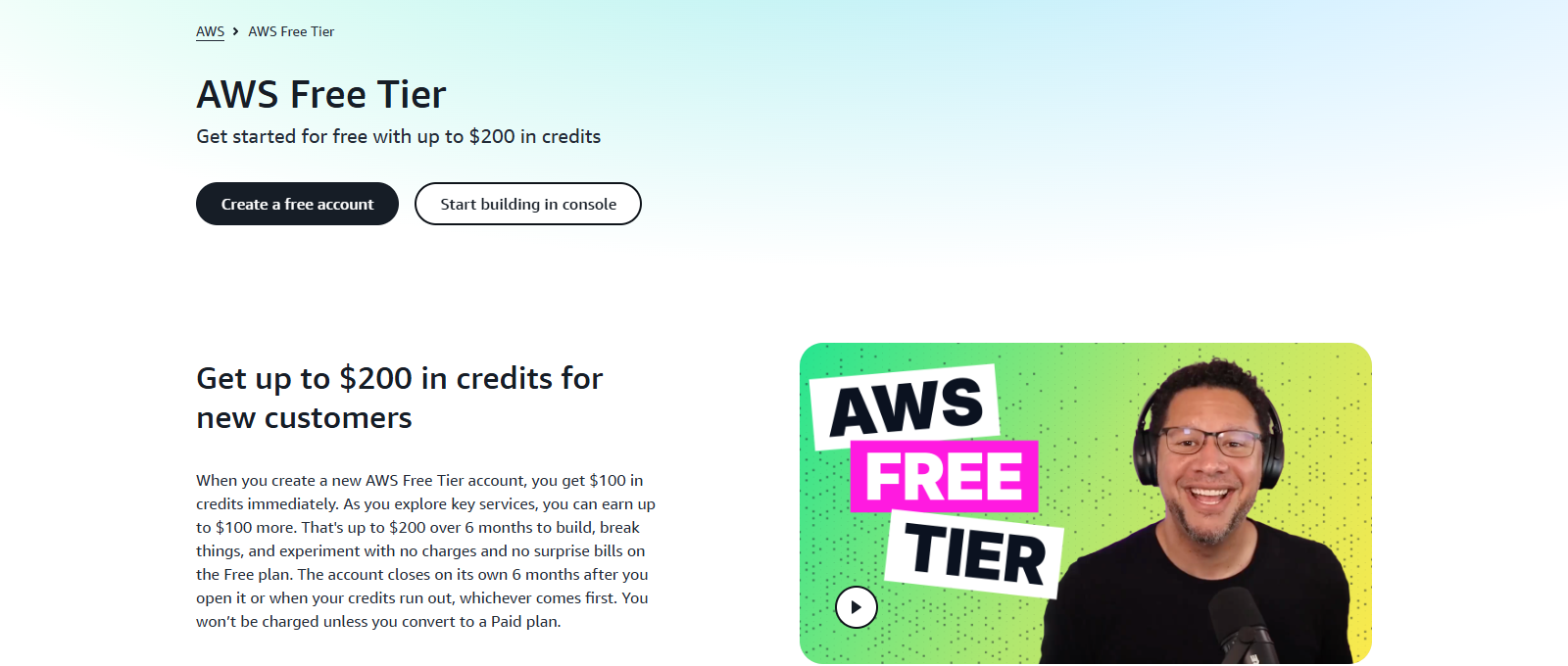
The AWS Free Tier now works in credits: $100 when you open the account, and up to $100 more as you try key services. The Free plan lasts up to 6 months or until the credits run out.
The Free plan cannot surprise you with a bill, but it closes on its own at the end unless you upgrade. The Paid plan unlocks every service and keeps the same credits.
Google Cloud free program
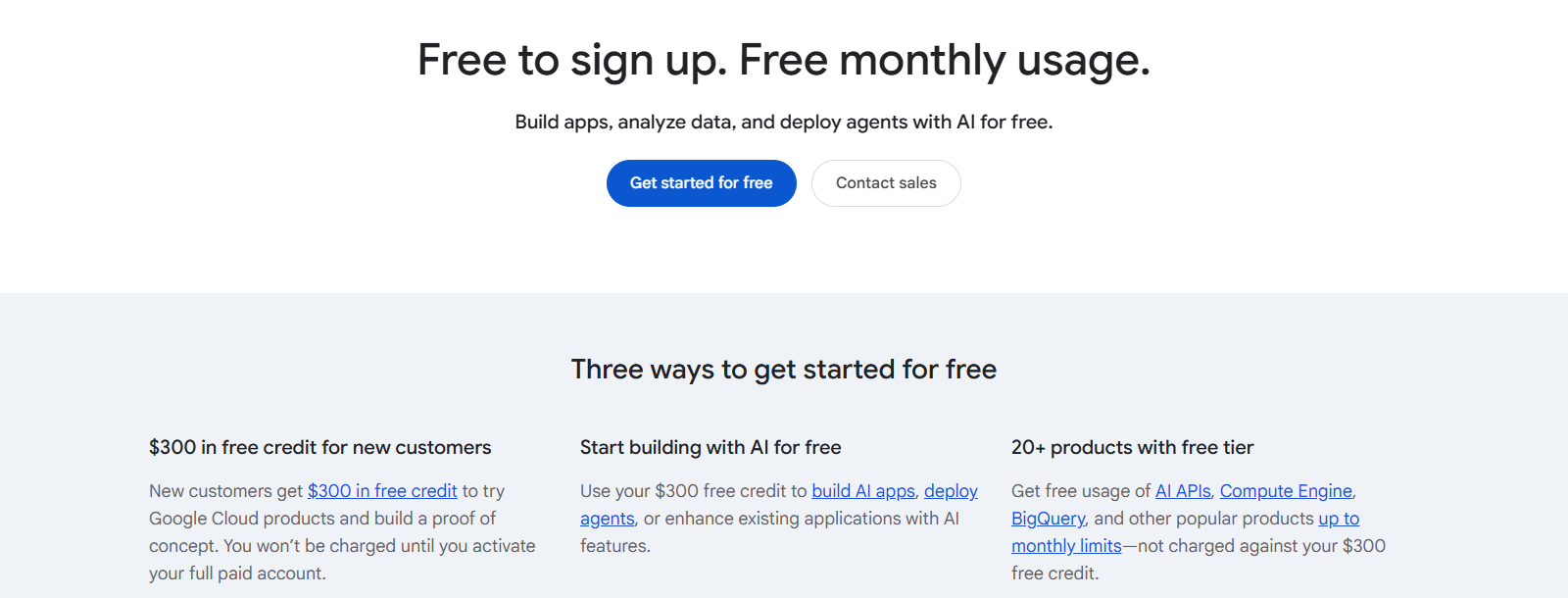
The Google Cloud free program gives new customers $300 of credit for 90 days. Google says you are not charged until you activate a full paid account.
Its free tier includes one small e2-micro virtual machine a month in select US regions, plus monthly free use of Cloud Storage, Cloud Run and BigQuery, which does not count against the $300.
Free tiers have edges. A free virtual machine is small, often limited to certain regions, and storage or data sent out of the cloud can still cost money. Set a budget alert on day one, whichever cloud you pick.
How Pricing Works on Each Cloud
All three start with pay-as-you-go: you pay for what you use, by the second, hour, gigabyte or request, with no contract. Then each one offers discounts if you commit to steady use or accept servers that can be taken back. We do not list prices here, because they differ by region, size and day; use each cloud’s calculator instead.
Google also gives sustained use discounts automatically on some virtual machine types that run for a large part of the month, up to 30% off with no commitment. The other two need you to sign up for a reservation or plan to get a discount.
Try your own setup in the Azure Pricing Calculator, the AWS Pricing Calculator and the Google Cloud Pricing Calculator. Our Azure pricing guide explains how meters and bills work, and our guide to reducing Azure costs covers budgets, reservations and Advisor.
Data leaving the cloud costs money on all three. Sending data out to the internet or to another cloud (called egress) is billed per gigabyte, while sending data in is usually free. It is easy to forget when you compare server prices alone.
The Windows and Microsoft Licensing Angle
For Windows users and Windows shops, this is often the deciding section. Every cloud can run Windows Server, but they charge for it differently, and Microsoft’s own rules give Azure some advantages the other two cannot match.
Azure Hybrid Benefit
Azure Hybrid Benefit lets you use Windows Server and SQL Server licenses you already own, with active Software Assurance or a qualifying subscription, so you pay only for the computer and not the license again.
Microsoft says it saves up to 80% on Windows Server and up to 85% on SQL Server versus pay-as-you-go rates, depending on region and size. Software Assurance comes with certain business licensing agreements, not with a retail copy of Windows.
Your licenses on AWS and Google
Microsoft names Amazon, Google and Alibaba as Listed Providers. Since October 2019, licenses bought without Software Assurance and mobility rights cannot go on their dedicated servers. AWS says Windows Server BYOL (bring your own license) needs Dedicated Hosts and licenses bought before October 1, 2019, so most people pay the license-included hourly price on AWS and Google Cloud.
Security updates for old Windows Server
Microsoft’s Extended Security Updates (extra years of security fixes after support ends) have been free for servers hosted in Azure and a paid subscription elsewhere. If you still run an older Windows Server, that can tip the math.
Microsoft 365 and Entra ID sign-ins
If your company uses Microsoft 365, your work accounts already live in Microsoft Entra ID, the same identity system Azure uses. AWS and Google Cloud can sign people in with Entra ID too, but it is an extra setup step.
Windows desktops in the cloud
Azure Virtual Desktop, Microsoft’s service for running Windows desktops and apps in the cloud, runs on Azure. The other clouds offer their own virtual desktop services under their own terms.
Licensing rules are detailed and they change. If real money rides on it, check your agreement with your Microsoft licensing partner before you move servers. Microsoft’s migration tools can estimate Azure costs with and without Hybrid Benefit.
Which Cloud Should You Choose?
Find the card that sounds most like you. None of these is a rule, but each one is where we would start.
You run a Windows or Microsoft 365 business
Start with Azure. Entra ID sign-ins, Hybrid Benefit for the licenses you already pay for, and free security updates for older servers all point the same way.
Your team already builds on AWS
Stay on AWS unless there is a clear reason to move. Skills, scripts and habits are worth real money, and moving clouds takes months.
You live in data, Kubernetes or Gemini
Look hard at Google Cloud. BigQuery, GKE and the Gemini models are its home turf, and its automatic discounts suit servers that run all month.
You are learning for a job
Check the job listings where you want to work and learn the cloud they name most. The ideas transfer: once you know one cloud, the second one is mostly new names.
You want to build an AI app or agent
Choose by where your data already sits: Foundry for Microsoft data, Bedrock for AWS, Gemini platform for Google. Then compare the models each one offers that week.
You just need a small website
You may not need any of the three. A simple web host is often cheaper and easier. Reach for a big cloud when you need its scale or its services.
Frequently Asked Questions
Which cloud is cheapest: Azure, AWS or Google Cloud?
Is Azure only for Windows?
Which cloud should I learn first?
Can I use more than one cloud at the same time?
Can I move from AWS or Google Cloud to Azure later?
Is my data equally safe on Azure, AWS and Google Cloud?
Support and Community
- Official sites: Microsoft Azure, Amazon Web Services and Google Cloud.
- Documentation: Azure docs on Microsoft Learn, AWS documentation and Google Cloud documentation.
- Service maps: Microsoft’s AWS to Azure comparison and Google’s AWS, Azure and Google Cloud comparison.
- Shared responsibility in the cloud, Microsoft’s plain explanation of who secures what.
- Microsoft Q&A for Azure, where Microsoft engineers and other users answer questions.
- r/AZURE on Reddit, a large community for Azure questions, including people moving from AWS and Google Cloud.
More Windows software guides: What Is Microsoft Azure? · Azure Free Account · Azure Pricing Explained · Microsoft Foundry · Azure Migration Tools · Azure CLI for Windows
Discover more from Windows Mode
Subscribe to get the latest posts sent to your email.












Add your first comment to this post