Readers like you help support this site. When you make a purchase using links on our site, we may earn an affiliate commission. All opinions remain our own.
Claude is an AI assistant by Anthropic that handles writing, coding, research, and file analysis. It runs as a desktop app on Windows 10 and Windows 11 with features you will not find in most other AI tools. Cowork lets Claude create and edit files directly on your PC. Claude Code gives developers a built-in coding environment with terminal access.
What sets Claude apart from ChatGPT and Copilot is how it handles long-form tasks. It writes longer, more detailed responses and can work through complex analysis step by step using Extended Thinking. Memory is now free for all users, so Claude remembers your preferences across conversations.
This page covers how to download Claude on Windows, what Cowork and Claude Code do, how much each plan costs, and how it compares to other AI tools. If you have any questions or comments, leave a comment below or contact us.
What You Need to Know
- Free plan available. Use Claude on the web or desktop app with daily message limits. No payment required for basic conversations.
- Cowork creates files on your PC. Give Claude a task and it generates reports, spreadsheets, presentations, or code projects directly in a local folder.
- Claude Code for developers. Built-in coding tool with terminal access, Git operations, and codebase understanding. Available on Pro and higher plans.
How to Get Claude on Windows
There are two ways to get Claude on your Windows PC. You can download the desktop app from Anthropic’s website or use Claude in your browser with no install needed.
Note: Claude is not currently available on the Microsoft Store. The only official download is from claude.ai/download. Some third-party apps on the Store use Claude’s name but are not made by Anthropic.
Option 1: Download from Claude.ai
- Step 1. Go to claude.ai/download and click Windows (or Windows arm64 if you have an ARM device).
- Step 2. Run the downloaded installer and follow the setup prompts.
- Step 3. Open Claude and sign in with your account. If you do not have one, you can create a free account during setup.
- Step 4. Start using Claude. Free users can chat and search the web. Cowork and Claude Code require a Pro plan or higher.
Option 2: Use It on the Web
No install needed. Open any browser and go to claude.ai. Sign in with your account and you get the same core chat features. Cowork and Claude Code are available on both the desktop app and the web.
What Is Claude?
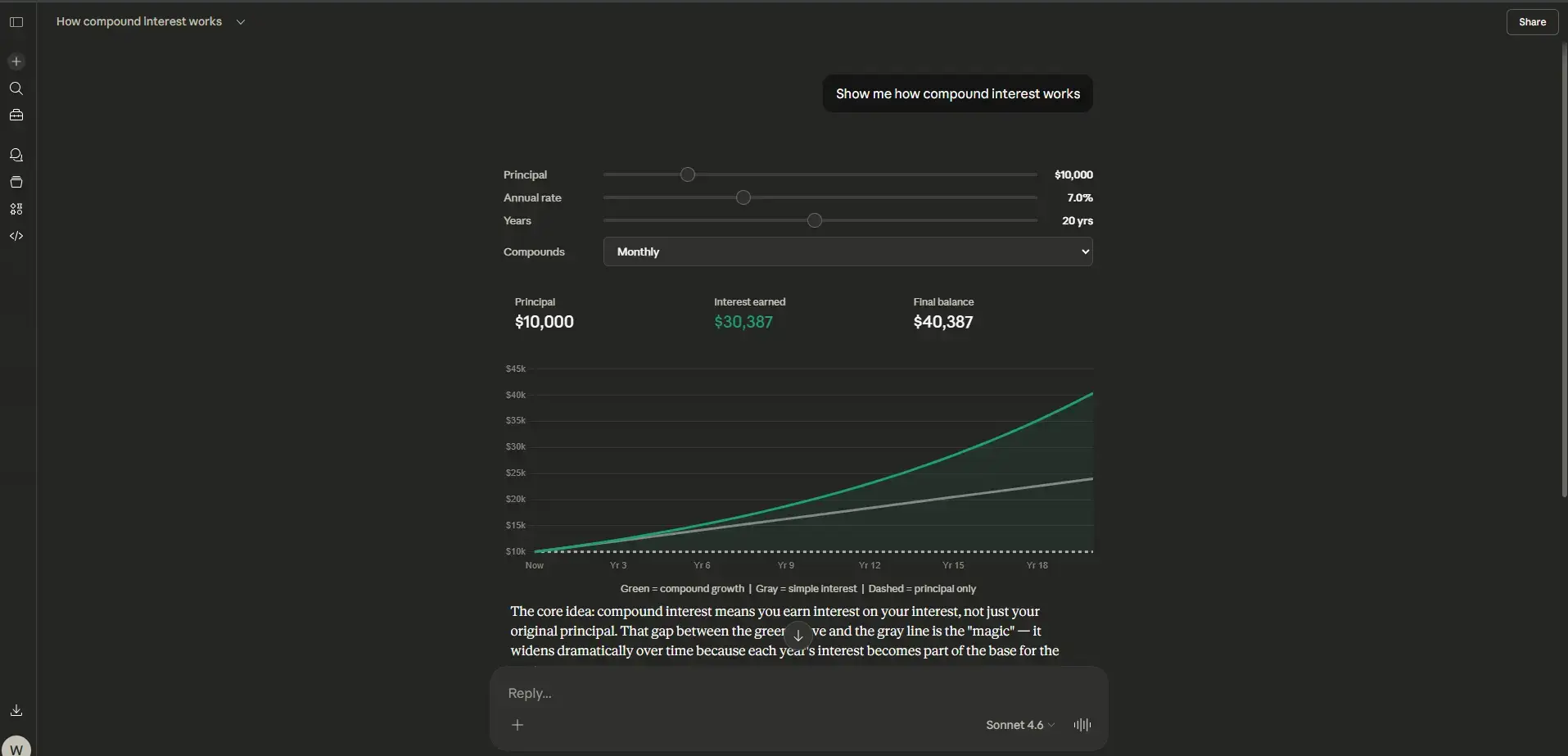
Claude is an AI assistant made by Anthropic. You can ask it questions, have it write documents, analyze data, generate code, or work through complex problems step by step. It runs on Anthropic’s Claude models, which are known for producing longer, more thoughtful responses compared to other AI tools.
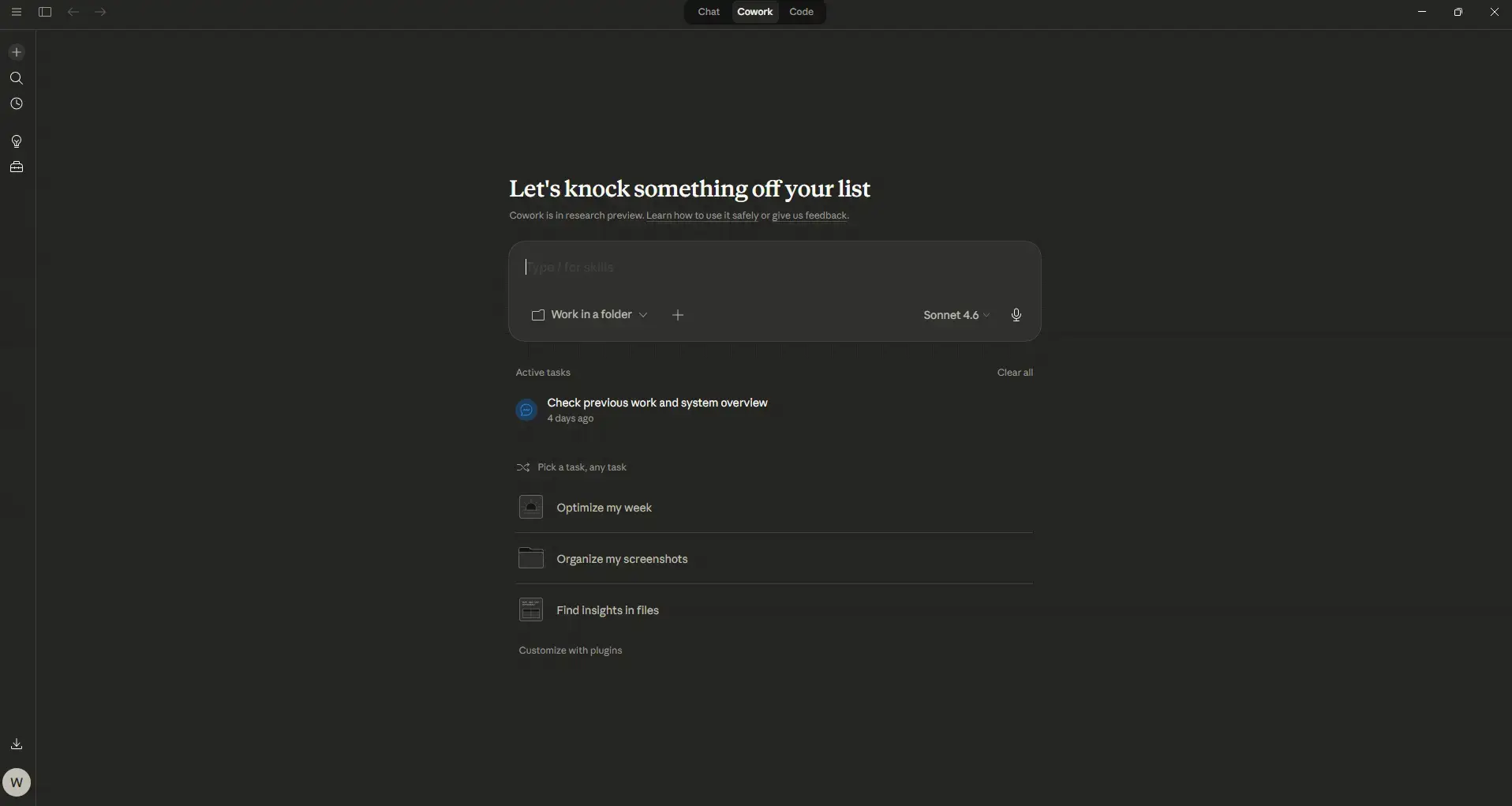
On Windows, the Claude desktop app gives you access to two standout features. Cowork is an AI agent that creates and edits files directly on your PC. Give it a task (like “create a project proposal” or “build a budget spreadsheet”) and it breaks the work into sub-tasks, runs them in parallel, and saves the finished files to a local folder. Claude Code is a built-in coding tool for developers that includes terminal access, Git integration, and the ability to understand your full codebase.
Claude also has Memory, which is now free for all users as of March 2026. It remembers your preferences, writing style, and past decisions across conversations. You can even import your history from ChatGPT or Gemini to get started faster.
Key Features
Cowork
Give Claude a task and it creates files directly on your computer. Reports, spreadsheets with formulas, presentations, code projects. It uses sub-agents to break complex work into steps and runs them in parallel. No more copy-pasting from chat.
Claude Code
A built-in coding tool for developers. Edit code, run terminal commands, manage Git operations, and understand codebase relationships. Auto Memory saves your coding patterns and preferences in a MEMORY.md file per project.
Memory
Claude remembers your preferences, writing style, and decisions across conversations. Free for all users since March 2026. Works on claude.ai, the desktop app, and mobile. You can import your history from ChatGPT or Gemini.
File Uploads and Analysis
Upload PDFs, images, spreadsheets, code files, and more. Claude reads and analyzes the content so you can ask questions about your own documents. Useful for summarizing reports, extracting data, or reviewing contracts.
Extended Thinking
For complex problems, Claude can “think” through its reasoning step by step before answering. This produces more accurate results for math, logic, analysis, and multi-part questions. Available on Pro and higher plans.
MCP Connectors
Connect Claude to other tools and services through the Model Context Protocol. Integrates with Google Workspace, Slack, databases, and more. Developers can build custom MCP connectors to extend what Claude can access and do.
System Requirements
Claude is a lightweight desktop app. Any modern Windows PC can run it.
| Operating System | Windows 10 or Windows 11 (x64 and ARM64) |
| Account | Free account (sign up at claude.ai) |
| Internet | Required (cloud-based AI processing) |
| Web Alternative | claude.ai (works in any browser, any OS) |
Plans and Pricing
Claude has three individual plans. The free plan covers basic chat. Pro unlocks Cowork, Claude Code, and extended thinking. Max is for power users who need significantly higher usage limits.
| Feature | Free | Pro ($20/mo) | Max ($100-200/mo) |
|---|---|---|---|
| Daily Messages | Limited | 5x Free | 5x-20x Pro |
| Cowork (file creation) | ❌ | ✅ | ✅ |
| Claude Code | ❌ | ✅ | ✅ |
| Extended Thinking | ❌ | ✅ | ✅ |
| Memory | ✅ (free for all) | ✅ | ✅ |
| MCP Connectors | Desktop extensions | ✅ (remote MCP) | ✅ |
| Priority Access | ❌ | ✅ | ✅ + early features |
Claude Code Shortcuts and Commands
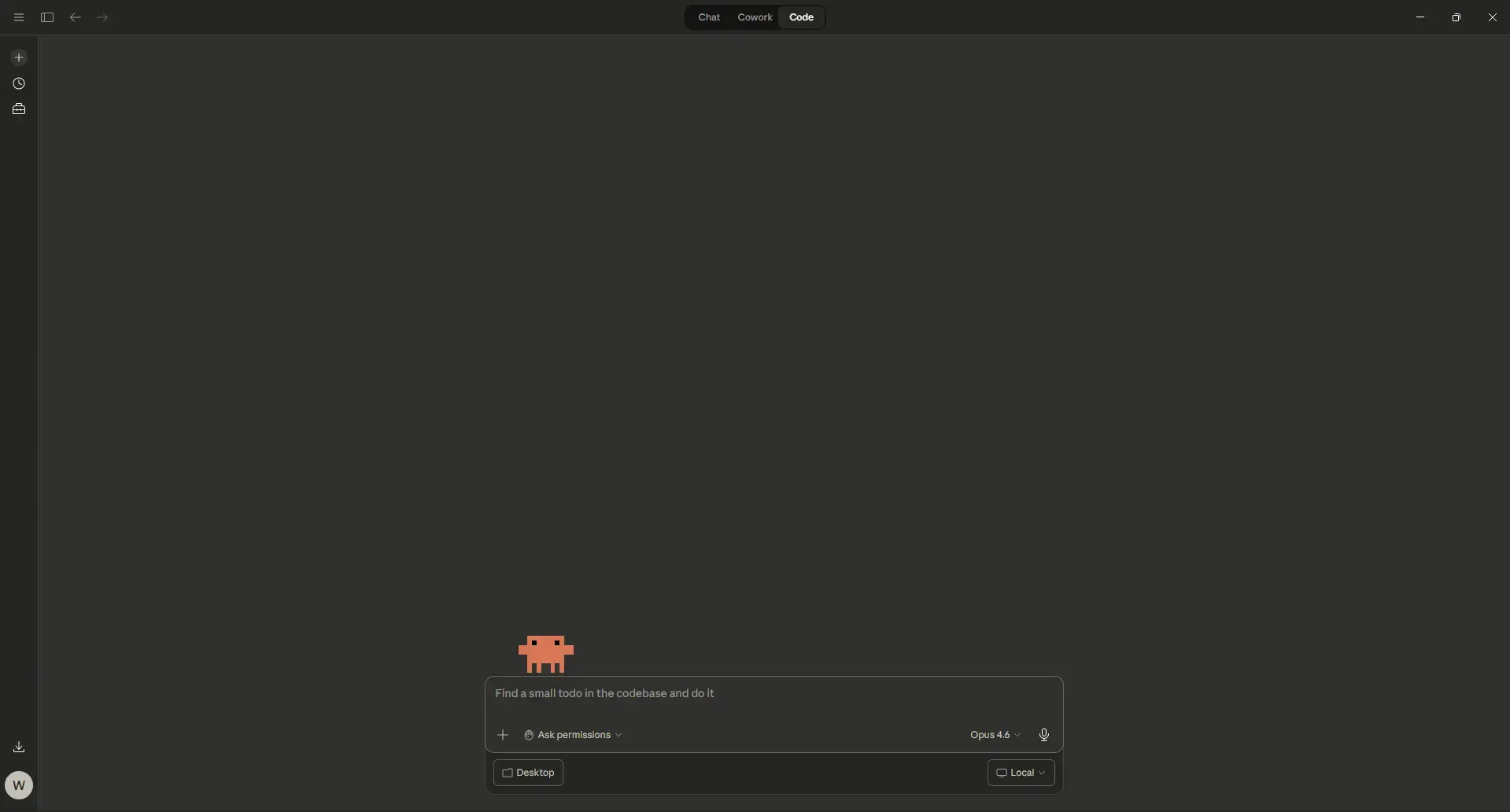
Claude Code runs in the terminal. These keyboard shortcuts and slash commands work in the Claude Code CLI on Windows. If a shortcut conflicts with your terminal app, try running Claude Code inside Windows Terminal for the best experience.
Keyboard Shortcuts
| Action | Windows Shortcut |
|---|---|
| Cancel current operation | Ctrl + C |
| Exit Claude Code | Ctrl + D |
| Toggle thinking mode | Tab |
| Cycle permission modes (Auto, Plan, Normal) | Shift + Tab |
| Open prompt in external editor | Ctrl + G |
| Toggle verbose output (see reasoning) | Ctrl + O |
| Paste image into Claude | Ctrl + V |
| Search command history | Ctrl + R |
| New line (without submitting) | Shift + Enter |
| Clear input or rewind conversation | Escape (double-tap) |
| Navigate message history | Up / Down Arrow |
Slash Commands
Type / in the Claude Code terminal to see and use these built-in commands:
| Command | What it does |
|---|---|
| /init | Scans your project and creates a CLAUDE.md file with context for Claude |
| /plan | Enters plan mode so Claude maps out its approach before writing code |
| /compact | Compresses the conversation to free up context space |
| /clear | Clears conversation history (useful when switching tasks) |
| /cost | Shows how many tokens you have used in this session |
| /memory | Opens the CLAUDE.md memory file so you can edit saved preferences |
| /mcp | Manages MCP server connections for external tool integrations |
| /model | Switches the AI model (Opus, Sonnet, Haiku) |
| /doctor | Checks that Claude Code is installed and configured correctly |
| /help | Lists all available commands including any custom ones you have created |
Tip: You can create your own custom slash commands by adding Markdown files to a .claude/commands/ folder in your project. Claude will pick them up automatically.
How Claude Code Works
A quick look at how Claude Code handles a coding task from start to finish.
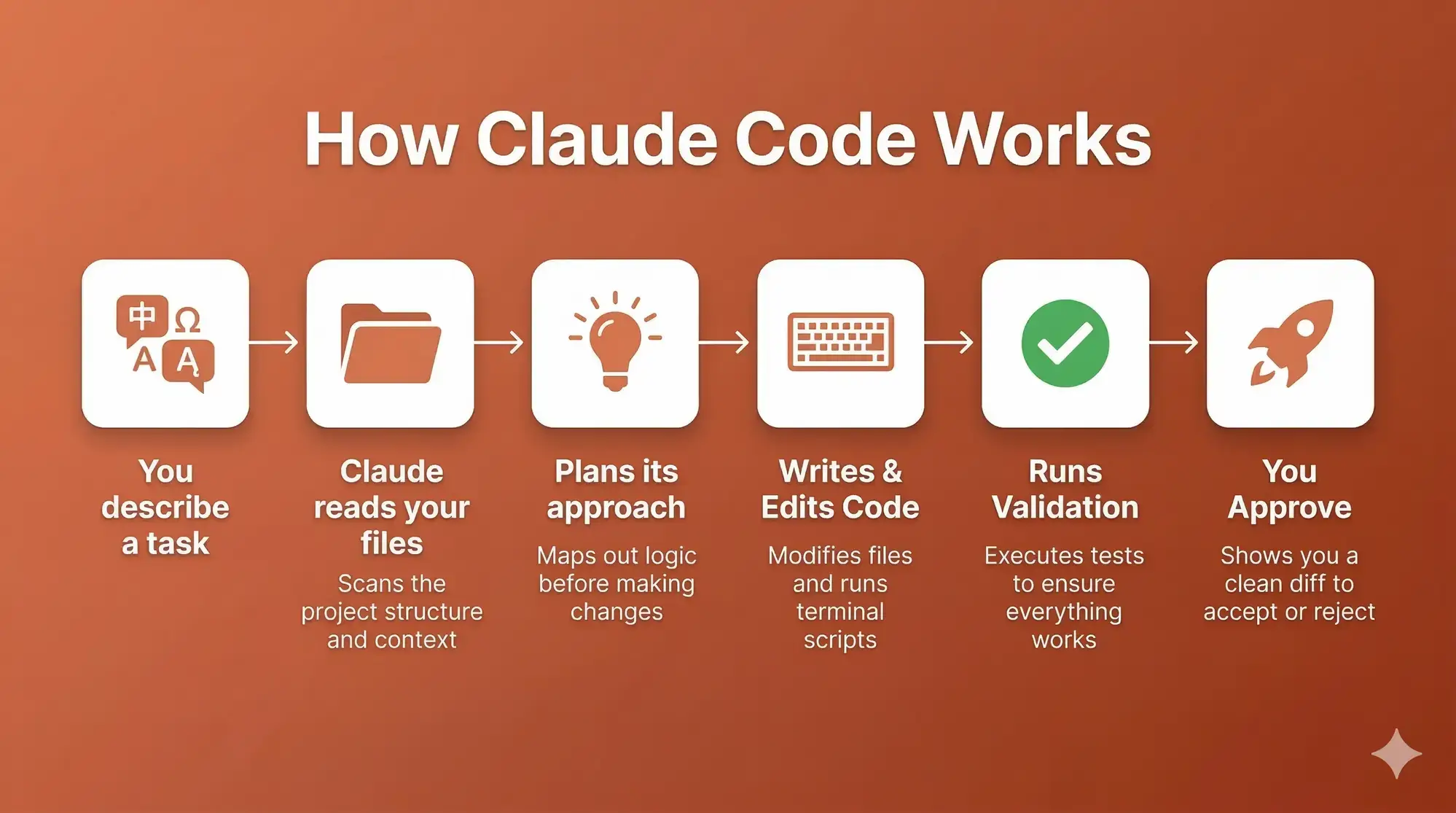 How claude works infographic
Claude vs the Alternatives
How Claude compares to other AI tools available on Windows in 2026.
| Tool | Type | Price | Best For |
|---|---|---|---|
| Claude | Desktop app + web | Free / from $20/mo | Writing, coding, file creation |
| ChatGPT | Desktop app + web | Free / from $8/mo | General AI chat, plugins, images |
| Microsoft Copilot | Windows app + web | Free / from $20/mo | Windows users, Microsoft 365 |
| Perplexity | Desktop app + web | Free / from $20/mo | Research with cited sources |
| Google Gemini | Web + mobile app | Free / from $20/mo | Google Workspace, search answers |
Video
Watch an overview of Claude Desktop, Cowork, and Scheduled Tasks on Windows.
5 Tips for Getting Started
Quick Poll
Screenshots
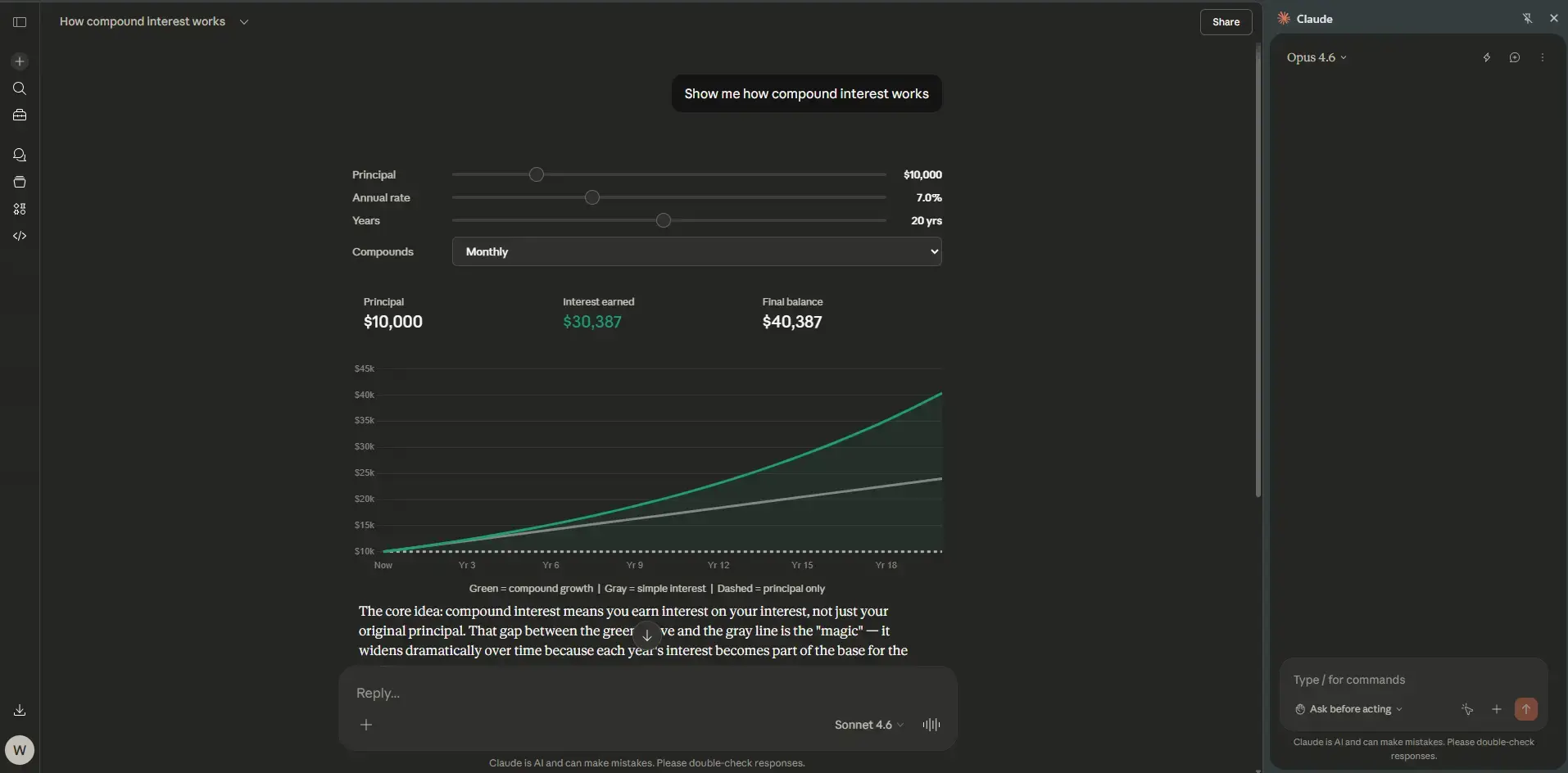
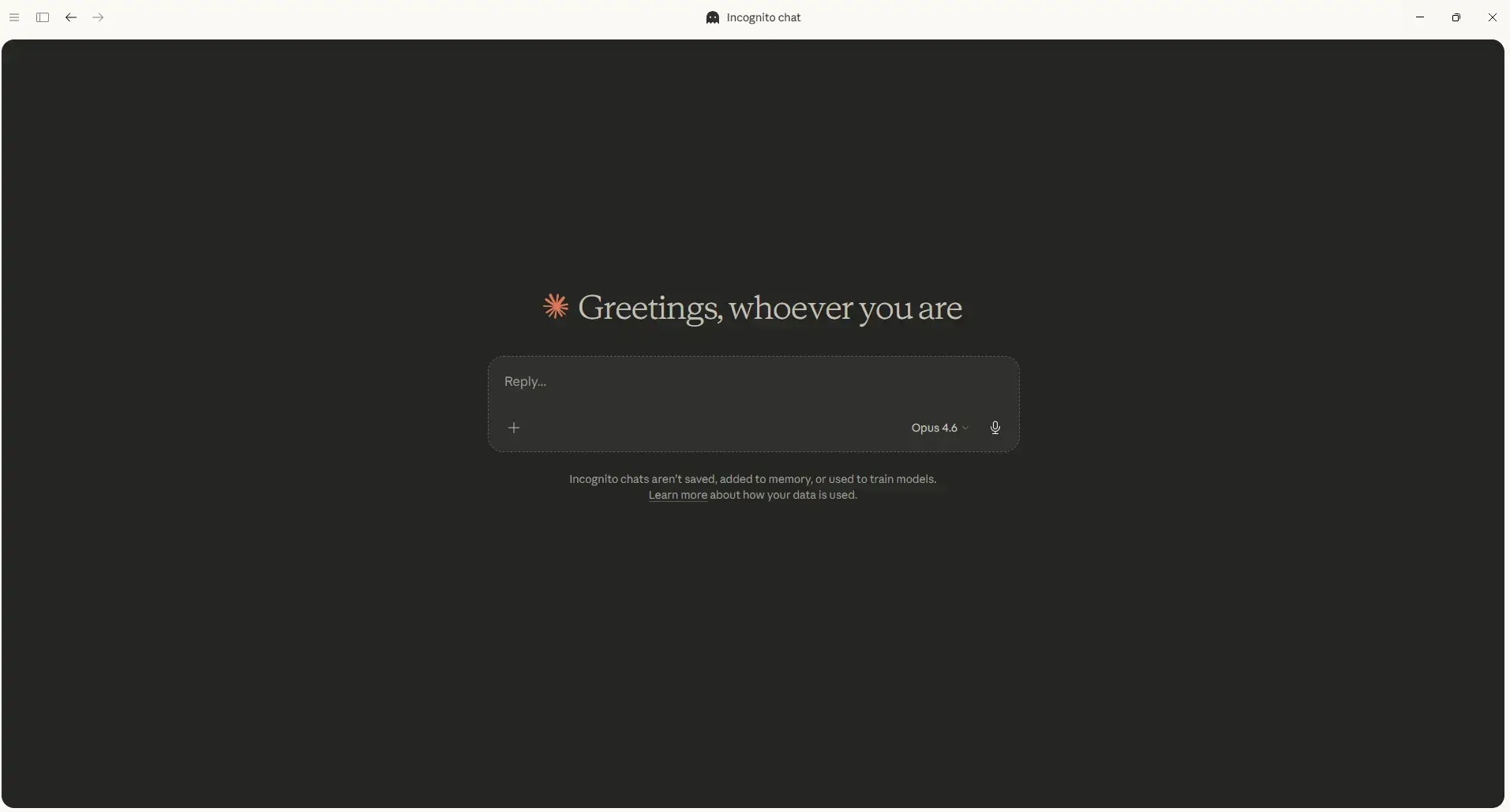
Here is what Claude looks like on Windows. Click any image to see it full size.
Frequently Asked Questions
Is Claude free on Windows?
Yes. Claude has a free plan that works on the web at claude.ai and on the desktop app. The free plan has daily message limits but gives you access to basic conversations, web search, and desktop extensions. Cowork and Claude Code require a paid plan (Pro or higher).
What is the difference between Claude Free and Pro?
The free plan has limited daily messages and does not include Cowork or Claude Code. Claude Pro costs $20 per month and gives you roughly five times the usage of the free plan, access to Cowork for file creation, Claude Code in the terminal, extended thinking, research tools, and Google Workspace connectivity.
What is Cowork in Claude Desktop?
Cowork is a feature that lets Claude work directly with files on your computer. You give it a task, and it creates, edits, or organizes files in a local folder. It can generate reports, spreadsheets with formulas, presentations, and code projects. It uses sub-agents to break complex tasks into smaller steps and runs them in parallel.
Does Claude have a coding tool built in?
Yes. Claude Code is a built-in coding tool available to Pro, Max, Team, and Enterprise users. It lets you edit code files, run terminal commands, understand codebase relationships, manage Git operations, and connect to other tools through MCP. It also has Auto Memory, which saves your coding patterns and preferences across sessions.
How is Claude different from ChatGPT?
Claude is known for longer, more detailed writing and stronger performance on complex analysis tasks. It also has Cowork, which creates files directly on your PC, and Claude Code for developers. ChatGPT has a larger plugin ecosystem and is more widely used for general-purpose tasks. Both have free plans and similar Pro pricing at $20 per month.
Support and Community
Stay updated, learn more, and connect with other Claude users:
- Claude.ai (official website and web app)
- Anthropic (the company behind Claude)
- r/ClaudeAI on Reddit (community discussions and tips)
Explore more Windows apps: ChatGPT · Microsoft Copilot · Perplexity · Canva · OpenAI Codex
Looking for more AI tools on Windows? Check out our Best Free Windows AI Software roundup.
Discover more from Windows Mode
Subscribe to get the latest posts sent to your email.