
Readers like you help support this site. When you make a purchase using links on our site, we may earn an affiliate commission. All opinions remain our own.
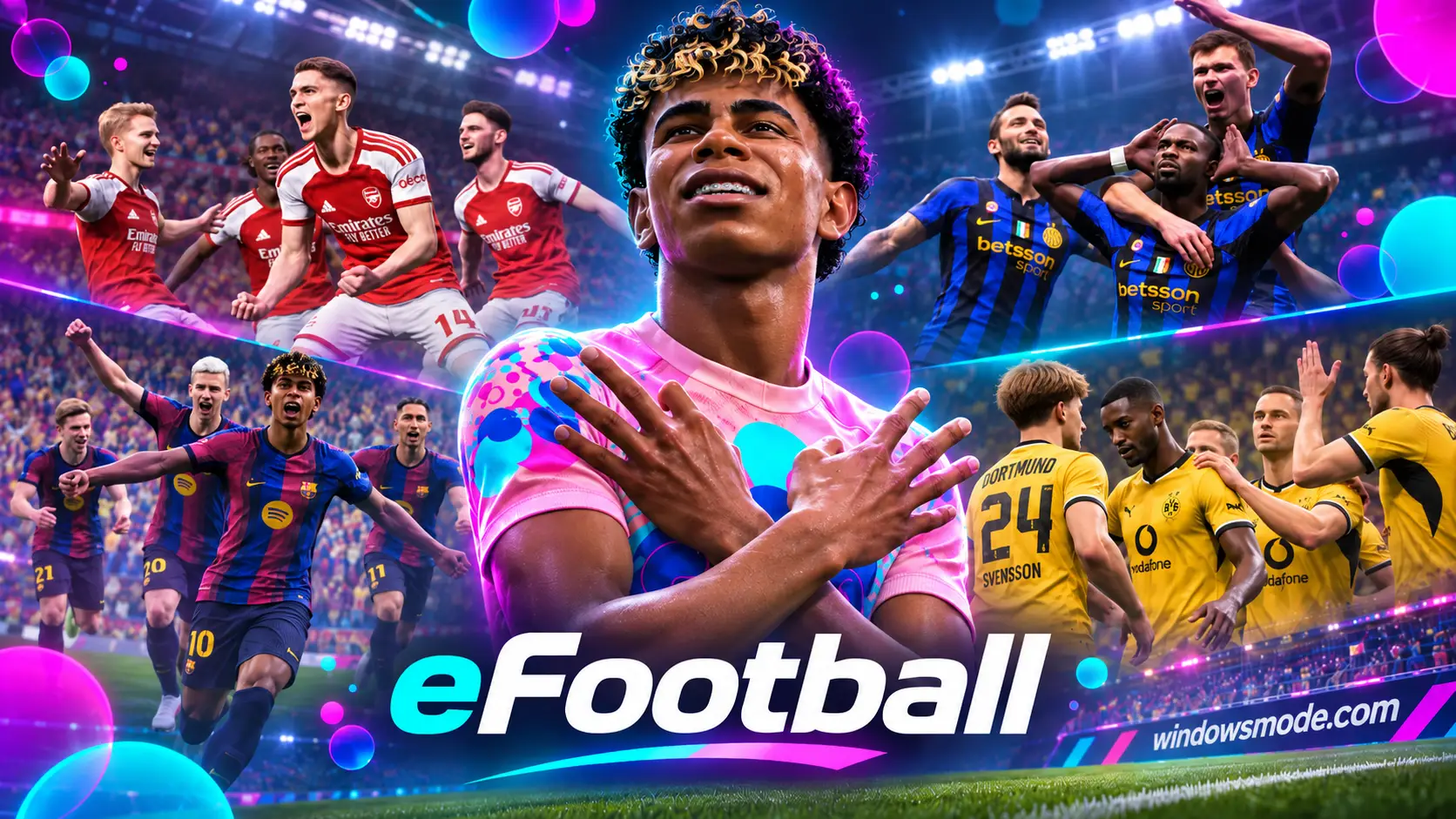
eFootball on PC. Click to open it full size.
eFootball is a free-to-play soccer game for PC from Konami, available on Steam and the Xbox app. You pick a real club, sign players, build your squad and play matches against the AI or people online. It is the series that used to be called PES (Pro Evolution Soccer).
The download costs nothing. You can play every mode for free, and the coins you can buy only speed up how fast you get players and items. Konami pushes weekly data updates, so player form and transfers follow the real season.
It first launched on PC on September 29, 2021, and Steam lists 64-bit Windows 11. A controller is recommended, and cross-play matches you with PlayStation and Xbox players.
Already playing? Tell us which club you started with. Got questions before you download? Reach out to us directly.
What You Need to Know
- It is free on Steam and the Xbox app. It is not on the Epic Games Store or GOG.
- You need about 70 GB of free space and an internet connection.
- It has cross-play with PlayStation and Xbox players.
- Your PC progress stays on PC. You cannot bring over a mobile or console save.
- Optional eFootball Coins are paid. Some loot boxes need a parent’s consent, depending on your country.
Quick Facts



How to Download eFootball on Windows
eFootball is free on Steam. Clear about 70 GB of space before you start.
- Step 1. Install Steam. Get Steam and sign in.
- Step 2. Open the store page. Go to eFootball on Steam.
- Step 3. Click Play Game to add it to your library for free.
- Step 4. Install it and wait for the download to finish.
- Step 5. Plug in a controller before you launch the game.
- Step 6. Pick your favorite club and finish the tutorial.
Prefer the Xbox app? eFootball is also free on the Microsoft Store and Xbox app. Konami treats it as a separate platform from Steam, so pick one and stick with it.
💡 Your PC is too weak? Cloud gaming is an option. Try Boosteroid.
Is eFootball Free?
Yes, eFootball is free. Every mode is open from the start, and you never have to pay to play a match. Money only buys you a faster way to build your team.
Some players and packs work like loot boxes (you do not know exactly what you get). Konami blocks coin-paid loot boxes in Belgium, and for players under 18 in Brazil. In Germany, Denmark and the US, younger players need a parent’s consent, so set a spending limit if a child plays.
What Is eFootball?
eFootball is Konami’s soccer game, and the direct follow-up to the PES series. Instead of buying a new game each year, you download one free game that Konami keeps updating. New modes, players and gameplay changes arrive through updates.
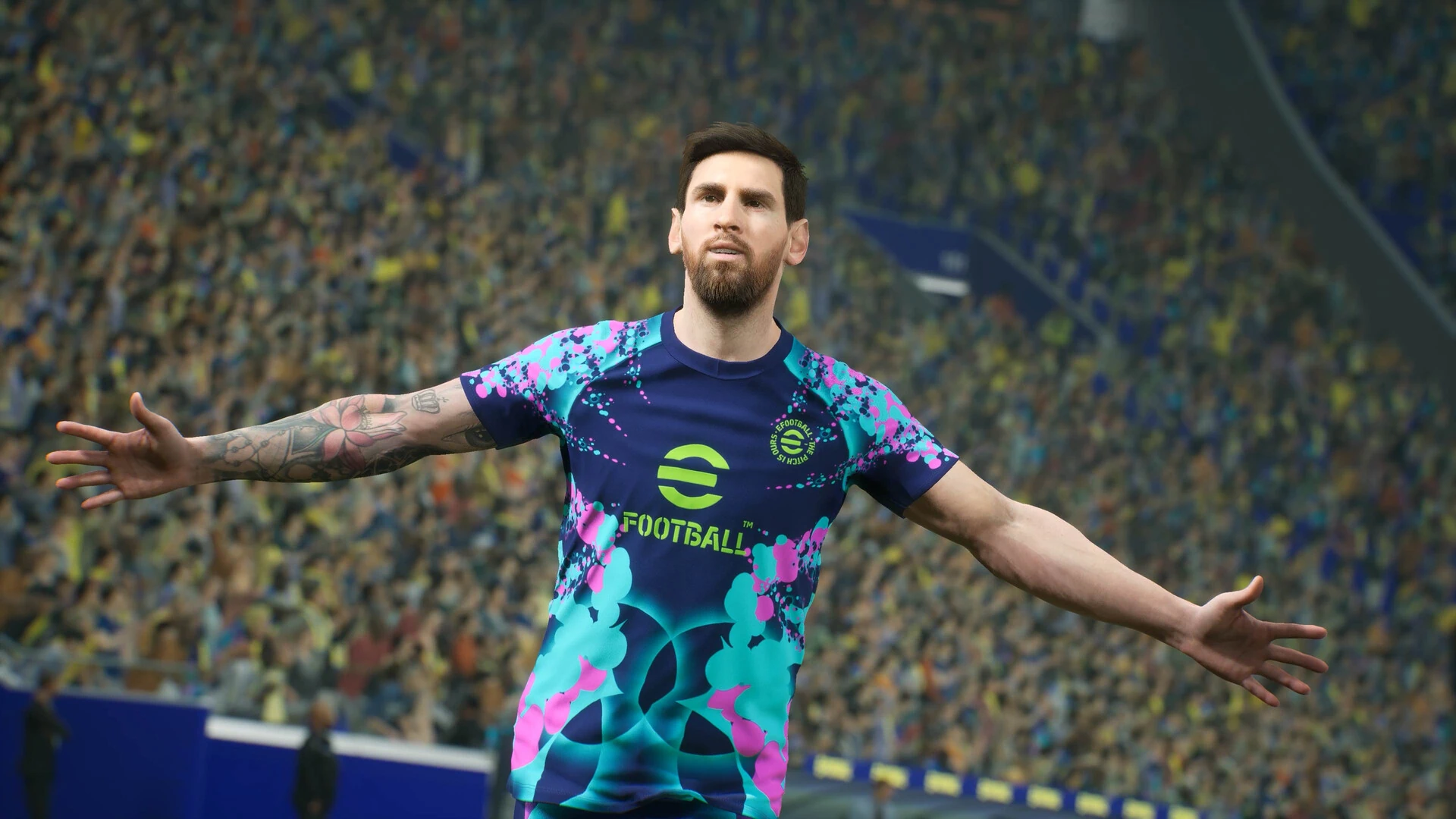
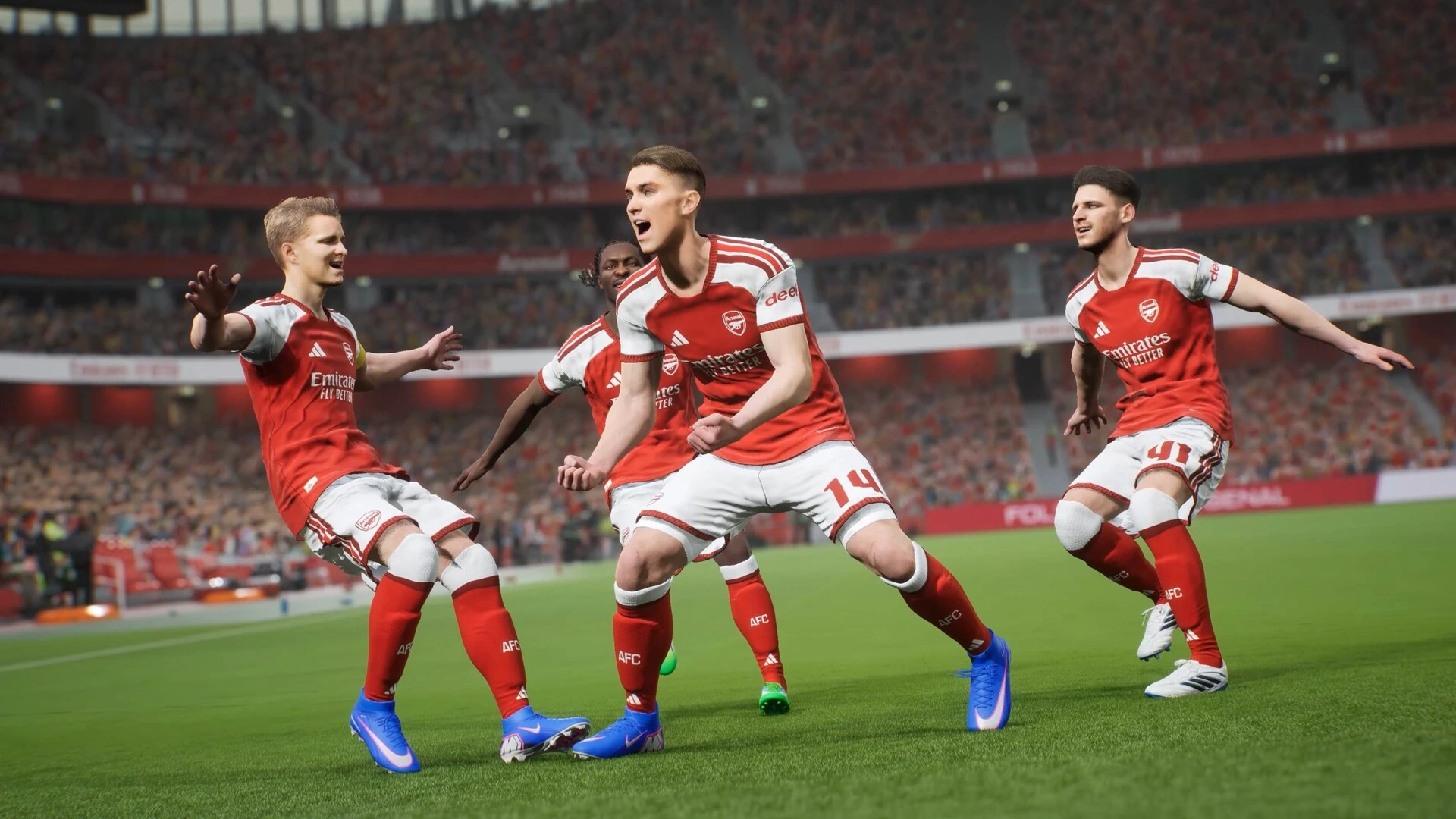
A goal celebration in front of a full stadium.
You start by choosing the club or national team you support. From there, you sign players, from current stars to legends, and build your own Dream Team. Players improve as they play matches, and you can spend points on their skills yourself or let Auto Select do it for you.
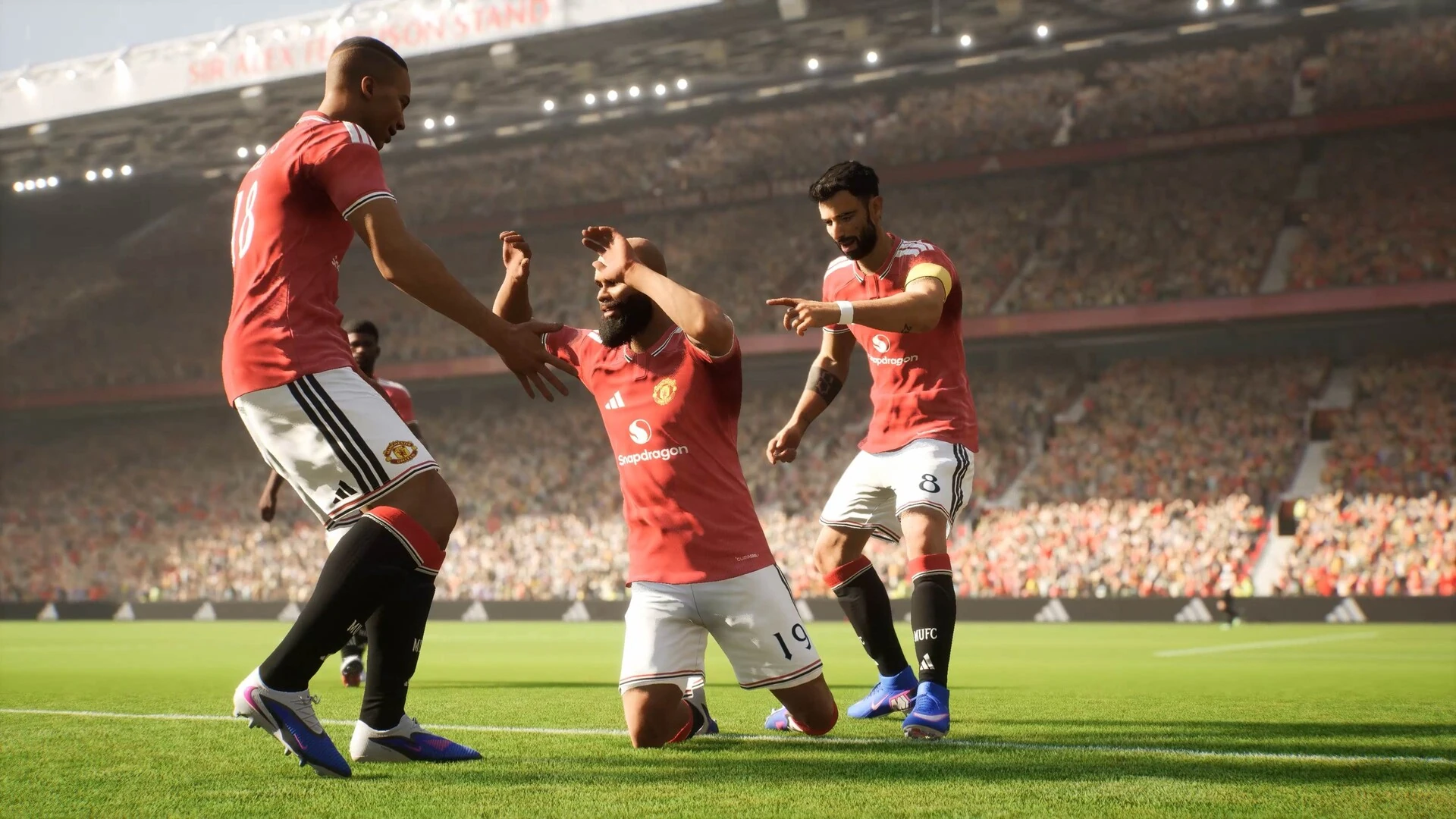
Manchester United players celebrating a goal.
Matches come in several shapes. Warm up with VS AI games, then climb eFootball League, a ranked online mode with 10 divisions. Friend matches and co-op matches let you team up with up to three players a side, and Custom Tournament lets you host your own cup for up to eight people.
New players get help too. A step-by-step tutorial teaches the controls, and the Smart Assist setting handles some of the hard inputs, so you can dribble past a defender or line up a shot without learning every button combo first.
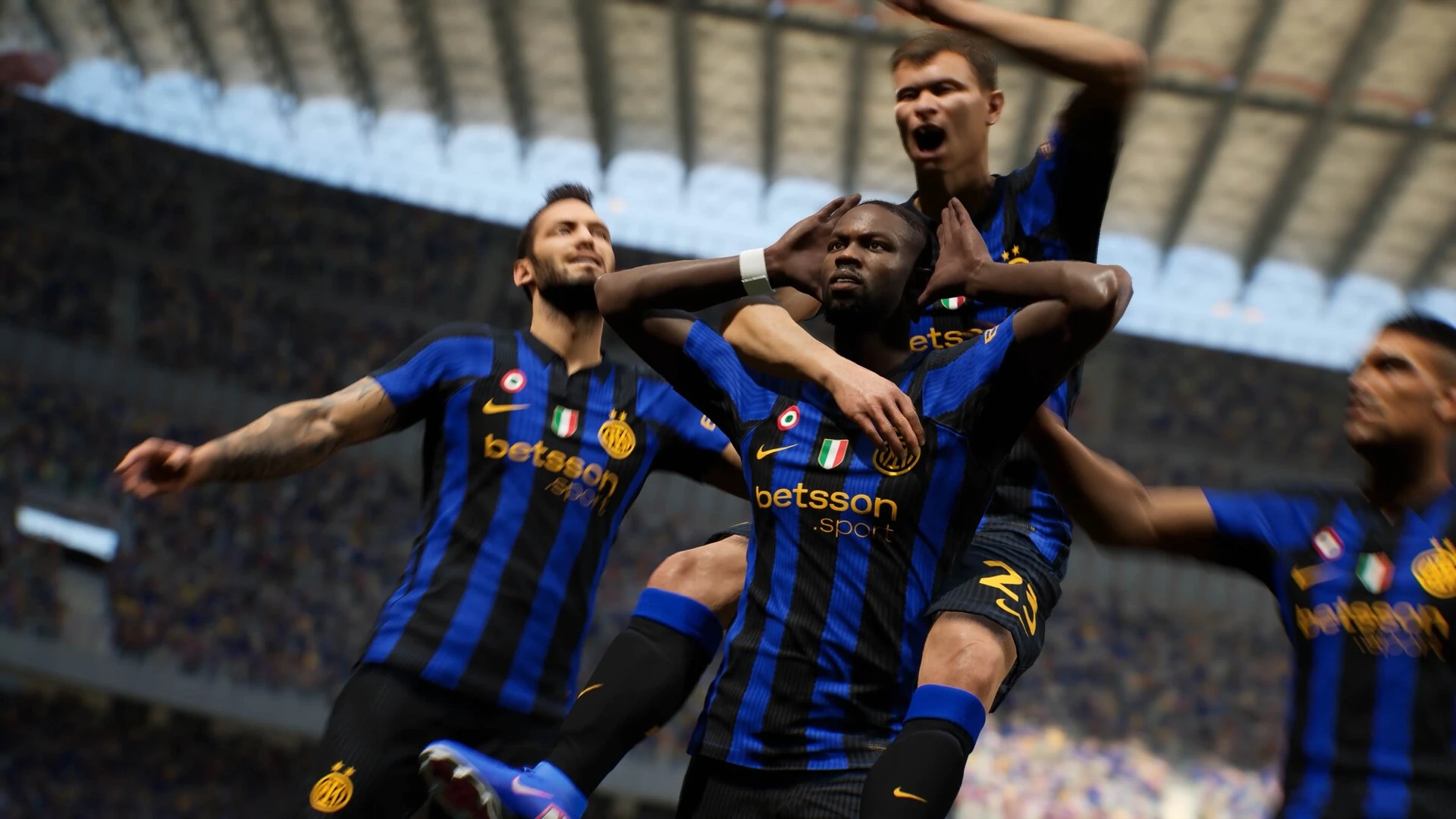
Inter players celebrating after a goal.
Official Trailer
Watch the official season launch trailer for eFootball to see the new formations, first-time volleys and match animations in action.
Key Features
Download it and play every mode without paying. Coins are optional.
Start with the team you support and sign current stars and legends.
A ranked online mode with 10 divisions, so you always play people near your level.
Team up with friends online, or host your own cup for up to eight players.
Player data follows real transfers and form through the season.
A setting that helps new players dribble, pass and shoot without complex inputs.
Is This Game for You?
Our Take
🎮 Our Take
eFootball is the easiest way to play a licensed soccer game on PC without spending anything. The matches themselves carry the PES feel: slower and more about passing and space than pure speed, and Smart Assist makes that approachable for newcomers. The catch is the business model. The game is built around signing players with coins and packs, so the free path works, but it asks for patience, and anyone who dislikes loot boxes will feel the push. It also takes about 70 GB, needs a connection and offers nothing like a career mode.
If you want to build a squad and play ranked or co-op matches with friends, including friends on console, download it today, since it costs nothing to try. If you want a single-player career, offline play or mods, look at a paid soccer game instead, or a manager game if you care more about tactics than playing the matches.
System Requirements
eFootball runs on older hardware, but it needs a lot of space. The minimum spec is an Intel Core i5-2300, 8 GB of RAM and a GeForce GTX 660 Ti, plus 70 GB of free storage. The recommended spec moves up to a Core i5-7600 or Ryzen 5 1600 and a GTX 1060.
Install it on an SSD if you can, since load times between menus and matches drop noticeably. Thinking of a new gaming PC? See our Best Gaming Desktops guide.
Tips for Beginners
Finish the tutorial first
It teaches the controls step by step and rewards you with a player for completing it.
Turn on Smart Assist
If you are new to soccer games, it helps with dribbles, passes and shots while you learn.
Play VS AI before PvP
AI matches let you learn your team and formation with no pressure on your ranking.
Save your coins and GP
Wait for a campaign or a pack you really want, rather than spending as soon as you earn.
Use Auto Select at first
Let the game spend player development points for you until you know which skills matter.
eFootball Screenshots
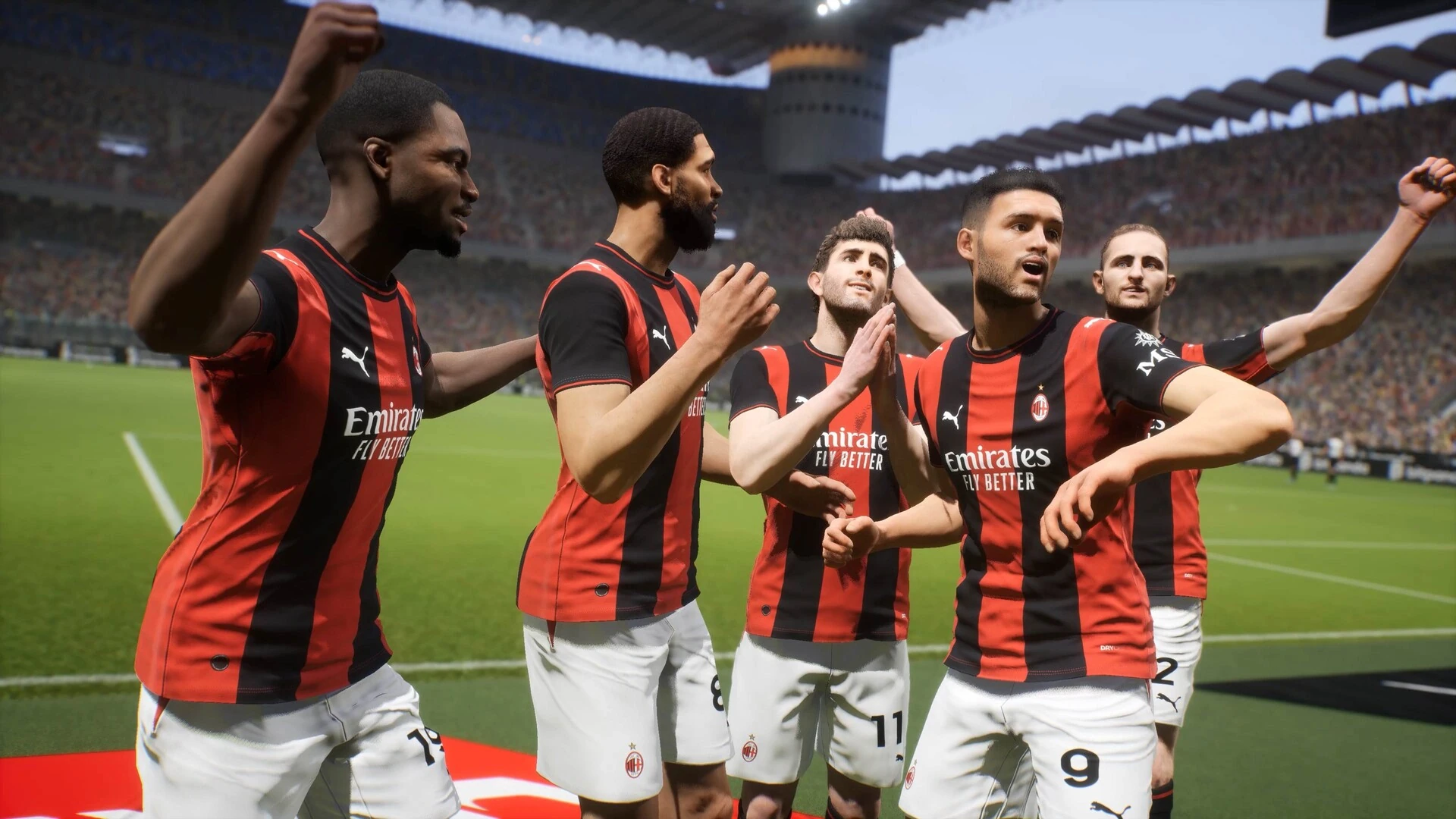
Goal celebrations with Arsenal, AC Milan and Borussia Dortmund, plus a player pose in the stadium. Click any image to open it full size.
-

- Efootball crossed arms pose from

-
- Efootball arsenal celebration from
-
- Efootball ac milan celebration from
-
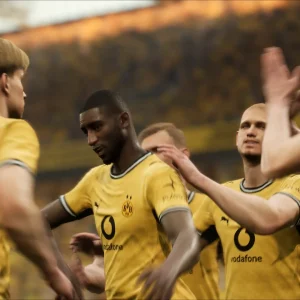
- Efootball dortmund celebration from

eFootball FAQ
Is eFootball cross-platform on PC?
Can I move my eFootball progress from mobile or console to PC?
Can you play eFootball with friends on one PC?
Can you mod eFootball on PC?
Does eFootball work on Windows 10?
What are the eFootball system requirements?
Support and Community
- The official eFootball website, Konami’s home for news, version info and events.
- Konami’s eFootball FAQ, for account, purchase and cross-play questions.
- eFootball on YouTube, the official channel for trailers and update videos.
- News and announcements on Steam, for updates and campaigns.
- Steam discussions, for questions and bug reports.
- r/eFootball on Reddit, to share squads, clips and tips.
Explore more Windows games: EA SPORTS FC 27 for Windows · EA SPORTS FC 27 Lite for Windows · Football Manager 27 for Windows · Rocket League for Windows · Best Sports Games on PC · Best Free-to-Play Games on PC
Discover more from Windows Mode
Subscribe to get the latest posts sent to your email.








Add your first comment to this post