Readers like you help support this site. When you make a purchase using links on our site, we may earn an affiliate commission. All opinions remain our own.
Perplexity answers questions with cited sources, now with its own Windows app.
Perplexity is an AI search tool for Windows that answers questions with cited sources, available from the Microsoft Store or Perplexity’s own website. Instead of a page of links, it reads the web for you and writes a short answer. Every claim has a numbered source you can click.
The sources are what set it apart from a chatbot. You can check where each fact came from in one click, which makes it easier to trust for school, work and buying decisions. Deep Research goes further and writes a full report from many sources.
The app is free on Windows 10 and Windows 11. Pro and Max plans add deep research, a choice of AI models and Perplexity Computer, an agent that does multi-step work for you.
This guide covers the install, what the app does, the new Personal Computer agent and the Comet browser, the plans, and how Perplexity compares with ChatGPT and Copilot. Questions? Reach out to us directly.
What Is Perplexity?
Perplexity is an answer engine: part search engine, part AI assistant. You ask a question in plain words, it searches the web, reads several sources and writes a short answer with numbered citations.
It also works as a general AI assistant. You can upload a PDF or spreadsheet and ask about it, ask follow-up questions in the same thread, and keep everything in your Library to come back to later.
Perplexity runs on Windows, Mac, the web, iPhone and Android, and your threads sync across all of them. The company also makes Comet, a free web browser with the same AI built in.
How to Get Perplexity on Windows
The Microsoft Store version and the version from Perplexity’s website are the same app. The Store is the easiest way, because Windows keeps it updated for you.
1 Open the Perplexity listing on the Microsoft Store, or download the installer from perplexity.ai/platforms.
2 Click Get or Install and wait for it to finish.
3 Open Perplexity from the Start menu.
4 Sign in or create a free account. Signing in keeps your threads in sync across your PC, phone and the web.
Rather not install anything? Perplexity works the same in any browser at perplexity.ai, with the same account and history. The Windows app adds a desktop window you can keep open beside your work, and Personal Computer.
Key Features
These are the features you get in the Perplexity app on Windows, based on Perplexity’s own app listing and plans page.
Answers you can check
Every answer comes with numbered citations. Click one to open the article it came from, so you can read the original before you rely on it.
Deep Research reports
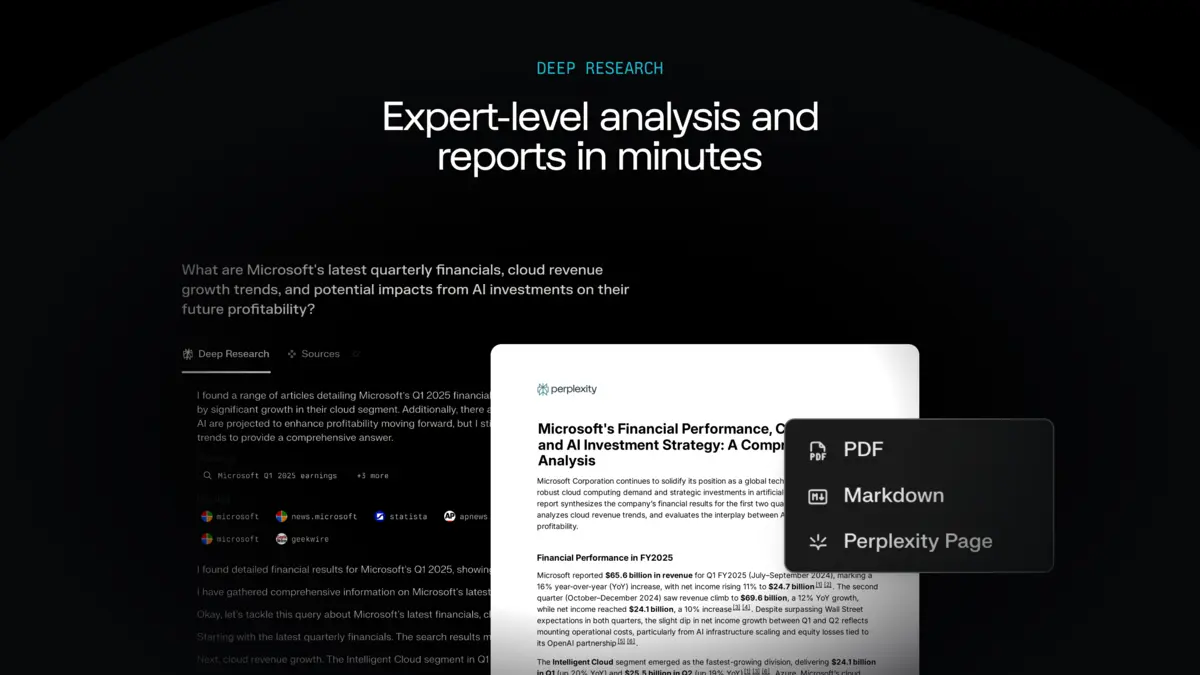
For bigger questions, Deep Research searches many sources and writes a structured report with citations throughout. It takes a few minutes instead of seconds.
Ask by typing or talking
Type your question or ask it out loud. Follow-up questions keep the same thread, so you do not have to repeat yourself.
Ask about your own documents
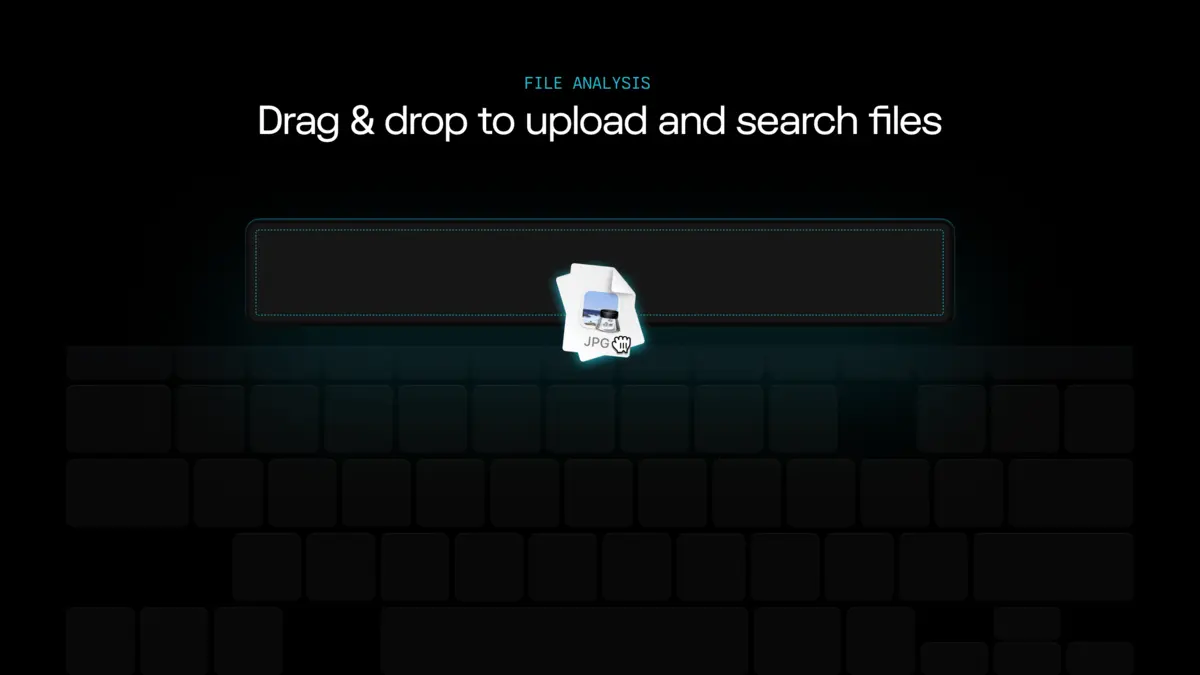
Upload a PDF, spreadsheet, image or text file and ask Perplexity to summarize it, find a number or explain a section.
Pick the AI model
Paid plans let you choose which AI model answers, including models from OpenAI, Google and Anthropic, or let Perplexity pick the best one for each question.
Library and Spaces
Your Library keeps every thread so you can search and revisit it. Spaces group threads and files by project, and you can invite other people to a Space.
Personal Computer and Comet
Perplexity now does more than answer questions. Two newer tools take actions for you: Personal Computer inside the Windows app, and the Comet browser.
Personal Computer
Perplexity describes Personal Computer as a local agent for your work. It runs inside the Perplexity app for Windows and works across your files, connected apps and the web to research, write and build things for you. News coverage says it launched for Max subscribers first, so check your plan in the app.
Comet
Comet is Perplexity’s own web browser, free for everyone on Windows, Mac, iPhone and Android. Its built-in assistant can summarize the page you are on, compare products across tabs and draft emails. Get it from perplexity.ai/comet.
Agents use credits. Perplexity Computer runs on credits that come with Pro and Max. Long or complicated tasks can use a lot of them, so start with a small, specific request and watch how much it uses.
Plans and Pricing
The app and everyday search are free. Pro adds deep research and a choice of AI models. Max is for heavy users of Computer and the newest models. Prices change, so check Perplexity’s plans page before you subscribe.
Perplexity vs the Alternatives
Pick Perplexity when you need to know where an answer came from. Pick one of the others for writing, coding or working inside your own apps. All of these have a free tier.
Video
Watch a full overview of Perplexity Computer and how it works on a Windows PC.
Tips for Getting Started
1 Ask follow-ups in the same thread. Perplexity keeps the context, so “what about the cheaper one?” works after a product question.
2 Open the sources. Click the numbered citations before you quote a fact. That is the whole point of using Perplexity.
3 Save Deep Research for big questions. A normal search is faster for quick facts. Deep Research is worth the wait when you compare options or need a full picture.
4 Make a Space for each project. Keep the threads and files for one trip, class or work project together, and invite others if you share it.
5 Be specific with Computer. A clear, narrow request finishes faster and uses fewer credits than a vague one.
Quick Poll
Screenshots
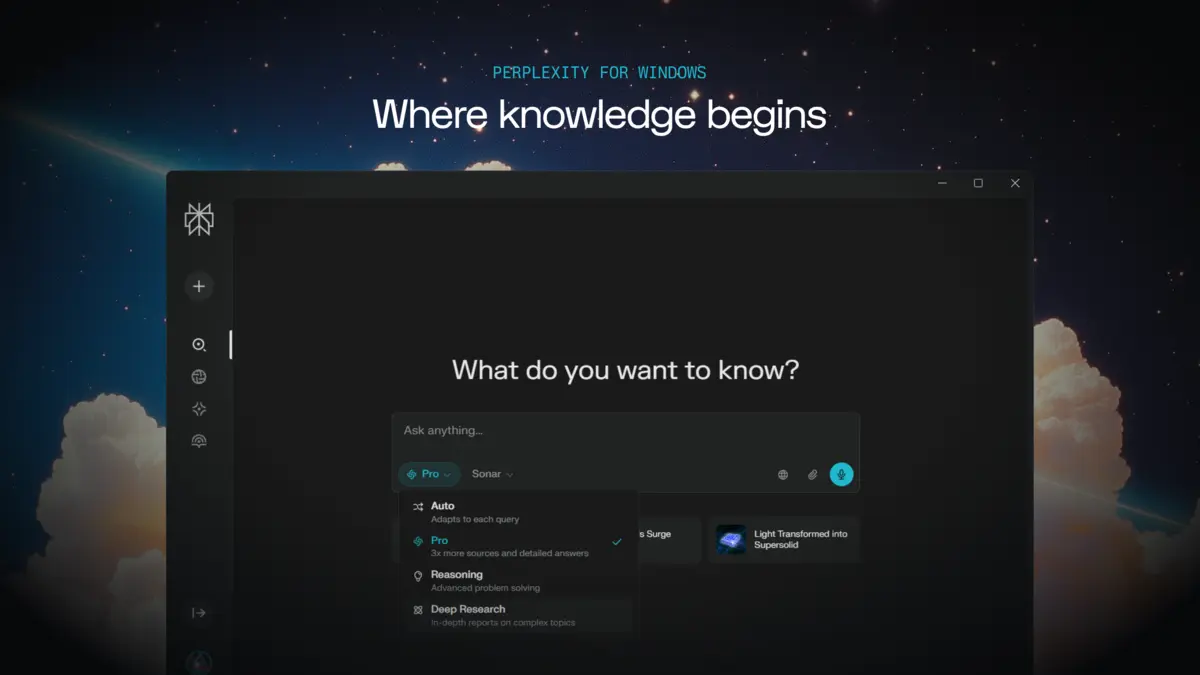
These screenshots show Perplexity on Windows. Click any image to see it full size.
Frequently Asked Questions
Is Perplexity free on Windows?
What are the system requirements for Perplexity on Windows?
What is the difference between Perplexity Free and Pro?
What is Perplexity Personal Computer?
Is Comet the same as the Perplexity app?
Can I use Perplexity offline?
Support and Community
These places answer most Perplexity questions.
- Perplexity, the official site, with the web version and download links.
- Perplexity blog, for new features and announcements.
- r/perplexity_ai on Reddit, the largest Perplexity community, for tips and troubleshooting.
More Windows software guides: ChatGPT for Windows · Claude for Windows · Gemini for Windows · Microsoft Copilot for Windows · Best Free Windows AI Software
Discover more from Windows Mode
Subscribe to get the latest posts sent to your email.
















Add your first comment to this post