Readers like you help support this site. When you make a purchase using links on our site, we may earn an affiliate commission. All opinions remain our own.
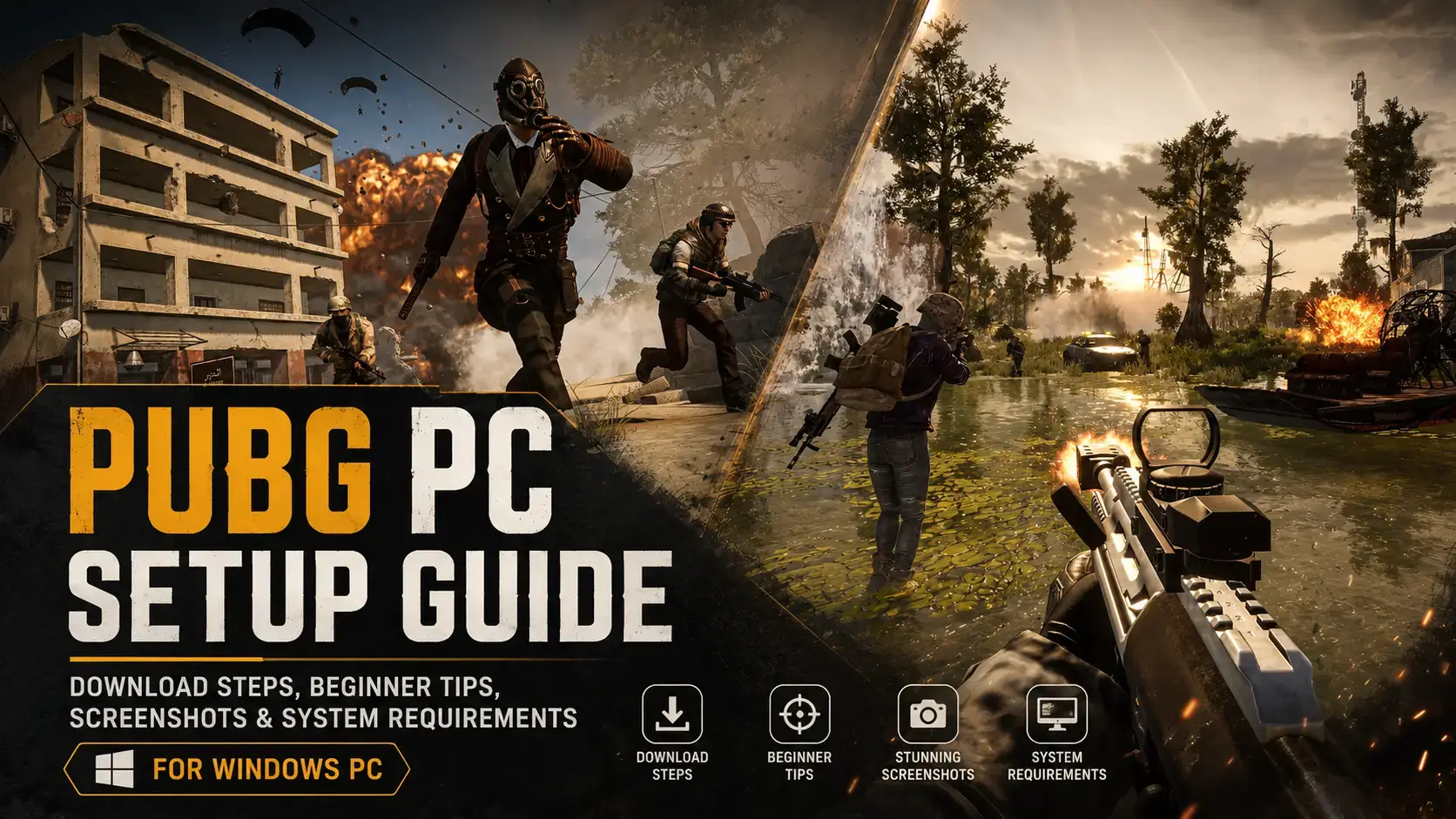
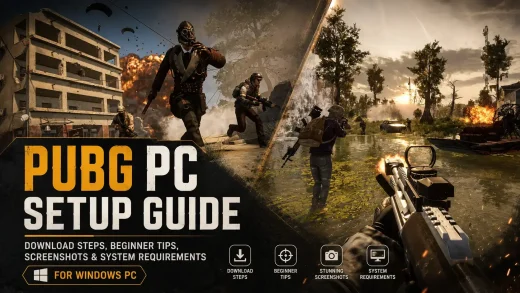
PUBG: BATTLEGROUNDS on PC. Click to open it full size.
PUBG: BATTLEGROUNDS is a battle royale shooter for PC from KRAFTON, available on Steam and the Epic Games Store. Up to 100 players parachute onto an island, grab whatever weapons they find, and fight inside a play area that keeps shrinking. The last player or team alive wins.
The pace is what sets it apart from faster shooters. Bullets drop over distance and take time to travel, so long shots need real aim. Most of a match is about picking your fights, not running into every one.
It is free to play on 64-bit Windows 10 and Windows 11, with an optional one-time BATTLEGROUNDS Plus upgrade. Since August 2026 it also has official mod tools and PUBG: Playgrounds, a menu of player-made modes.
Already playing? Tell us your favorite map to drop on. Got questions before you download? Reach out to us directly.
What You Need to Know
- The game is free on Steam and the Epic Games Store, and both share the same servers.
- Ranked play and hosting custom matches need BATTLEGROUNDS Plus, which you can now buy with BP earned in matches.
- Maps rotate every week, and the starting island Erangel is always in the pool.
- Official mods and player-made modes are in the game itself, under PUBG: Playgrounds.
- It does not run on Steam Deck, because its anti-cheat is not supported there.
Quick Facts
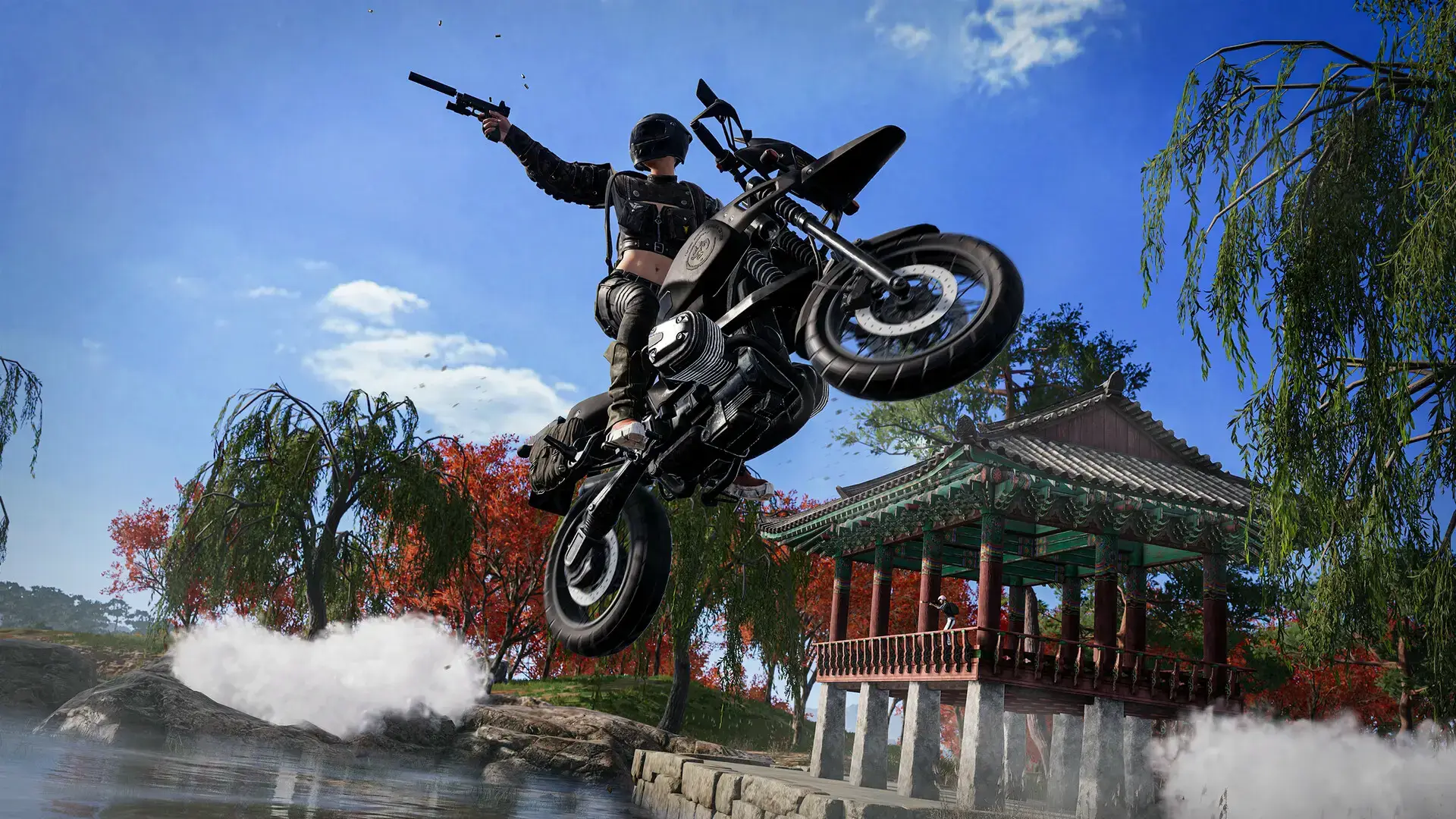


How to Download PUBG: BATTLEGROUNDS on Windows
Steam is the most common way to play on PC. You need 64-bit Windows 10 or 11 and at least 40 GB of free space.
- Step 1. Install Steam. Download it from the Steam website and sign in.
- Step 2. Open the store page. Go to PUBG: BATTLEGROUNDS on Steam.
- Step 3. Click Play Game. The game is free, so it goes straight to your library.
- Step 4. Install it. Pick a drive with enough free space.
- Step 5. Launch it and link a KRAFTON account. Accept the terms and pick a server region.
Prefer Epic? Get it free from the Epic Games Store instead. It is the same game on the same servers, so you can still play with friends on Steam.
Free vs BATTLEGROUNDS Plus
The whole game is free to play. BATTLEGROUNDS Plus is a one-time upgrade that unlocks Ranked and lets you host custom matches. Since Update 42.1 you can buy it with BP, the currency you earn just by playing matches, so it no longer needs real money.
G-Coin is the paid currency, sold in packs on Steam, Epic and in the game. BP (Battle Points) is earned from matches. The rest of the store is cosmetic: skins, passes and outfits that do not change how guns or players perform. KRAFTON lists every change in its official patch notes.
What Is PUBG: BATTLEGROUNDS?
Every match starts the same way. You jump out of a plane over the map and pick where to land. Busy towns have better loot and more fights, while quiet edges are safer but slower. You land with nothing, so the first few minutes are a race to find a gun, armor and a backpack.
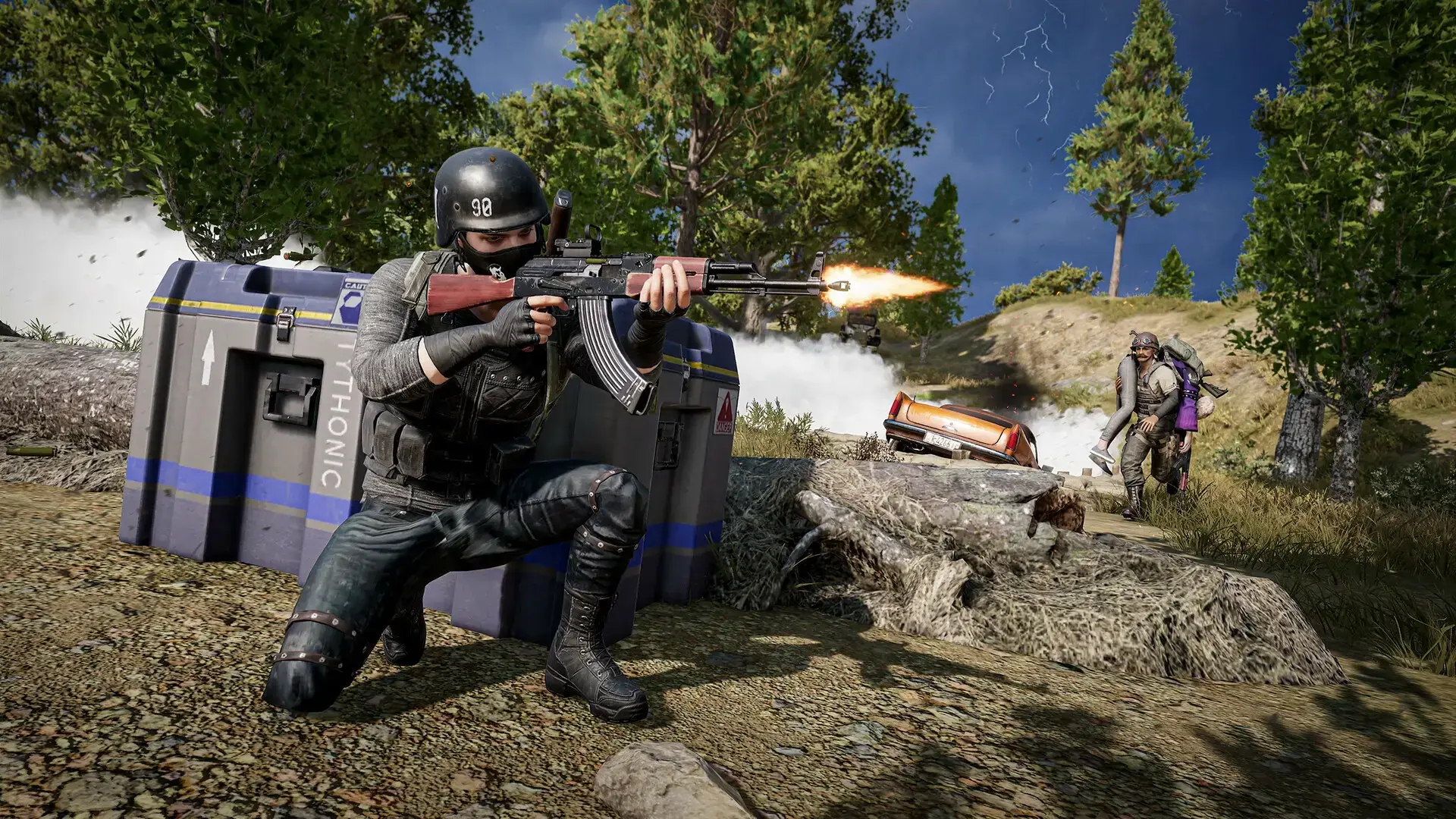
Cover matters: bullets travel and drop, so fights are slower than in most shooters.
A blue zone (a wall that deals damage over time) closes in every few minutes, pushing everyone toward one spot. Care packages fall from the sky with rare gear, and every fight is loud enough to draw other players in. You can play solo, as a duo or in a squad of four, from third-person (TPP) or first-person (FPP) view.
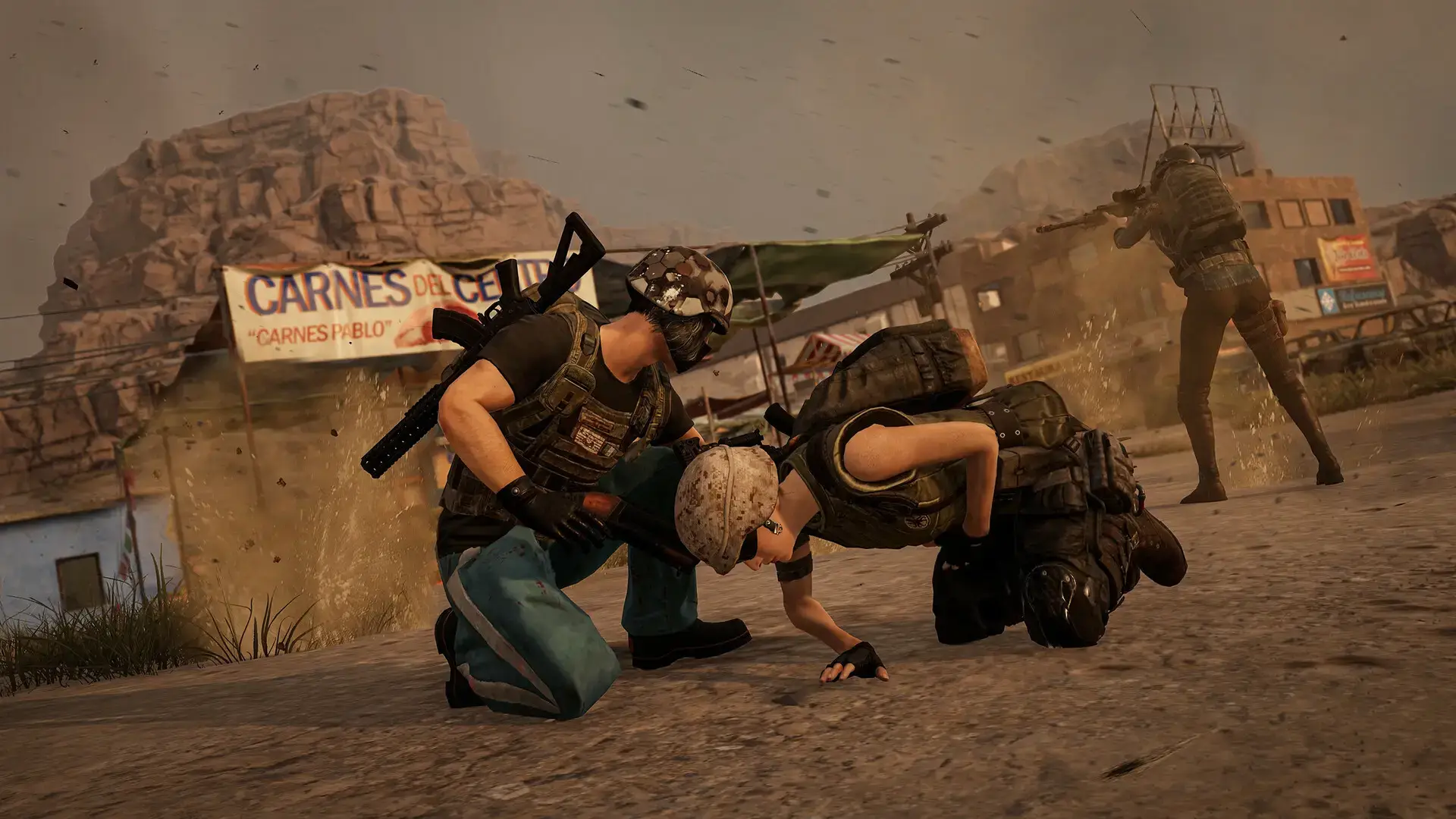
In duos and squads, a downed teammate can be revived if you reach them in time.
The map changes from week to week. KRAFTON publishes a map service report with each update, and Erangel is always in the pool. These are the maps that rotate through normal matches on PC:
The original island: farms, small towns, a military base and a power plant. It is always in the rotation.
A large desert map of towns, hills and long open ground, built for long-range fights.
A large map of Korean countryside. Players knocked out early can earn a second chance through Comeback BR.
A large map with rivers, rice fields and a dense city of high-rise buildings.
A snowy island where footprints and tire tracks show where other players went.
A big map split between a skyscraper city and swampy lowlands.
A small jungle map with faster, closer fights.
A small desert island where some walls can be blown open with sticky bombs.
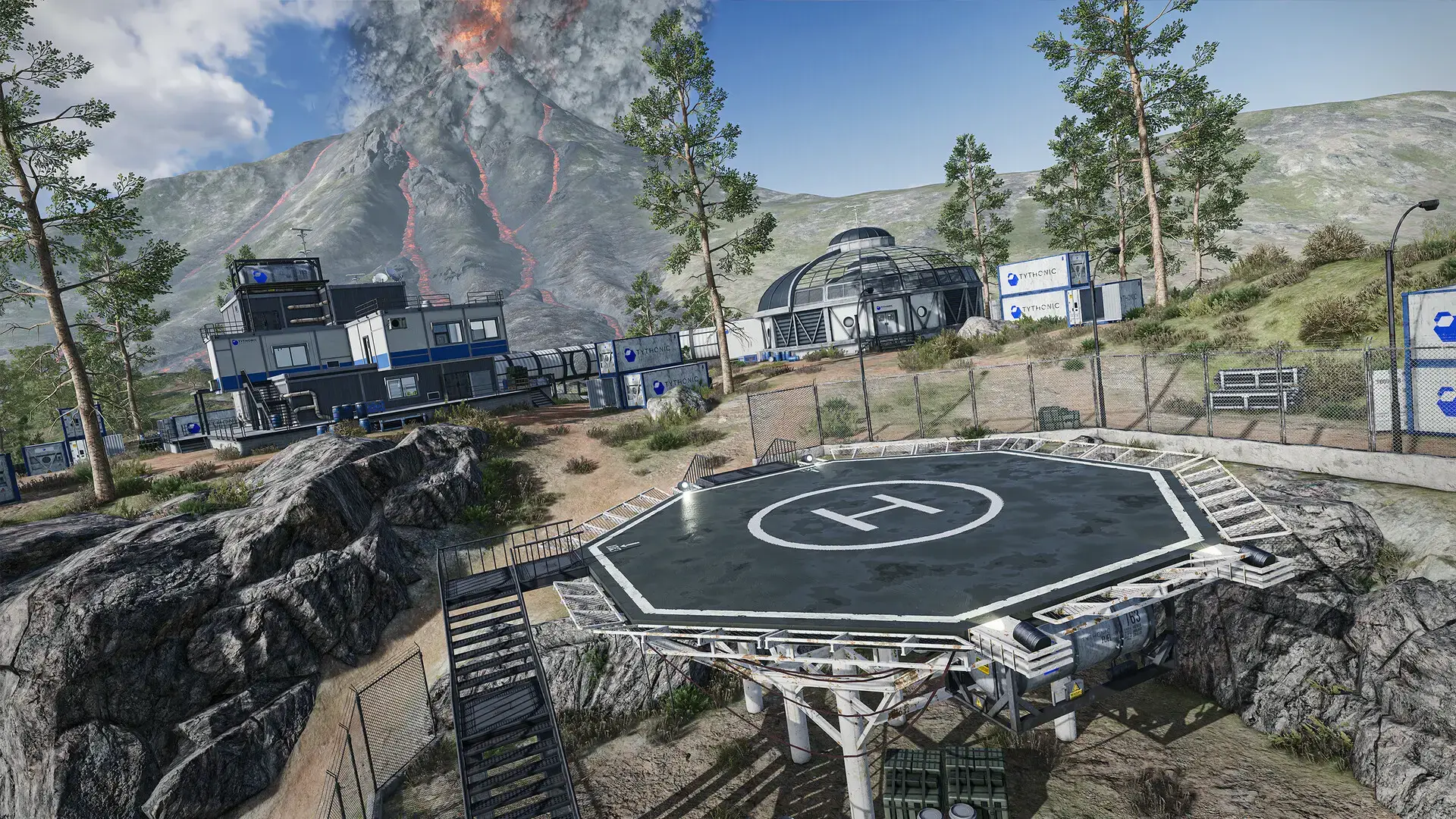
A small volcanic map whose layout changes from match to match.
Ranked uses its own pool of large maps, set each season. As of Update 43.2 that is Erangel, Miramar, Taego and Rondo. Smaller maps like Haven also turn up in Arcade modes.
Official Trailer
Watch the official free-to-play gameplay trailer for PUBG: BATTLEGROUNDS to see the drop, the looting and the fights that decide who is last one standing.
Key Features
Drop in with up to 99 others, solo or with friends, and be the last player or team alive.
Bullets drop and take time to travel, and attachments like scopes and grips change how each gun handles.
Large and small maps cycle every week, from the farms of Erangel to the volcano of Paramo.
Cars, bikes, boats and gliders get you across the map and out of the blue zone.
Climb the Ranked ladder with Plus, or warm up in Team Deathmatch and other short Arcade modes.
Build your own modes with the ModKit, or try player-made ones in PUBG: Playgrounds.
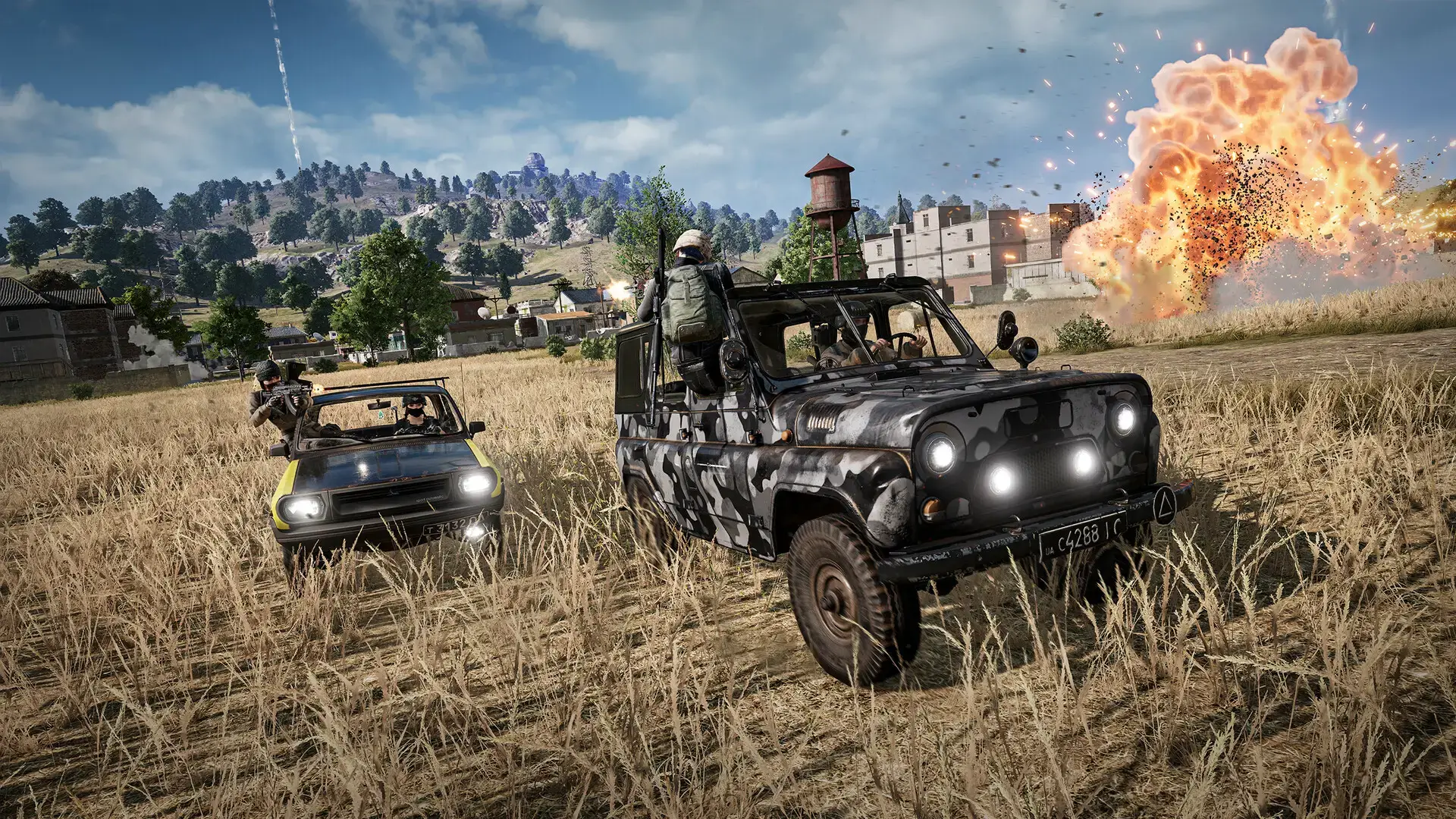
Vehicles are the fastest way to beat the blue zone, and the loudest.
Is This Game for You?
Our Take
🎮 Our Take
PUBG: BATTLEGROUNDS is still the battle royale where a single well-placed shot from a ridge can end a match, and nothing else in the genre feels quite like a quiet final circle on Erangel. The weekly map rotation keeps it from going stale, and making Plus buyable with BP removed the last paywall for players who grind. The rough edges are real too: matches have long quiet stretches, new players lose a lot early, and the store pushes skins and passes hard.
If you like slower, tactical shooters, it costs nothing to try, so download it and give it a few evenings with a friend. If you want nonstop action, start in Team Deathmatch or a Playgrounds mode first, and if that still feels slow, a faster shooter will suit you better.
System Requirements
These are the specs KRAFTON lists on Steam. The bar is low for a modern PC, but 16 GB of RAM makes a clear difference in busy fights. Windows 11 runs it as well; Steam only names Windows 10 as the minimum.
Install it on an SSD if you can, since textures load much faster when you land in a busy town. If you are shopping for a new machine, our Best Gaming Desktops guide is a good place to start.
Tips for Beginners
Warm up before you queue
Run a few rounds of Team Deathmatch or a training mode first. Ten minutes of aiming practice beats dropping in cold.
Land away from the flight path
Towns right under the plane fill up fast. Landing a little further out gives you time to find a gun before anyone finds you.
Play with headphones
Footsteps, doors and vehicles are how you spot players before you see them. Good sound wins more fights than fast reflexes.
Move early, not late
Blue zone damage builds the longer you stay in it. Rotate with a vehicle before the circle closes, not after.
Learn one rifle first
Pick one assault rifle and learn its recoil and attachments. Swap to others once that one feels natural.
Want to track your progress? Free stat sites like PUBG.OP.GG and DAK.GG show your match history, damage and win rate by season.
Best PUBG Mods to Start With
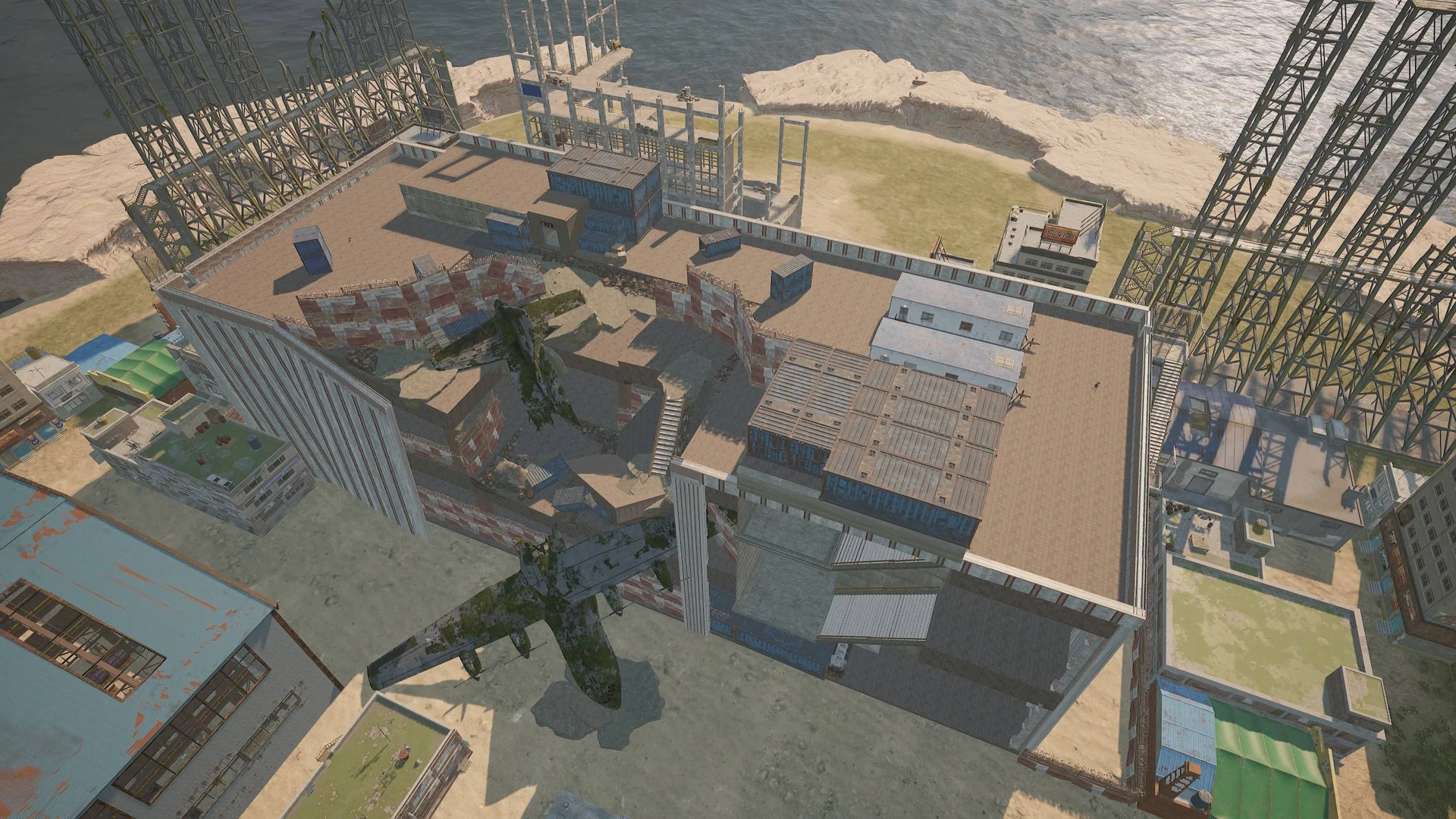
PUBG has official mod support since August 2026. KRAFTON added a ModKit (the in-game Edit Manager and Event Manager) for building custom modes, and PUBG: Playgrounds, a menu in the Play screen where anyone can try featured player-made modes for free. Creators share their modes on CurseForge, the hub KRAFTON partnered with.
The easiest way in is Playgrounds: open Play, pick Playgrounds and join a mode. To load any other mode from CurseForge, you host it in your own custom match, which needs Plus. These five are a good place to start.
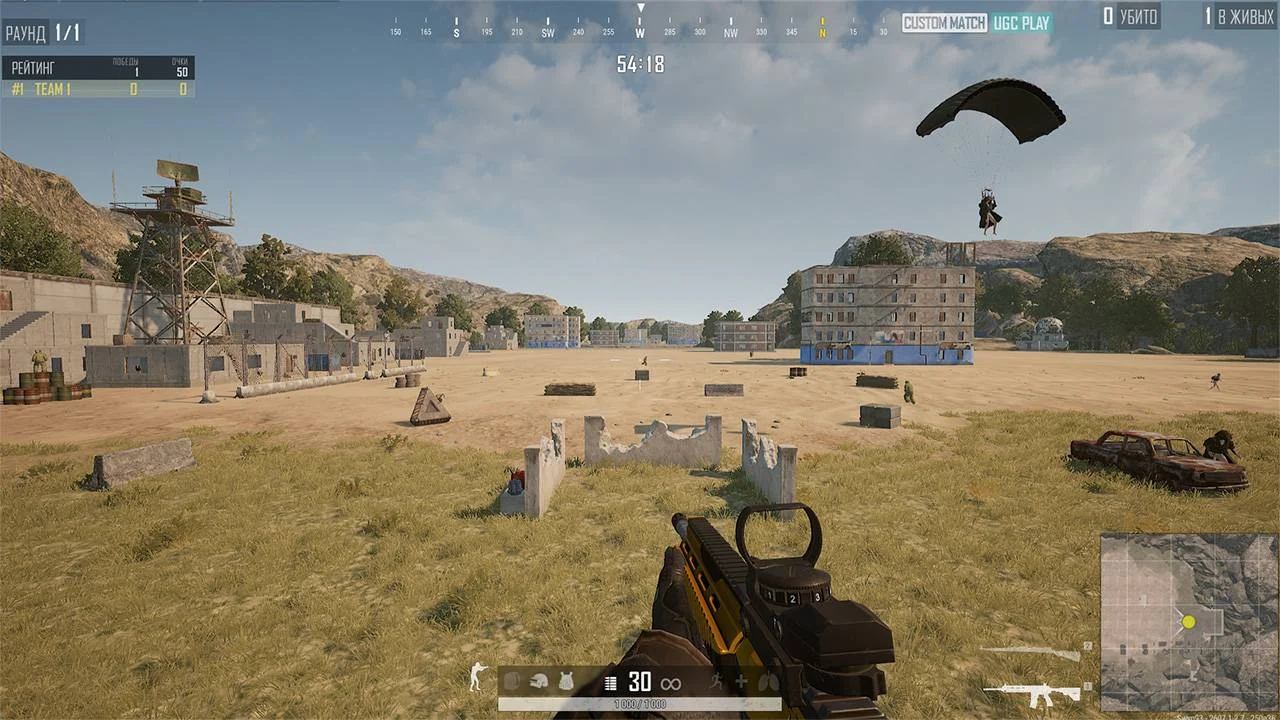
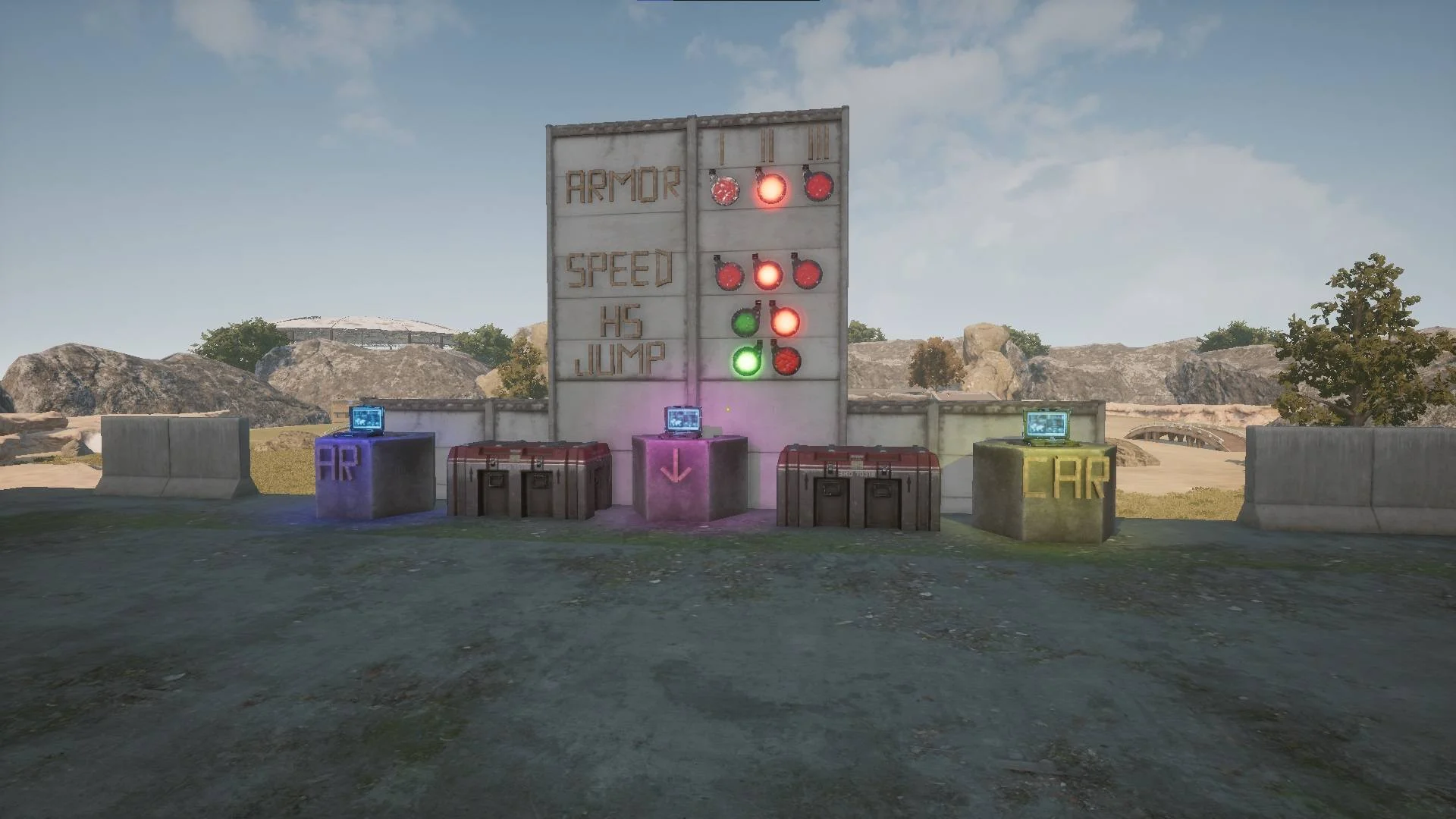
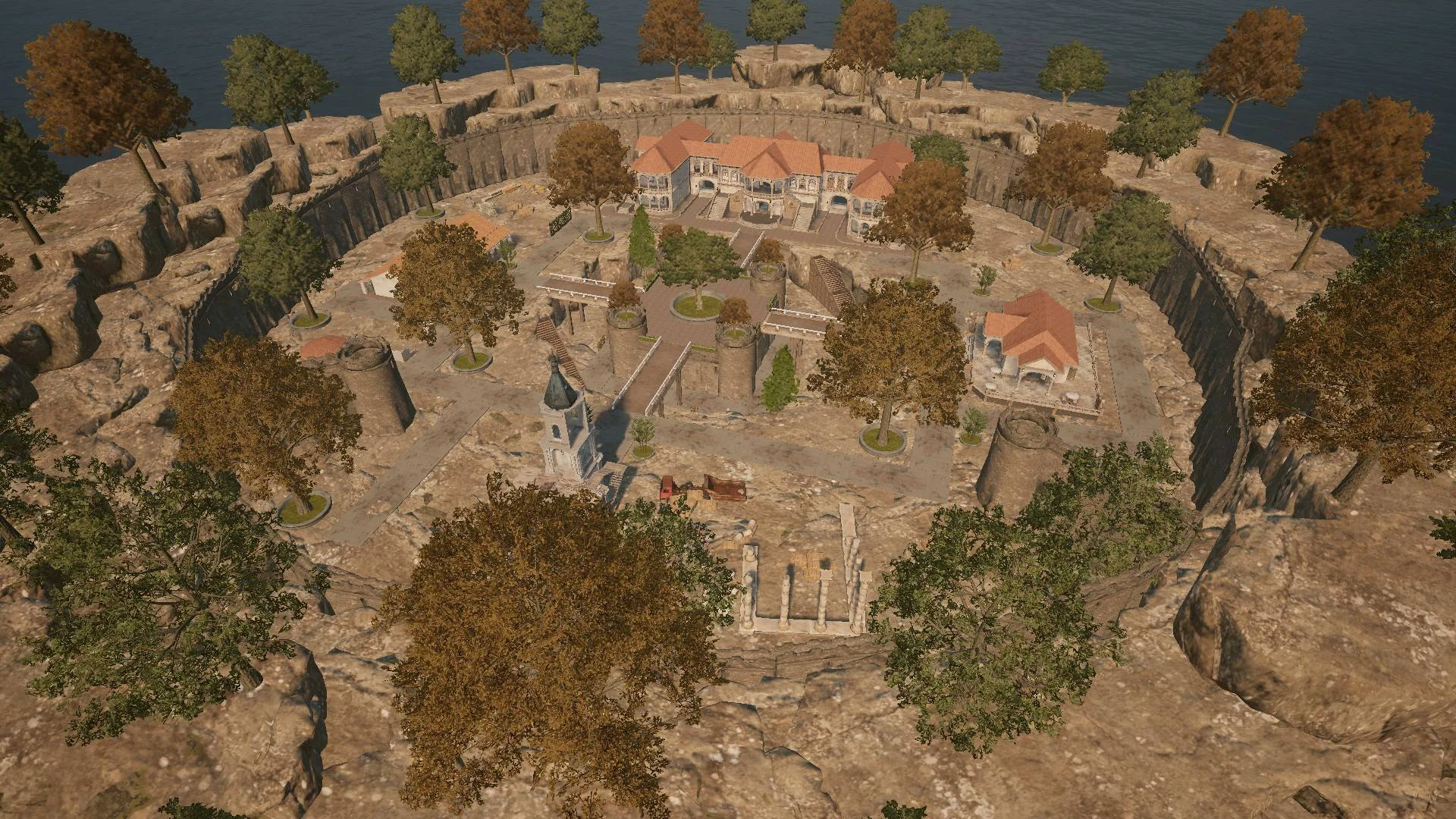
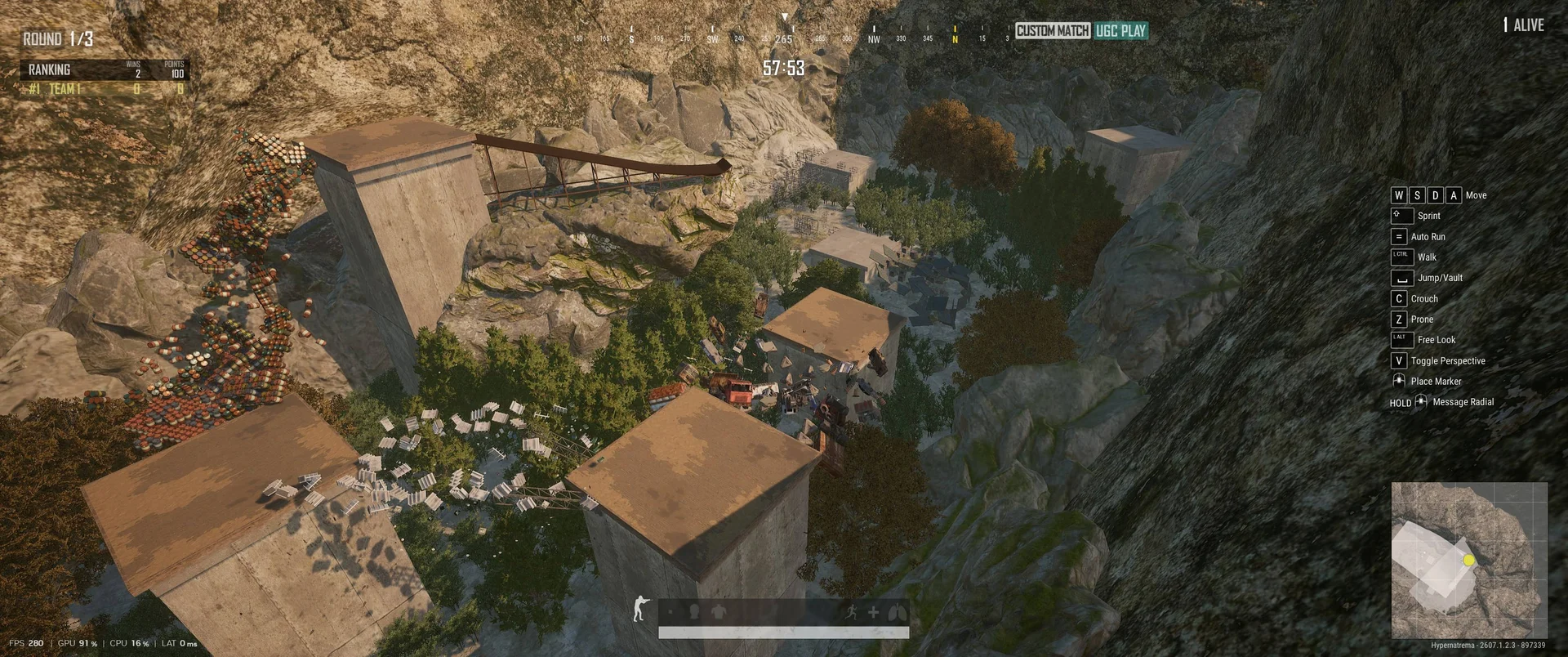
How to play a mod from CurseForge
- Step 1. Download the mode file from its CurseForge page.
- Step 2. Open the UGC folder. Press Windows + R, type %localappdata%, then open TslGame, Saved, UGC. Create the UGC folder if it is missing.
- Step 3. Move the file into that folder and start the game.
- Step 4. Create a custom match. Go to Play, then Custom, then Create. This part needs Plus.
- Step 5. Load the mode. In the room, press F10, pick the file, then press P and click Play.
Only use modes built with the official tools, and read the PUBG Mods Policy if you plan to make your own. Tools that change game files, inject graphics filters or give you an edge in normal matches are not mods in KRAFTON’s eyes, and they can get your account banned. CurseForge has a full install guide too.
PUBG Screenshots
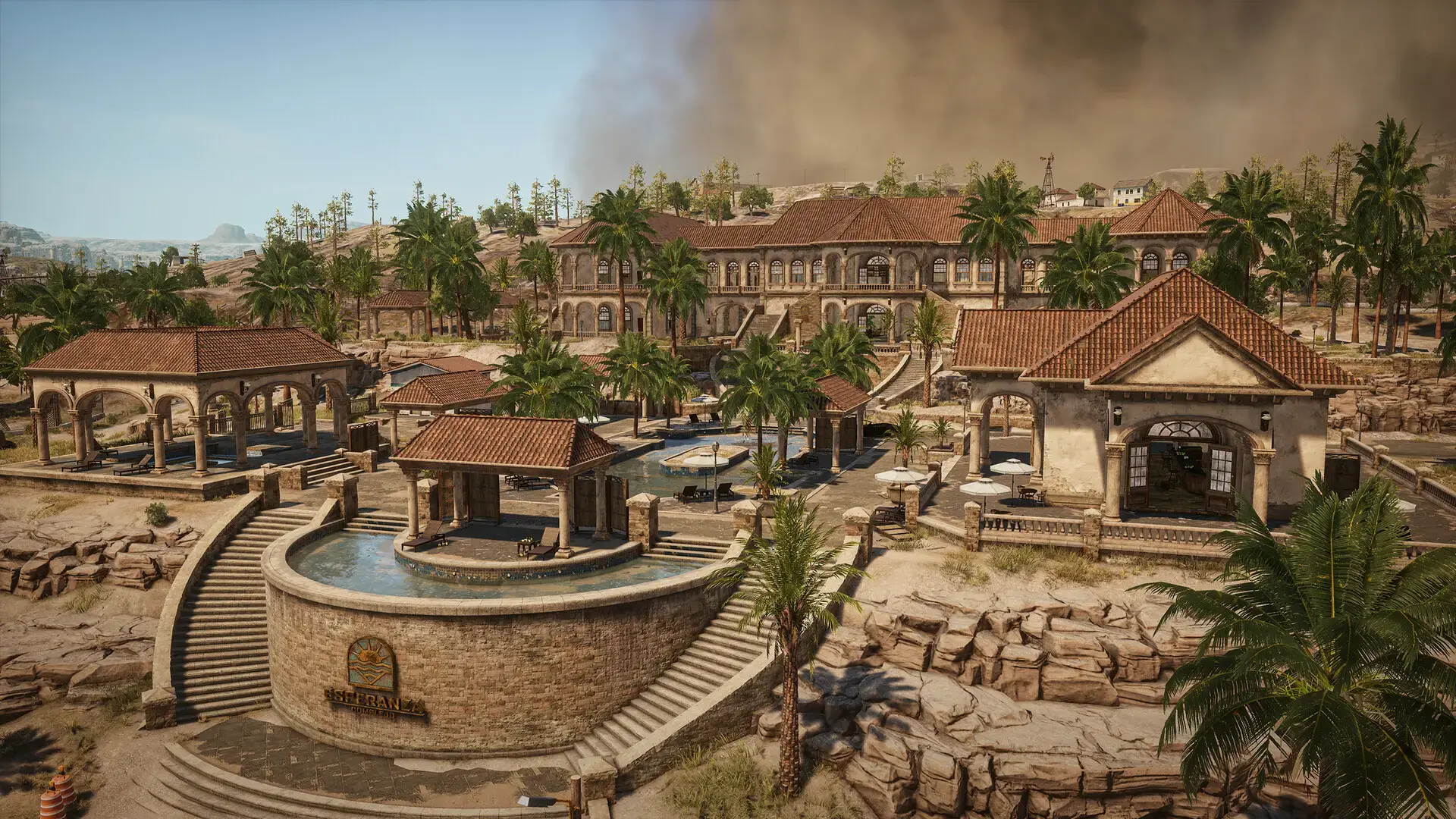
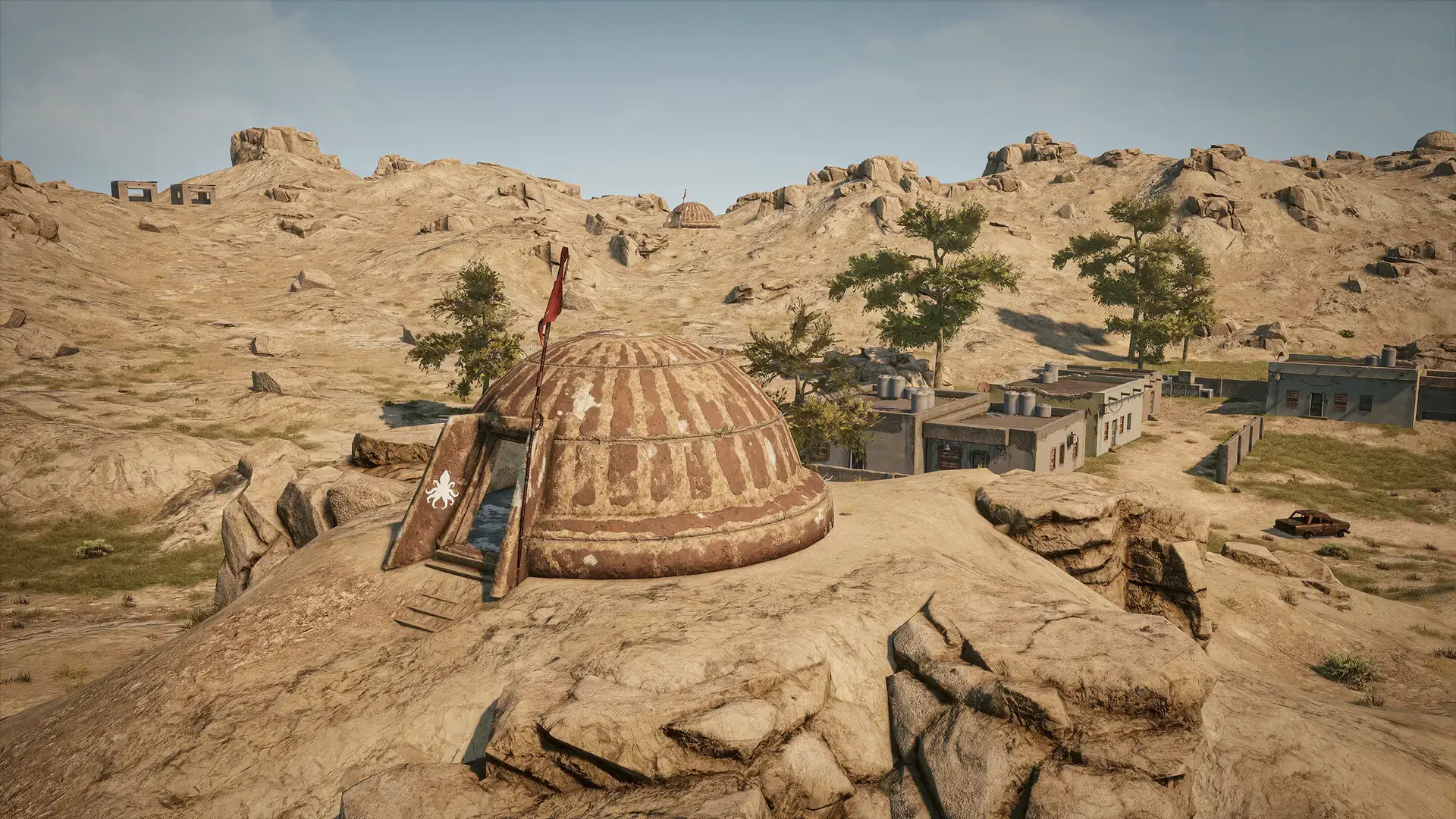
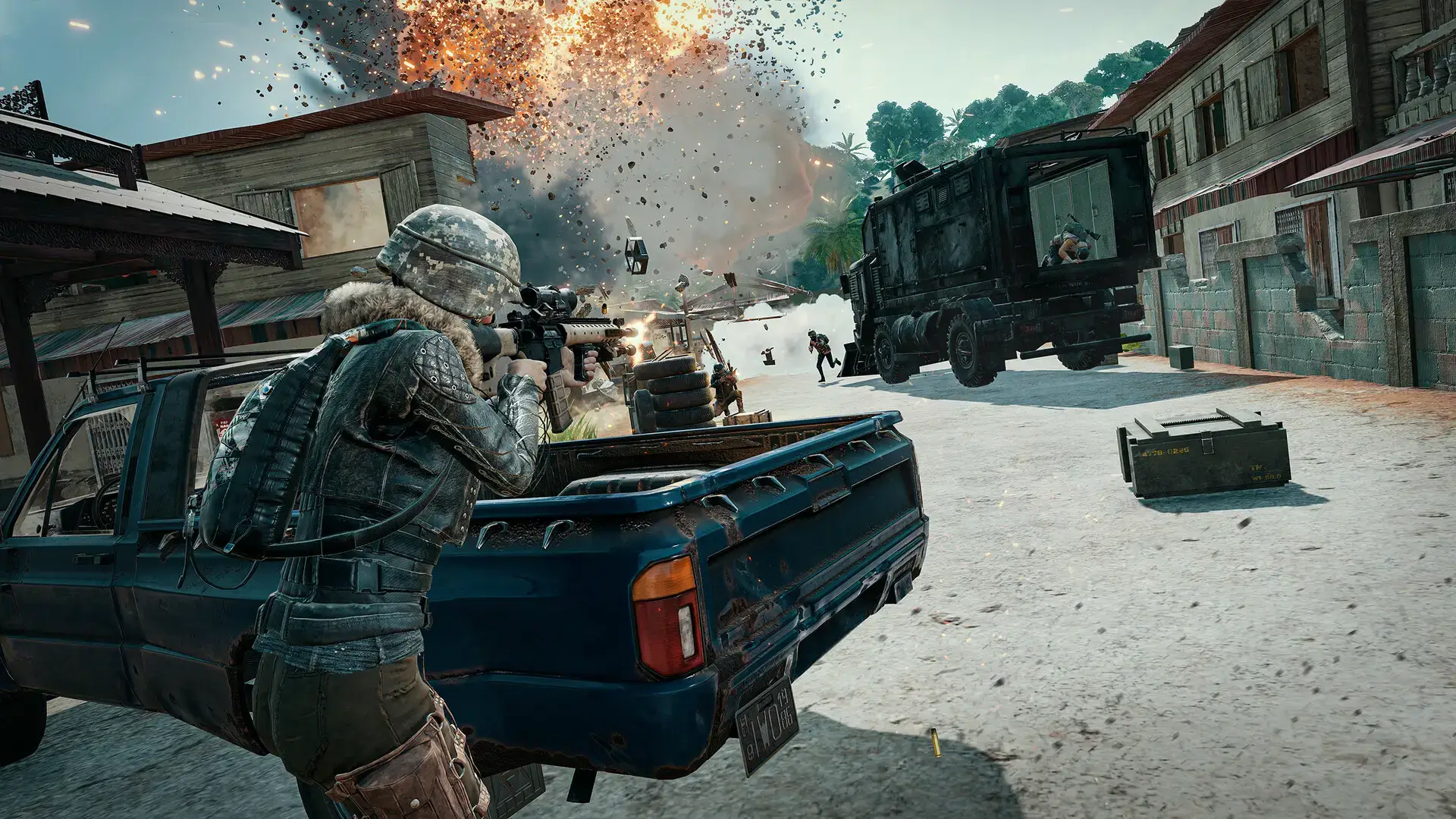
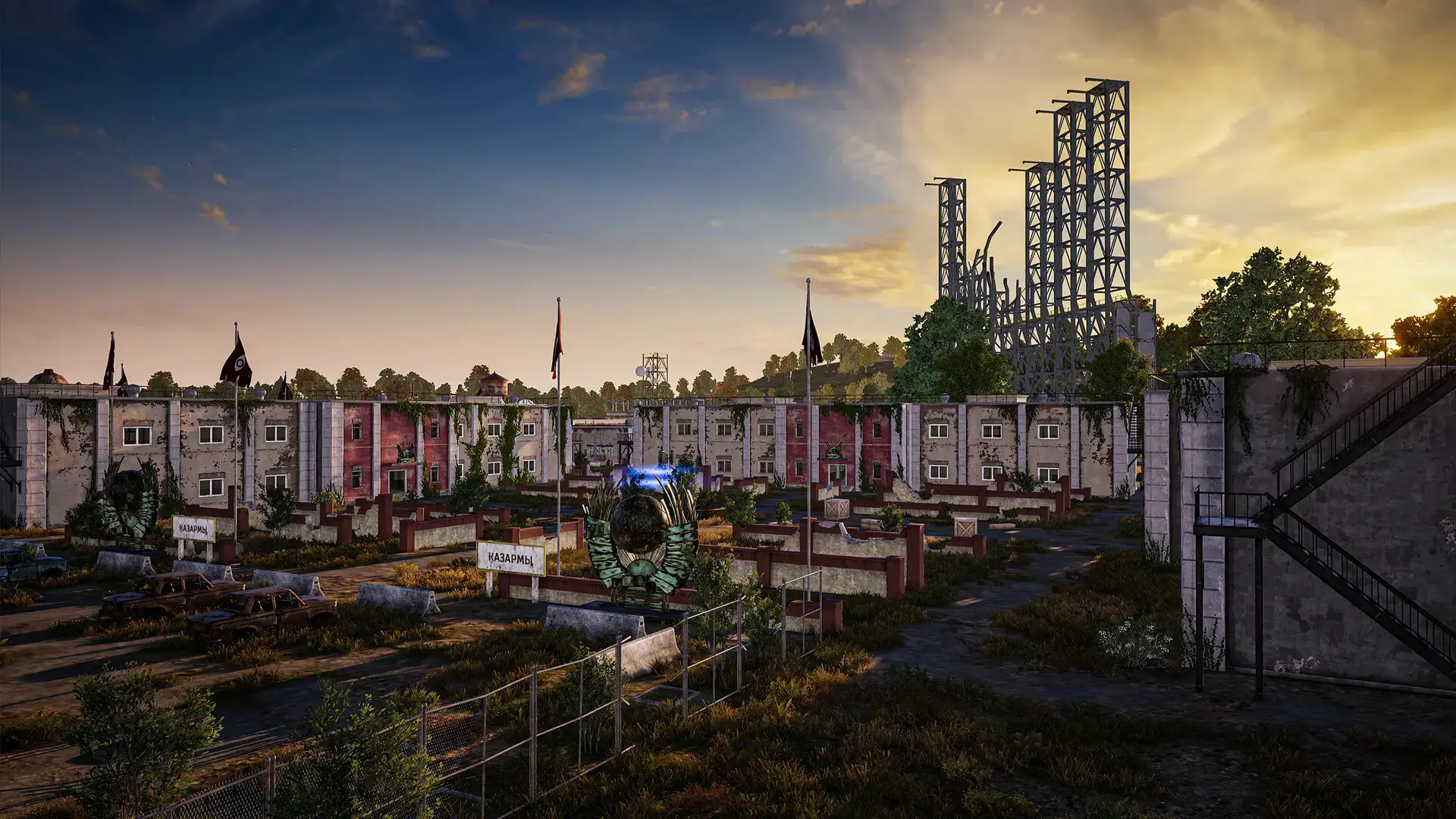
Desert towns, a swamp ambush, a snowy airdrop, the volcano of Paramo and a city plaza from across the PUBG map pool. Click any image to open it full size.
-
- Custom map from PUBG: BATTLEGROUNDS for PC: Free Download, Maps & System Requirements
-
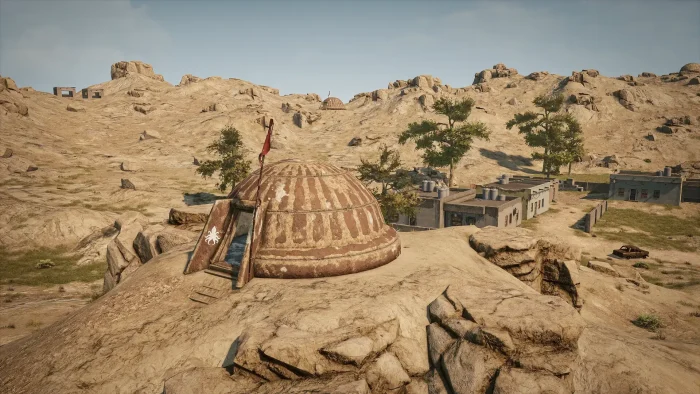
- Desert map from PUBG: BATTLEGROUNDS for PC: Free Download, Maps & System Requirements
-
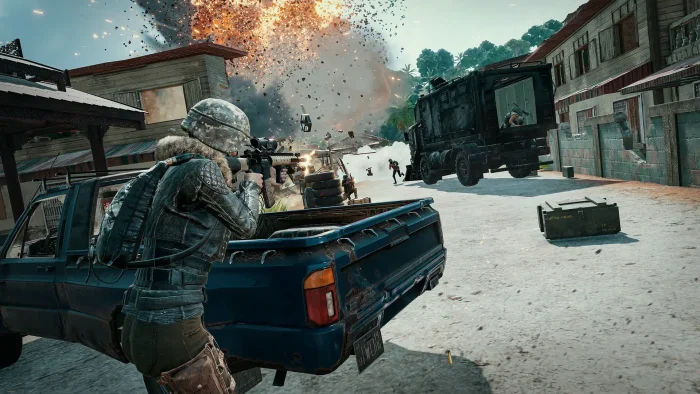
- Firing gun from PUBG: BATTLEGROUNDS for PC: Free Download, Maps & System Requirements
-
- First person gameplay graphics shooting from PUBG: BATTLEGROUNDS for PC: Free Download, Maps & System Requirements
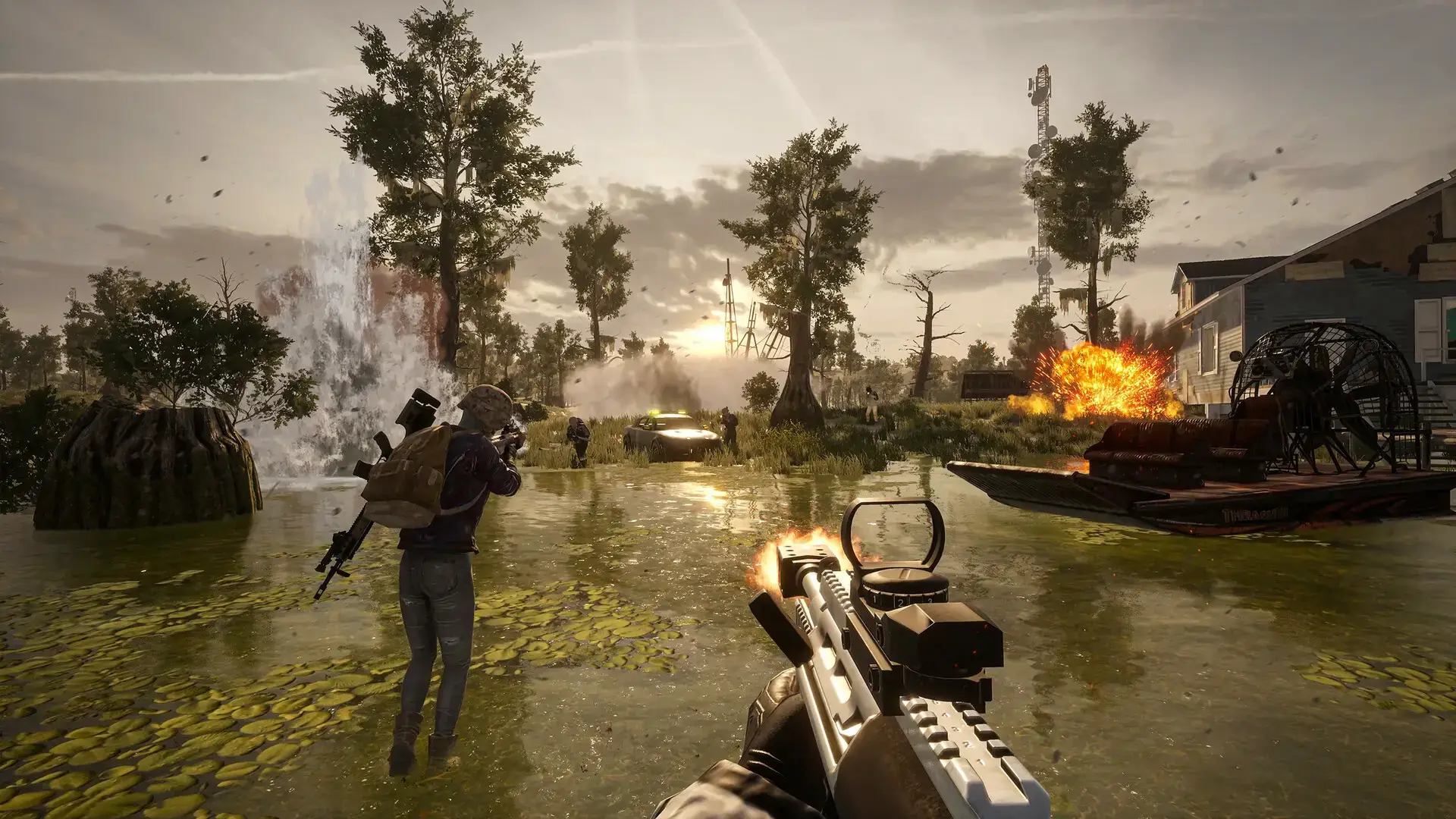
-
- First person view shooting from PUBG: BATTLEGROUNDS for PC: Free Download, Maps & System Requirements
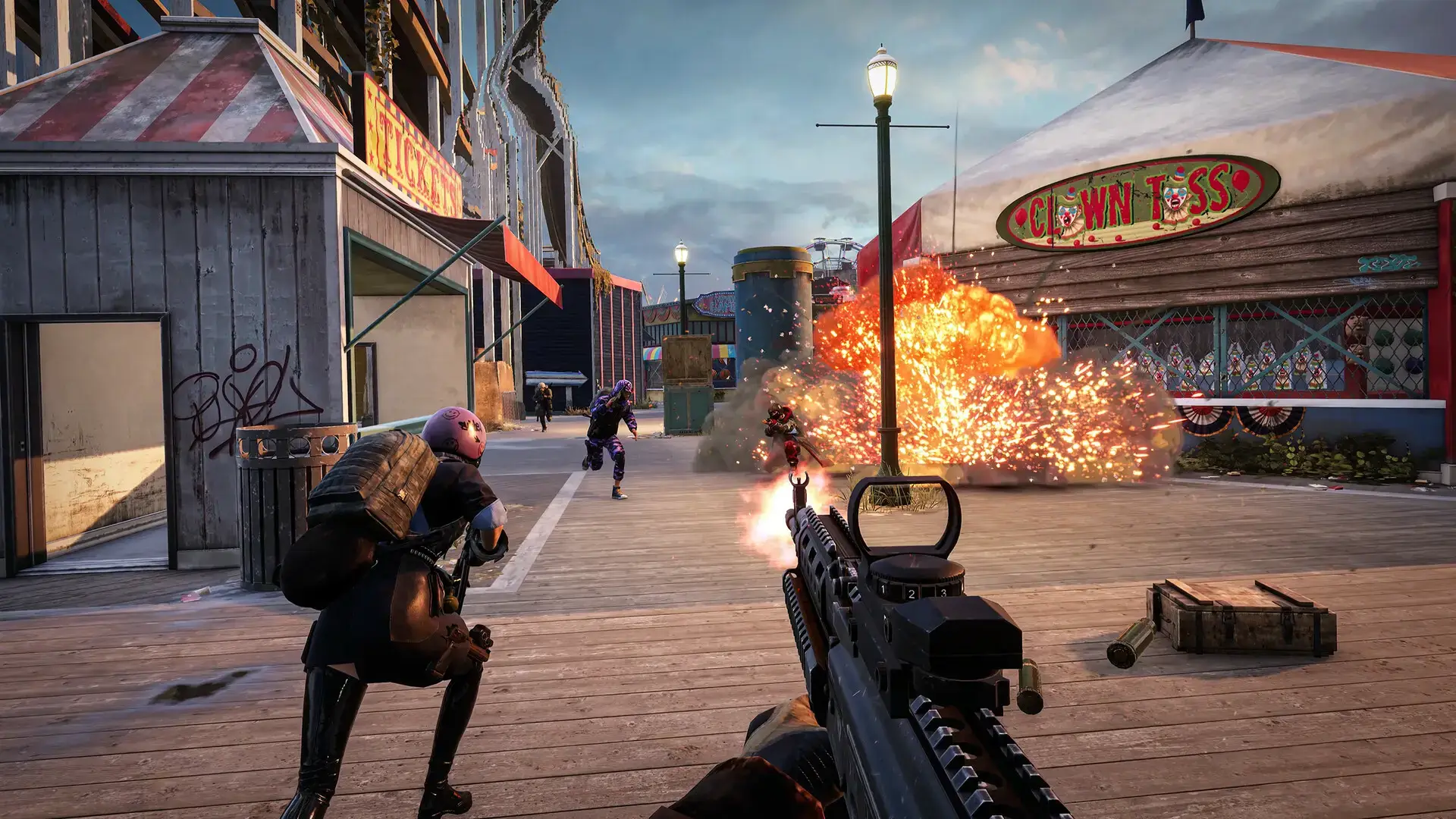
-
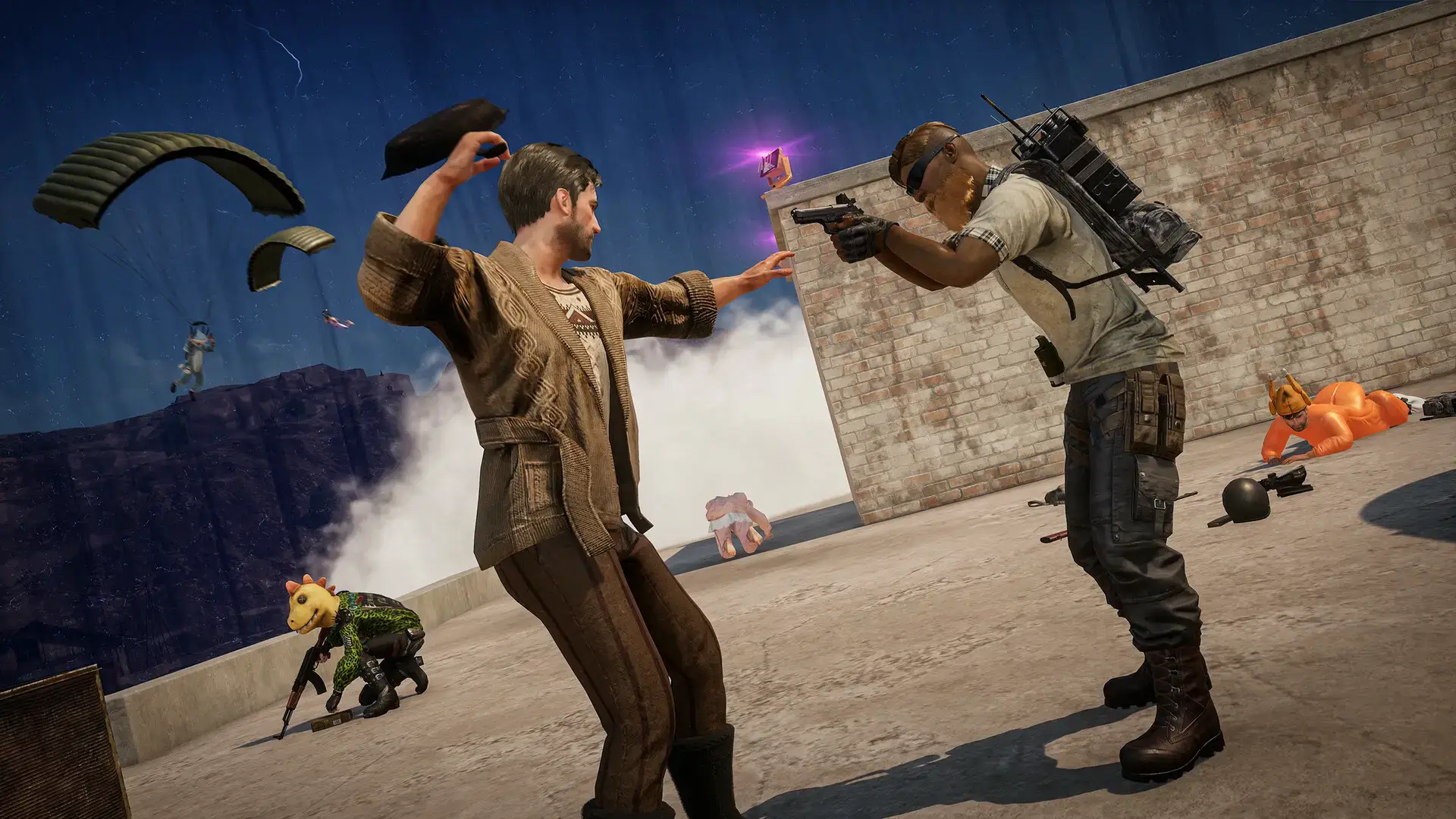
- Funny battle from PUBG: BATTLEGROUNDS for PC: Free Download, Maps & System Requirements
-
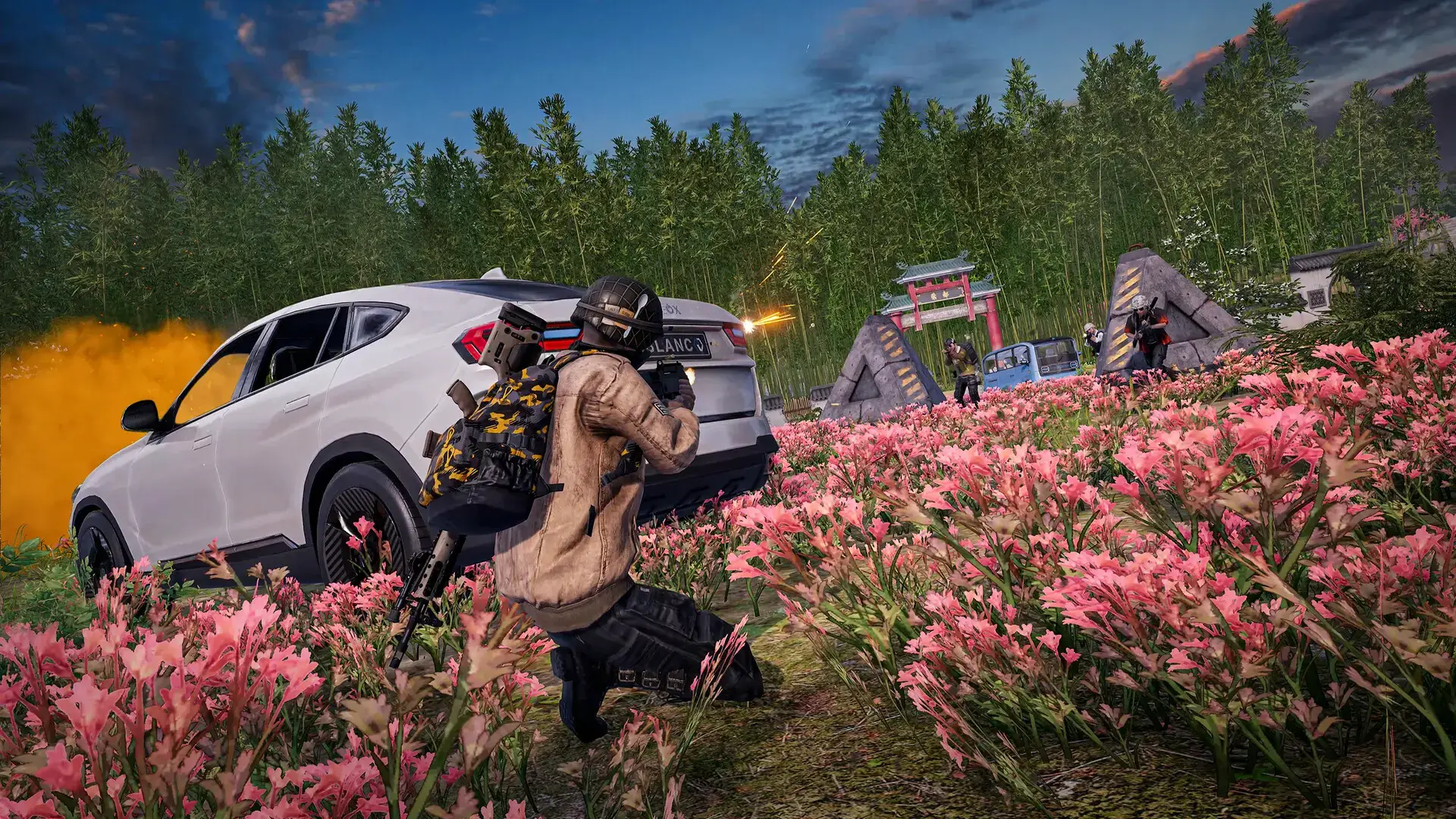
- Gameplay graphics in flower garden from PUBG: BATTLEGROUNDS for PC: Free Download, Maps & System Requirements
-
- Hd map from PUBG: BATTLEGROUNDS for PC: Free Download, Maps & System Requirements
-
- High tech map from PUBG: BATTLEGROUNDS for PC: Free Download, Maps & System Requirements
-
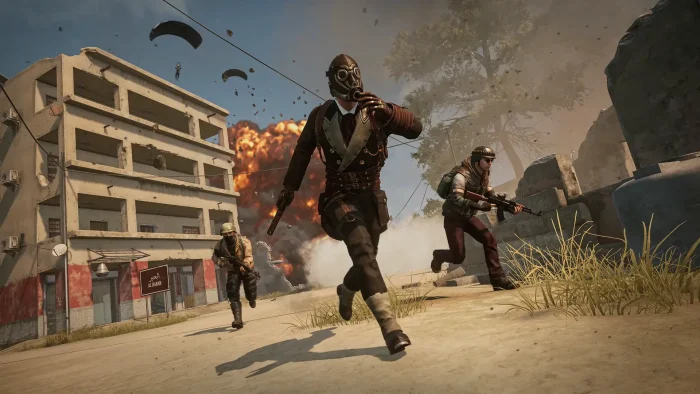
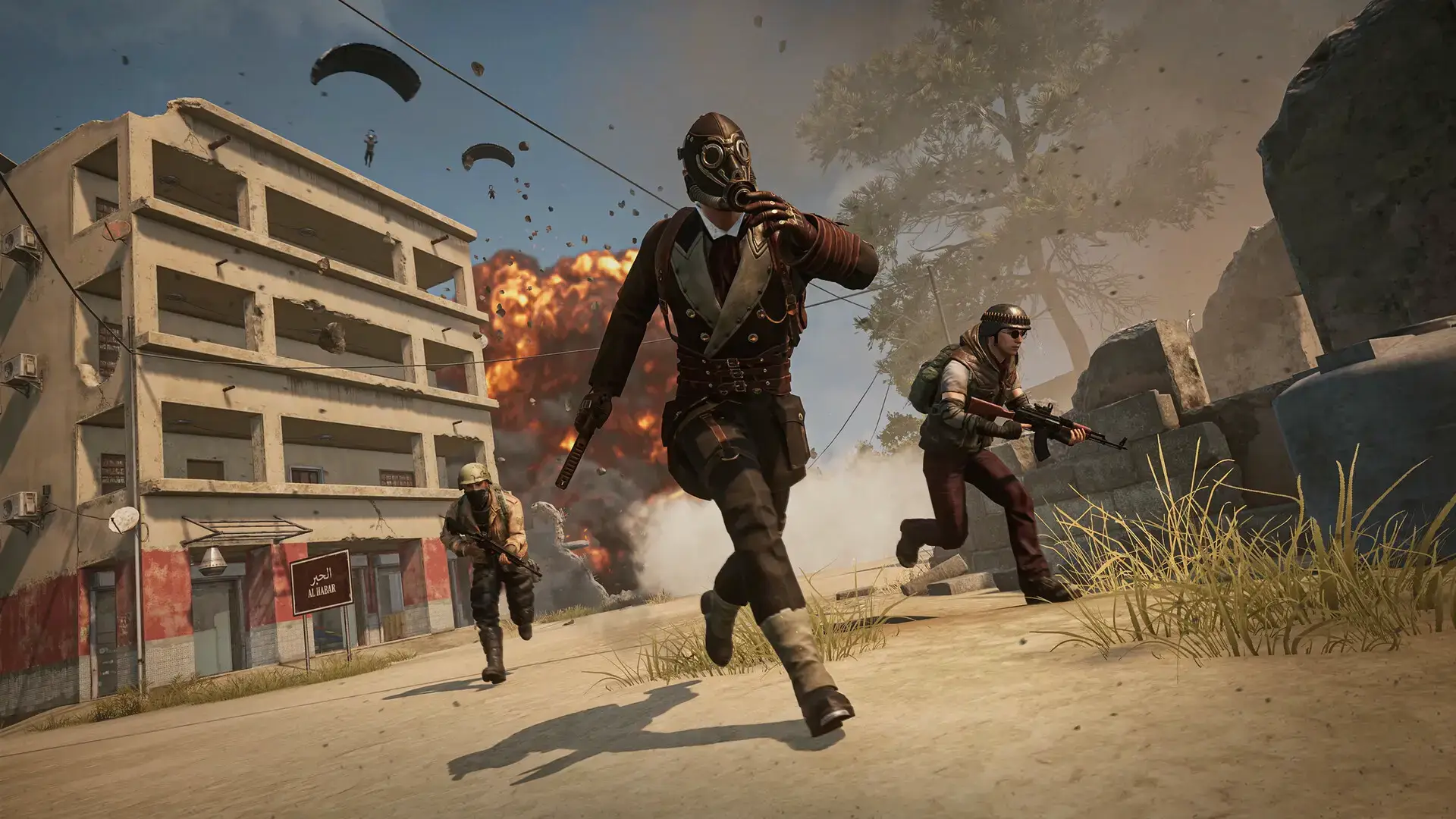
- Masked characters from PUBG: BATTLEGROUNDS for PC: Free Download, Maps & System Requirements
-
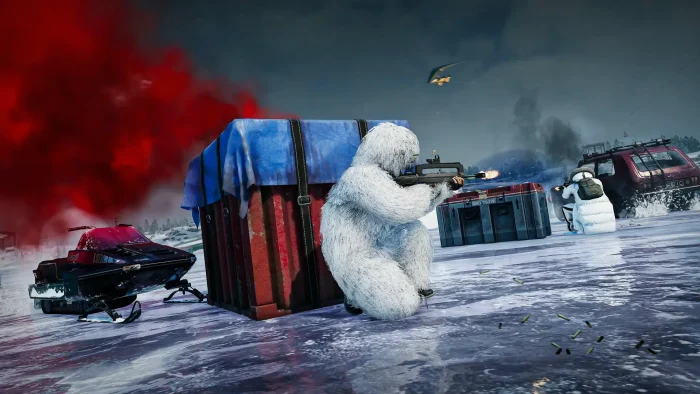
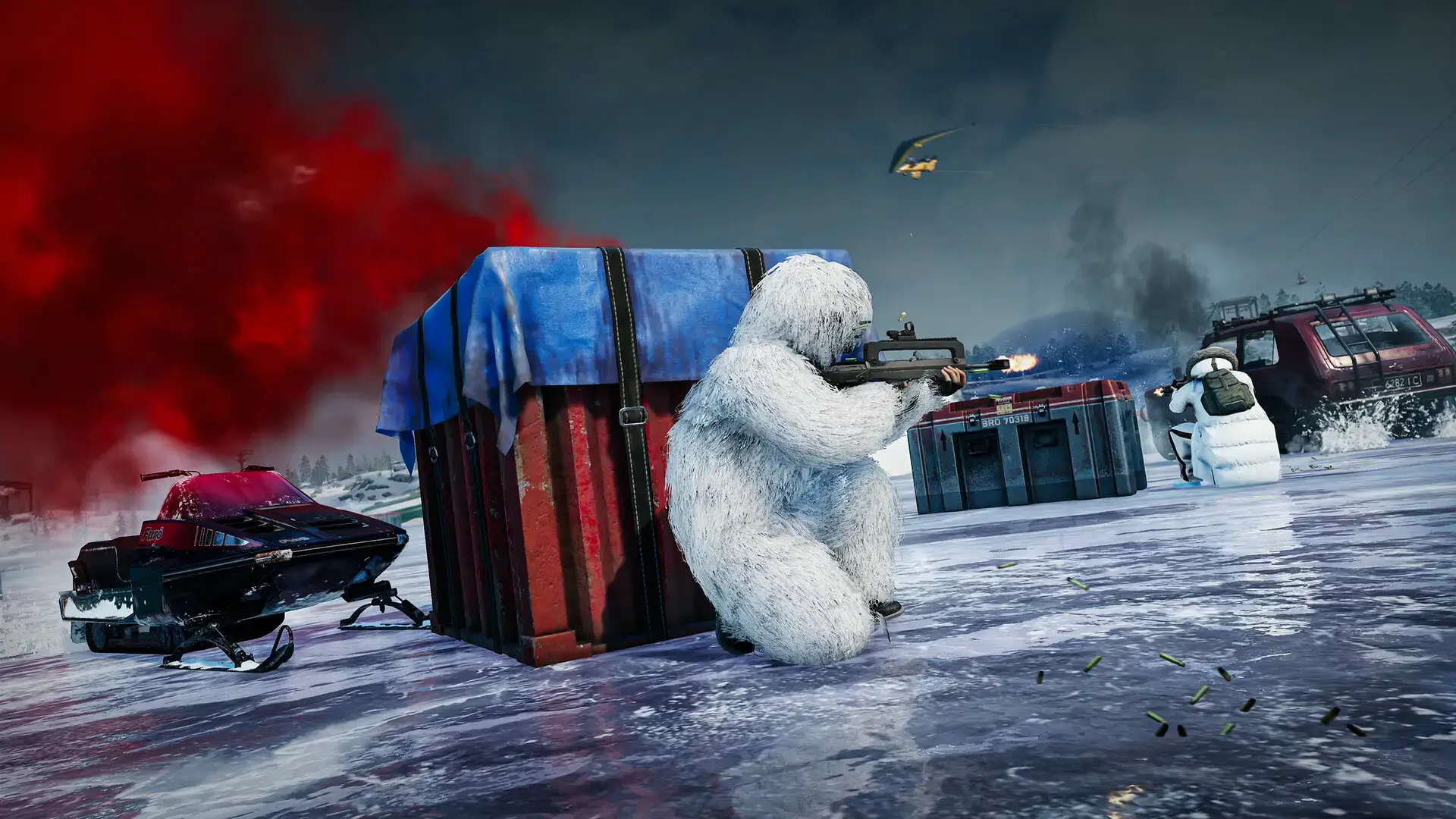
- Player wearing all white from PUBG: BATTLEGROUNDS for PC: Free Download, Maps & System Requirements
-
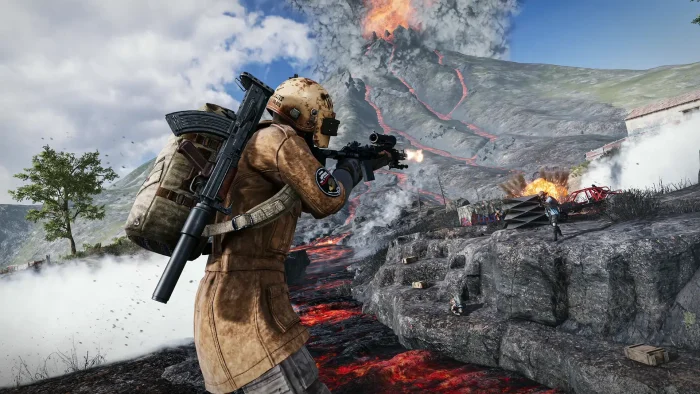
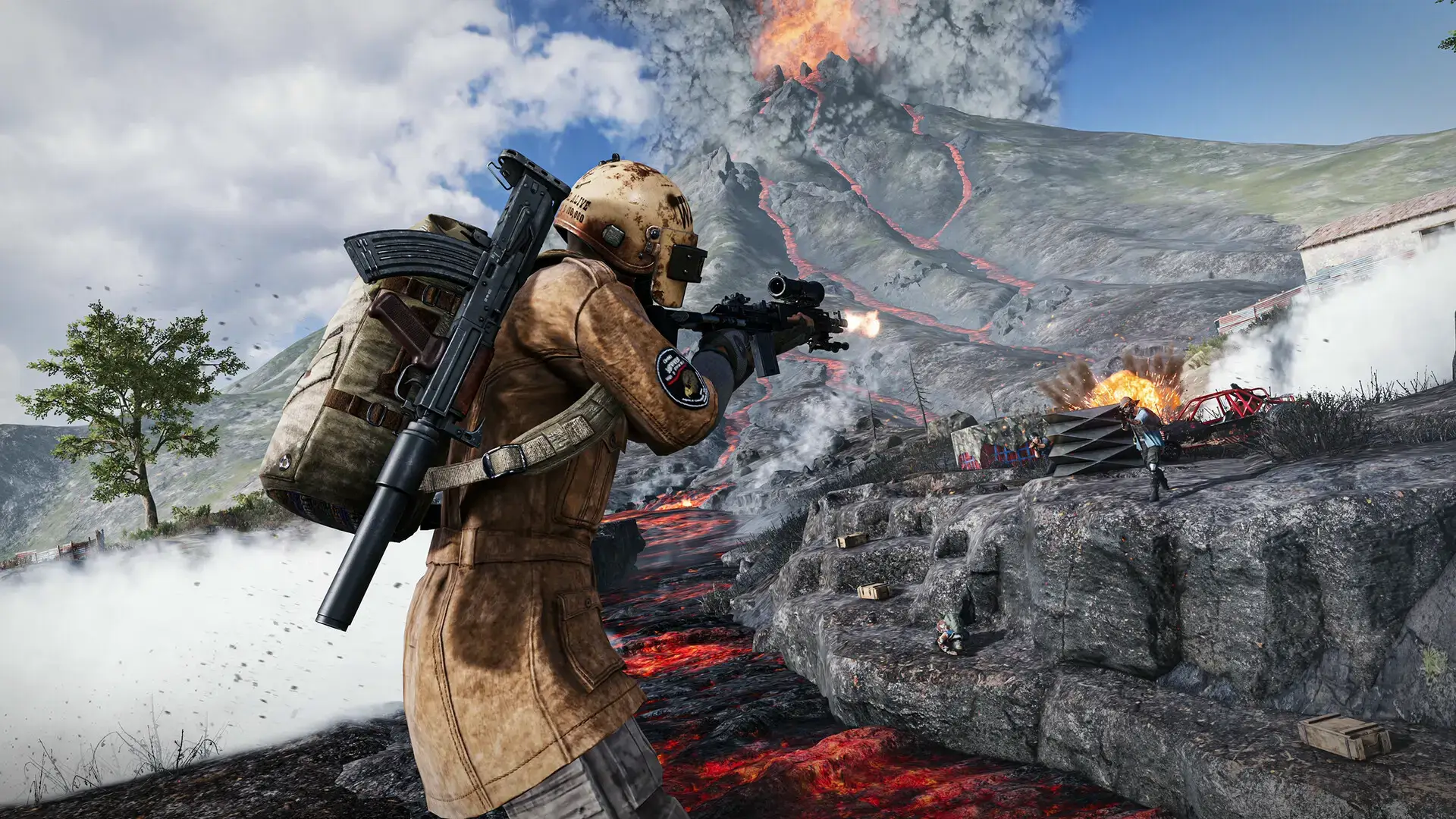
- Pvp action from PUBG: BATTLEGROUNDS for PC: Free Download, Maps & System Requirements
-
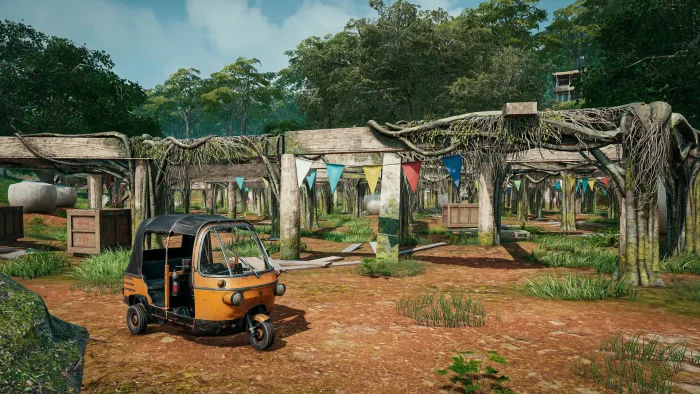
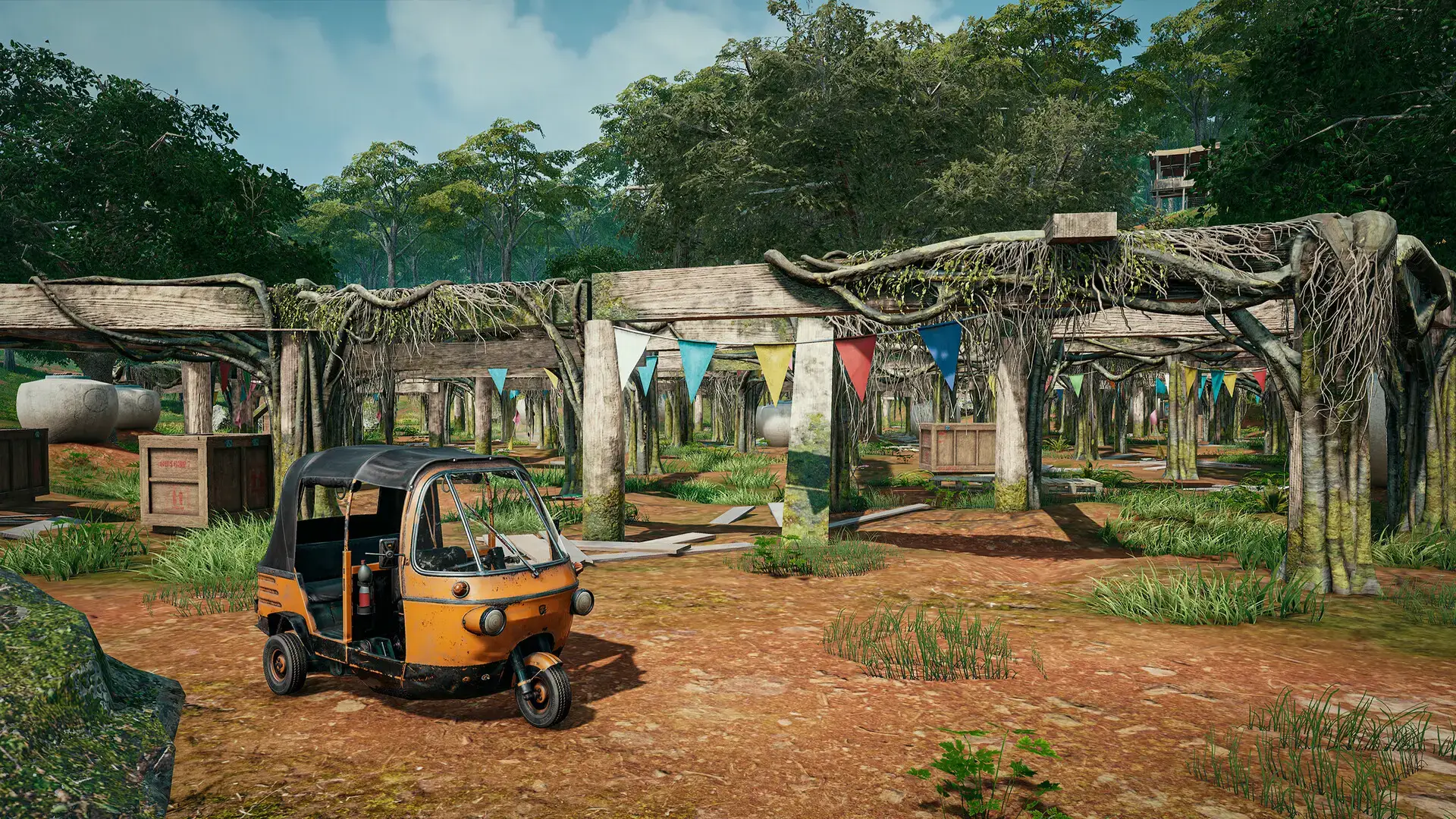
- Taxi cart from PUBG: BATTLEGROUNDS for PC: Free Download, Maps & System Requirements
-
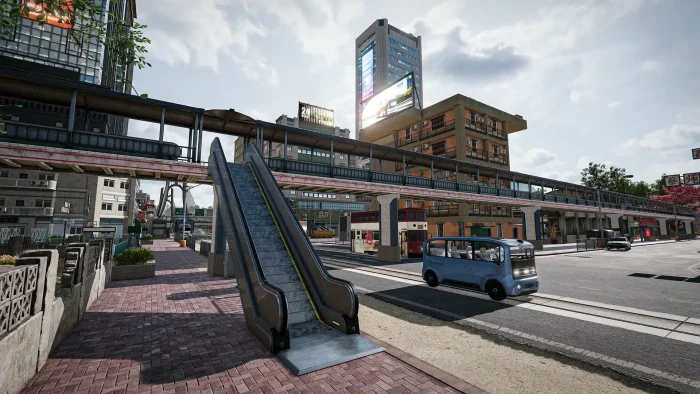
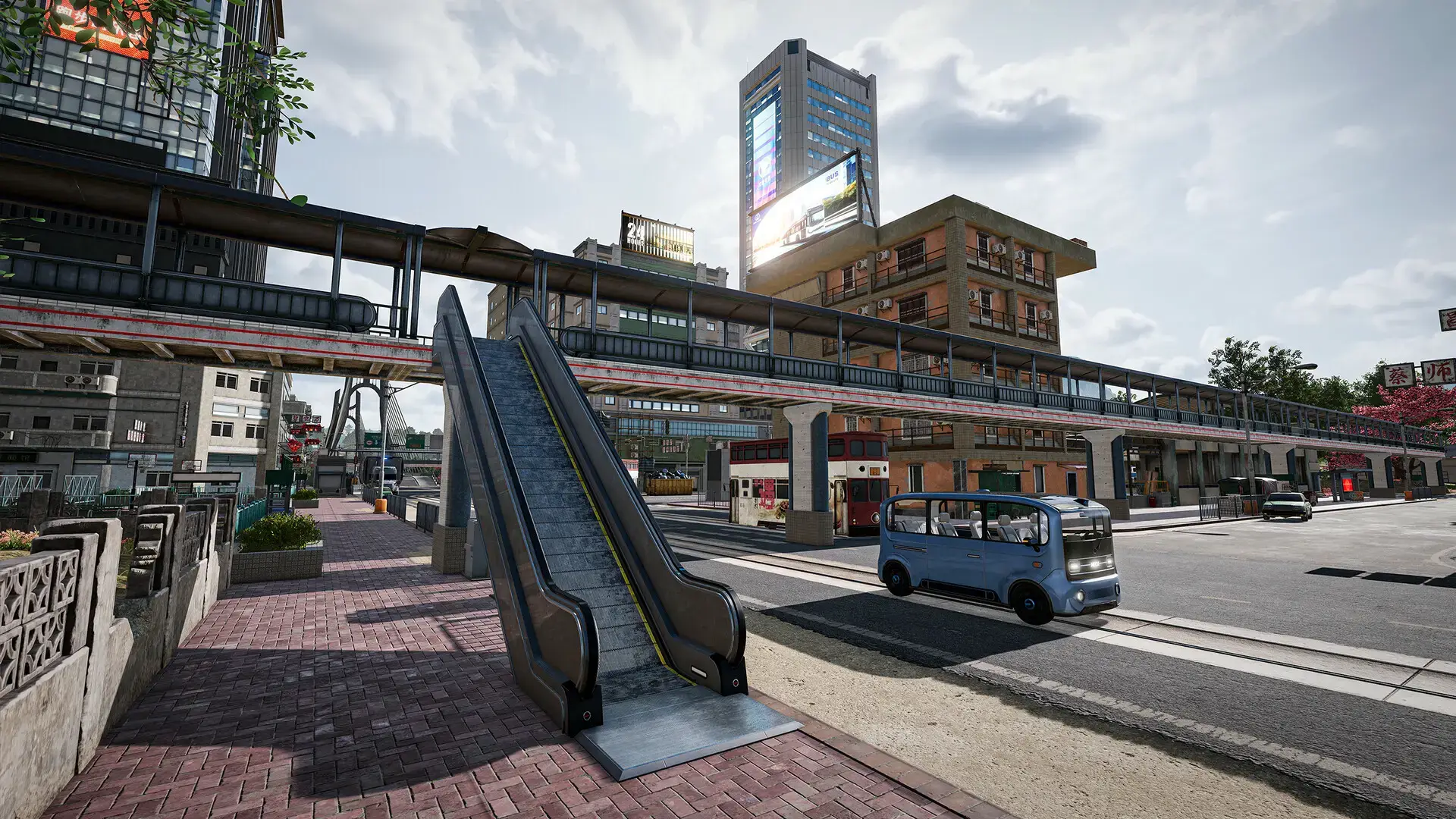
- Updated graphics in town from PUBG: BATTLEGROUNDS for PC: Free Download, Maps & System Requirements
PUBG: BATTLEGROUNDS FAQ
Can PC players play PUBG: BATTLEGROUNDS with console players?
Can I play PUBG: BATTLEGROUNDS on Steam Deck?
Can I play PUBG: BATTLEGROUNDS with a controller on PC?
Will mods get my PUBG account banned?
Is PUBG: BATTLEGROUNDS the same game as PUBG Mobile?
What are the PUBG: BATTLEGROUNDS system requirements?
Support and Community
- PUBG: BATTLEGROUNDS official site, KRAFTON’s home for the game, with news, patch notes and map reports.
- PUBG Support, for account, purchase, ban appeal and bug help.
- r/PUBATTLEGROUNDS on Reddit, the main player community for discussion, clips and help.
- Official PUBG Discord, for finding squads and talking to other players.
- PUBG on CurseForge, for player-made custom modes and maps.
- Steam discussions, for PC performance and technical threads.
- PUBG on YouTube, for trailers and update videos.
Explore more Windows games: Apex Legends · Call of Duty: Warzone · Fortnite · Counter-Strike 2 · Valorant · Rainbow Six Siege · Best Free-to-Play Games
Discover more from Windows Mode
Subscribe to get the latest posts sent to your email.





PUB as what we regular players call it, the name is long and weird lol but the game makes up for it! Try it.
Better than I thought it would be honestly, the game is still under beta but it is hella fun
Downloading it now via steam.
best game of 2017 hands down