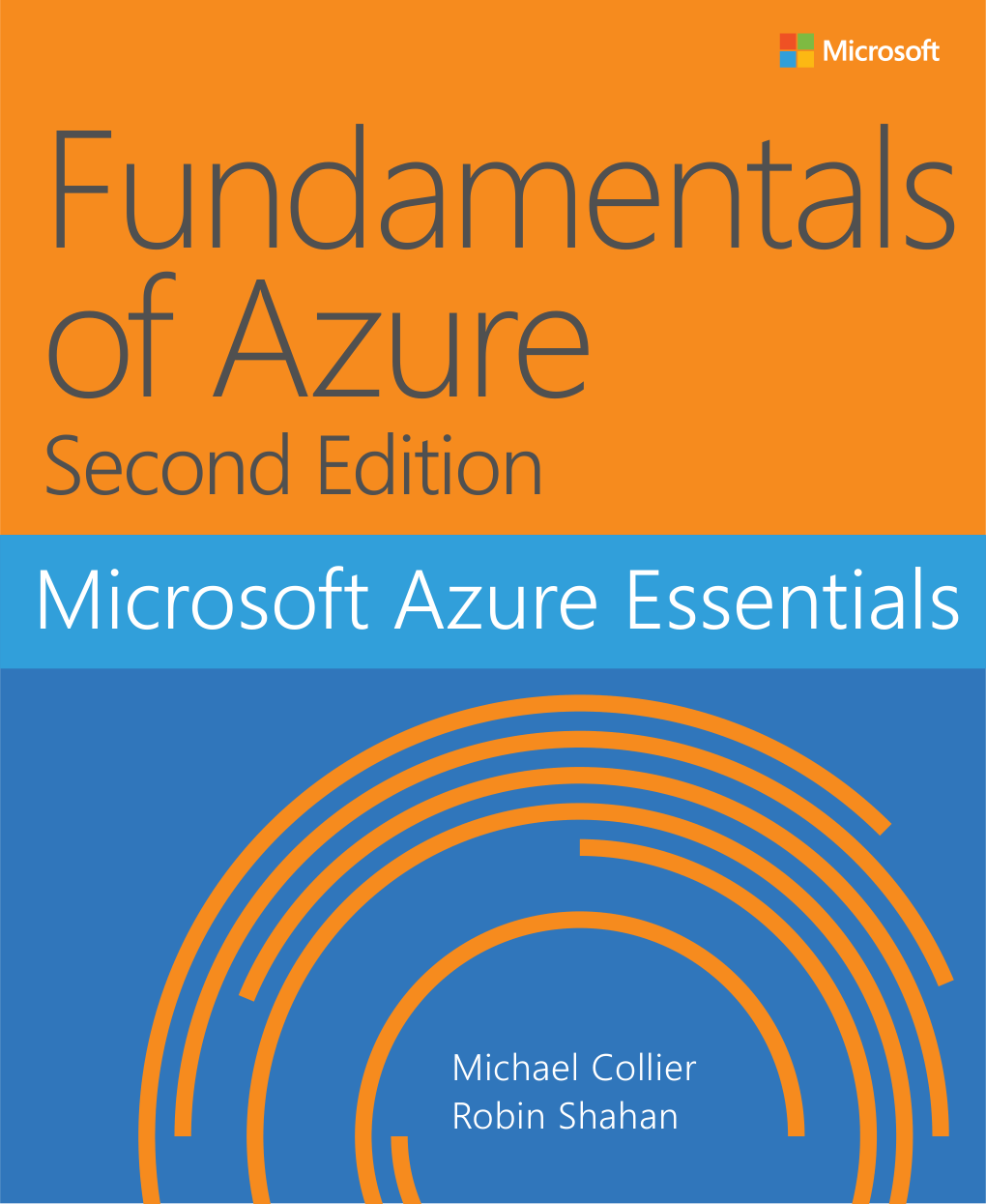
Fundamentals of Azure, Second Edition is a free 263-page Microsoft Press ebook by Michael Collier and Robin Shahan, available here as a PDF, ePub or Mobi. It introduces the core Azure services one chapter at a time: web apps, virtual machines, storage, networking, databases and identity.
It was written as a first book on Azure. Each chapter explains a service, then walks through it in the Azure portal with screenshots. It ends with real business cases that show how the pieces fit together.
Published by Microsoft Press in August 2016, as part of the free Microsoft Azure Essentials series.
Below: what has changed since it was written, what is inside, a look at real pages, and the download in every format. Questions? Reach out to us directly.
Read This First: This Book Is From 2016
An old edition, kept for readers who still want it
This edition dates from 2016, and Azure has changed a lot since. The ideas (regions, storage types, virtual networks, identity) still hold, but the portal looks different, several services have new names, and the classic deployment model it mentions was retired on August 31, 2024.
For an up-to-date tour of the same ground, read our guide to what Microsoft Azure is, then use the book for the deeper chapter on the service you care about.
What Is Inside Fundamentals of Azure
Ten chapters, in the order a beginner meets each service.
Getting started with Azure
Accounts, subscriptions, regions and a first look at the portal.
App Service and Web Apps
Host a website without managing servers.
Virtual Machines
Create, connect to and size Windows and Linux VMs.
Storage
Blobs, files, tables, queues and redundancy options.
Virtual Networks
Subnets, network security groups and connecting to your office.
Databases
Azure SQL Database and other data options.
Azure Active Directory
Users, groups and single sign-on. Now called Microsoft Entra ID.
Tools, extra services and business cases
PowerShell and CLI, other Azure services, and real scenarios.
A Look Inside
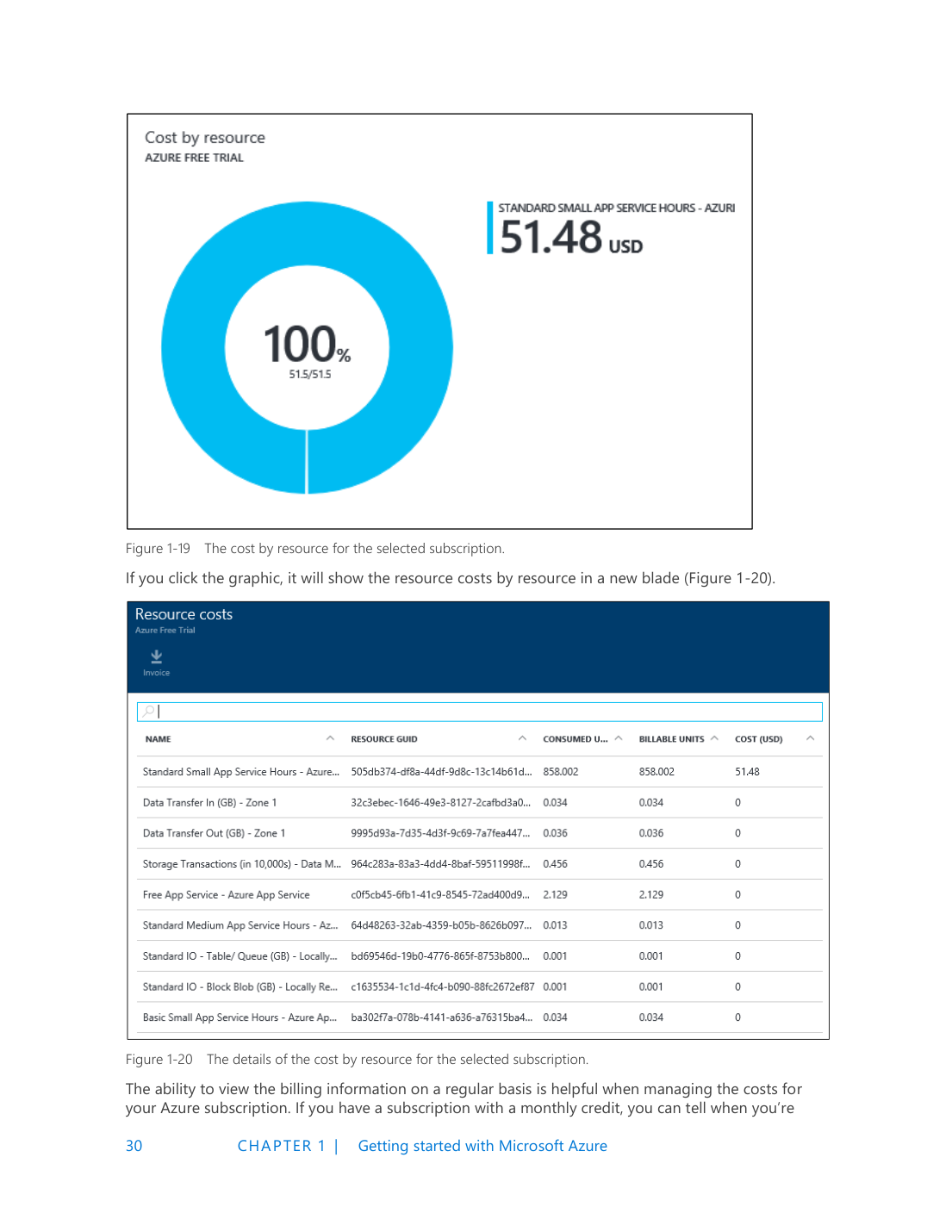
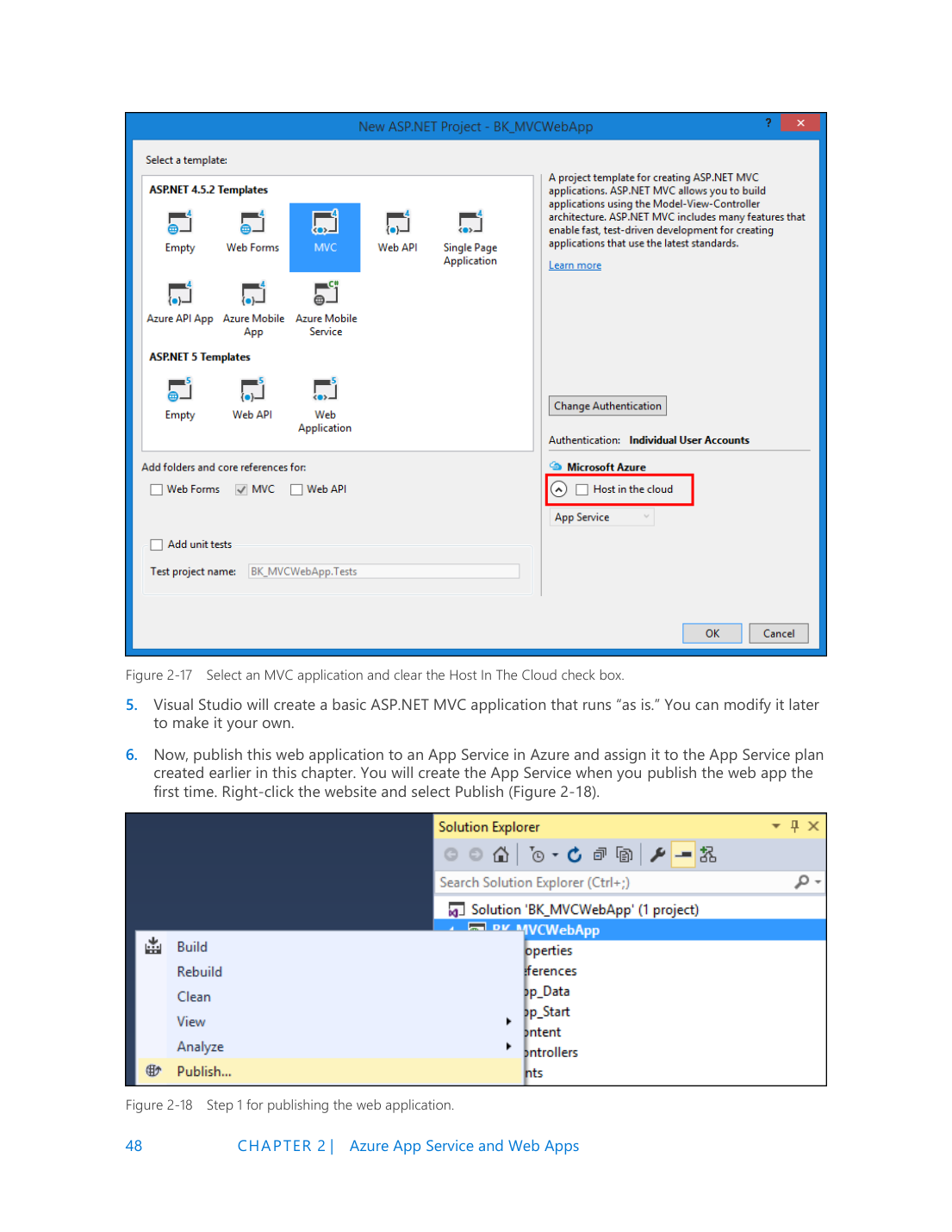
Real pages from the PDF, so you can judge the style before you download it.
Is It Still Worth Reading?
Read it if
- You want plain explanations of the core Azure building blocks
- You are studying cloud basics for AZ-900
- You like learning from a structured book rather than web pages
Skip it if
- You need click-by-click portal steps that match today’s screens
- You work with newer services such as containers, Kubernetes or AI
- You want current pricing
Download Fundamentals of Azure
Pick one format. All three hold the same book. Each download is a zip file, so unzip it first.
1 Select the format you want. The download starts in your browser.
2 Open your Downloads folder. Right-click the zip file, select Extract All, then Extract.
3 Open the book. Double-click a PDF to open it in Microsoft Edge, or load the ePub into any ebook app.
Reading on a Kindle? Send the ePub file to your Kindle with Amazon’s Send to Kindle, which takes ePub files. Amazon no longer accepts Mobi files there, though you can still copy a Mobi file to a Kindle over USB.
Newer Ways to Learn
These are free, current and cover the same fundamentals.
Microsoft Learn for Azure
Free, self-paced Azure training with a free sandbox for many modules.
Azure Fundamentals (AZ-900)
The entry-level Azure Fundamentals certification covers the same ground as this book.
What is Microsoft Azure?
Our plain-language Azure guide explains the platform with current screenshots.
Frequently Asked Questions
Is this ebook really free?
Is Fundamentals of Azure still accurate?
Is there a newer edition?
Will this book help me pass AZ-900?
Can I read it on a Kindle?
Support and Community
- Microsoft Learn for Azure, free current training from Microsoft.
- Microsoft Q&A for Azure, where Microsoft engineers and users answer questions.
- r/AZURE on Reddit, a large community for Azure questions and study tips.
More Windows software guides: What Is Microsoft Azure? · Developer’s Guide to Azure eBook · Free Azure Books · Azure PowerShell · Azure Monitor
Discover more from Windows Mode
Subscribe to get the latest posts sent to your email.
















Add your first comment to this post