Download VitalSource Bookshelf for Windows
Get VitalSource Bookshelf for Windows 11 and experience using an app that will organize and keep a record of all your digital books.
Get VitalSource Bookshelf for Windows 11 and experience using an app that will organize and keep a record of all your digital books.

Get Speedtest by Ookla for Windows 11 and use the desktop version and test how fast your internet connection is from multiple servers.
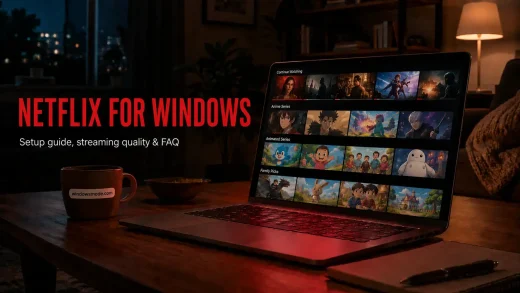
Netflix runs on Windows through a free Microsoft Store app or any browser. Our guide covers how to download, set it up, get 4K and HDR working plus what to expect from each plan.
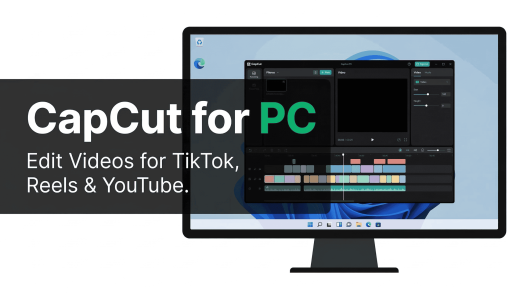
CapCut is a free AI video editor for Windows 10/11 with auto captions, background removal, 4K export, and hundreds of templates built for TikTok, Reels, and YouTube Shorts.
Download and use LibreOffice on PC with this guide. Get tips, watch a beginner’s video, and edit docs with free, privacy-focused tools.

Get Soundpad for Windows 11 and use an app that creates custom sounds and record sounds from your computer or microphone.

Get 3DMark for Windows 11 and experience using an app that gives you detailed analysis of a computer’s performance.

Get Auto Dark Mode for Windows 11 and experience an app that automatically enables and disables dark mode based on your settings.
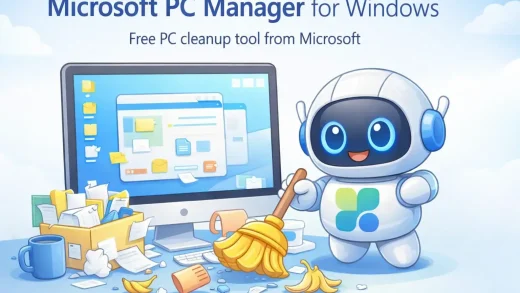
Microsoft PC Manager is a free app from Microsoft that frees up memory, clears junk files, blocks app pop-ups and shows which apps slow down startup. This guide walks through each tab with Microsoft’s own screenshots, covers the install, compares each feature with the tool already built into Windows, and explains the one habit worth watching: its nudges toward Edge and Bing.

VTube Studio lets you animate a Live2D VTuber avatar on Windows using your webcam or a phone for face tracking. In this guide, we explain how the app works, who it’s for, how to install it safely, and what to expect before you start, including screenshots and a video walkthrough.
Wallpaper Engine brings your desktop to life with live 3D scenes. This guide covers the official installation, how to optimize settings so it doesn’t slow down games, and where to find the best community wallpapers.
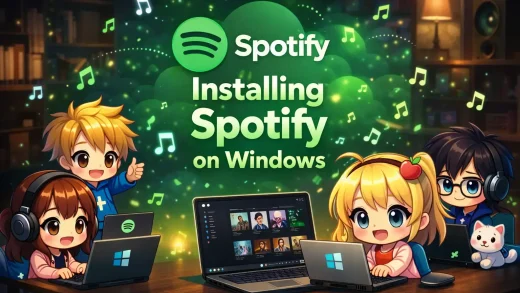
Spotify for Windows PC offers features the web player can’t match, like offline downloads, local file syncing, and Xbox Game Bar integration. This guide covers how to install the app and optimize settings for the best audio quality.

uTorrent is a free torrent app for Windows from BitTorrent, in two versions: the Classic desktop program and the browser-based Web app. This guide shows how to install it without the partner offers, what the paid plans add, how it compares with qBittorrent, and why Windows Security sometimes flags it.

VLC is the industry standard for playing any video file type. We cover why it handles files Windows Media Player can’t, how to use its hidden conversion tools, and where to download it safely.

TikTok for Windows is the free TikTok app from the Microsoft Store, a light web app that runs through Microsoft Edge. This guide covers the install and QR code login, uploading videos from your PC, going LIVE with TikTok LIVE Studio and its system requirements, and fixes for the problems people hit most.