Gemini for Windows: What the Desktop App Actually Does
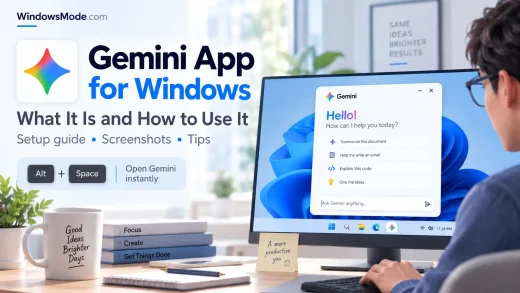
Google’s Gemini desktop app puts the assistant one keyboard shortcut away on Windows 11 and 10. Here is what it does, how to install it, and what is still arriving.
Windows PC Software
Browse a list of some of the most popular Windows apps of course we also include and regularly feature fresh Windows software that you might have not heard about just yet.
Most of these apps also work on Windows 7, Windows 10 and of course Windows 11. We usually mention that when we make the post.
We update this category constantly but we are always looking for new apps do not be shy, please contact us and tell us if we think we should feature your app or another app that you think people should definitely give a chance.
Google’s Gemini desktop app puts the assistant one keyboard shortcut away on Windows 11 and 10. Here is what it does, how to install it, and what is still arriving.
Flow Launcher is a free, open source app launcher for Windows. One keystroke opens a search box that finds apps, files and bookmarks, runs shell commands and more. Our guide will teach you how to use it so you can get a lot of things done much faster.
Grok Bot gives you AI teammates that handle tasks on dedicated cloud computers. On this page you will learn how to set it up on Windows, explore practical use cases, and see how it compares to regular chat tools.
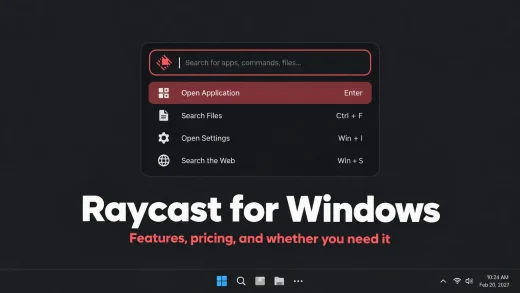
Raycast is a keyboard-first app launcher for Windows from Raycast Technologies. It replaces slow app hunting with one hotkey that searches apps, files, and clipboard history instantly, our guide helps you get the best of it with tips, tricks, a video and screenshots.
GenClipboard is a free clipboard manager from Genspark. In our guide, we cover what it does, how to install it on Windows, what it does with copied passwords, and how it compares to the clipboard history already in Windows.
GenOffice is a free, open-source office suite from Genspark that opens Word, Excel, PowerPoint and PDF files with an AI assistant built into each editor. In our guide, we cover what it does, how to install it on Windows, what the AI features cost, and how it compares to the office suite you use now.
Rainmeter is a free, open source tool that displays customizable skins, like clocks, system stats, and weather, right on your Windows desktop. In our guide, we cover how to install it, pick your first skins, and keep it running smoothly.
Windhawk is a free, open source mod loader that customizes the Windows taskbar, Start menu, and other programs without touching a single file on disk. Here is how it works, our top mod picks, and an honest look at how safe it is to run.
DesktopHut turns videos and GIFs into a live desktop wallpaper on Windows, and now adds a floating widget called DesktopHut Island for weather, tasks, and media controls. Here is what it does and how to set it up.
Qwen is Alibaba’s free AI assistant. On Windows it comes as two separate apps: Qwen Studio for chat and everyday tasks, and Qwen Code for developers. Here is what each one does and how to install it.